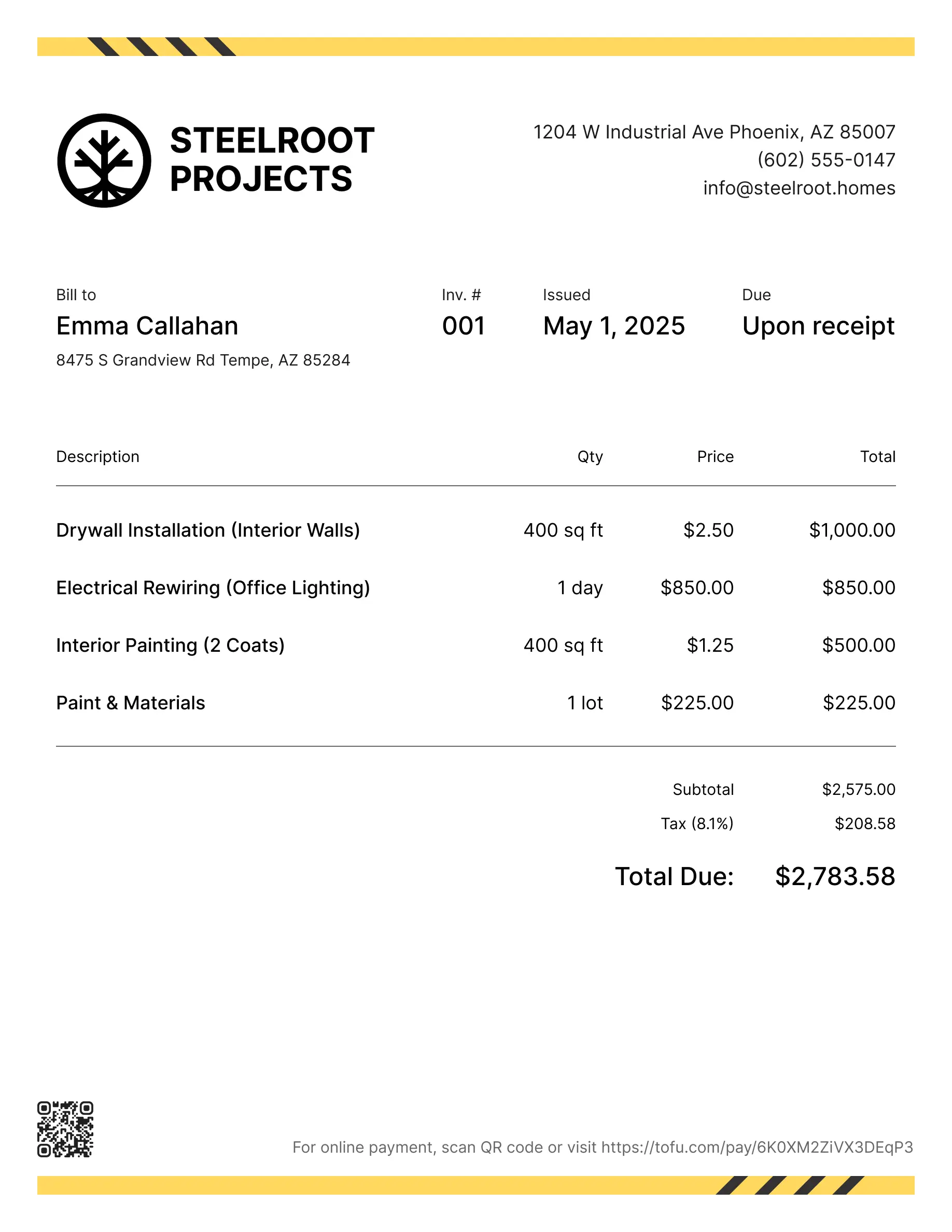
Free auto repair invoice templates
Bill clients for diagnostics, repairs, parts, or labor. Tofu's ready-to-use invoice templates make it simple. Choose your format, add a personal touch, and download.
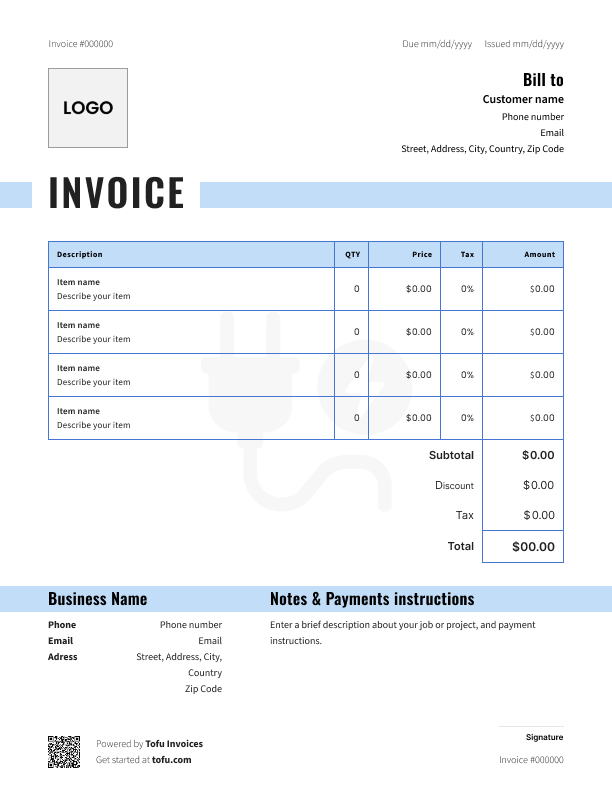
Auto repair & mechanic invoice templates
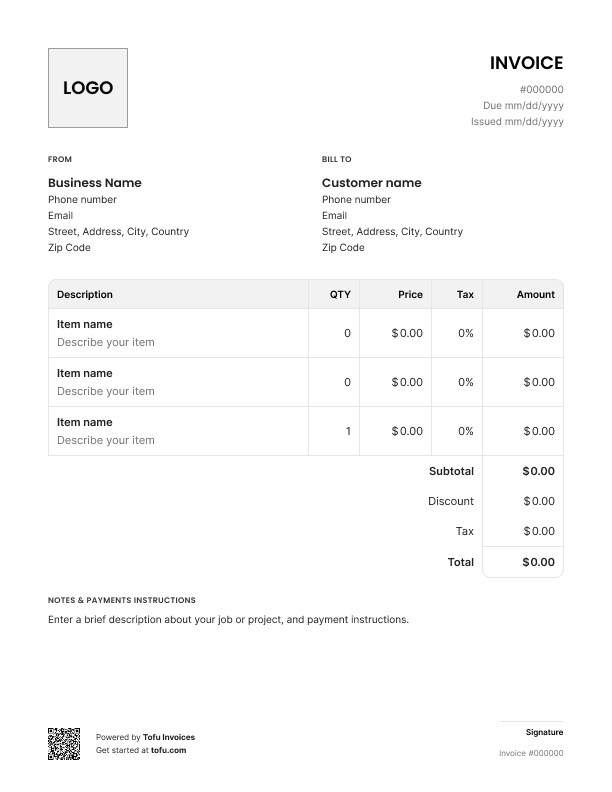
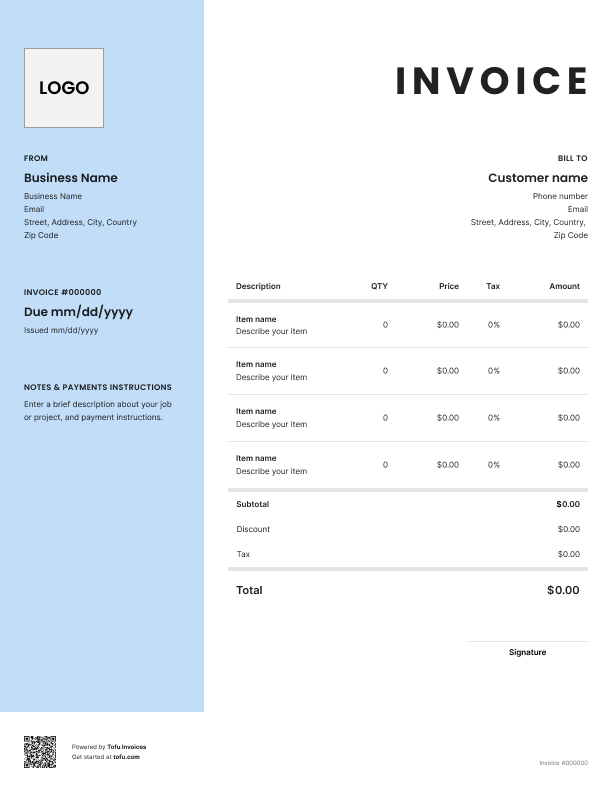
Running an auto repair shop means juggling parts, labor, and diagnostic work that confuses customers and delays payment. As a mechanic, you know the problem – customers don't understand the charges, so they drag their feet on paying. Professional auto repair invoices fix this.
Tofu’s free auto repair invoice templates separate parts from labor, show your work clearly, and help you get paid faster. Pick the one that fits your jobs – some work better for detailed engine rebuilds, others for quick oil changes. Here's what's in them and how to use them.
What's included:
Each mechanic invoice template template comes pre-formatted with everything you need:
- Header section: Your shop name, contact information, logo spot, and business license number, plus customer details and vehicle information
- Invoice tracking: Invoice number and date so you can stay organized
- Vehicle details section: Year/make/model, VIN, license plate, and odometer reading – stuff generic invoices don't have
- Service details: Work description and line items for each repair, part, or service
- Financial section: Separate columns for labor and parts, subtotal, tax line, discount field, and total amount due at the bottom
- Footer area: Payment terms, due date, accepted payment methods, and warranty notes
Tofu's customizable templates are available as PDF templates, so you can download and fill them out. They're designed specifically for auto repair work where you need to show both what you installed and how long it took.
Essential vehicle and customer information
Auto repair invoices need vehicle-specific fields that generic invoices lack. This protects both you and your customer if there's a warranty claim or dispute later.
Include:
- Customer name, phone, and email
- Vehicle year, make, and model
- VIN (vehicle identification number)
- License plate number
- Odometer reading at time of service
The odometer reading matters more than you think. It documents the mileage when you did the repair work, which helps with warranty claims and proves when service happened. For mobile mechanics working in the field, this documentation is even more critical since you're not working from a fixed shop location.
Your next invoice is 60 seconds away
Open Tofu, add the details, send a pay link. Your client gets it while the work is still fresh.
Rated excellent on review platforms

Absolutely amazing! It’s saves so much time and it gives you the professional touch needed to make you look good!
★ ★ ★ ★ ★
Tony W., TrustpilotTofu works with Stripe for on-site card payments, lets me turn estimates into invoices, and instantly syncs jobs, photos, and client notes offline.
★ ★ ★ ★ ★
Tofu user, G2
I use Tofu for my cleaning business, and it solves so many problems for me. I consider it a complete success for myself and my employees.
★ ★ ★ ★ ★
Marjorie N., G2Easy to use and straightforward! Been using it for over a year now!
★ ★ ★ ★ ★
Manuela M., TrustpilotI need some basic features like send estimate, invoice, track my jobs and get money. Tofu is good for that.
★ ★ ★ ★ ★
Tofu user, G2I love it 10 out of 10 would highly recommend to anyone
★ ★ ★ ★ ★
David M., CapterraHow to itemize labor, parts, and service charges
Clear itemization separates professional invoices from confusing bills that sit in the "I'll deal with this later" pile.
For labor: Track your labor time and multiply the number of hours by your hourly rate. List the work description, hours spent, your rate, and the subtotal. Example: "Brake pad replacement: 2.5 hours @ $85/hour = $212.50."
Be specific about what you did – "replaced front brake pads, resurfaced rotors, and performed brake system inspection" beats "brake work." The more detail you include about labor time, the less customers question the charges.
For parts: Show every part used with the part name, quantity, unit price, and total cost. Example: "OEM brake pads (front) – 1 set @ $89.00 = $89.00" or "5 quarts synthetic oil @ $8.50/qt = $42.50."
When customers see the actual costs for all parts, they understand why the bill is what it is. Don't lump parts together or hide them in vague line items.
Keep labor separate from parts used on your car repair invoice. Auto repair and mechanic invoice templates are built this way for a reason – this transparency builds trust and makes it easier for customers to see where their money went. Lumping everything together just invites questions and slows down payment.
Common charges to label on mechanic invoices
List these typical charges separately so customers understand the full breakdown on your service invoice:
- Diagnostic fee: Charge for figuring out what's wrong
- Call-out/trip fee: For mobile mechanics traveling to the customer
- Labor: Actual repair time at your hourly rate
- Parts: Everything you installed or replaced
- Shop supplies: Consumables like rags, cleaners, fluids
- Disposal fees: For old oil, filters, or other materials
- Sales tax: Required by most states on parts and sometimes labor – check your local requirements
- Discount: Optional field if you're giving a break to regular customers or running a promotion
Calculating labor rates, call-out fees, and mileage
Keep it simple. Labor = Hours × Hourly Rate. If you spent 3 hours on a transmission repair at $95/hour, that's $285.
Call-out fees for mobile work are usually flat rates covering your travel time and gas. Example: "Service call fee: $50" regardless of distance. Some mechanics charge per mile instead – document the mileage and rate if you do this.
For mileage charges: "Travel to job site: 15 miles @ $2.50/mile = $37.50."
Add notes or photos to your auto repair and mechanic invoice for complex jobs. A quick photo of the worn part you replaced shuts down disputes before they start.
Customizing the template for your brand
Add your shop logo, business name, address, phone number, and email to the header. Professional appearance builds customer trust and makes your auto repair business look legitimate.
Use consistent company branding across all your invoices – same logo, colors, layout. When customers see that professional look every time, they take your bills seriously. A customizable invoice template lets you create a unique design that matches your repair shop's identity.
💡 Tip: Add a tagline under your logo like "ASE Certified Mechanics" or "Family-Owned Since 1998" to reinforce credibility.
Payment options and terms to include
List multiple payment methods to make it easy for customers to pay you:
- Cash
- Check (make payable to your business name)
- Credit/debit cards
- Bank transfer or ACH
- Mobile payment (Venmo, Zelle, Cash App)
State your payment terms clearly: "Payment due upon completion" for most repair work, or "Net 15" for fleet accounts. For big jobs, consider "50% deposit required, balance due when vehicle is ready."
If you use a payment gateway for credit cards, mention it. Digital invoicing tools let customers pay instantly, which gets you money faster. The goal is to get paid quickly without chasing people down.
Tax and legal considerations
Sales tax rules vary by state and county. Some places tax labor and parts, others only tax parts. Your invoice template includes a tax line – fill it in based on your local requirements.
Automotive businesses and automotive services have different rules depending on location. Body shops often follow different regulations than general repair shops.
⚠️ Note: This template helps you create compliant invoices, but it's not legal or tax advice. Consult a local accountant to get the rules right for your area.
Why use a dedicated mechanic invoice template?
Generic invoices fall short for auto repair work. They don't have fields for VIN, odometer reading, or vehicle details – all critical for proper automotive invoice documentation.
Benefits of using a proper mechanic template:
- Faster payment: Customers understand the charges and pay without pushback
- Fewer disputes: Clear separation of parts vs. labor kills confusion
- Professional image: You look like a real business
- Better records: Everything's organized when you need it
- Legal protection: Proper documentation protects you from disputes
A body invoice or custom invoice designed for automotive work gives you everything generic templates miss. When you send invoices that are professional and complete, you get paid on time.
Digital tools create a new invoice in seconds and track payments automatically. But these free invoice and auto repair estimate templates give you a professional setup while you figure out if automation makes sense.
Invoices are just the start
Every client, job, estimate, and payment lives in Tofu – ready to pull up in seconds, wherever you are.
FAQs
Everything you need to know about the product and billing

Still have questions?



Create the perfect invoice for your business
Get started for free