

One app instead of four
Scheduling in one tool, invoices in another, your team in a group chat, payments somewhere else. Tofu replaces the whole stack – clients, workers, visits, and billing in one place.


Nightly offices, weekly retail floors, one-off deep cleans – scheduled once, invoiced automatically, paid without chasing.
❤️
15,124
users joined last week
.webp)
From estimate to payment – every step connects seamlessly in Tofu, so your jobs move faster, your cash flow stays steady, and nothing falls through the cracks
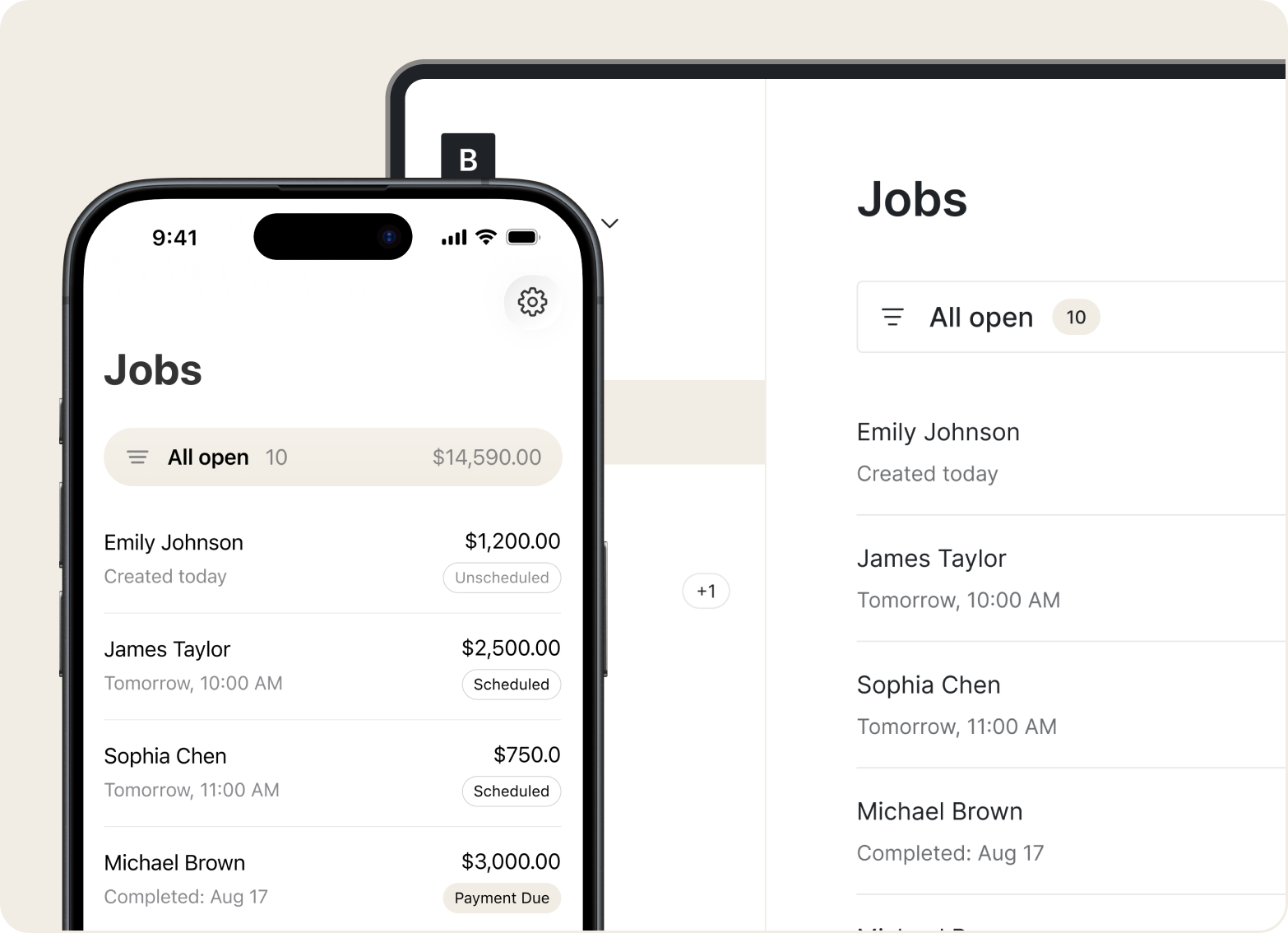
Jobs
Your revenue is the same homes and offices, week after week. Set each client's schedule and price once – Tofu builds every visit, and the start of the month stops being a billing marathon.
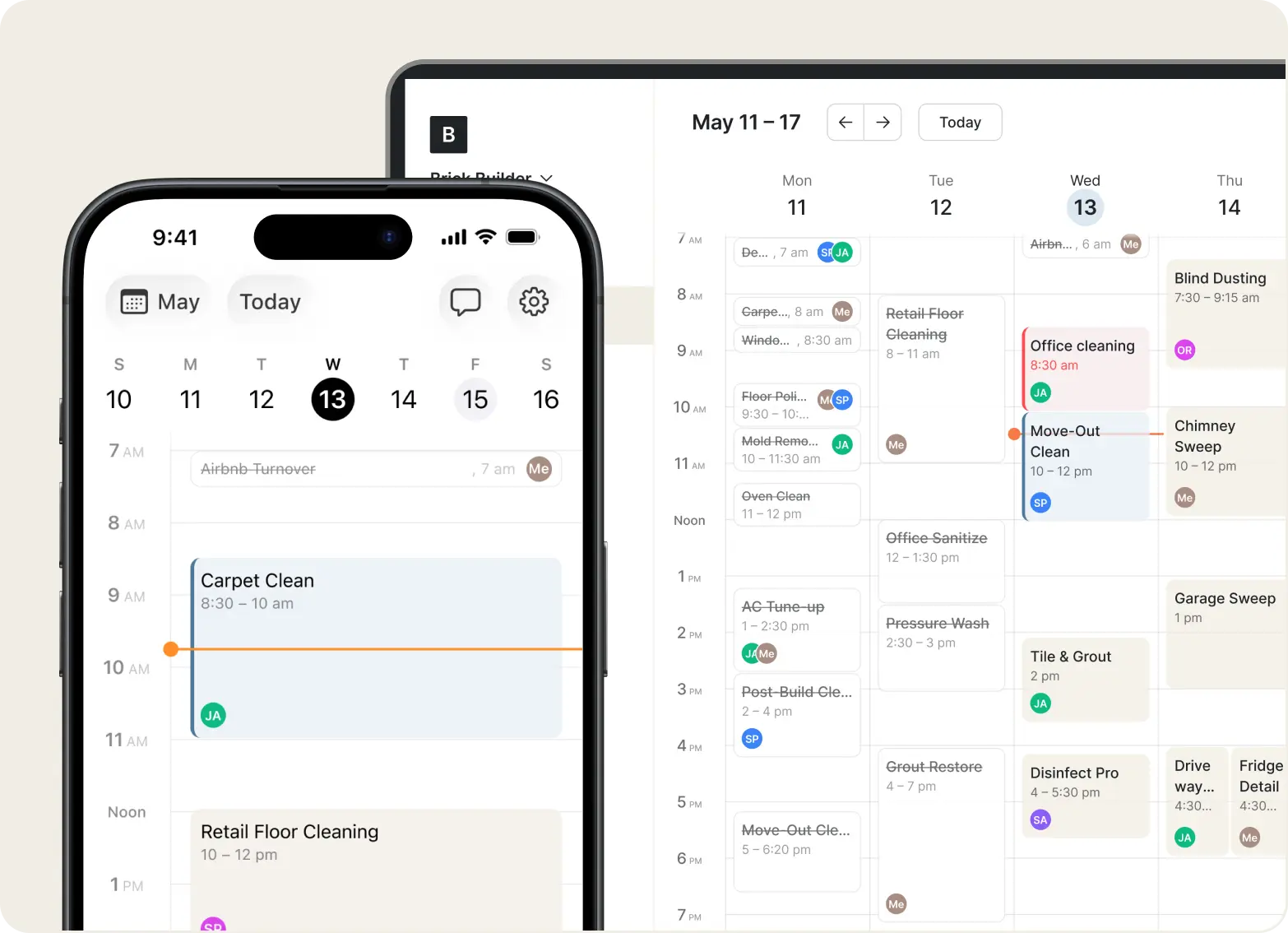
Scheduling
Each cleaner sees their day in the Tofu Team app, checks in on site, and closes every visit with a GPS-stamped photo. You know the house got cleaned without driving by.
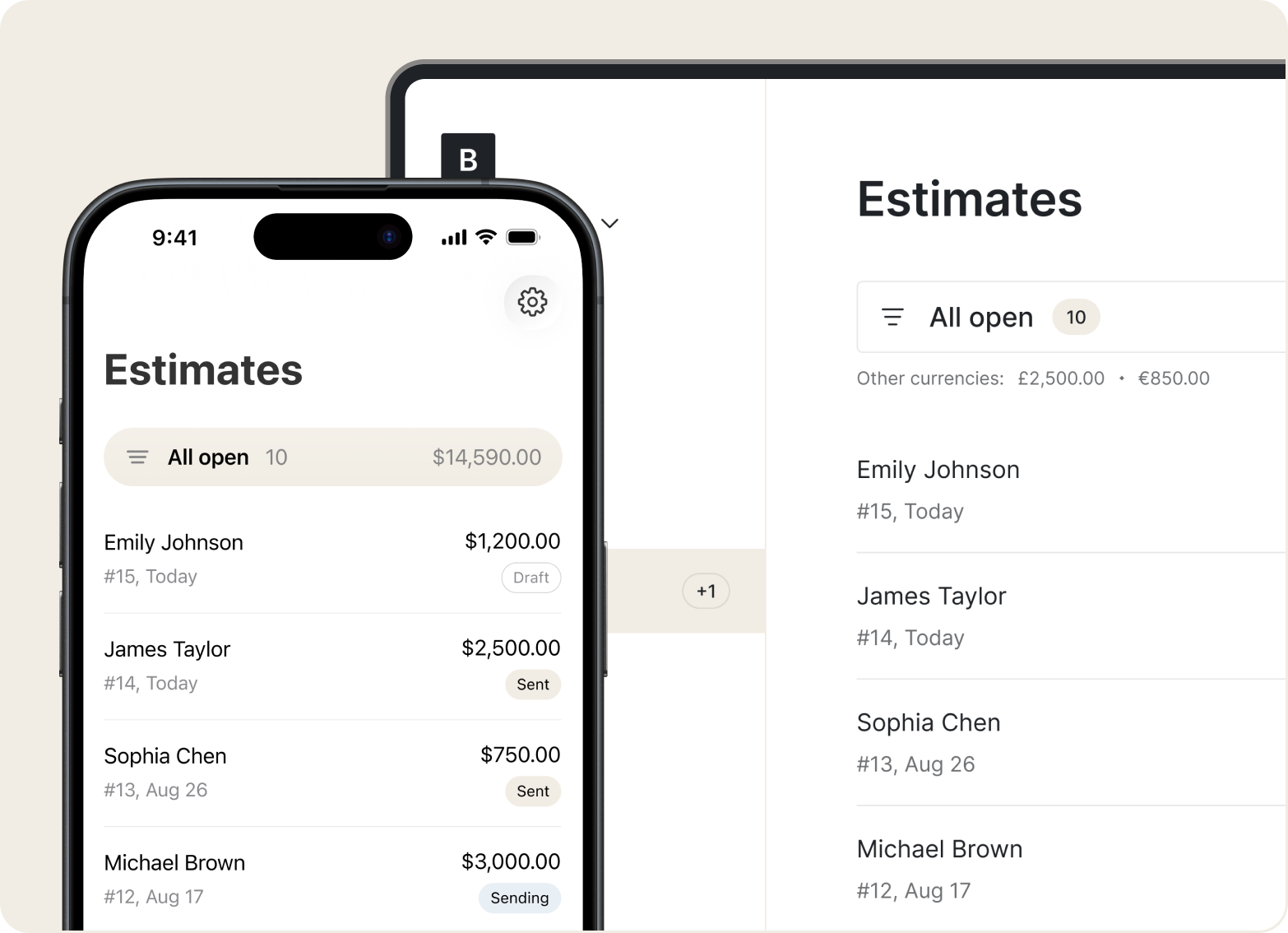
Estimates
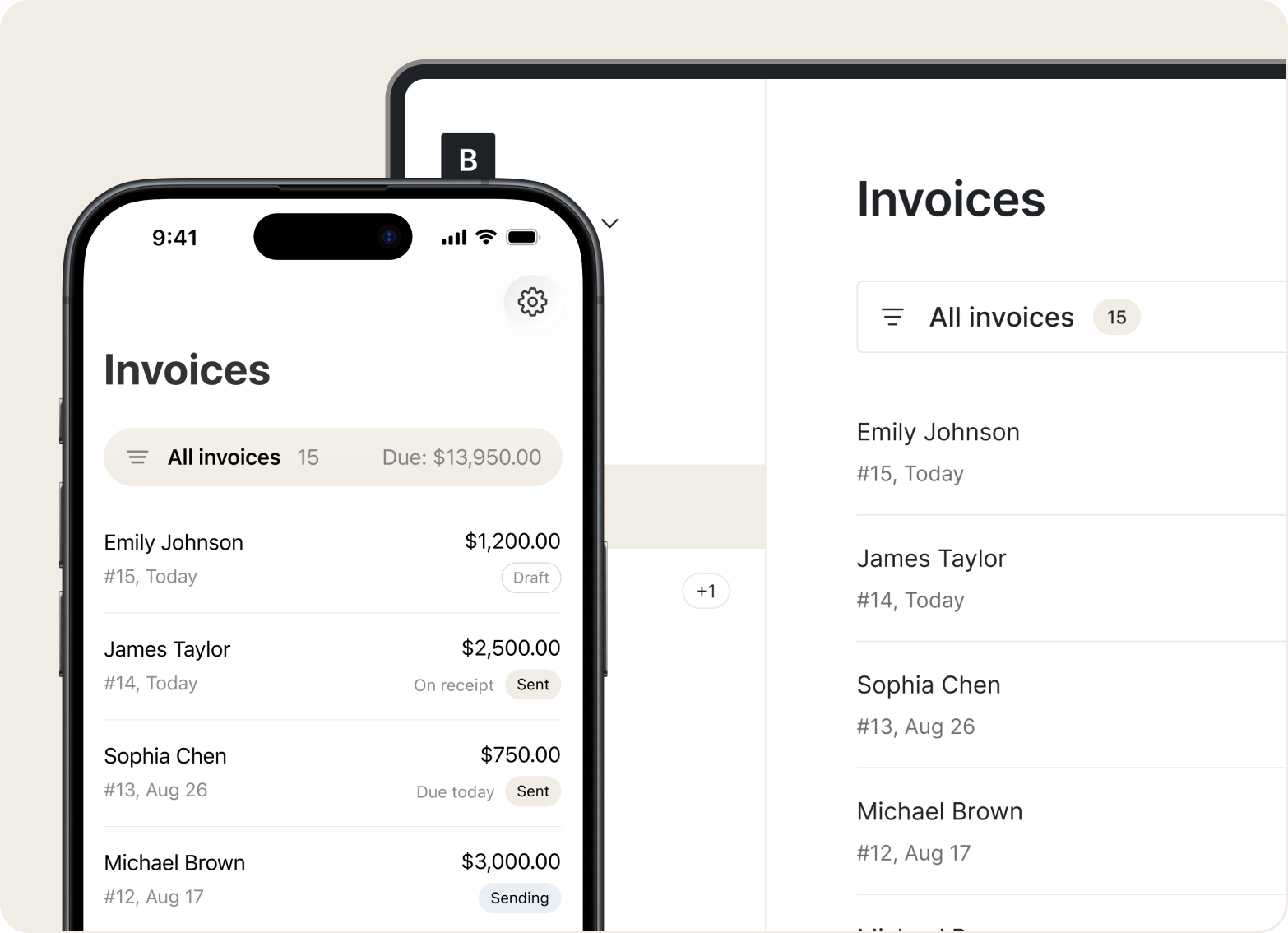
Cleaning companies lose 3–4 hours at the start of every month creating and sending the same invoices. In Tofu they're generated from your recurring jobs – review, tap send, done.
Invoices
Recurring cleans and one-off deep cleans side by side. See who's working where today, drop a new job into an open slot, and everyone knows their route.
CRM
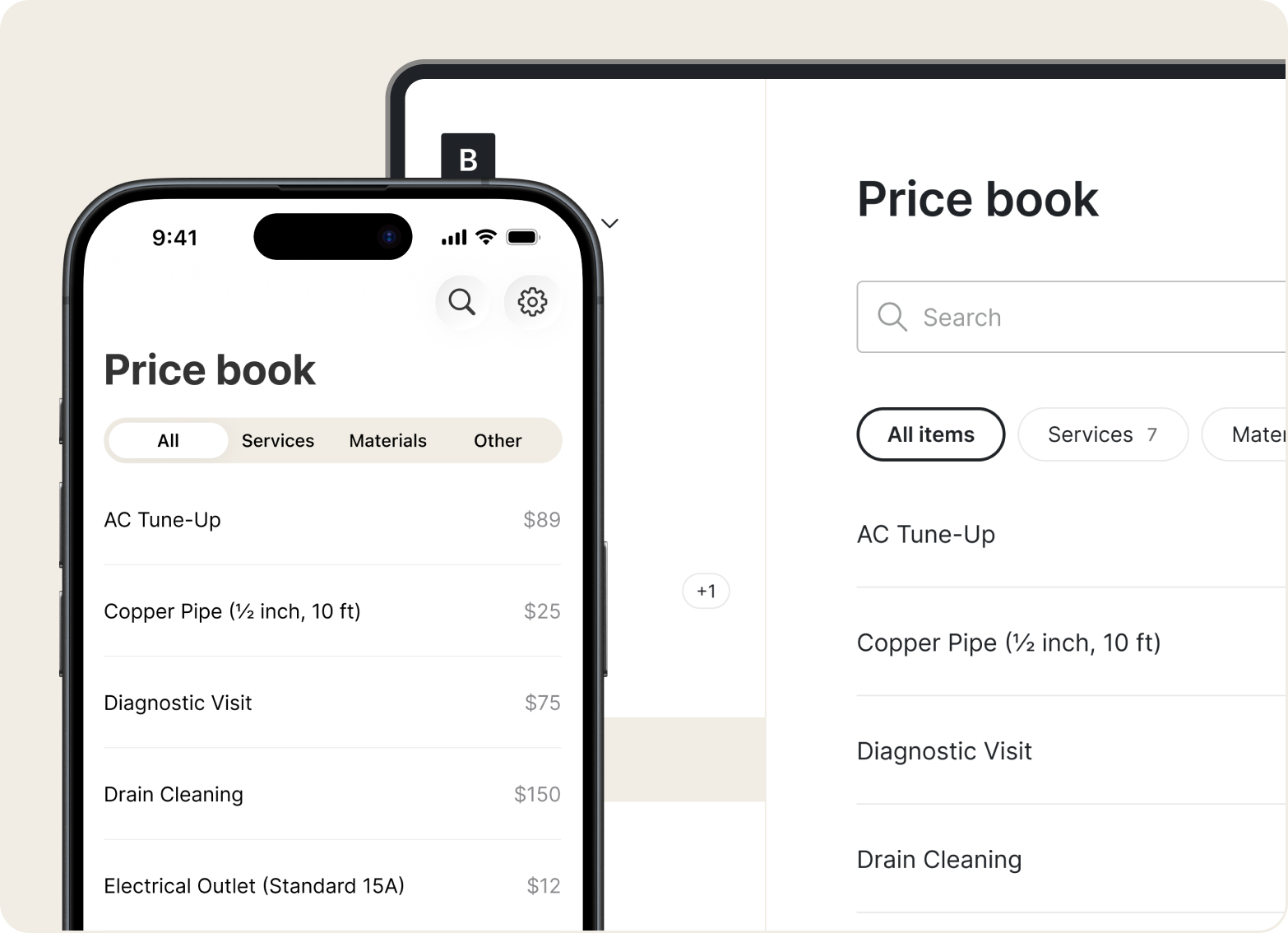
Build professional quotes in front of the client – rooms, square footage, add-ons, frequency discounts – and send before you leave.
Price book
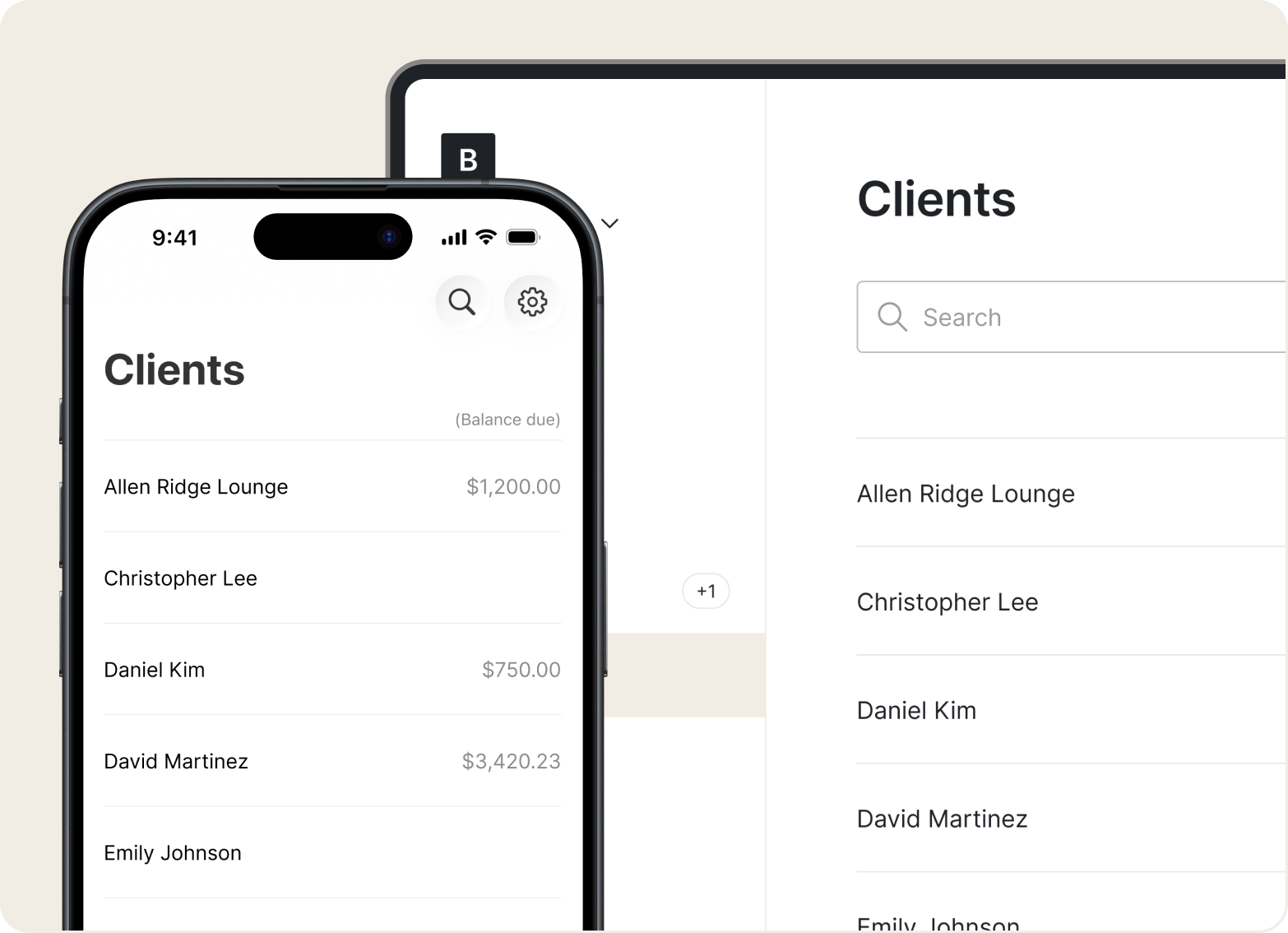
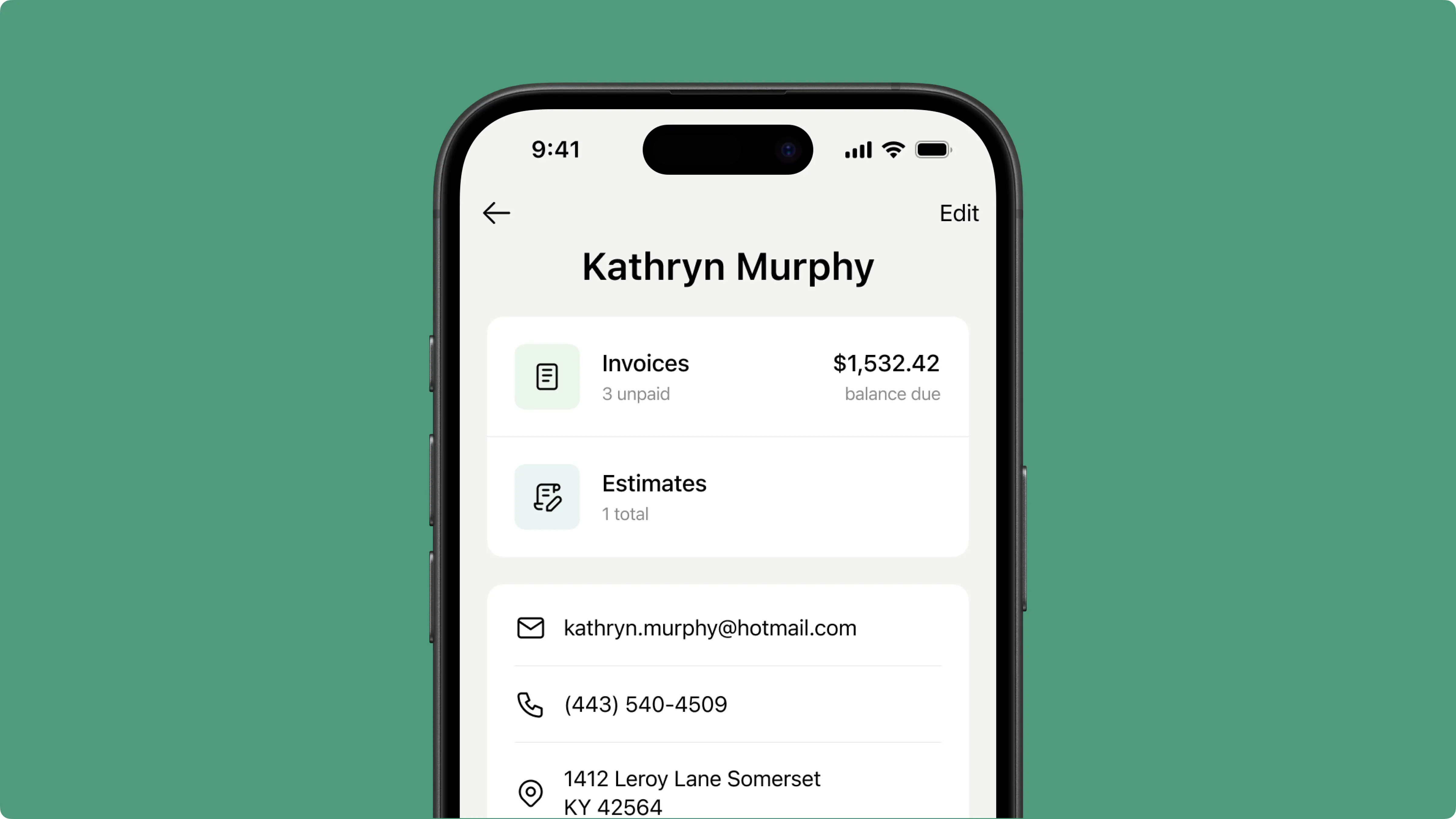
Every client gets a profile – address, entry instructions, schedule, job history, payments. New cleaner on the route? Everything they need to know is already in the visit.
«It saves so much time and it gives you the professional touch needed to make you look good!»
.webp)
Scheduling in one tool, invoices in another, your team in a group chat, payments somewhere else. Tofu replaces the whole stack – clients, workers, visits, and billing in one place.
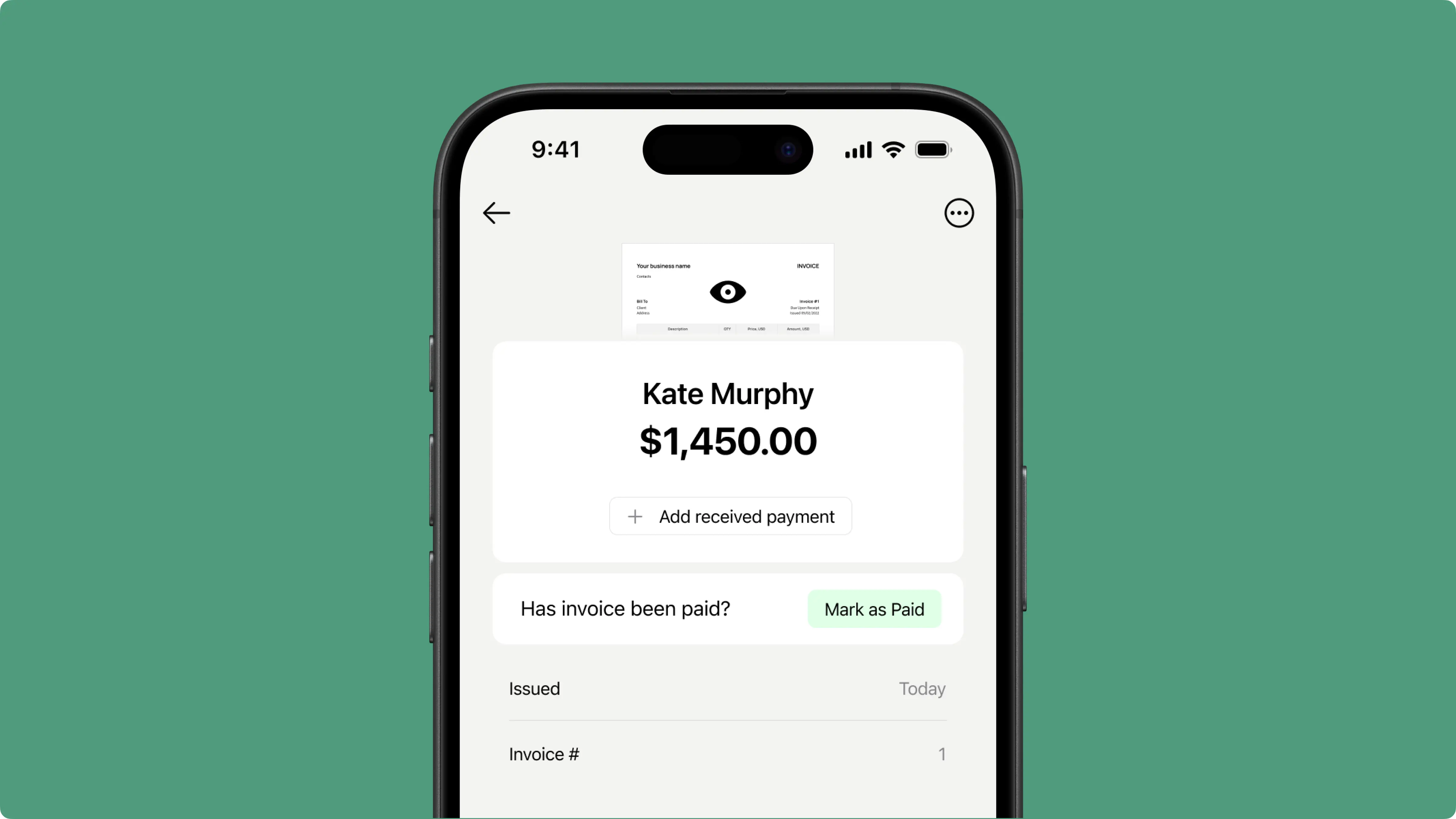
Hours of copying the same invoices, every single month. Tofu drafts them from your recurring jobs – you review and send in minutes.

GPS-stamped check-ins, photos on every closed visit, real-time progress. Trust your team without checking up on them.
Running a field service business isn’t just about doing great work but also keeping up with everything that comes after: billing, payments, and follow‑ups. Tofu handles the paperwork automatically, so you spend less time on admin and more time on the work that pays.
«I don't know how people ever ran a business without an app like this. It's taken so much stress off my shoulders.»
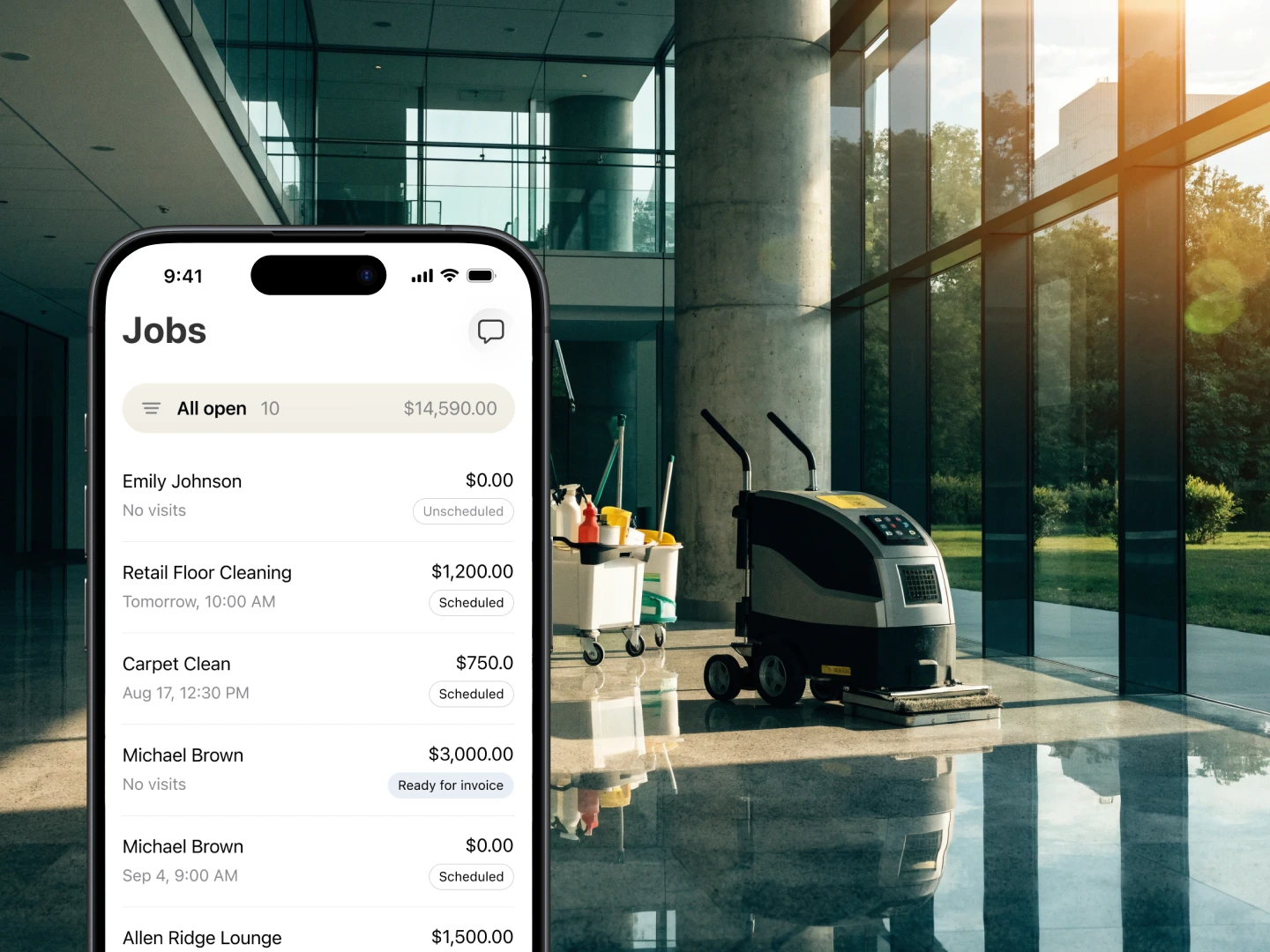
Tofu is built for the realities of cleaning work, based on feedback from real cleaning pros. Between jobs, in the car, gloves on – everything still works.
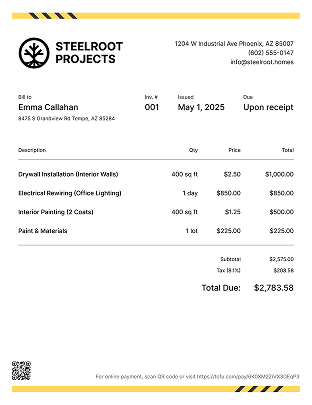
Some switched from QuickBooks. Others used to do everything manually
“I have been using Tofu for 3 years and I simply cannot say enough about how much easier it has made for me and my business. I can easily make invoices, send invoices, and keep up when payments have been made.”
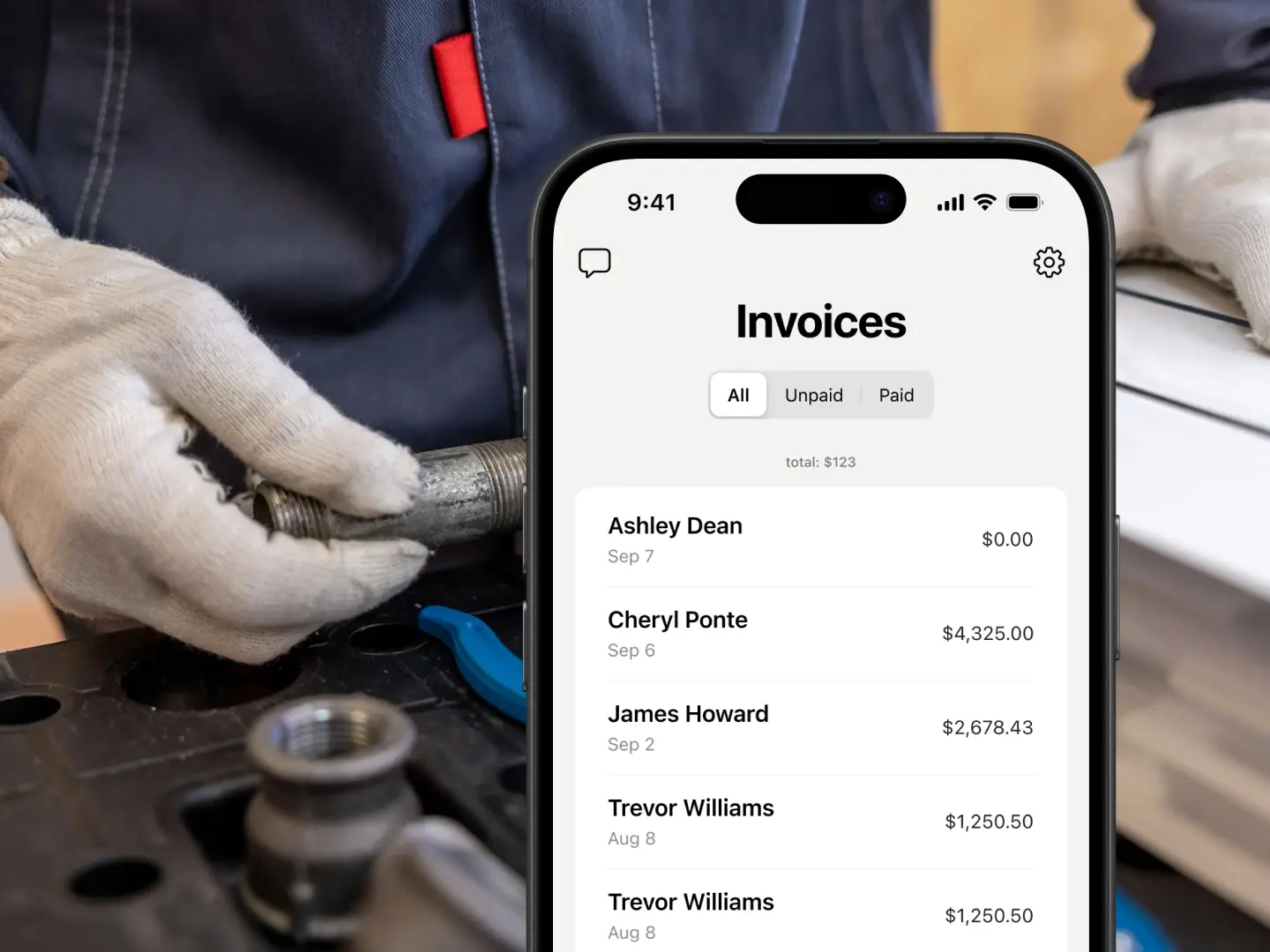
Set clients on a schedule once – Tofu creates the visits, dispatches your team, drafts the invoices, and follows up on payments.



