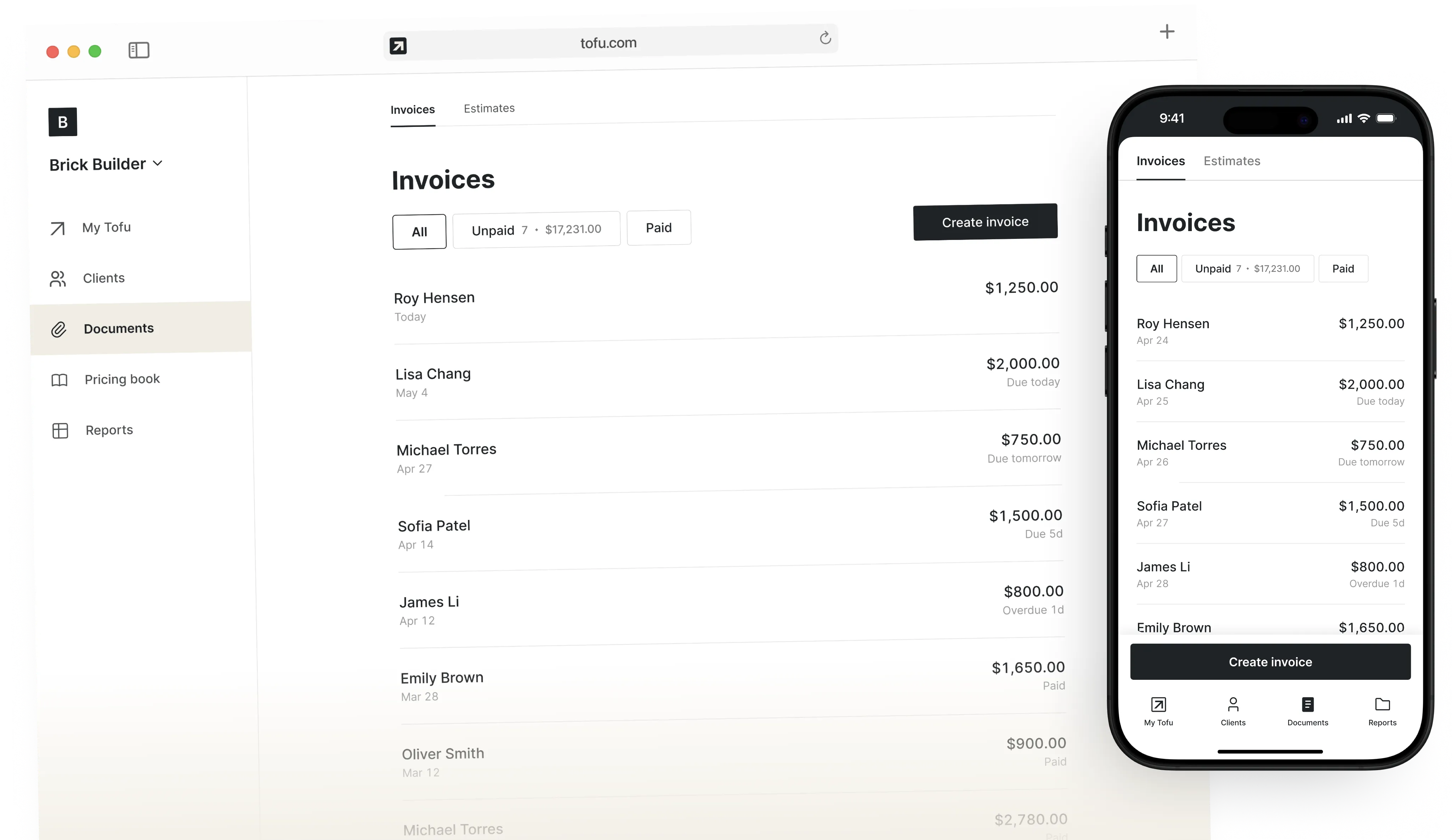
Tofu was built for people working on ladders, in vans, or out in the sun. It handles the job without getting in the way.
Invoices can be created offline when you’re in areas with poor signal.
The app’s lightweight and built to work fast on any smartphone
Buttons and layouts are easy to tap, even with gloves.
Big text and clean screens help with one-handed use in daylight.
Invoice maker app
Invoice Tofu is the invoice maker app that lets you create and send polished, branded invoices in minutes.
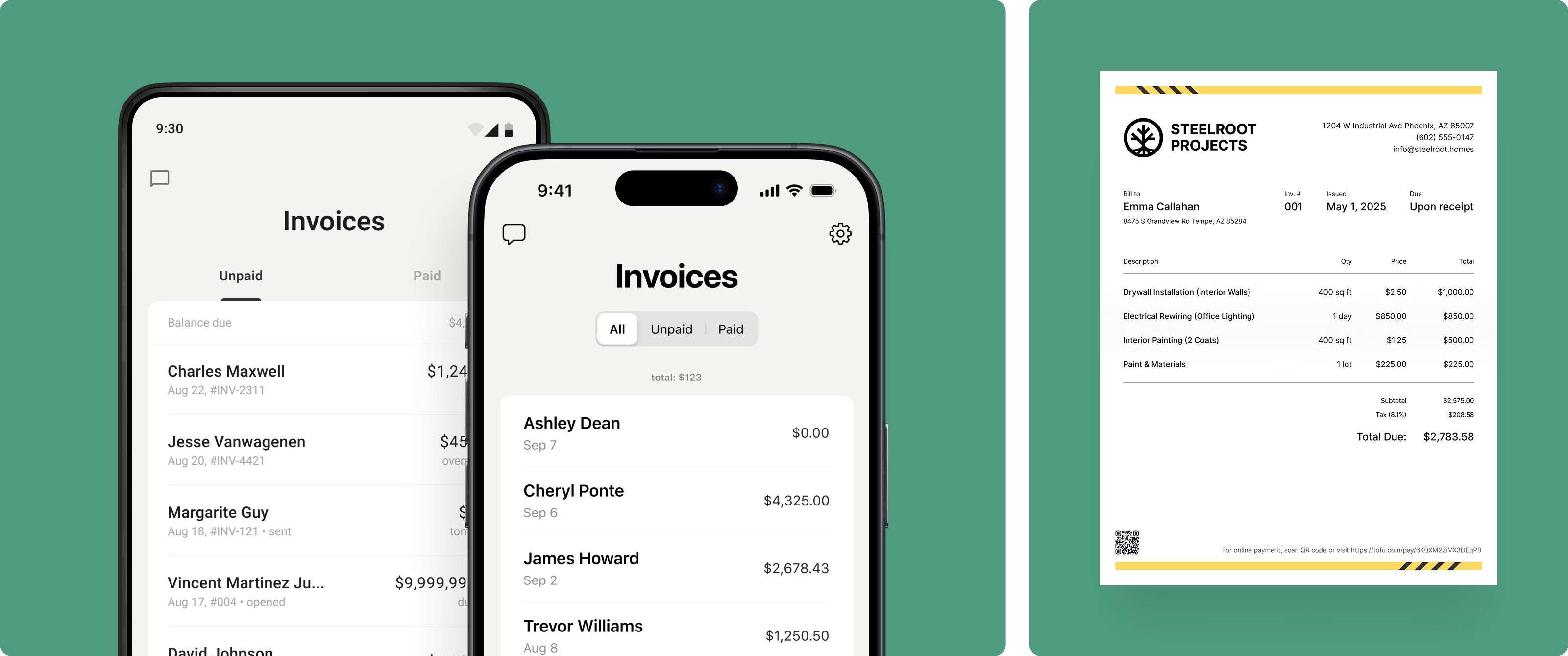
Trusted by over 1.9 million businesses
Some switched from QuickBooks. Others used to do everything manually
Looks clean, sends fast. My clients love it too
★ ★ ★ ★ ★
Fabiannm84Switched from QuickBooks. This app is way easier
★ ★ ★ ★ ★
Ready for...I came into the business with no knowledge at all on how to do anything and I'm literally a pro now
★ ★ ★ ★ ★
gameronrEasy to use and have invoices on the move!
★ ★ ★ ★ ★
ivanr8aThis a great app if your making the invoice on the road on your phone
★ ★ ★ ★ ★
angie2tallI can just download this straight to my phone works perfect for my small business.
★ ★ ★ ★ ★
TiffNunezWhat can you do with Tofu Invoice Maker?
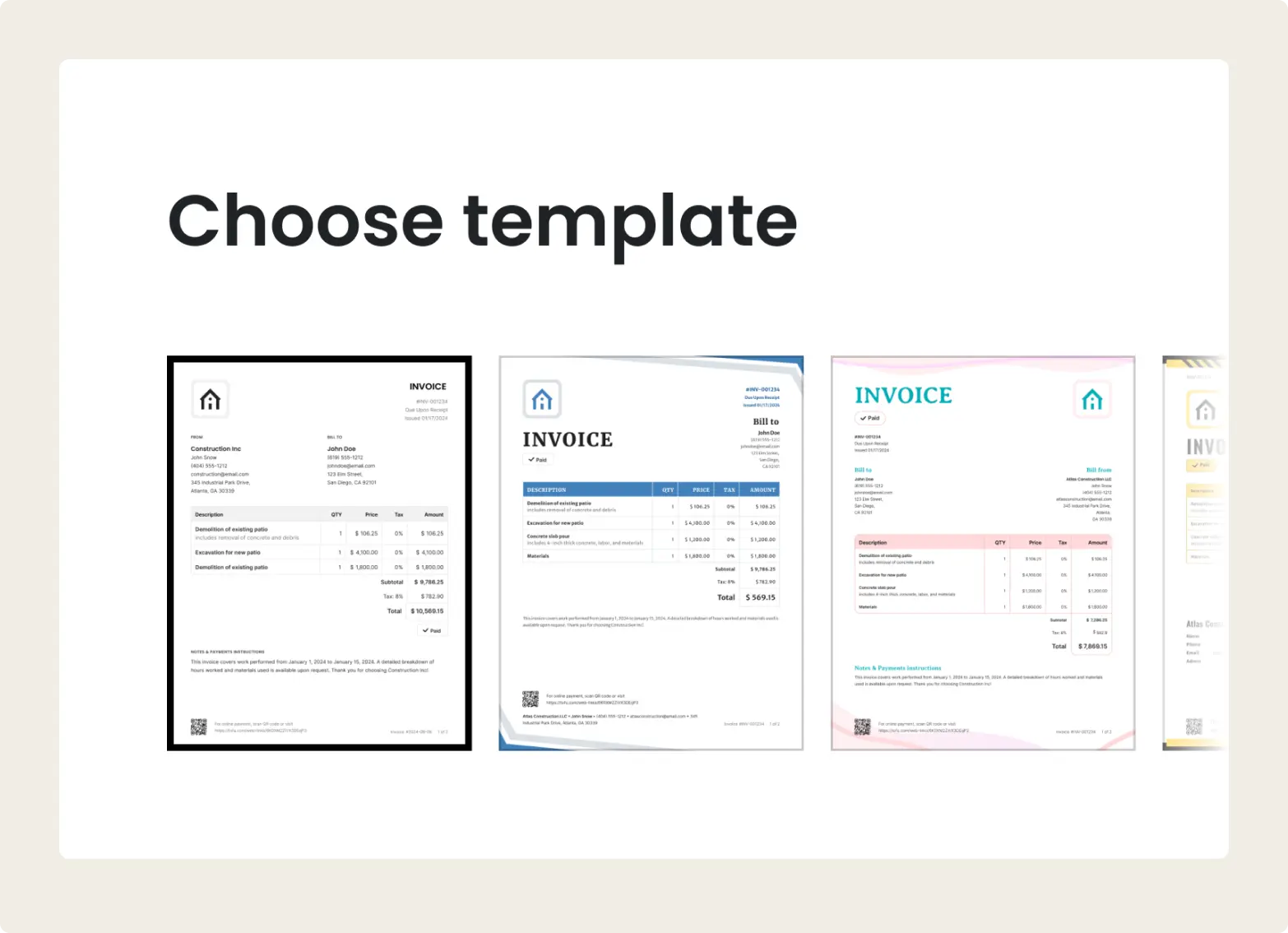
Customize templates and branding
Make your invoices feel like your business. Add your logo, update colors, and save your information so every invoice looks clean, clear, and consistent.
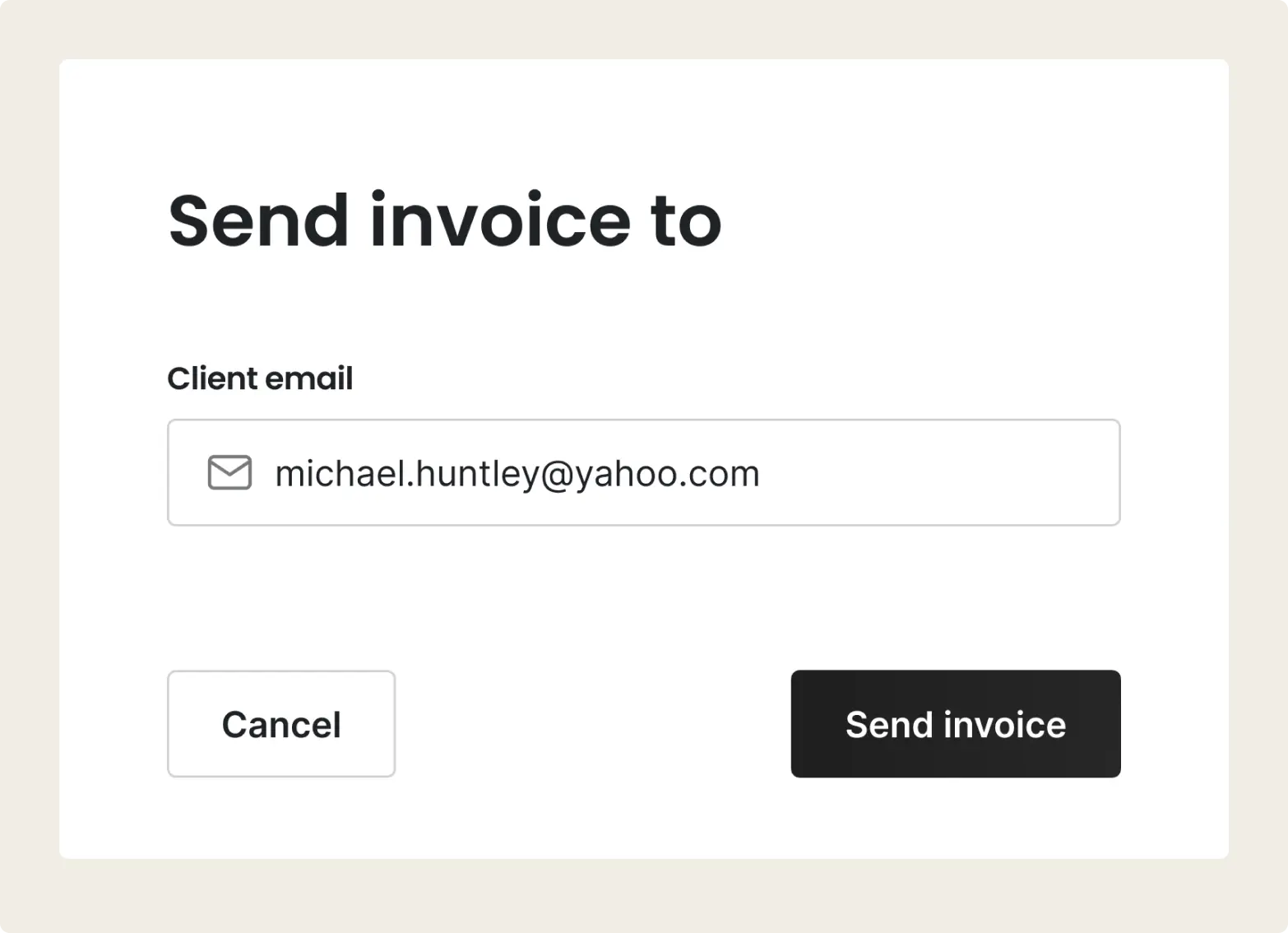
Send invoices in seconds
Build and send an invoice right from your phone. Add your job details, tap send, and get back to work. The billing process feels simple and not a chore.
Global payments, local fees
Payments can be collected on the spot by card, wallet, or Tap to Pay. Tofu also accepts digital payments from anywhere in the world through Google Pay, Apple Pay, and more.
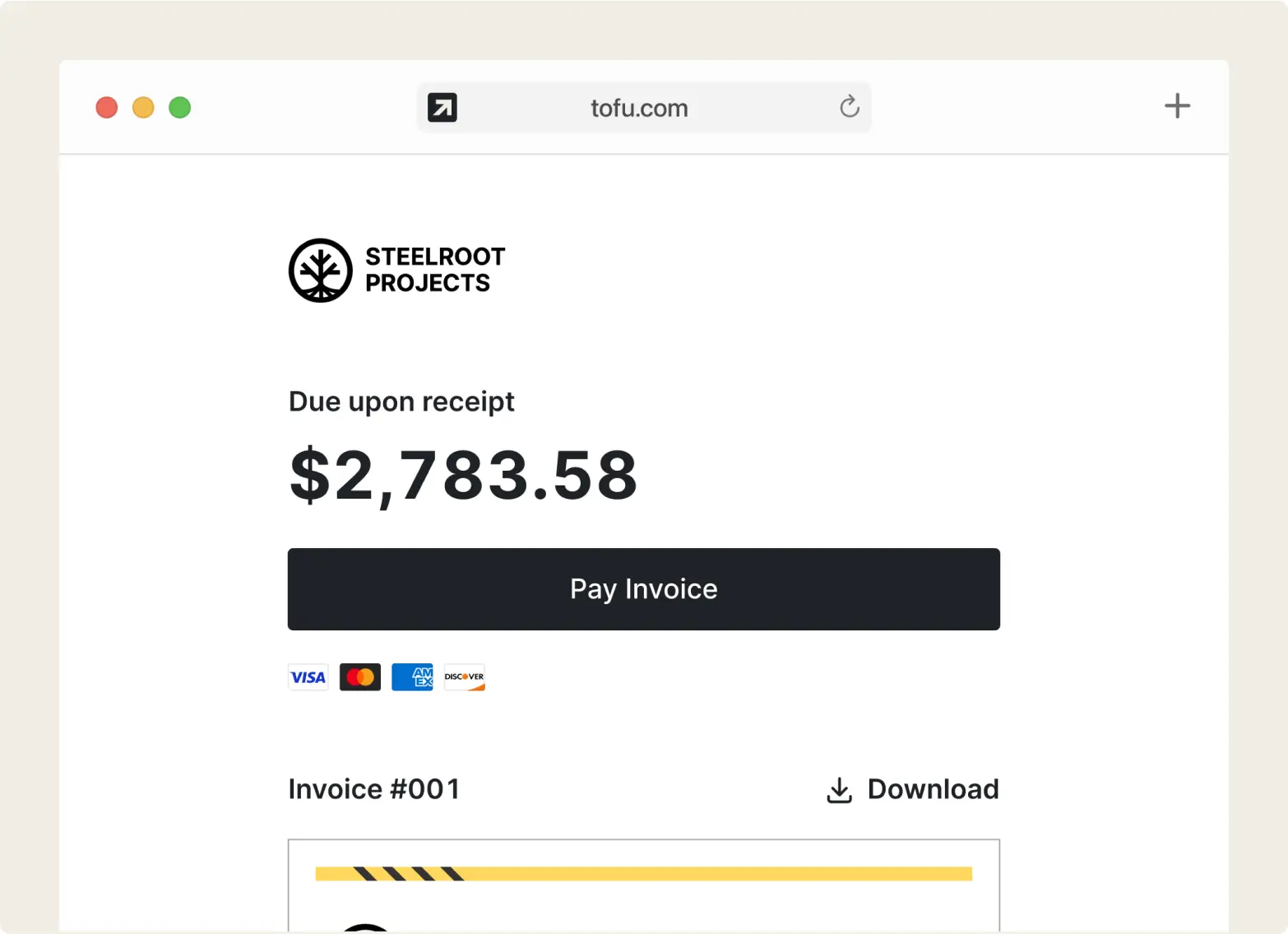
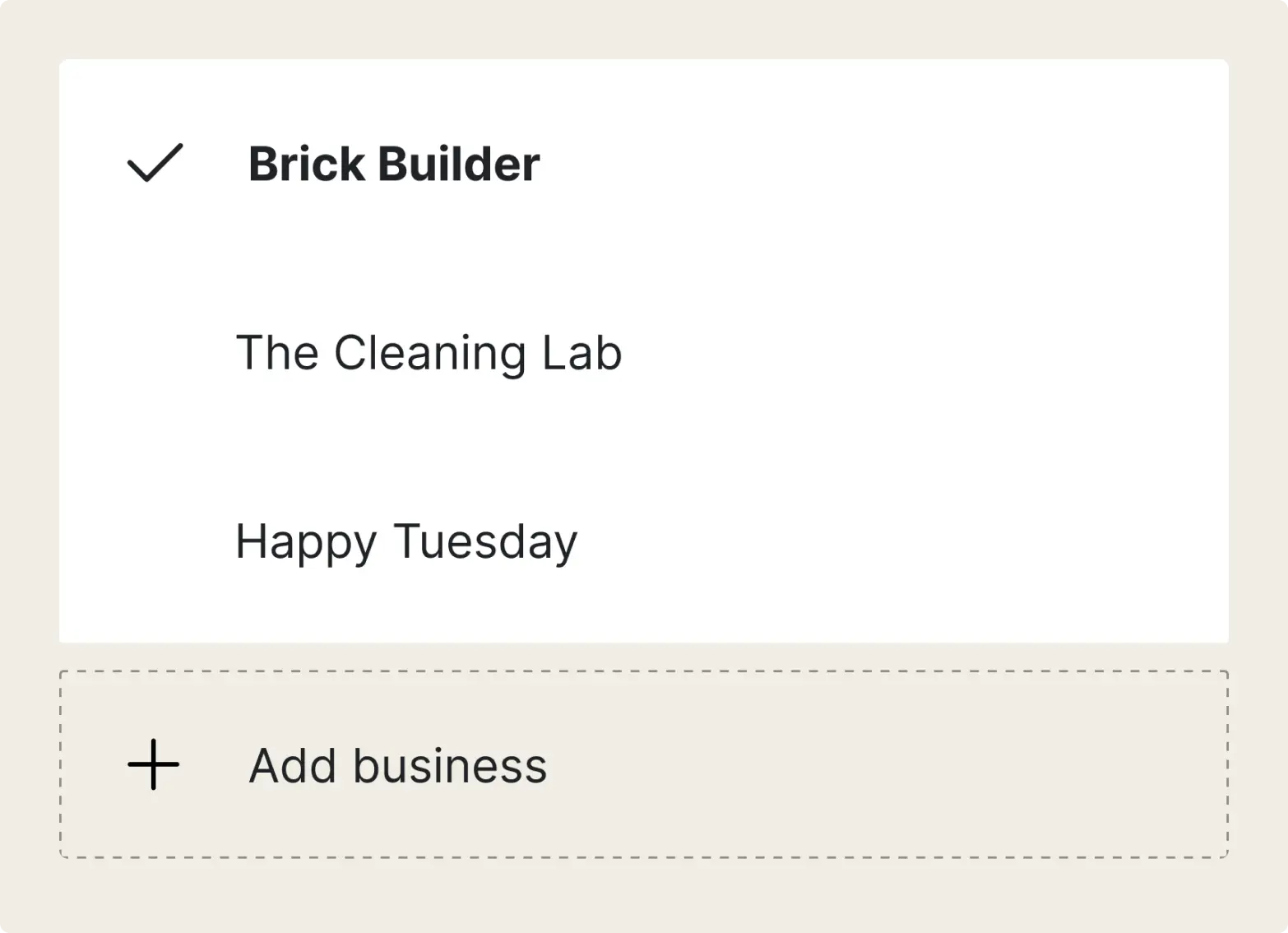
Manage multiple businesses
Working with multiple clients? Tofu lets you manage multiple accounts, each with their own invoicing, estimate, and bill tracking!
“I can't say enough about how helpful it has been for me and my business. I am always at the wheel with no access to a computer and can send invoices and estimates from my phone”
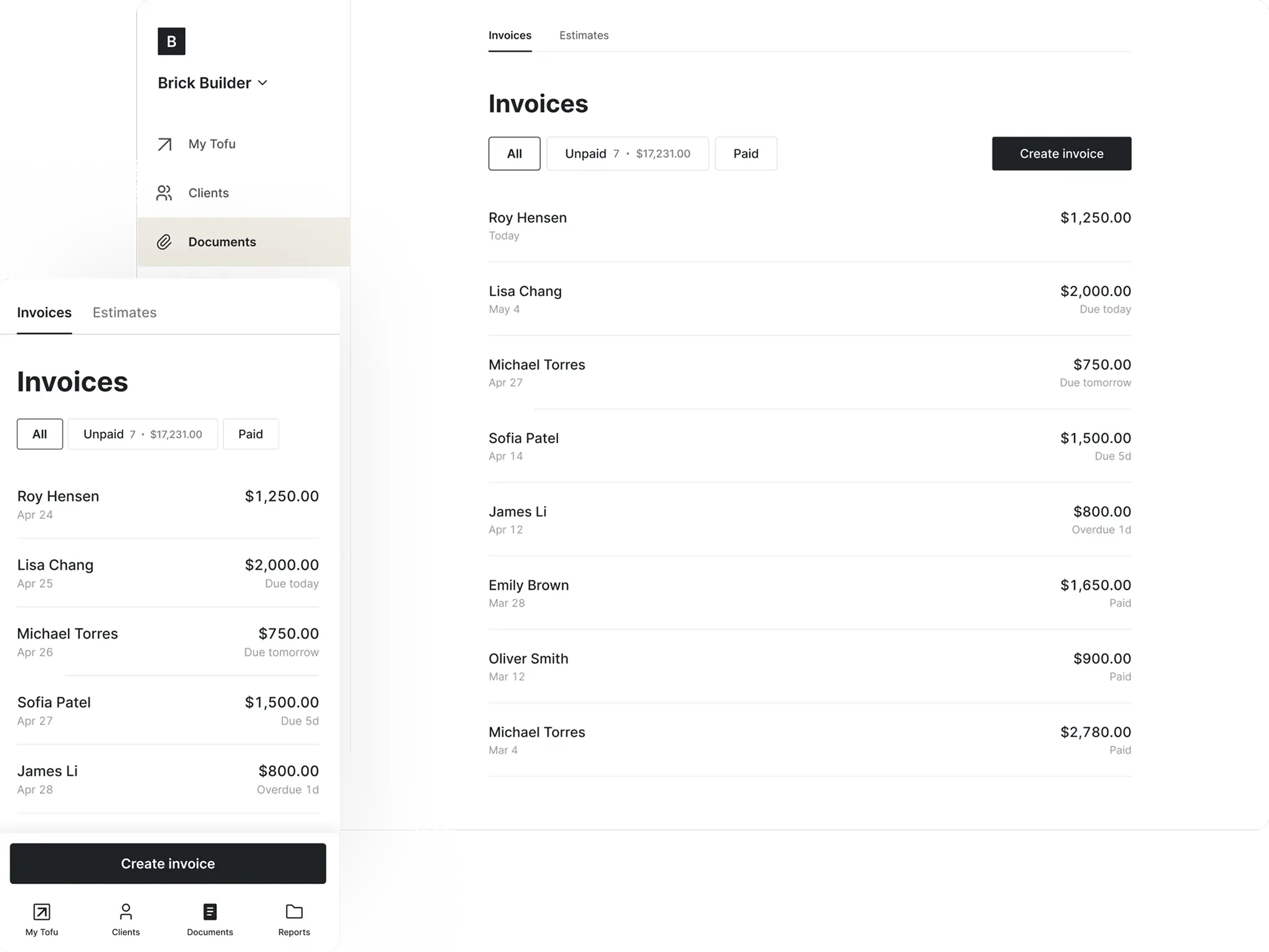
Simple invoice maker app built to work in the field
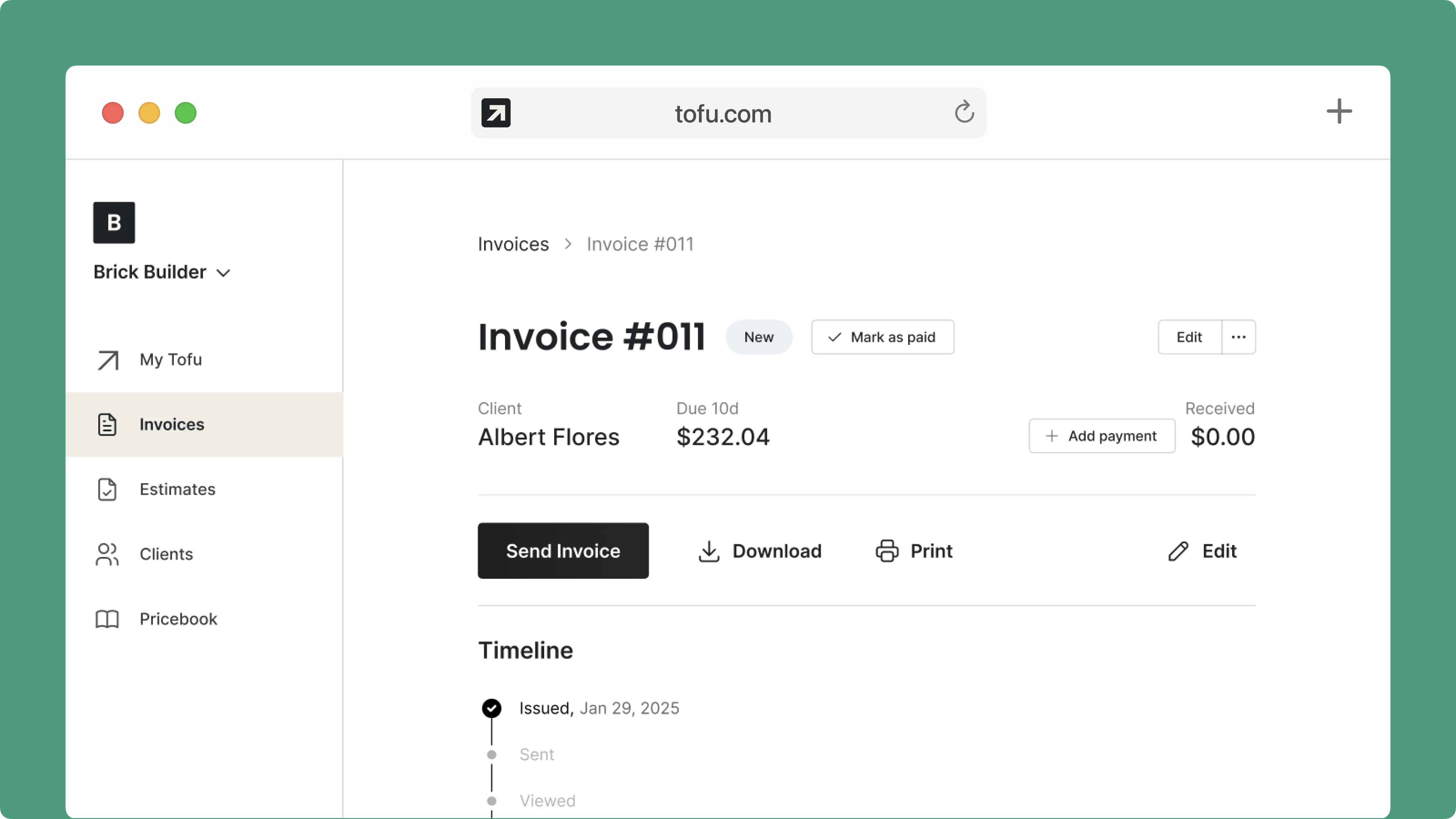
Take Your Invoicing Anywhere
Tofu works on iOS, Android, and web.
Pick up where you left off, from any device.
📱 Phone
💻 Tablet
🖥️ Desktop (when you need it)Start on your phone.
Finish on your laptop. Or not. The choice is yours!
“I used to write everything by hand. Tofu saves me hours.”
FAQs
Everything you need to know about the product and billing
Open the invoice and tap or click "Send Invoice" to email it via our server ("invoice@tofu.com"). You can track the status as "Sending", "Sent", or "Viewed". In the app, you can also share the invoice via messengers, text messages, or email by tapping "Share".
Yes, in the US. Go to Settings > Accepting Payments and turn on "Online Payment Fee". Both the Stripe fee and Tofu's 1% platform fee are then added to the invoice total when a client pays through Tofu. Your client sees the higher total, and you receive the full invoice amount.
You can accept payments right after the job’s done – no extra devices needed. Clients can pay by Cash, Check, Visa, Mastercard, Apple Pay, Google Pay, Cash App Pay, Zelle, Klarna, Link, or ACH Direct Debit.
Not at all. One of the most common themes in our user reviews is how easy it is to get started. You don’t need any experience or extra time – just sign in and start working.
Tofu is available on iOS, Android, tablets, and desktop.
In the app, you can change the color and template when creating or editing an invoice – tap "Preview" > "Customize".
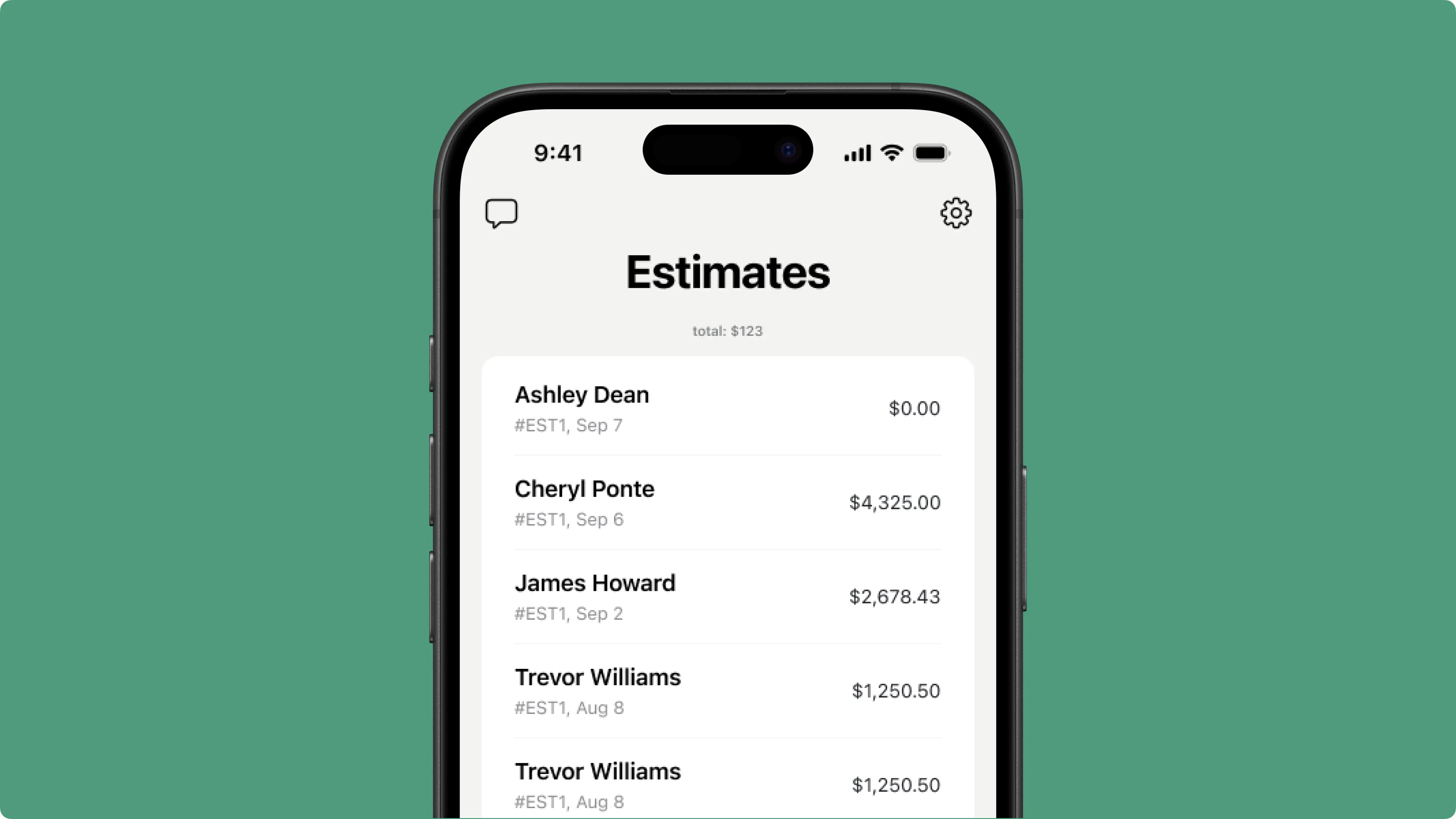
Yes, you can create estimates in our app. You can add your logo, business details, adjust pricing, and apply taxes or discounts. Every estimate looks clean and on-brand. To convert an estimate to an invoice instantly once it’s approved, just open it from the list and tap the black button at the bottom of the screen.
Yes. Tofu was built for field teams and crews who run the whole job from the road. You can send invoices, collect payments, and track everything without needing a back office.
You can always reach out through our in-app chat support – a real person will be there to help you.
Yes. Go to Settings > Business Information to create and manage multiple business profiles.
Tofu is tailored for a wide range of industries, including construction, plumbing, handyman services, electricians, auto repair, HVAC repair, lawn care pros, general contractors, cleaning crews, landscapers, and more. It allows you to invoice clients for services and materials, and accept payments online or in person on-site using only your smartphone.
Yes – Tofu works even when you're offline. You can create invoices and estimates in the field, and everything will save and sync automatically once you're back online.
If you already have a Stripe account, connect it by going to Settings > Accepting Payments, enabling "Accept Card Payments", and linking your bank account with your Stripe login details. Then you can accept online payments.
No, your clients can view their invoices without signing up.
Certainly! You can edit your receipts to add a discount as either a percentage or a fixed amount to any item or the total price.
Yes. Use the Notes section to add any extra info. It appears after you've added at least one item and client details. The last added note is saved for future use.
When creating or editing an invoice, select "Tax", enter the percentage, and choose whether it's "included" or "excluded". You can also add your tax number or additional info in the "Notes" field.
Invoices are in PDF format by default. On the web: Open the invoice, then click "Download" or "Print". In the app: Open the invoice, tap "Print", or tap "Share" > swipe down > "Save to Files".
You can connect your Stripe account from our app: go to Settings > Accept Payments > Stripe > follow the steps.
Your data is kept private and secure without third-party intervention. Your privacy is important to us, you can rest assured that your information is safe.
Tofu doesn't process payments itself. You connect your own Stripe account, and every payment goes straight to it – Tofu never holds your money. Two fees apply to every payment your client makes through Tofu, whether by card, Tap to Pay, or bank transfer: Stripe's standard processing fee (set by Stripe, current rates at stripe.com/pricing) and a 1% Tofu platform fee per successful payment, the same on every plan. The 1% is the only fee Tofu adds – no separate payments plan, add-on, or per-user charge. It covers the payment link on every invoice, Tap to Pay on iPhone, automatic "Paid" status, and saved cards for repeat clients. In the US you can pass both fees on to your client (Settings > Accepting Payments > Online Payment Fee); they're then added to the invoice total. Payments you record manually – cash, check, or a bank transfer made outside Tofu – carry no fees.
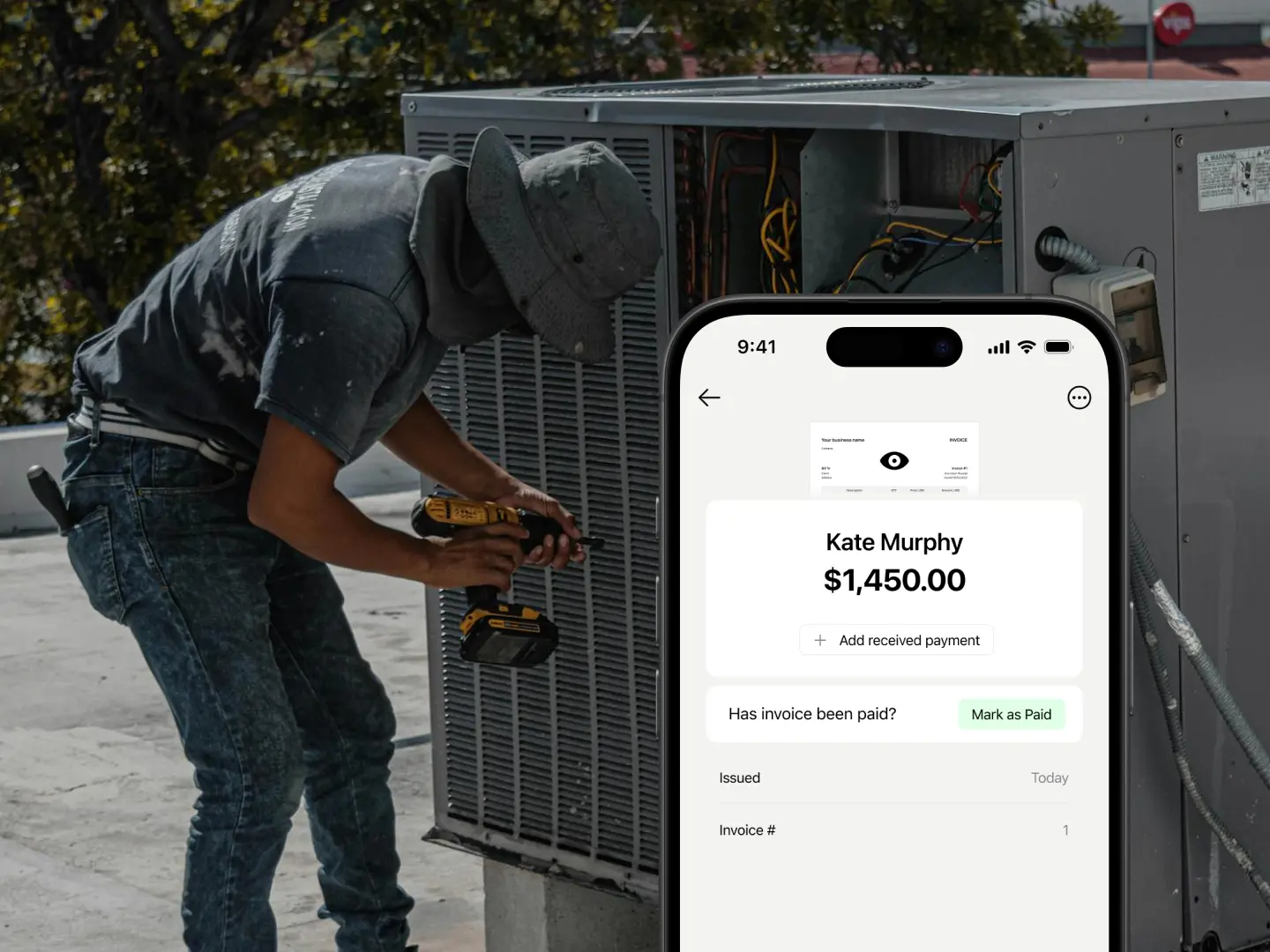
If you received payment through our platform, you should receive a push notification on your device, and the invoice status will automatically change to "Paid" with a Stripe label. However, if you're paid outside our platform, you can manually update the status and select the appropriate label, such as Cash, Bank, or another method.
Still have questions?
Ready to send your first invoice?
Get started for free