

Mobile-first
Send invoices and reminders from your phone, right from the job site or the truck.


Tofu chases your unpaid invoices automatically, so you don't have to.
❤️
15,124
users joined last week
Bill the client the same way you always do.
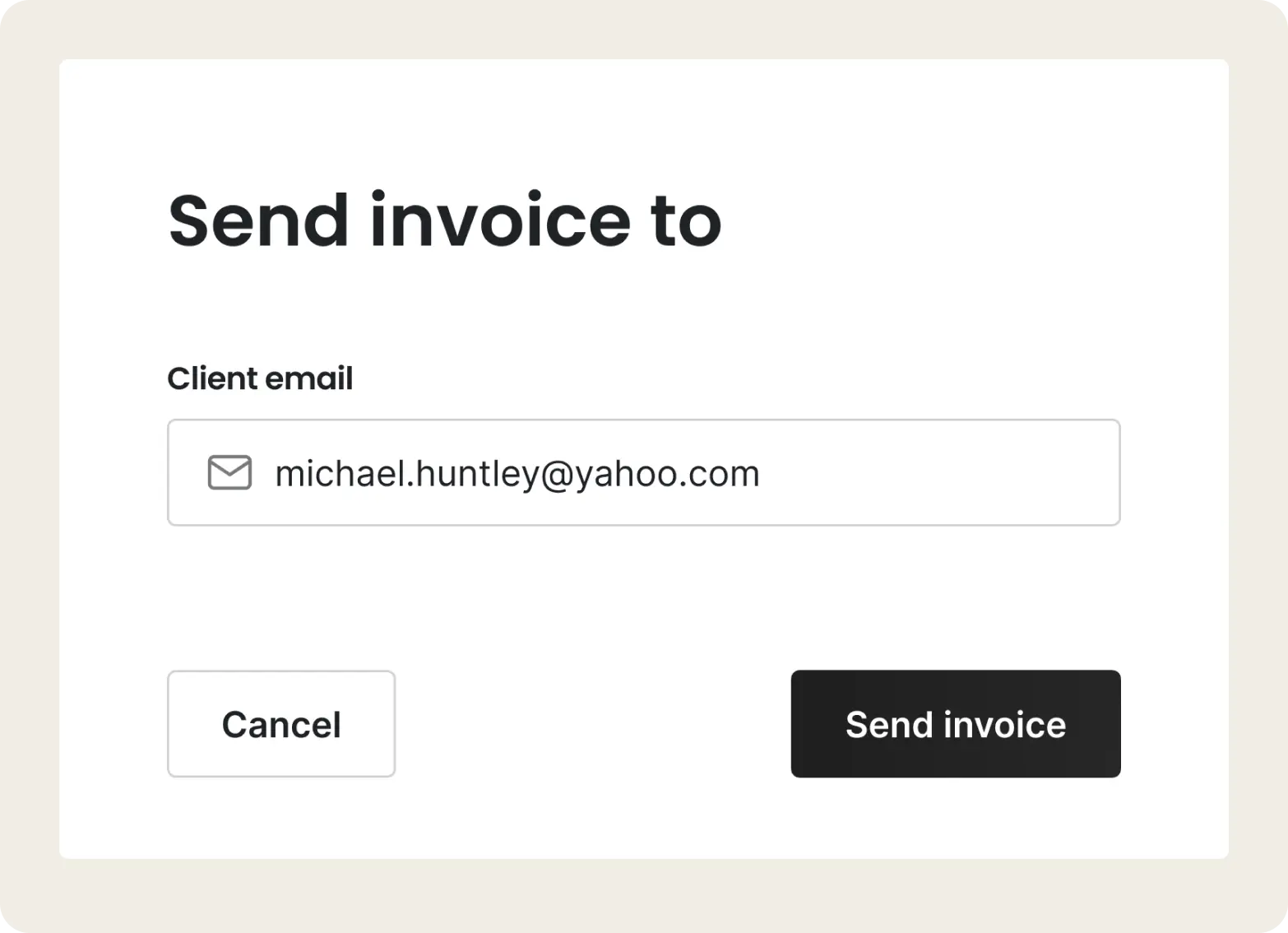
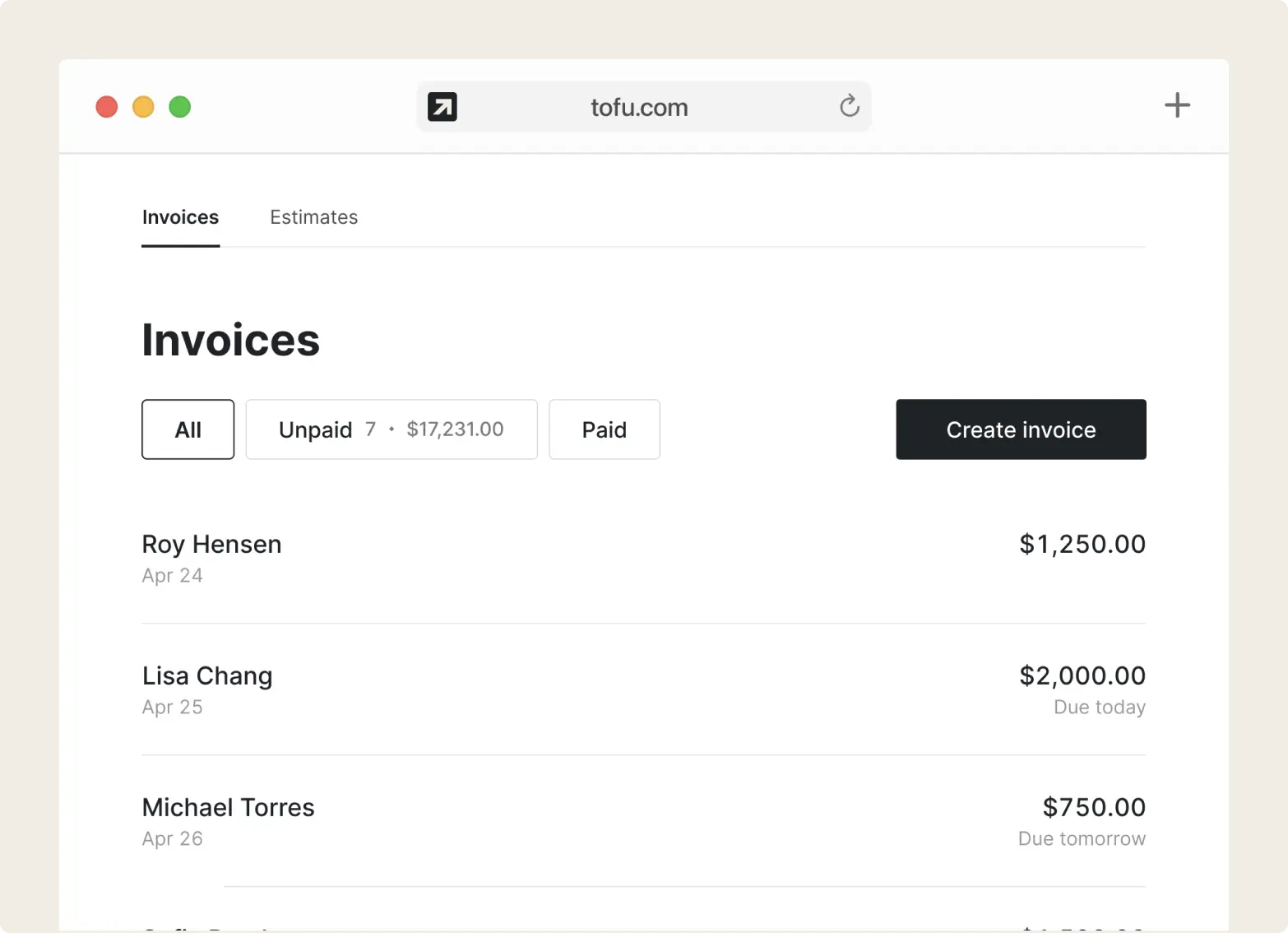
Tofu sees which invoices are paid and which are still open, so you do not have to keep a running list.
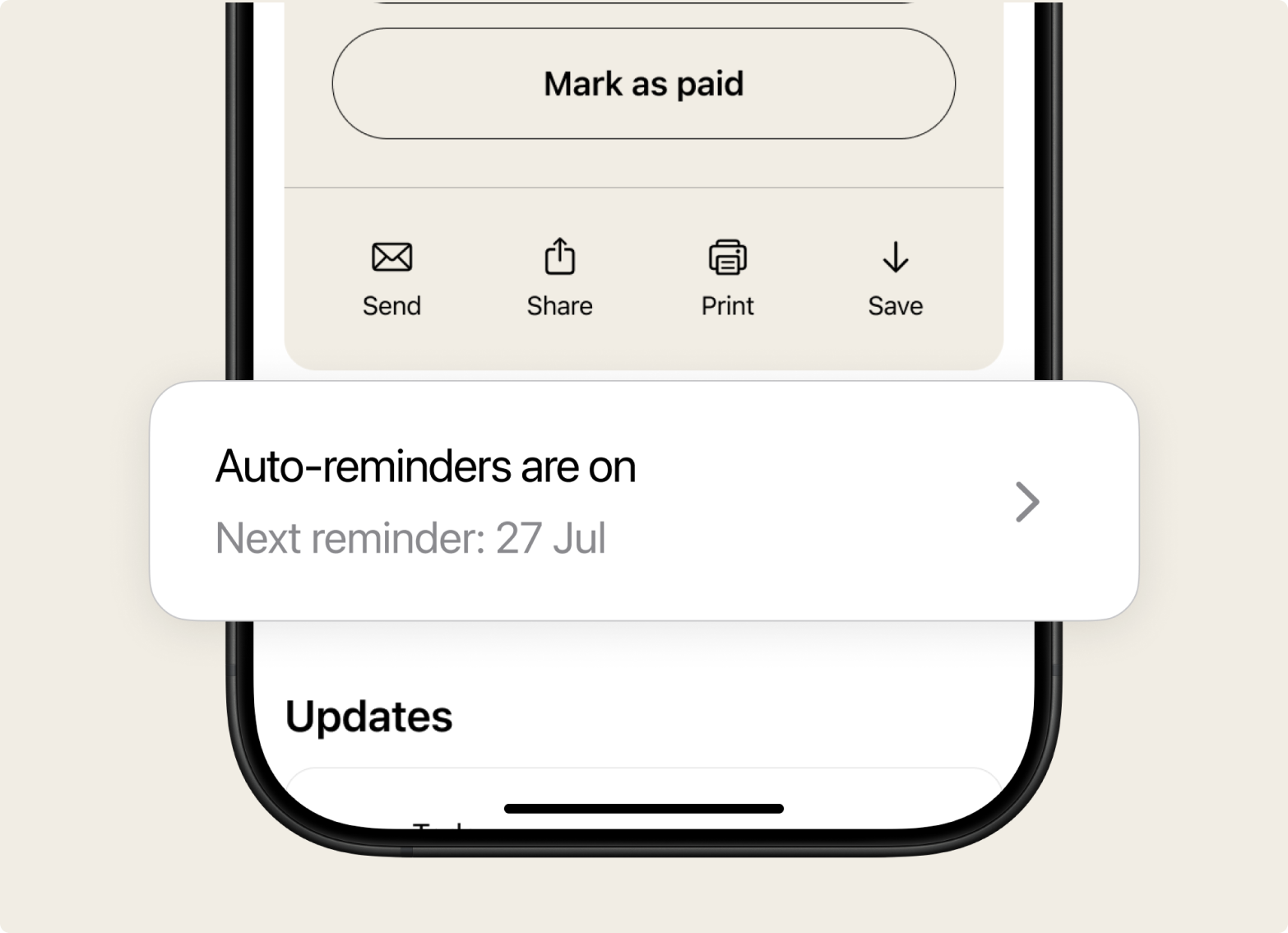
When an invoice goes unpaid, Tofu sends the follow-up for you. No awkward "just checking in".
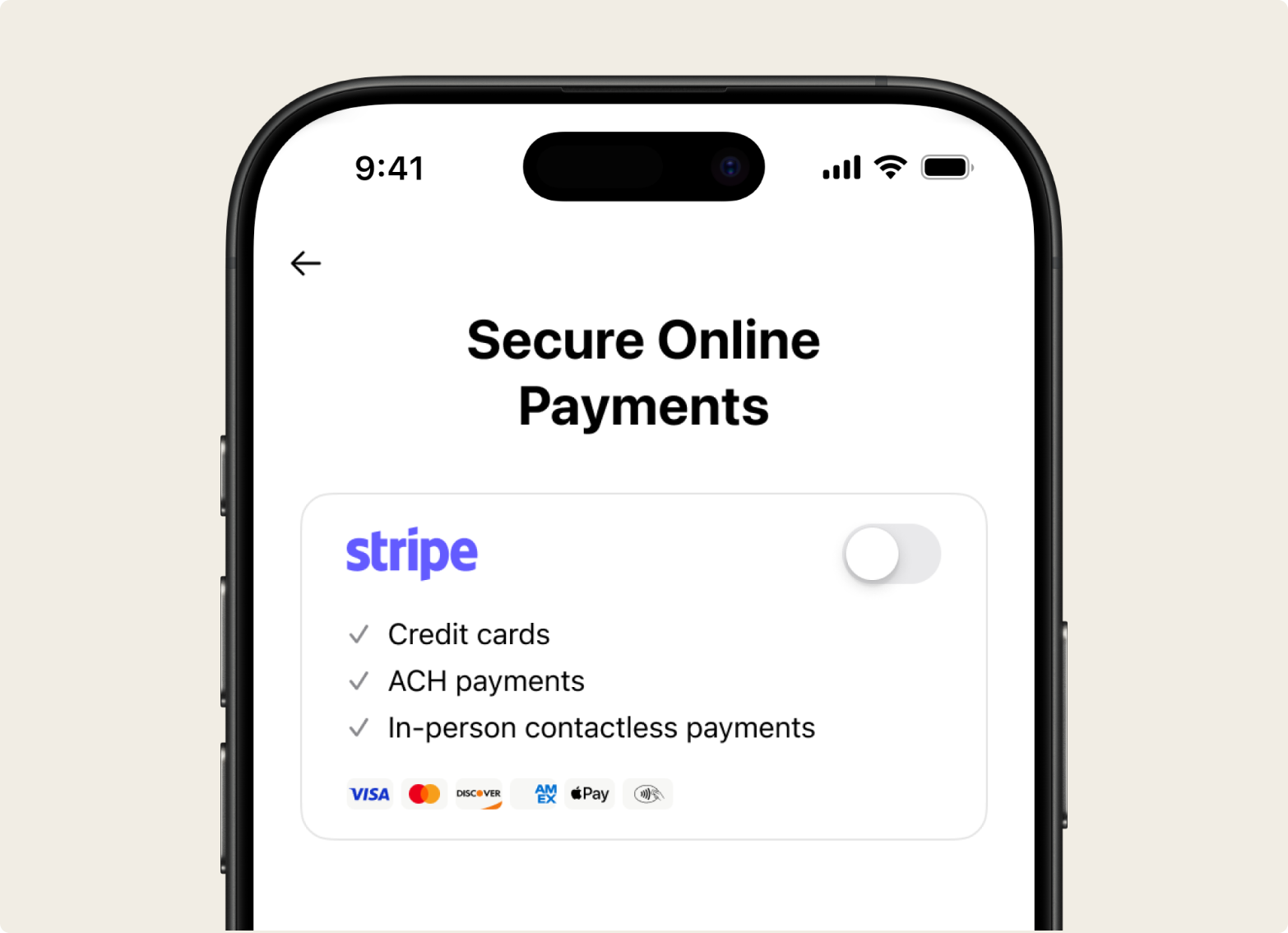
The client pays the way they prefer. Once it is marked paid, reminders stop.
Turn reminders on and Tofu handles the follow-up for you. One clear, polite email – with the amount owed and a Pay button – goes out on every overdue invoice, and stops the moment the client pays. It runs in the background while you are on the next job.
A payment reminder is a short, polite message that tells a client an invoice is coming due or is already overdue, and asks them to pay. A good reminder is timely, specific, and easy to act on. Here is a simple schedule that works for most trade jobs:
| Reminder | When to send | Tone |
|---|---|---|
| Friendly heads-up | 3 to 7 days before the due date | Polite, informational |
| Due-date nudge | On the due date | Neutral reminder |
| First follow-up | 3 to 7 days overdue | Firm but friendly |
| Final notice | 14 to 30 days overdue | Direct, with next steps |
Prefer to automate it? Once an invoice is overdue, Tofu takes over – one reminder to start, then another every 7 days (up to five in total), all in the same polite tone. As soon as the client pays, the emails stop.
Send invoices and reminders from your phone, right from the job site or the truck.
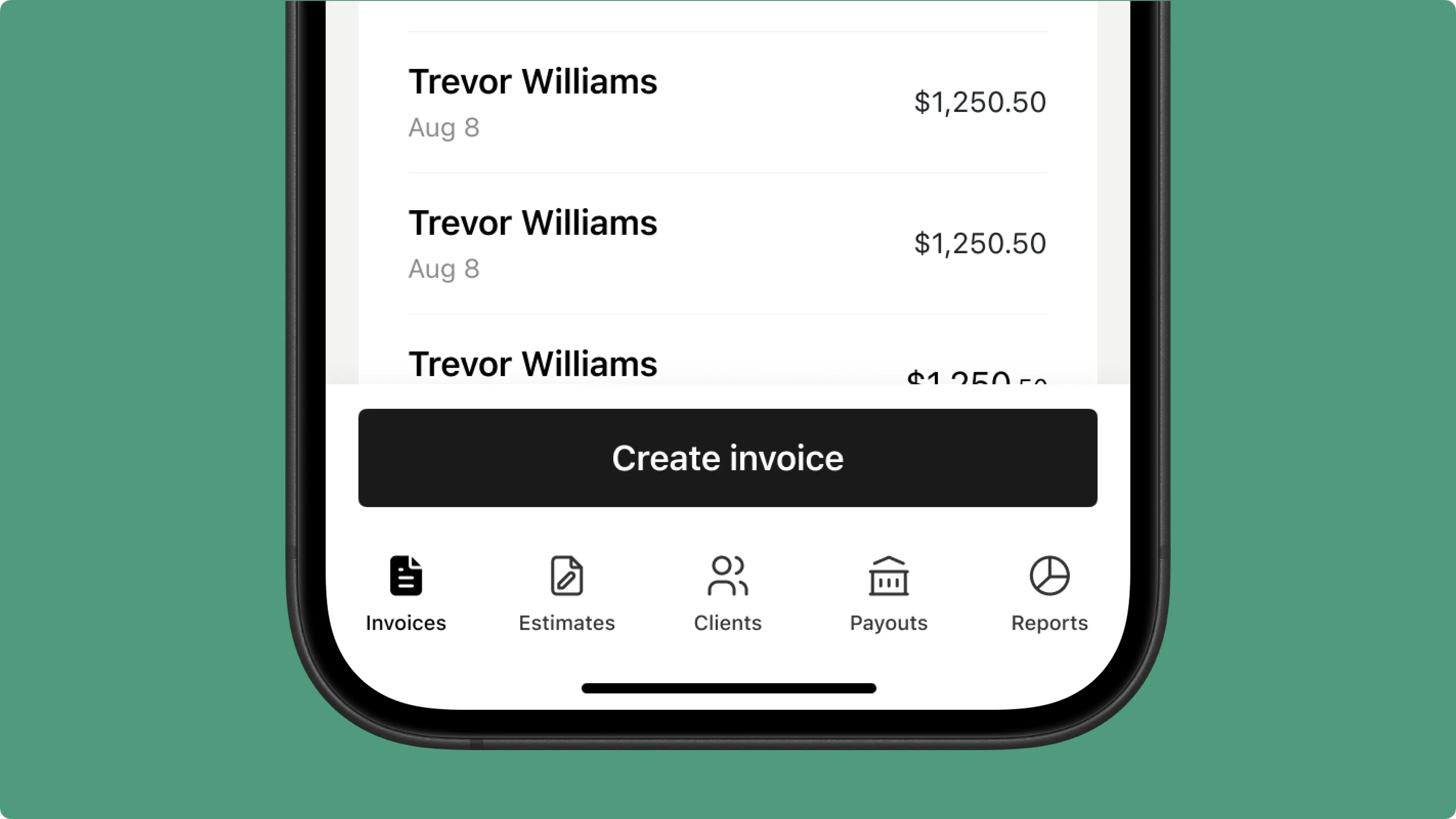
Keeps working when the signal does not, so a dead zone never stops you.
.png)
Jobs, invoices, estimates, payments, and reminders live in one app.
.png)
Some switched from QuickBooks. Others used to do everything manually

Absolutely amazing! It’s saves so much time and it gives you the professional touch needed to make you look good!
★ ★ ★ ★ ★
Tony W., TrustpilotTofu works with Stripe for on-site card payments, lets me turn estimates into invoices, and instantly syncs jobs, photos, and client notes offline.
★ ★ ★ ★ ★
Tofu user, G2
I use Tofu for my cleaning business, and it solves so many problems for me. I consider it a complete success for myself and my employees.
★ ★ ★ ★ ★
Marjorie N., G2Easy to use and straightforward! Been using it for over a year now!
★ ★ ★ ★ ★
Manuela M., TrustpilotI need some basic features like send estimate, invoice, track my jobs and get money. Tofu is good for that.
★ ★ ★ ★ ★
Tofu user, G2I love it 10 out of 10 would highly recommend to anyone
★ ★ ★ ★ ★
David M., CapterraEverything you need to know about the product and billing

.png)


