

No more invoice nights
The worst part of recurring work – rewriting the same invoices every month – is gone. Tofu drafts them on schedule; you review and send.


Serve the same clients on a schedule? Create the job once – Tofu books every future visit and drafts the invoices for you.
❤️
15,124
users joined last week
Pick the client and choose how often the job repeats: once, weekly, every 2 weeks, or monthly.
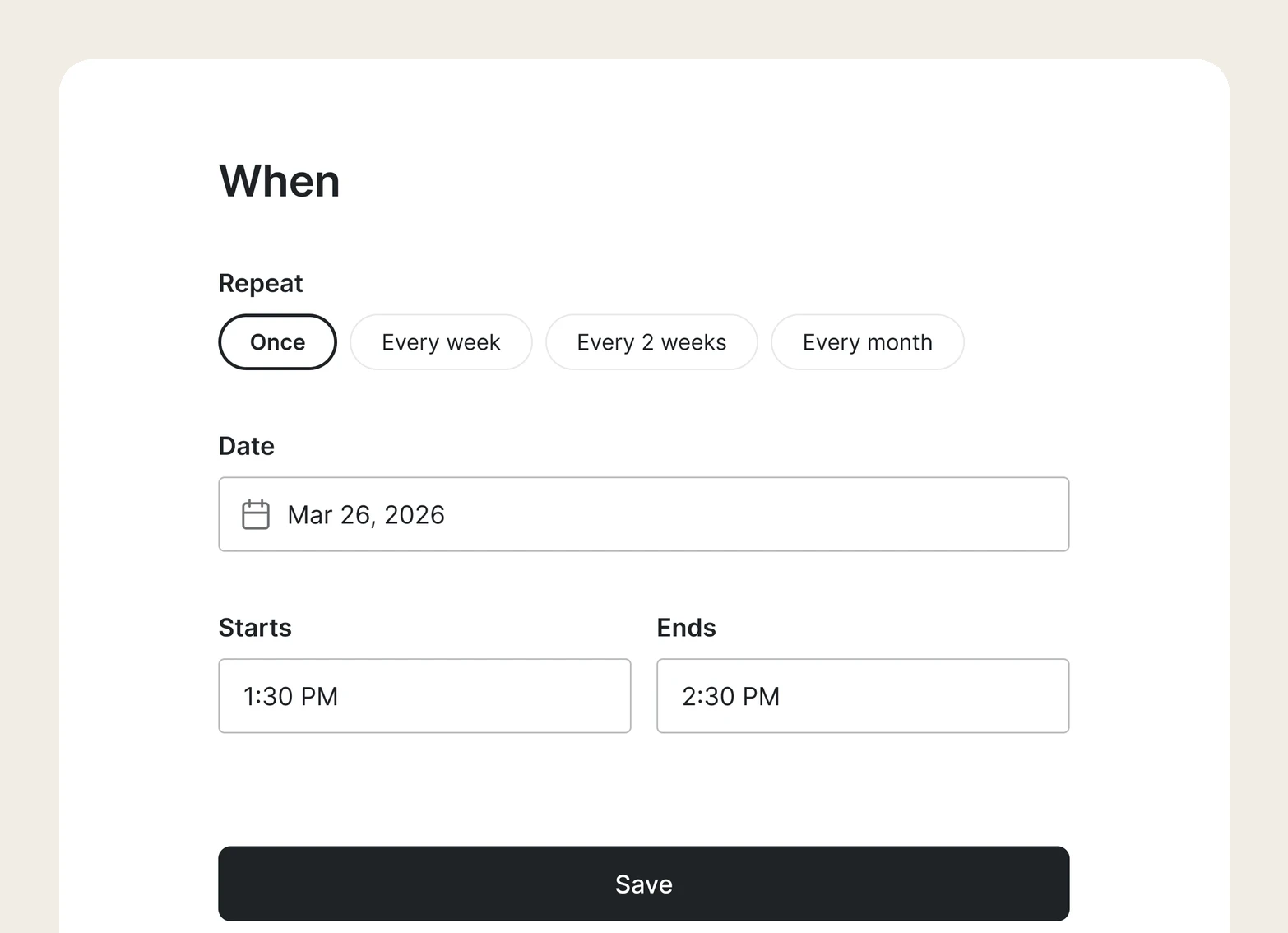
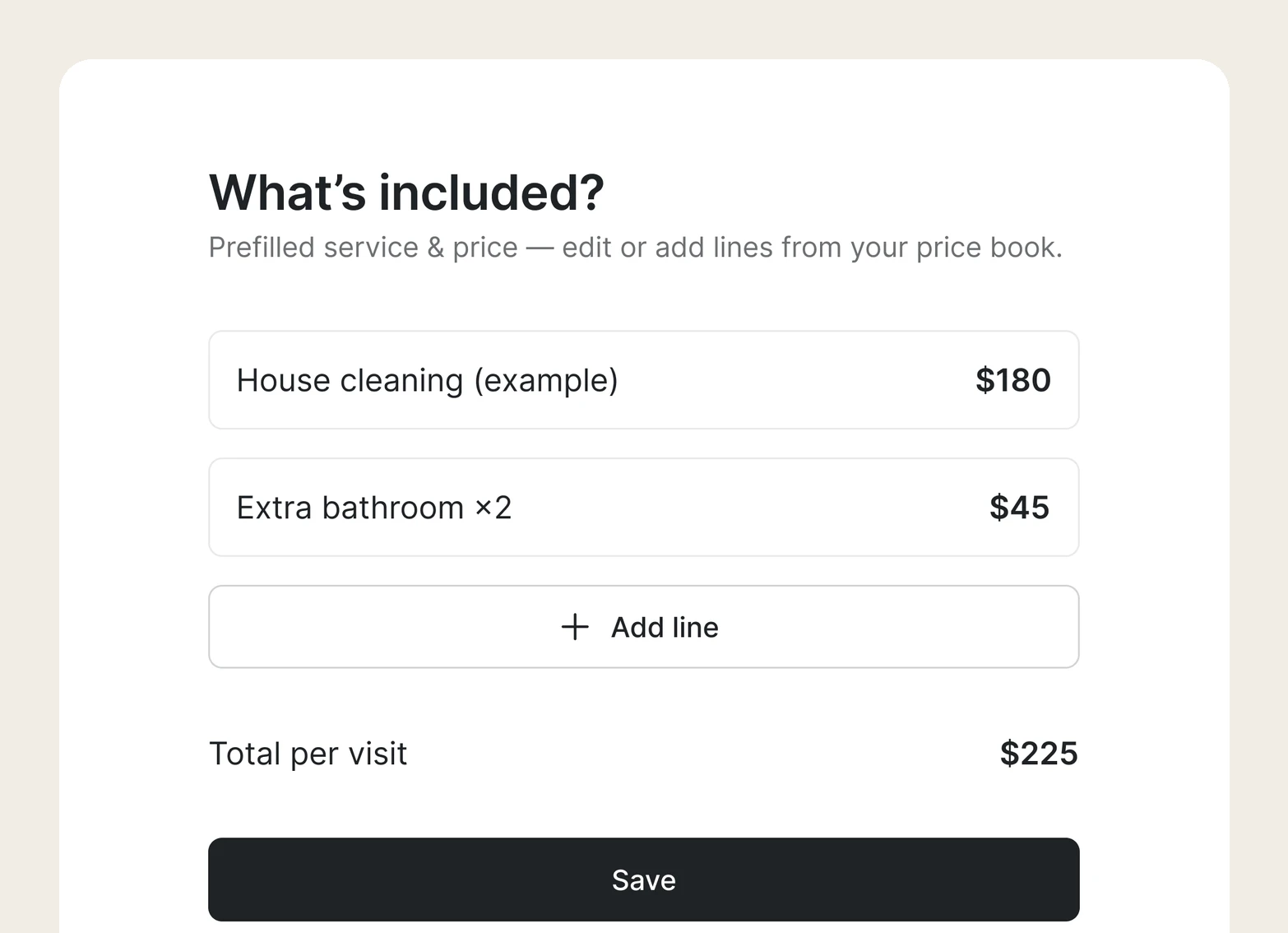
Add services from industry suggestions or your price book – Tofu shows the total per visit.
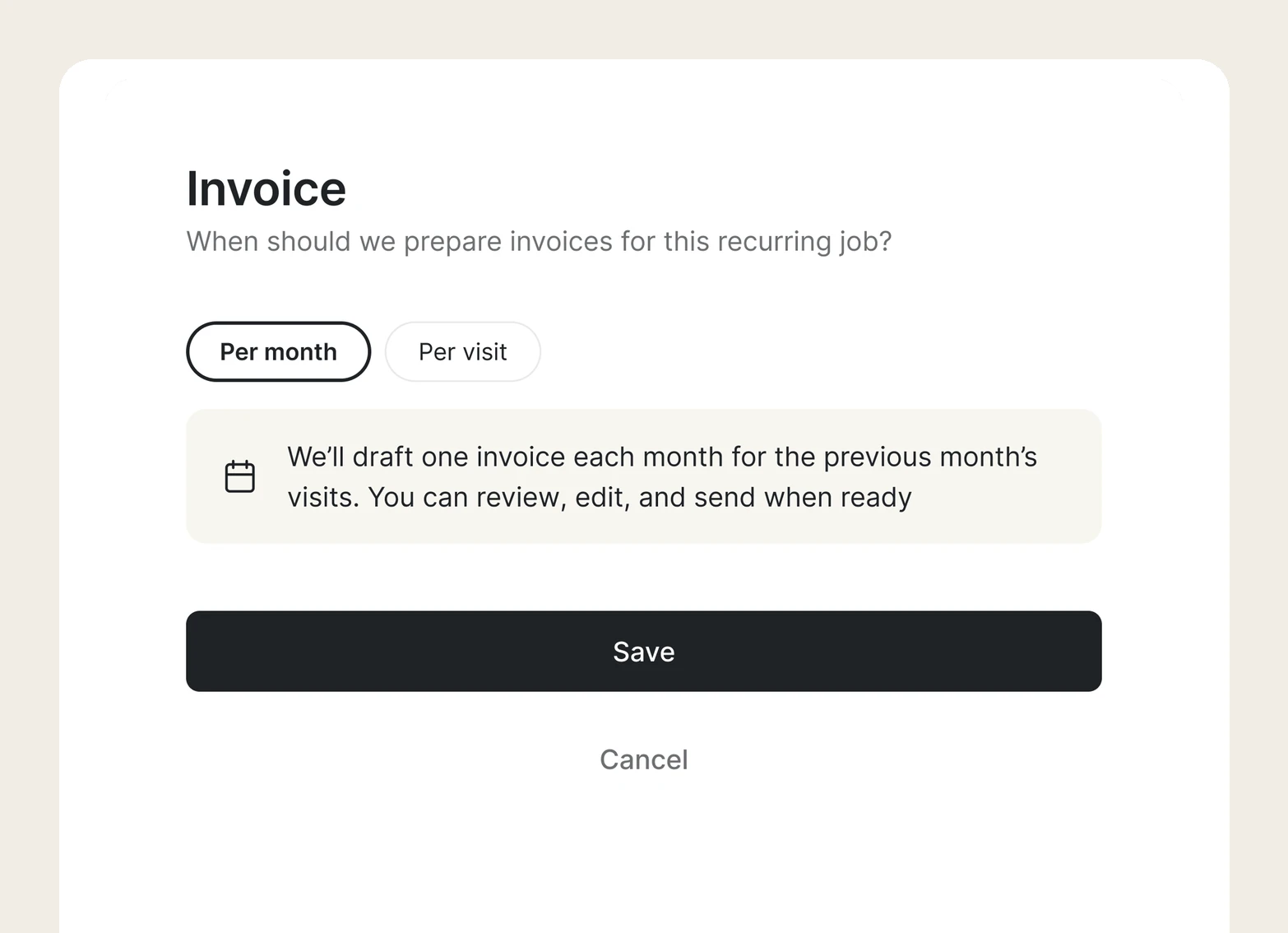
One invoice a month for the previous month's visits, or one after each visit.
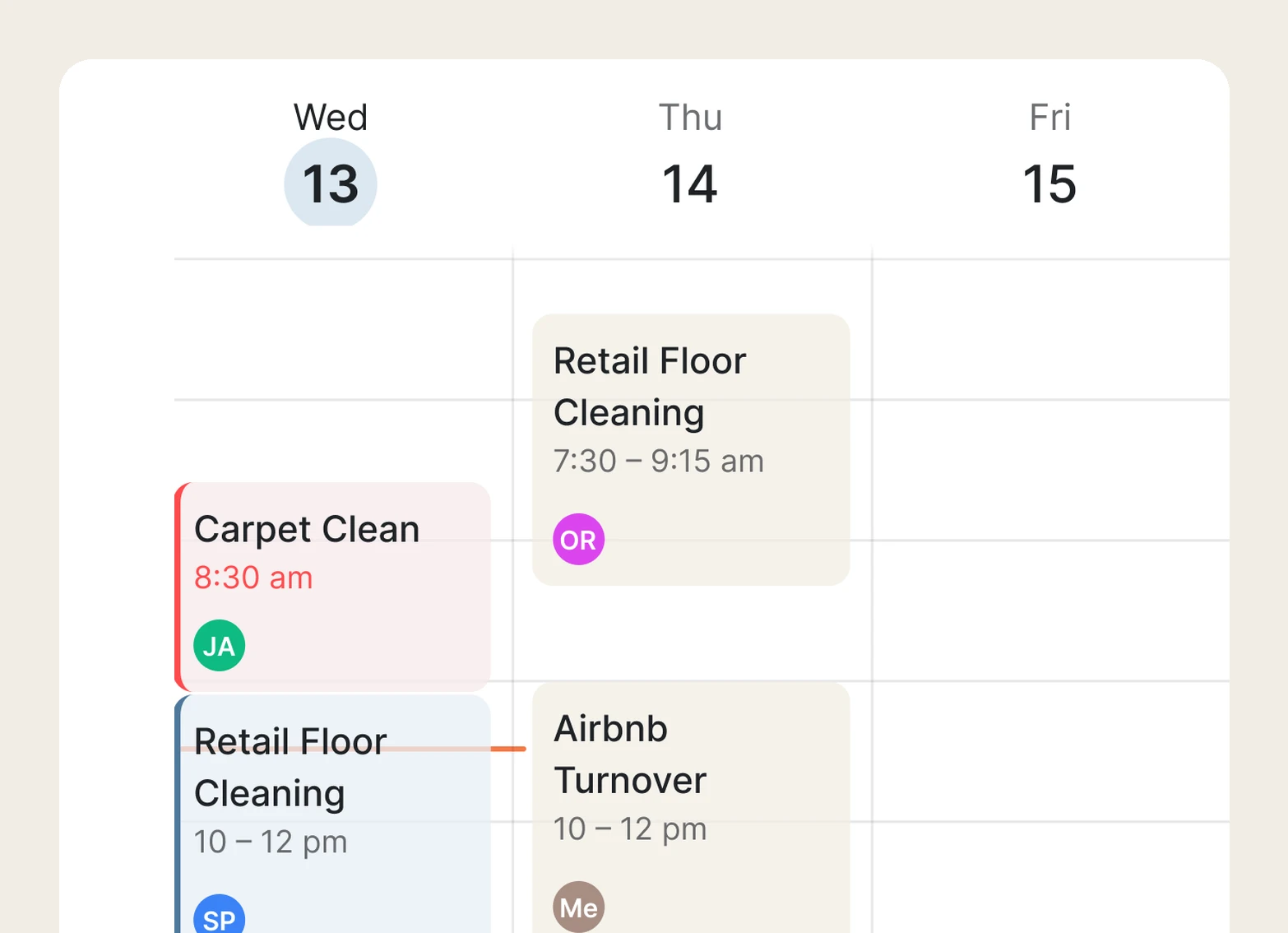
In one tap, the schedule fills with future visits, each with the client, scope, and price attached.
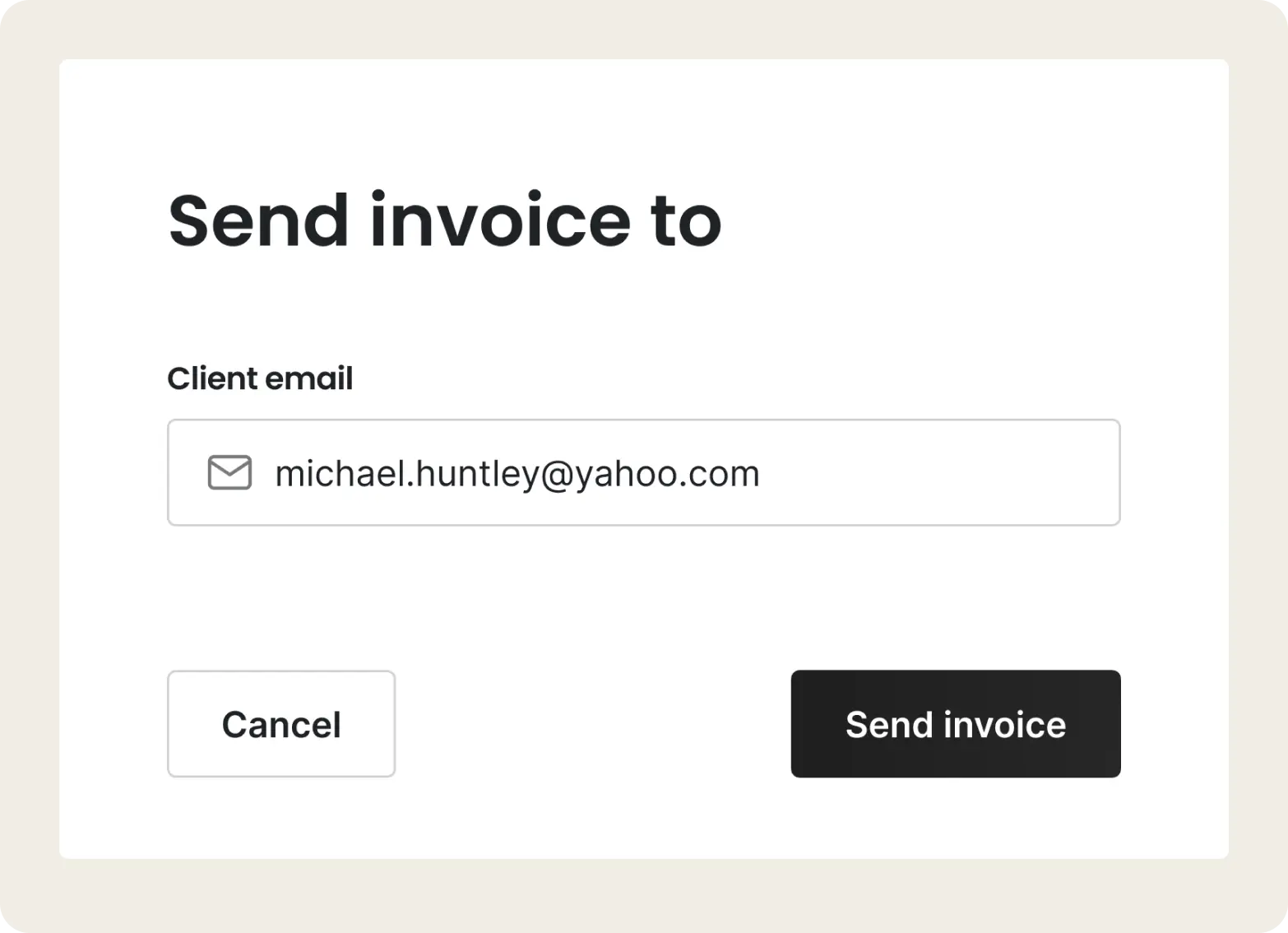
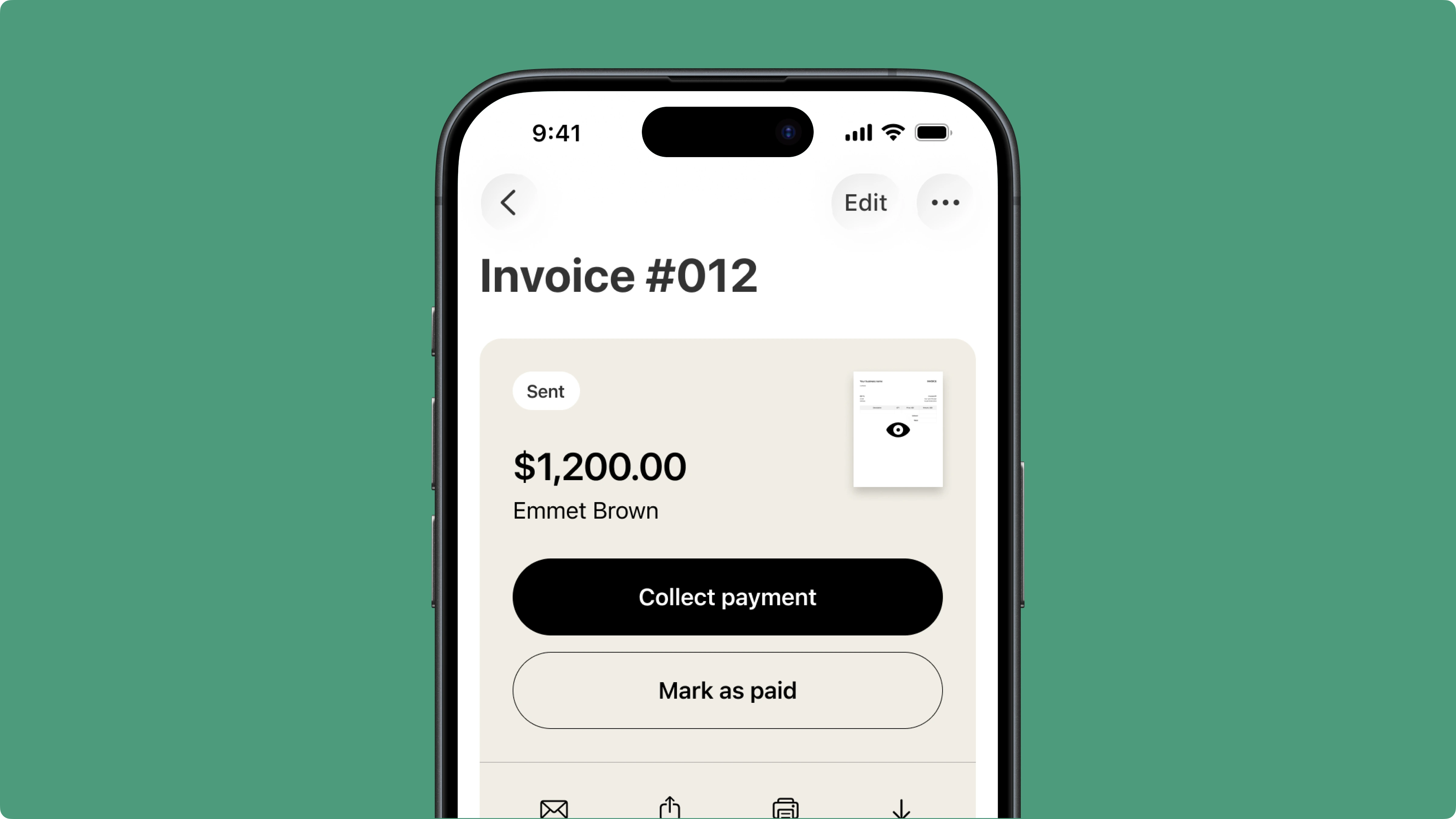
Drafts land in your Invoices with a "ready to send" banner. Review, edit if needed, and send.
The app is really simple. I like that they save certain items in the app so I don't have to redo it every week. I just go down hit what I need and continue. I'm done in a matter of minutes!
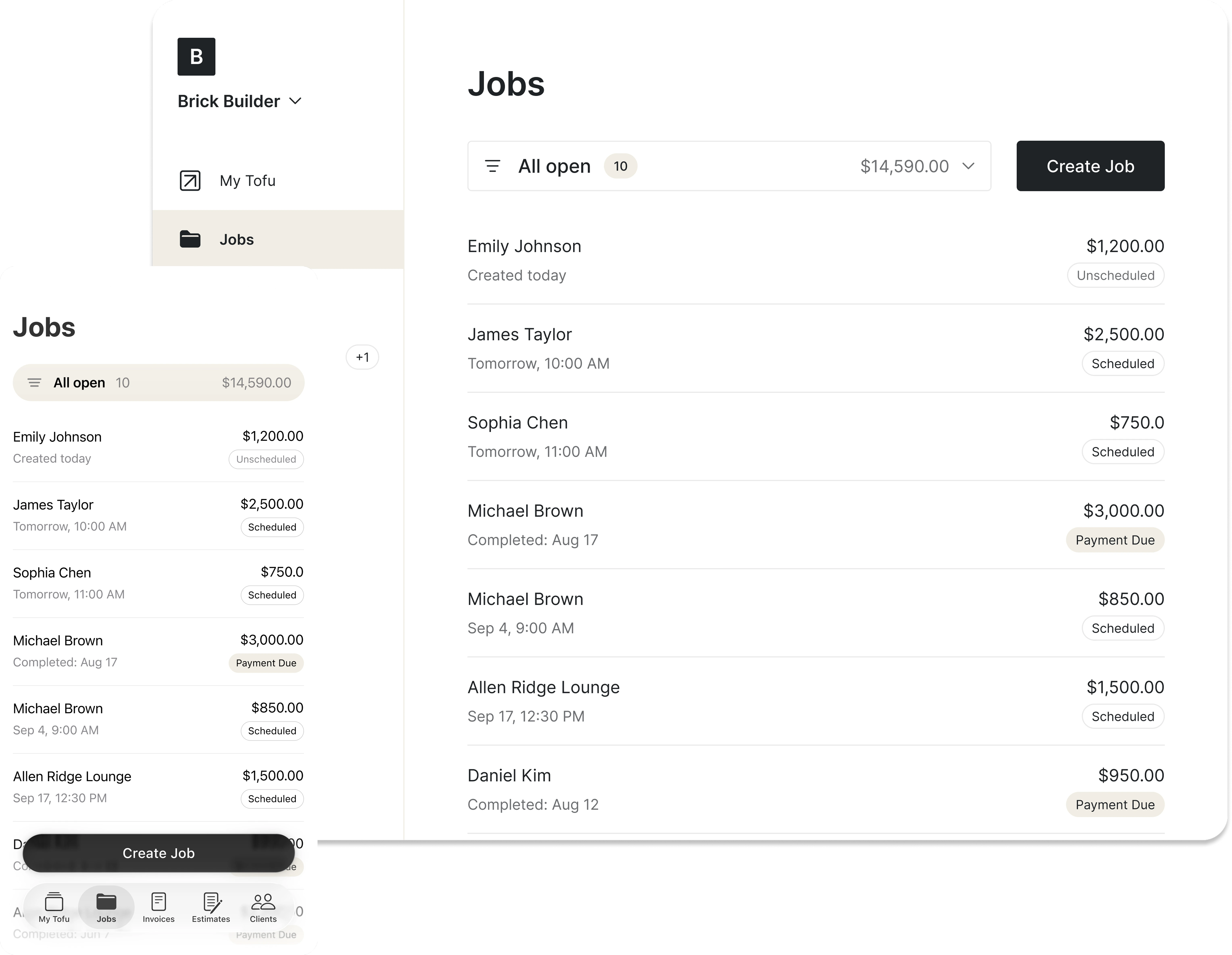
The worst part of recurring work – rewriting the same invoices every month – is gone. Tofu drafts them on schedule; you review and send.
All details from every past visit stay on the job page. You always know what happened last time – without asking your tech or digging through papers.
.webp)
Assign a visit and it lands in your tech's Tofu Team app. No morning calls, no "where am I going today?"
.webp)

Absolutely amazing! It’s saves so much time and it gives you the professional touch needed to make you look good!
★ ★ ★ ★ ★
Tony W., TrustpilotTofu works with Stripe for on-site card payments, lets me turn estimates into invoices, and instantly syncs jobs, photos, and client notes offline.
★ ★ ★ ★ ★
Tofu user, G2
I use Tofu for my cleaning business, and it solves so many problems for me. I consider it a complete success for myself and my employees.
★ ★ ★ ★ ★
Marjorie N., G2Easy to use and straightforward! Been using it for over a year now!
★ ★ ★ ★ ★
Manuela M., TrustpilotI need some basic features like send estimate, invoice, track my jobs and get money. Tofu is good for that.
★ ★ ★ ★ ★
Tofu user, G2I love it 10 out of 10 would highly recommend to anyone
★ ★ ★ ★ ★
David M., CapterraEverything you need to know about the product and billing

A recurring job in Tofu is a regular job with a schedule: once, weekly, biweekly, or monthly. Tofu books the future visits and drafts the invoices – built for businesses that serve the same clients on a route: cleaning, lawn care, pool service, tree service, and more.
Past and upcoming visits live in one place – with notes, photos, and invoices attached. No digging through papers or texting your tech: open the job and you know what happened last month and what's booked next.
Every recurring job comes with recurring invoicing: Tofu drafts one invoice a month for the previous month, or one after each visit – your choice. You review and send. No re-typing the same twenty invoices, and your clients see the same clean paperwork they always did.
Recurring jobs are available on web and mobile. You manage the schedule from the office or the truck; your techs see every visit in the Tofu Team app.


