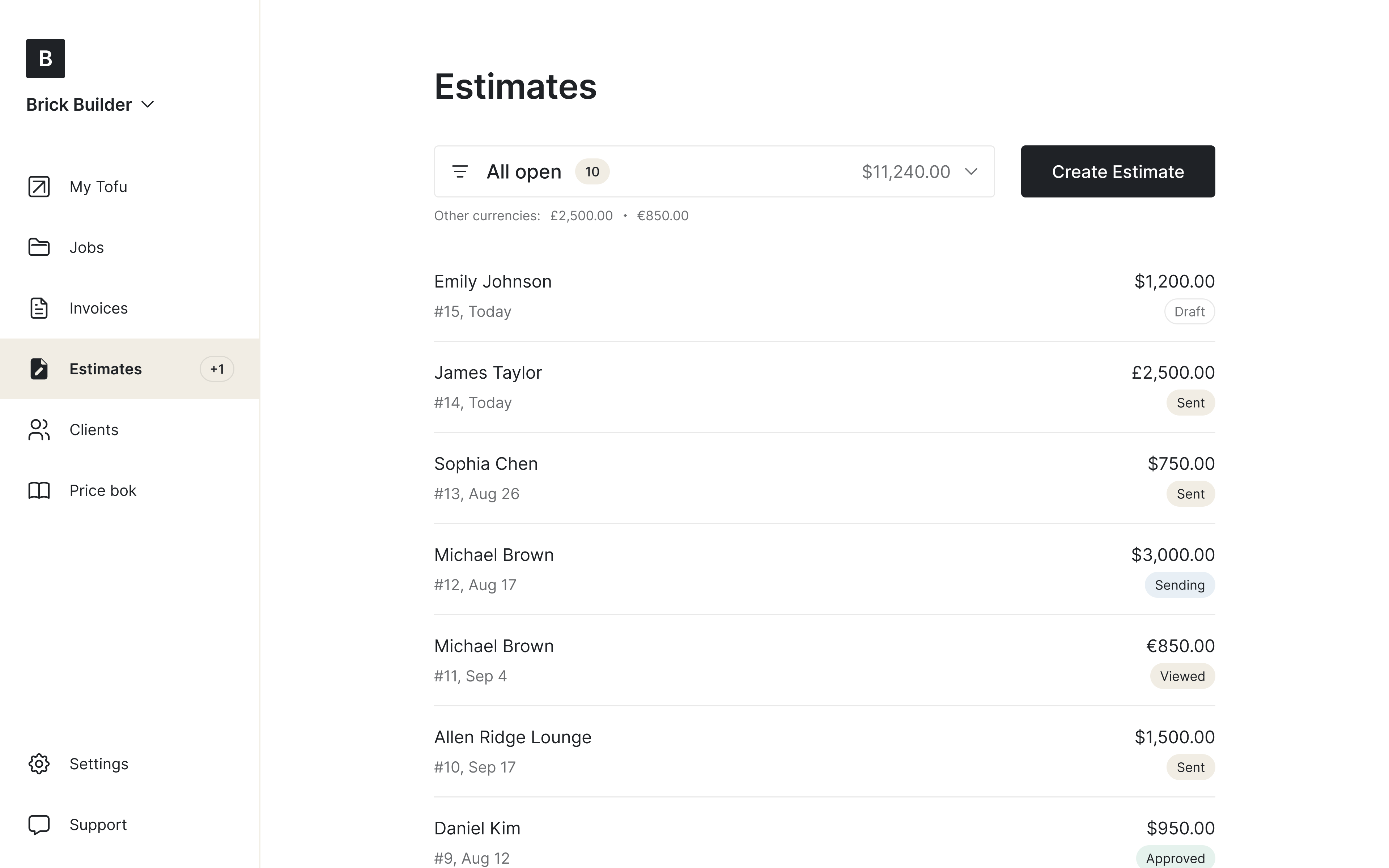
Looking for a professional estimate template?
Clients compare bids, and the clearest one usually wins. Whether you need a contractor estimate template for a full remodel or a quick work estimate template for a service call, a professional layout helps you break down labor, materials, and costs with zero confusion.
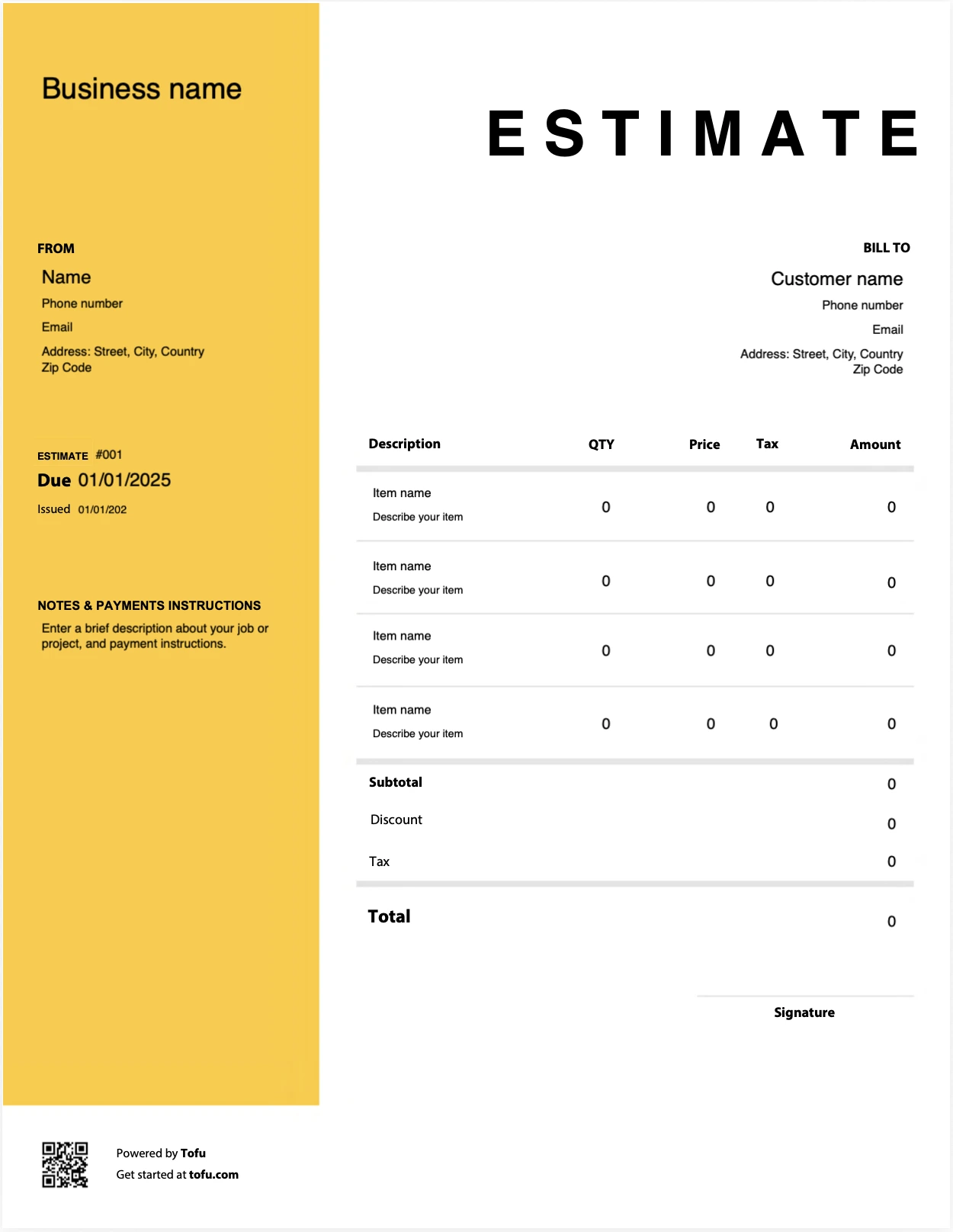
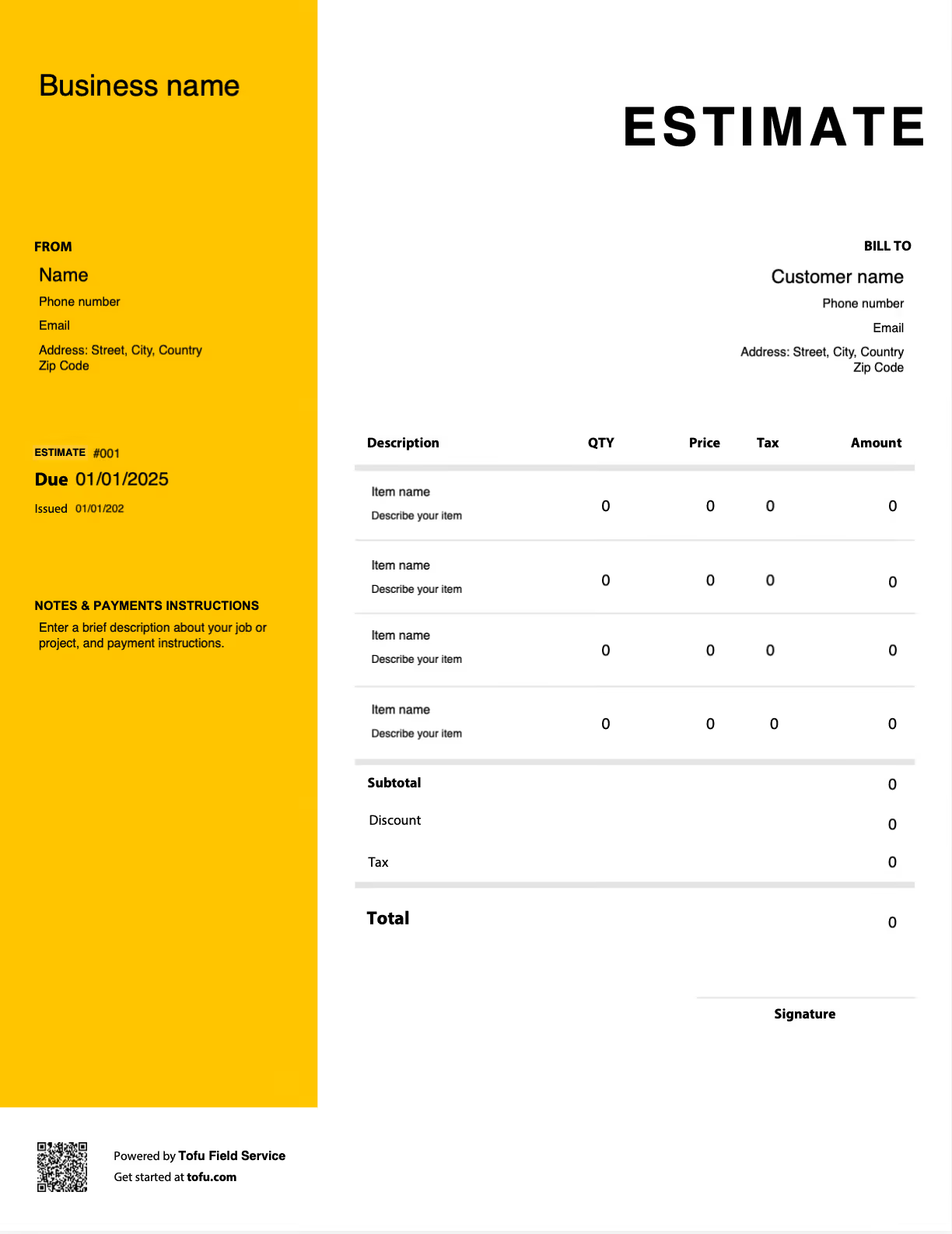
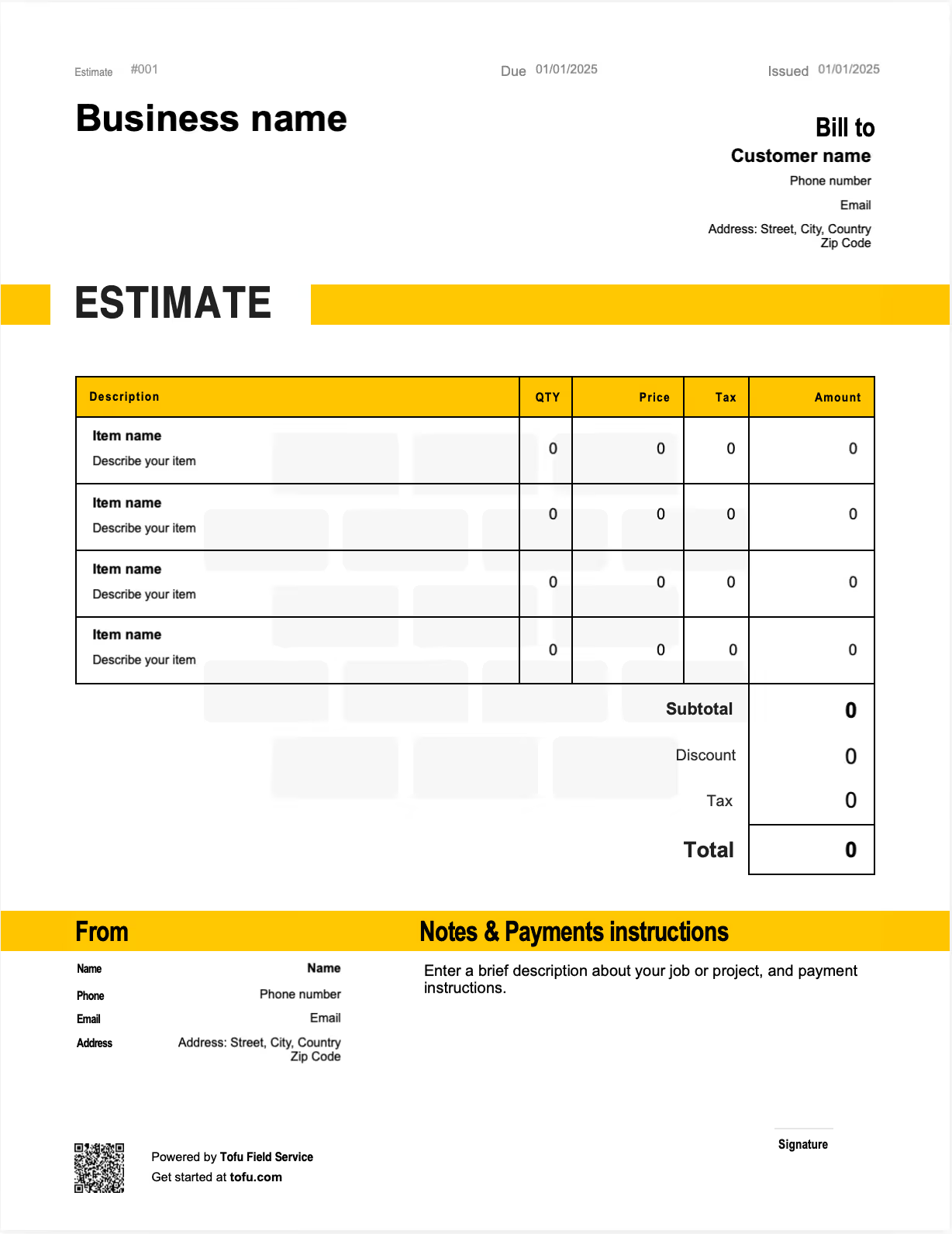
What to include in your estimate
1
Your business information
Include your business information, including the name, address, contact information
2
Client's information
Similarly, you’ll want to include the name, address, and contact information of your client.
3
Invoice Number, Issue & Due date
Each invoice must include a unique identification number, the date it was issued, and the due date.
4
List of products or services delivered and total price
You should include a list of all products or services provided, their amount, price per unit, total price per item, the total price, and any taxes your client needs to pay.
73% of clients pick the contractor whose estimate is clearest, not cheapest
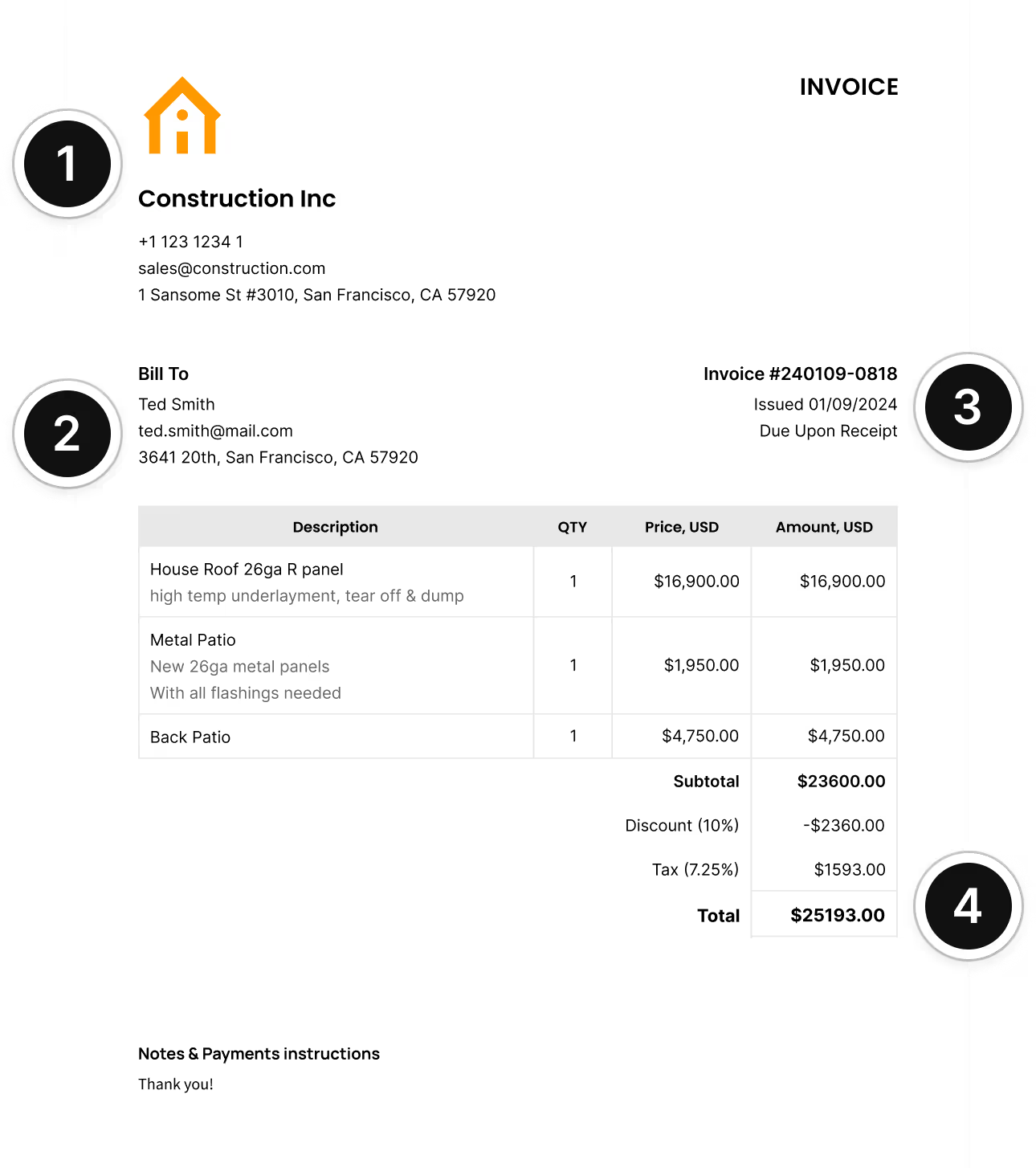
Free professional estimate templates
A clear estimate is more than a price breakdown: it's your first impression as a professional. Vague or incomplete numbers lead to lost deals and clients who ghost you for someone easier to understand.
Tofu's free estimate templates help contractors and growing crews create detailed, professional bids that win trust from the first page. Download a free estimate template in PDF, Word, Excel, or Google Docs, or skip static files and use our online estimate generator to build, send, and track everything in one place.
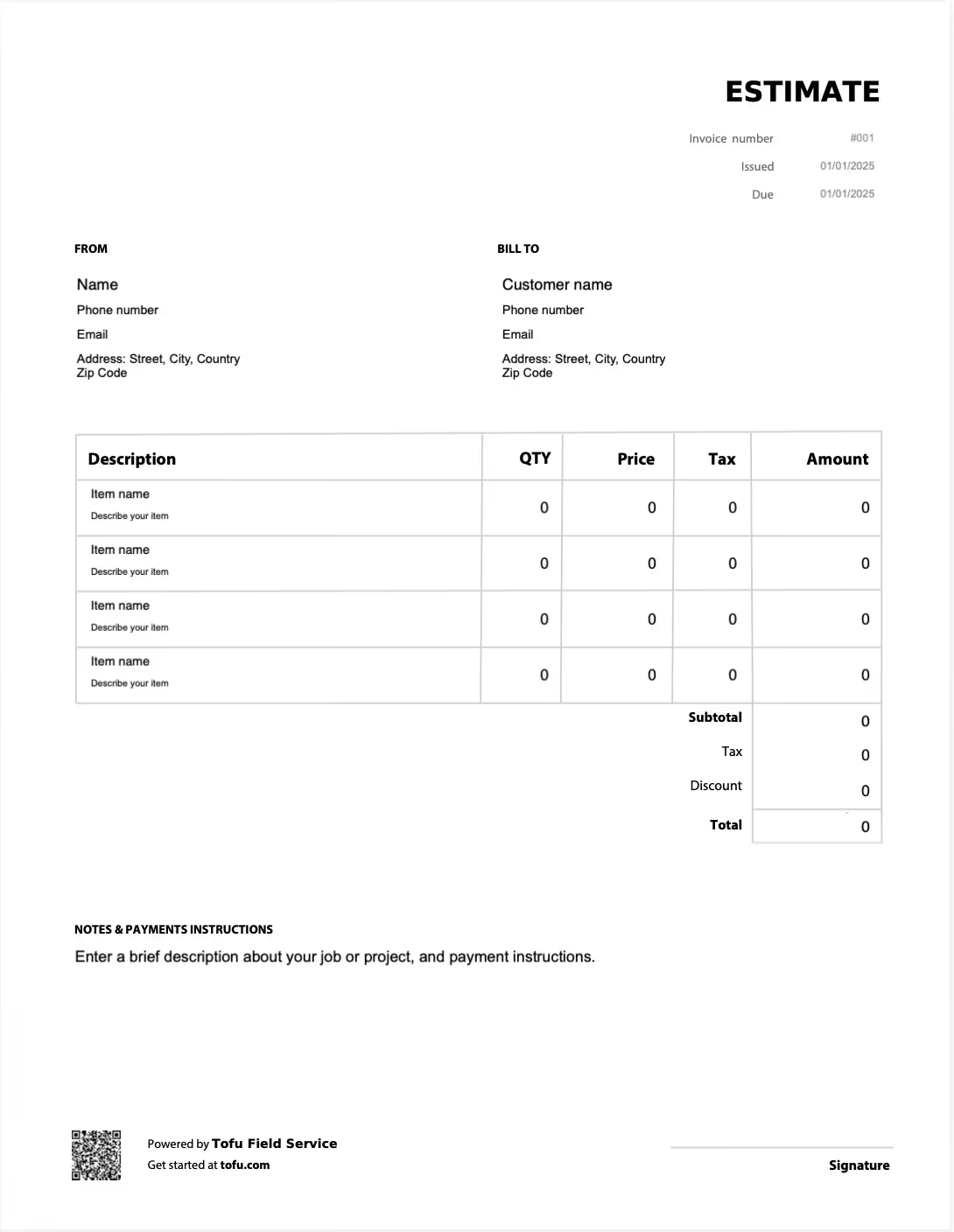
Easily create an estimate with Tofu
Estimates
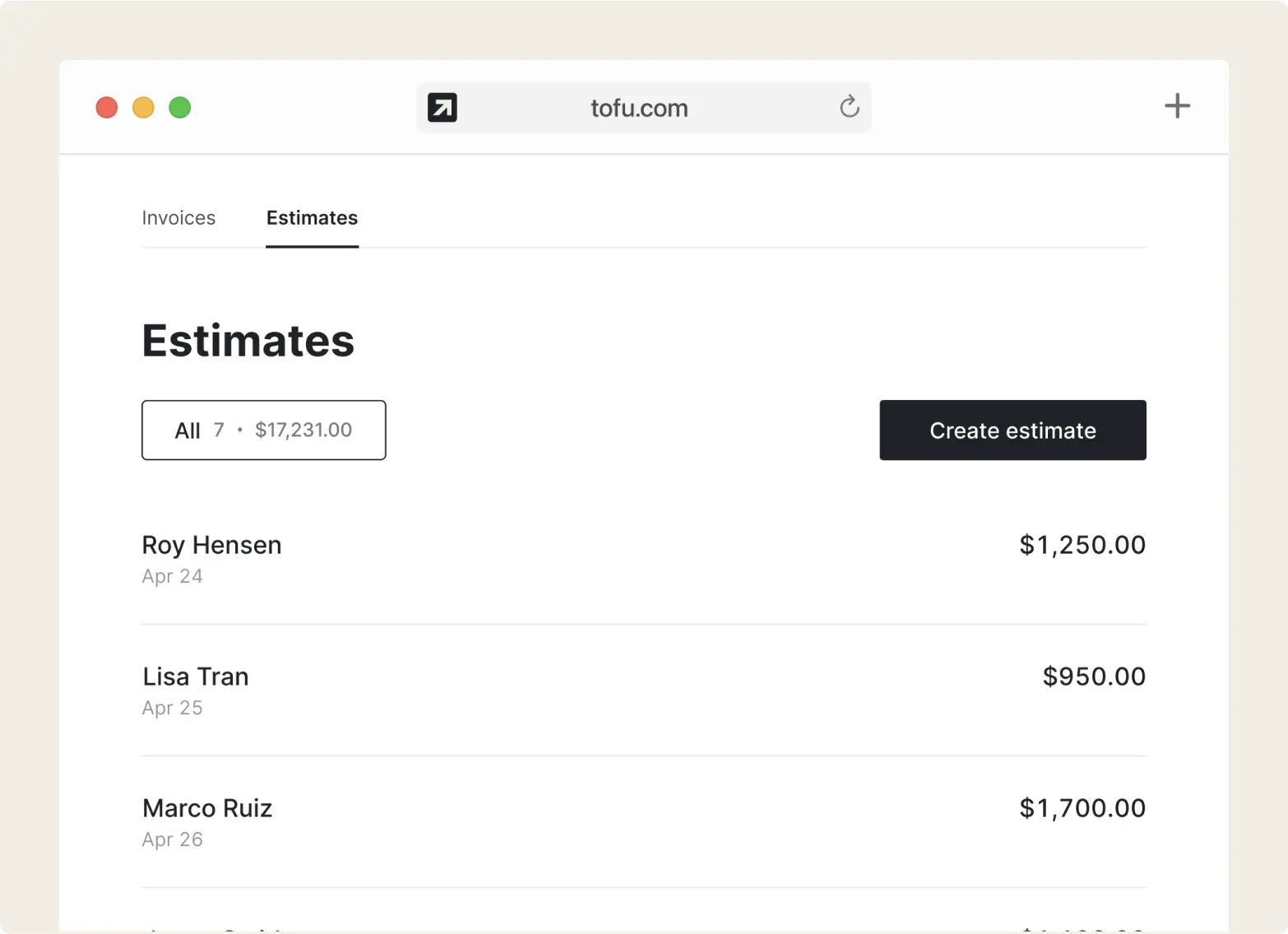
Build a detailed estimate in minutes
Add services, materials, or products. Tofu handles totals, taxes, and discounts automatically.

Send & track
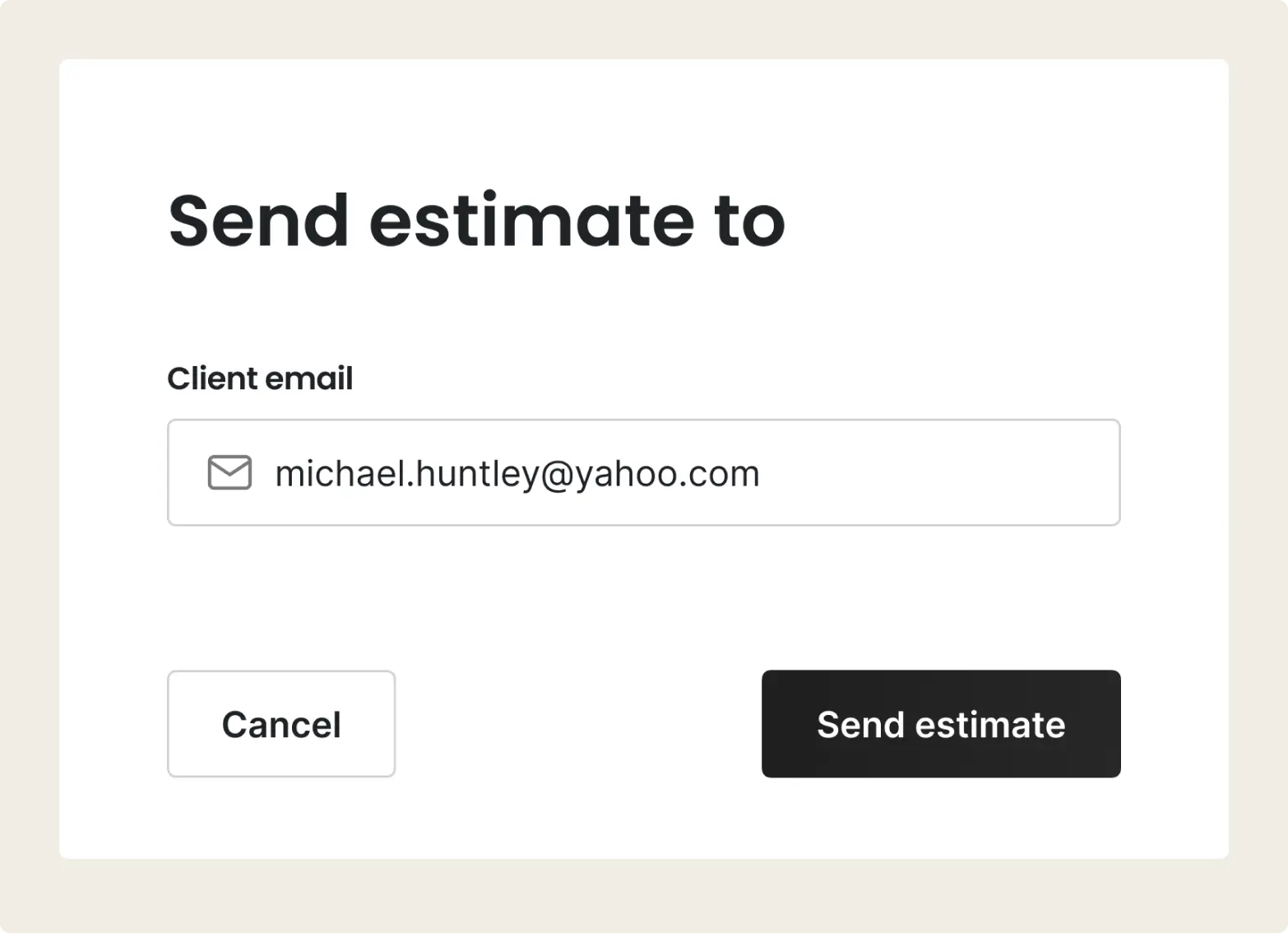
Send the estimate and track it
Share by email, text, or messenger. See when the client opens it and get notified when they approve.
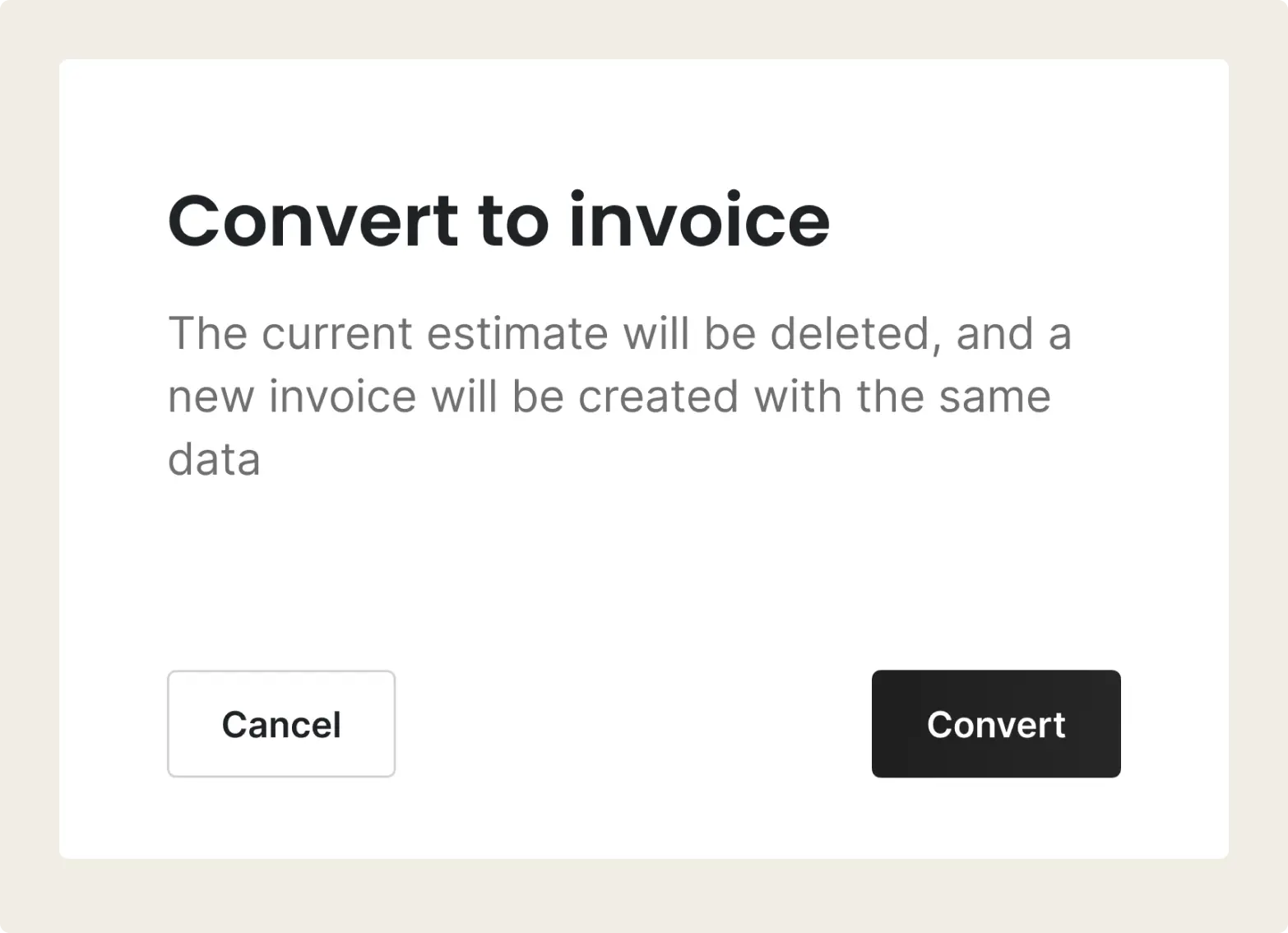
Convert to invoice
Convert to an invoice in one click
Client said yes? Turn the estimate into a ready-to-send invoice. No re-entering anything.
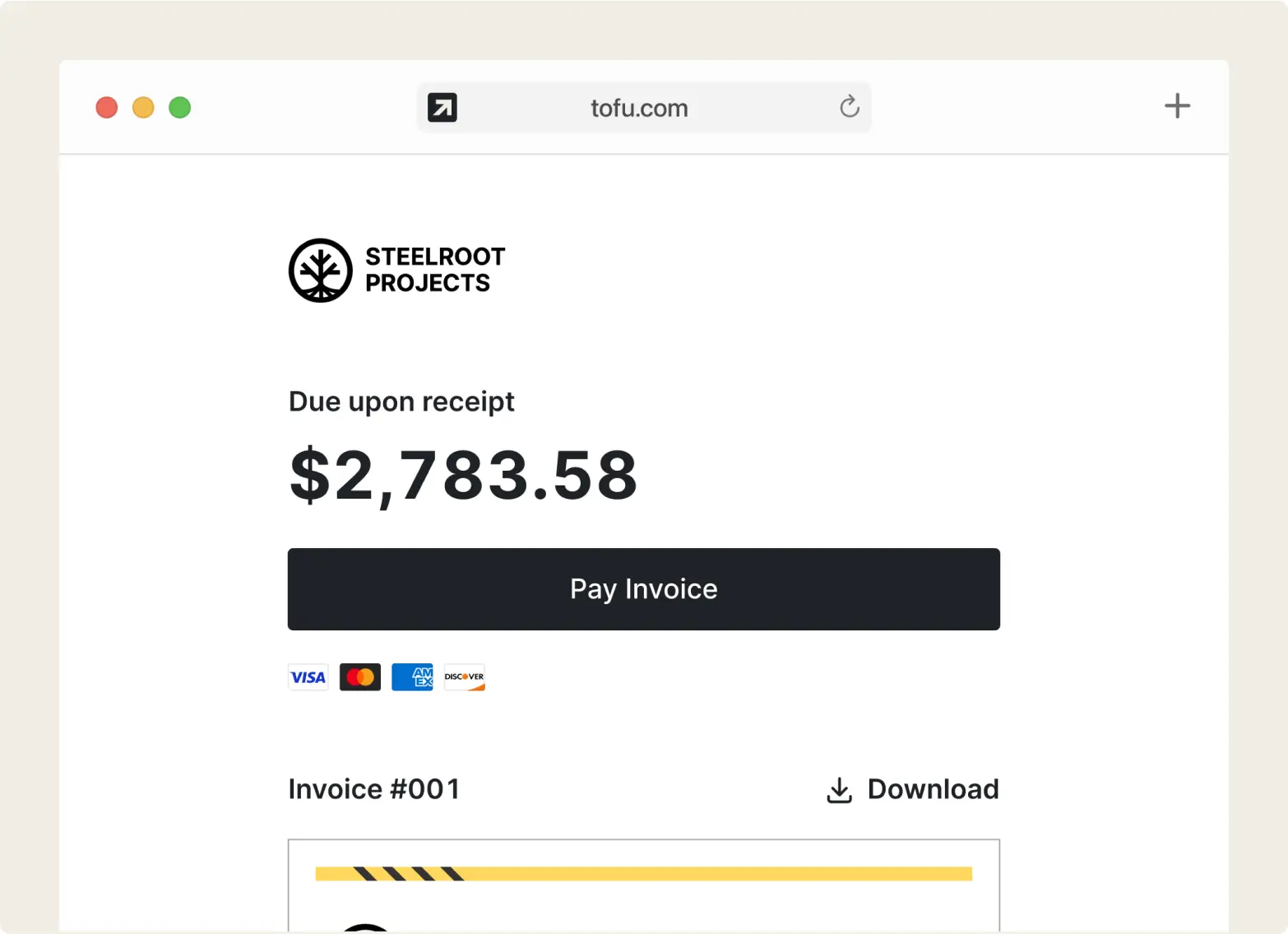
Payments
Get paid fast
Accept payments online or on-site with Tap to Pay, no extra devices needed.
“I used to write everything by hand. Tofu saves me hours.”
Rated excellent on review platforms

Absolutely amazing! It’s saves so much time and it gives you the professional touch needed to make you look good!
★ ★ ★ ★ ★
Tony W., TrustpilotTofu works with Stripe for on-site card payments, lets me turn estimates into invoices, and instantly syncs jobs, photos, and client notes offline.
★ ★ ★ ★ ★
Tofu user, G2
I use Tofu for my cleaning business, and it solves so many problems for me. I consider it a complete success for myself and my employees.
★ ★ ★ ★ ★
Marjorie N., G2Easy to use and straightforward! Been using it for over a year now!
★ ★ ★ ★ ★
Manuela M., TrustpilotI need some basic features like send estimate, invoice, track my jobs and get money. Tofu is good for that.
★ ★ ★ ★ ★
Tofu user, G2I love it 10 out of 10 would highly recommend to anyone
★ ★ ★ ★ ★
David M., CapterraIndustry-specific estimate templates
Every trade prices jobs differently. Pick an estimate template built for yours:
- Electrical estimate templates
- HVAC estimate templates
- Plumbing estimate templates
- Landscaping estimate templates
- Cleaning estimate templates
- Construction estimate templates
- Auto repair estimate templates
- Flooring estimate templates
- Handyman estimate templates
- Lawn care estimate templates
- Painting estimate templates
- Remodeling estimate templates
- Roofing estimate templates
- Tree service estimate templates
- Pool service estimate templates
- Junk removal estimate templates
- Pest control estimate templates
Work estimate template vs. Tofu: why static files fall short
See how easy estimating can be with our online estimate generator
| Traditional PDFs | Tofu Estimates | |
|---|---|---|
| Time to Create | ✅ | ✅ |
| Estimating on the Go | – | ✅ |
| Client Approval Tracking | – | ✅ |
| One-Click Invoice Conversion | – | ✅ |
| Customization | – | ✅ |
| Error Rate | – | ✅ |
| Revising Estimates | – | ✅ |
| Price Book Integration | – | ✅ |
Estimates are just the start
Every client, job, estimate, and payment lives in Tofu – ready to pull up in seconds, wherever you are.
Why Choose Tofu
Tofu lets you build a professional estimate in under a minute: pick items from your price book, adjust quantities, and send. The client gets a clean, branded document they can approve right from their phone. Once approved, one tap turns it into an invoice with a payment link already attached.
No spreadsheets, no back-and-forth PDFs, no switching between apps. Estimates, invoices, payments, and job tracking in one place, starting at $0.
FAQs
Everything you need to know about the product and billing

Still have questions?



Win more jobs with better estimates
Try Tofu for free