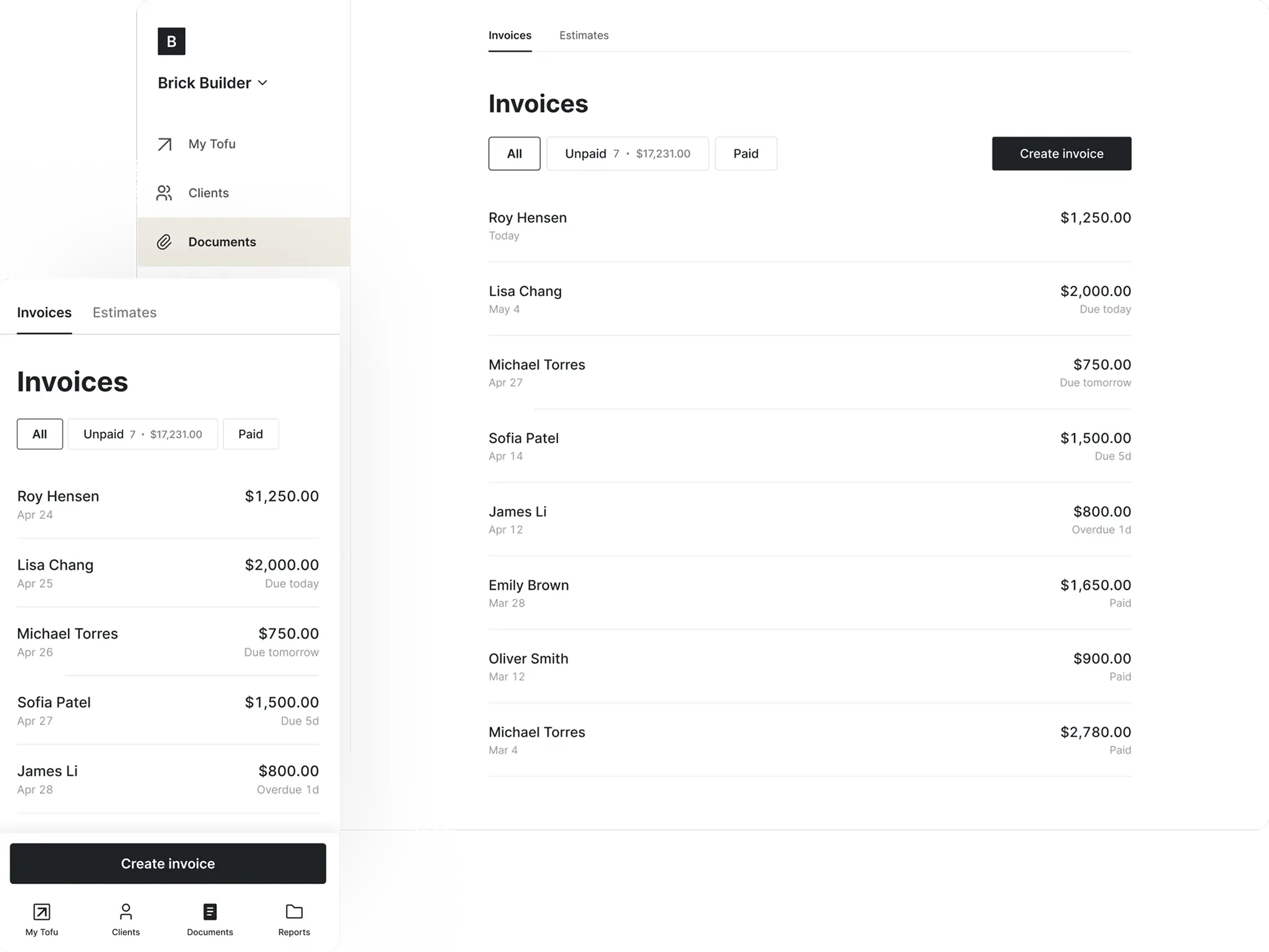
We keep it simple
It’s built for people who don’t have time to mess with spreadsheets or bloated software
Simple for your clients to pay — online, in person, or with a tap
❤️
15,124
users joined last week
“The Tap2Pay feature is the best part. Creating a tap to pay is straightforward, and people can pay with any method – it keeps everyone happy.”

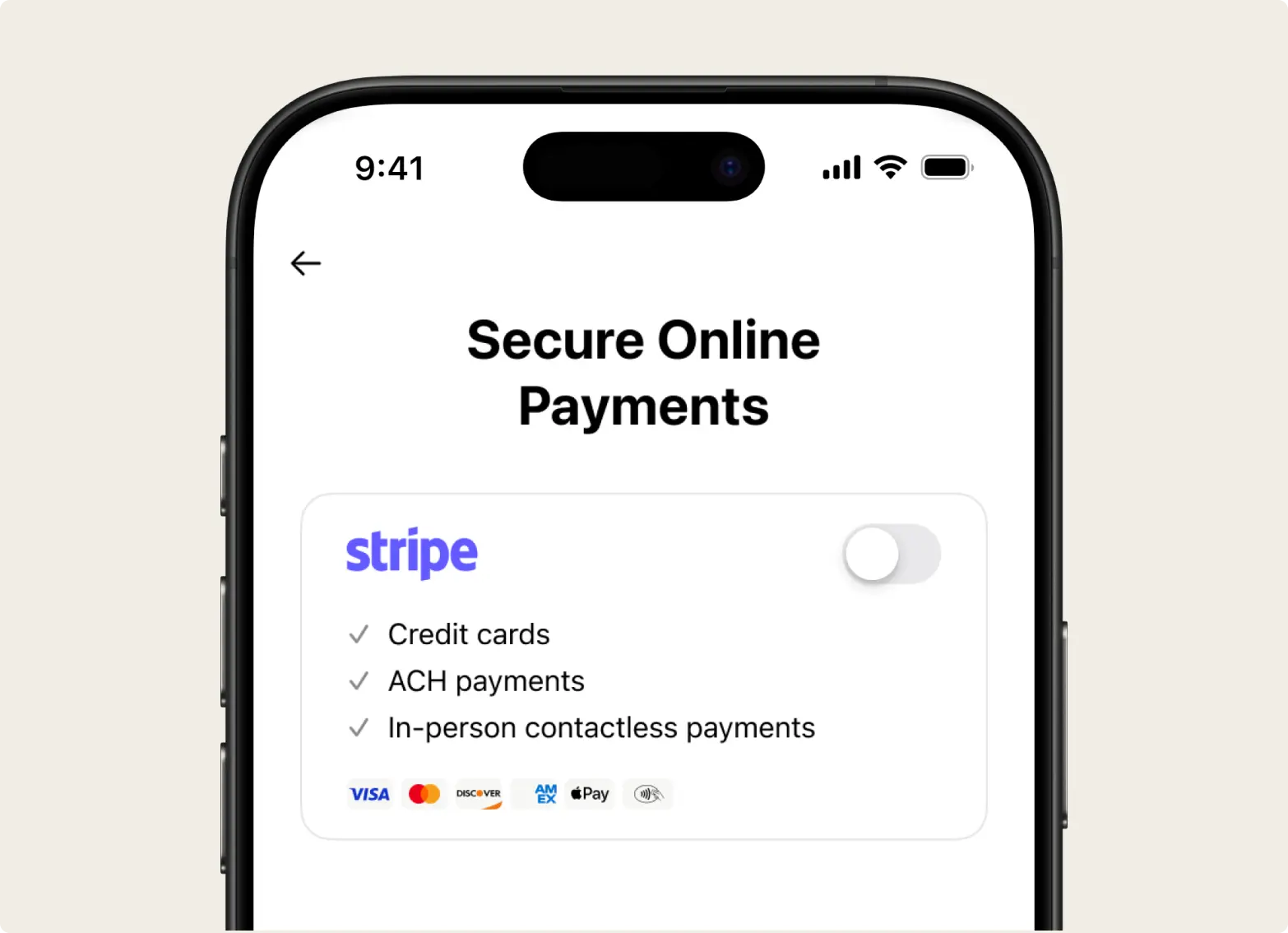
Just connect your Stripe account once — every invoice comes ready to get paid.

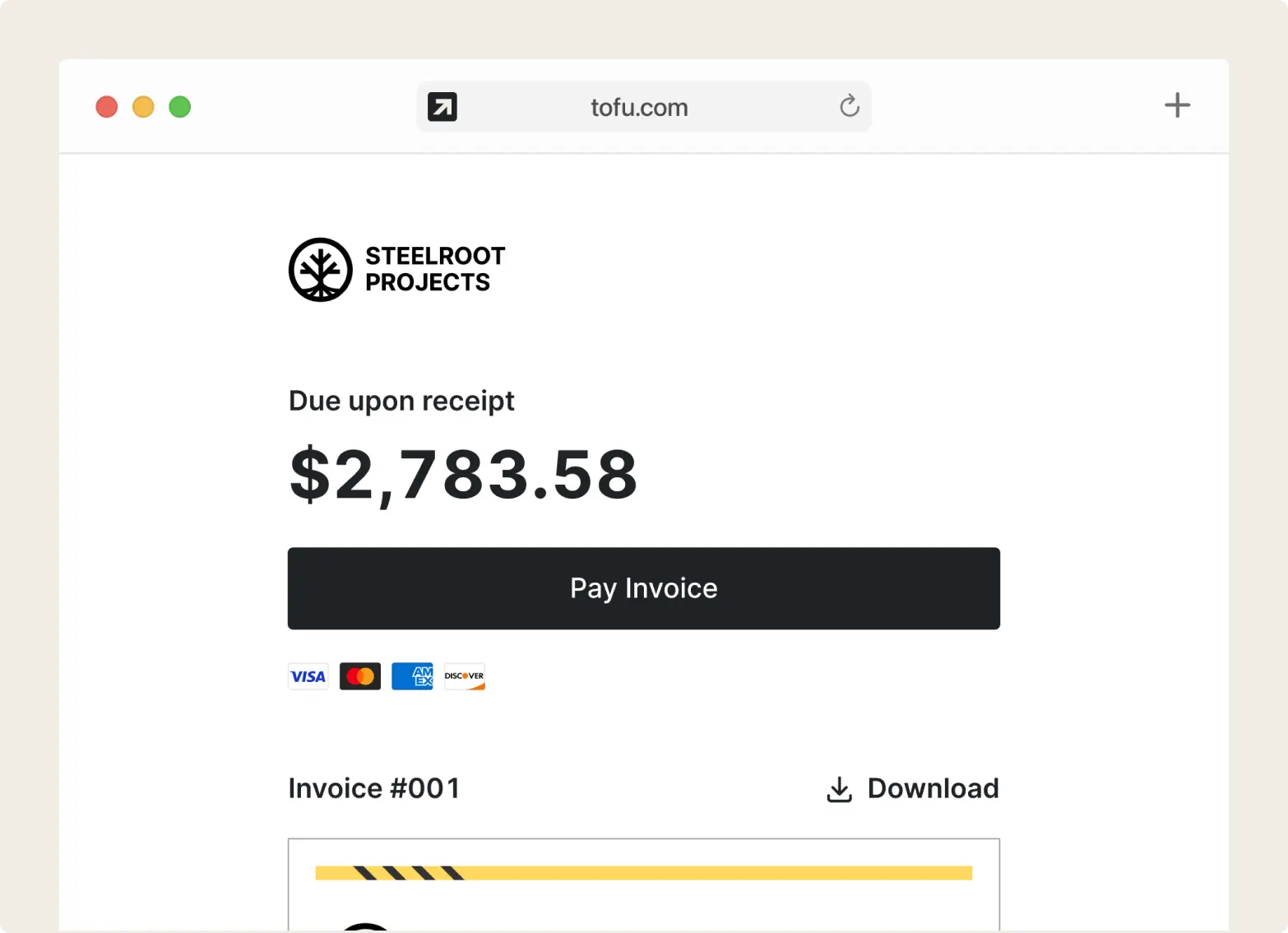
Each invoice is easy to pay – online, in person, or with a tap.

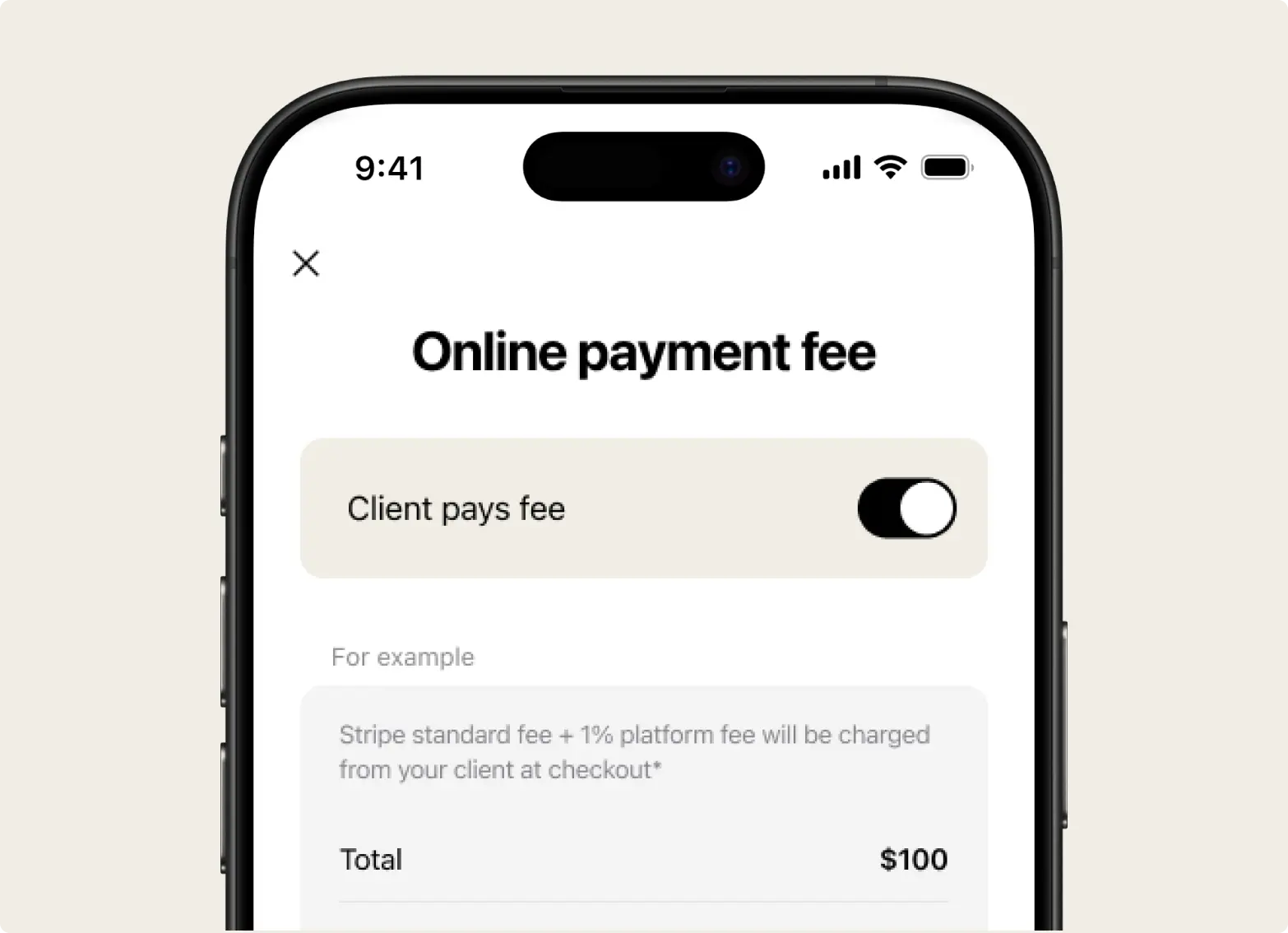
Full payout, no surprises – you control who covers the fee.

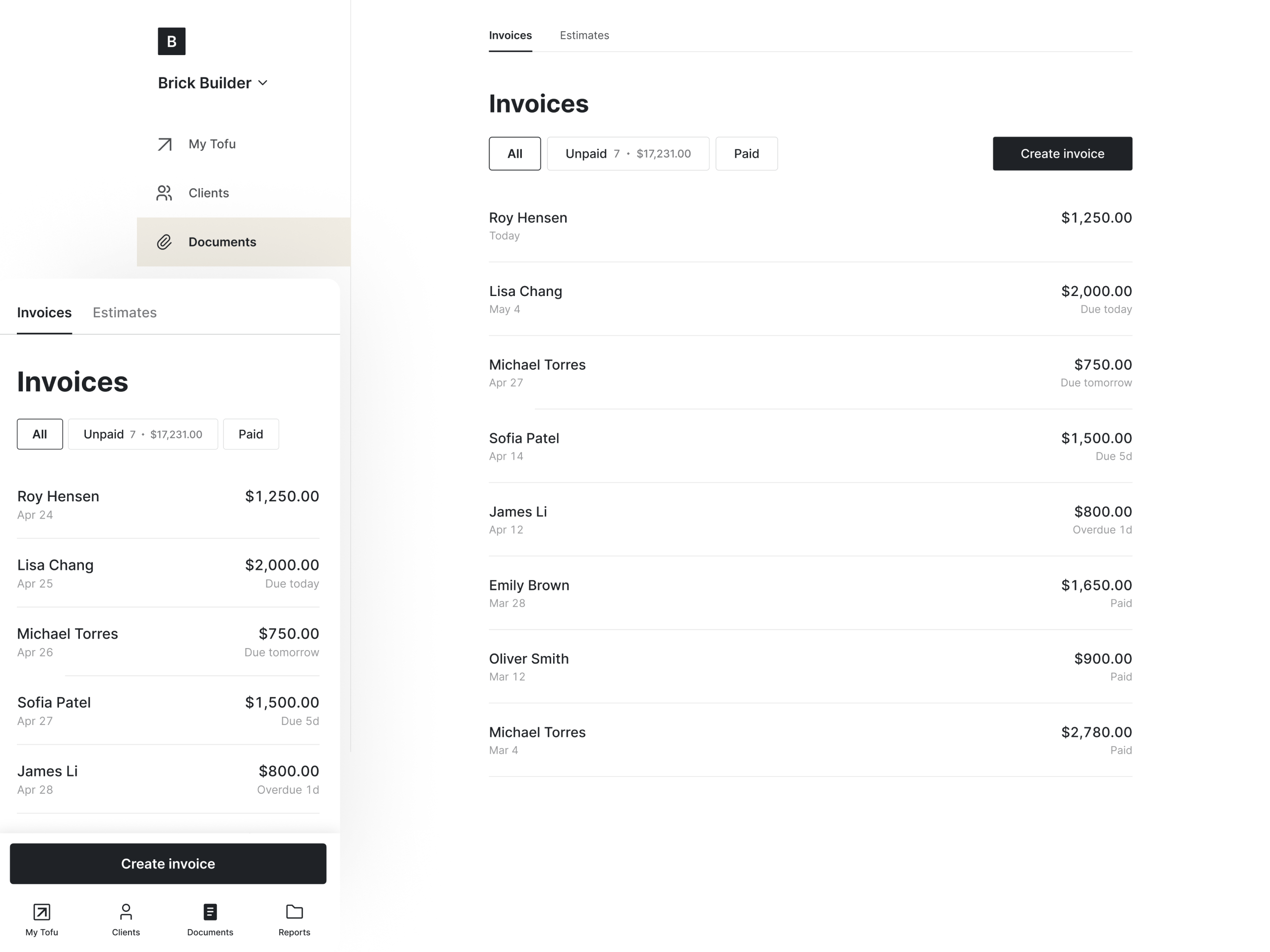
See who paid, how, and when – no switching tools.

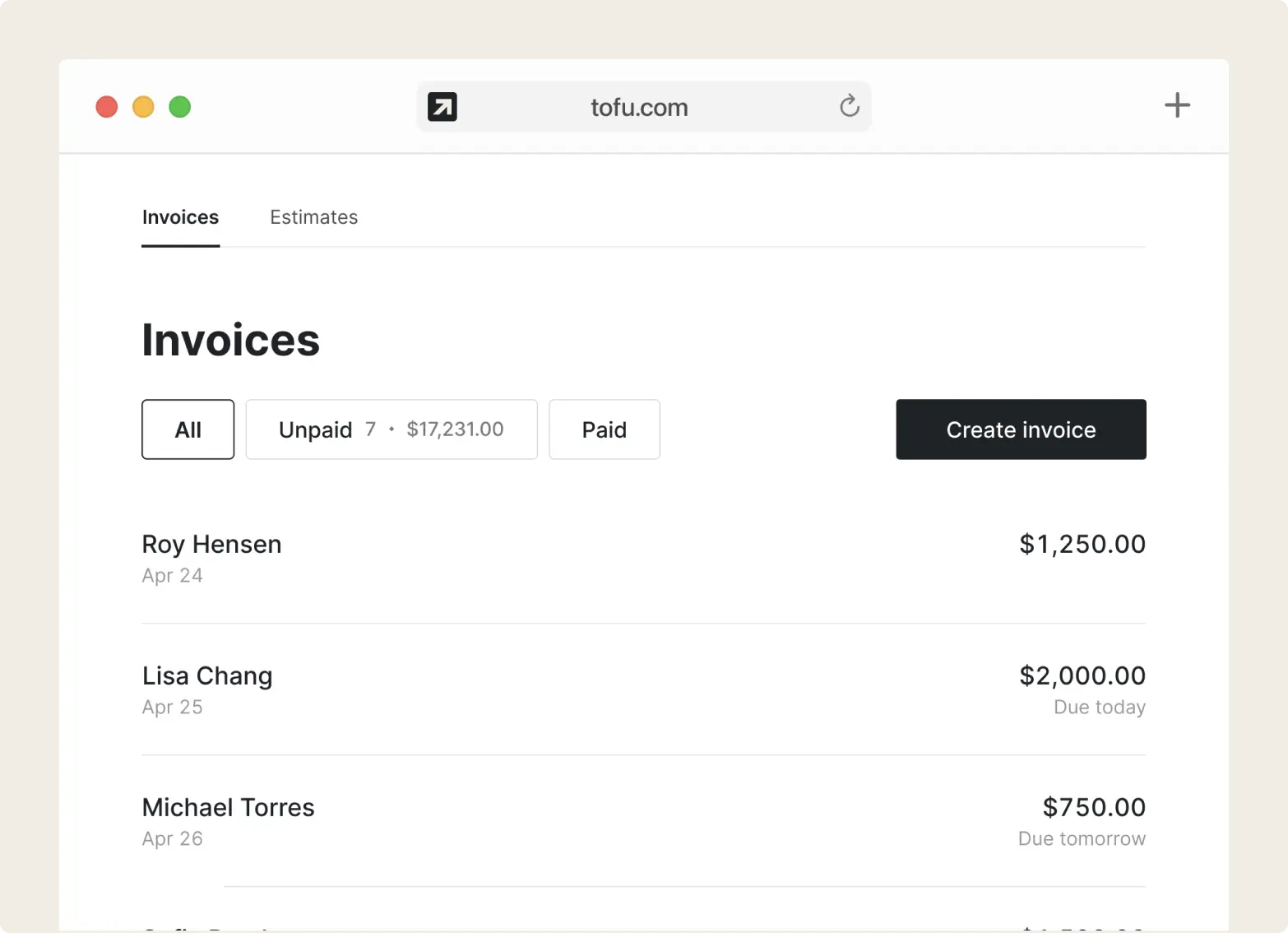
Easily spot who hasn’t paid – and send a reminder right from your invoice list.

“The built-in payment processing keeps all my payments in one app and sends them directly to my bank.”

It’s built for people who don’t have time to mess with spreadsheets or bloated software

No extra hardware, no prior knowledge. Anyone can do it
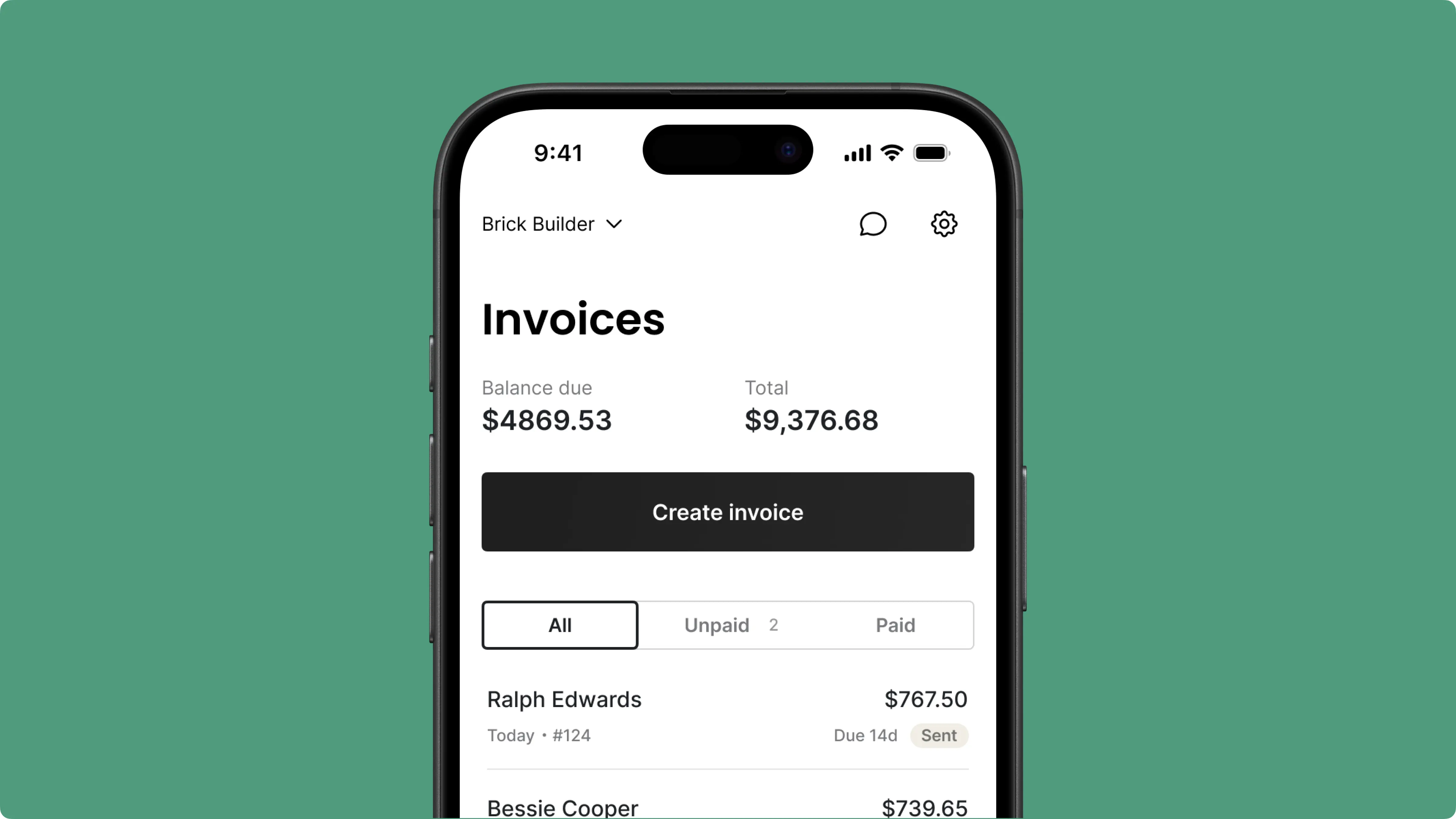
In the field or on the road — draft invoices fast and send when it’s convenient, so payments don’t have to wait
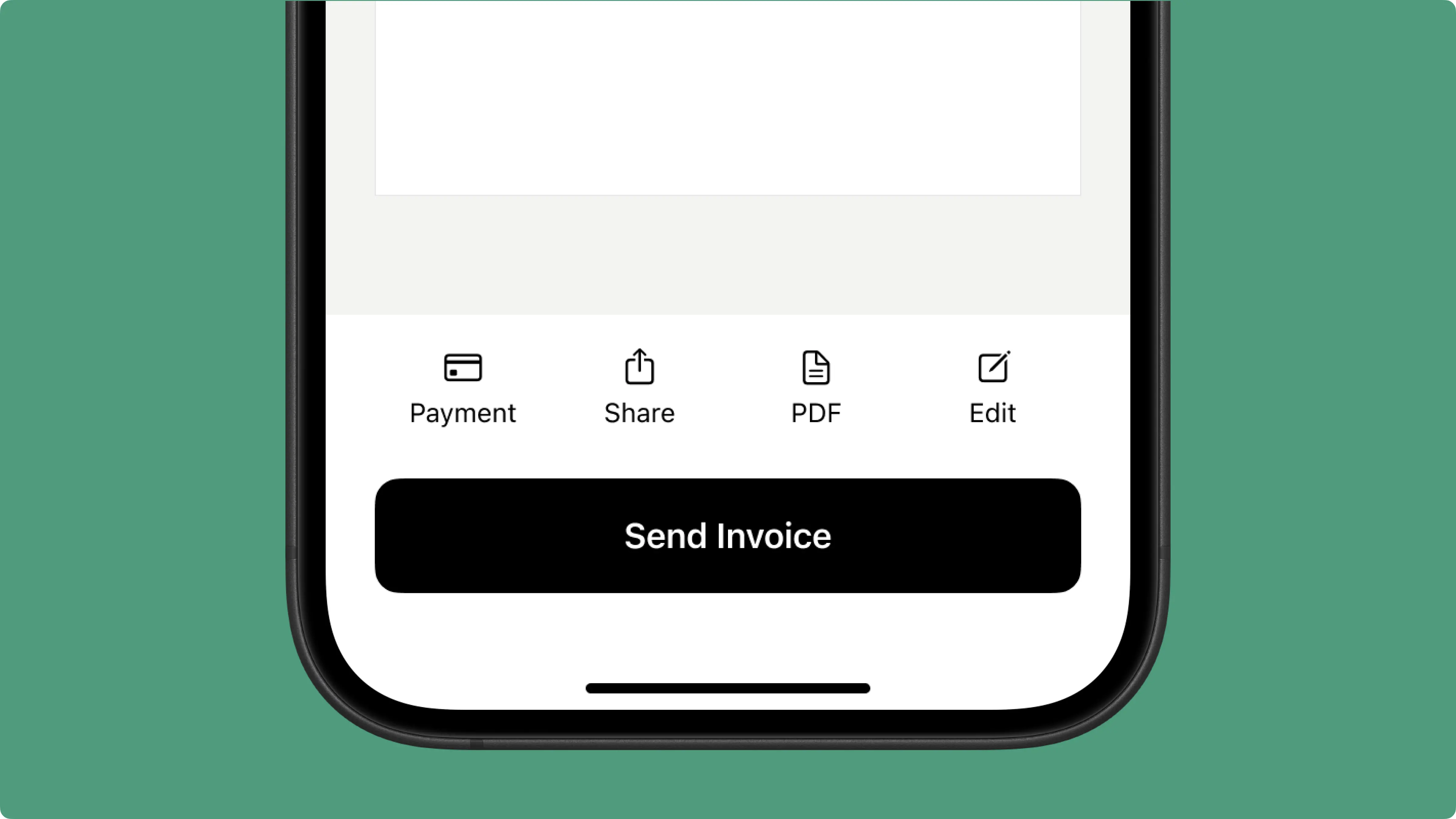
“Billing is all in one spot, and my customers can pay through the portal with Apple Pay – that makes it even better.”
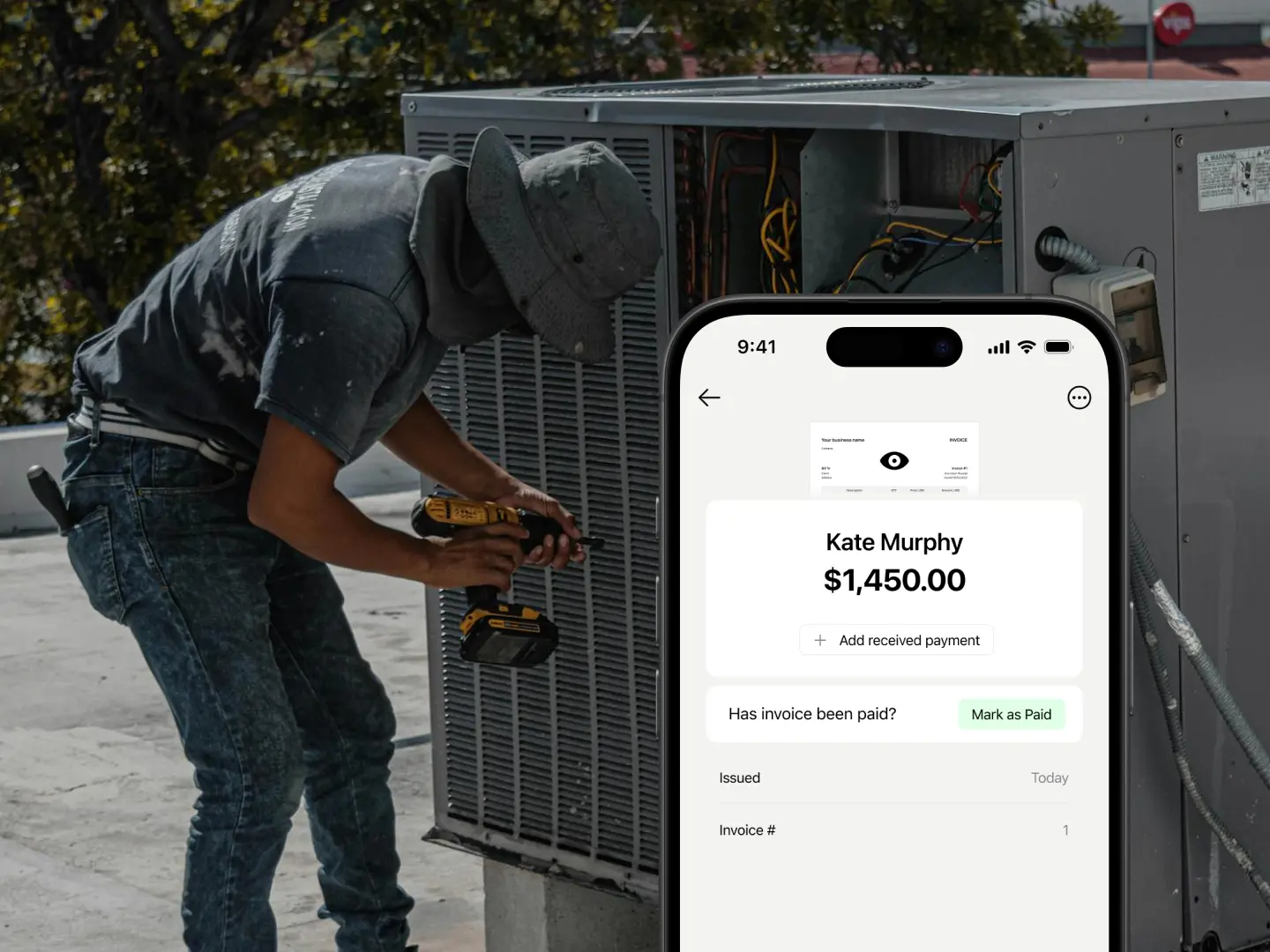
Some switched from QuickBooks. Others used to do everything manually
Absolutely amazing! It’s saves so much time and it gives you the professional touch needed to make you look good!
★ ★ ★ ★ ★
Tony W., TrustpilotTofu works with Stripe for on-site card payments, lets me turn estimates into invoices, and instantly syncs jobs, photos, and client notes offline.
★ ★ ★ ★ ★
Tofu user, G2I use Tofu for my cleaning business, and it solves so many problems for me. I consider it a complete success for myself and my employees.
★ ★ ★ ★ ★
Marjorie N., G2Easy to use and straightforward! Been using it for over a year now!
★ ★ ★ ★ ★
Manuela M., TrustpilotI need some basic features like send estimate, invoice, track my jobs and get money. Tofu is good for that.
★ ★ ★ ★ ★
Tofu user, G2I love it 10 out of 10 would highly recommend to anyone
★ ★ ★ ★ ★
David M., CapterraEverything you need to know about the product and billing
Open the invoice and tap or click "Send Invoice" to email it via our server ("invoice@tofu.com"). You can track the status as "Sending", "Sent", or "Viewed". In the app, you can also share the invoice via messengers, text messages, or email by tapping "Share".
Yes, in the US. Go to Settings > Accepting Payments and turn on "Online Payment Fee". Both the Stripe fee and Tofu's 1% platform fee are then added to the invoice total when a client pays through Tofu. Your client sees the higher total, and you receive the full invoice amount.
You can accept payments right after the job’s done – no extra devices needed. Clients can pay by Cash, Check, Visa, Mastercard, Apple Pay, Google Pay, Cash App Pay, Zelle, Klarna, Link, or ACH Direct Debit.
Not at all. One of the most common themes in our user reviews is how easy it is to get started. You don’t need any experience or extra time – just sign in and start working.
Tofu is available on iOS, Android, tablets, and desktop.
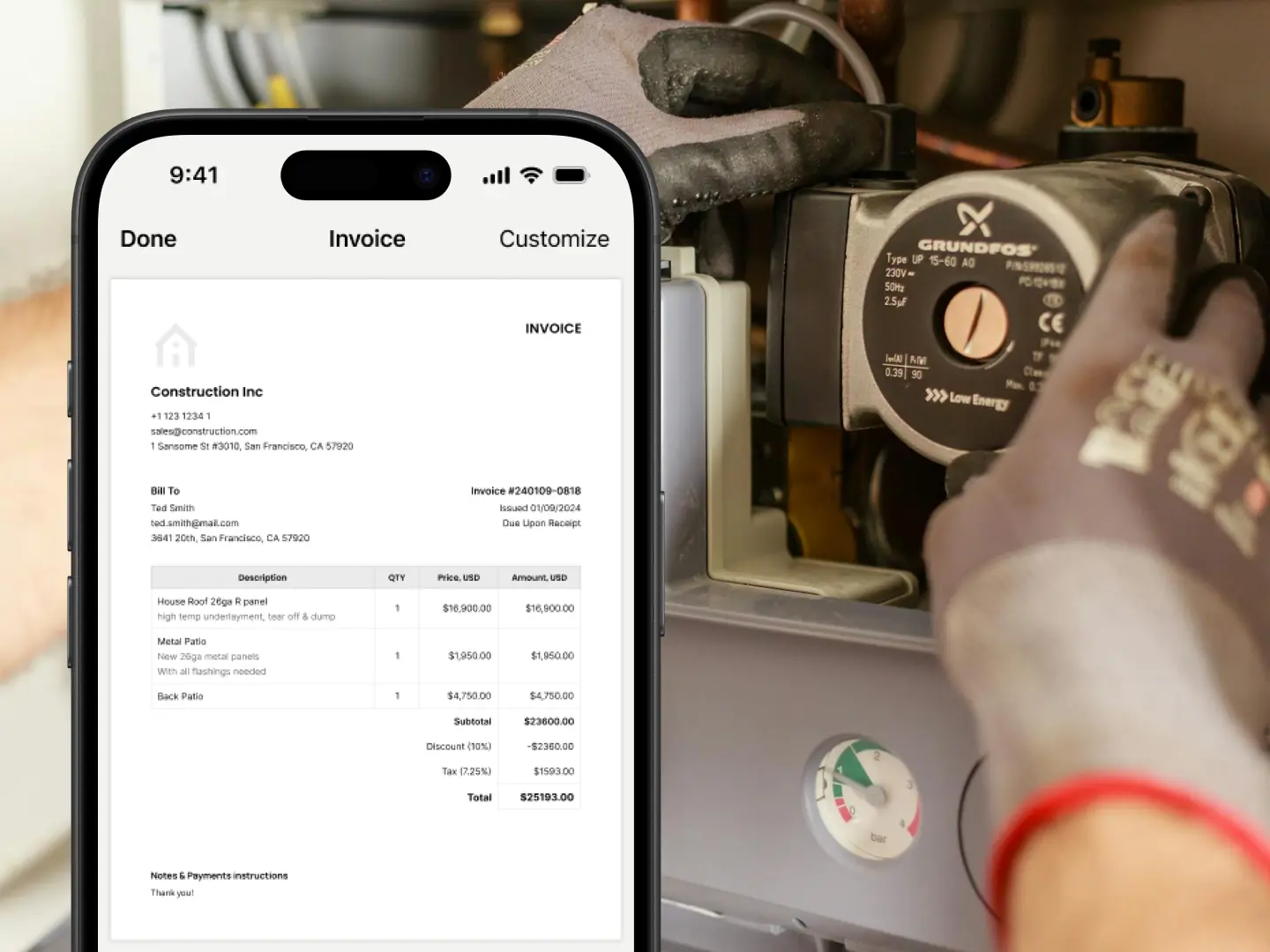
In the app, you can change the color and template when creating or editing an invoice – tap "Preview" > "Customize".
Yes, you can create estimates in our app. You can add your logo, business details, adjust pricing, and apply taxes or discounts. Every estimate looks clean and on-brand. To convert an estimate to an invoice instantly once it’s approved, just open it from the list and tap the black button at the bottom of the screen.
Yes. Tofu was built for field teams and crews who run the whole job from the road. You can send invoices, collect payments, and track everything without needing a back office.
You can always reach out through our in-app chat support – a real person will be there to help you.
Yes. Go to Settings > Business Information to create and manage multiple business profiles.
Tofu is tailored for a wide range of industries, including construction, plumbing, handyman services, electricians, auto repair, HVAC repair, lawn care pros, general contractors, cleaning crews, landscapers, and more. It allows you to invoice clients for services and materials, and accept payments online or in person on-site using only your smartphone.
Yes – Tofu works even when you're offline. You can create invoices and estimates in the field, and everything will save and sync automatically once you're back online.
If you already have a Stripe account, connect it by going to Settings > Accepting Payments, enabling "Accept Card Payments", and linking your bank account with your Stripe login details. Then you can accept online payments.
No, your clients can view their invoices without signing up.
Certainly! You can edit your receipts to add a discount as either a percentage or a fixed amount to any item or the total price.
Yes. Use the Notes section to add any extra info. It appears after you've added at least one item and client details. The last added note is saved for future use.
When creating or editing an invoice, select "Tax", enter the percentage, and choose whether it's "included" or "excluded". You can also add your tax number or additional info in the "Notes" field.
Invoices are in PDF format by default. On the web: Open the invoice, then click "Download" or "Print". In the app: Open the invoice, tap "Print", or tap "Share" > swipe down > "Save to Files".
You can connect your Stripe account from our app: go to Settings > Accept Payments > Stripe > follow the steps.
Your data is kept private and secure without third-party intervention. Your privacy is important to us, you can rest assured that your information is safe.
Tofu doesn't process payments itself. You connect your own Stripe account, and every payment goes straight to it – Tofu never holds your money. Two fees apply to every payment your client makes through Tofu, whether by card, Tap to Pay, or bank transfer: Stripe's standard processing fee (set by Stripe, current rates at stripe.com/pricing) and a 1% Tofu platform fee per successful payment, the same on every plan. The 1% is the only fee Tofu adds – no separate payments plan, add-on, or per-user charge. It covers the payment link on every invoice, Tap to Pay on iPhone, automatic "Paid" status, and saved cards for repeat clients. In the US you can pass both fees on to your client (Settings > Accepting Payments > Online Payment Fee); they're then added to the invoice total. Payments you record manually – cash, check, or a bank transfer made outside Tofu – carry no fees.
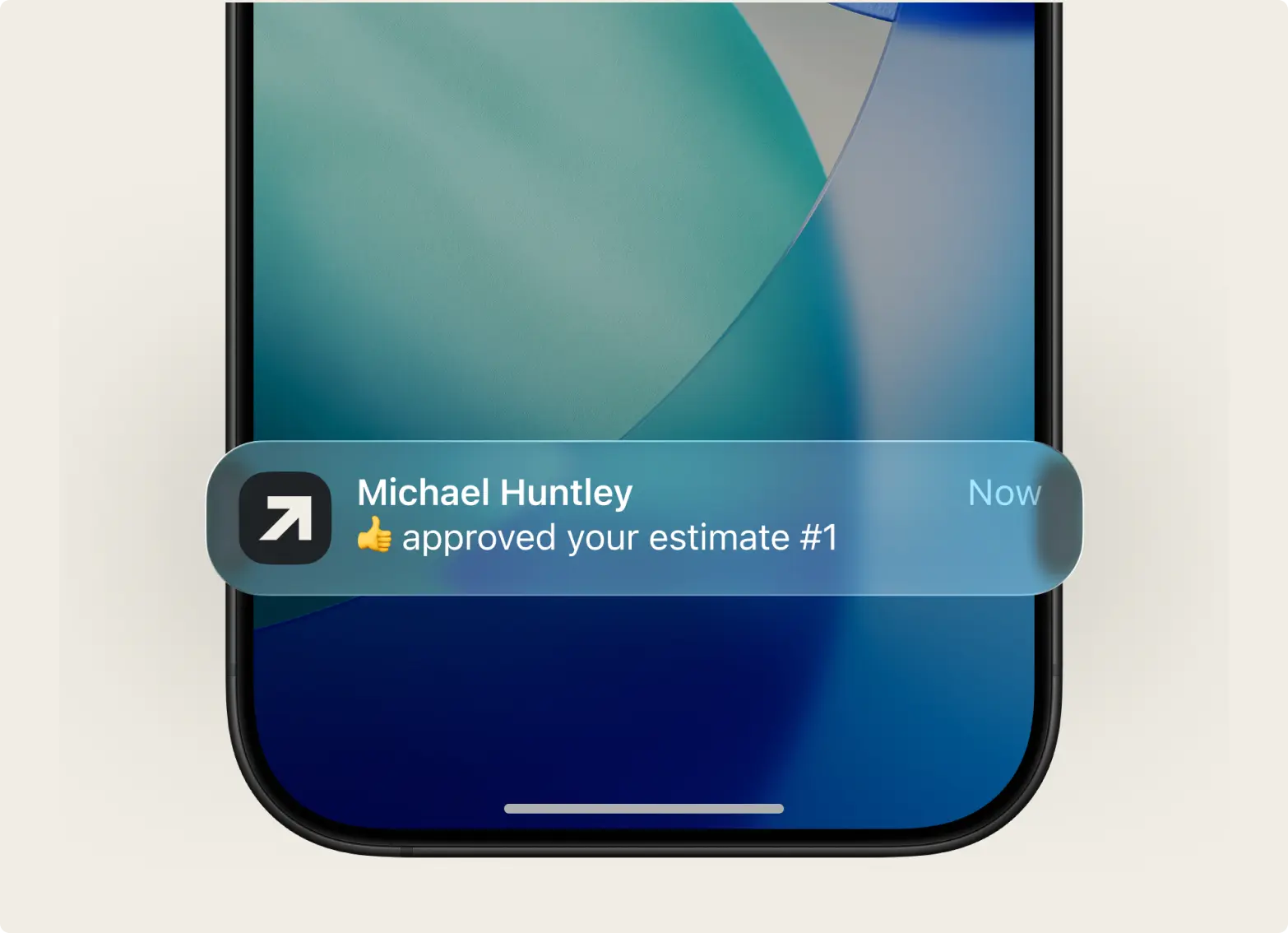
If you received payment through our platform, you should receive a push notification on your device, and the invoice status will automatically change to "Paid" with a Stripe label. However, if you're paid outside our platform, you can manually update the status and select the appropriate label, such as Cash, Bank, or another method.
Tofu is the ultimate invoicing and payment solution designed for a wide range of industries, including construction, plumbing, handyman services, electricians, auto repair, HVAC repair, lawn care pros, general contractors, cleaning crews, and landscapers.
With Tofu, you can get paid globally in any currency, online or in person, using just your smartphone – no extra devices required. There's no payments add-on and no card reader to buy: payments run through your own Stripe account with a 1% Tofu platform fee per payment on top of Stripe's standard fee, and in the US you can pass both fees on to your client. Automatic payment reminders help clients pay on time, reducing your workload and paperwork.
Easily create professional, branded invoices by adding your logo and customizing templates to reflect your style.
Tofu helps you focus on your work while streamlining invoicing, payment collection, and client communication. Simplify your business operations, manage your finances efficiently, and experience seamless payment processing tailored to your industry. Start using Tofu today to grow your business confidently, save time, and make invoicing and payments stress-free.