


Buyer's guide: FSM software
Best Field Service Management Software in 2026
Jobs pile up, texts from techs go unanswered, invoices live in Excel, and QuickBooks is open in another tab. At some point, something slips. Here's how to find the right tool – without overpaying for features you'll never use.

15 min read

8 tools compared

Date updated: April 25, 2026
Try Tofu for free
❤️
15,124
pros joined last week
Most "best FSM software" articles list 15 tools, paste specs from each vendor's website, and call it research. This one is different. We compared 8 platforms that field service businesses actually use.
Tofu is on this list and it's our product. We'll tell you when it's the right fit (and when it isn't).

How we evaluated these tools
We scored each platform on five things:
- Features: core functionality from estimates to payments, plus extras like GPS, pricebook, and maintenance contracts.
- Pricing: real cost for a working team, and whether it's published on the website or requires a sales call.
- Setup time: how fast you can go from signup to sending your first invoice.
- Mobile app: experience for field technicians on iOS and Android.
- User reviews: ratings and recurring patterns from review platforms.
💡 Who is this guide for
For owner-operators and growing crews in HVAC, plumbing, electrical, landscaping, and other trades.
Already know what you're comparing? Jump to those reviews. Starting fresh? Use the table below.
Already know what you're comparing? Jump to those reviews. Starting fresh? Use the table below.
Quick comparison: 8 tools side by side
Before diving into each tool, here's the honest picture. We scored each platform on the things that actually matter for a growing field service business.
#1 · Best for contractors & growing crews
Tofu
★★★★★
4.8 · Trustpilot
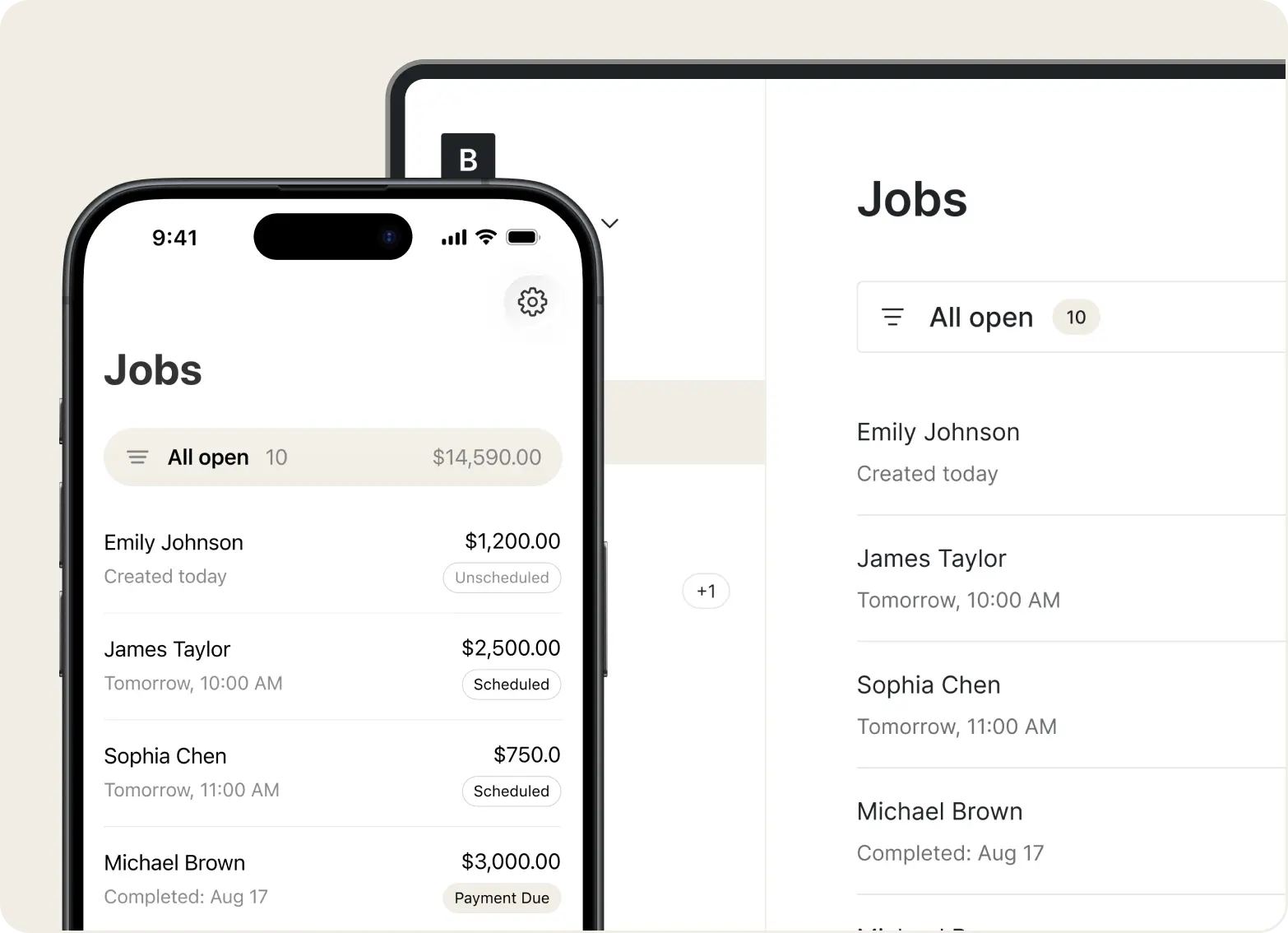
Tofu is a light field service management software for contractors in HVAC, plumbing, electrical, and other trades who want to manage jobs and get paid without dealing with complicated software. It covers jobs, estimates, invoicing, payments, and CRM. Every feature was built from real contractor feedback, so there's no bloat – just what contractors actually use.
In its ecosystem, there are three apps – a web app, an app for managers and owners (iOS), and a separate worker app for technicians in the field (iOS, Android).
Where Tofu stands out is simplicity and price. At $15/month on annual billing ($29 month to month), it's the most affordable paid option on this list. Where it falls short: no dispatching, no online booking, no review requests. If you need those features, other tools will serve you better.
Pros
+
Jobs, estimates, invoices, payments, CRM in one place – no need to jump between apps
+
Available on iOS, Android, web
+
Built specifically for 1-10 person trade crews, with separate apps for operators and workers
+
All features were designed for the field use
+
Works offline, even in tough job site conditions
+
Stripe payments, PCI-compliant
+
No learning curve, easy to start and use
+
Affordable, transparent pricing
Cons
–
Not built for teams beyond 10 people – growing businesses will likely outgrow it
–
No dispatching, online booking, or marketing tools
–
No inventory management, GPS fleet tracking, or route optimization
–
Smaller integration ecosystem compared to other FSM platforms
Pricing
Free trial
7 days free
Solo (1 worker)
$29/month ($15/month annual)
Team (<5 workers)
$79/month ($50/month annual)
Business (<10 workers)
$149/month ($100/month annual)
Reviews
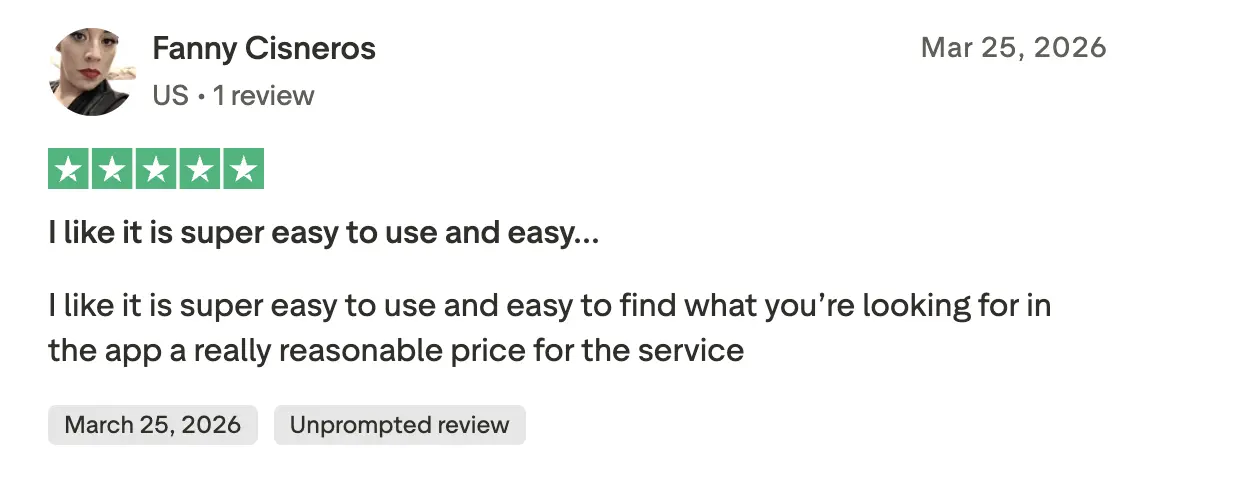
Easy to use, reasonable to pay for
Users find Tofu straightforward to navigate and fairly priced – no bloated plans, no hunting through menus to find what you need.
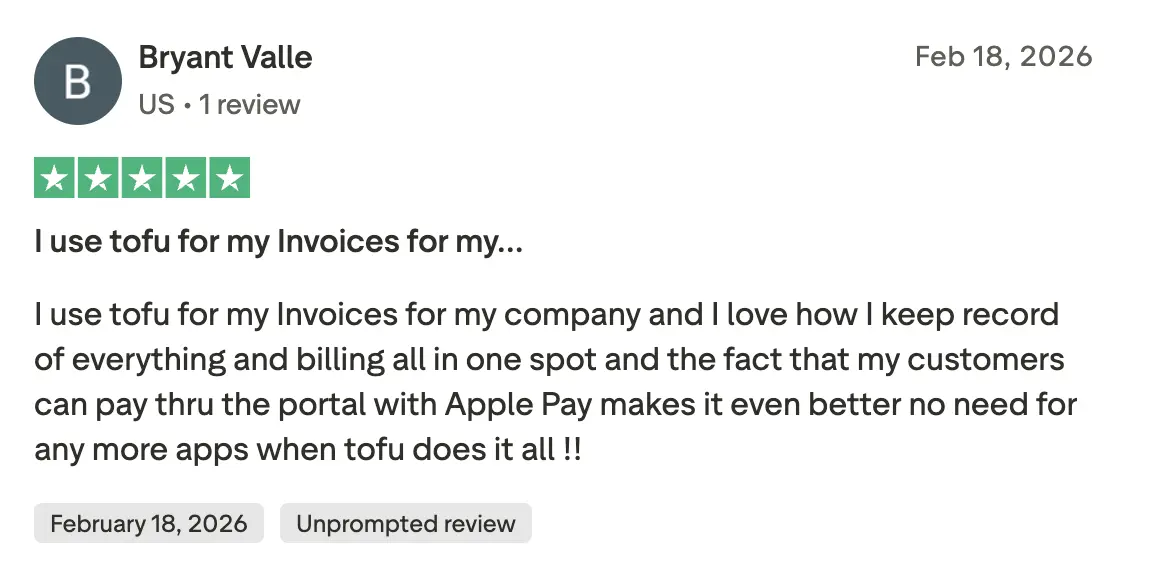
One app, no need for anything else
Business owners love having records, billing, and client payments all in one place.
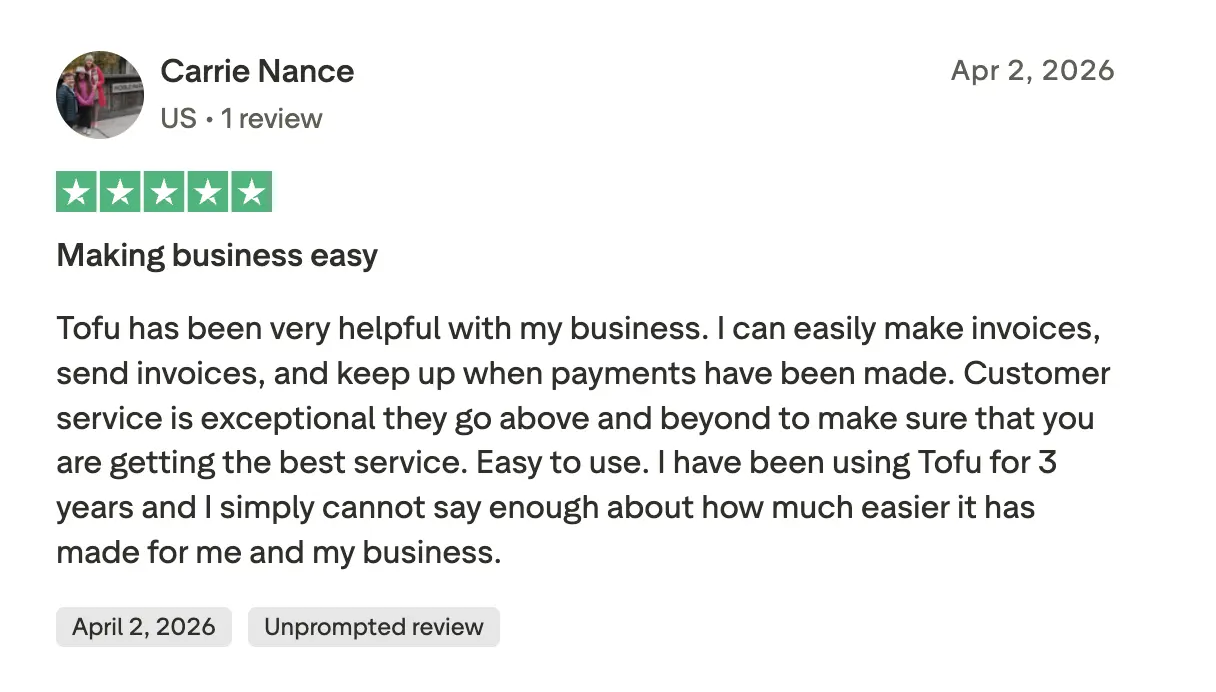
3 years and still going strong
Long-term users stick with Tofu because it makes the daily basics like invoicing, sending, tracking payments genuinely simple.
Bottom line
The right fit for contractors and growing crews of up to 10 who need the daily essentials – jobs, estimates, invoices, and payments – in one simple app that works from day one.
#2 · Best for complex enterprise operations
ServiceTitan
★★★★☆
4.4 · Trustpilot
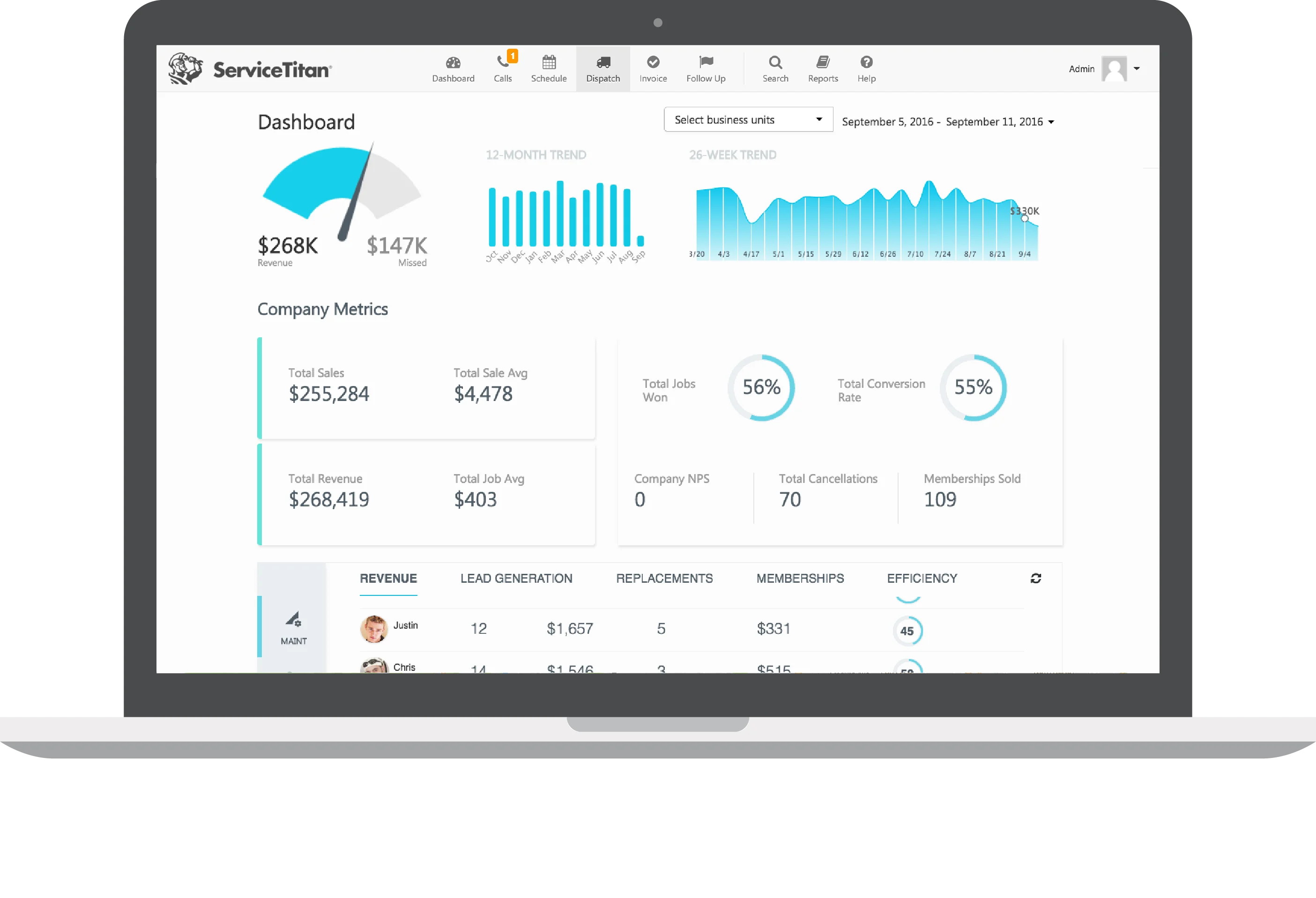
ServiceTitan is the category leader. No other tool on this list matches its depth – scheduling, dispatching, GPS tracking, pricebook, job costing, call recording, marketing attribution, and detailed reporting on revenue by technician, by campaign, by job type. HVAC and plumbing companies doing $1M+ in revenue run their entire operation on it.
The platform is built specifically for the trades. It handles everything from the first customer call to the final invoice, with tools that help technicians sell on-site – good/better/best pricing, service agreement upsells, automated follow-ups.
The trade-off is significant. No public pricing – you sit through a sales call to get a quote. Realistic costs run $250–$500/month for small teams, and onboarding takes weeks to months. Steep learning curve. If you're running fewer than 10 technicians, it's almost certainly overkill.
Pros
+
Covers the full operations stack at enterprise depth – scheduling, dispatching, CRM, marketing, reporting
+
Advanced reporting – revenue by tech, by campaign, by job type, all in one place
+
Excellent flat-rate pricebook and on-site selling tools built for the trades
+
Built-in call recording, marketing attribution, and performance tracking
+
Service agreements, memberships, and upsell workflows built into the job flow
Cons
–
Onboarding takes weeks to months – significant time investment required upfront
–
Steep learning curve – the platform is complex and requires dedicated management
–
Customer support quality is a recurring complaint in user reviews
–
Many features go unused for smaller operations
–
No public pricing – requires a sales call before you can evaluate fit
Pricing
No free trial
demo only
Custom
contact sales for a quote
Reviews
Powerful, but you'll pay for it
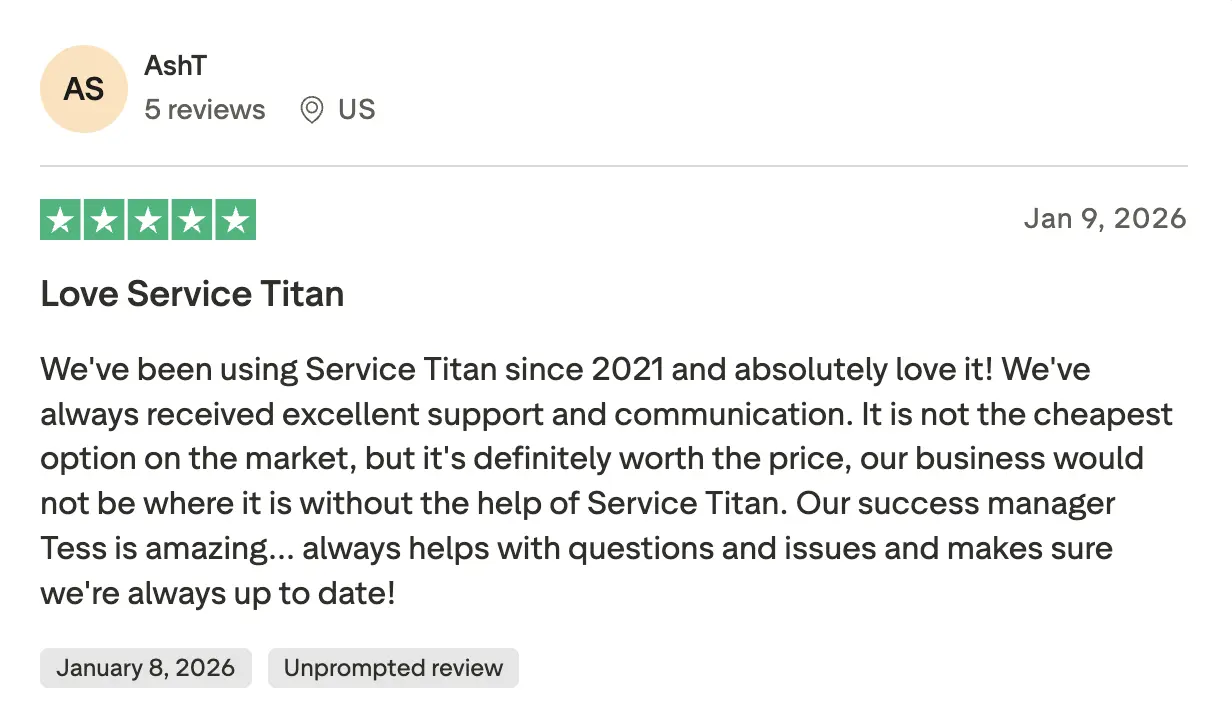
Long-term users say ServiceTitan delivers real results for growing businesses. It's not cheap, and it takes time to learn, but for teams that commit to it, the investment tends to pay off.
Not user-friendly, and works half the time
Some users report constant app freezes, billing errors, and features that simply don't work reliably in the field. For a tool at this price point, that's a hard pill to swallow.
.webp)
Bottom line
Built for large, established operations that need enterprise depth and have the team and time to implement it properly. Not the right fit if you're looking for something quick to set up.
#3 · Best for growing teams
Jobber
★★★★☆
3.9 · Trustpilot
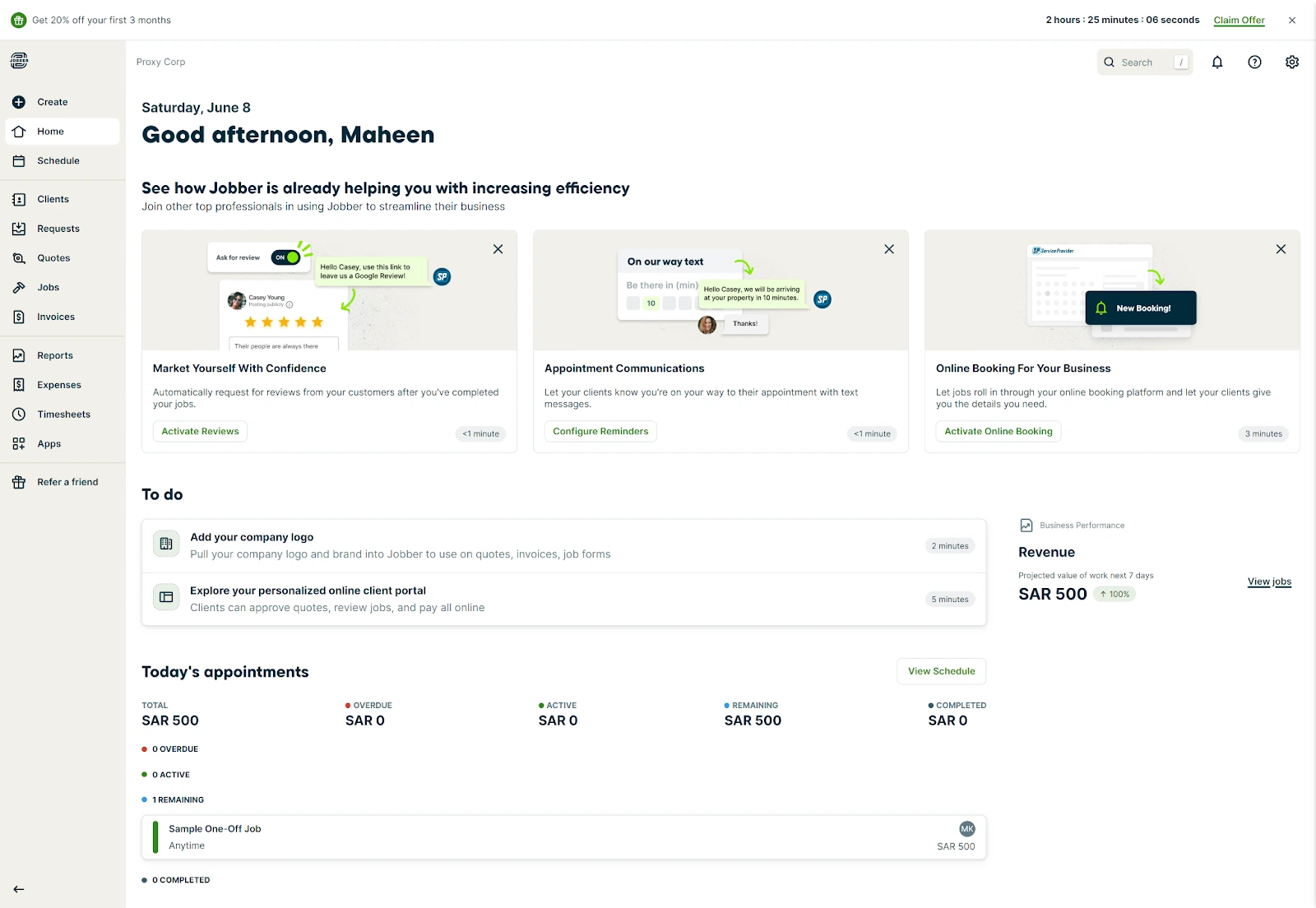
Jobber is one of the most established names in field service software – around since 2011, used by 200,000+ home service businesses. It covers the full operations stack: scheduling, dispatching, invoicing, payments, client management, and QuickBooks sync. The interface is clean and the product is reliable – the whole team can learn it without much hand-holding.
Where it stands out is recurring jobs. Maintenance routes, cleaning rotations, repeat service visits – Jobber handles this better than most tools on this list. The Client Hub lets customers approve quotes and pay invoices online, which cuts the back-and-forth on every job. Route optimization is included on higher plans.
Where it falls short: cost climbs fast as your team grows, and key features like two-way SMS and advanced reporting are locked to higher tiers. Marketing automation is minimal – it is rather an operations tool, not a growth one.
Pros
+
Reliable across the board – scheduling, invoicing, payments, and CRM all work well out of the box
+
Strong recurring job management – routes, rotations, and repeat visits handled cleanly
+
Client Hub lets customers approve quotes and pay invoices without calling you
+
Route optimization built in – reduces travel time across your team
+
QuickBooks Online and Desktop both supported
Cons
–
Two-way SMS only available on higher-tier plans
–
No built-in marketing or lead generation tools
–
Limited trade-specific features – no native flat-rate pricebook
–
Workflow customization options are relatively basic
Pricing
For individuals
Core
from $29/month/user
Connect
from $109/month/user
Grow
from $199/month/user
For teams
Connect
from $149/month/5 users
Grow
from $299/month/10 users
Plus
from $529/month/15 users
Reviews
Reliable, but constant updates mean constant relearning
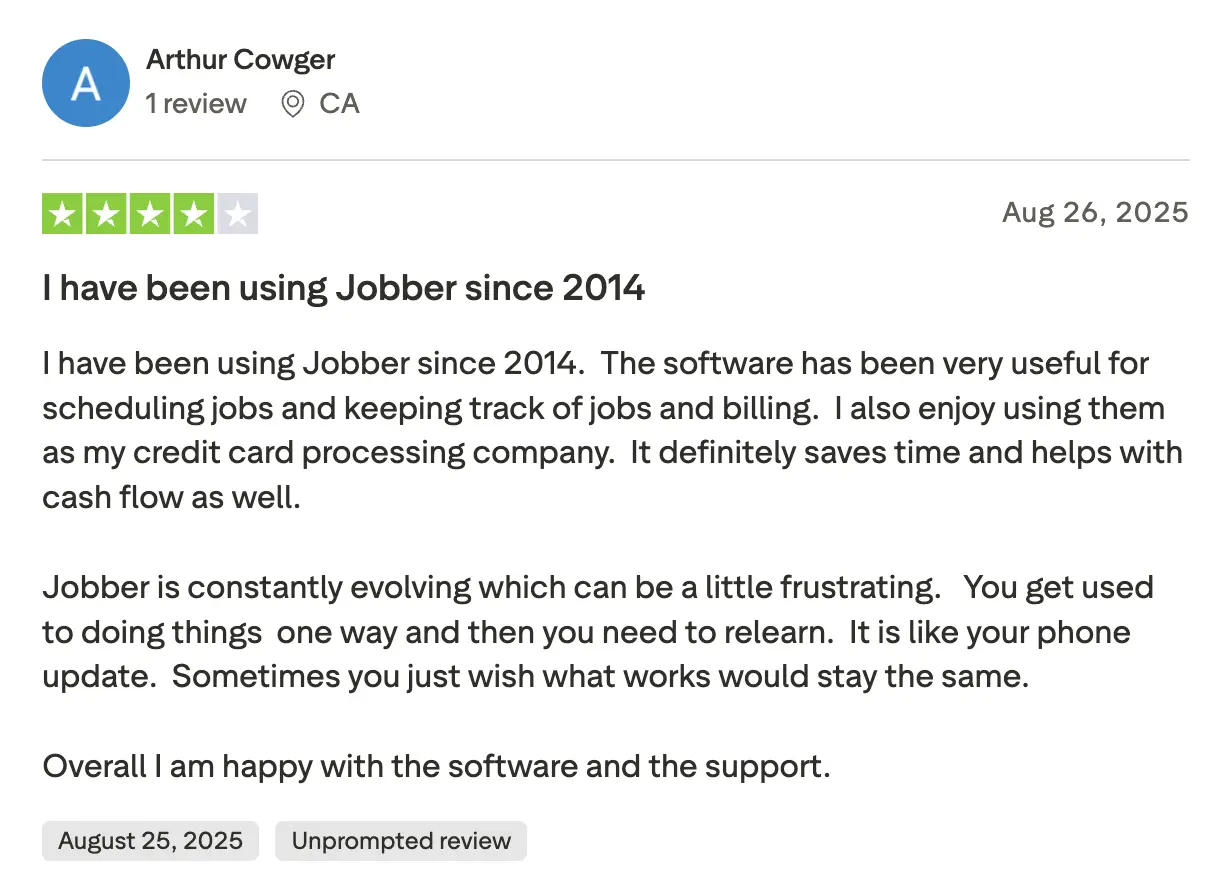
Solid for scheduling and billing, but frequent interface changes mean relearning things that already worked.
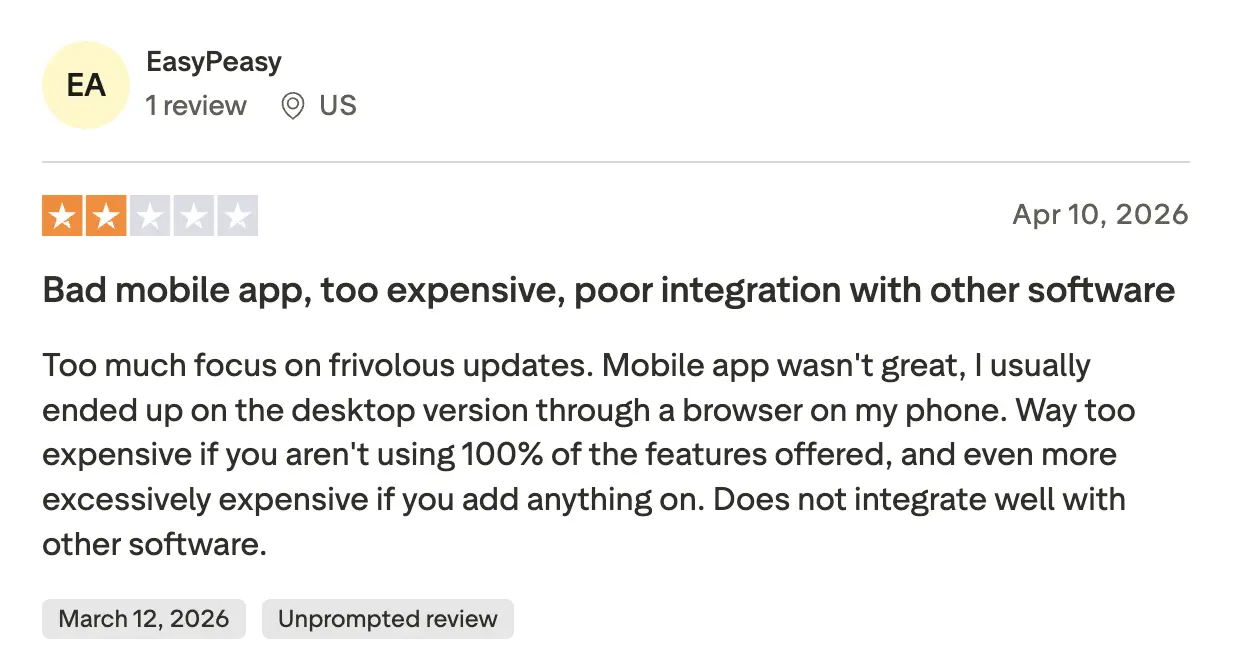
Mobile app that sends you back to the desktop
Weak mobile experience, expensive add-ons, and poor integrations make it hard to justify the price.
Bottom line
The go-to choice for contractors who need a reliable, well-rounded platform. Strong on operations, especially for teams with recurring jobs and routes.
#4 · Best for marketing-focused teams
Housecall Pro
★★★☆☆
2.9 · Trustpilot
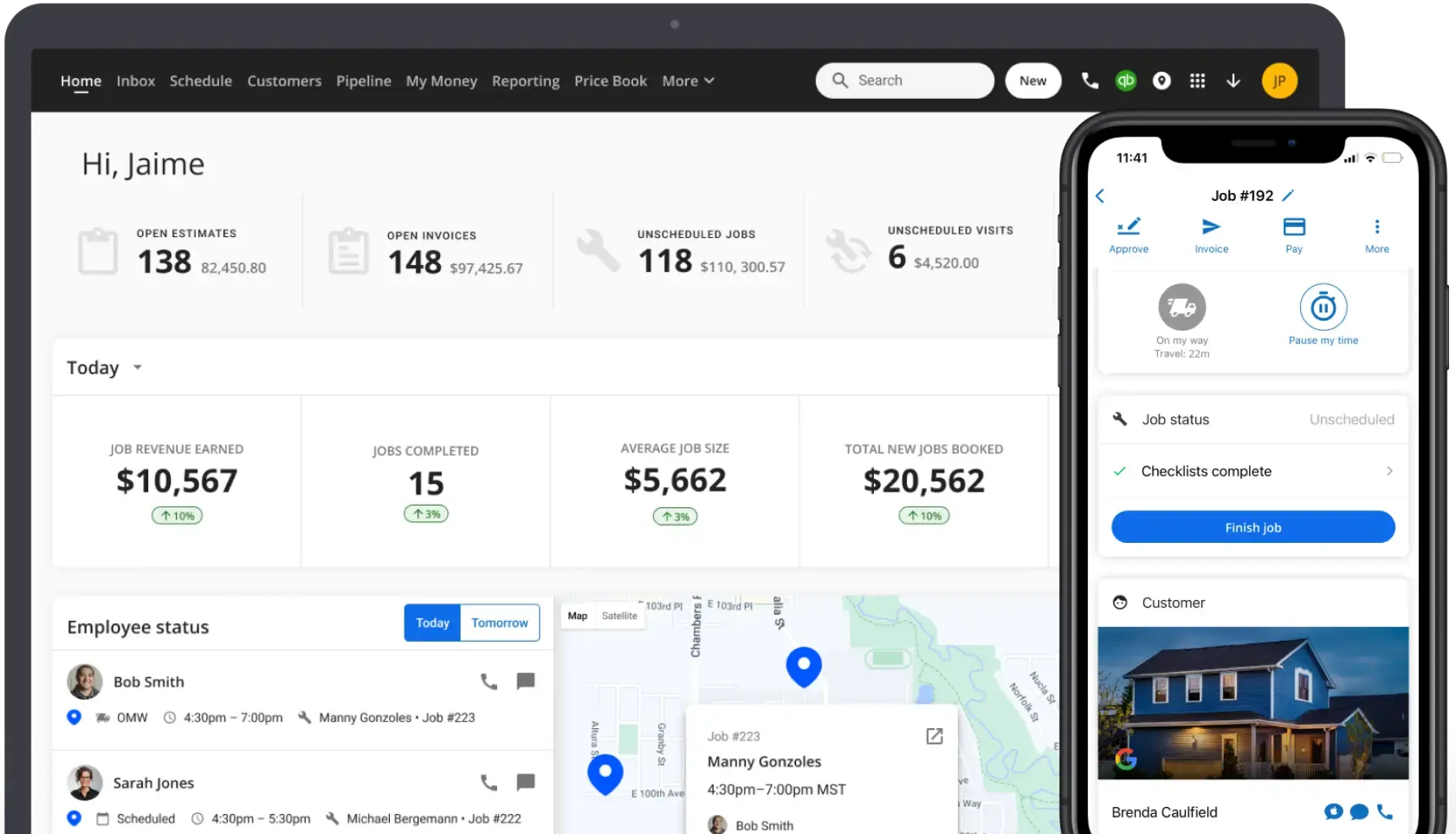
Housecall Pro is what happens when field service software takes marketing seriously. It covers all the standard operations – scheduling, dispatching, invoicing, payments, CRM – and adds automated review requests, follow-up campaigns, and Google Local Services integration on top. If building a steady pipeline matters as much as running jobs, nothing else on this list comes close at this price.
The mobile app is great here. Technicians capture photos, collect signatures, and take payments in one flow. The dispatch board is color-coded and easy to read across a full team.
The catch: the $59/month Basic plan is too limited for most teams – no QuickBooks, restricted reporting. Realistically, you land on Essentials at $149/month. Flat-rate pricebook and GPS tracking are paid add-ons that push the real cost well above $200.
Pros
+
Built-in marketing tools – review requests, follow-up campaigns, Google Local Services
+
Strong app – photos, signatures, and payments all in one flow
+
Color-coded dispatch board makes it easy to manage a full team at a glance
+
Automated reminders, notifications, and client portal included
+
Recurring service plans and maintenance agreements built in
Cons
–
Flat-rate pricebook is a paid add-on, not included in base plans
–
GPS tracking costs extra per vehicle and isn't bundled
–
QuickBooks integration and advanced reporting only available on higher plans
–
Can feel overwhelming for solo operators or very small teams
–
Workflow customization options are quite limited
Pricing
Free trial
14 days
Basic
$59/month/user
Essentials
$149/month/5 users
Max
$299/month/8 users
Reviews
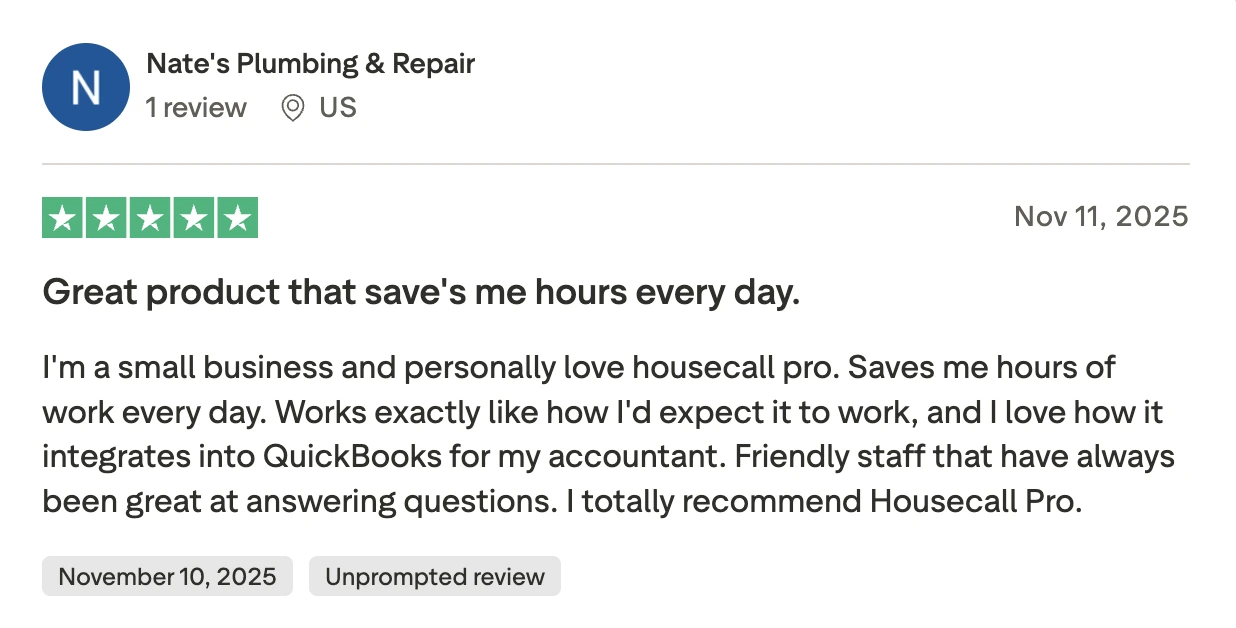
Saves hours every day
Small business owners appreciate how Housecall Pro handles the daily workload without getting in the way.
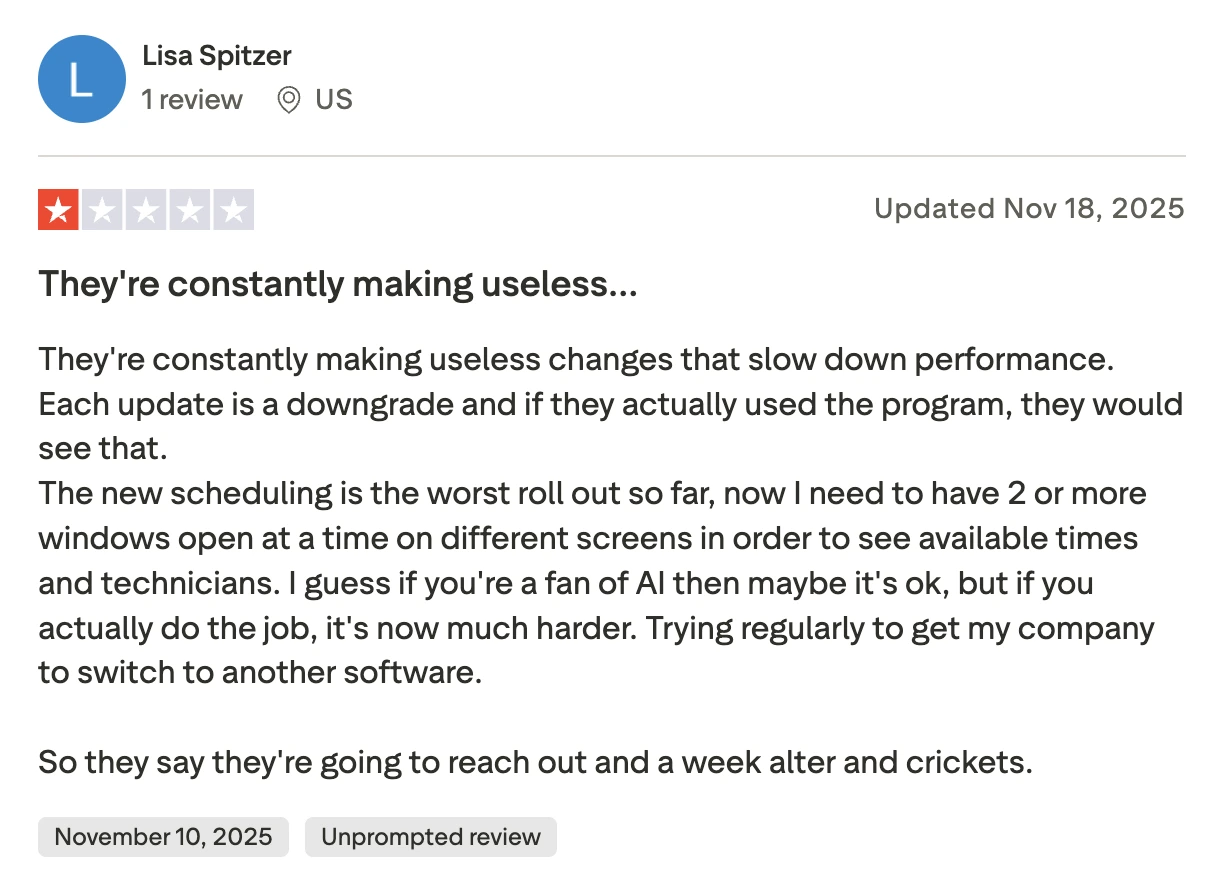
Updates make it harder to use
Users report that new features slow things down rather than help. Simple tasks like checking technician availability now require multiple open windows.
Bottom line
The right fit if growing your customer base matters as much as running jobs. The marketing tools are genuinely useful – just budget for the real plan cost, not the entry price.
#5 · Best for custom workflows
FieldPulse
★★★★★
4.6 · Capterra
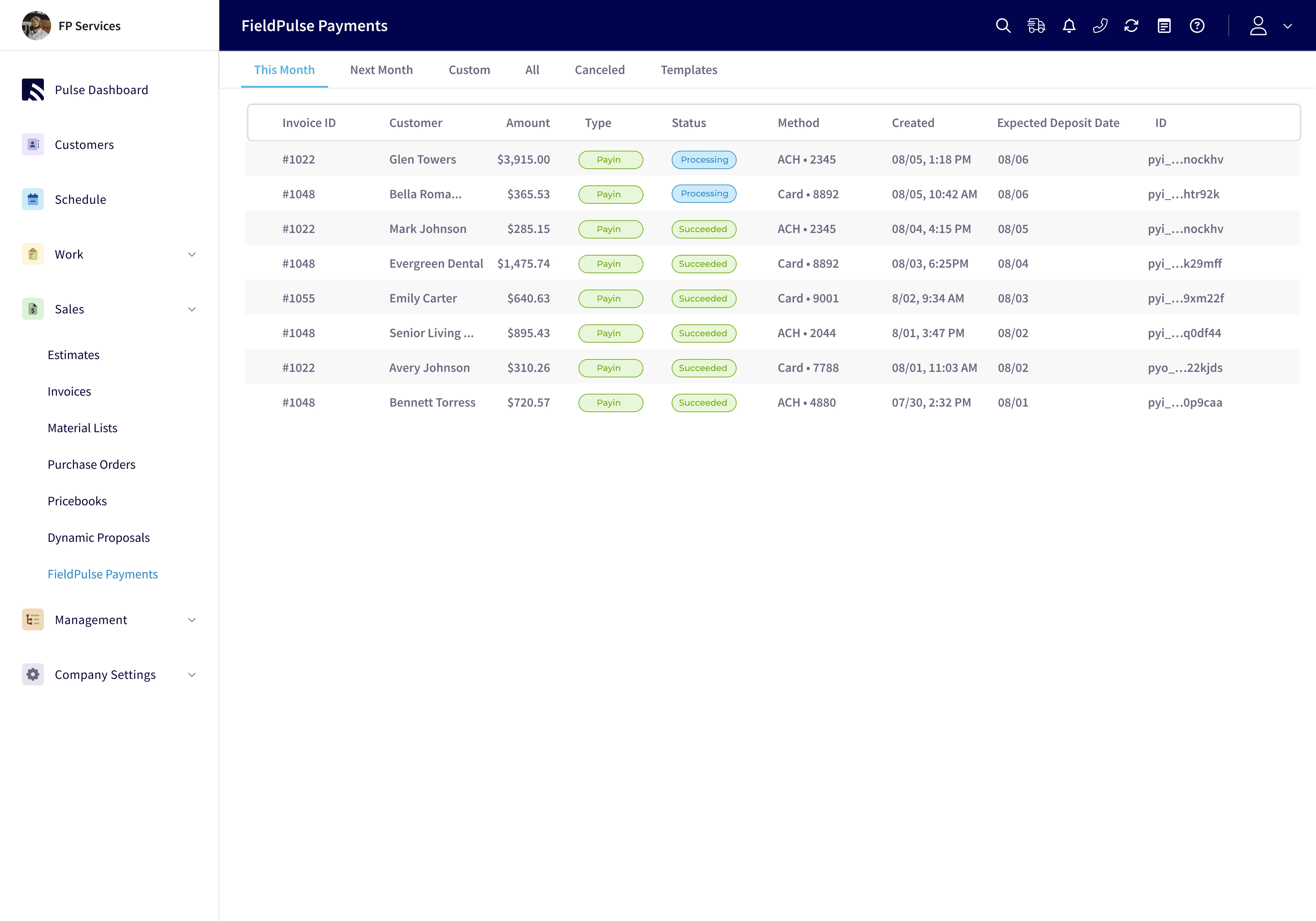
FieldPulse is a solid all-in-one platform for HVAC, plumbing, electrical, and other trades – scheduling, dispatching, estimates, invoices, payments, pricebook, GPS tracking, inventory, and maintenance contracts. It covers more ground than Jobber or Workiz, and lets you customize job workflows and automation to match how your business actually operates.
Where it stands out is flexibility. You can set up automated job assignments, custom notification triggers, and multi-step workflows – useful for businesses that have outgrown simpler tools and want more control over how work moves through the system.
Where it falls short: pricing isn't published. You go through a sales call to find out what it costs – a 5-person team typically lands around $200–$300/month based on user reports.
Pros
+
Wide feature coverage – scheduling, dispatching, GPS, pricebook, inventory, and maintenance contracts all included
+
Customizable job workflows and automation – adaptable to how your business operates
+
Strong QuickBooks integration, consistently praised in user reviews
+
Responsive customer support that acts on feedback
+
Online booking portal lets customers request jobs directly
Cons
–
App has reported bugs and can feel cluttered with too many taps
–
Reporting customization is limited relative to the breadth of other features
–
No intelligent routing or AI-assisted dispatch
–
UI feels less polished than some other platforms
–
Fewer native integrations and user community
Pricing
Custom
contact sales for a quote
Reviews
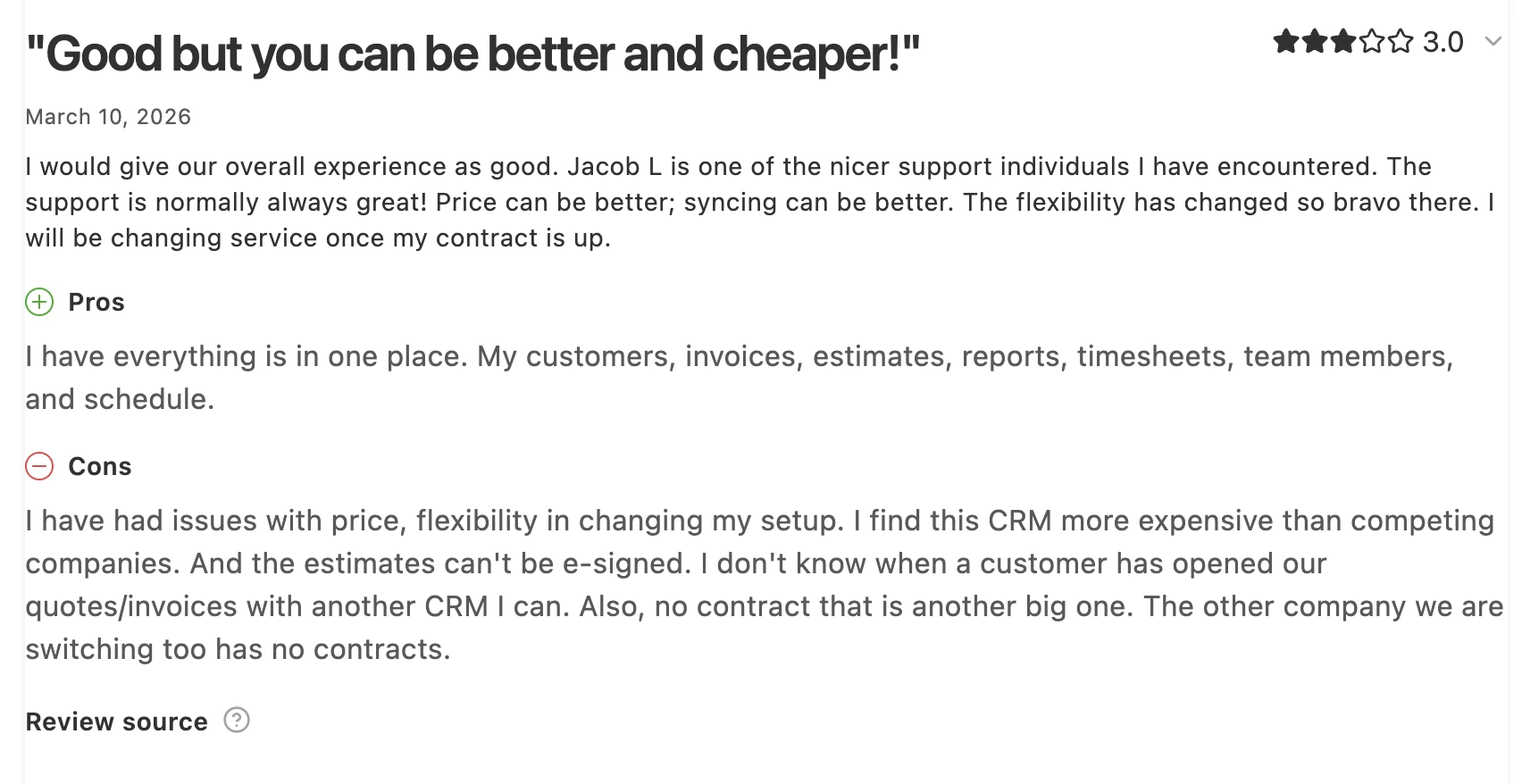
Good tool, but overpriced and hard to leave
More expensive than competitors, annual contracts with no easy exit.
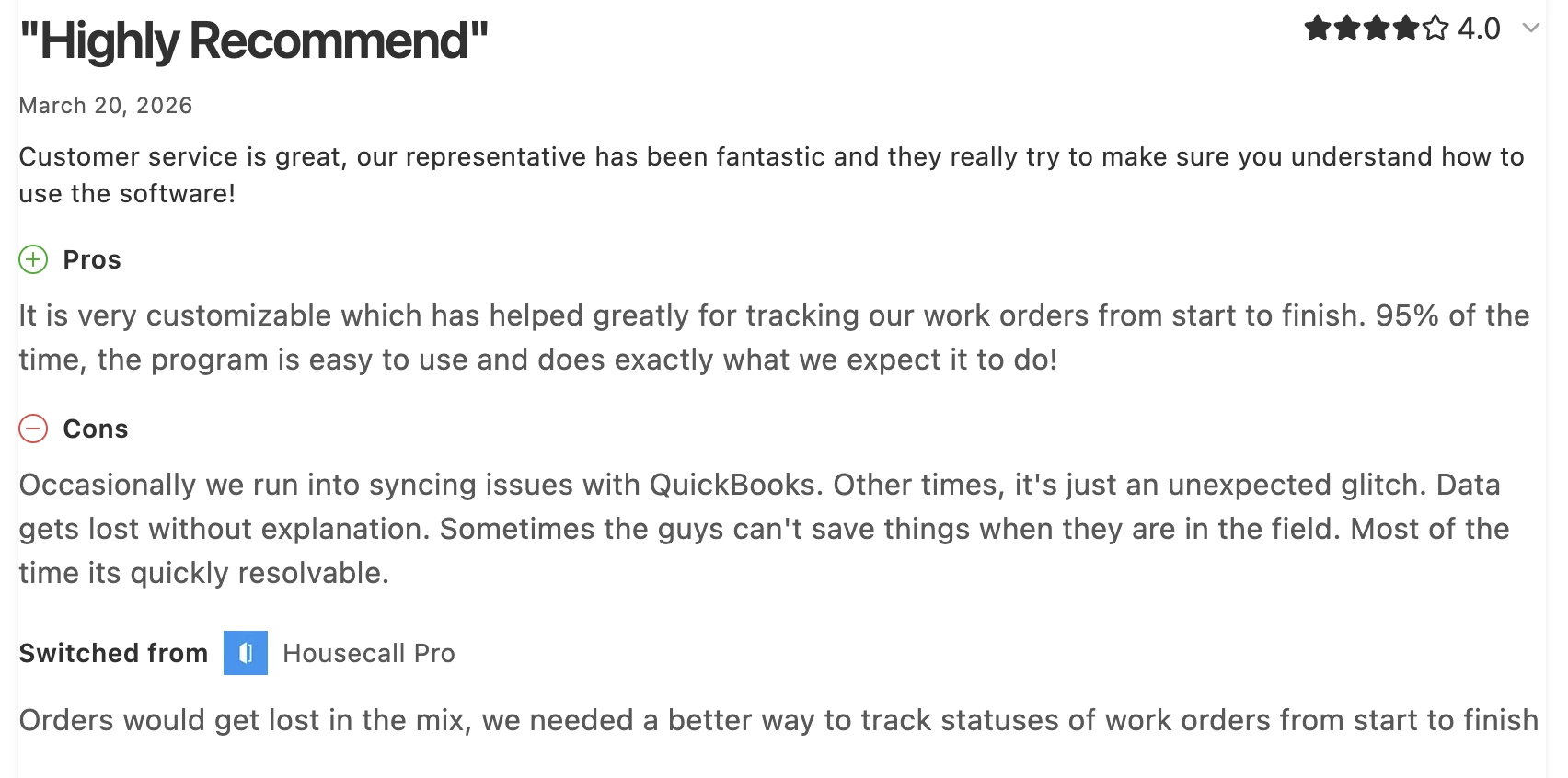
Works great, until it doesn't
Solid day-to-day, but occasional sync issues and data loss in the field can slow your crew down.
Bottom line
A solid choice for teams that need wide feature coverage and the ability to customize how jobs move through their system.
#6 · Best for call-heavy businesses
Workiz
★★★☆☆
3.1 · Trustpilot
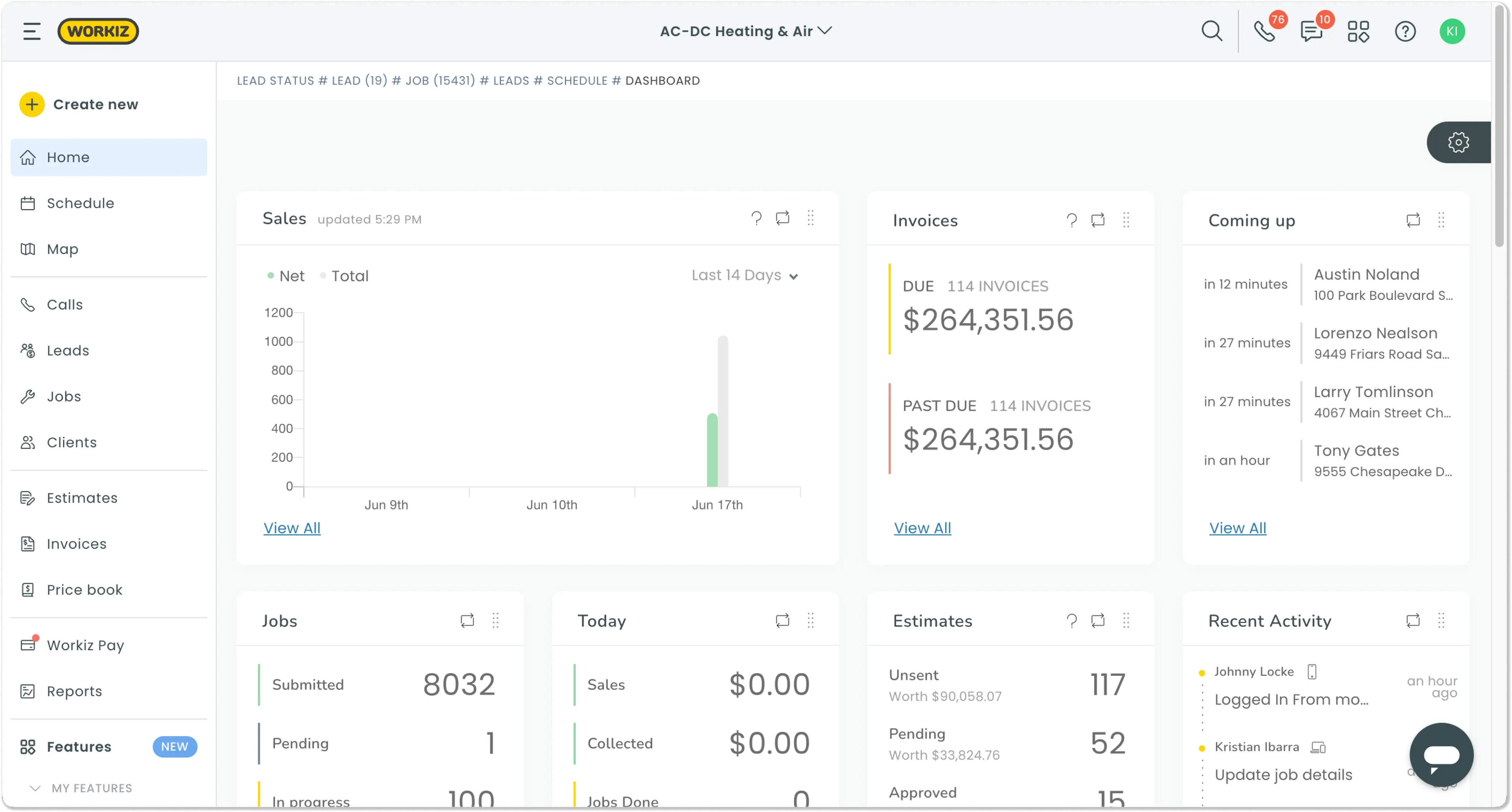
Workiz is one of the few tools with a real free plan – not a trial, but actual scheduling, invoicing, and payments for up to 2 users. For a solo contractor or two-person crew getting started, it's the most accessible entry point on this list.
On paid plans, Workiz stands out with a built-in phone system – call tracking, recording, masking, and automated messaging included. If your business handles a lot of inbound calls, this is a genuinely useful feature most competitors don't offer at all.
The paid plans start at $198/month for up to 5 users, which is steep for the feature level. The platform covers the core basics well, but customization is more limited than Jobber or FieldPulse, and some users report workflow gaps and a rocky data migration experience.
Pros
+
Genuine free plan for up to 2 users – real scheduling, invoicing, and payments included
+
Built-in phone system with call tracking and recording
+
Full FSM feature set on paid plans – GPS, dispatching, pricebook, maintenance contracts
+
AI answering tool handles after-hours calls automatically
+
Clean interface, straightforward to get started with
Cons
–
App performance is inconsistent in the field
–
Workflow customization is limited
–
Data migration from other tools has been rocky for some users
–
Connects with fewer tools than other tools
–
Some workflow gaps reported for more complex job management needs
Pricing
Lite
$0/month/2 users
Kickstart
$187/month/3 users
Lite
$270/month/5 users
Ultimate
custom pricing on request
Reviews
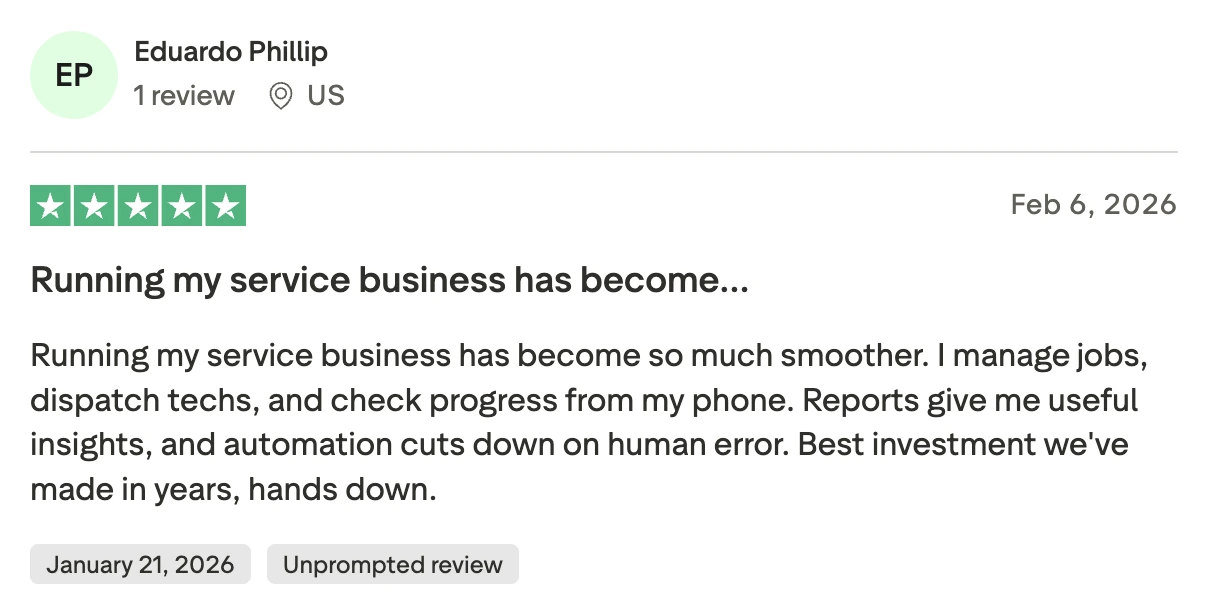
Runs the whole business from a phone
Jobs, dispatching, and automation in one place, less human error.
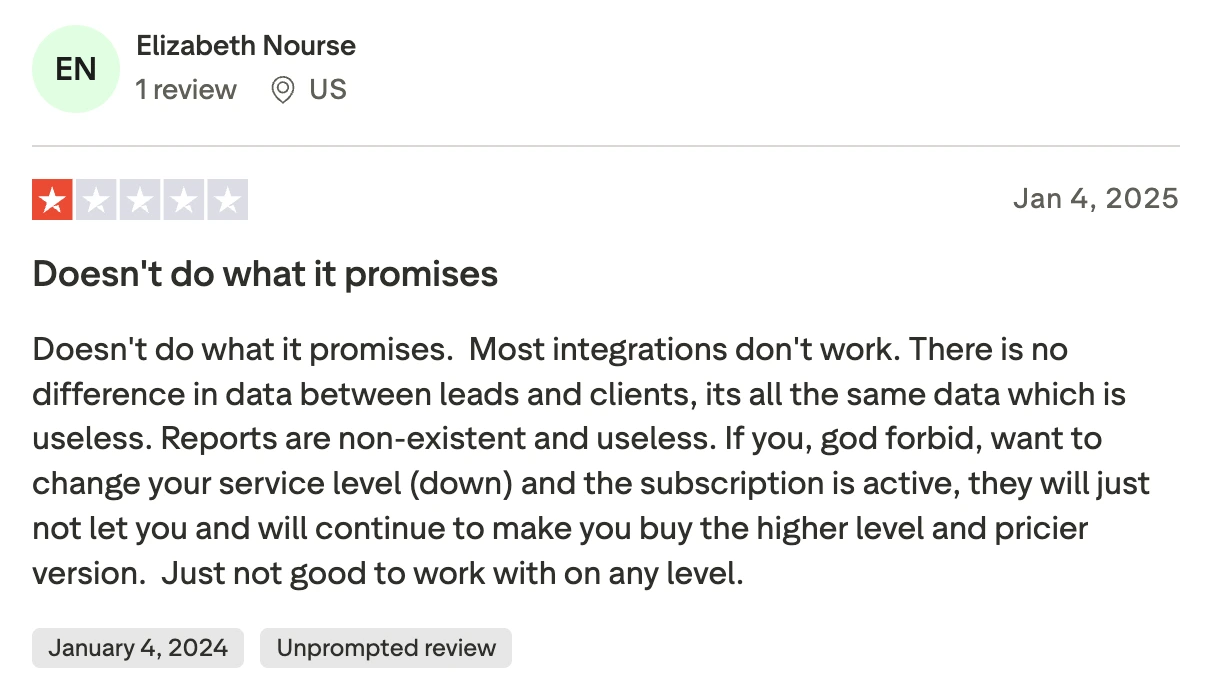
Promises more than it delivers
Broken integrations, weak reports, and no easy way to downgrade your plan.
Bottom line
A good starting point for solo operators and small crews. The free plan is real. The built-in phone system is a genuine differentiator for call-heavy businesses.
#7 · Best for QuickBooks-heavy workflows
FieldEdge
★☆☆☆☆
1.4 · Trustpilot
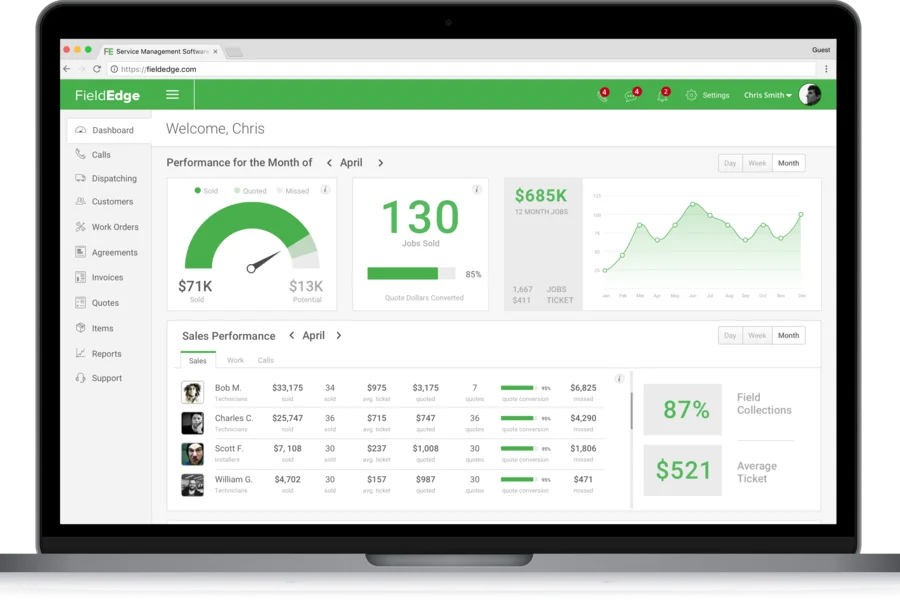
FieldEdge is purpose-built for HVAC, plumbing, and electrical contractors. The core differentiator is the flat-rate pricebook – 30,000+ repairs and 16,000+ parts that technicians access in the field, pull up pricing instantly, and present good/better/best options on the spot. Native QuickBooks integration syncs data in real time, no double entry.
The platform covers the full operations stack – scheduling, dispatching, GPS tracking, route optimization, service agreements, and inventory.
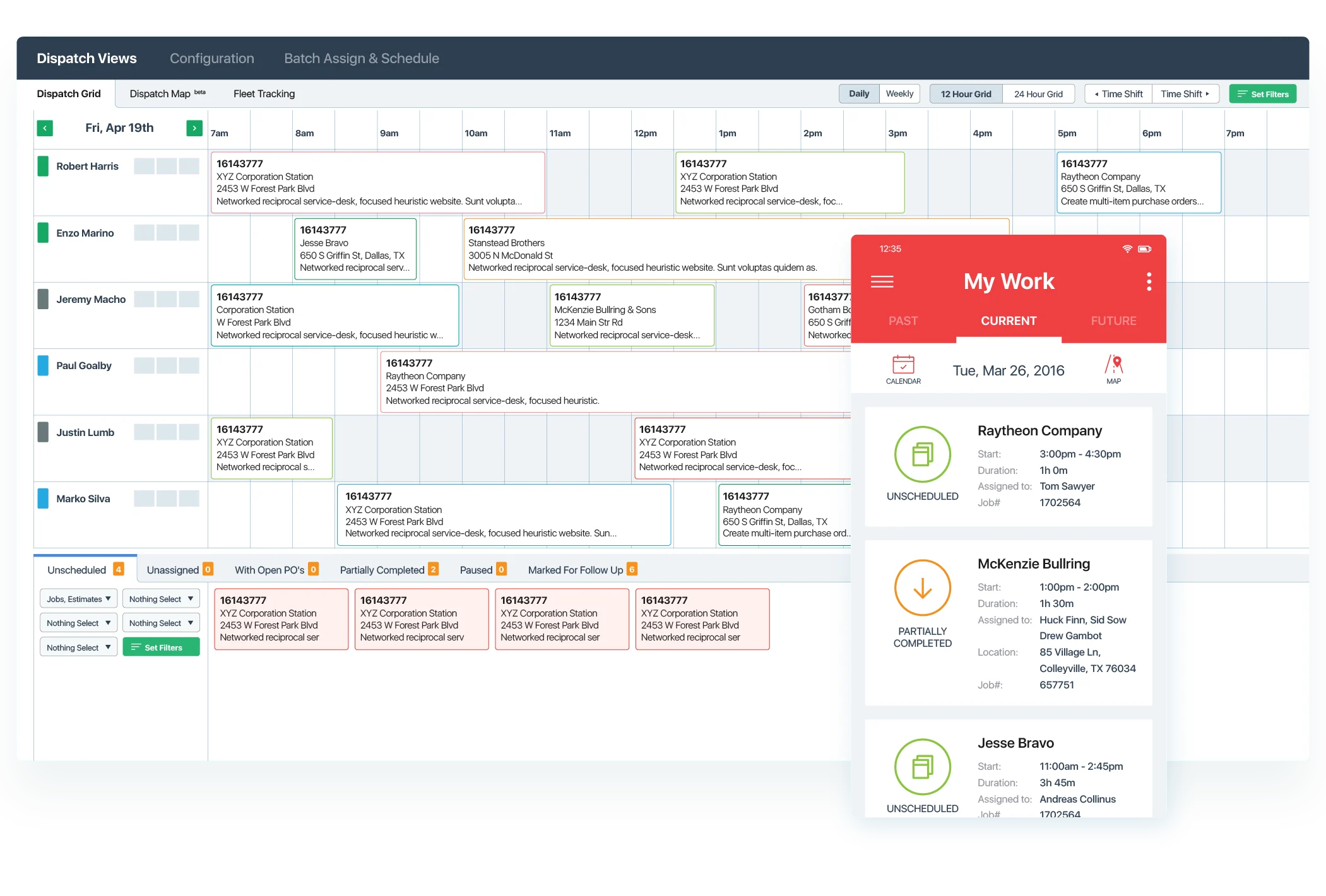
The dispatch board assigns work orders by technician skill and location.
The dispatch board assigns work orders by technician skill and location.
The trade-off is setup and cost. About $100/month per office user and $125/month per technician, plus a 5-week implementation process before you go live. No free trial. The app works but feels dated, and the rating is low – users report bugs and contract disputes.
Pros
+
Flat-rate pricebook, accessible from the field
+
Native, real-time QuickBooks integration – no double entry, everything syncs automatically
+
Dispatch board assigns jobs by technician skill set and location
+
Strong service agreement management and equipment tracking built in
+
GPS tracking and route optimization included
Cons
–
5-week implementation process required before going live
–
The app feels dated and less intuitive than modern alternatives
–
Software bugs are a recurring theme in user reviews
–
Contract cancellation has been difficult for some users
–
Limited usefulness outside HVAC, plumbing, and electrical trades
Pricing
Custom
contact for a quote
Reviews
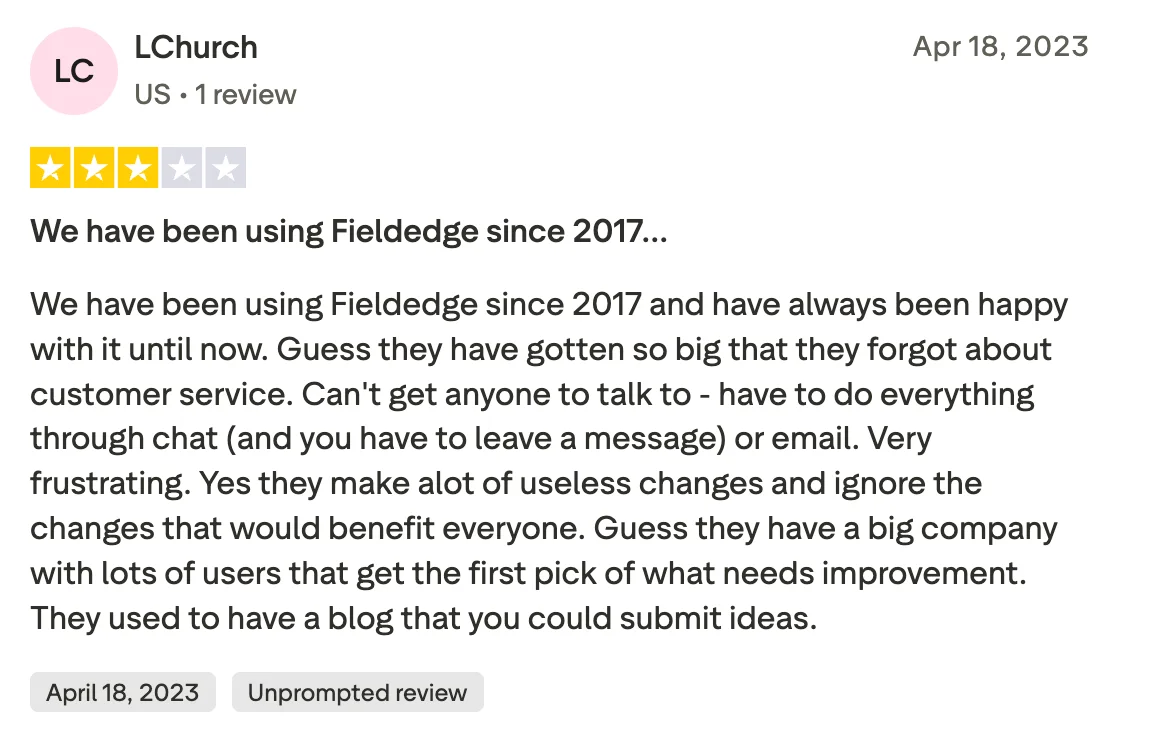
Grew too big to care about small customers
Support became unreachable, useful updates stopped coming, and feedback from users gets ignored.
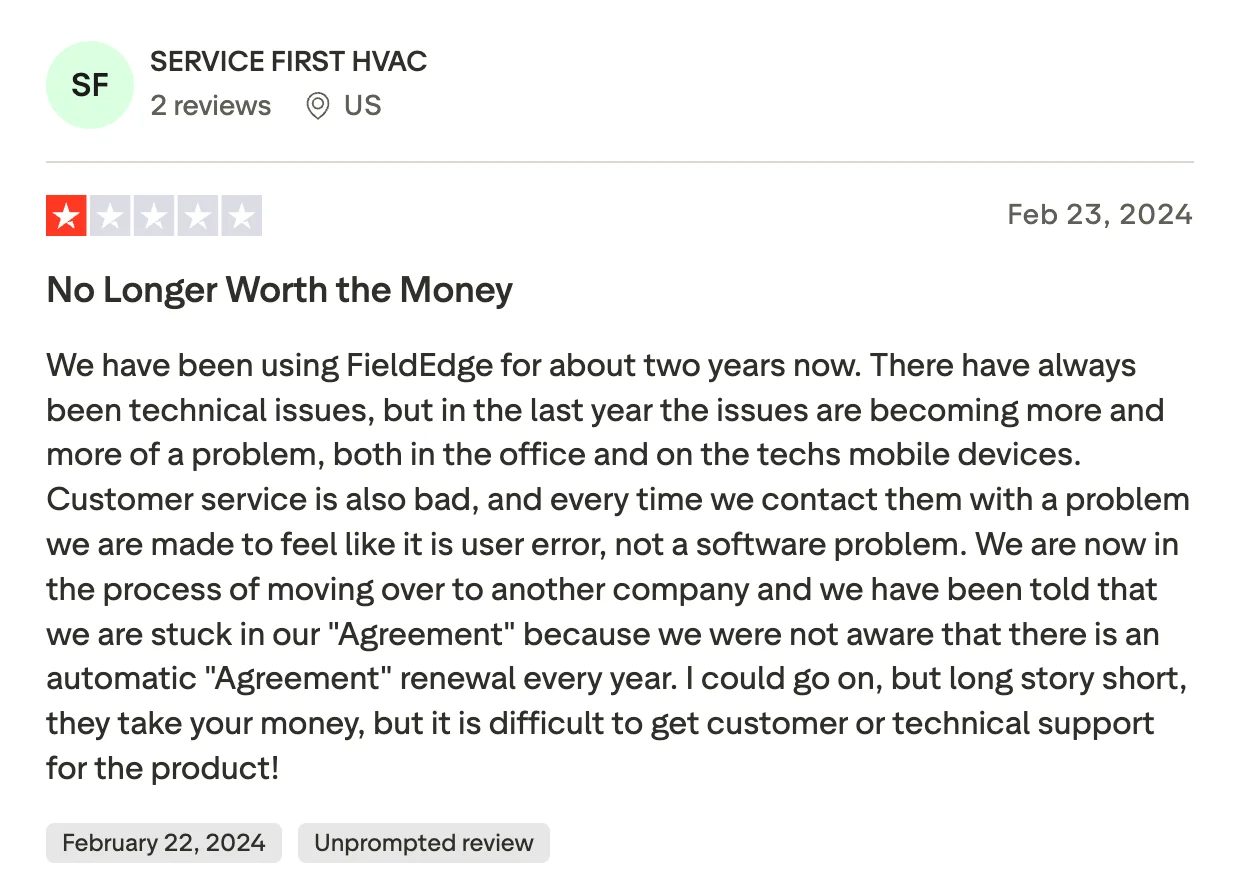
Bugs, bad support, and a contract you can't leave
Technical issues pile up over time, and when you try to cancel, you find out the contract auto-renewed without warning.
Bottom line
The right fit for established HVAC and plumbing businesses where a deep flat-rate pricebook and real-time QuickBooks sync are the priority. Go in aware of the setup timeline and contract terms.
#8 · Best for scaling without per-user costs
Service Fusion
★★★★☆
4.3 · Capterra
Service Fusion's main selling point is simple: one flat monthly fee, unlimited users. For a team of 10–15 technicians, that's meaningfully cheaper than per-user tools like Housecall Pro where the bill grows with every hire. It covers the full stack – scheduling, dispatching, GPS tracking, estimates, invoicing, payments, pricebook, maintenance contracts, and QuickBooks integration.
It's a practical, no-surprises option for mid-sized teams that want predictable costs as they grow.
Where it falls short: pricing isn't published – you need to contact sales. The platform feels dated compared to newer tools, reporting customization is limited and users report frequent technical disruptions.
Pros
+
Unlimited users on a flat monthly rate – team size doesn't affect access or features
+
Full feature coverage – scheduling, dispatching, GPS tracking, pricebook, maintenance contracts, and inventory
+
QuickBooks is integrated
+
GPS fleet tracking bundled in without extra per-vehicle fees
+
Customer portal lets clients view job history and pay invoices online
Cons
–
Platform UI feels dated and less intuitive than modern tools
–
Reporting customization is limited – hard to build the views you actually need
–
Mobile app is functional but not particularly polished
–
Customer support quality is a recurring complaint in user reviews
–
Limited third-party integrations
Pricing
Custom
contact for a quote
Reviews
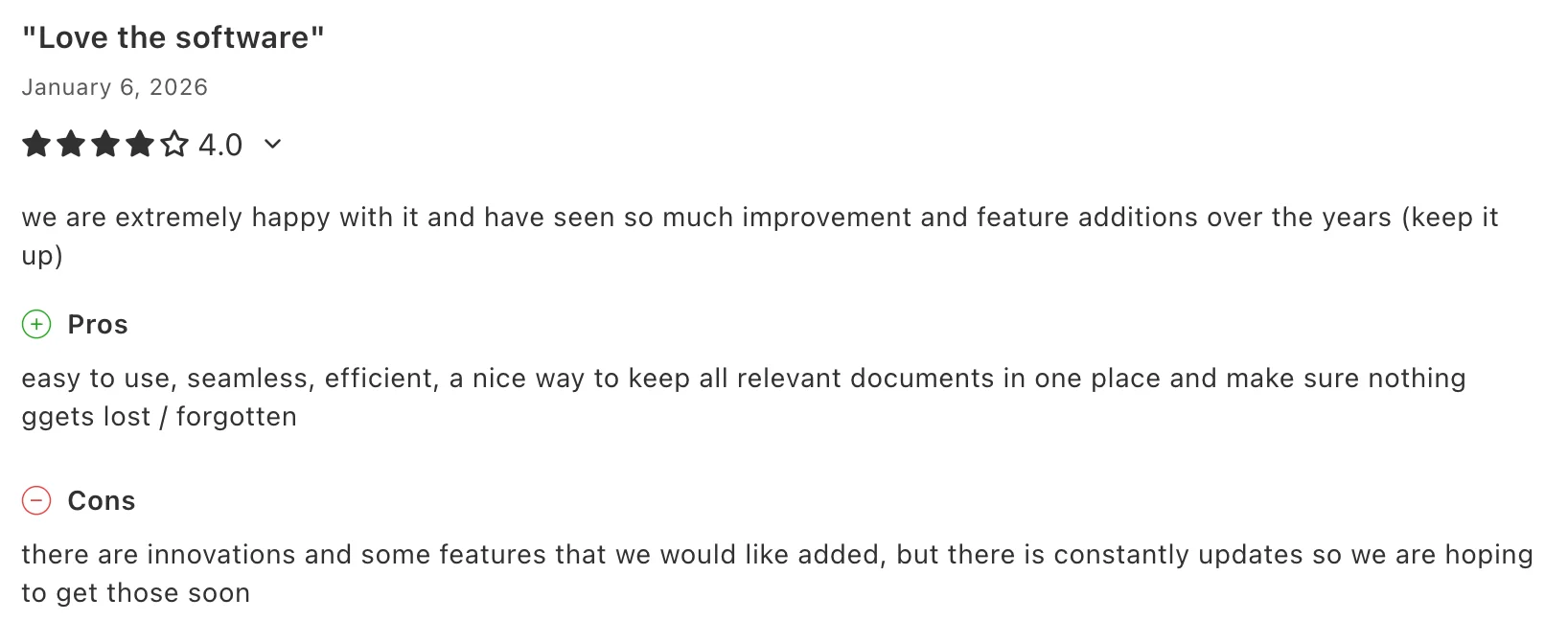
Gets the job done and keeps improving
Easy, efficient, nothing gets lost. Users are happy with the direction and waiting on a few missing features.
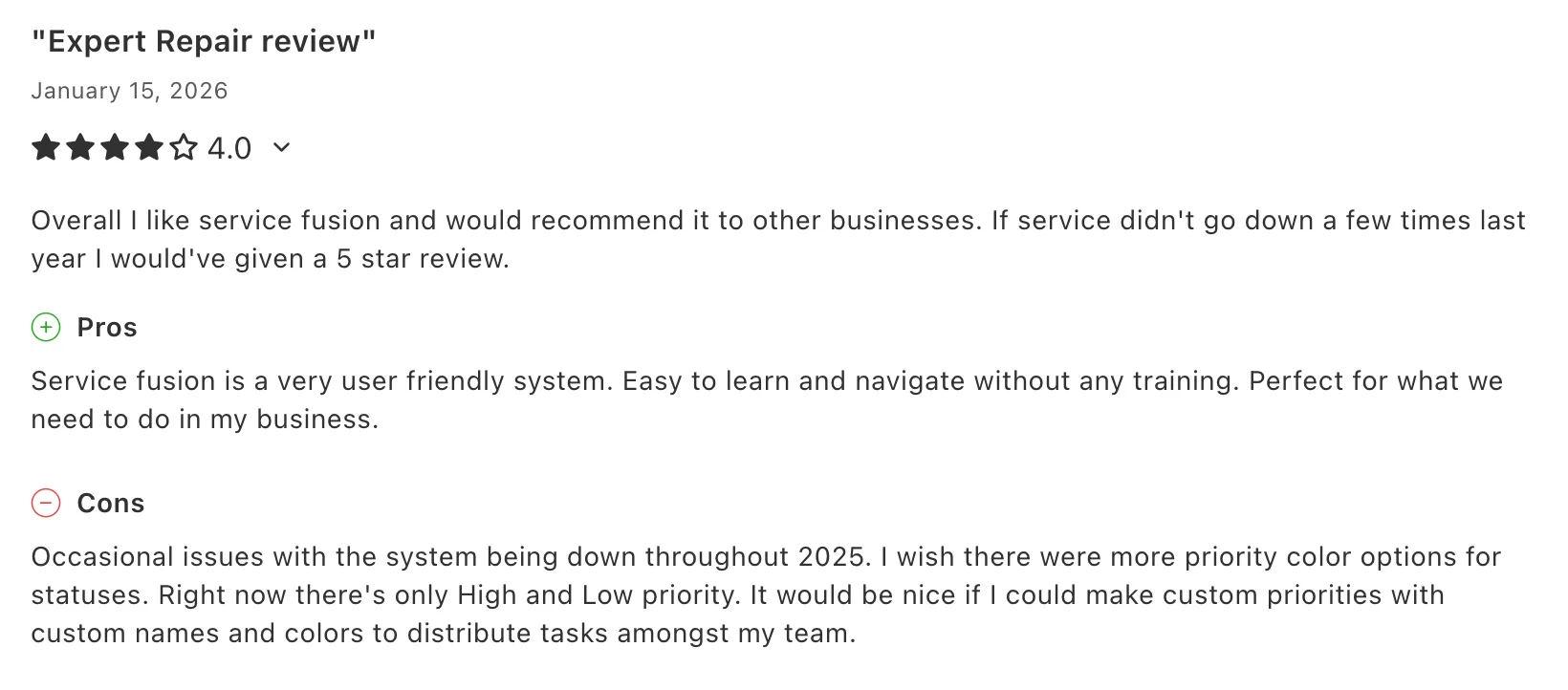
Easy to use, but reliability is a concern
No training needed to get started, but occasional downtime and limited customization options hold it back.
Bottom line
Makes sense for growing teams where unlimited users and a flat monthly rate matter more than cutting-edge UX.
How to choose the right software for your needs?
The right tool depends on three things: your team size, which features you actually need, and how much you want to spend.
Which tool is right for you?
Solo operator or 1–2 techs, just need invoicing and job management
→
Tofu or Workiz
Tofu is cheaper and simpler. Workiz has a free plan if you want to start at zero cost.
Small team of 2–8, need scheduling + invoicing + QuickBooks, budget matters
→
Tofu or Jobber
Tofu if you want the simplest setup at the lowest price. Jobber if you need recurring jobs, route optimization, or client portal.
Team of 5–15, want marketing automation alongside operations
→
Housecall Pro
The review requests, follow-up campaigns, and Google integration are worth the extra cost if growing your customer base is a priority.
Team of 5–20, want flexible and customizable workflows
→
FieldPulse or Jobber
FieldPulse if you need more control over job workflows. Jobber if you want a cleaner, more polished experience.
HVAC or plumbing business, flat-rate pricebook is essential
→
FieldEdge or ServiceTitan
FieldEdge for mid-sized operations, ServiceTitan for large ones.
Team of 8+, want predictable costs as you hire more techs
→
Service Fusion
Unlimited users on a flat monthly rate.
20+ technicians, serious reporting and marketing tools, willing to invest
→
FieldEdge or ServiceTitan
Nothing else on this list comes close at this scale.
Must-have field service software features
Not all platforms cover the same ground. Before committing to any tool, verify these features work the way you need them to.
1. Scheduling and dispatch
Can you assign jobs to specific technicians, see the full team calendar, and handle schedule changes without calling everyone? Drag-and-drop calendar is table stakes. Real-time visibility of updates matter more than the UI.
2. Mobile app for technicians
This is where FSM software lives or dies. Download the app, log in as a technician, and try completing a job flow from start to finish. If it requires too many taps or feels slow, your crew won't use it.
3. Invoicing and payments
Make sure you can create an invoice from a completed job in under two minutes, and that customers can pay by card on-site or via a link. Check the payment processing fees – they vary from 2.5% to 3.5%+ and add up on high-ticket jobs.
4. QuickBooks integration
If you use QuickBooks, confirm whether the integration is with Online, Desktop, or both. Some platforms only support one. Also check whether it's a real-time two-way sync or a manual export.
5. Pricebook
If you work flat-rate, make sure the pricebook is actually usable from the app in the field, not just in the back office. Can technicians present good/better/best options to customers on the spot?
6. Pricing transparency
If the platform doesn't show pricing on their website, budget extra time for a sales process. ServiceTitan, FieldPulse, FieldEdge, and Service Fusion all require you to contact sales before you can evaluate the real cost.
7. Setup time and contract terms
Ask specifically: how long until we can send our first invoice? And what happens if we want to cancel? Some platforms have annual contracts and significant setup fees. Know what you're committing to before you sign.
FAQs
Everything you need to know about the product and billing

Conclusion
The FSM software market has matured. There are good tools at every price point, and most of the platforms on this list will genuinely improve how you run your business compared to spreadsheets and paper.
The decision comes down to fit. ServiceTitan and FieldEdge are powerful but expensive and complex – they're built for operations that are ready to invest in enterprise software. Jobber and Housecall Pro are the most well-rounded for small to mid-sized teams. FieldPulse and Workiz are strong alternatives if you need specific features those two don't offer. Service Fusion makes the most sense once you're managing enough technicians that per-user pricing starts to hurt. And Tofu is the fastest, most affordable path to having invoicing, job management, and payments in one place – especially for growing crews.
Whatever you choose, start with a free trial. Most of these platforms offer one. The best software is the one your team will actually use.