

Look professional, win more jobs
First impressions matter. Branded estimates and invoices make your appliance repair business look professional. Customers trust what they see – and that means more jobs and stronger referrals.


Create estimates, send invoices, and get paid right after the repair. Tofu's mobile app keeps work organized so you skip the end-of-day logging and never forget details.
❤️
15,124
users joined last week
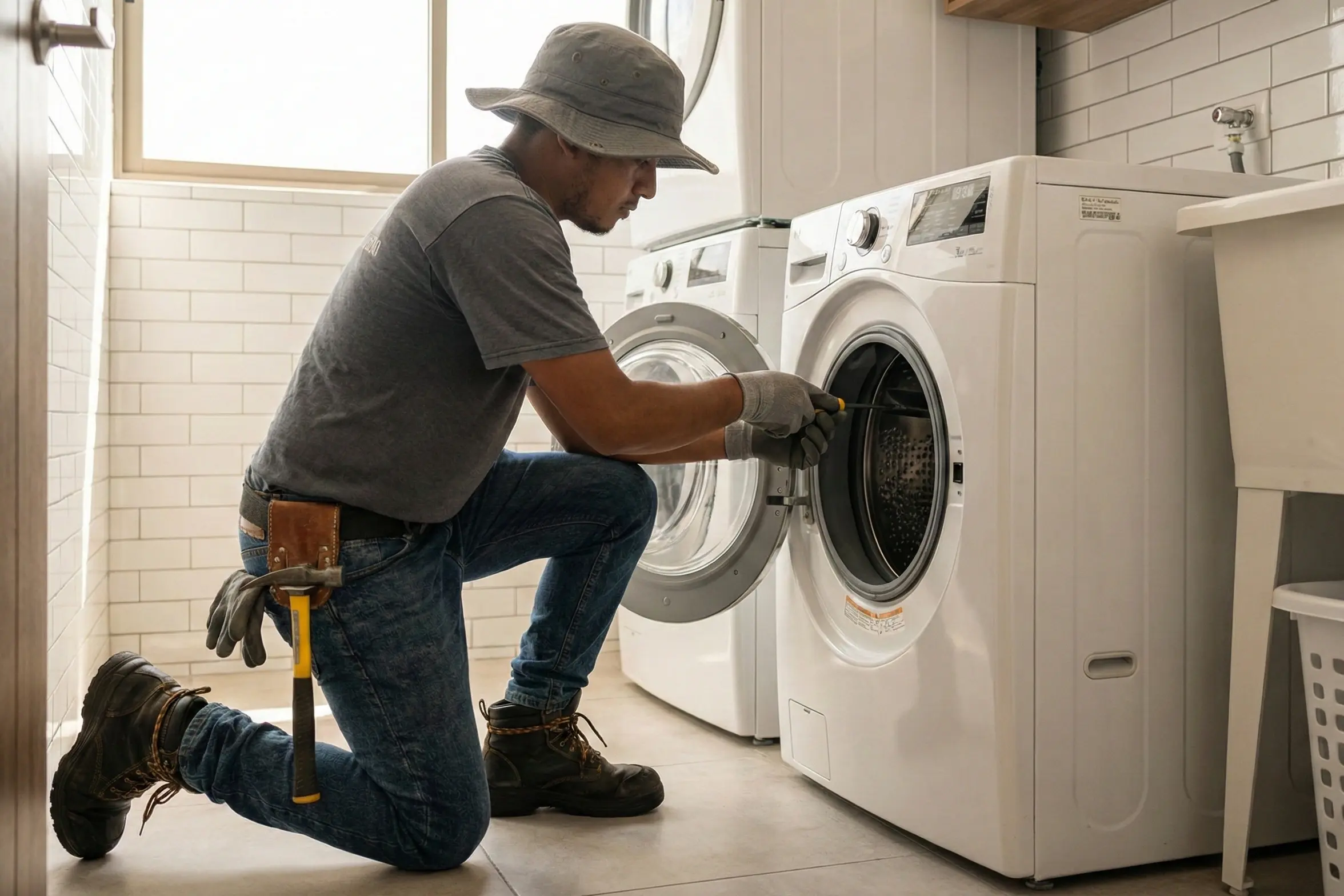
From estimate to payment – every step connects seamlessly in Tofu, so your jobs move faster, your cash flow stays steady, and nothing falls through the cracks
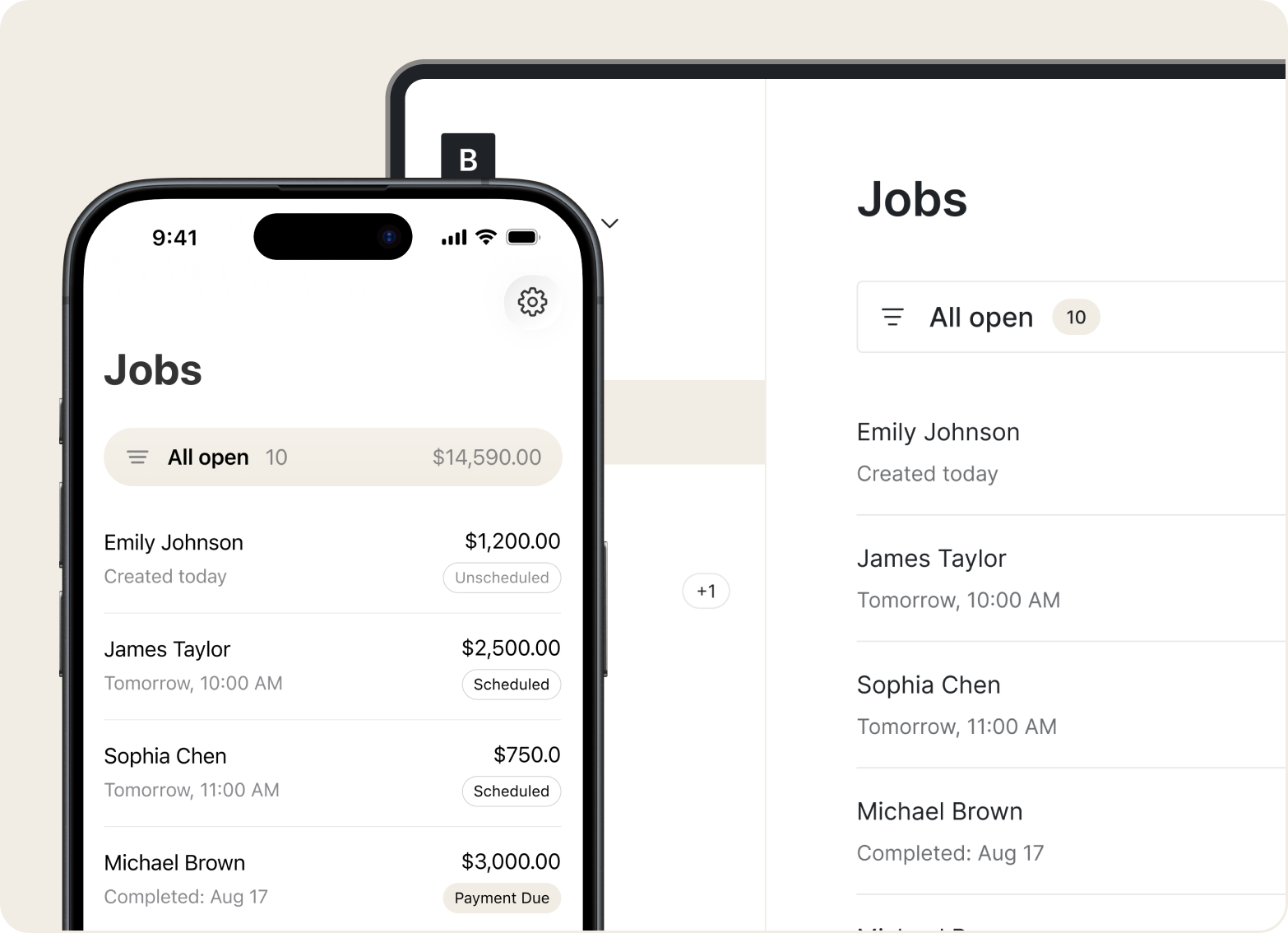
Jobs
Set up service calls in a few taps. Add job details, take photos, and attach notes right at the customer's home – everything saves to the job automatically.
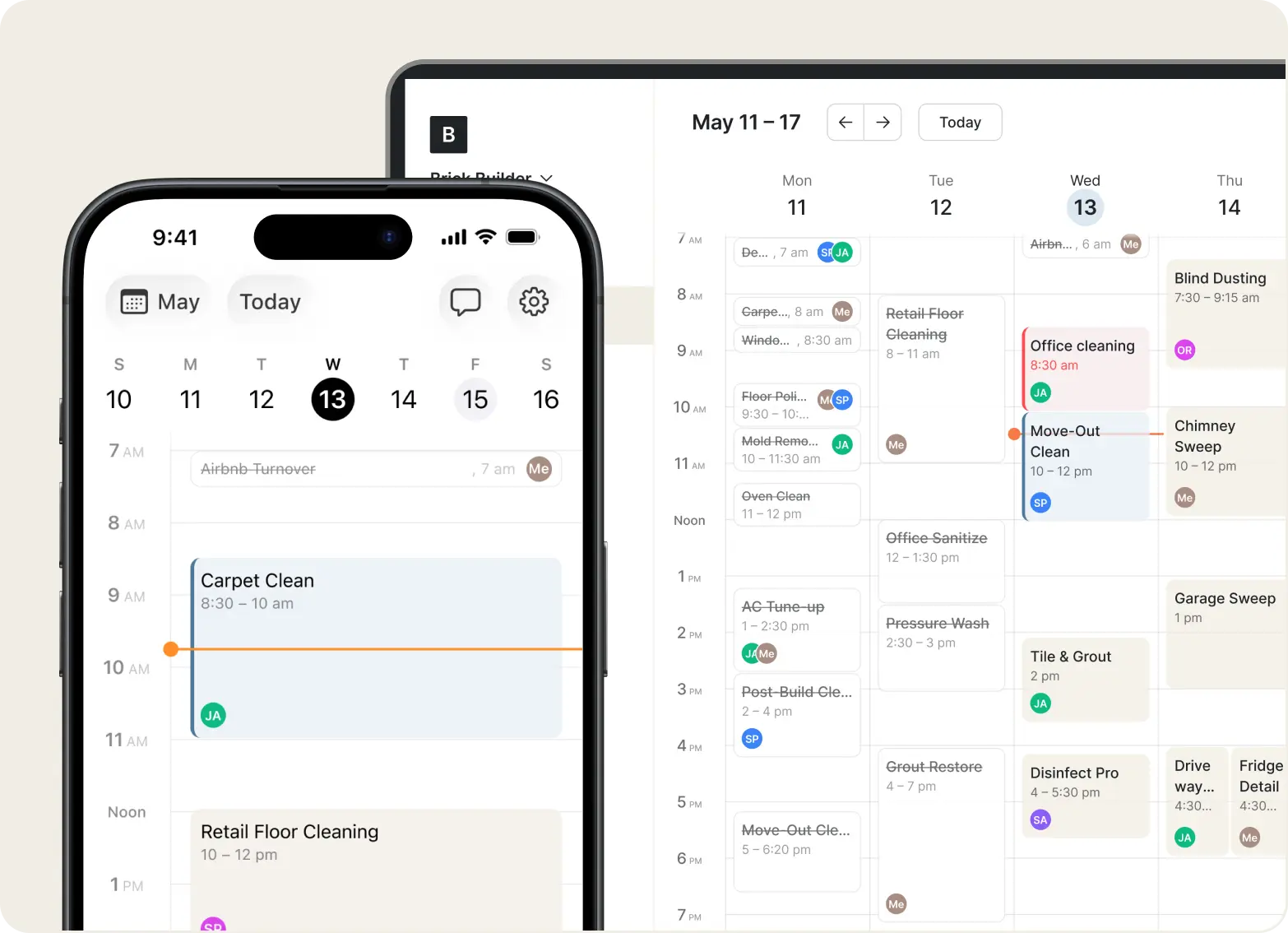
Scheduling
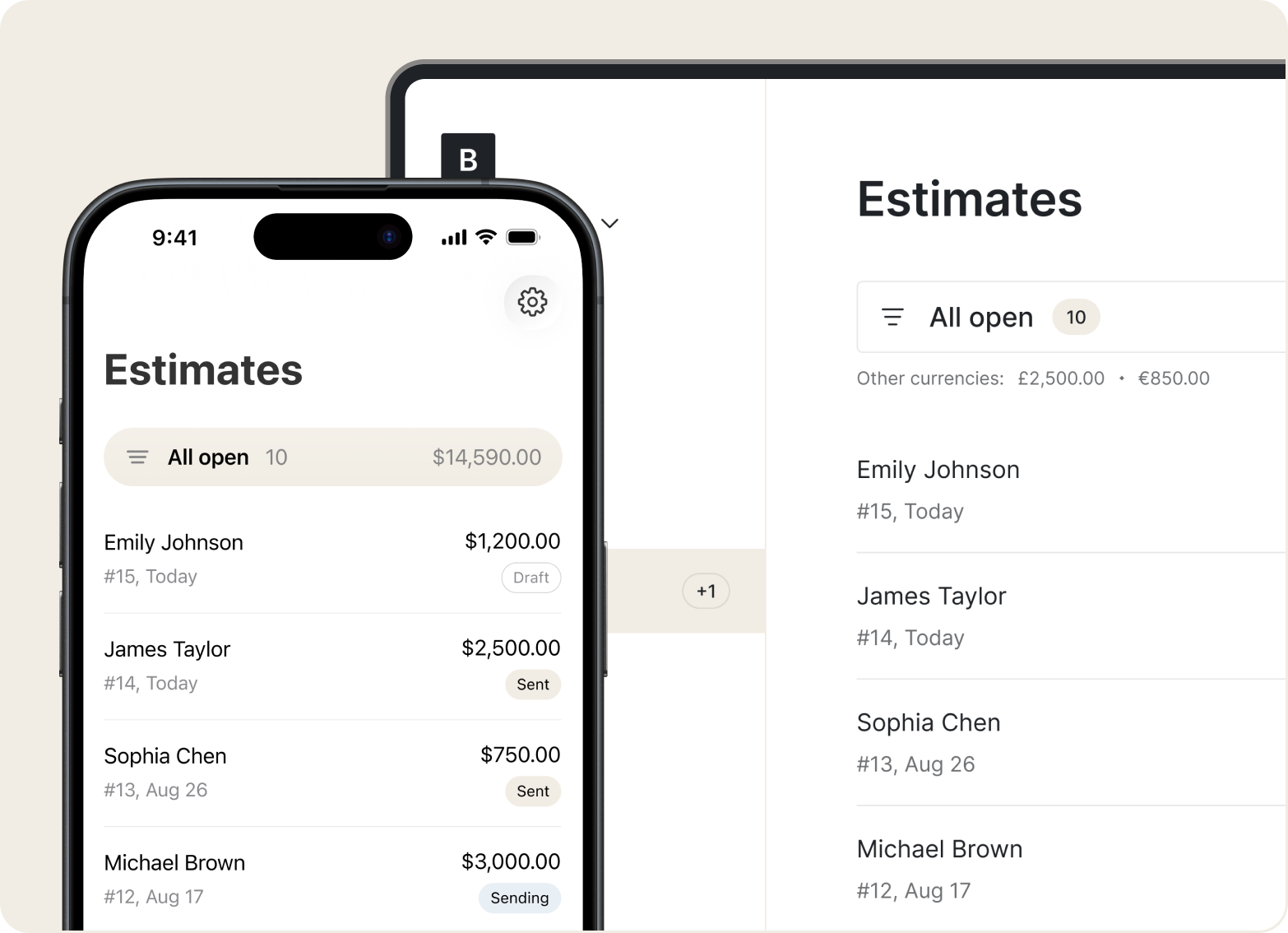
Create and send estimates while you're still with the client. Use your saved prices to build accurate quotes in seconds.
Estimates
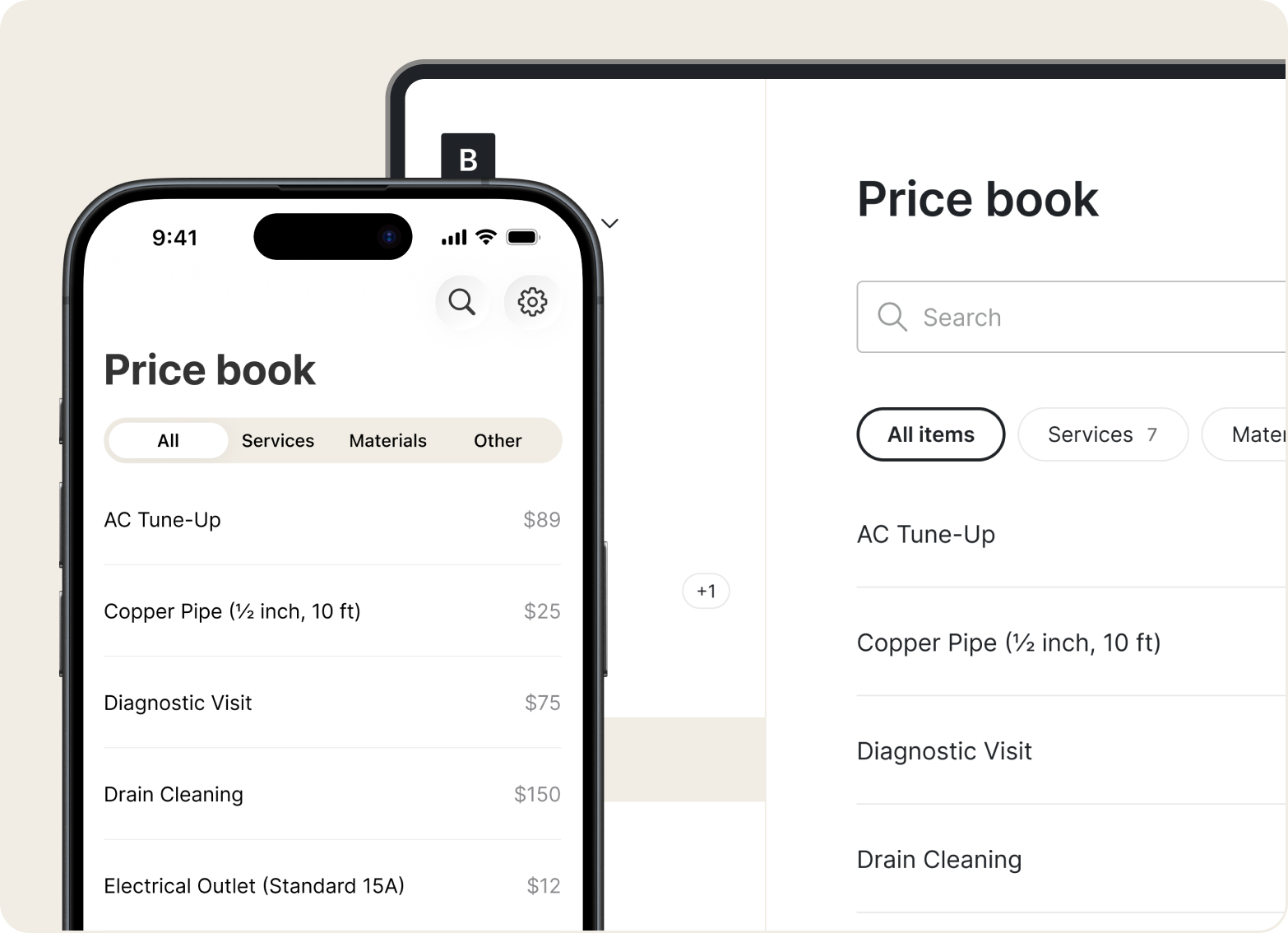
Save your common services, parts, and labor rates once. Add them to any estimate or invoice without retyping – so every quote stays consistent and accurate.
Invoices
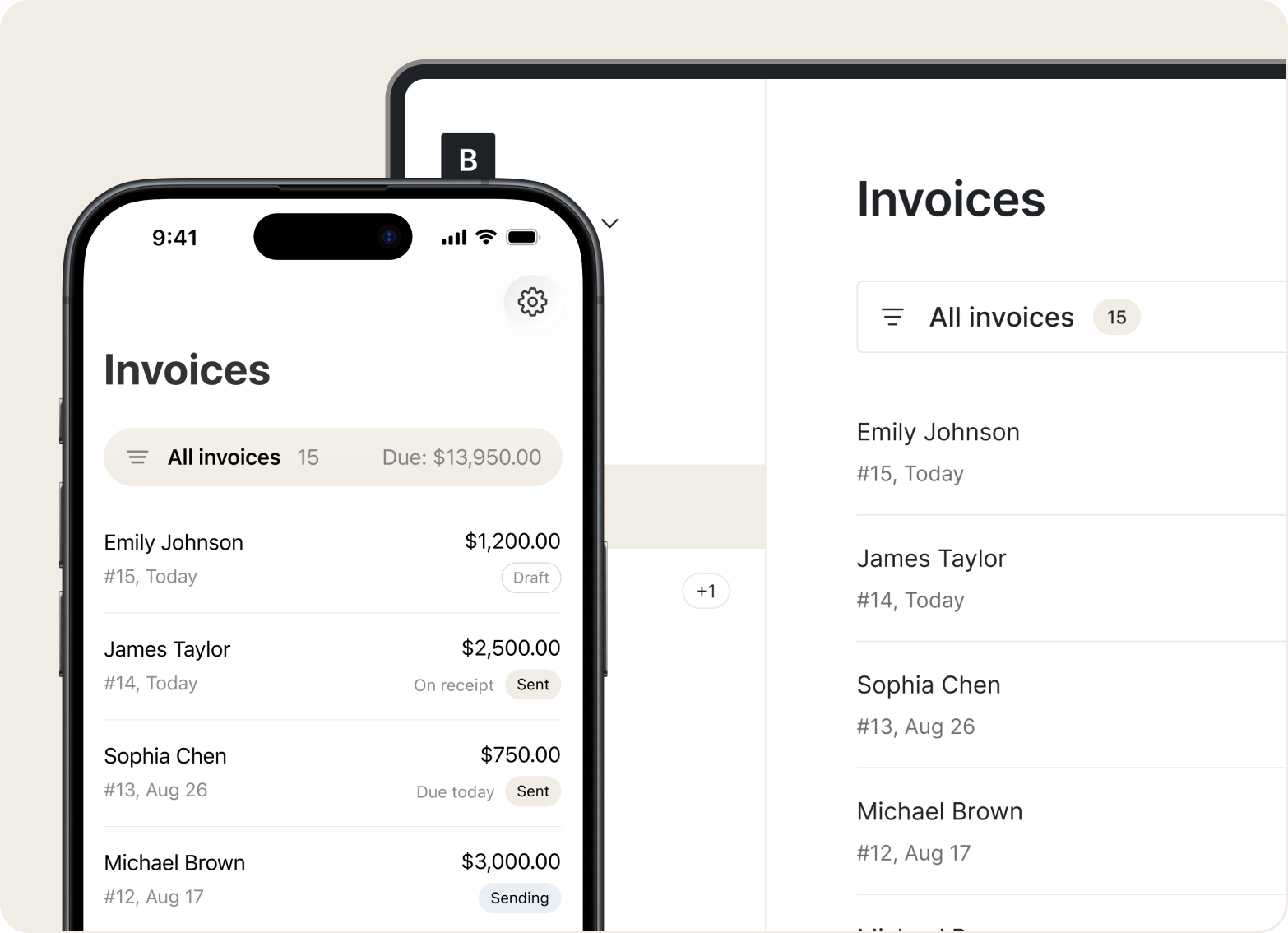
Turn any job into an invoice with one tap. Collect payment on the spot via Stripe, so you don’t chase payments. Download or print as PDF anytime.
CRM
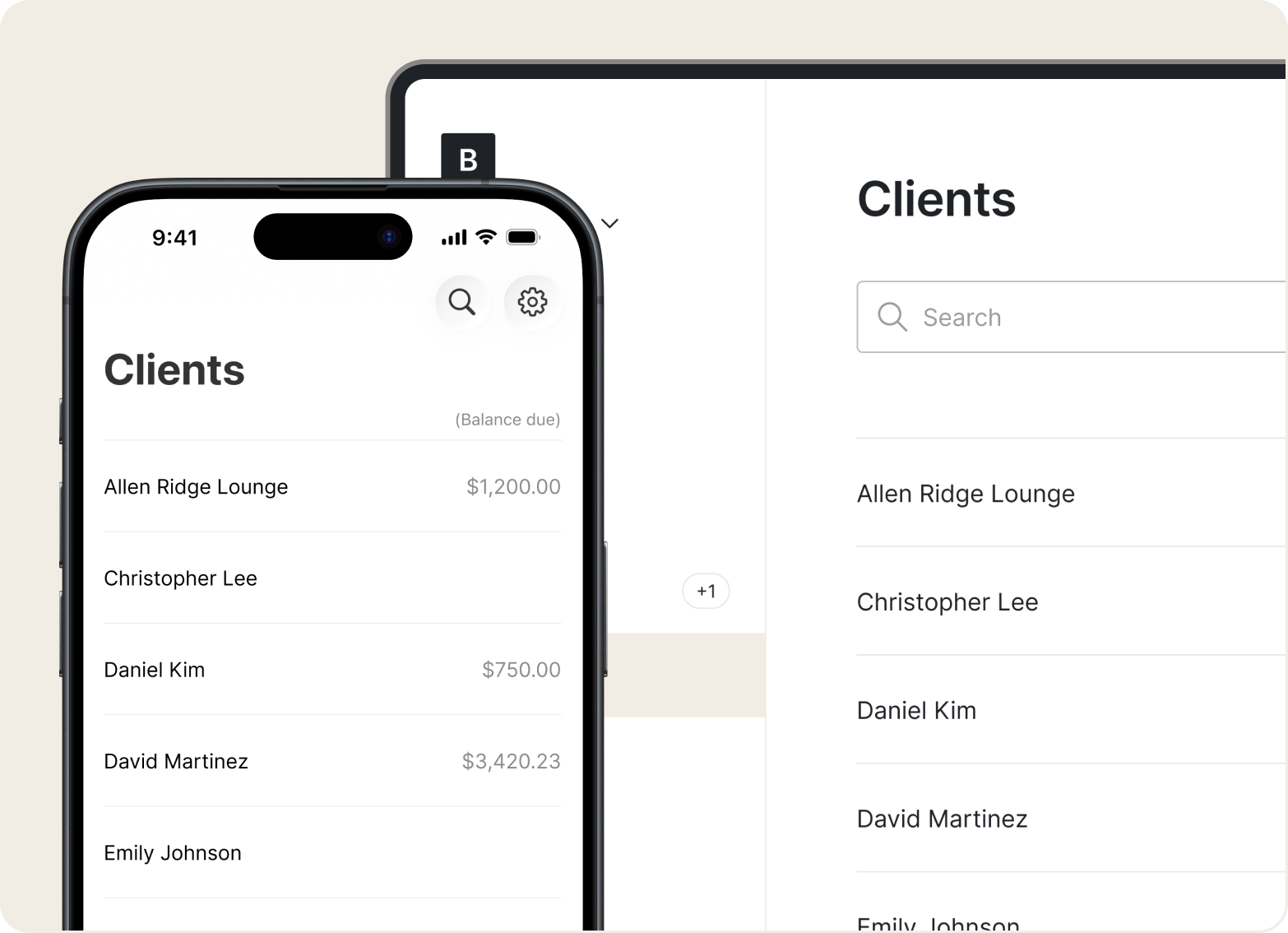
No more scattered notes or digging through old texts. With Tofu, you get simple client profiles with contact info, job history, and communication logs – all ready on your phone.
Price book
Tofu works wherever appliance techs do – kitchens, basements, or between service calls. Create estimates, send invoices, check status offline. Everything syncs automatically when you're back online.
“This app is incredible and worth having. Extremely easy to use, navigate and submit invoices.”
.webp)
First impressions matter. Branded estimates and invoices make your appliance repair business look professional. Customers trust what they see – and that means more jobs and stronger referrals.
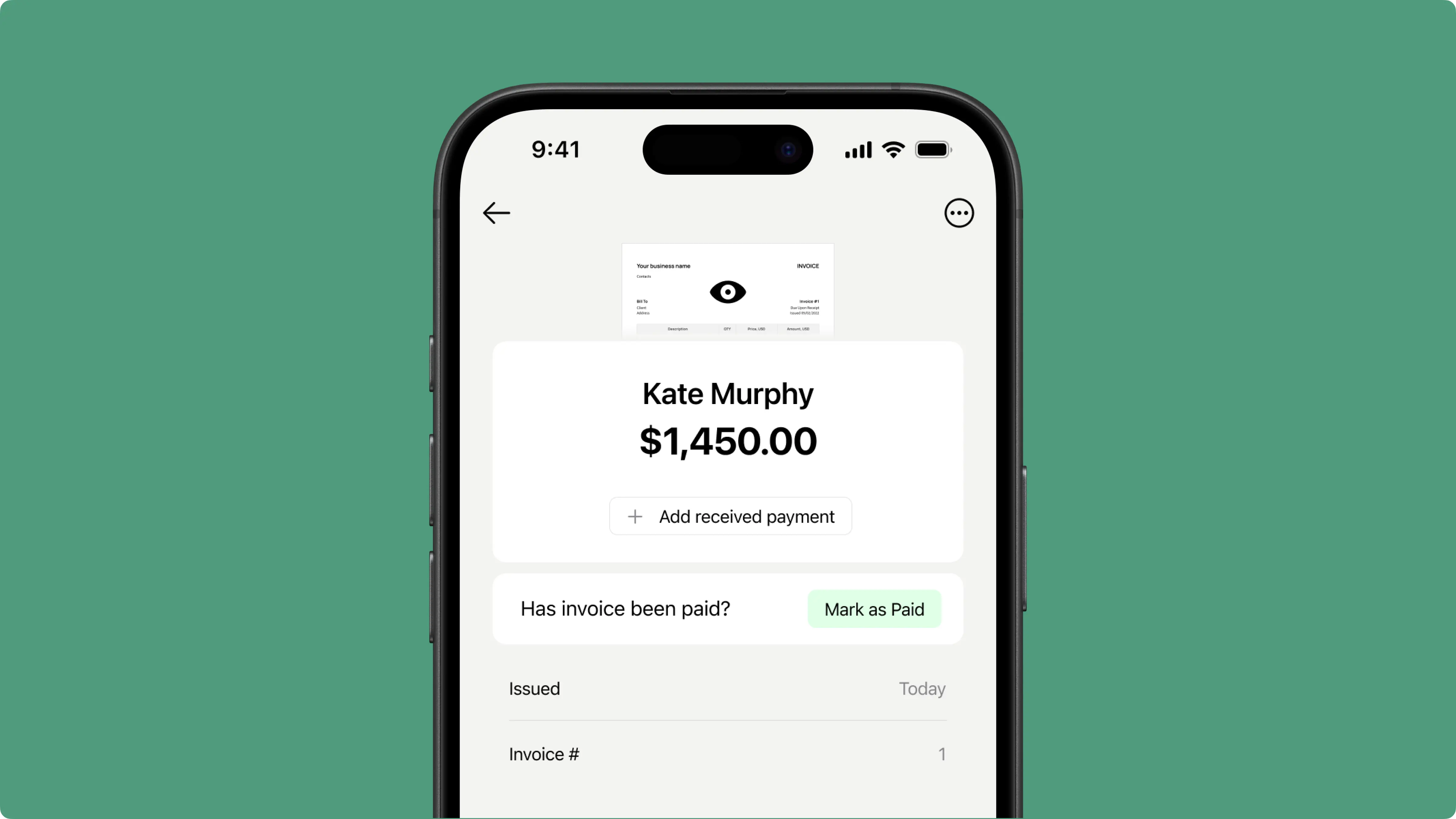
Don't wait weeks for checks in the mail. Accept payment on site through Stripe – cards, Apple Pay, Google Pay, and more. Finish the repair, send the invoice, get paid without billing delays.

See all your estimates, scheduled service calls, and invoice status at a glance. Tofu keeps everything in one place, without spreadsheets or scattered notes. Just simple job management so you can get it done.
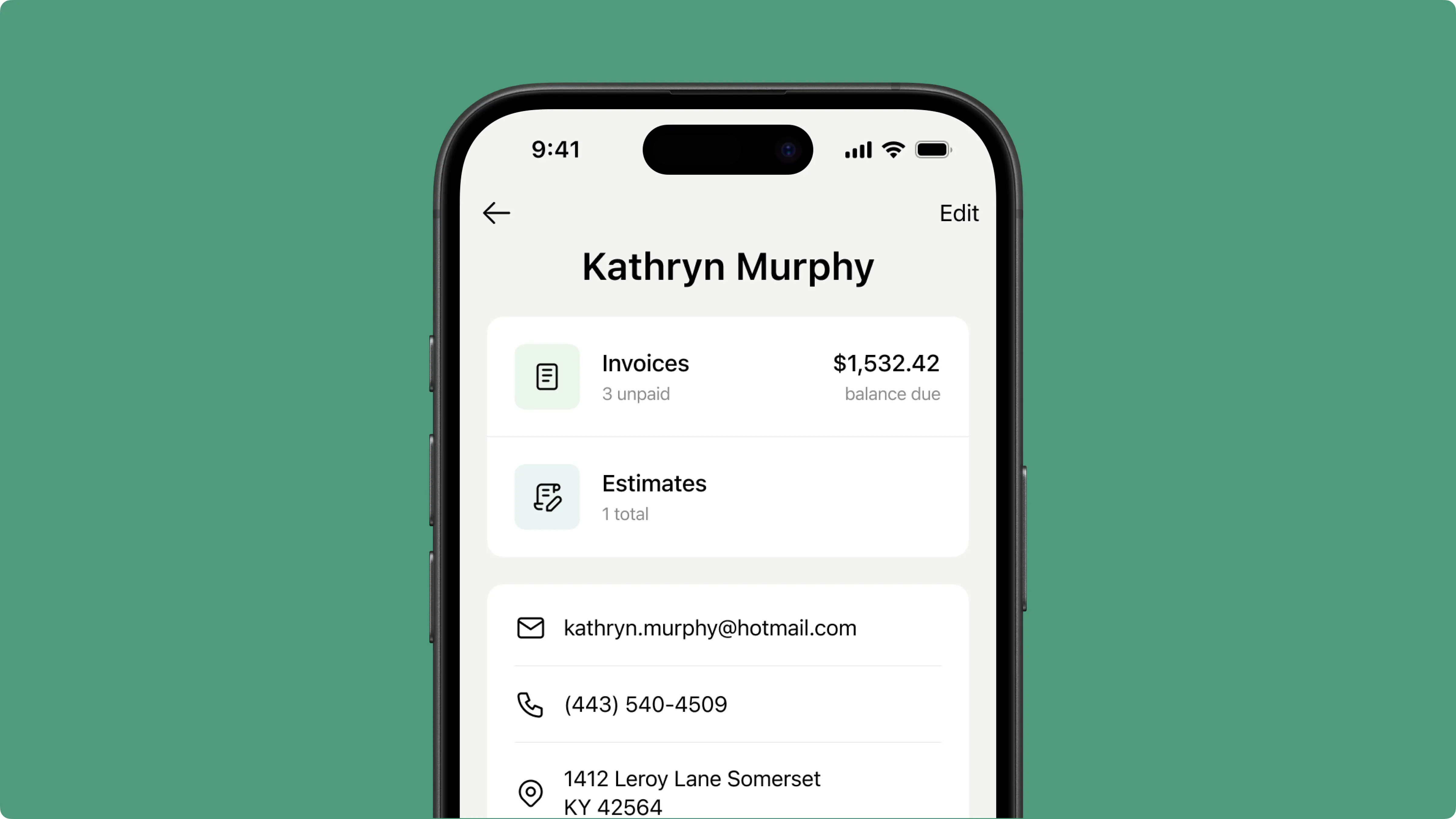
Running a field service business isn’t just about doing great work but also keeping up with everything that comes after: billing, payments, and follow‑ups. Tofu handles the paperwork automatically, so you spend less time on admin and more time on the work that pays.
“Well organized and easy to use. I’ve been using it since 2023 with no problems.”
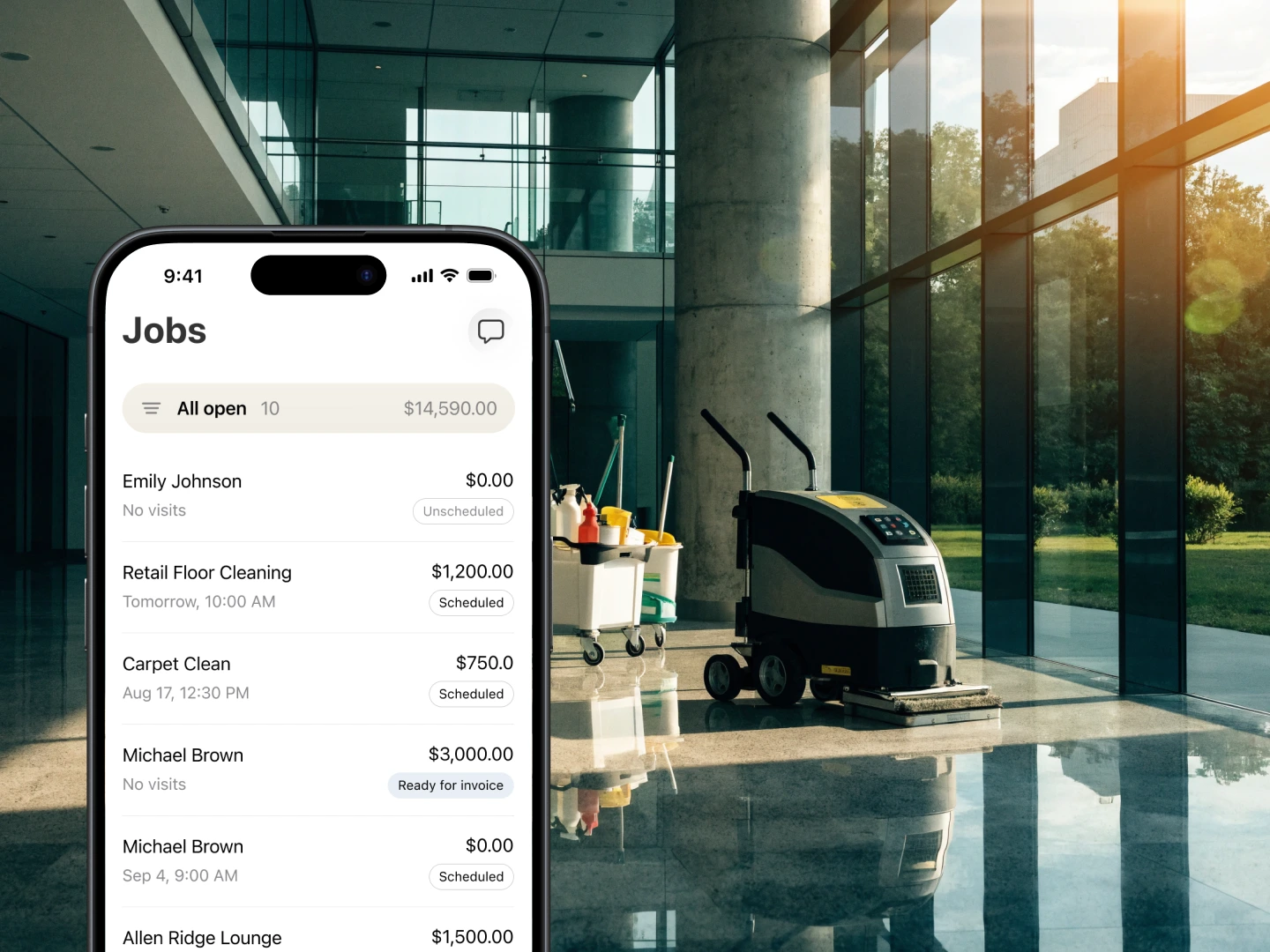
Tofu is built on feedback from real appliance repair techs, not guesswork. Whether you're in a cramped laundry room or kneeling behind a dishwasher, you can still send an invoice and get paid without slowing down.
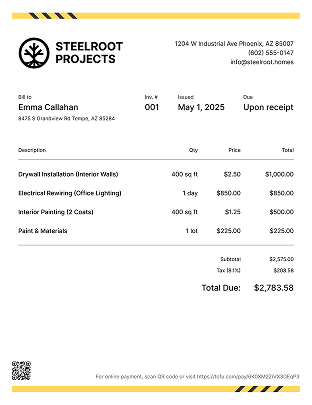
Some switched from QuickBooks. Others used to do everything manually
“I have been using Tofu for 3 years and I simply cannot say enough about how much easier it has made for me and my business. I can easily make invoices, send invoices, and keep up when payments have been made.”
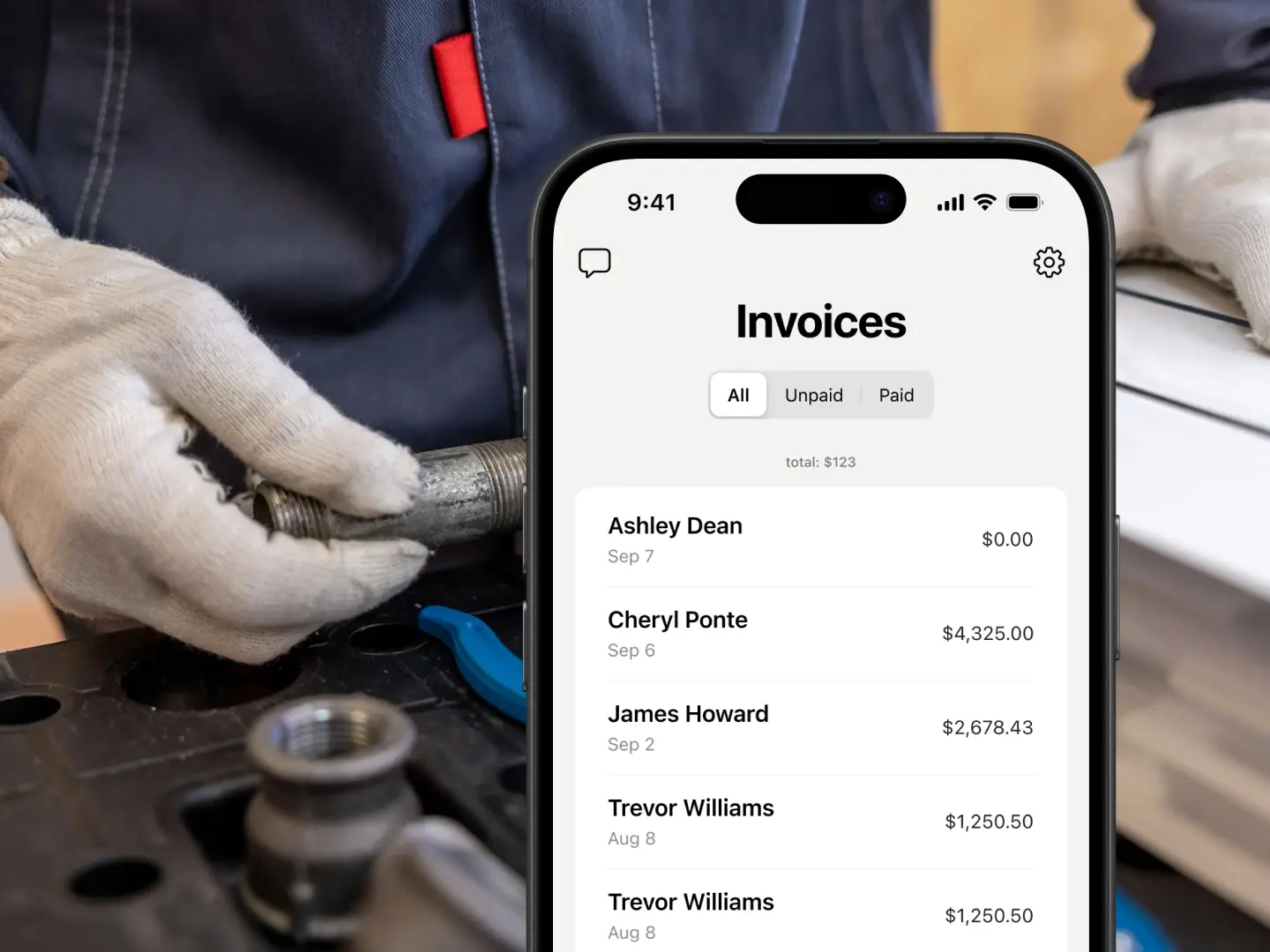
Less time on paperwork, more time on the next service call. Tofu lets you create estimates, send invoices, and collect payments – all from your phone. No setup. No learning curve. Just open and start working.



