

Mobile-first
Your techs already carry the only tool they need – the phone in their pocket. They shoot and upload in the Tofu Team app; you review from wherever you are.


Job photos scattered across camera rolls and chats? Tofu pins before and after photos to every visit and gets your notes to the right tech. All inside the job.
❤️
15,124
users joined last week
Snap the state of things before starting, snap the result after, and tag them "before" and "after" right in the Tofu Team app.
.png)
No digging through camera rolls to figure out which photo belongs to which house. Each photo is attached to the visit it was taken on.

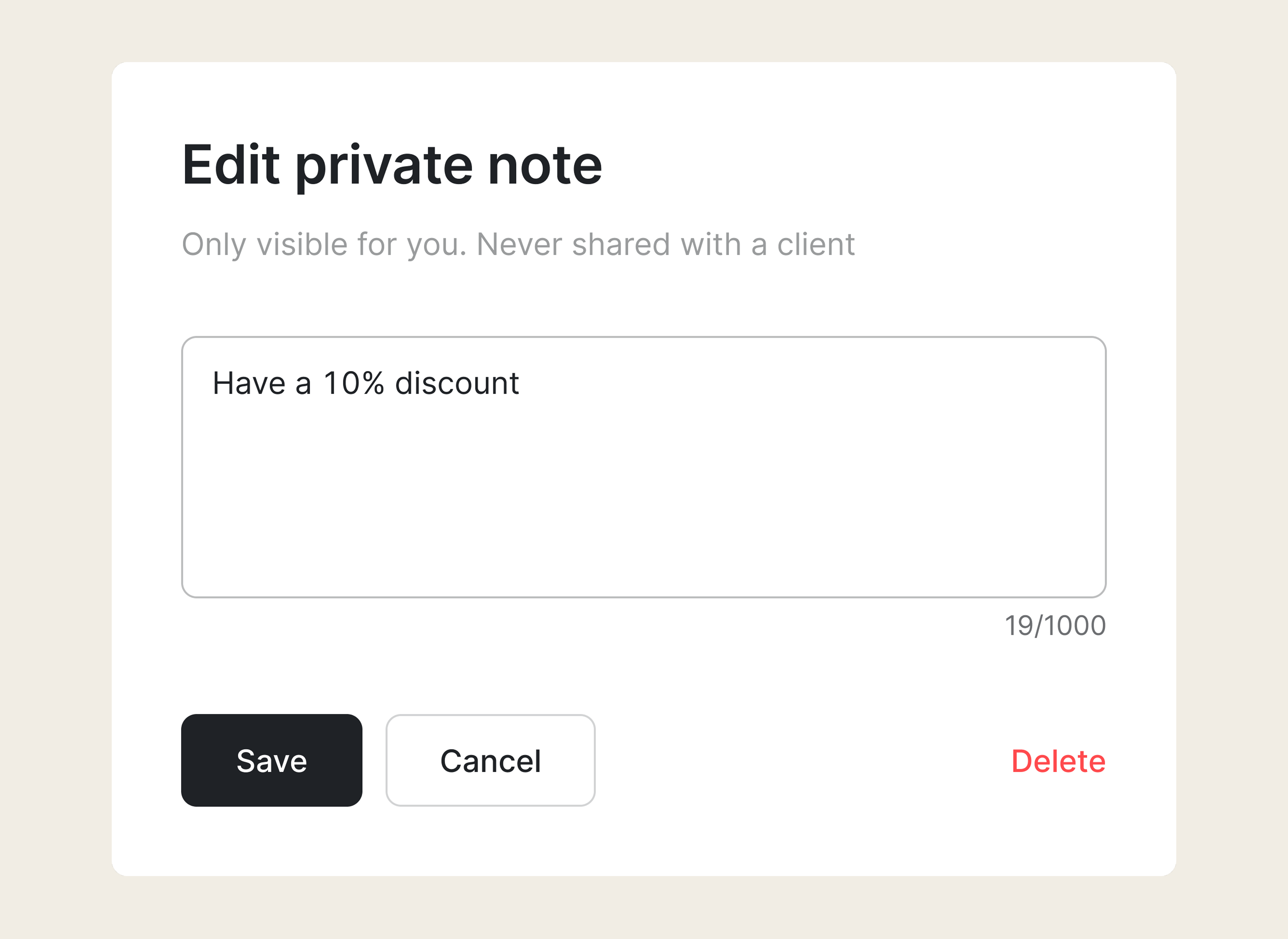
Write a note once on the client's card. Every tech you send there sees it on every visit – no phone call needed.
Open the job and see the whole story in one gallery – what it looked like before, what it looks like now.
.png)
A client says the crew cut corners. You weren't there – but your photos were. Open the job, put the before next to the after, and the conversation is over. Not your word against theirs: two pictures of the same porch, taken hours apart.
It's also your quality control. Skip the drive – open the job, see the result the way the client will, and catch sloppy work before they do.
And if the argument is "nobody ever showed up" – that's what proof of visit is for.
Photograph a job at three moments: before you start, while things are still visible, and after you finish.
A few jobsite photos per visit take your tech a minute – and settle questions about quality months later, long after everyone's memory has faded.
Your techs already carry the only tool they need – the phone in their pocket. They shoot and upload in the Tofu Team app; you review from wherever you are.
Team notes reach every tech you send to the client. Private notes stay with you. Clients never see either.
.webp)
Photos and notes live next to everything else about the job – invoices, client profiles, payments. No separate photo utility, nothing to copy between apps.
.png)
Some switched from QuickBooks. Others used to do everything manually

Absolutely amazing! It’s saves so much time and it gives you the professional touch needed to make you look good!
★ ★ ★ ★ ★
Tony W., TrustpilotTofu works with Stripe for on-site card payments, lets me turn estimates into invoices, and instantly syncs jobs, photos, and client notes offline.
★ ★ ★ ★ ★
Tofu user, G2
I use Tofu for my cleaning business, and it solves so many problems for me. I consider it a complete success for myself and my employees.
★ ★ ★ ★ ★
Marjorie N., G2Easy to use and straightforward! Been using it for over a year now!
★ ★ ★ ★ ★
Manuela M., TrustpilotI need some basic features like send estimate, invoice, track my jobs and get money. Tofu is good for that.
★ ★ ★ ★ ★
Tofu user, G2I love it 10 out of 10 would highly recommend to anyone
★ ★ ★ ★ ★
David M., CapterraEverything you need to know about the product and billing

.png)


