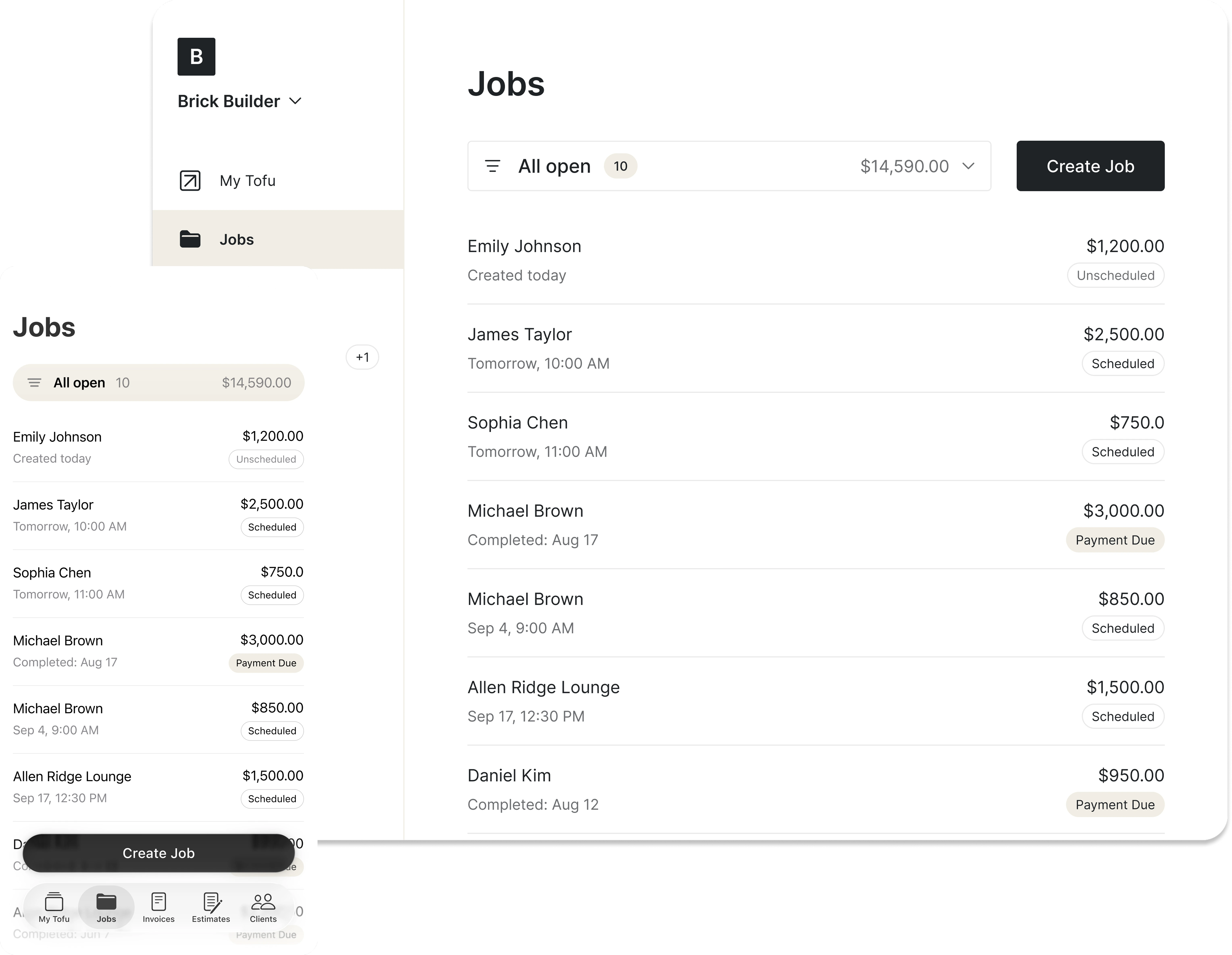
Billing tools for field service pros
Create invoices, estimates, quotes and receipts in seconds – no signup, built for pros who do paperwork on the go.




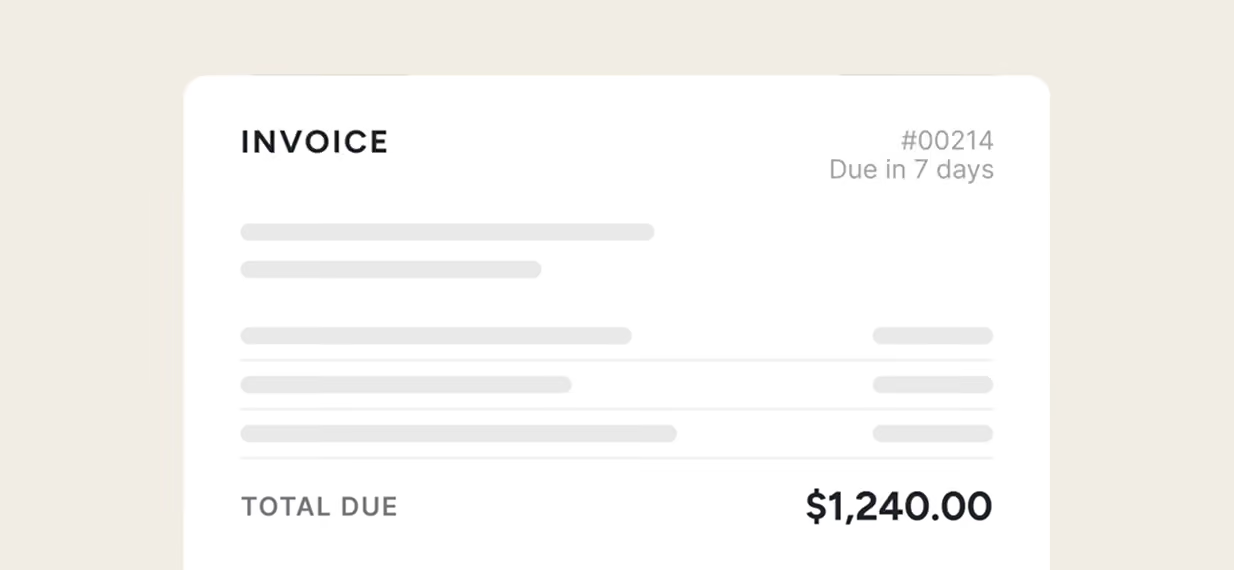
Invoice generator
Make a professional invoice and send it or download as a PDF in seconds.
Open generator
→
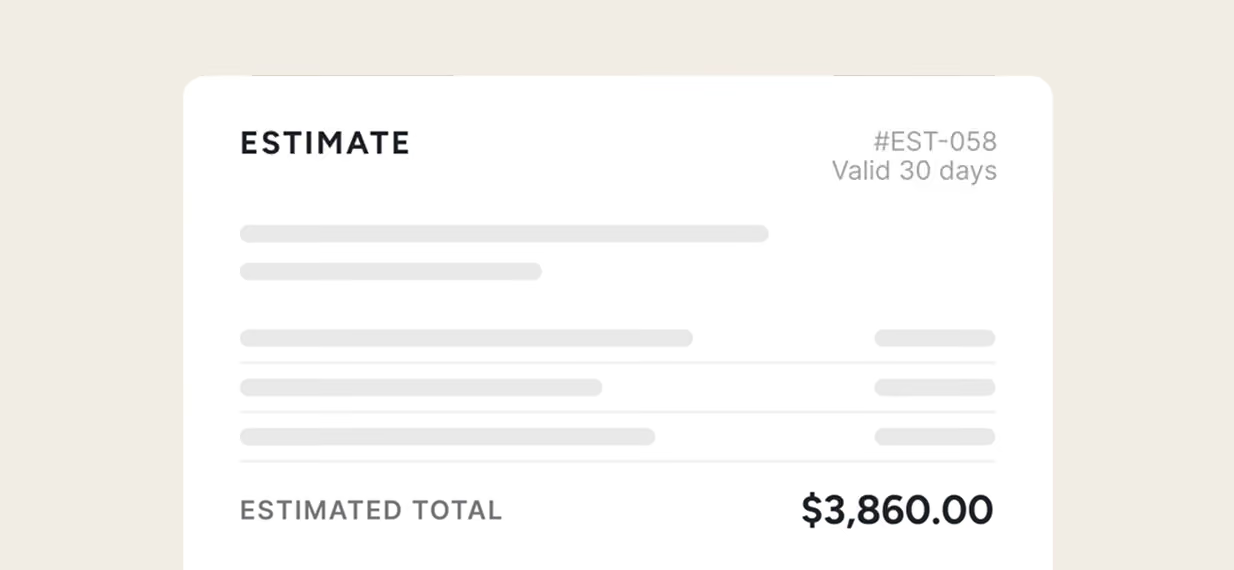
Estimate generator
Build a clear job estimate and share it with your client on the spot.
Open generator
→

Quote generator
Put together a polished quote that helps you win the job.
Open generator
→
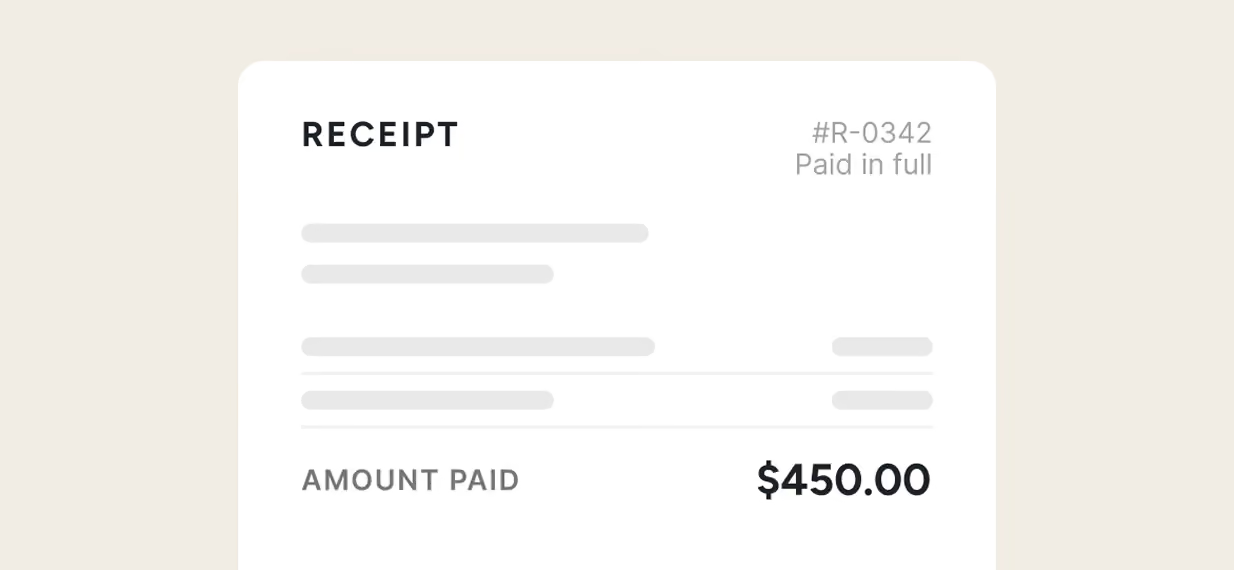
Receipt generator
Generate a clean receipt for any payment, ready to print or send.
Open generator
→
Rated excellent on review platforms

Absolutely amazing! It’s saves so much time and it gives you the professional touch needed to make you look good!
★ ★ ★ ★ ★
Tony W., TrustpilotTofu works with Stripe for on-site card payments, lets me turn estimates into invoices, and instantly syncs jobs, photos, and client notes offline.
★ ★ ★ ★ ★
Tofu user, G2
I use Tofu for my cleaning business, and it solves so many problems for me. I consider it a complete success for myself and my employees.
★ ★ ★ ★ ★
Marjorie N., G2Easy to use and straightforward! Been using it for over a year now!
★ ★ ★ ★ ★
Manuela M., TrustpilotI need some basic features like send estimate, invoice, track my jobs and get money. Tofu is good for that.
★ ★ ★ ★ ★
Tofu user, G2I love it 10 out of 10 would highly recommend to anyone
★ ★ ★ ★ ★
David M., CapterraFrequently asked questions

Check out more free resources
Need more than a one-off PDF? Run your jobs in Tofu.
Try Tofu for free