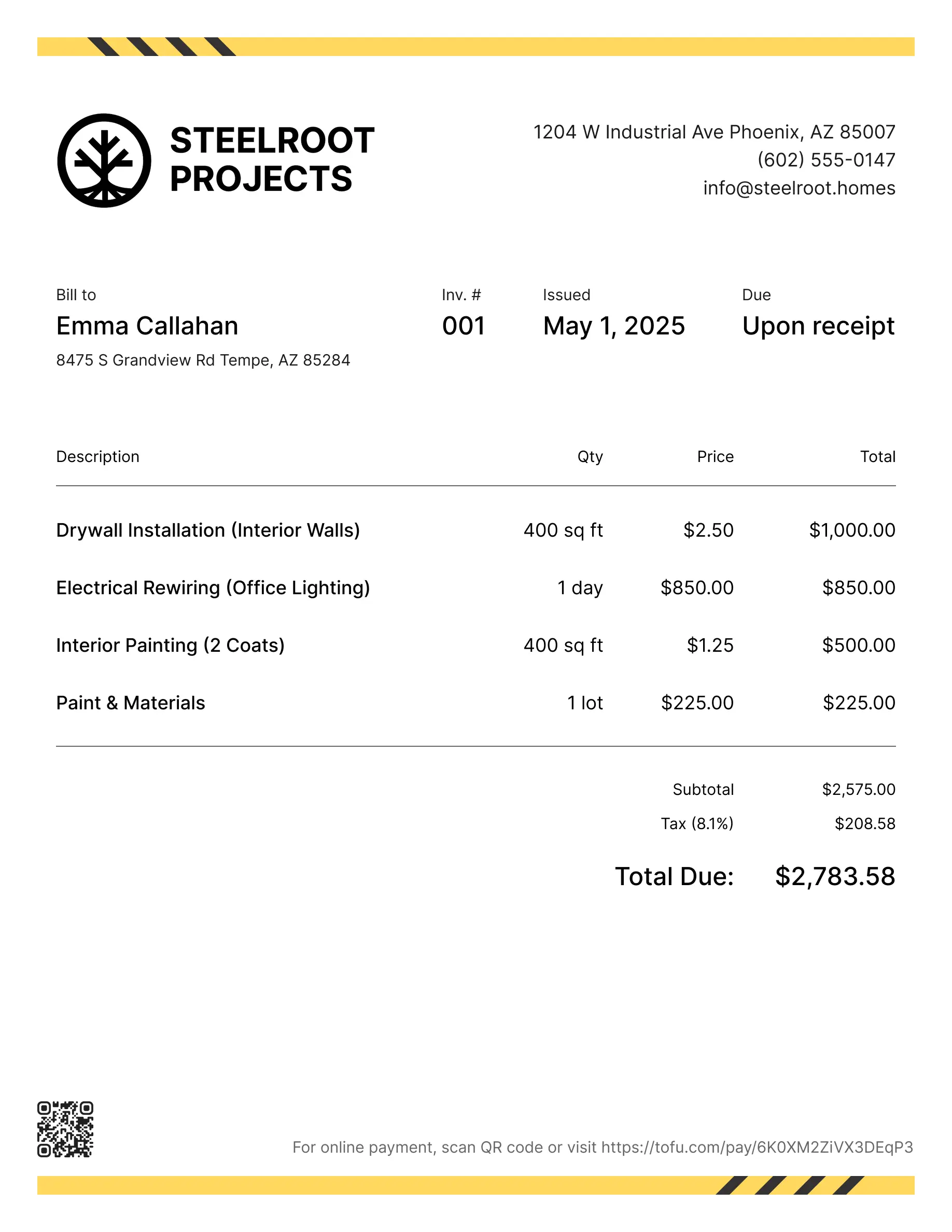
Painting estimate templates
Estimate jobs for interior, exterior, prep work, or any repaint that starts with a quote. Tofu's ready-to-use painting estimate templates make it simple. Choose your format, add your branding, and download.
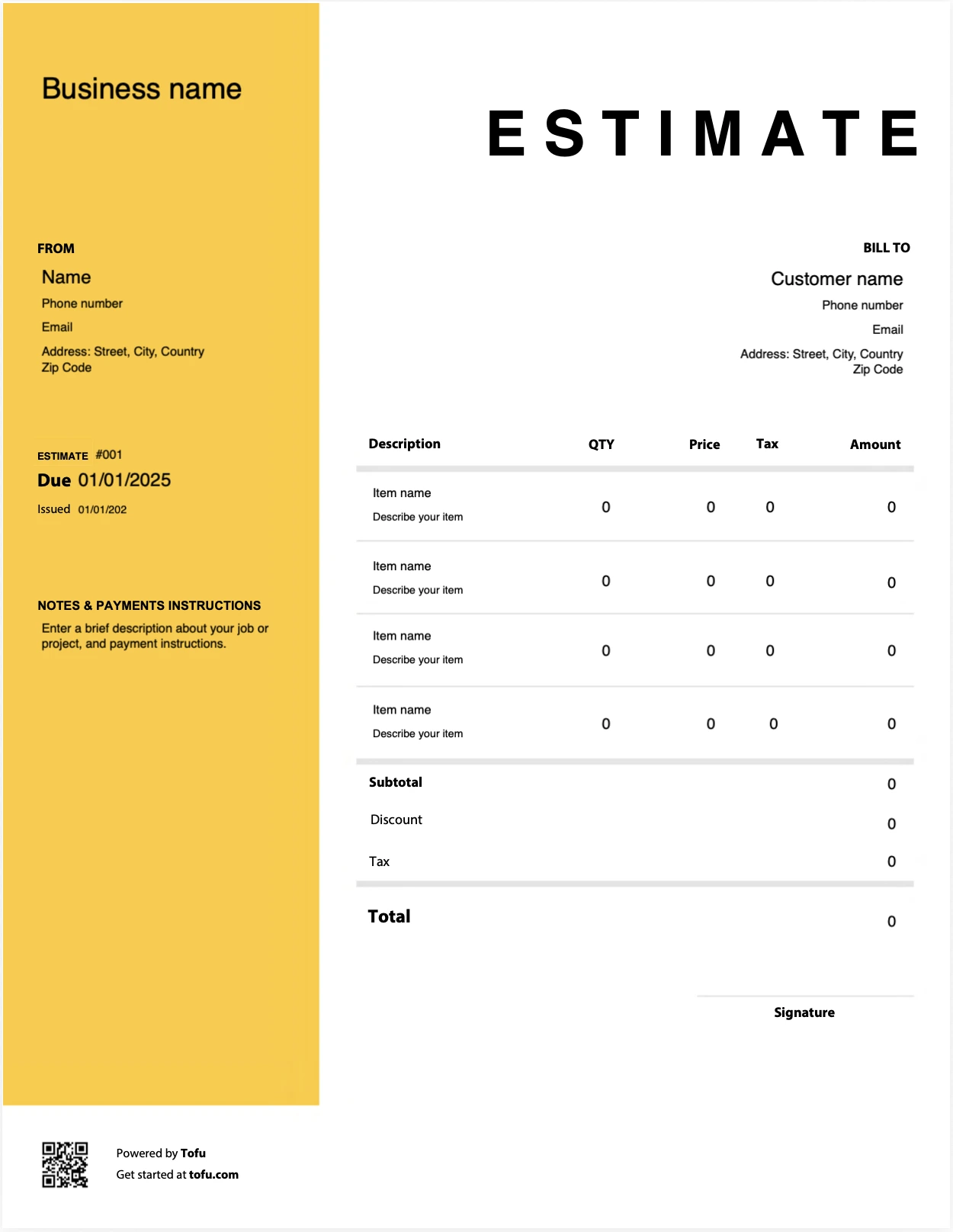
Estimate templates designed for painting pros
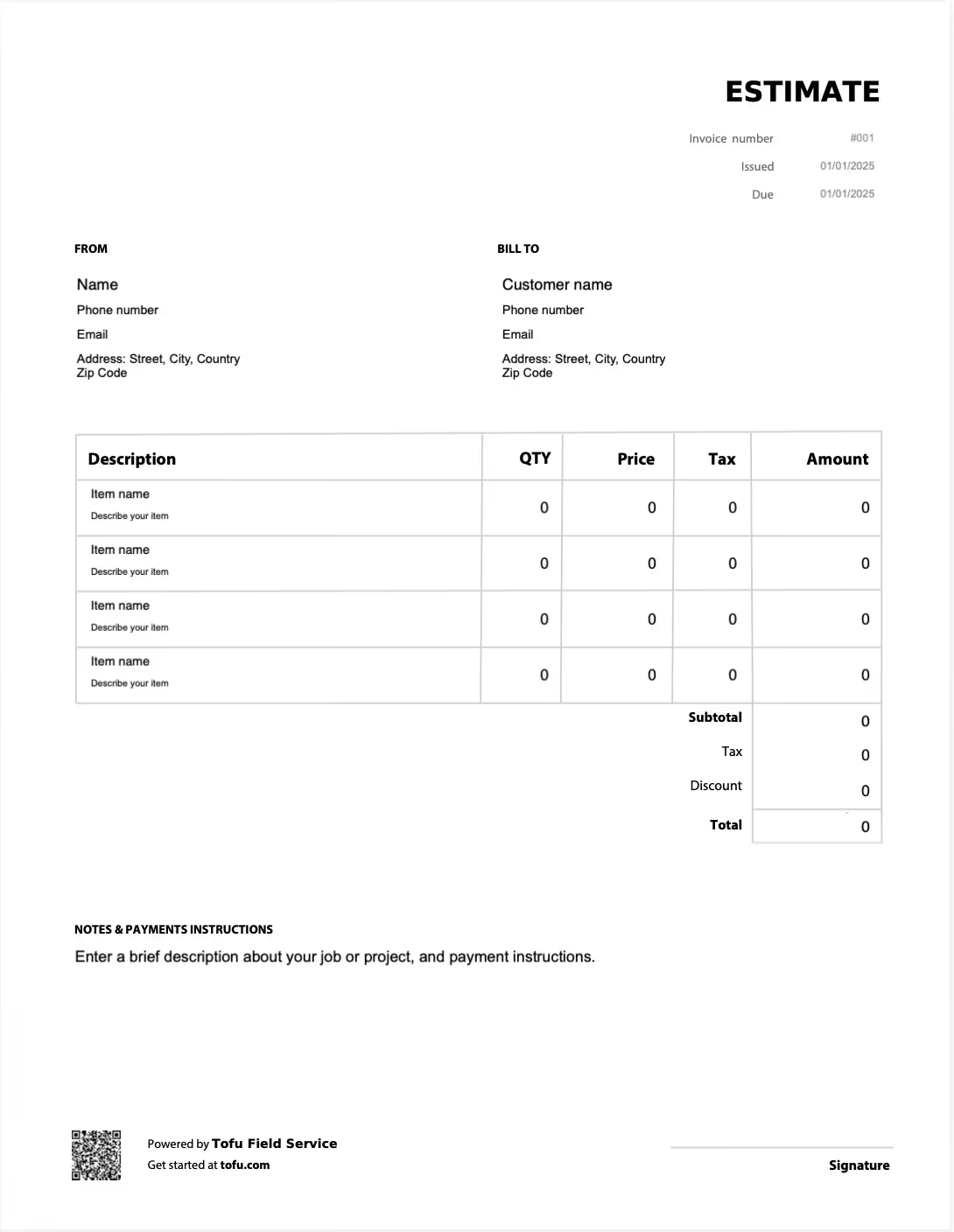
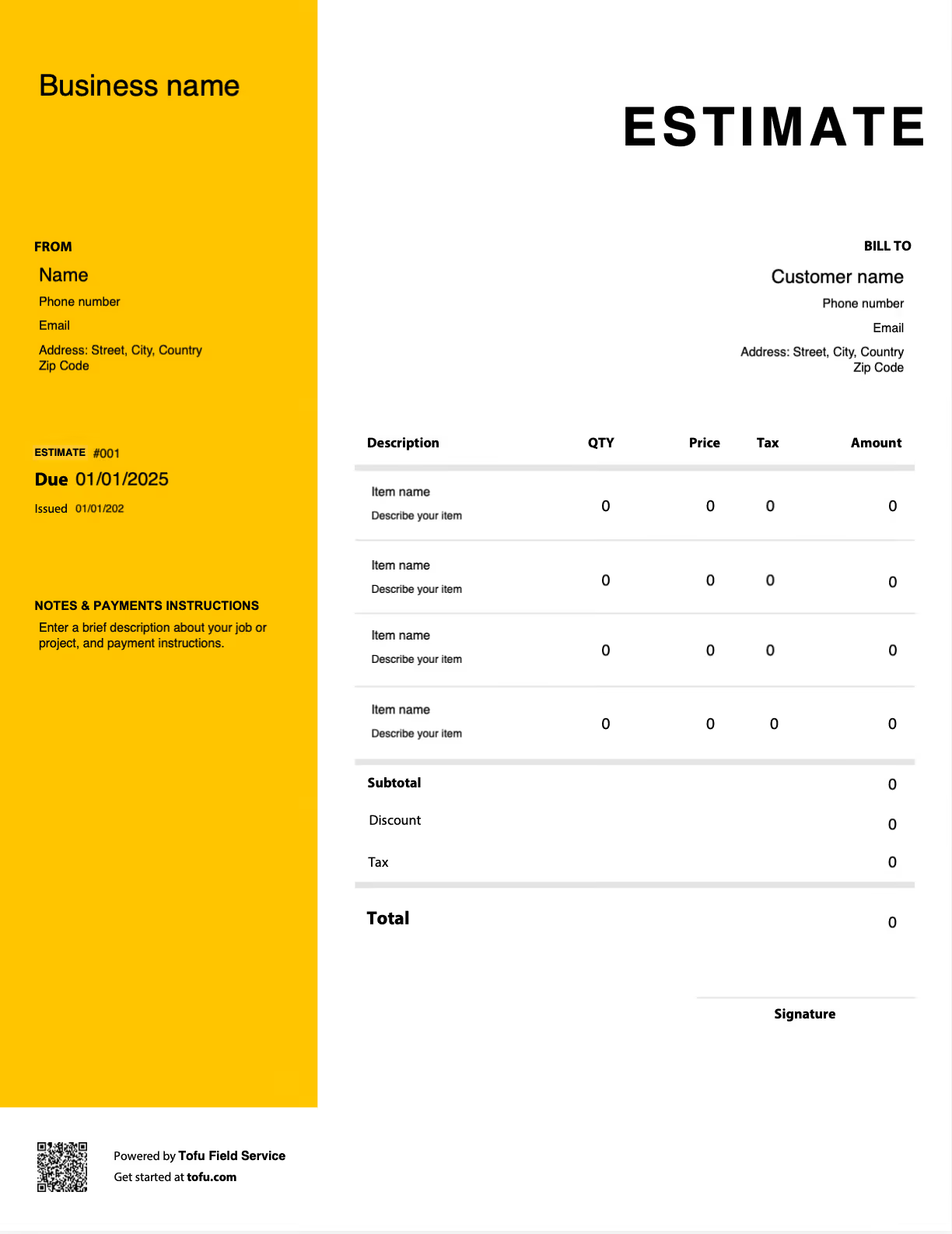
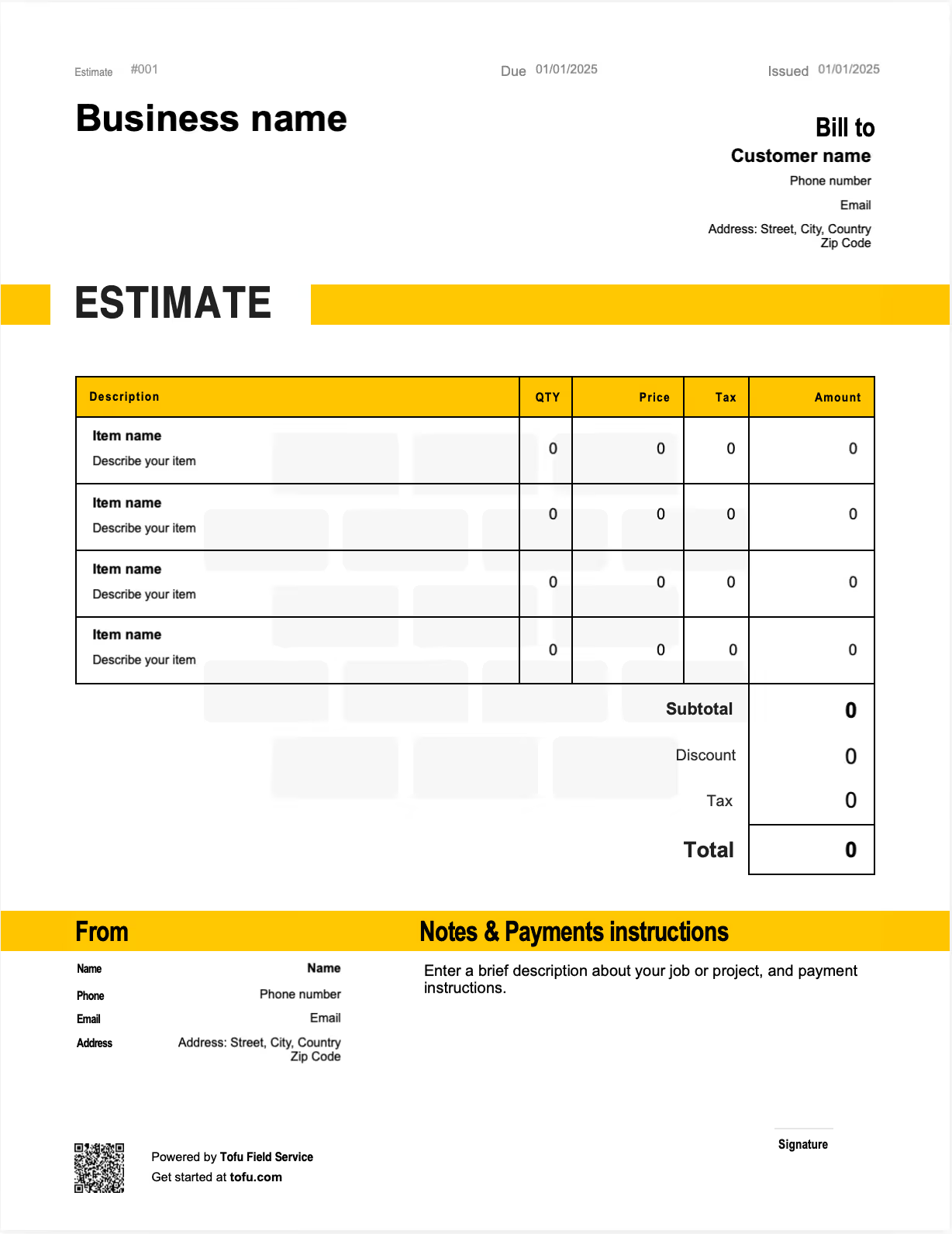
Quoting a paint job is rarely as simple as price per square foot. Surface areas vary room to room, paint and material costs shift, and a client staring at a single lump-sum number will almost always ask what they're paying for. A painting estimate template solves that. It gives you a professional, repeatable document that lays out scope, materials, and labor clearly, so you look established, set expectations for clients, and speed up the estimation process. In this guide you'll learn what to include, how to customize it, which formats work best, and how a clean estimate helps you win more bids and grow your painting business.
What to Include in a Painting Estimate Template
A complete painting estimate has to be clear enough that a client understands the cost and detailed enough that you're protected if the scope shifts. Every field below earns its place by adding clarity, preventing a dispute, or signaling professionalism. A strong paint estimate template should capture:
- Business Info & Logo — identifies you and looks professional: company name, logo, phone, email.
- Client Information — ties the estimate to the right customer: name, property address, email.
- Estimate Number — tracks the document for follow-up, such as EST-0142.
- Date & Expiration — sets a validity window on the pricing: issued date, valid for 30 days.
- Scope of Work — defines exactly what's being painted, such as "interior: 3 bedrooms, walls and ceilings, 2 coats."
- Surface Area — the basis for material and labor math: wall and ceiling square footage by room.
- Paint Specifications — records type, brand, color, and coats, like acrylic paint with brand, color, and number of coats.
- Material Costs — itemizes paint, primer, caulk, and supplies, each priced.
- Labor Costs — separates labor from materials: prep and paint hours × rate.
- Subtotal, Tax & Total — builds to the client-facing figure: materials plus labor and tax.
- Payment Terms — sets collection expectations up front: deposit on approval, balance on completion.
Separating material costs from labor is the field that does the most work. When a client sees the paint priced apart from the hours, the number stops feeling arbitrary and your pricing stays transparent. Paint specifications matter just as much: documenting the type, brand, color, and number of coats means there's no argument later about whether one coat of a cheaper paint was what you agreed to.
Painting-Specific Line Items Generic Templates Miss
A generic contractor estimate won't have a place for what actually drives a paint job's cost. These are the lines that separate a professional painting estimate from a guess:
- Surface prep work — patching, sanding, and masking, often the most underestimated labor on the job.
- Paint specifications — type and brand of paint, plus the color of the paint and the number of coats.
- Caulk and primer as separate line items — materials that get forgotten and quietly eat margin.
- Surface-type pricing — walls, ceilings, and doors priced differently, since each takes different time and technique.
- Scaffolding or equipment — for multi-story exterior work where access is part of the cost.
Capturing these upfront protects you from scope creep and helps the client understand the overall cost before work begins.
How to Write a Painting Estimate Using a Template
Working from painting invoice templates means you create a painting estimate the same reliable way every time. Build it in this order:
- Visit the job site and measure the area to be painted, room by room or wall by wall.
- Gather paint specifications — type, brand, color, and number of coats for each surface.
- Separate material costs from labor costs so each is its own set of line items.
- Account for prep work and overhead costs, including masking, patching, and equipment.
- Calculate the subtotal, tax, and total to reach the client-facing price.
- Set a validity window noting the estimate is valid for a set number of days.
- Send it to the client and keep a copy, since an approved estimate converts directly into an invoice.
💡 Pro Tip: Always note that the estimate is valid for a set number of days, 30 is common. Paint and material prices move, and a validity window means a quote you wrote in spring doesn't bind you to spring pricing when the client finally approves in summer. It protects your margin without any awkward conversation.
Your next painting estimate is 60 seconds away
Open Tofu, add the job details, send it for approval. Your customer sees a clean, itemized estimate before any work begins.
Rated excellent on review platforms

Absolutely amazing! It’s saves so much time and it gives you the professional touch needed to make you look good!
★ ★ ★ ★ ★
Tony W., TrustpilotTofu works with Stripe for on-site card payments, lets me turn estimates into invoices, and instantly syncs jobs, photos, and client notes offline.
★ ★ ★ ★ ★
Tofu user, G2
I use Tofu for my cleaning business, and it solves so many problems for me. I consider it a complete success for myself and my employees.
★ ★ ★ ★ ★
Marjorie N., G2Easy to use and straightforward! Been using it for over a year now!
★ ★ ★ ★ ★
Manuela M., TrustpilotI need some basic features like send estimate, invoice, track my jobs and get money. Tofu is good for that.
★ ★ ★ ★ ★
Tofu user, G2I love it 10 out of 10 would highly recommend to anyone
★ ★ ★ ★ ★
David M., CapterraHow to Customize Your Painting Estimate Template
Make the template your own so it reads as professional before the first brush touches a wall. Add your company logo and contact information at the top, and choose colors that match your business branding. Adjust the line items to fit the job, an interior painting estimate emphasizes rooms, coats, and trim, while an exterior estimate adds surface prep, weather considerations, and access equipment. Build in your standard terms and conditions, and include a space for client signature or approval so the document doubles as a written go-ahead. A polished, customizable painting estimate template makes a strong first impression and signals that the rest of the job will be handled with the same care.
Painting Estimate Template Formats: Excel, Word, and PDF
The right format depends on where you're working and how much volume you handle.
- Microsoft Excel or Google Sheets: Best when you want automatic cost calculations. Built-in formulas multiply square footage by rates and total materials and labor instantly, which saves real time on multi-room jobs. Sheets adds cloud access for quoting from the field.
- MS Word or PDF: Best for a clean, printable, client-facing document. PDF locks the layout so nothing gets accidentally edited between your estimate and the client's signature, ideal for the version you actually send.
- Online estimate tools or estimate software: Best for higher-volume painting businesses that want to send estimates digitally, track whether a client has opened or responded, and convert an approved estimate straight into an invoice.
Most contractors build in Excel or Sheets for the math, export a downloadable painting estimate template as PDF to send, and move to software once volume makes manual follow-up a chore.
Benefits of Using a Painting Estimate Template
A structured template beats quoting from memory on every measure:
- Saves time by reusing one format instead of writing each bid from scratch.
- Consistency across all bids, so your interior and exterior quotes read the same and nothing gets left off.
- Fewer pricing disputes, because itemized scope and paint specs document exactly what was agreed.
- A professional image that wins more jobs against painters still quoting verbally.
- Trackable job estimates over time, which sharpens your pricing and supports steadier cash flow.
- A free estimate process you control end to end, with no per-quote cost.
As a painting business grows, many owners graduate to dedicated painting business software or invoicing tools that automate follow-up and convert estimates directly to invoices. The habits you build with a template streamline the work now and carry straight into whatever you scale into.
Common Painting Estimate Mistakes to Avoid
Most disputes and lost margin on a paint job trace back to a few avoidable errors:
- Underestimating surface prep time → Price prep as its own labor line; it's often the difference between a profitable job and a break-even one.
- Combining materials and labor in one line → Itemize them separately so pricing is transparent and defensible.
- Leaving out paint specifications → Note type, brand, color, and number of coats so there's no dispute about what you quoted.
- Forgetting to state what's excluded → List exclusions explicitly so a "while you're here" request doesn't become free work.
- Omitting an expiration date → Add a validity window so old pricing can't be held against you.
- Skipping your name and contact information → Include full details so the client can approve and follow up easily.
Estimates are just the start
Every client, job, estimate, and payment lives in Tofu, ready to pull up in seconds, right from the job site.
FAQs
Everything you need to know about the product and billing

Still have questions?



Create the perfect estimate for your business
Get started for free