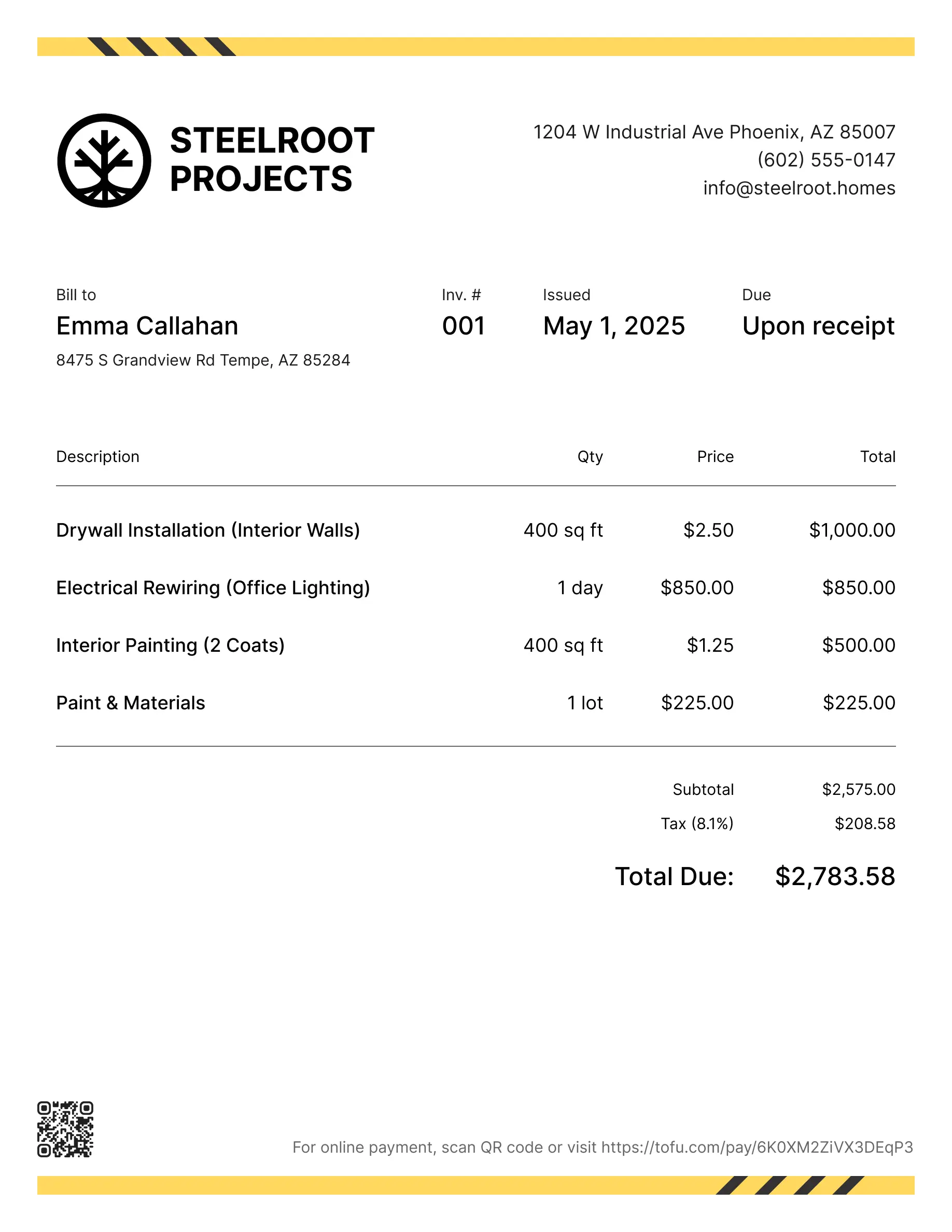
Painting invoice templates
Bill clients for interior and exterior work, prep, materials, or room-by-room projects. Tofu's ready-to-use invoice templates make it simple. Choose your format, add a personal touch, and download.
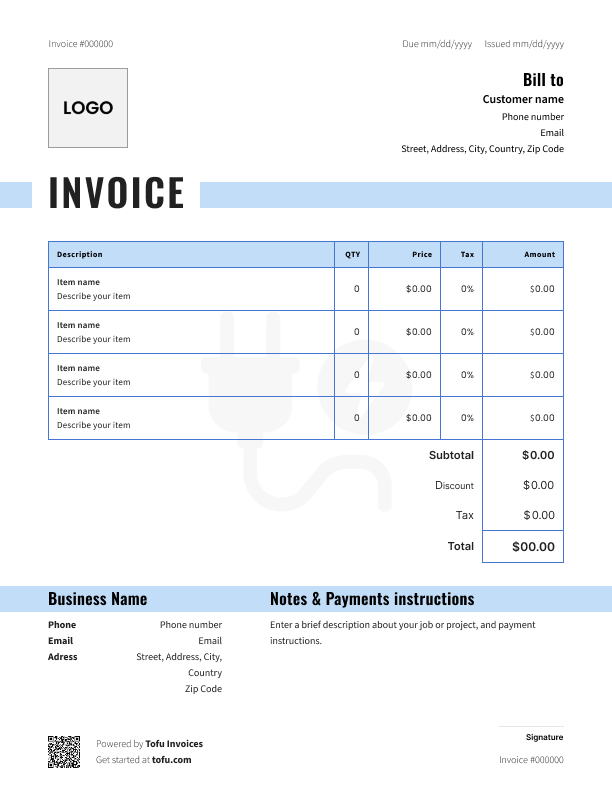
Invoice templates designed for painting
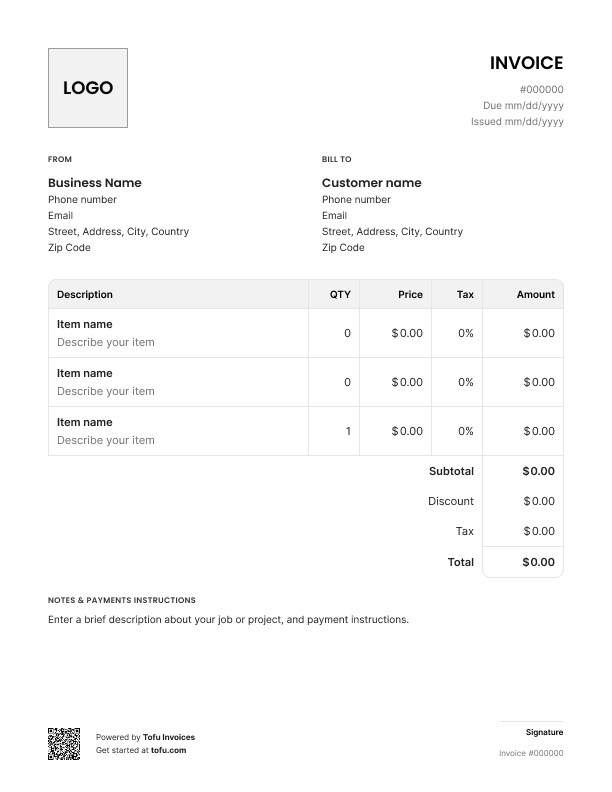
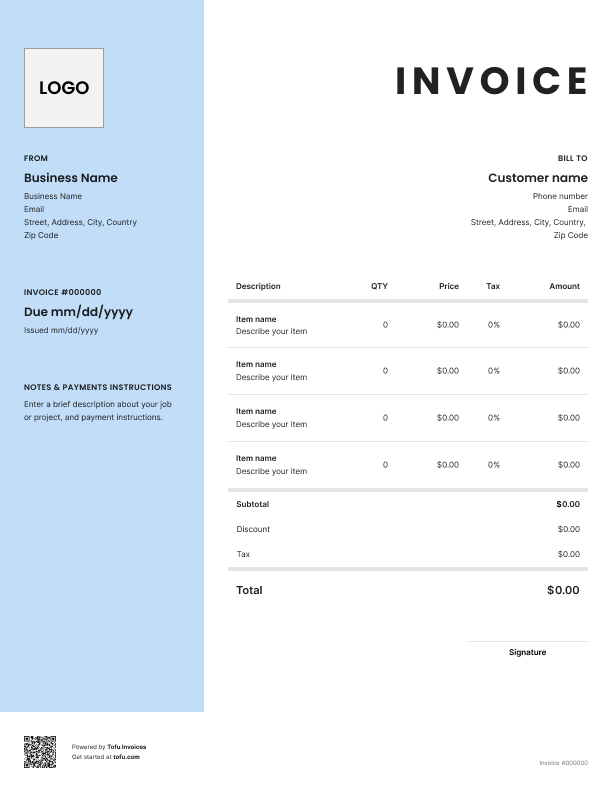
Painting jobs are tough to bill. Costs shift based on square footage, paint type, number of coats, and how many hours the job actually took. And customers – especially on bigger projects – will question your pricing if the invoice doesn't back it up.
A free painting invoice template fixes that. It gives you a professional, itemized document that shows exactly what you did and what it costs – so your painting business gets paid faster with fewer disputes.
What to include in a painting invoice template
A generic invoice won't cut it for painting work. Here's what every painting invoice template should have:
- Business name and contact details – identifies who's billing (e.g. ABC Painting Co., 555-123-4567)
- Company logo – adds professionalism; goes in the header
- Client information – name, address, phone, and email
- Unique invoice number – keeps records clean and makes follow-ups easy (e.g. INV-0042)
- Invoice date and payment due date – sets a clear payment timeline (e.g. issued Apr 1, due Apr 15)
- Painting service description – documents what was done (e.g. interior painting, living room)
- Line item breakdown – labor, paint, primer as separate lines; prevents disputes
- Square footage – justifies your cost calculations (e.g. 1,200 sq ft, two coats)
- Applicable tax – required for compliance (e.g. 8% sales tax on materials)
- Payment terms – tells the client how and when to pay (e.g. Net 15, credit card or check accepted)
A complete, itemized list builds trust. The client can see exactly what they're paying for – and you have documentation if anything gets disputed.
Painting-specific fields that generic templates miss
Generic invoice templates are built for everyone, which means they're built for no one in the trades. For painting work, make sure you're also capturing:
- Surface area – square footage for walls, ceilings, and trim separately
- Paint brand, finish, and coat count – proof that you used what was specified
- Interior vs. exterior painting – different prep, different pricing, different liability
- Surface prep work – priming, sanding, patching; this is labor too
- Materials markup – if you're charging above cost on paint, document it as a line item
These fields protect you when customers push back on pricing or quality.
How to create a professional painting invoice
Start with a free painting invoice template – don't build one from scratch. Then fill it in like this:
- Add your business name, contact details, and company logo at the top
- Enter client information – name, address, and how to reach them
- Assign a unique invoice number – keeps your records clean and makes follow-ups easy
- List every service as a separate line item – labor and materials should never be bundled
- Add square footage and paint details – brand, finish type, and how many coats
- Calculate the total including applicable tax and any materials markup
- Set a payment due date and payment instructions – invoice upon completion, not days later
Use this free invoice template as your starting point and customize from there. The more complete it is, the fewer questions you'll get.
💡 Pro tip: Always send an invoice online instead of handing over a paper copy. Digital invoices get opened faster, and most tools include automatic payment reminders so you don't have to chase clients manually.
Customizing your painting invoice template
A fully customizable invoice template lets you tailor the document to each job type. Upload your company logo, adjust the template design – colors, fields, layout – to match your brand, and add or remove fields for residential vs. commercial work. Add warranty language or terms of service at the bottom if needed.
Export as PDF, PNG, or JPG. Make sure the template is fully editable before you commit to a format.
Your next invoice is 60 seconds away
Open Tofu, add the details, send a pay link. Your client gets it while the work is still fresh.
Rated excellent on review platforms

Absolutely amazing! It’s saves so much time and it gives you the professional touch needed to make you look good!
★ ★ ★ ★ ★
Tony W., TrustpilotTofu works with Stripe for on-site card payments, lets me turn estimates into invoices, and instantly syncs jobs, photos, and client notes offline.
★ ★ ★ ★ ★
Tofu user, G2
I use Tofu for my cleaning business, and it solves so many problems for me. I consider it a complete success for myself and my employees.
★ ★ ★ ★ ★
Marjorie N., G2Easy to use and straightforward! Been using it for over a year now!
★ ★ ★ ★ ★
Manuela M., TrustpilotI need some basic features like send estimate, invoice, track my jobs and get money. Tofu is good for that.
★ ★ ★ ★ ★
Tofu user, G2I love it 10 out of 10 would highly recommend to anyone
★ ★ ★ ★ ★
David M., CapterraHourly vs. flat rate billing for painting jobs
The billing model you choose affects how you structure your invoice. Here's when each makes sense:
Hourly billing
- Best for small touch-up jobs or repairs where scope isn't clear upfront
- Good when the client wants you on-site for a set number of hours
- List hours of labor as a line item with your hourly rate
Flat rate billing
- Best for full room repaints, exterior painting, or defined commercial contracts
- Lets you price based on square footage and coat count
- Easier for clients to approve upfront – no surprise totals
Whichever model you use for a painting job, always separate materials from hours of labor. Either way, painting invoices should make the billing model clear – and using invoice templates built for painting work makes that easier to get right every time.
Benefits of using painting invoice templates
- Save time – Fill in a template instead of starting from scratch every job
- Get paid faster – Complete, professional invoices get approved quicker than vague ones
- Reduce disputes – Itemized billing makes it hard for customers to challenge individual costs
- Improve cash flow – Faster payment cycles mean less money sitting in unpaid invoices
- Better financial records – Clean invoices make tax season less painful
- Streamline your billing process – Consistent documentation keeps things manageable as you grow
High-volume painting businesses often move from a free invoice template to invoicing software or an online invoice generator – every free invoice sent through these tools includes automatic reminders and payment tracking.
Common painting invoice mistakes to avoid
- Bundling all costs into one line → Break out labor, paint, primer, and prep – include a detailed list for every job
- Missing paint specs → Note the brand, finish, and coat count; it's your proof of compliance if a client disputes quality
- Vague work descriptions → "Painting work" tells the client nothing; "Interior walls, living room, two coats Benjamin Moore Regal" tells them everything
- No deposit documentation → Show deposits as a line item and subtract from the total
- Missing contractor license number → Required in many states; leaving it off delays payment
- No accepted payment methods listed → Tell clients exactly how to pay – check, credit card, bank transfer
- Waiting too long to send → Delays in the invoicing process lead to delays in getting paid on time
Painting invoice tools and formats
For offline billing, downloadable templates in PDF, Microsoft Excel, Google Sheets, and Google Docs are free and easy to edit – good for painters who prefer to manage invoices manually.
An online invoice generator lets you create invoices digitally and send them straight to clients. A free invoice generator or custom invoice generator gives you a professional document in minutes, including painting estimates templates.
For painting companies ready to automate, invoicing software like QuickBooks connects billing to your accounting and generates invoices online with payment links built in.
Invoices are just the start
Every client, job, estimate, and payment lives in Tofu – ready to pull up in seconds, wherever you are.
FAQs
Everything you need to know about the product and billing

Still have questions?



Create the perfect invoice for your business
Get started for free