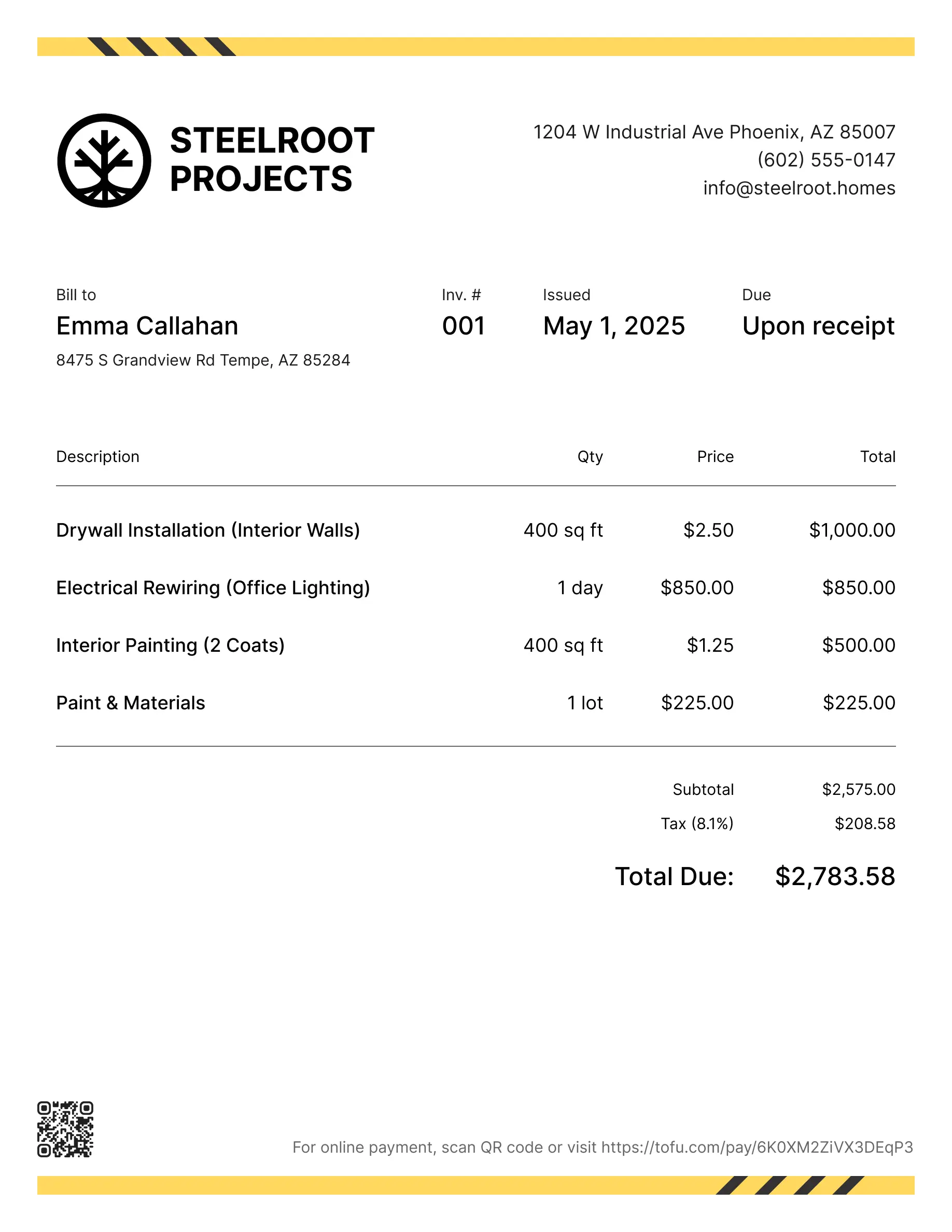
Handyman estimate templates
Estimate jobs for drywall, plumbing fixes, general repairs, or any task that starts with a quote. Tofu's ready-to-use handyman estimate templates make it simple. Choose your format, add your branding, and download.
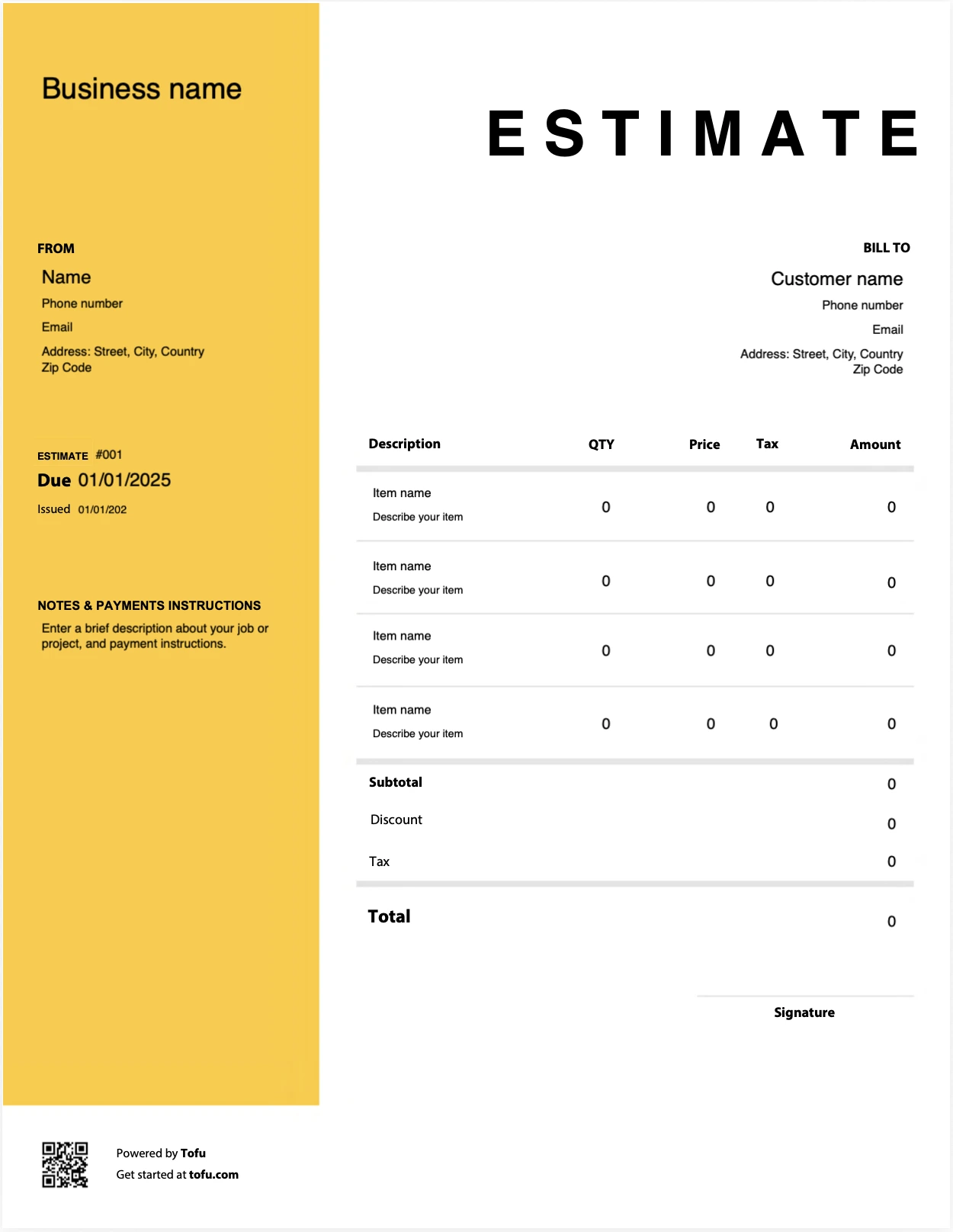
Estimate templates designed for handymen
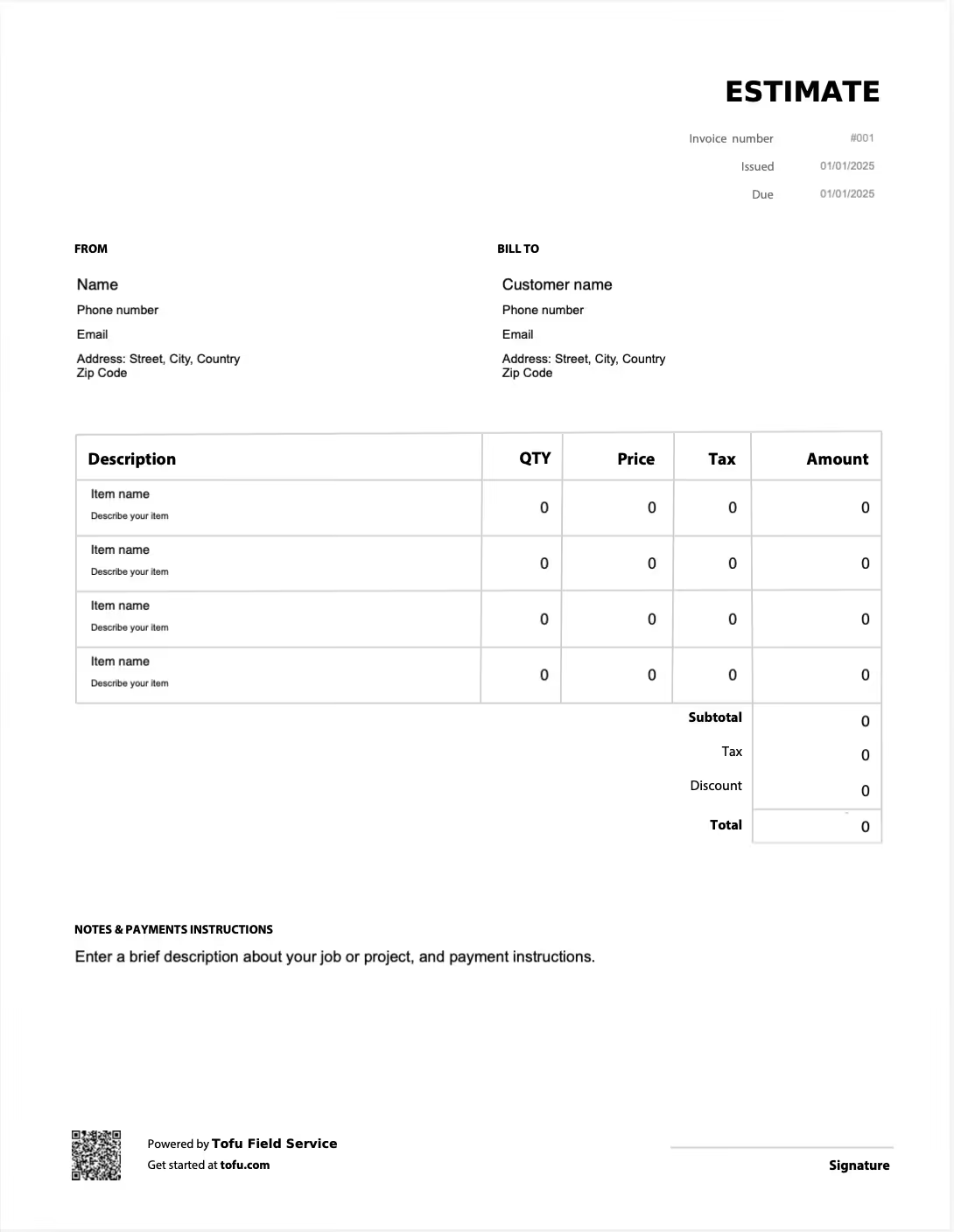
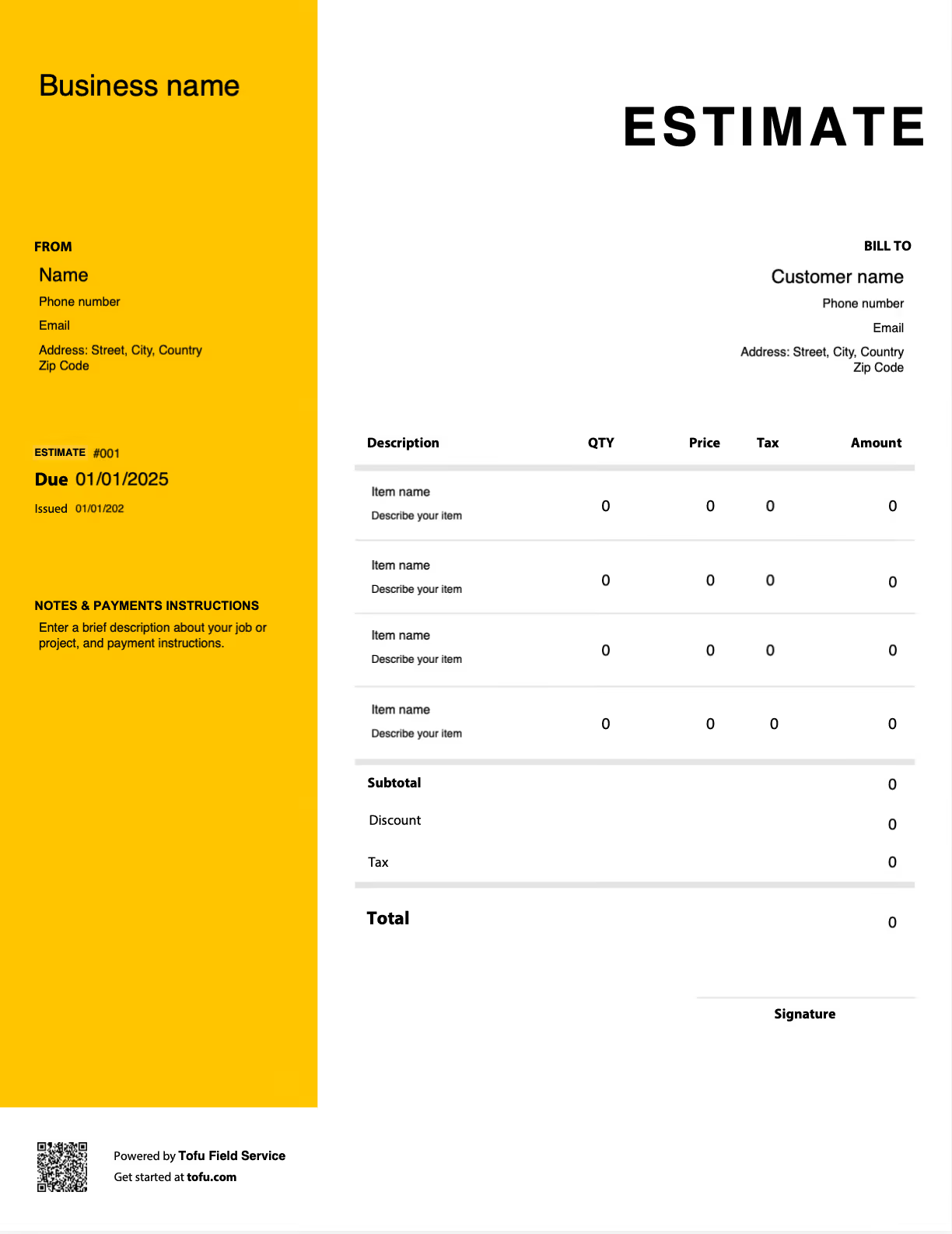
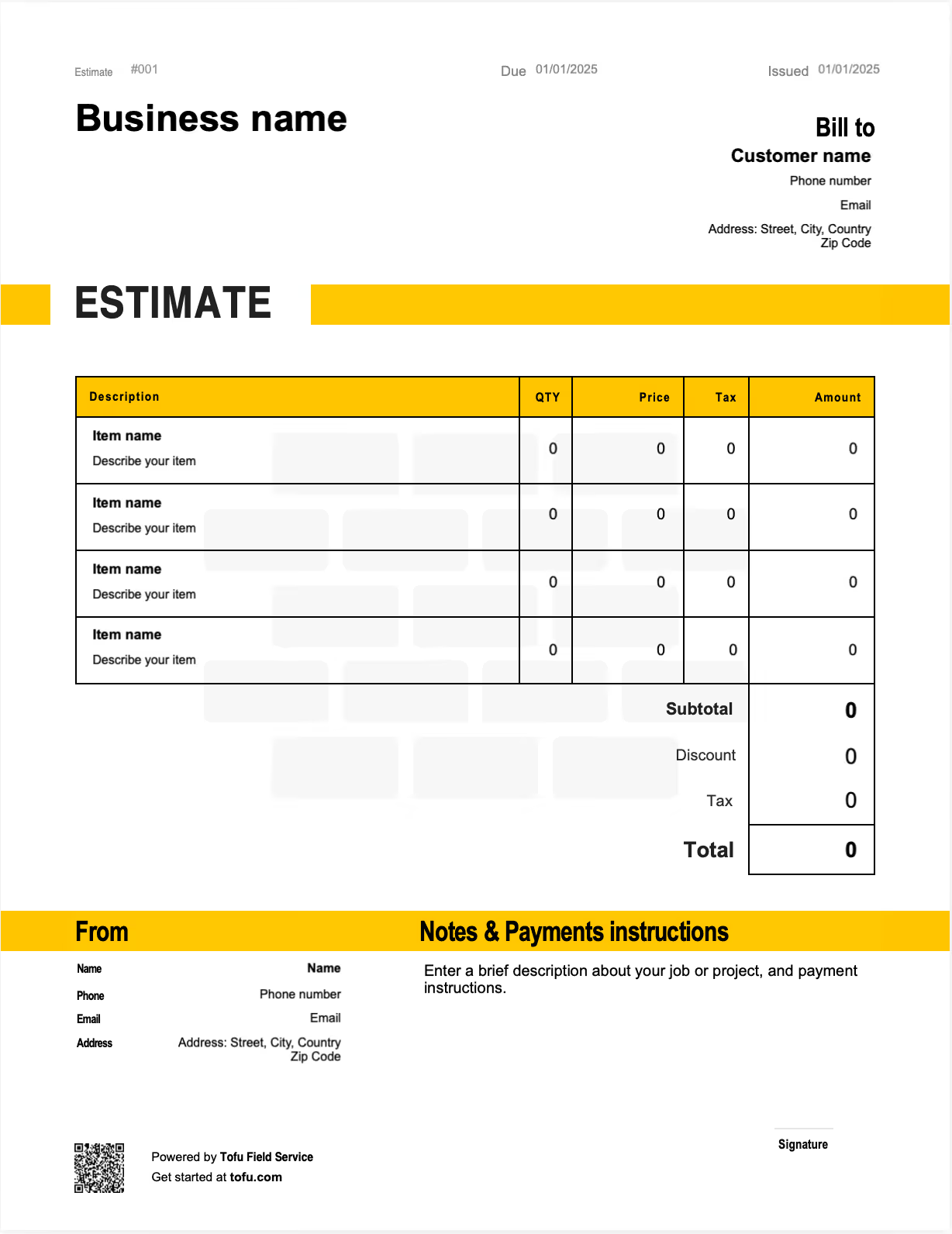
Every handyman job is a little different. One visit is a drywall patch and a leaky faucet, the next is half a day of general repairs with a parts run in the middle. Costs shift with materials and scope, and the customer wants a clear price before they say yes. A handyman estimate template gives you a structured, professional-looking way to lay out labor, materials, and terms before any work begins. In this guide you'll find what to include, how to customize it across job types, and how a consistent estimate process protects your profit margins and builds client trust from the first quote.
What to Include in a Handyman Estimate Template
A complete handyman estimate does double duty: it looks professional and it protects you when a customer questions the bill later. Each field below earns its place by preventing a dispute or guarding a margin, not just filling out the page:
- Business Contact Information — identifies you and looks established: business name, phone, email, license if applicable.
- Client Information — ties the estimate to the right customer: name, billing address, phone, email.
- Job Location — records the work site, often different from the billing address.
- Estimate Number — tracks the document for follow-up, such as EST-0142.
- Labor Line Items — shows labor cost per task or hour, like "hang and finish drywall, 3 hrs × rate."
- Materials Line Items — itemizes materials with unit pricing: drywall sheets, joint compound, fixtures.
- Markup — protects margin, applied as a percentage on material cost.
- Estimate Validity Window — sets how long the price holds, such as "valid for 30 days from issue date."
- Payment Terms — sets collection expectations up front: deposit due on approval, balance on completion.
- Terms & Conditions — clarifies scope and legal expectations: what's included, parts availability, warranty.
- Total — the client-facing figure: labor plus materials, markup, and tax.
Separating labor from materials matters most. When a customer sees the work priced apart from the parts, the number stops feeling arbitrary, and your markup stays transparent rather than buried. The validity window protects your profit margins when material costs move between the quote and the go-ahead, and a clear terms and conditions block is what you point to if the scope drifts.
Fields That Generic Templates Miss
A generic estimate form won't account for how handyman work actually runs. These fields keep you covered when one visit mixes several small jobs:
- Per-job and hourly breakdowns on the same estimate — handymen often flat-rate a known task and bill hourly for the uncertain one in a single visit.
- Material markup disclosure — a line that shows materials carry a markup, so it's never a surprise.
- Estimate validity date — because material prices change, and the price you quoted last month shouldn't bind you today.
- Scope-of-work note — a short line stating what is and is not included, so a drywall repair doesn't quietly become a full wall replacement.
These prevent scope creep and protect you when a customer references the estimate during or after the job.
Your next handyman estimate is 60 seconds away
Open Tofu, add the job details, send it for approval. Your customer sees a clean, itemized estimate before any work begins.
Rated excellent on review platforms

Absolutely amazing! It’s saves so much time and it gives you the professional touch needed to make you look good!
★ ★ ★ ★ ★
Tony W., TrustpilotTofu works with Stripe for on-site card payments, lets me turn estimates into invoices, and instantly syncs jobs, photos, and client notes offline.
★ ★ ★ ★ ★
Tofu user, G2
I use Tofu for my cleaning business, and it solves so many problems for me. I consider it a complete success for myself and my employees.
★ ★ ★ ★ ★
Marjorie N., G2Easy to use and straightforward! Been using it for over a year now!
★ ★ ★ ★ ★
Manuela M., TrustpilotI need some basic features like send estimate, invoice, track my jobs and get money. Tofu is good for that.
★ ★ ★ ★ ★
Tofu user, G2I love it 10 out of 10 would highly recommend to anyone
★ ★ ★ ★ ★
David M., CapterraHow to Create a Handyman Estimate
Handyman invoice templates give you the structure; this is the order to build it in. A clear process wins jobs and cuts the back-and-forth before you ever pick up a tool.
- Assess the scope in person or from photos before pricing anything, so the estimate reflects real work.
- Break out labor and materials as separate line items rather than one lump figure.
- Apply markup to materials consistently so every job carries margin.
- Assign a unique estimate number for tracking and easy follow-up.
- Set a validity window so the price holds for a defined period and no longer.
- Add your terms and conditions covering scope, parts, and payment.
- Deliver the estimate to the client, printed, as a PDF, or sent via email, and confirm they've received it.
💡 Pro Tip: On material-heavy jobs, always set a validity window. Lumber, fixtures, and hardware prices move, and a "valid for 30 days" line protects you from honoring a quote built on last month's material costs.
Customizing Your Handyman Estimate Template
Tailor the template to your business so it works on every job type. Add your company name and logo so even a solo operation looks established. Adjust the line item categories to the work you do most, drywall, plumbing fixes, general repairs, so you aren't retyping common tasks each time. Build in a standard terms and conditions block you reuse. Then pick the format that fits how you work: Microsoft Word or Google Docs for simple branded documents, or Microsoft Excel or Google Sheets if you want built-in formulas. A consistent, branded, customizable estimate builds credibility and makes your business look professional before you've driven a single nail.
Handyman Estimate vs. Invoice: What Is the Difference?
Customers and newer handymen often blur these two documents, but they do different jobs.
- Estimate: A pre-job document showing the approximate cost of planned work. An estimate is a rough projection you send before the job so the customer can approve the price and scope.
- Invoice: A post-job billing document requesting payment for work that's been completed. It states the actual amount owed and how to pay it.
You need both. The estimate sets expectations going in; the invoice collects coming out. Used together, professional estimate templates and invoice templates create a complete paper trail from quote to payment. Because many of the same fields appear on both, an approved estimate converts cleanly into a final invoice, you carry over the client info and line items, adjust for any actual changes, and send.
Benefits of Using Handyman Estimate Templates
A consistent template pays off in ways that compound over time:
- Saves time by reusing one structure instead of building each quote from scratch.
- Wins more jobs with a professional-looking estimate that signals you run a real business.
- Fewer pricing disputes because scope and costs are documented before work begins.
- Easier tracking with a unique estimate number on every job.
- Better margin visibility, since separated labor and materials show your profit margin per job at a glance.
- A foundation that scales, building the habits you'll keep even after you grow.
As a handyman business grows, many owners move from free templates to handyman software or management software that automates the estimating process and tracks job status. The habits you build with a template carry straight over, so streamlining now sets up the transition later.
Common Handyman Estimating Mistakes to Avoid
Most disputes and margin leaks trace back to a few avoidable errors:
- Lumping materials and labor into one line → Itemize them separately so markup is clear and the customer isn't confused.
- Skipping a validity window → Add a valid-until date so rising material costs don't come out of your pocket.
- Using vague work descriptions → Write a specific line per task so scope is defined and defensible.
- Forgetting a unique estimate number → Assign one to every estimate so jobs stay trackable.
- Omitting terms and conditions → Include a standard block covering scope, parts, and payment.
- Guessing at material quantities → Measure and count before quoting instead of eyeballing it.
Estimates are just the start
Every client, job, estimate, and payment lives in Tofu, ready to pull up in seconds, right from the job site.
FAQs
Everything you need to know about the product and billing

Still have questions?



Create the perfect estimate for your business
Get started for free