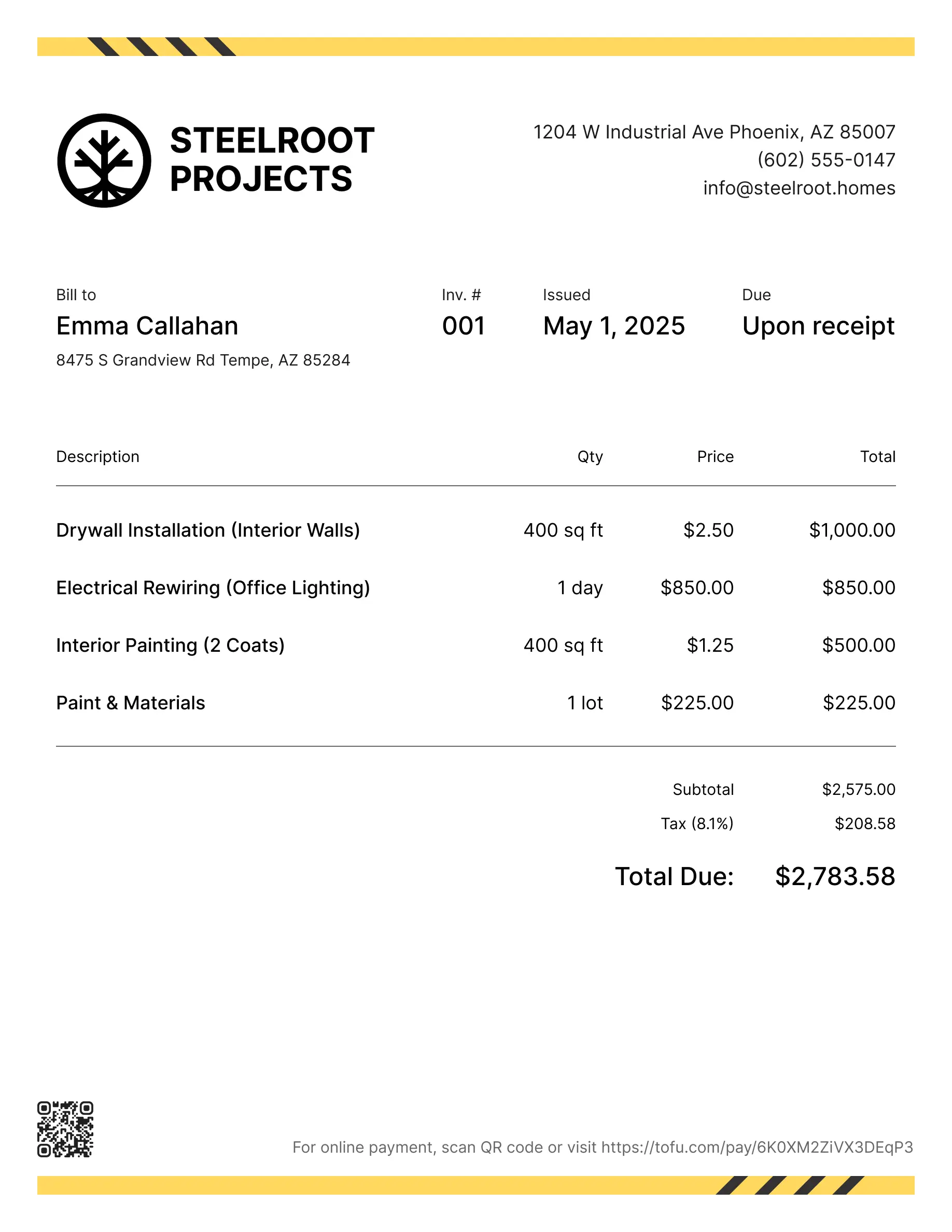
Construction estimate templates
Estimate jobs for new builds, renovations, additions, or any project that starts with a bid. Tofu's ready-to-use construction estimate templates make it simple. Choose your format, add your branding, and download.
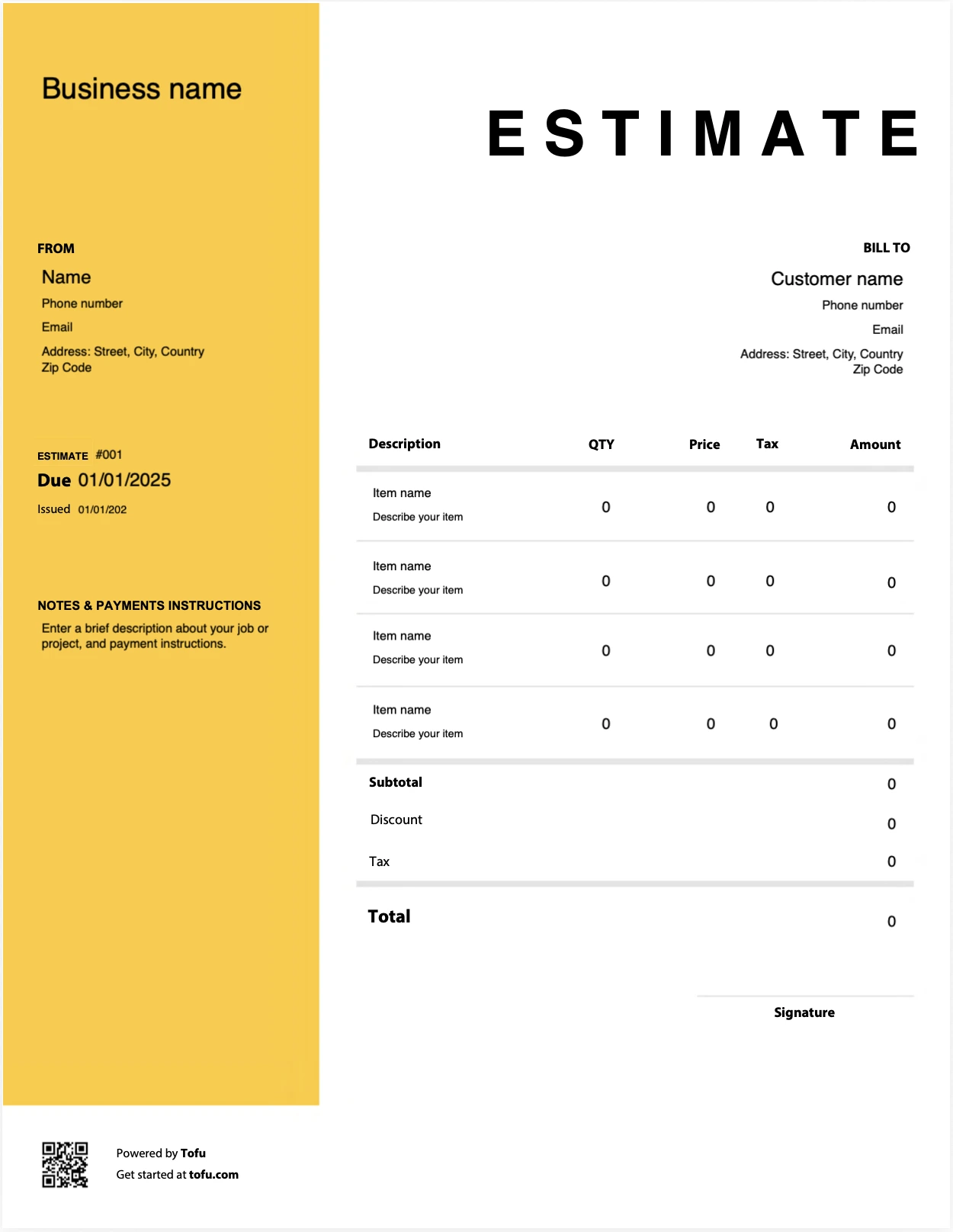
Estimate templates designed for construction pros
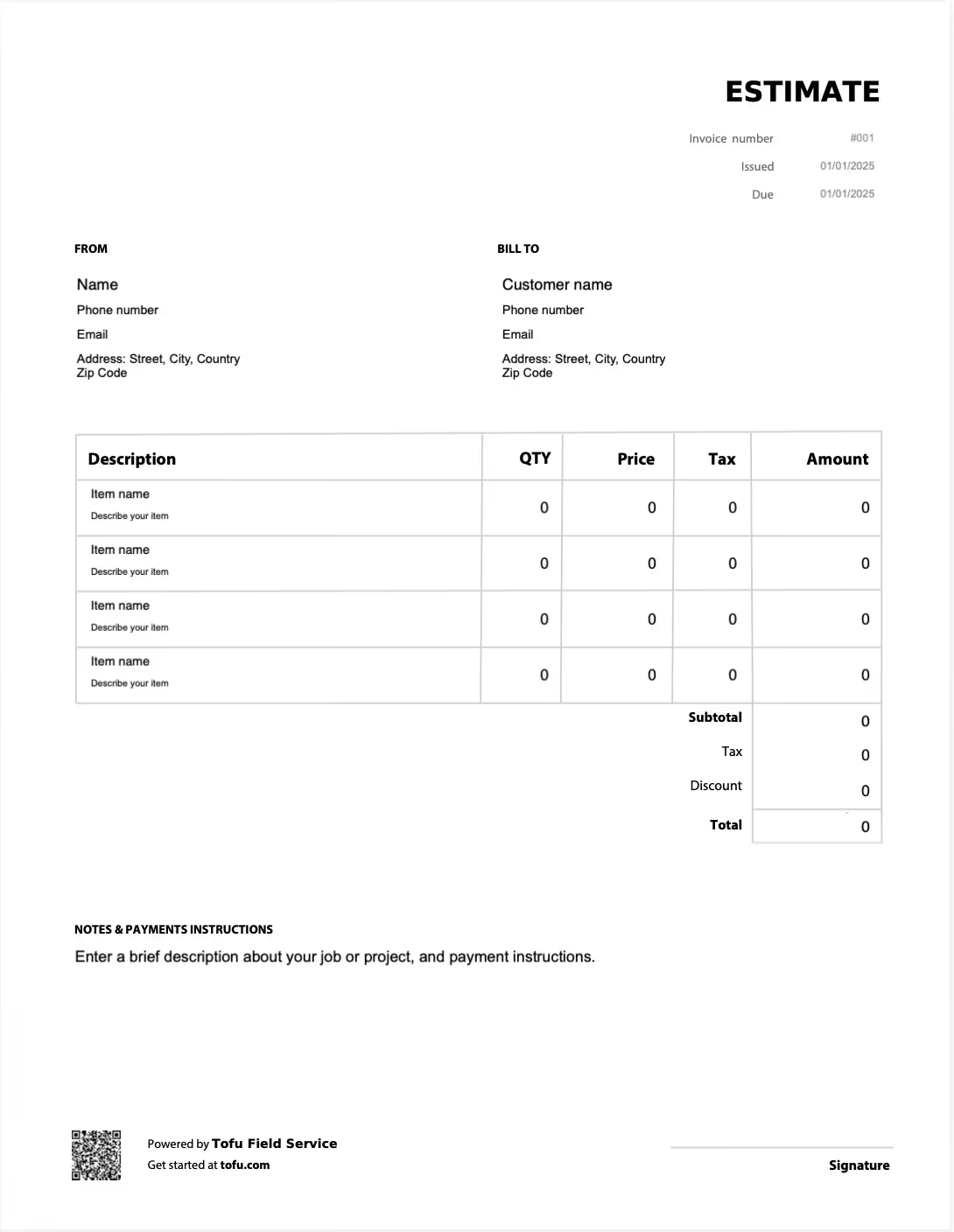
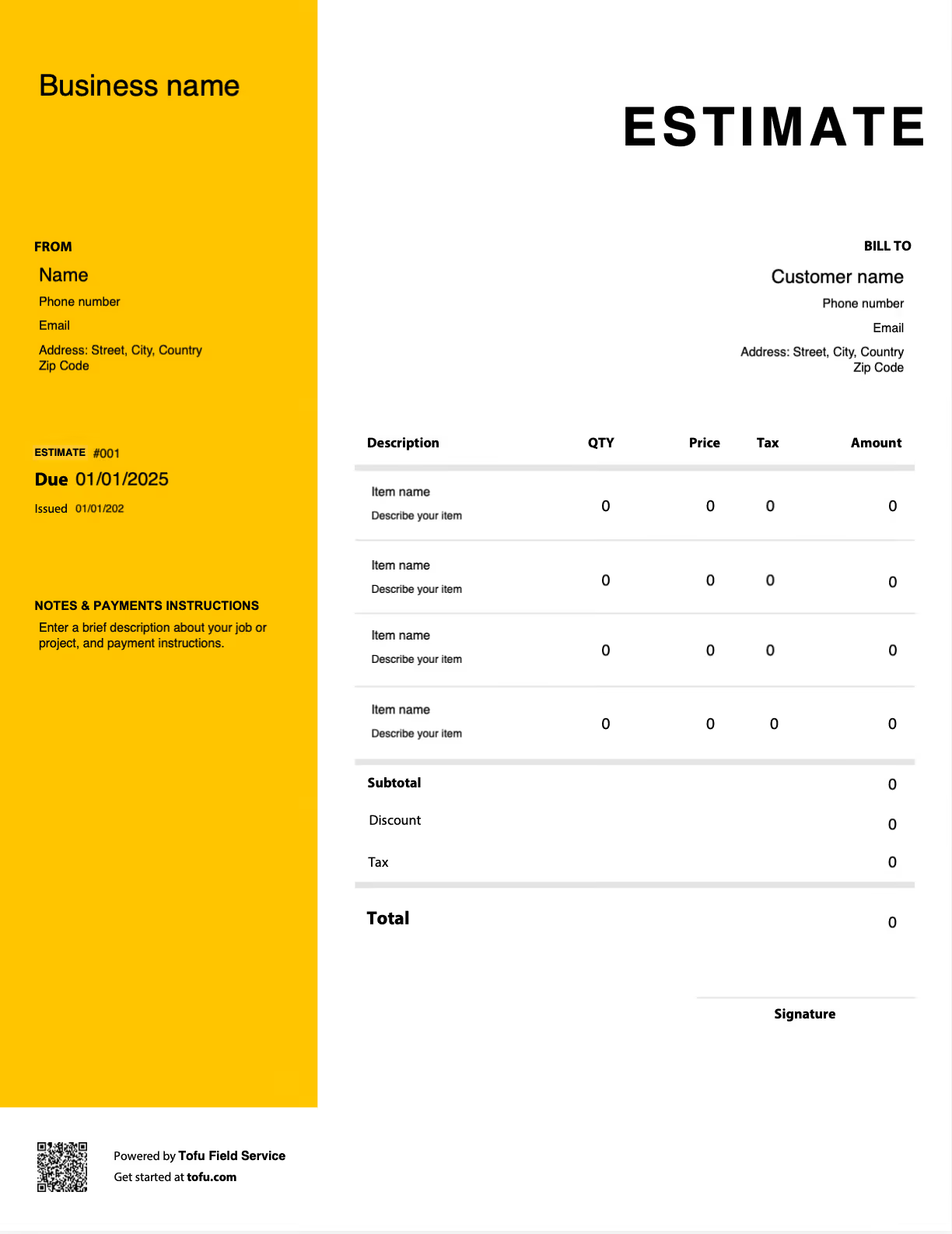
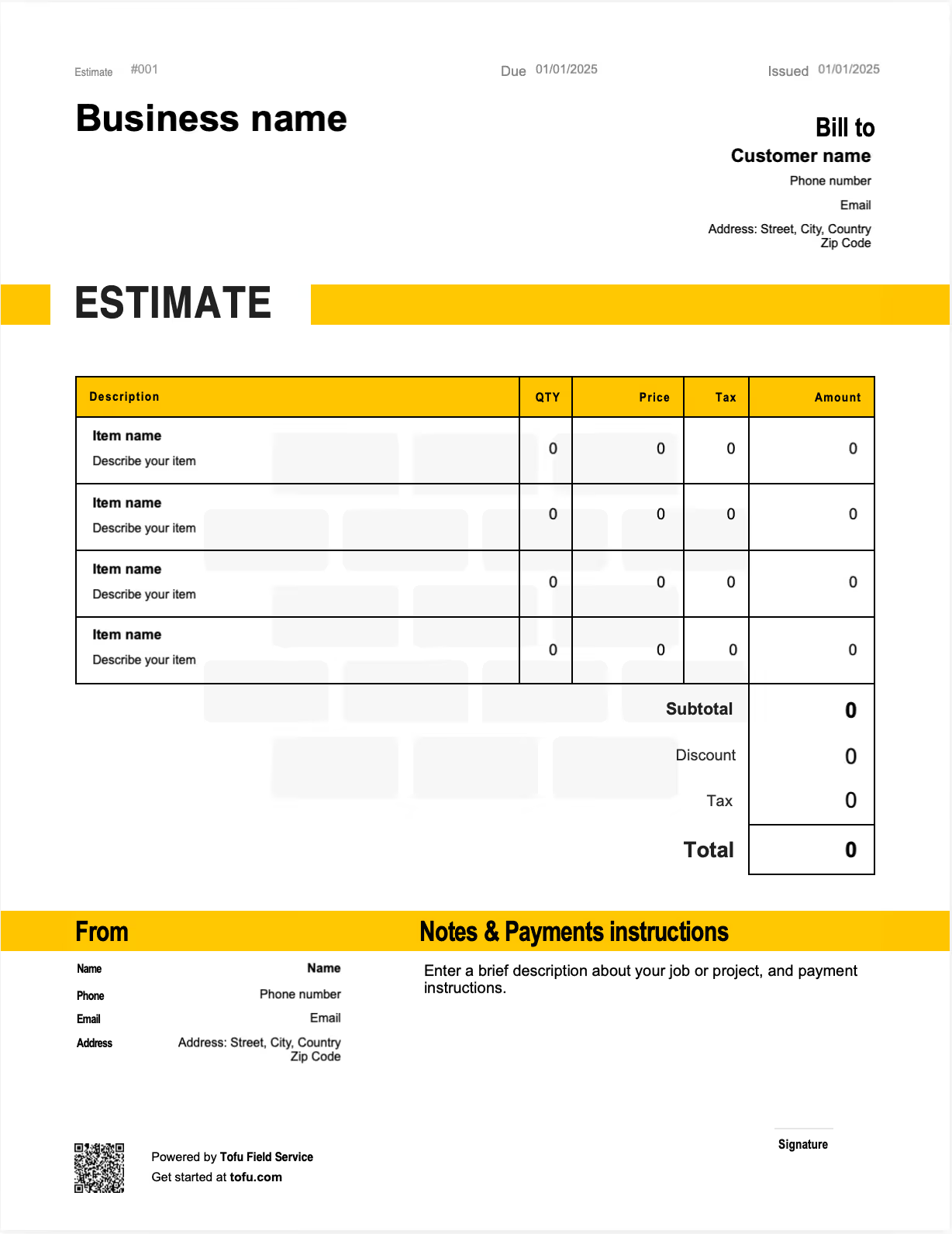
What Is a Construction Estimate Template?
A construction estimate template is a pre-formatted document used to calculate and present projected project costs before work begins. It is not an invoice, which bills for work already completed, and it is not a contract, which creates binding legal obligations. An estimate is a structured cost projection: your best professional accounting of what a job will cost, presented clearly enough for a client to act on. It is a forecast, not a guarantee. The value of a template is consistency. It captures the same cost categories and the same information on every bid, so your roofing estimate and your remodel estimate are built on the same reliable framework rather than reinvented each time.
What to Include in a Construction Estimate Template
A complete estimate accounts for every cost category before it reaches the client. Separating direct costs from overhead, and breaking work into line items, is what protects both parties when scope shifts mid-project. A well-structured template should capture:
- Contractor Info — identifies your business and licensing: company name, license number, contact details.
- Client & Project Details — ties the estimate to a specific job and address: client name, job site address, project reference.
- Scope of Work — defines what is and isn't included, such as "tear off and replace asphalt shingle roof, 24 squares."
- Materials Line Items — itemizes material costs by quantity and unit cost: lumber, fixtures, and shingles, each with a quantity.
- Labor Line Items — separates labor hours and rates from materials, such as framing crew hours × hourly rate.
- Subcontractor Costs — captures third-party quotes as distinct line items, like an electrical subcontractor quote.
- Overhead & Markup — applies indirect costs and profit margin: insurance, admin, equipment, plus a markup percentage.
- Tax — records applicable sales or use tax on taxable materials.
- Total Costs — sums all categories into the client-facing figure: subtotal plus overhead, markup, and tax.
- Estimate Validity — sets an expiration to protect against price swings, such as "valid for 30 days from issue date."
Separating materials from labor matters because it lets you adjust one without distorting the other when scope changes. Line item detail also gives you a defensible record if a client questions a cost later. The validity period protects you when material prices move between bid and approval.
Direct Costs vs. Overhead: Why the Breakdown Matters
Direct costs are tied to a specific job: the materials installed, the labor performed, the subcontractors hired. Overhead is the cost of staying in business regardless of any single project: insurance, equipment depreciation, office and admin time. Many contractors underestimate overhead and watch it quietly erode margins on longer jobs, where indirect costs accumulate week after week. A template with dedicated categories makes it easier to apply consistent markup and catch a missing item before the estimate goes out.
- Direct: materials, on-site labor, subcontractor quotes
- Direct: equipment rented for a specific job
- Overhead: general liability insurance
- Overhead: administrative and office time
- Overhead: vehicle, tools, and standing equipment costs
Your next construction estimate is 60 seconds away
Open Tofu, add the job details, send it for approval. Your client sees a clean, itemized estimate before you lift a hammer.
Rated excellent on review platforms

Absolutely amazing! It’s saves so much time and it gives you the professional touch needed to make you look good!
★ ★ ★ ★ ★
Tony W., TrustpilotTofu works with Stripe for on-site card payments, lets me turn estimates into invoices, and instantly syncs jobs, photos, and client notes offline.
★ ★ ★ ★ ★
Tofu user, G2
I use Tofu for my cleaning business, and it solves so many problems for me. I consider it a complete success for myself and my employees.
★ ★ ★ ★ ★
Marjorie N., G2Easy to use and straightforward! Been using it for over a year now!
★ ★ ★ ★ ★
Manuela M., TrustpilotI need some basic features like send estimate, invoice, track my jobs and get money. Tofu is good for that.
★ ★ ★ ★ ★
Tofu user, G2I love it 10 out of 10 would highly recommend to anyone
★ ★ ★ ★ ★
David M., CapterraHow to Create a Construction Estimate Using a Template
Starting from a template means you never build a bid from a blank page. Walk through these steps in order:
- Define the scope of the project so every cost maps to agreed work.
- Break the work into phases or cost categories before pricing anything.
- Itemize materials with quantities and unit costs for each line.
- Add labor hours and rates as separate line items.
- Collect and enter subcontractor quotes as distinct costs.
- Apply overhead and a consistent markup across categories.
- Add tax and calculate total costs.
- Set the estimate validity period and send it to the client.
💡 Pro Tip: For remodel projects, include an order-of-magnitude range alongside the detailed estimate. Remodels carry far higher scope-creep risk than new construction, and giving the client a range early sets expectations and heads off disputes when hidden conditions surface behind a wall.
Choosing the Right Format: Excel, Google Sheets, or PDF
Excel is the dominant format in construction estimating, and for most contractors it should be the default working tool. The choice usually comes down to where you are in the workflow.
- Excel: Best for complex projects that need built-in formulas and automated calculations. Handles detailed spreadsheet modeling, multi-phase jobs, and large material lists without breaking. This is the primary internal tool for most estimators.
- Google Sheets: Ideal for teams collaborating in real time or sharing a working estimate with a project manager without emailing file attachments. Same formula power as a spreadsheet, with live access.
- PDF: Best for the client-facing version: a printable, locked document where the layout stays fixed and nothing gets accidentally edited.
In practice most contractors build in Excel or Google Sheets and export to PDF for sending. The editable formats run your math; the printable format presents it.
How to Customize Your Construction Estimate Template
A fully customizable estimate template lets you adapt one base document across every project type instead of maintaining a separate file for each trade. Start by tailoring the template to how your business actually works, then reuse it. Customization usually means:
- Adding your company logo and contact information for a professional look.
- Adjusting cost categories to match the work, residential construction versus commercial, or roof versus plumbing line items.
- Creating line item sections that follow the phases or stages of a project.
- Adding a scope of work summary block so the client sees what's included up front.
- Saving trade-specific versions from one master template rather than rebuilding.
Consistent formatting and clear project details do quiet work on the client side. A professional estimate signals that the rest of the job will be handled the same way, and that trust is established before any work begins.
Benefits of Using a Construction Estimate Template
The real payoff goes well beyond saving time on data entry:
- Consistency across every bid means your pricing logic is the same whether you're quoting a deck or a full remodel.
- Fewer errors because you aren't re-entering cost categories by hand on each job.
- Protection against scope creep, since a detailed estimate documents exactly what was priced and what wasn't.
- Faster bid turnaround, which directly improves win rates when you're competing against slower contractors.
- A usable paper trail that supports cost control and project management for the length of the job.
- Quicker client approvals, because clients who receive detailed, professional estimates approve faster and dispute costs less often.
As volume grows, many construction companies graduate to dedicated construction software for automation. But well-built construction invoice templates are the right starting point for most contractors and remains useful long after.
Construction Estimating Best Practices
The habits below separate accurate estimates from costly ones:
- Break out materials and labor separately → lumping them into one line hides where a job actually went over.
- Account for subcontractor markup before adding their quotes → forgetting it means absorbing their margin out of yours.
- Build in a contingency line → unforeseen conditions are a certainty on most jobs, not an exception.
- Revisit actual costs after completion → comparing actual against estimated calibrates every future bid.
- Document your assumptions in the estimate → written assumptions make scope changes easy to flag and price.
For larger construction projects, reviewing actual versus estimated costs at each phase is a core cost accounting discipline. Done consistently, it steadily reduces budget overruns over time.
Estimates are just the start
Every client, job, estimate, and payment lives in Tofu, ready to pull up in seconds, right from the job site.
FAQs
Everything you need to know about the product and billing

Still have questions?



Create the perfect estimate for your business
Get started for free