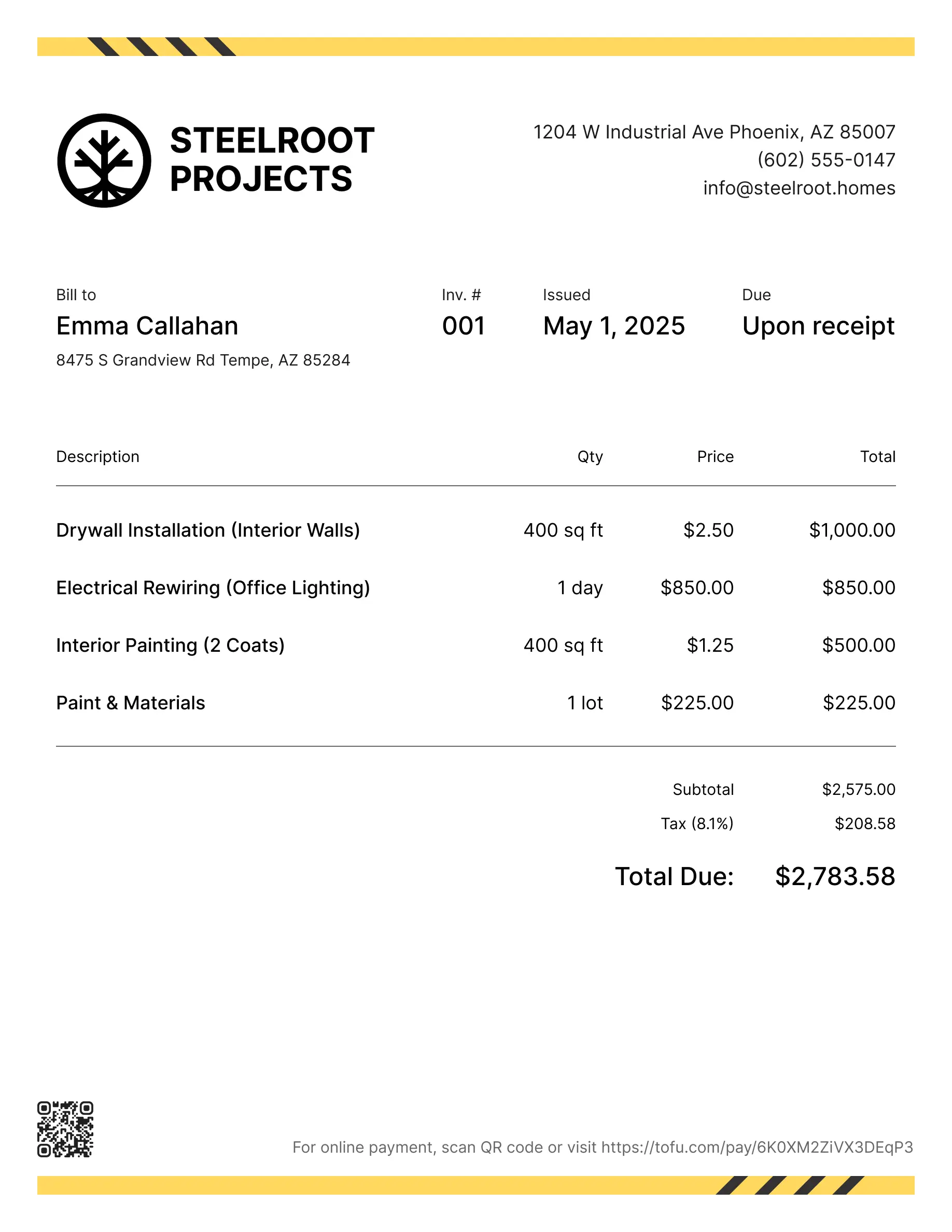
Plumbing estimate templates
You quote a water heater replacement over the phone. Customer says yes. Three days later, they're arguing about the drywall cut you had to make to reach the shutoff — because you never put it in writing.
That's why you need a plumbing estimate template. It's a pre-built document that lays out scope, materials, and labor before you pick up a wrench. Customers know what they're paying for. You have something to point to when scope changes. And you stop rebuilding quotes from scratch for every job.
Here's what to include in a good template, how to use one, and how to avoid the estimating mistakes that cost plumbers jobs.
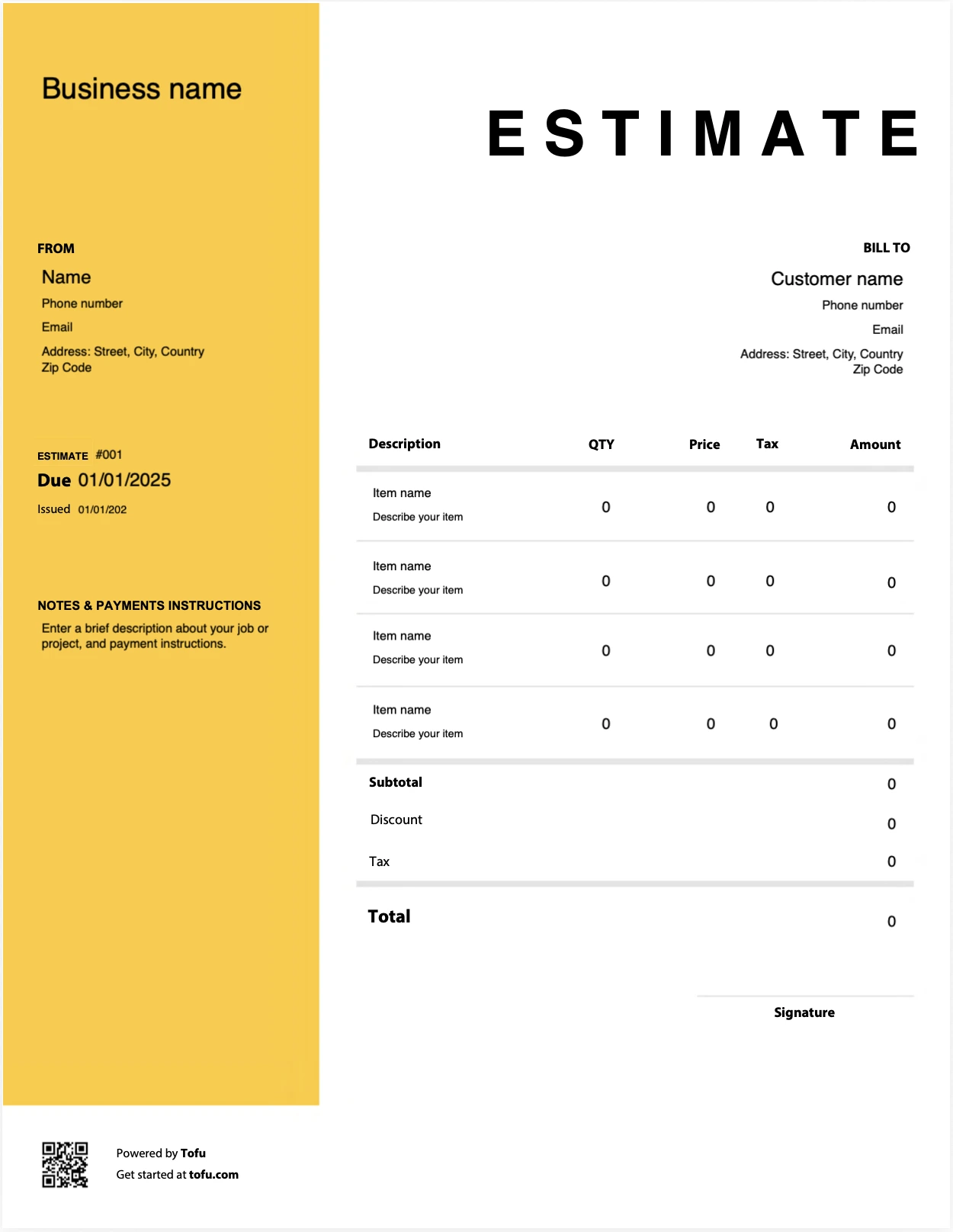
Estimate templates designed for plumbers
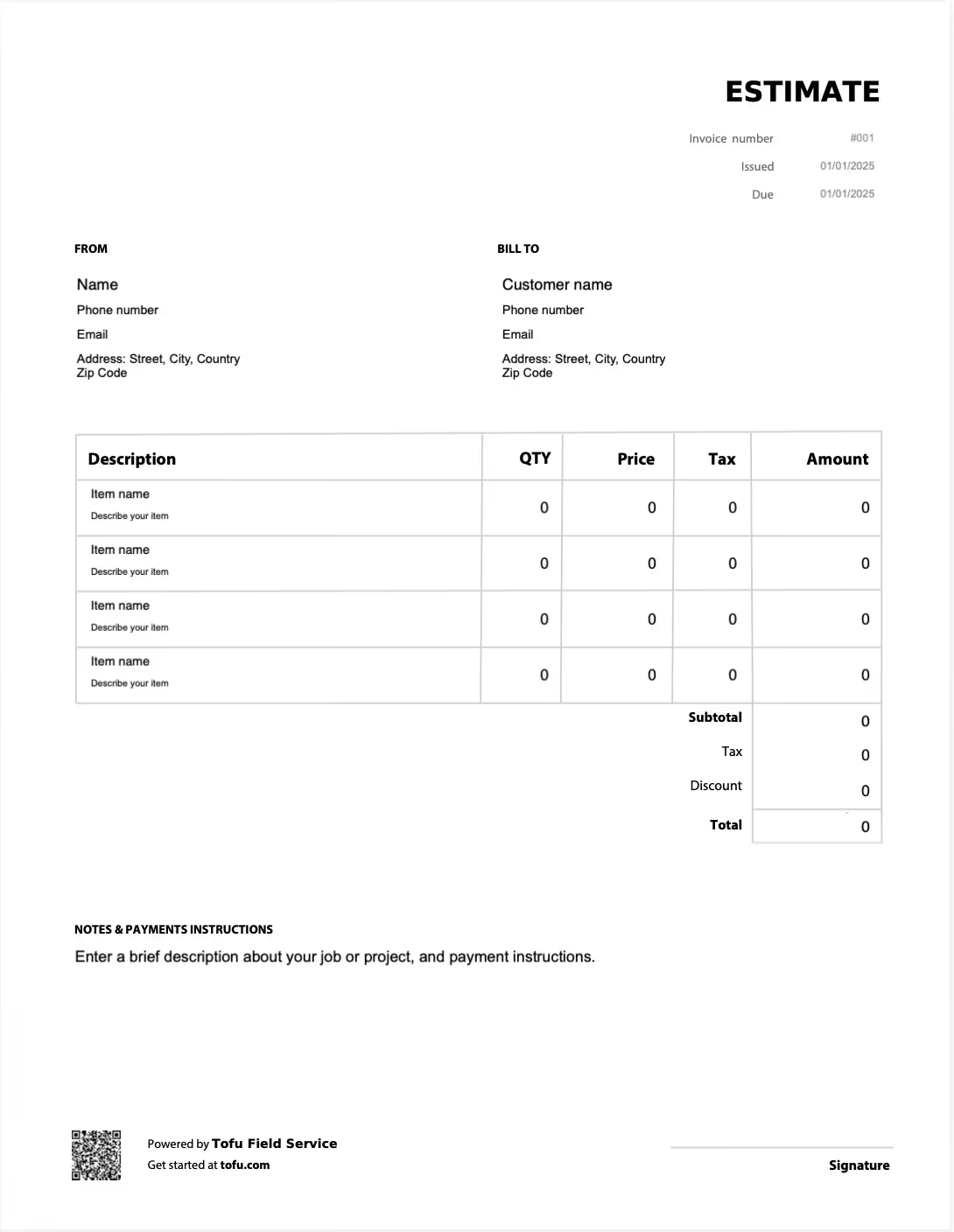
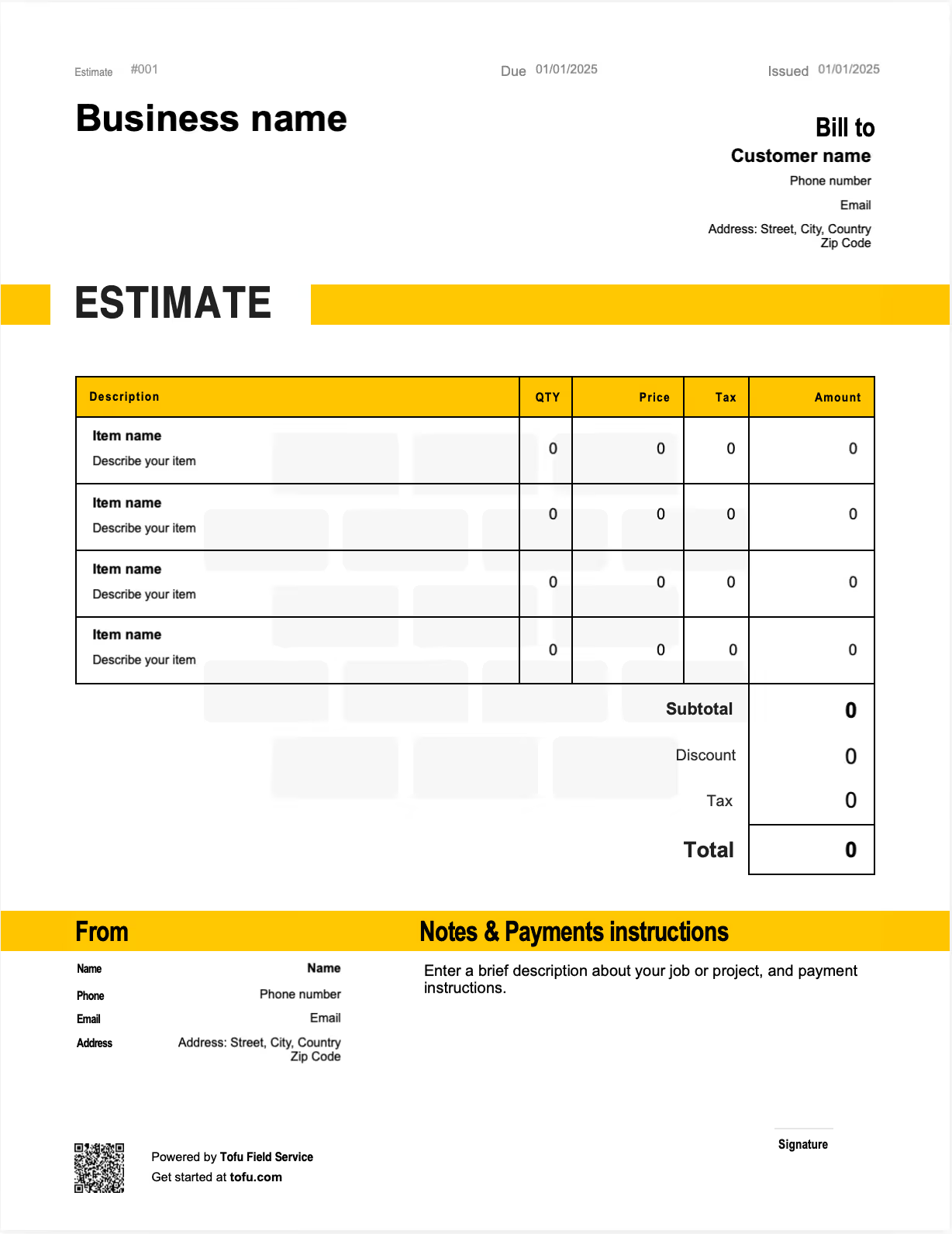
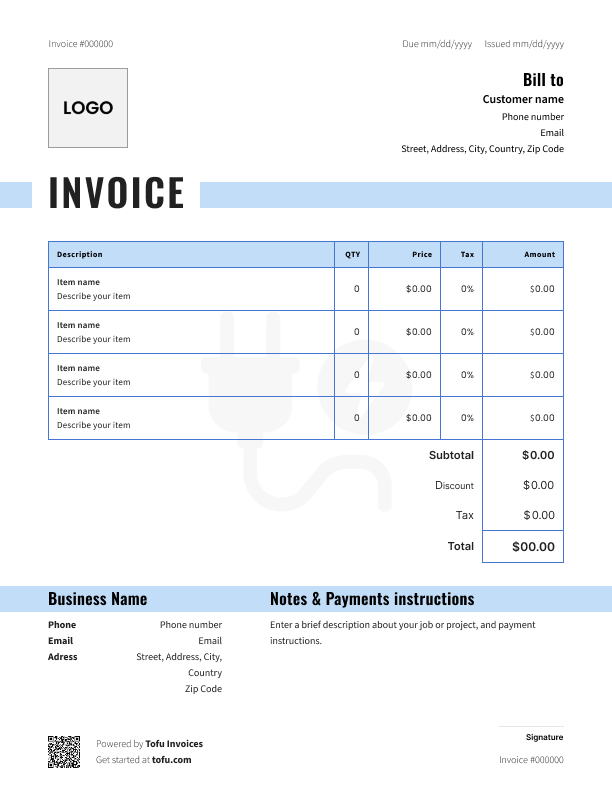
What is a plumbing estimate template?
A free plumbing estimate template is a pre-formatted document you fill in before starting a job. It shows the customer what the work will cost, what's included, and what isn't — all in one clean layout.
Don't confuse it with a plumbing invoice. An estimate goes out before the work. An invoice goes out after, and it's a request for payment.
Solid plumbing invoice templates cover scope of work, material costs, labor, and project details in the same format every time. That consistency is what makes you look like a pro instead of a guy scribbling numbers on the back of a receipt. You can grab templates in PDF, Google Sheets, Microsoft Excel, Microsoft Word, or Google Docs — whatever fits how you work.
What to include in a plumbing estimate template
Estimate templates should capture every piece of information a customer needs to say yes — and every piece you need to protect yourself if the job changes.
Here are the essential fields:
Business info — Identify your company (ABC Plumbing, License #12345)
Client information — Billing accuracy (Name, address, phone, email)
Estimate number — Record-keeping and tracking (EST-2026-0142)
Date issued / expiration — Lock in pricing window (Issued April 21, expires May 21)
Scope of work — Describe the job (Replace 40-gallon water heater)
Line item — materials — Cost transparency (Water heater, $650 × 1)
Line item — labor — Show hours and rate (4 hrs × $95/hr = $380)
Subtotal — Pre-tax total ($1,030)
Markup — Profit protection (15% on materials)
Tax — Compliance (State sales tax)
Contingency — Buffer for scope changes (10% reserve)
Total estimated cost — Final price ($1,250)
Breaking out labor and materials as separate line items is what separates a professional estimate from a ballpark number. It shows the customer where the money goes and gives you a clean paper trail if anything shifts mid-job.
Plumbing-specific fields that generic estimate templates miss
Most construction estimate templates weren't built for plumbing. They leave out the stuff that actually shows up on your jobs:
- Permit and inspection fees
- Fixture brand, model, and grade
- Water heater replacement broken out as its own line
- Pipe material type (PEX, copper, PVC)
- Access costs — drywall removal, concrete cutting, trenching
- Insurance and liability notes tied to the contract
Capture these and scope creep dies before it starts.
How to create a plumbing estimate using a template
Here's the step-by-step to create a plumbing estimate from a free plumbing estimate template:
- Download or open the template in your preferred format — PDF, Excel, or Google Sheets.
- Fill in your business information and drop in your logo.
- Enter client details and the job site address.
- Add an estimate number and the issue and expiration dates.
- Describe the scope of work — what's included and what isn't. Be specific.
- List material and labor as separate line items with unit pricing.
- Add markup, tax, and contingency on top of the subtotal.
- Set payment terms and list the payment methods you accept.
- Review, save, and send.
Once you've done it twice, you'll never start estimate fields from scratch again.
💡 Pro tip: Send estimates as a shareable link or by SMS instead of email. Customers can approve on their phone while you're still in the driveway — no waiting three days for them to check their inbox.
How to customize your plumbing estimate template
A customizable plumbing estimate template is only useful if it actually matches how you work. Swap in your company logo and brand colors so it doesn't look like a generic form. Pre-load standard service descriptions for the jobs you do most — water heater installs, drain clearings, repipes. Add a terms and conditions block at the bottom. Adjust fields depending on job type — a residential leak repair needs different inputs than a commercial plumbing installation.
Editable formats like Google Docs, Microsoft Word, and Excel let you change the structure however you want. PDF versions are better for the final, professional plumbing estimate you send to the customer — locked down and ready to sign.
Your next plumbing estimate is 60 seconds away
Open Tofu, add the job details, send it for approval. Your client sees a clean, itemized estimate before you pick up a wrench.
Rated excellent on review platforms

Absolutely amazing! It’s saves so much time and it gives you the professional touch needed to make you look good!
★ ★ ★ ★ ★
Tony W., TrustpilotTofu works with Stripe for on-site card payments, lets me turn estimates into invoices, and instantly syncs jobs, photos, and client notes offline.
★ ★ ★ ★ ★
Tofu user, G2
I use Tofu for my cleaning business, and it solves so many problems for me. I consider it a complete success for myself and my employees.
★ ★ ★ ★ ★
Marjorie N., G2Easy to use and straightforward! Been using it for over a year now!
★ ★ ★ ★ ★
Manuela M., TrustpilotI need some basic features like send estimate, invoice, track my jobs and get money. Tofu is good for that.
★ ★ ★ ★ ★
Tofu user, G2I love it 10 out of 10 would highly recommend to anyone
★ ★ ★ ★ ★
David M., CapterraBenefits of using a plumbing estimate template
A free template does real work for your plumbing business:
- You stop rebuilding quotes for every job
- Every estimate looks consistent and professional
- Pre-built calculations cut down on math errors
- Customers see a clear cost breakdown, so fewer disputes later
- A sharper quote wins more jobs against the competition
The cash flow side matters too. Faster estimates mean faster approvals, which means faster booked work. These estimate templates for plumbing get you from quote to paid quicker.
As your plumbing business grows, you'll eventually outgrow static documents. That's when contractors move to plumbing software or a mobile app to automate estimate creation, manage job estimates in one place, and convert approved cost estimates into an invoice with a built-in invoice generator — no re-entering data.
Plumbing estimate vs. invoice: What's the difference?
They sound similar but do different jobs.
Plumbing estimate — Sent before work starts. Outlines projected project costs and needs customer approval before you swing a wrench.
Plumbing invoice — Sent after the job is done. Requests payment for the work completed.
A clean workflow uses both: estimate first to lock in scope and price, invoice after to collect. Good plumbing software turns an approved estimate straight into an invoice, so you're not retyping anything. Keeping the two documents consistent also protects you if a customer questions the final bill.
Common plumbing estimating mistakes to avoid
Even experienced plumbers make these. Here's how to fix each one and tighten up your workflow:
- Underestimating material costs → Always add a contingency line.
- Vague scope of work descriptions → Spell out exactly what's included and what isn't.
- Bundling labor and materials into one total → Keep them as separate line items.
- Forgetting permits and access costs like drywall repair → Use a plumbing-specific fields checklist.
- No expiration date → Set a standard 30-day validity.
- Waiting days to send the estimate → Send it same day, while the job's still fresh in the customer's head.
Follow these best practices and you'll win more jobs and avoid the project details fights that kill your margin.
Plumbing estimate template formats: PDF, Excel, Google Sheets, and more
Downloadable plumbing estimate templates come in a few formats. Pick the one that fits your job:
- PDF — Polished and locked down. Best for the final version you send to the customer.
- Excel / Microsoft Excel — Handles calculations automatically. Most contractors already know it.
- Google Sheets — Same calculation perks as Excel, but works from any device and easy to share with your crew.
- Google Docs / Microsoft Word — Best for text-heavy estimates that don't need calculation rows.
All of these excel formats are free to download. But if you're sending more than a handful of estimates a week, purpose-built plumbing estimating software handles the calculations, formatting, and sending on its own.
Estimates are just the start
Every client, job, estimate, and payment lives in Tofu, ready to pull up in seconds, right from under the sink.
FAQs
Everything you need to know about the product and billing

Still have questions?



Create the perfect estimate for your business
Get started for free