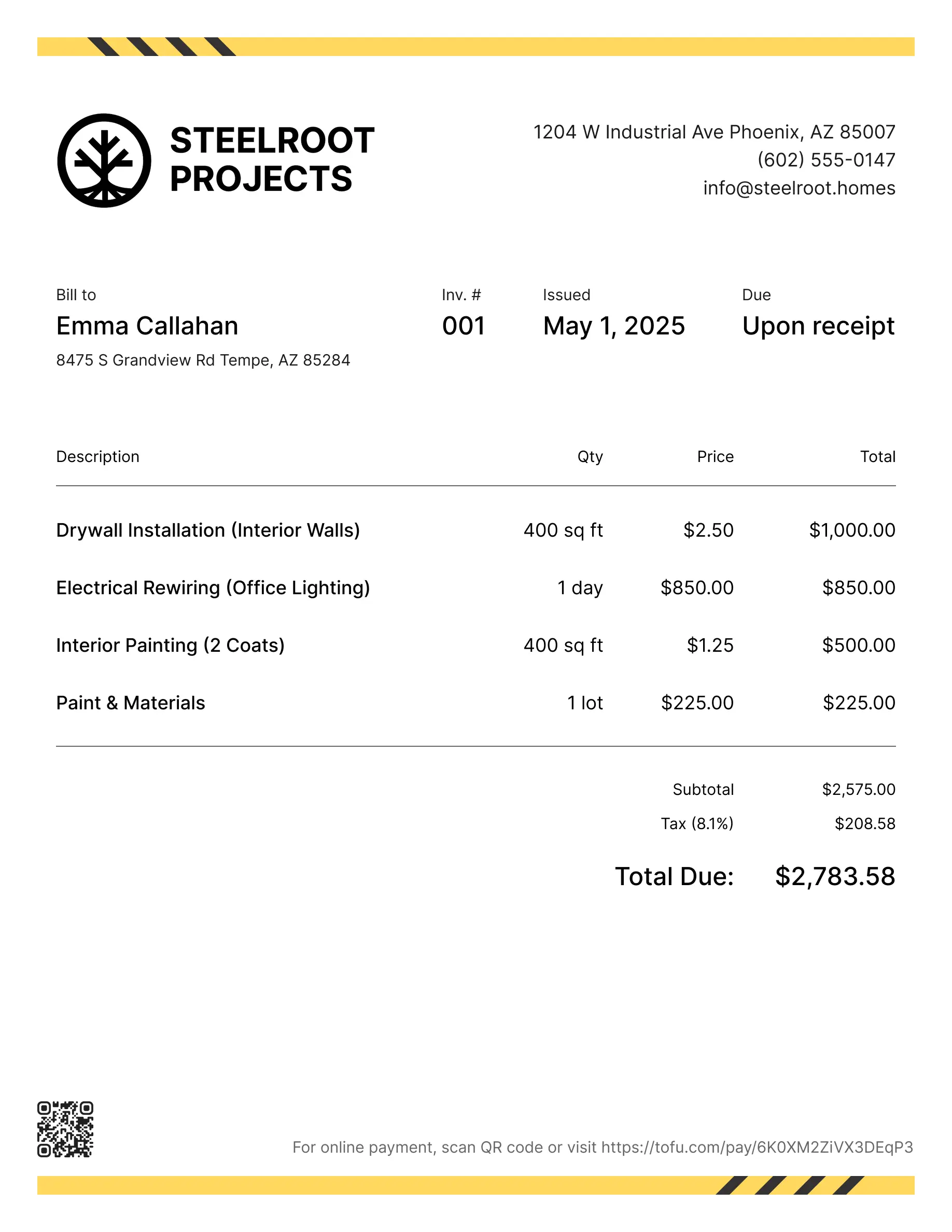
Remodeling estimate templates
Estimate jobs for kitchen remodels, bathroom renovations, additions, or any project that starts with a bid. Tofu's ready-to-use remodeling estimate templates make it simple. Choose your format, add your branding, and download.
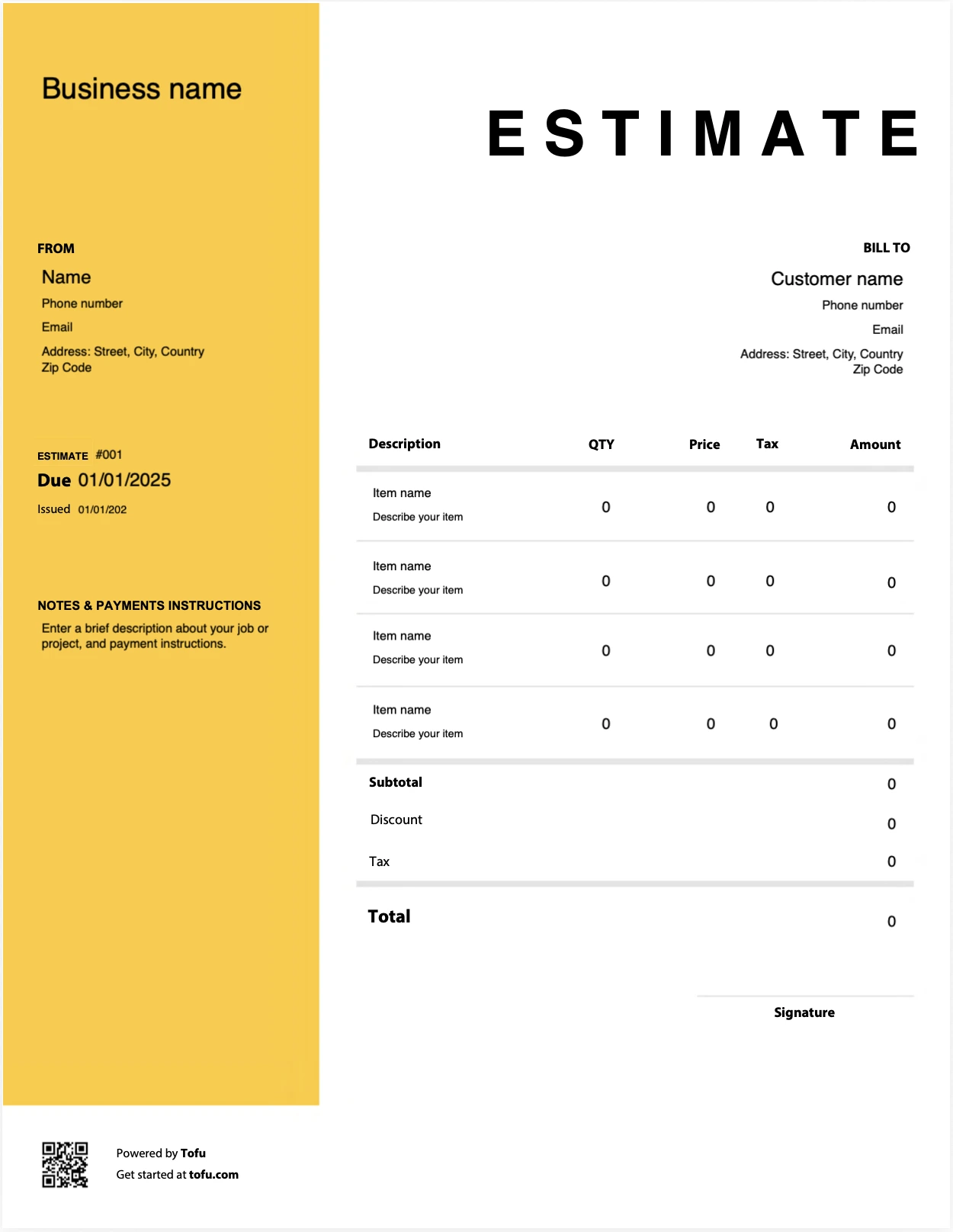
Estimate templates designed for remodeling pros
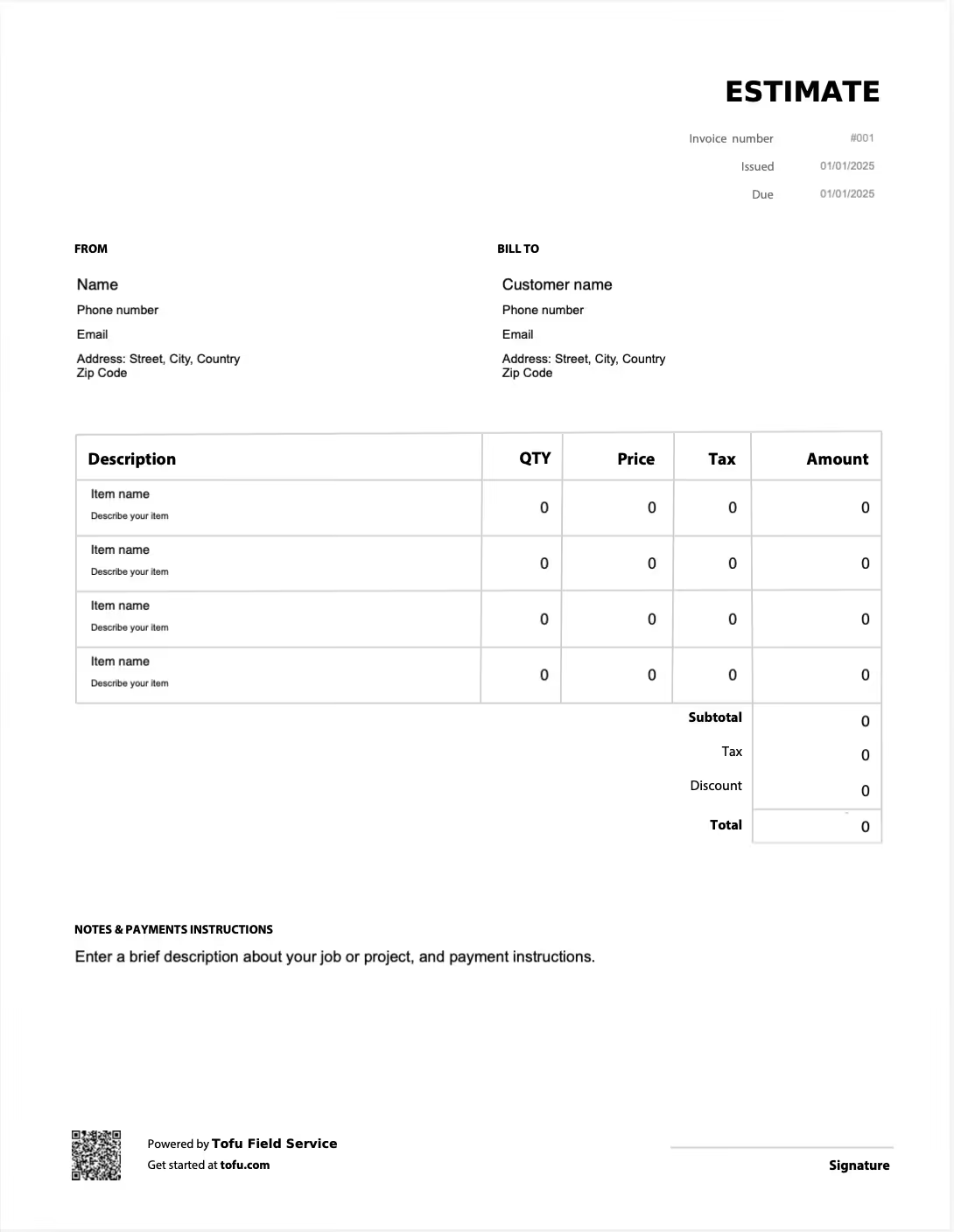
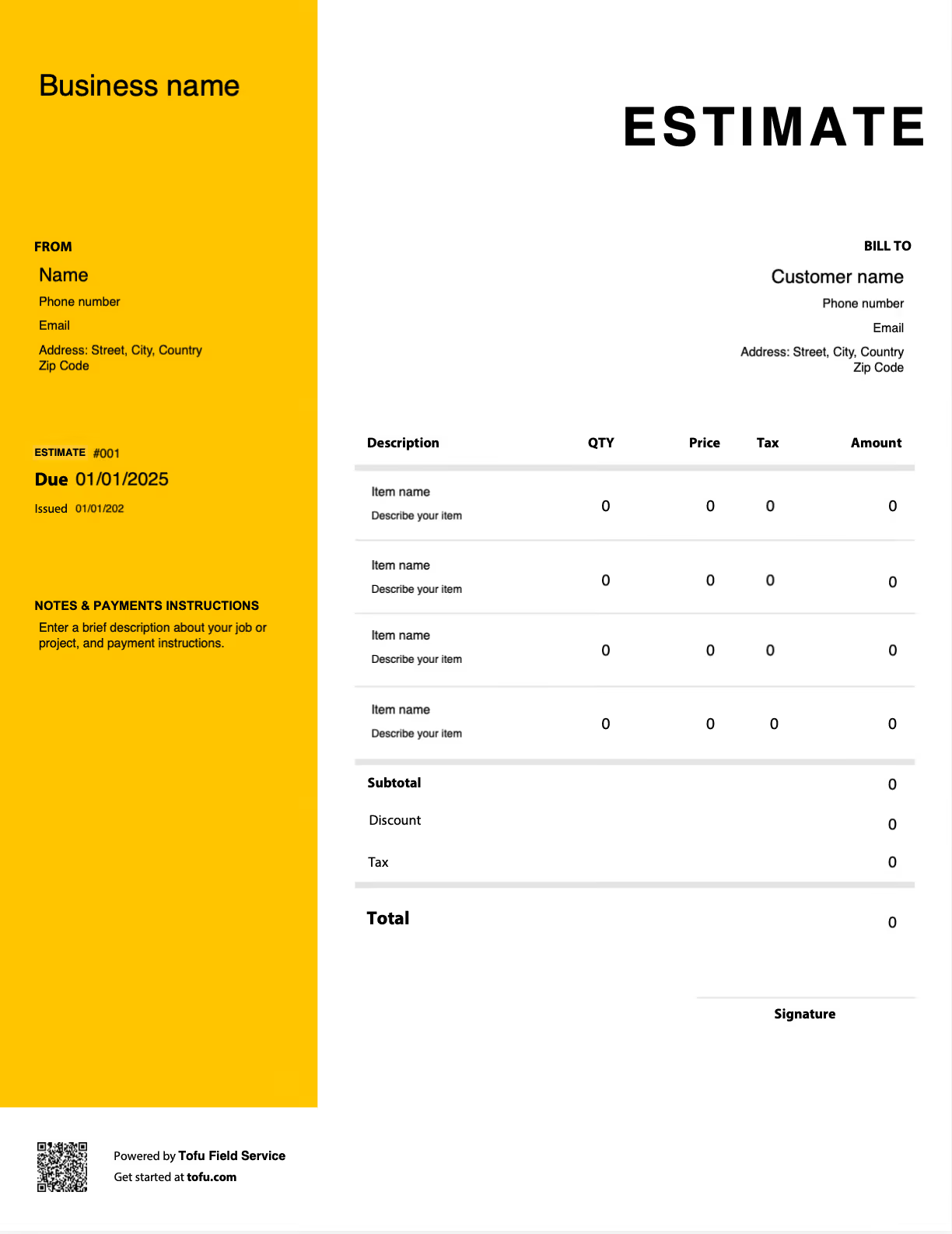
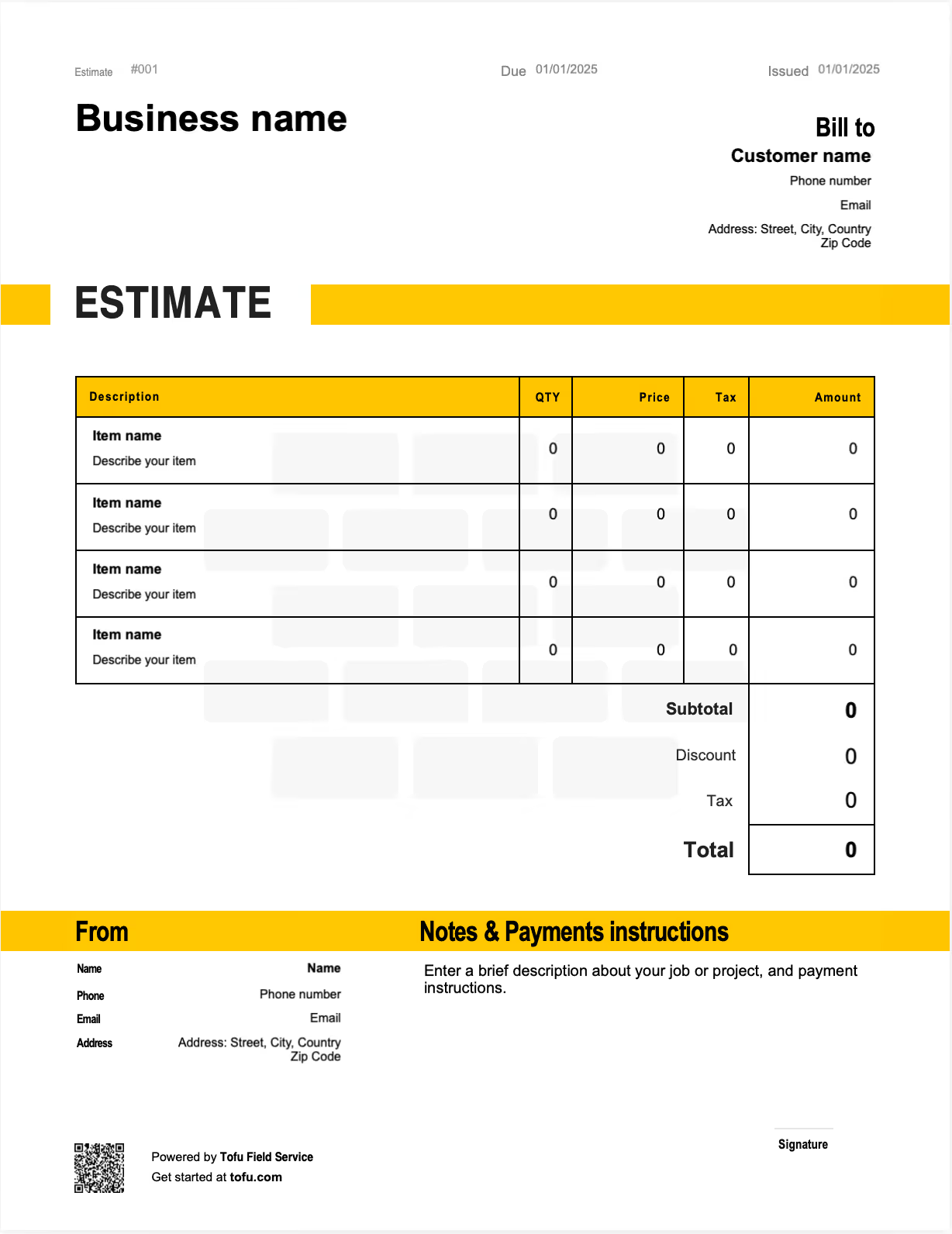
Before a remodeling job starts, the client wants one thing: a detailed cost breakdown they can trust before they sign anything. That's where most bids are won or lost. A vague number costs you the job, or worse, it costs you later when the scope shifts mid-project and there's nothing in writing to point to. A remodeling estimate template is your first line of defense. It documents scope, phases, materials, labor, and payment terms in one professional document. In this guide you'll learn what to include, how to customize the template, and how a clear estimate helps you win more remodeling projects and get paid quickly.
What to Include in a Remodeling Estimate Template
A remodeling estimate has to win the bid and prevent a dispute at the same time. The standard business fields make it look professional; the remodeling-specific fields are what protect you when a wall comes down and surprises appear. A complete remodel estimate should capture:
- Contractor Info — identifies your business and license: company name, license number, contact details.
- Client Information — ties the estimate to the right party and job: name, billing address, phone, email.
- Estimate Number & Date — tracks the document and sets a timeline, with an issued date and valid-until date.
- Project Address — records the job site, the renovation property address.
- Scope of Work — defines the work by project phase, such as "demo, rough-in, finish for kitchen remodel."
- Materials Line Items — itemizes materials by trade and quantity: framing lumber, fixtures, tile, each priced.
- Labor Line Items — separates labor from materials by trade: framing, plumbing, painting hours × rate.
- Subcontractor Costs — lists trade bids separately from general labor, like an electrical subcontractor bid.
- Contingency Allowance — buffers for hidden conditions, typically 10 to 15% of project cost.
- Total Estimated Cost — the client-facing summary figure: the sum of all phases and categories.
- Payment Terms — sets deposit and progress payment expectations: deposit, progress payments, final payment.
Separating labor and materials by trade is what keeps a remodel estimate defensible. When the client can see framing priced apart from plumbing apart from finish work, the total stops feeling arbitrary and you have a clear record if scope changes. The contingency line and subcontractor breakdown do the heaviest protective work, which is why generic templates that lump everything together leave remodelers exposed.
Line Items That Set Remodeling Estimates Apart
A generic construction estimate or invoice won't account for how a renovation actually unfolds. These are the line items that protect you and build client trust before the contract is signed:
- Project phase breakdown — preconstruction, demo, rough-in, and finish as distinct phases rather than one total.
- Trade-specific material costs and quantities — materials tracked by trade with quantities, not a single materials figure.
- Contingency line for unknowns — a dedicated buffer for the hidden conditions every home improvement job eventually finds.
- Subcontractor costs listed separately — trade bids itemized apart from general labor and overhead.
- Total estimated cost summary — a clear roll-up the client can approve at a glance.
How to Create a Remodeling Estimate Using a Template
Working from remodeling invoice templates means you create an estimate the same reliable way on every job. Build it in this order:
- Assess the project and define scope before putting a single number down.
- Break the work into project phases — preconstruction, demo, rough-in, finish.
- Separate material costs from labor costs by phase or trade.
- Factor in subcontractor bids and overhead as their own line items.
- Add a contingency buffer for unexpected costs and hidden conditions.
- Set payment terms — deposit, progress payments, and final payment.
- Send the estimate to the client and keep a copy as early-stage project documentation.
💡 Pro Tip: Always add a contingency line of 10–15% on remodeling projects. Old plumbing, hidden water damage, and structural surprises behind finished walls are the norm, not the exception. A contingency buffer set in writing up front means a discovered problem becomes an expected line item instead of an awkward conversation and an unpaid change order.
How to Customize Your Remodeling Estimate Template
Make the template fit your business and the kind of work you do. Add your company logo and branding so even a small operation looks established. Adjust the trade categories to match your projects, a kitchen remodel needs different lines than a full home renovation or a light commercial construction job. Insert your standard terms and conditions, add a signature or approval line so the document doubles as written sign-off, and toggle between hourly and flat-rate labor billing depending on how you price. Most templates are available in formats like PDF, Microsoft Excel, Google Sheets, Microsoft Word, and Google Docs, so you can build in whatever document tool fits your workflow and export a clean version to send.
Your next remodeling estimate is 60 seconds away
Open Tofu, add the job details, send it for approval. Your customer sees a clean, itemized estimate before any work begins.
Rated excellent on review platforms

Absolutely amazing! It’s saves so much time and it gives you the professional touch needed to make you look good!
★ ★ ★ ★ ★
Tony W., TrustpilotTofu works with Stripe for on-site card payments, lets me turn estimates into invoices, and instantly syncs jobs, photos, and client notes offline.
★ ★ ★ ★ ★
Tofu user, G2
I use Tofu for my cleaning business, and it solves so many problems for me. I consider it a complete success for myself and my employees.
★ ★ ★ ★ ★
Marjorie N., G2Easy to use and straightforward! Been using it for over a year now!
★ ★ ★ ★ ★
Manuela M., TrustpilotI need some basic features like send estimate, invoice, track my jobs and get money. Tofu is good for that.
★ ★ ★ ★ ★
Tofu user, G2I love it 10 out of 10 would highly recommend to anyone
★ ★ ★ ★ ★
David M., CapterraTypes of Remodeling Estimates: Detailed vs. Ballpark
Not every estimate serves the same moment in the job, and using the wrong one costs you credibility.
Detailed estimate
- Used when scope is fully defined: a full kitchen remodel, a bathroom renovation, an addition with plans in hand.
- Built line by line with materials, labor, subcontractor bids, and contingency.
- This is the version that becomes the basis for the contract.
Ballpark estimate
- Used in early client conversations or while assessing the project before full plans exist.
- Presented as a range, with a clear note that it's preliminary and subject to detailed scoping.
- Helps a client gauge budget and decide whether to move forward into real project planning.
Transitioning a client from a ballpark range to a detailed, line-item estimate is a key step in the estimate process: it manages expectations early and protects you from being held to a number you floated before you understood the job. For large or commercial construction projects, phased estimates broken out by project phase are common, since scope and pricing firm up stage by stage.
Benefits of Using Remodeling Estimate Templates
Standardizing your estimates with a template pays off on every bid:
- Faster bid turnaround, since you start from a structure instead of a blank page and send professional estimates while the lead is still warm.
- Consistent, professional-looking documents across every job, so your kitchen and your whole-home bids read the same.
- Fewer scope disputes, because expectations and exclusions are set in writing before work begins.
- Easier cost tracking, by comparing actual costs against the estimate after the job to sharpen the next one.
- A streamlined workflow from the first client conversation through to signed contract and first invoice.
As a remodeling business grows, many contractors move to dedicated remodeling business software for real-time cost updates and deeper project management integration. The habits you build with a template carry straight over when you scale.
Common Remodeling Estimating Mistakes to Avoid
Most lost bids and disputes trace back to a handful of avoidable errors:
- Lumping materials and labor together → Itemize each separately by trade so costs are transparent and defensible.
- Leaving scope of work too vague → Define the work by phase and spell out what's excluded so a change order is obvious.
- Forgetting a contingency line → Build in 10–15% so hidden conditions don't come out of your margin.
- Omitting subcontractor costs → List every trade bid as its own line so no expense gets absorbed unplanned.
- Not specifying payment terms → State the deposit and progress payment schedule up front.
- Sending estimates with no expiration → Add a valid-until date so material price increases can't be held against you.
Estimates are just the start
Every client, job, estimate, and payment lives in Tofu, ready to pull up in seconds, right from the job site.
FAQs
Everything you need to know about the product and billing

Still have questions?



Create the perfect estimate for your business
Get started for free