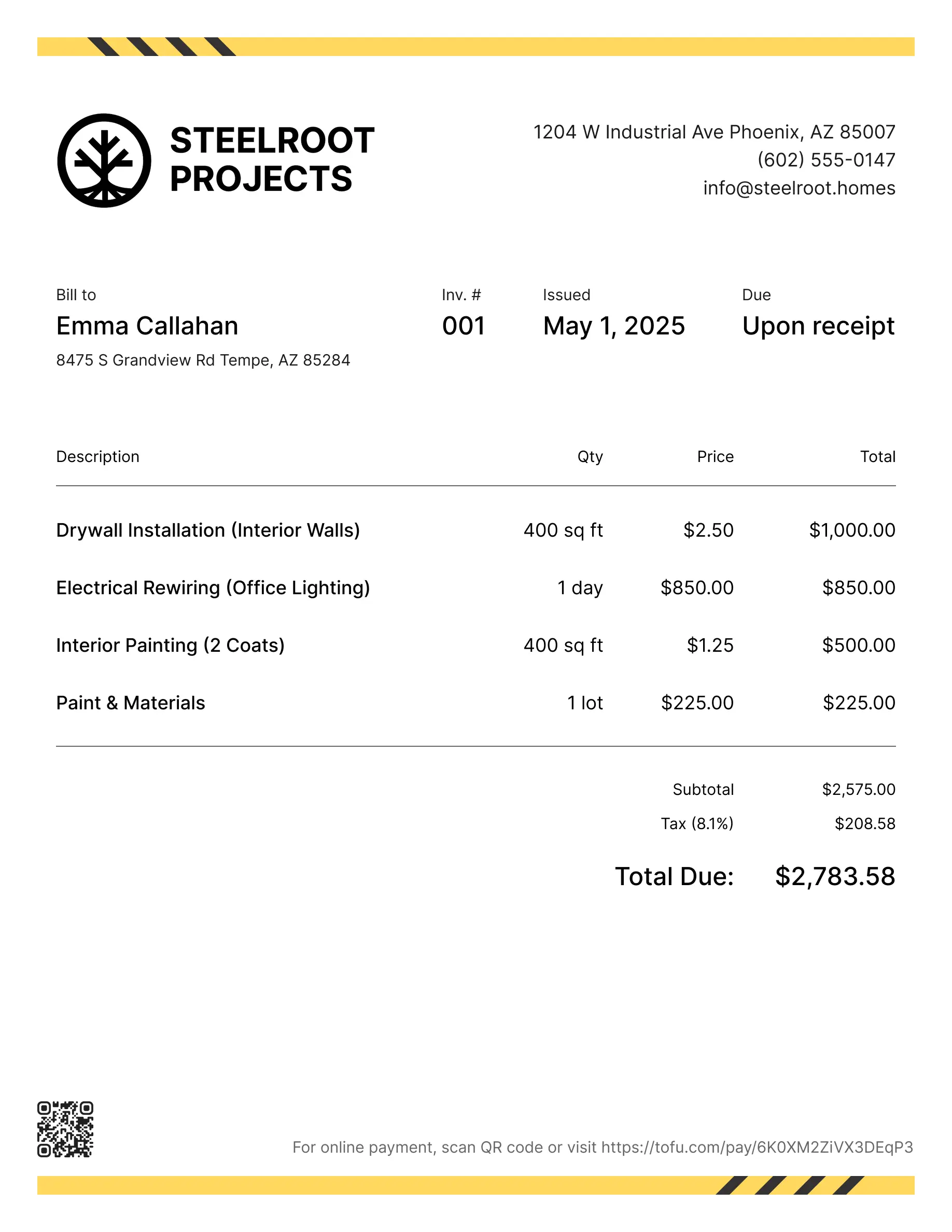
Landscaping estimate templates
Quoting a landscaping job isn't simple. Material costs swing, labor adds up, and the customer wants a clear number before you've broken ground. Pen and paper or a generic Word doc won't cut it. A solid landscape estimate template fixes that — it turns a rough cost estimate into a clean document that wins approvals faster and prevents disputes. This guide covers what to include, how to create one, formats to use, and when to move on.
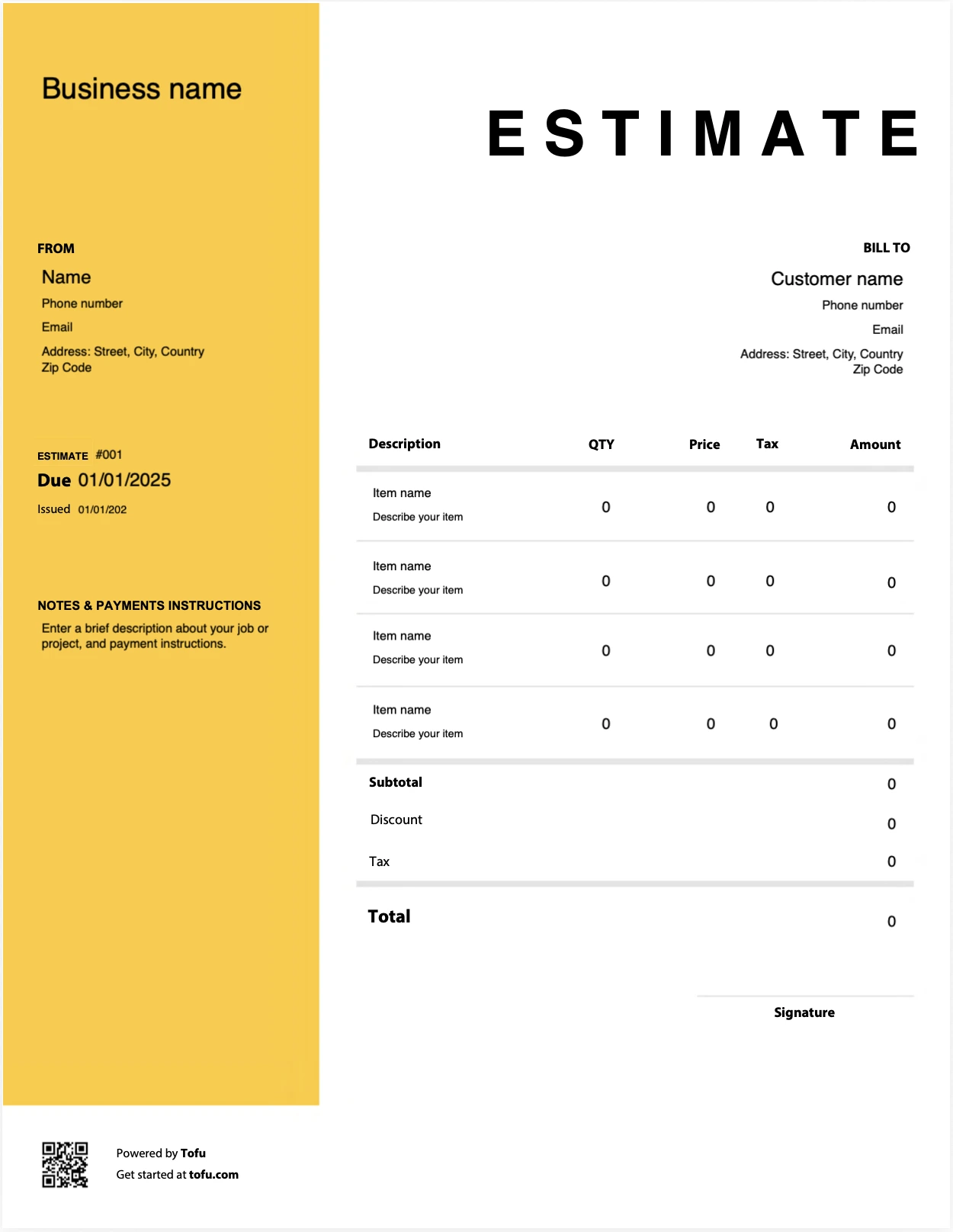
Estimate templates designed for landscapers
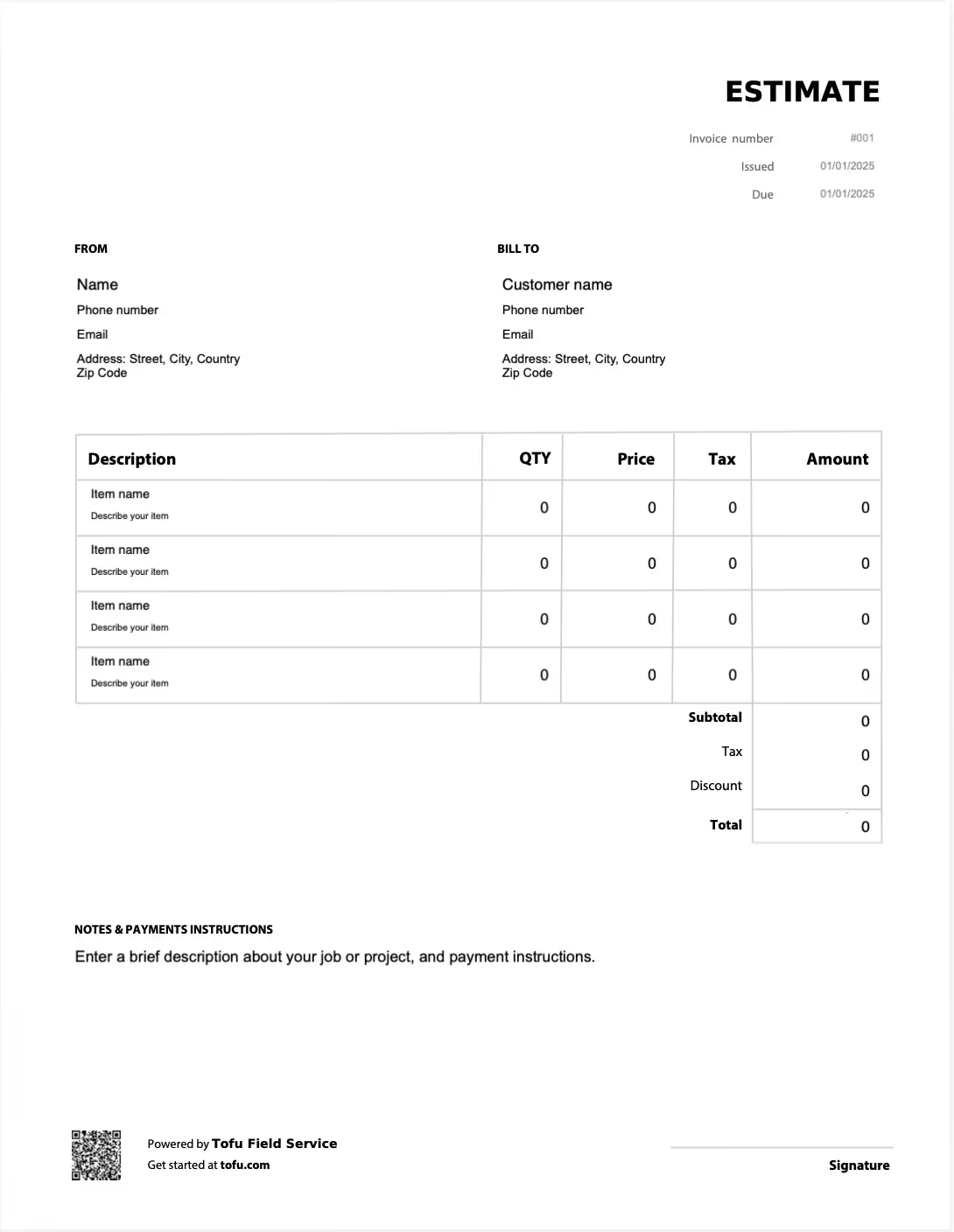
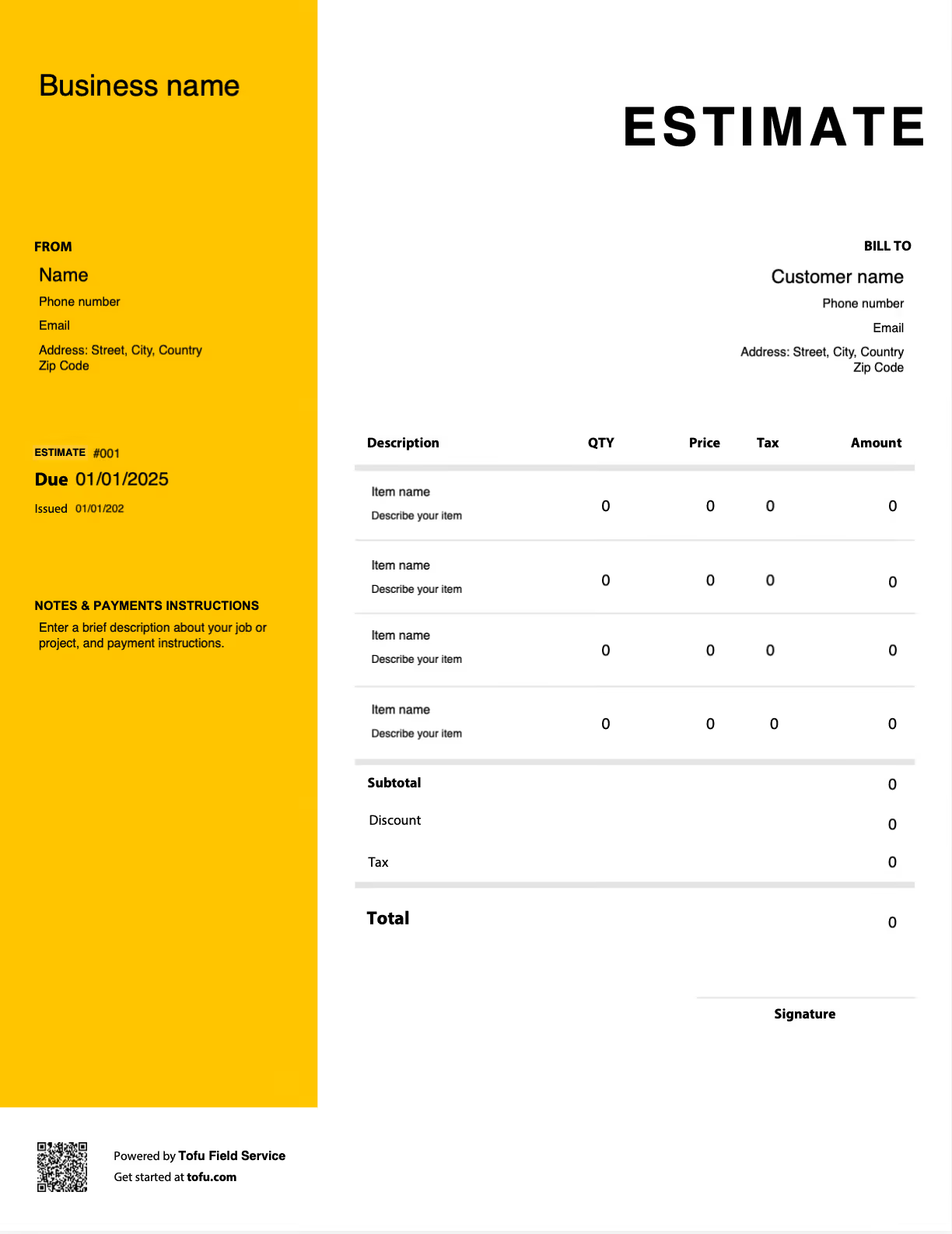
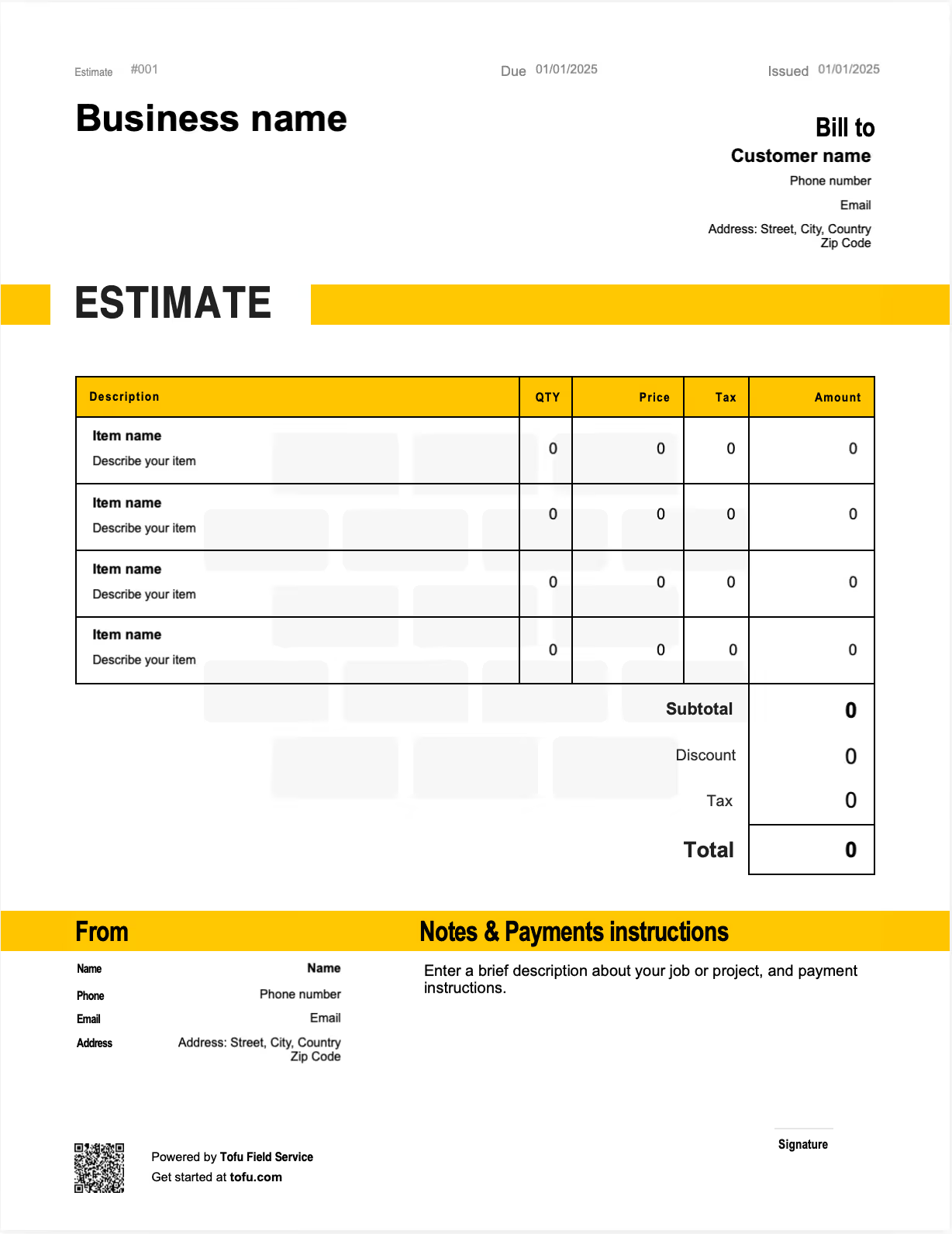
What to include in a landscaping estimate template
A good landscape estimate template covers every detail the customer needs to say yes — and every detail you need if the job goes sideways.
Here are the fields that belong in any landscaping estimate form:
- Your business name, logo, address, and contact information
- Client name, job site address, and contact details
- Estimate number and date, plus an expiration date
- Itemized line items for each service and material
- Quantity, unit price, and totals for materials
- Labor cost, broken out separately from materials
- Equipment fees if applicable
- Tax fields and subtotals
- Payment terms and accepted methods
- Terms and conditions
Separating labor from materials matters more in landscaping than in most trades. Soil, sod, mulch, and plants shift in price week to week. When the customer sees exactly what they're paying for, you avoid the "I thought that was included" conversation. Every piece of information on the document — from estimate number and date to line-item cost — exists to make the price clear and convert that estimate into an invoice cleanly when the job's approved.
- Estimate number — track and reference the quote (e.g., EST-2026-0142)
- Line items — show each task or material (e.g., sod installation, 500 sq ft)
- Labor cost — separate from materials (e.g., $45/hr × 12 hrs)
- Tax — apply the correct rate (e.g., 7% on materials)
- Payment terms — set expectations (e.g., 50% deposit, balance on completion)
Landscaping-specific fields that generic templates miss
Generic quote templates weren't built for outdoor work. A real landscape estimate needs a few extras:
- Cost per square foot for sod, ground cover, or hardscape
- Soil preparation and grading line items
- Phased timelines for multi-stage projects
- Equipment fees (skid steers, dump trailers, etc.)
- Seasonal pricing notes or weather contingencies
These fields keep scope creep in check and give the customer a real budget picture before anyone touches the lawn.
How to create a landscaping estimate
Here's how to create an estimate that actually wins the job — a step-by-step process to create a landscaping estimate from walkthrough to send:
- Walk the site. Measure the area, check soil conditions, and note access issues.
- Scope the work. List every task — design, prep, installation, cleanup — so nothing gets missed.
- Choose your billing model. Flat-rate or hourly. Hardscaping usually flat-rate; maintenance often hourly.
- Itemize materials and labor. Keep them separate. List quantities, unit prices, and totals.
- Apply any discount for repeat clients or bundled services.
- Set payment terms. Spell out deposit, milestones, and final balance.
- Send the estimate. Email it the same day as the walkthrough — speed wins jobs.
💡 Pro tip: Once the customer approves, you should be able to convert estimates to invoices in a couple of clicks instead of rebuilding the document from scratch. That's where landscape estimate software earns its keep.
Customizing your landscaping estimate template
Make the template your own or start with landscaping invoice templates. Drop in your logo, pick a color scheme that matches your truck wrap, and customize the service descriptions to match what you sell — lawn mowing, irrigation, hardscaping, additional services. Add your terms and conditions at the bottom. A customizable template tells the customer you're a real business, not a guy with a mower. Pick a template that you can edit in the format you already use.
Your next landscaping estimate is 60 seconds away
Open Tofu, add the job details, send it for approval. Your client sees a clean, itemized estimate before you touch a single blade of grass.
Rated excellent on review platforms

Absolutely amazing! It’s saves so much time and it gives you the professional touch needed to make you look good!
★ ★ ★ ★ ★
Tony W., TrustpilotTofu works with Stripe for on-site card payments, lets me turn estimates into invoices, and instantly syncs jobs, photos, and client notes offline.
★ ★ ★ ★ ★
Tofu user, G2
I use Tofu for my cleaning business, and it solves so many problems for me. I consider it a complete success for myself and my employees.
★ ★ ★ ★ ★
Marjorie N., G2Easy to use and straightforward! Been using it for over a year now!
★ ★ ★ ★ ★
Manuela M., TrustpilotI need some basic features like send estimate, invoice, track my jobs and get money. Tofu is good for that.
★ ★ ★ ★ ★
Tofu user, G2I love it 10 out of 10 would highly recommend to anyone
★ ★ ★ ★ ★
David M., CapterraLandscaping estimate formats: PDF, Excel, and Word
Free estimate templates come in three formats on this page. Each fits a different workflow:
- Best for sending a locked, professional document by email
- Customer can't edit your numbers
- Perfect when the quote is final
Microsoft Excel
- Best when you adjust numbers or quantities often
- Auto-calculates totals as you change line items
- Good if you price by square foot
Microsoft Word
- Best for heavy text customization or detailed scope descriptions
- Easy to edit on any computer with basic software
- Good for design-build proposals
All three are downloadable from this page. You can download free versions of each free landscape estimate template below.
Benefits of using a landscaping estimate template
A template isn't just paperwork — it's a tool that pays you back every time you use it:
- Save time. Stop building estimates from scratch.
- Stay consistent. Every customer gets the same document.
- Cut errors. Pre-built fields mean you don't forget tax, terms, or line items.
- Win more jobs. A clean free estimate beats a handwritten one, especially in commercial landscaping where bids get compared.
- Keep cleaner records. Easier come tax time, easier to reference past pricing.
As volume grows, templates start to feel slow. That's when most pros move to landscaping software or full management software that tracks status, sends reminders, handles invoices, and connects to payroll. The shift helps you grow your landscaping business and streamline billing without adding admin hours.
Common landscaping estimate mistakes to avoid
- Bundling everything into one line. Fix: itemize labor, materials, and equipment separately.
- Leaving out material costs. Fix: list every plant, bag of soil, and pallet of sod with quantities.
- No date or expiration. Fix: always include the estimate date and a 30-day expiration.
- Skipping terms and conditions. Fix: add a short block covering payment, change orders, and weather delays.
- Ignoring site-specific variables. Fix: note soil conditions, slope, or access issues on the estimate.
- Sending too late. Fix: get the estimate to the customer within 24 hours — late quotes lose jobs and delay payment.
When to use estimate software instead of templates
Templates work great until they don't. If you're sending dozens of estimates a week, want to know when a customer opens one, need automatic follow-up reminders, or want estimates that flow straight into invoices, it's time to upgrade. Landscaping estimate software and full management software automate the parts that eat your evenings. Most estimate software platforms offer a free trial — test before you pay. For sole operators and small crews, a template is still the right starting point.
Estimates are just the start
Every client, job, estimate, and payment lives in Tofu, ready to pull up in seconds, right there in the yard.
FAQs
Everything you need to know about the product and billing

Still have questions?



Create the perfect estimate for your business
Get started for free