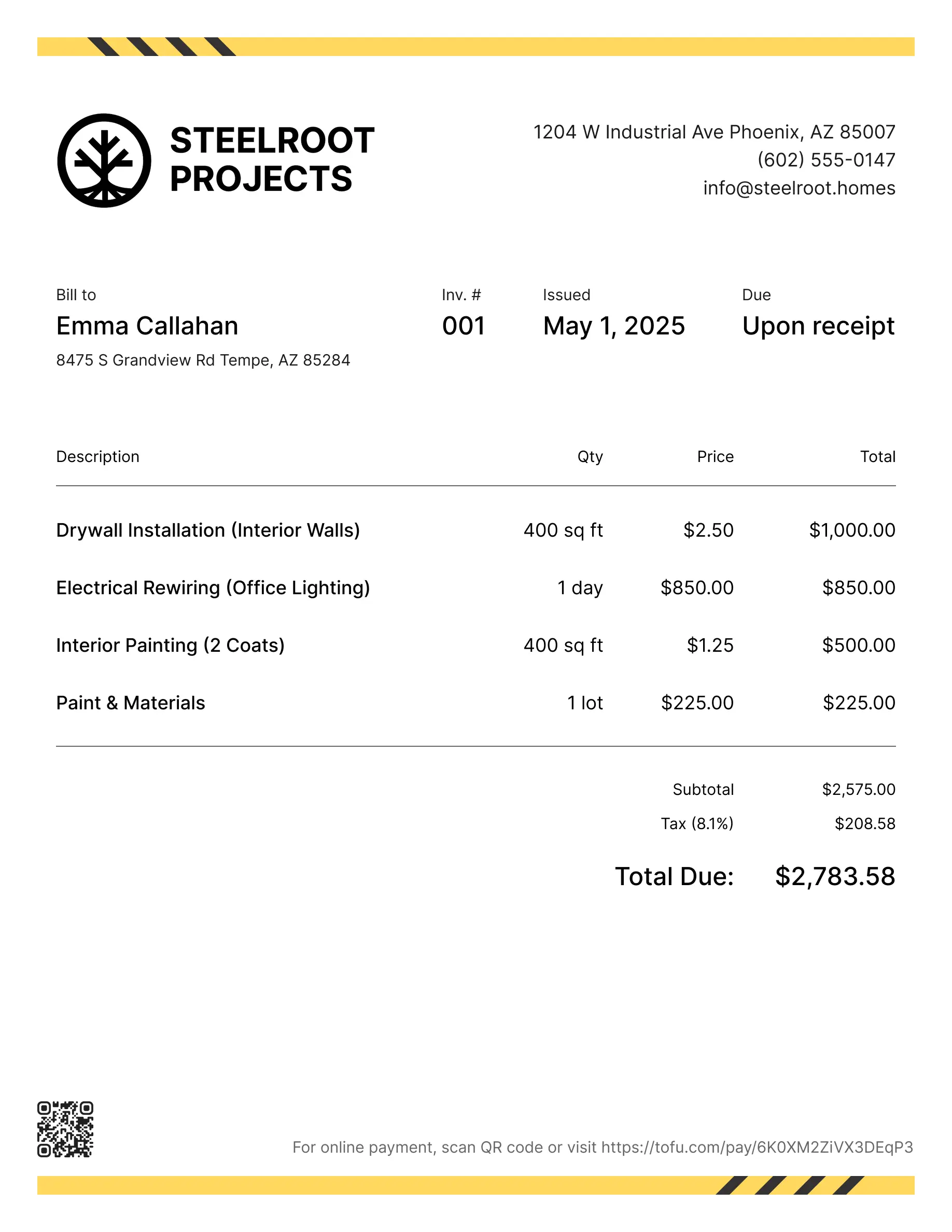
Landscaping invoice templates
Bill clients for design, planting, hardscaping, seasonal work, or ongoing maintenance. Tofu's ready-to-use invoice templates make it simple. Choose your format, add a personal touch, and download.
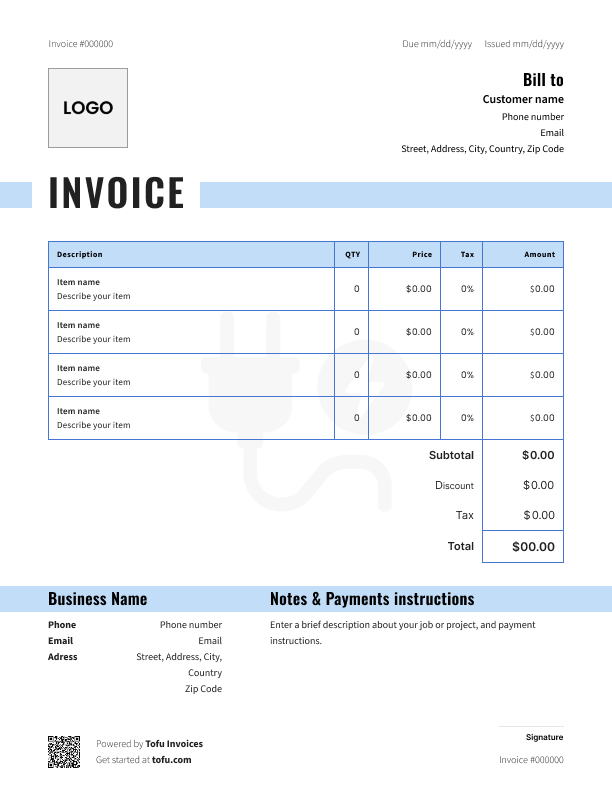
Free templates designed for landscaping contractors
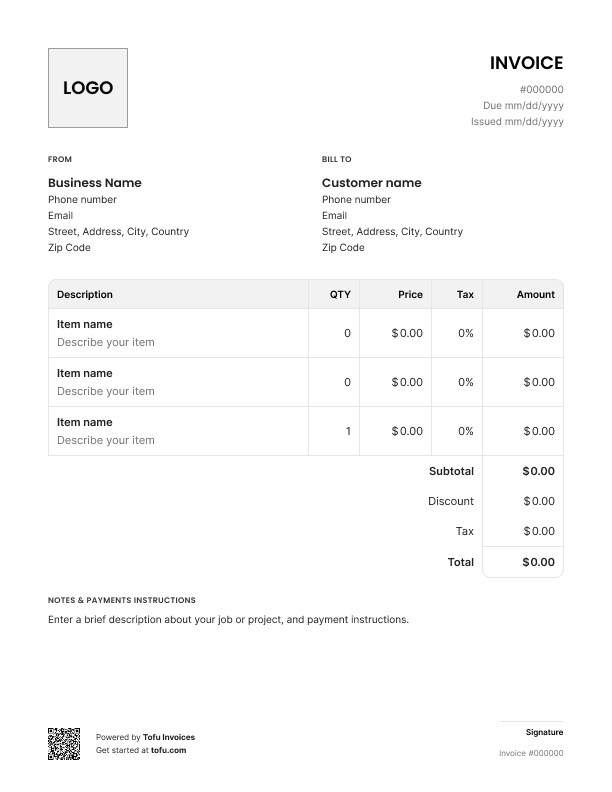
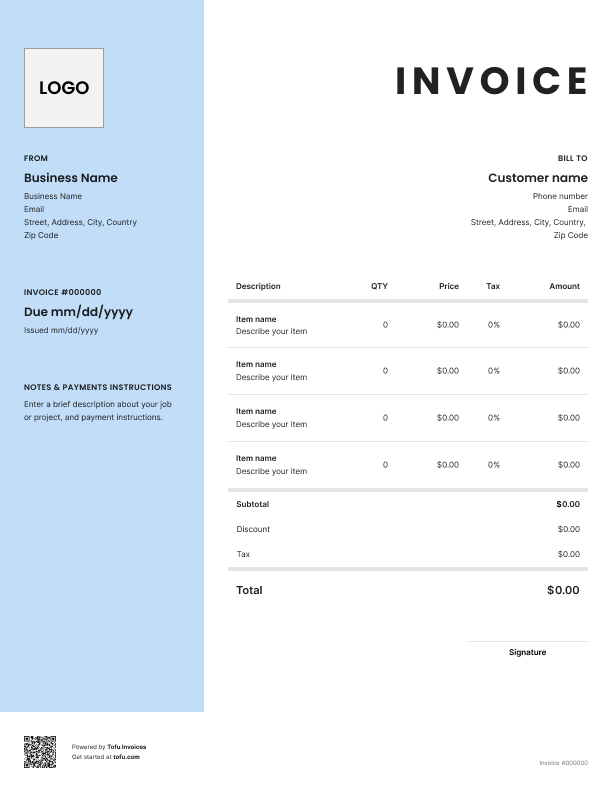
Landscaping jobs don't come in one size. A quick lawn mow is nothing like a three-day garden overhaul. That makes consistent billing a real challenge – especially when you're quoting hourly for some jobs and flat rate for others.
That's where landscaping invoice templates come in. They give you a ready-to-use document that captures every job detail, looks professional, and helps you get paid faster. This article covers what to include, how to create and customize your invoice, which billing model to use, and the mistakes to avoid.
What to include in a landscaping invoice template
A complete landscape invoice template needs more than just a number and a total.
- Business name – Identifies who's billing (e.g. Green Edge Landscaping)
- Customer information – Ensures the invoice reaches the right person (e.g. John Smith, 14 Oak Ave)
- Invoice number – Tracks records and makes follow-up easy (e.g. INV-0047)
- Invoice date – When the work was billed (e.g. June 12, 2025)
- Due date – Sets a clear payment deadline (e.g. June 26, 2025)
- Services provided – Documents what was done (e.g. lawn mowing, fertilizing, edging)
- Line item breakdown – Quantities and unit prices per task (e.g. 2 hrs trimming @ $45/hr)
- Subtotal, tax, total – Transparent cost breakdown (e.g. $180 + $14.40 tax = $194.40)
- Payment terms – When and how you expect to be paid (e.g. Net 15, late fee after due date)
- Accepted payment methods – Removes friction at payment time (e.g. bank transfer, credit card, check)
Clients question charges for outdoor work they didn't watch. A clear line item list answers those questions before they become a phone call. That's why the best invoice templates always include a full service breakdown – not just a lump sum.
Landscaping-specific line items to always include
Don't bundle everything under one fee. Make sure your list of your landscaping services matches exactly what you did on the job. Common line items include:
- Lawn mowing (per visit or per square footage)
- Trimming and edging
- Fertilize application (type and coverage area)
- Planting and garden bed preparation
- Soil delivery and installation
- Mulching or ground cover
- Cleanup and debris removal
For each item, note whether you're charging a flat rate or an hourly rate. That clarity prevents disputes on bigger jobs.
How to create a landscaping invoice
Creating a landscaping invoice doesn't take long if you start with the right template.
- Download or open your template – Start with a free landscaping invoice template in Word, Excel, Google Docs, or PDF format.
- Add your business name and contact details – Phone, email, and address so clients know who to pay.
- Fill in customer information – Name, address, and contact details of the client you're billing.
- Assign an invoice number and set the dates – Unique invoice number, invoice date, and due date.
- List all services provided – Each task as a separate line item with quantity and rate.
- Calculate totals – Subtotal, applicable tax, and total amount due.
- Include payment instructions – Accepted payment methods and late payment terms, then send as a PDF by email.
💡 Pro tip: Send your invoice as soon as the landscaping job is complete – the longer you wait, the slower you get paid.
How to customize your landscape invoice template
Customizable invoice templates let you do more than fill in a name and a total. A branded invoice works better than a generic one.
- Add your logo – Drop it in the header. Even a simple one makes a difference.
- Update brand colors – Match your invoice to your truck wrap, website, or business cards.
- Adjust service description fields – Tailor line item labels to your work: lawn care, garden design, irrigation.
- Set your standard payment terms – Build your Net 15 or Net 30 into the template so you never leave it blank.
- Add terms of service at the bottom – Cover late fees and scope changes. It protects you if a client disputes a charge.
A polished, fully customizable invoice builds professionalism and trust. Clients who see a consistent invoice are more likely to pay on time.
Your next invoice is 60 seconds away
Open Tofu, add the details, send a pay link. Your client gets it while the work is still fresh.
Rated Excellent on Trustpilot

Absolutely amazing! It’s saves so much time and it gives you the professional touch needed to make you look good!
★ ★ ★ ★ ★
Tony W.It had made doing business much easier!
★ ★ ★ ★ ★
Michael S.
It works good in the field
★ ★ ★ ★ ★
David S.Awesome app, very easy and simple to use, while also keeping things looking professional. Can send and save invoices/quotes directly or save to sen after. Overall great app, no faults. 10/10
★ ★ ★ ★ ★
Raymond B.Easy to use and straightforward! Been using it for over a year now!
★ ★ ★ ★ ★
Manuela M.I was using it mostly for invoicing and a little for job management, the whole experience was really smooth and easy
★ ★ ★ ★ ★
Valeria N.Hourly vs. flat rate landscaping invoices
Deciding on hourly or flat rate billing comes down to the job. Both models work – but not for the same ones.
Hourly billing works best when:
- The scope is unpredictable (overgrown properties, landscape restoration, irrigation repair)
- You may need to charge extra for additional tasks on the day
Record the number of hours and hourly rate per task. "3.5 hrs @ $55/hr" is clearer than "labor."
Flat rate billing works best when:
- The job is recurring and predictable (weekly lawn care, seasonal packages)
- The client wants a fixed price upfront
Some landscaping invoices combine both – flat rate for the weekly mow, hourly rate for extra trimming. Make the pricing structure clear on the invoice so there are no surprises.
Benefits of using a landscaping invoice template
A good invoice can help you get paid faster and keep your billing consistent.
- Save time – Fill in the details, send it, done.
- Reduce billing errors – Less chance of forgetting a line item or miscalculating totals.
- Track overdue payments – Invoice numbers and due dates show what's been paid and what hasn't.
- Stay audit-ready – Financial records stay organized for accounting and tax season.
- Streamline your billing process – Same format, every client, every time.
- Cloud storage – Access invoices from your phone, your truck, anywhere.
High-volume companies move to invoicing software or a free invoice generator to automate recurring billing. For most independent landscapers, solid landscaping estimate templates are the best starting point.
Common landscaping invoice mistakes to avoid
- Vague service descriptions → Fix: Break every task into its own line item. "Landscaping services" tells the client nothing. "Lawn mowing, 3,000 sq ft @ $0.02/sq ft" tells them everything.
- Missing invoice number → Fix: Always assign a unique number.
- No payment due date → Fix: Without one, clients pay whenever they feel like it.
- Forgetting payment methods → Fix: List how you accept payment on every invoice.
- No payment terms for recurring clients → Fix: Put billing terms in writing – treat it like a contract.
- Not listing materials separately → Fix: Soil, plants, mulch cost you money. List them as line items.
- Waiting too long to send → Fix: Send the same day. Delay leads to overdue payments.
Sloppy invoicing creates billing disputes and audit problems. A clean invoice protects you.
Landscaping invoice glossary
Flat rate – A fixed price for a defined scope of work, regardless of time spent.
Hourly rate – A per-hour charge for labor, multiplied by the number of hours worked.
Line item – An individual service or material listed separately on the invoice.
Net 30 / Net 15 – Payment due within 30 or 15 days of the invoice date.
Due upon receipt – Payment expected immediately when the client receives the invoice.
Materials markup – A percentage added to the cost of plants, soil, or supplies. A common fee is 10–20%.
Retainer / deposit – Upfront payment collected before a project begins to confirm the booking.
Invoices are just the start
Every client, job, estimate, and payment lives in Tofu – ready to pull up in seconds, wherever you are.
FAQs
Everything you need to know about the product and billing

Still have questions?



Create the perfect invoice for your business
Get started for free