Pest control estimate templates
Estimate templates designed for pest control pros
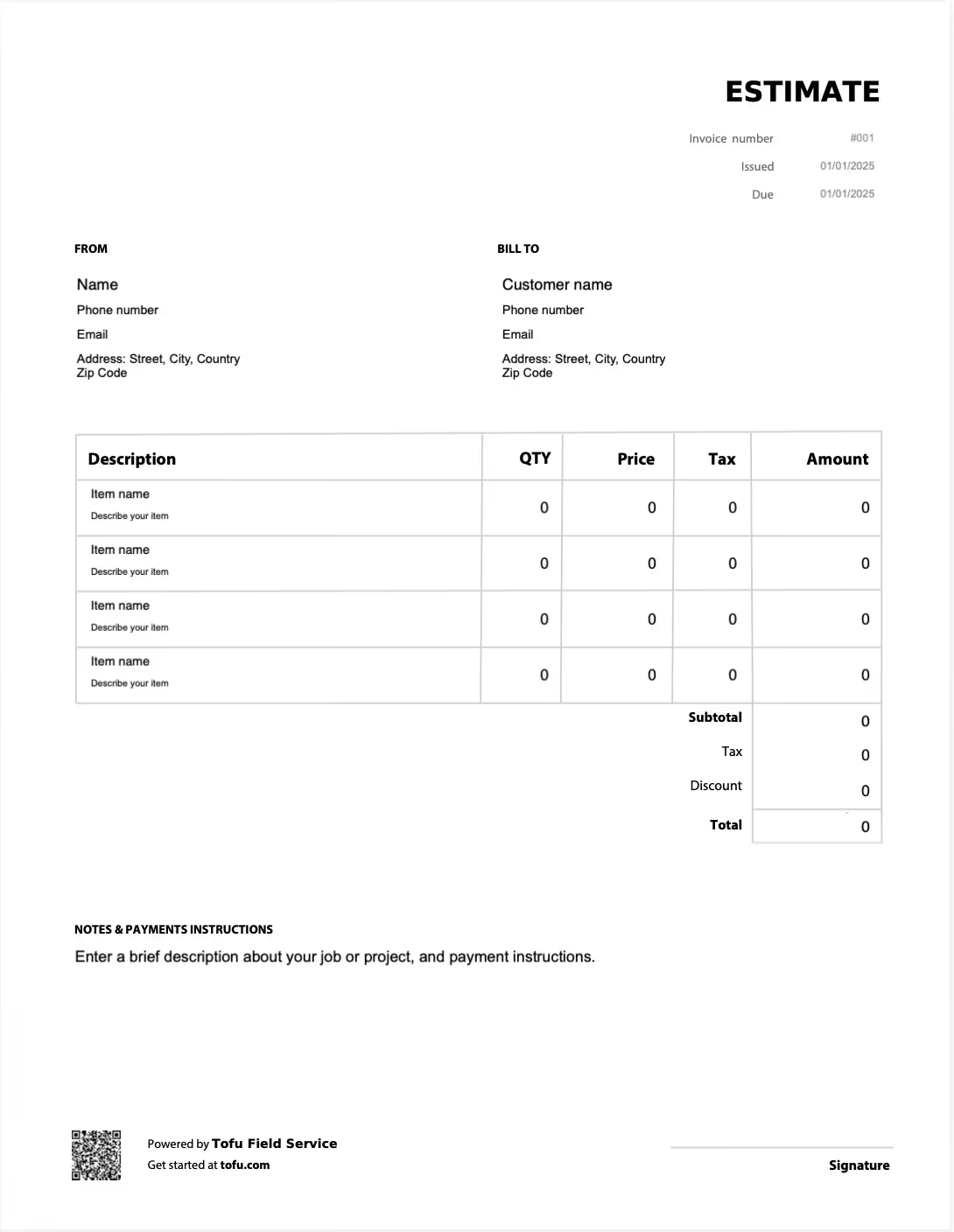
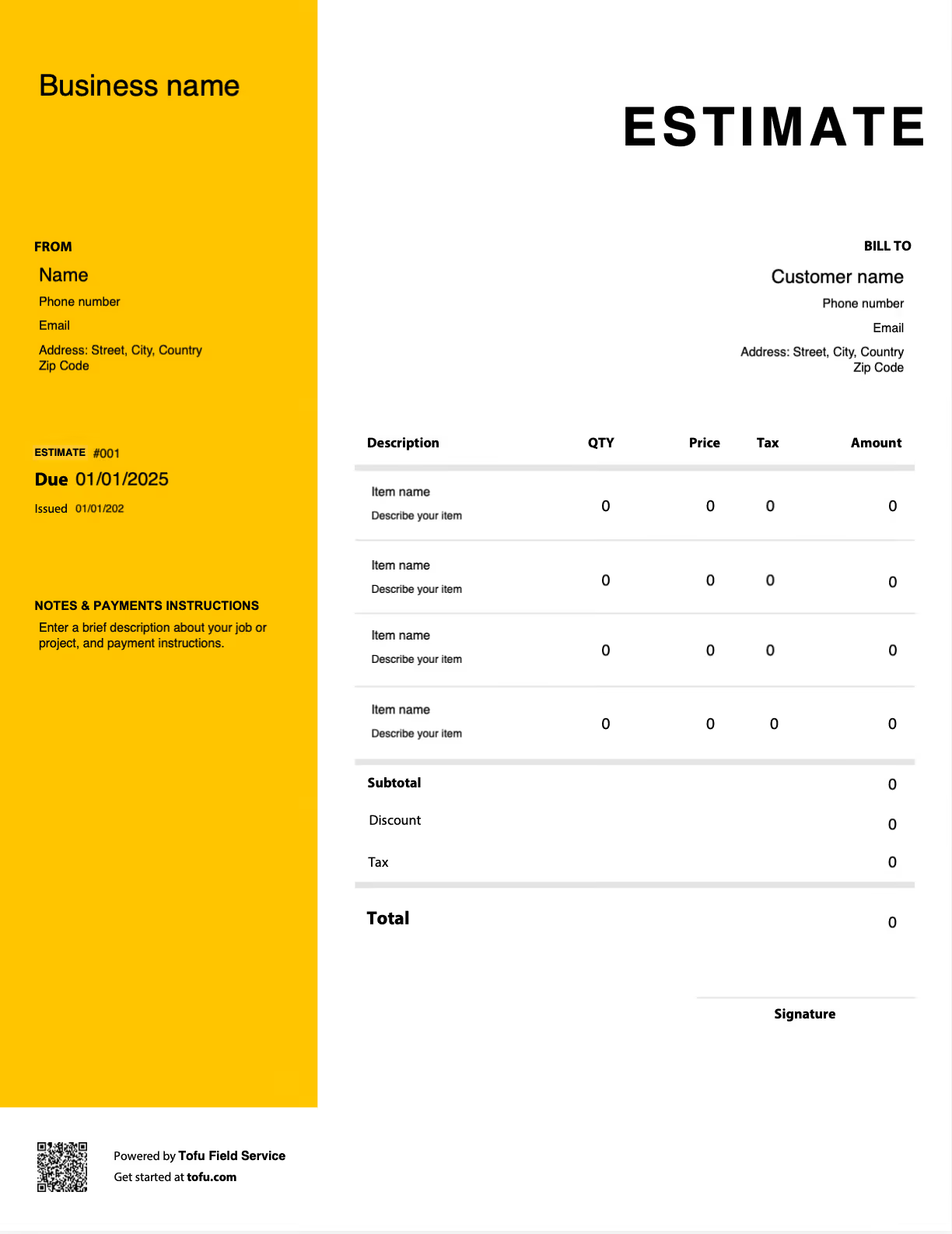
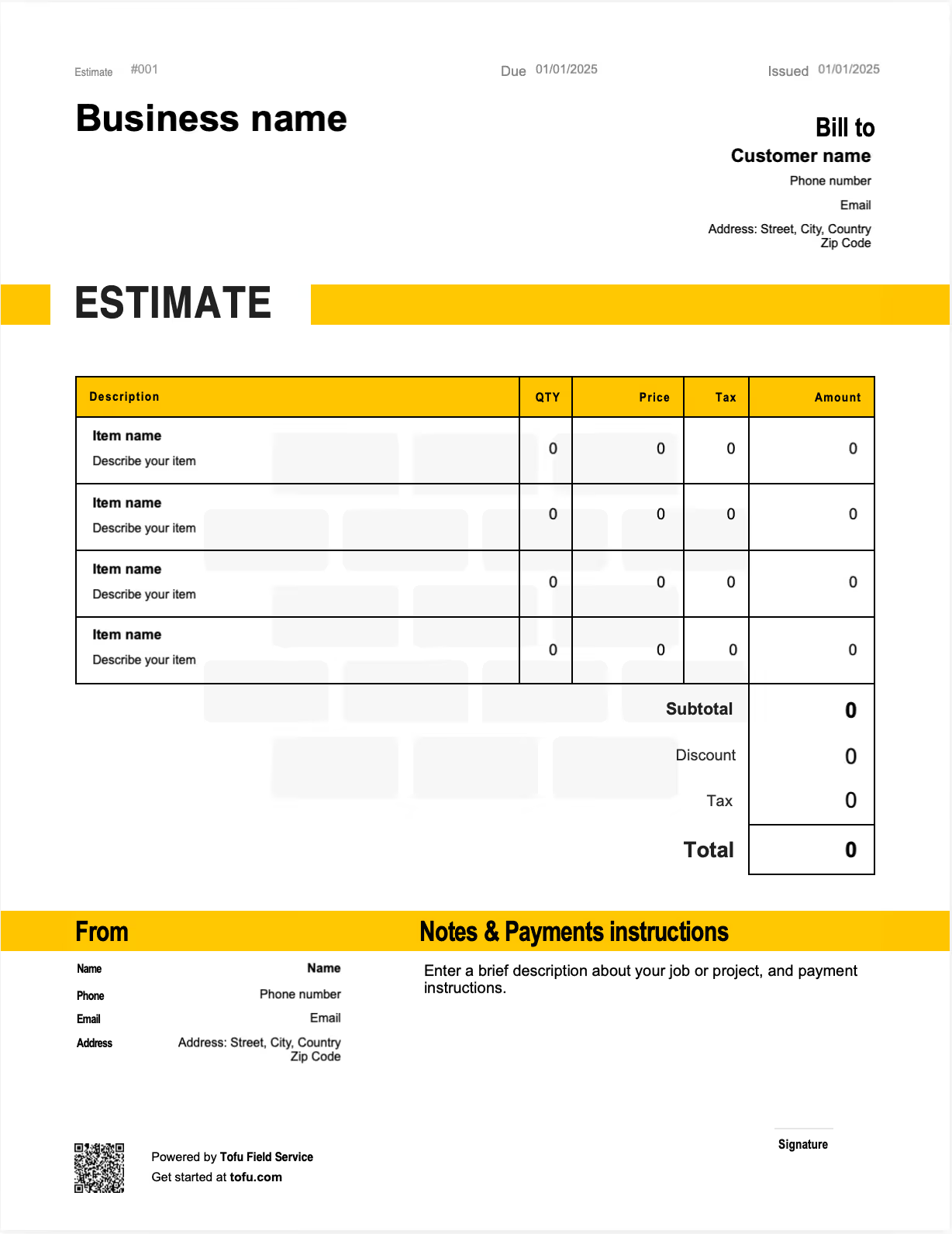
Pest control quoting does double duty. An estimate often locks in the initial treatment and sets up a recurring service plan at the same time, and the client wants to see both clearly before signing. A pest control estimate template handles both. It gives you a professional, repeatable document that lays out the treatment, the visits, and the billing terms clearly, so you look established and the client knows exactly what they're signing up for. In this guide you'll learn what to include and how to quote pest work.
What to include in a pest control estimate template
A complete pest control estimate has to be clear enough for the client to approve confidently and detailed enough to protect you once the work starts. Every field below adds clarity or prevents a dispute:
- Contractor info and logo — company name, logo, license, phone number
- Client information — name and service address
- Estimate number and date — tracks the document and sets a timeline
- Scope of work — a one-time treatment, or the recurring service plan being quoted
- Service line items — inspection, initial treatment, follow-up visits, each priced separately
- Products and materials — what will be applied, with quantities where relevant
- Recurring billing terms — the per-visit rate or flat monthly price, plus visit frequency
- Total cost with tax — the client-facing figure
- Payment terms — accepted methods and when payment is due
- Expiration date — protects against price changes, such as "valid for 30 days from issue date"
Splitting the treatment, follow-ups, and plan pricing into separate lines is the field that does the most work. When the client sees what each piece costs, the number stops feeling arbitrary.
Pest-control-specific fields that generic templates miss
A generic contractor estimate won't have a place for what actually drives pest work. These fields keep plan clients clear and protect you on treatments:
- Plan vs one-time split, since much pest work is ongoing, quote the per-visit or plan price clearly
- Visit frequency and inclusions, such as inspection, treatment, and exterior barrier, so the client knows what each visit covers
- Target pests and areas covered, so the scope is documented before work starts
- Guarantee and re-treatment terms, since a clear callback policy prevents free work later
Quoting pest control plans vs one-time treatments
How you scope the work changes how the estimate is built.
Service plan estimates
- Quote a per-visit rate or a flat plan price
- State the visit frequency and exactly what each visit includes
- Note the billing cycle and how renewals work
This is how pest control companies build predictable revenue: a clear plan quote turns into steady recurring income.
One-time treatment estimates
- Cover initial treatments, bed bug jobs, rodent exclusion, or termite work
- Itemize inspection, treatment, and follow-up visits
- State what the guarantee covers and for how long
The key on either type is handling the unknowns in writing. A contingency line such as "if activity persists after the second visit, additional treatments billed at $X" sets expectations up front and prevents a mid-job dispute.
How to create a pest control estimate using a template
Working from a template means you build the estimate the same reliable way every time:
- Inspect the property and scope the work as a one-time treatment or a service plan
- List inspection, treatment, and follow-up line items separately
- For plan work, set the per-visit or monthly price and the visit frequency
- Apply markup and set the payment terms
- Assign an estimate number and review for completeness
- Send it for approval and keep a copy
💡 Pro tip: When quoting a service plan, spell out exactly what each visit includes and the billing cycle. A clear plan quote converts into steady recurring revenue and far fewer "what am I paying for?" questions later.
Choosing the right format: PDF, Excel, or Word
The right format depends on how you work and who's receiving the estimate:
- PDF — best for sending a polished, non-editable estimate to clients. The layout stays fixed between you and the signature.
- Microsoft Excel or Google Sheets — best for automatic totals and reusable line item rows, especially handy if you quote many properties.
- Microsoft Word or Google Docs — best for those who prefer a simple, editable document they can customize quickly.
Your next pest control estimate is 60 seconds away
Open Tofu, add the job details, send it for approval. Your customer sees a clean, itemized estimate before any work begins.
Rated excellent on review platforms

Absolutely amazing! It’s saves so much time and it gives you the professional touch needed to make you look good!
★ ★ ★ ★ ★
Tony W., TrustpilotTofu works with Stripe for on-site card payments, lets me turn estimates into invoices, and instantly syncs jobs, photos, and client notes offline.
★ ★ ★ ★ ★
Tofu user, G2
I use Tofu for my cleaning business, and it solves so many problems for me. I consider it a complete success for myself and my employees.
★ ★ ★ ★ ★
Marjorie N., G2Easy to use and straightforward! Been using it for over a year now!
★ ★ ★ ★ ★
Manuela M., TrustpilotI need some basic features like send estimate, invoice, track my jobs and get money. Tofu is good for that.
★ ★ ★ ★ ★
Tofu user, G2I love it 10 out of 10 would highly recommend to anyone
★ ★ ★ ★ ★
David M., CapterraBenefits of using pest control estimate templates
A consistent template beats writing each quote from scratch:
- Saves time, so you can send professional estimates while the lead is still warm
- Nothing gets missed, since the structure prompts every field
- A consistent, professional appearance that builds client trust
- Fewer disputes, because scope, products, and billing terms are documented up front
- Faster sign-off, since a clear, itemized estimate is easy to approve
- Easier plan quoting, with the per-visit and plan terms laid out cleanly
- More clients won, from looking like the most organized pest control pro on the list
As volume climbs, many pest control companies graduate from templates to field service software that runs estimates, invoices, and billing in one dashboard, often with a mobile app for technicians.
Common pest control estimate mistakes to avoid
Most disputes and lost margin trace back to a few avoidable errors:
- Quoting a vague plan price with no visit detail → State the frequency and exactly what each visit covers
- Folding treatment and follow-ups into one line → Itemize them so the client can verify costs
- No plan terms on a recurring quote → Spell out the per-visit or monthly price and the billing cycle
- Leaving off an expiration date → Add a validity window so a delayed start doesn't lock in an old price
- Mixing a one-time treatment and a service plan on one unclear line → Separate them so the scope is obvious
Estimates are just the start
Every client, job, estimate, and payment lives in Tofu, ready to pull up in seconds, right from the job site.
FAQs
Everything you need to know about the product and billing

Still have questions?



Create the perfect estimate for your business
Get started for free