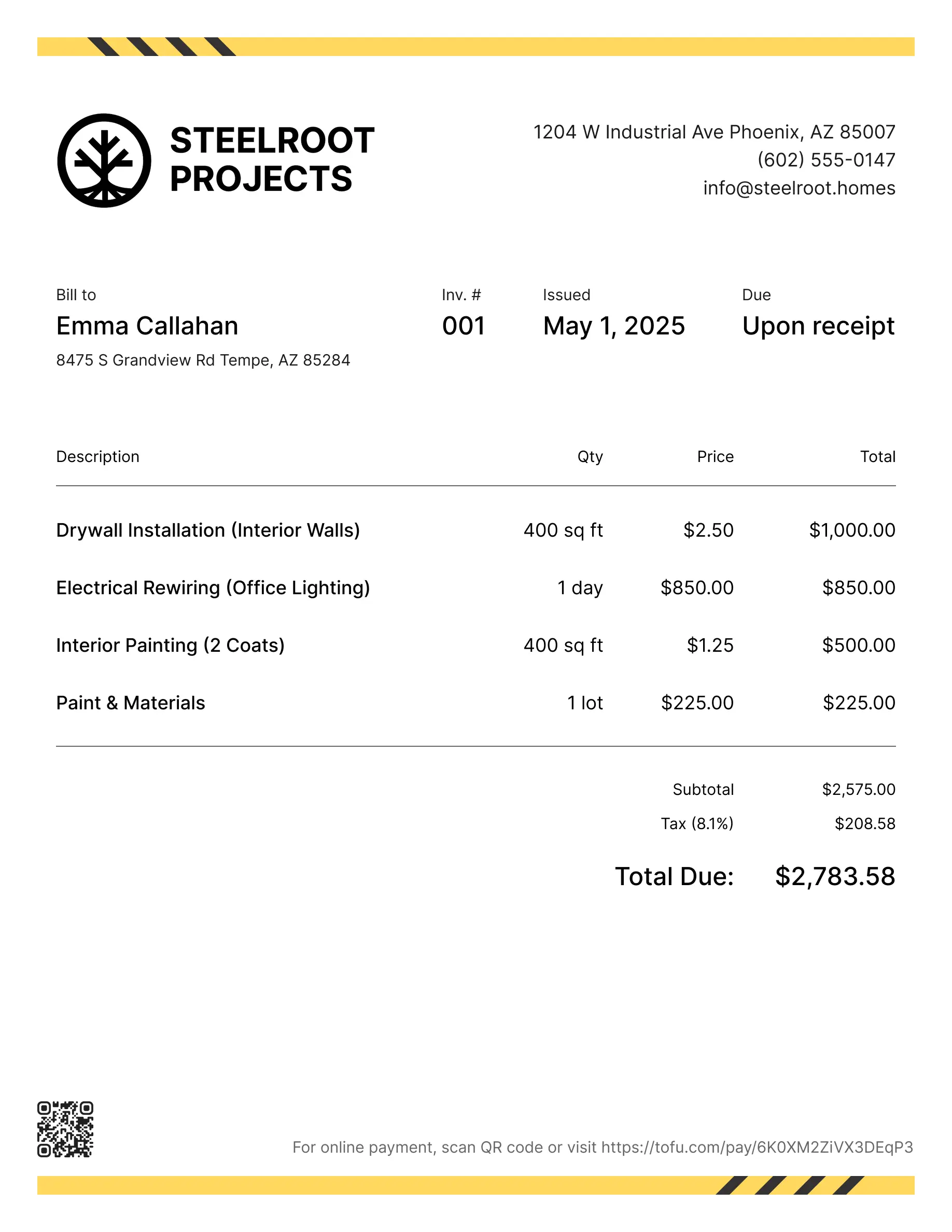
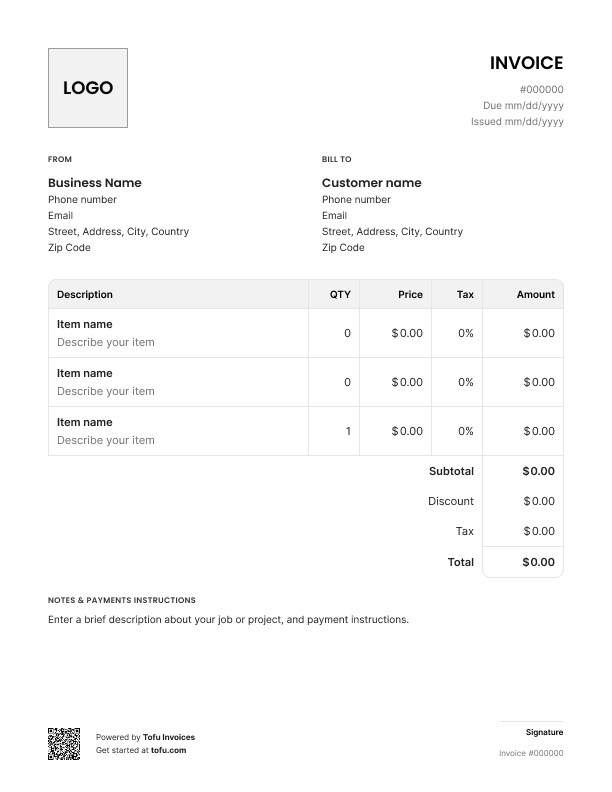
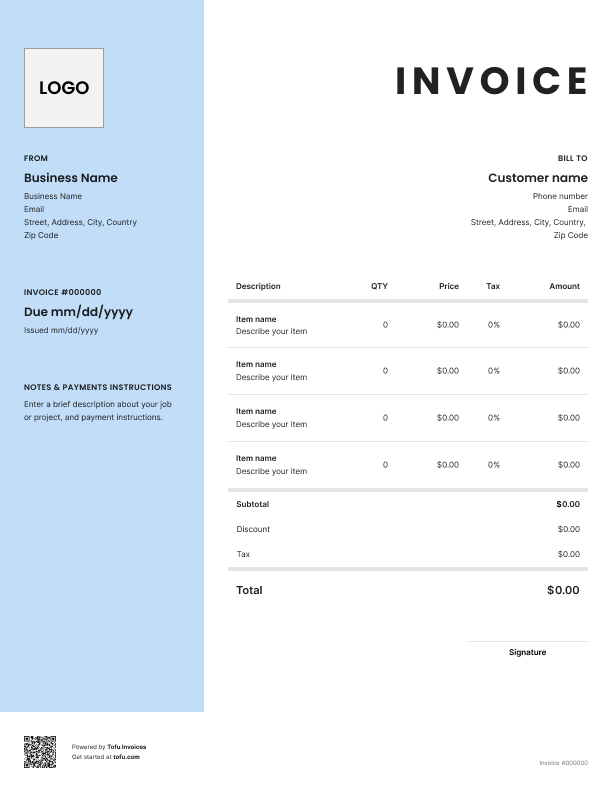
Bill clients for any freelance work – from creative projects to consulting hours. Tofu's ready-to-use invoice templates make it simple. Choose your format, add a personal touch, and download.
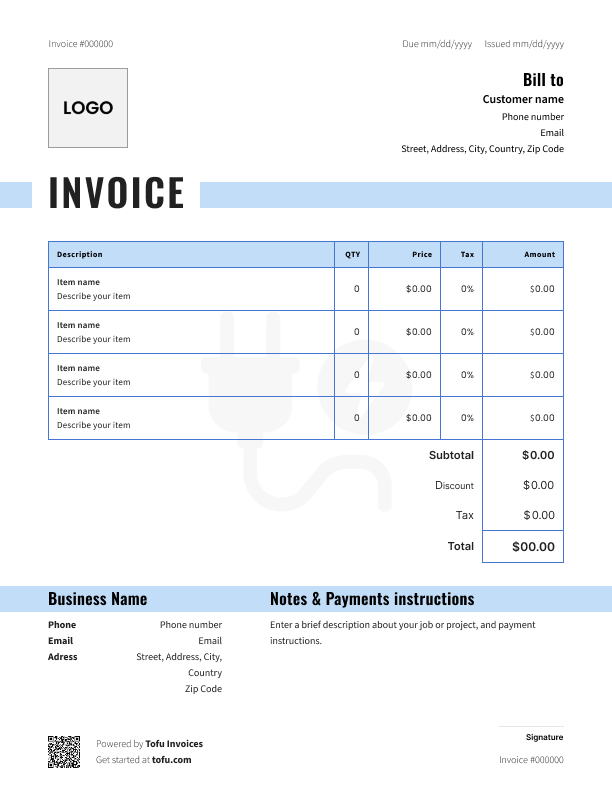
As a freelancer, you're the boss, the worker, and the billing department – all at once. Between client calls, deadlines, and actually doing the work, professional invoices usually fall to the bottom of the list. That's how payments get delayed.
These free freelance invoice templates fix that. They're built for hourly work, flat project fees, or retainer setups – so they fit however you bill. Download one, fill it in, save time, and put it back into your freelance business. This guide covers what to include, how to customize it, when to send it, and how to get paid on time.
A complete invoice gets paid faster. A vague one sits in someone's inbox. Here's everything your freelance invoice template needs, grouped by section:
Your business info:
Client info:
Invoice details:
Services rendered:
Payment section:
These invoice templates for freelancers are built so nothing gets missed. The more detail you include in your billing details, the fewer questions you'll get – and the faster you'll get paid.
Your payment terms tell the client exactly when to pay and what happens if they don't. Don't leave this open to interpretation.
Common payment terms:
Net 15 is the sweet spot for most freelancers. It's fast enough to keep your cash flow healthy but gives clients enough time to process payment.
For bigger projects, ask for a 50% deposit upfront before you start. It protects you from scope creep and cancellations. Speaking of cancellations – include a kill fee (usually 25-50% of the project total) in your terms and conditions so you're covered if a client pulls the plug mid-project.
Add a late fee policy too. Something like "1.5% monthly interest on balances over 15 days past due" encourages on-time payment without being aggressive.
Payment methods: The more payment options you offer, the fewer excuses clients have. List bank transfer, PayPal, credit card, ACH – whatever you accept. Include specific instructions so there's zero friction.
Open Tofu, add the details, send a pay link. Your client gets it while the work is still fresh.

Looks clean, sends fast. My clients love it too
★ ★ ★ ★ ★
Fabiannm84
This is very user friendly for those who know absolutely nothing. I came into the business with no knowledge at all on how to do anything and I'm literally a pro now
★ ★ ★ ★ ★
Ready for...

When I'm on the go all the time it streamlines the invoicing process
★ ★ ★ ★ ★
gameronr
Easy to use and have invoices on the move!
★ ★ ★ ★ ★
ivanr8a
This a great app if your making the invoice on the road on your phone. So glad I found it!
★ ★ ★ ★ ★
angie2tall
I can just download this straight to my phone works perfect for my small business.
★ ★ ★ ★ ★
TiffNunez
Making an invoice that looks like yours – not some generic free invoice template – takes about five minutes. Here's how to create an invoice that's ready to reuse:
These customizable freelance invoice templates are free and designed to work as-is, but making them yours helps you look professional and builds brand recognition with clients. You can also use a freelance invoice generator if you want to skip the manual setup entirely.
The goal: make an invoice once, reuse it forever. Spend your time on billable work, not formatting.
Timing matters. Using invoice templates for freelance work only helps if you send them at the right time. Send too late and clients forget about the job. Send without a clear agreement and you're setting yourself up for awkward conversations. Here's how to handle it based on your setup:
Recurring work (retainers, ongoing clients): Pick a set date each month – the 1st or the 15th works well – and send your invoice like clockwork. Clients expect it, accounting processes it, you get paid on schedule. If you're managing multiple invoices across client accounts, consistency makes tracking simple.
Small standalone projects: Send the invoice immediately when the job's done. Same day if possible, within 24 hours at most. The work is fresh in their mind, and there's no reason to wait.
Large projects: Request a deposit upfront (50% is standard), then invoice the remainder at completion or at agreed milestones. For a $5,000 website build, that might look like: 50% before you start, 25% at first draft, 25% at launch.
The key: Agree on your billing and invoicing process before you start any work. A quick email confirming the schedule saves you from chasing payments later.
Good invoicing habits are the difference between steady cash flow and constantly wondering where your money is. A solid invoicing process keeps things running. Here's how:
Use consistent invoice numbering. Start with "INV-001" or "2025-001" and go sequentially. It looks professional and makes your financial records easy to search.
Double-check before sending. Wrong amounts, typos, missing dates – small errors give clients a reason to delay payment.
Include multiple payment methods. The easier you make it to pay, the faster it happens.
Send invoices promptly. The longer you wait, the longer you wait to get paid.
Track every invoice. Know which are sent, paid, and overdue. A spreadsheet works. A dedicated tool works better.
Follow up on overdue payments. A polite reminder at 7 days. A firmer one at 14. You did the work – you deserve the money.
Keep copies for taxes. Every invoice is a financial record. Save them.
Vague descriptions. "Consulting services – $2,000" invites questions. "Brand strategy workshop (4 hours) + competitive analysis report" doesn't. Be specific about services rendered.
Missing payment terms. No due date = no urgency.
Not following up. Professional-looking invoices with polite follow-ups get paid. Silence doesn't.
Skipping invoice numbers. Makes it harder to track your client accounts. Use a simple system and stick with it.
These are small things, but they add up. Fix them once with a professional self-employed invoice template and you'll save time on every invoice going forward. Even a basic self-employed invoice template beats starting from scratch every time.
Ready to get paid faster? Download a template and start sending professional invoices that actually get paid on time.
Every client, job, estimate, and payment lives in Tofu – ready to pull up in seconds, wherever you are.
Everything you need to know about the product and billing