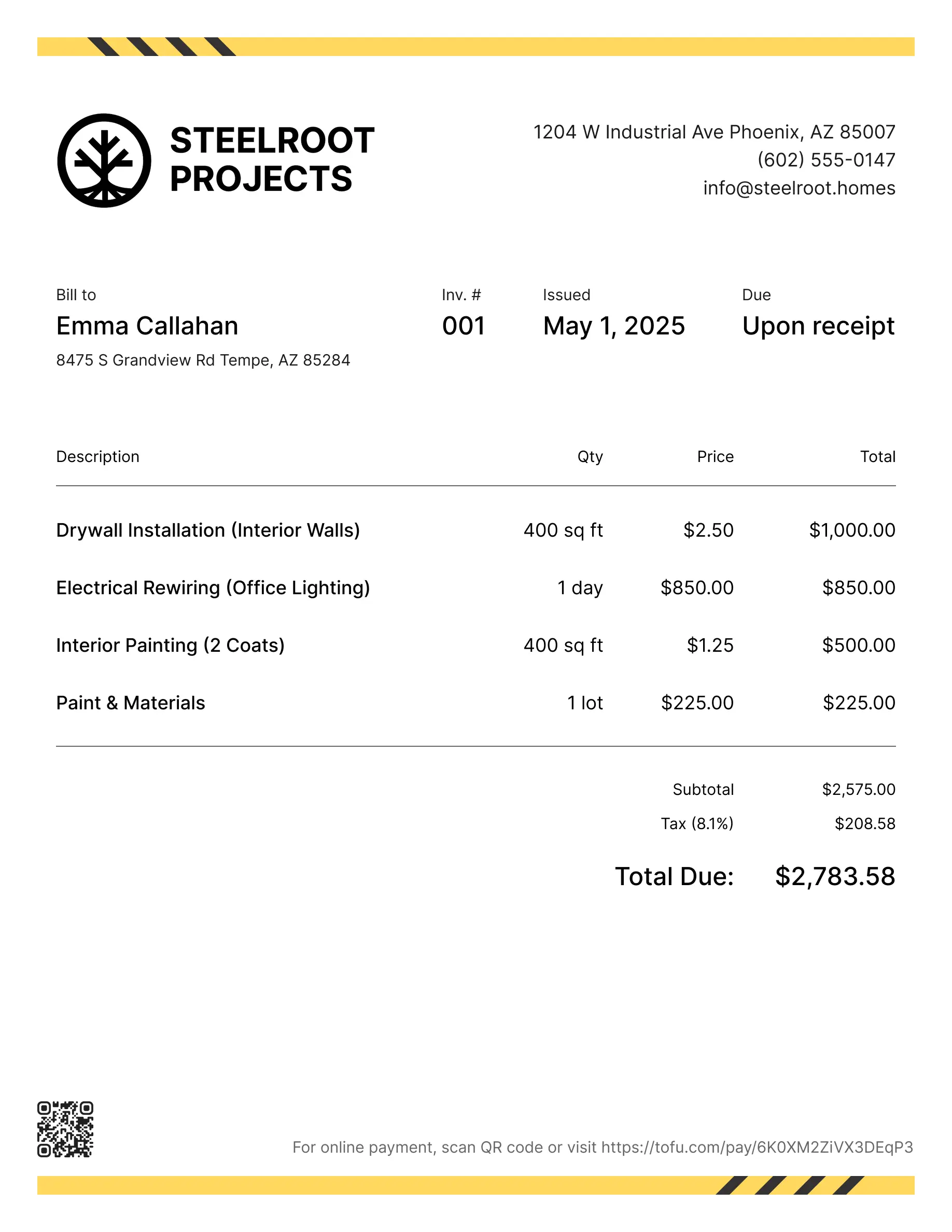
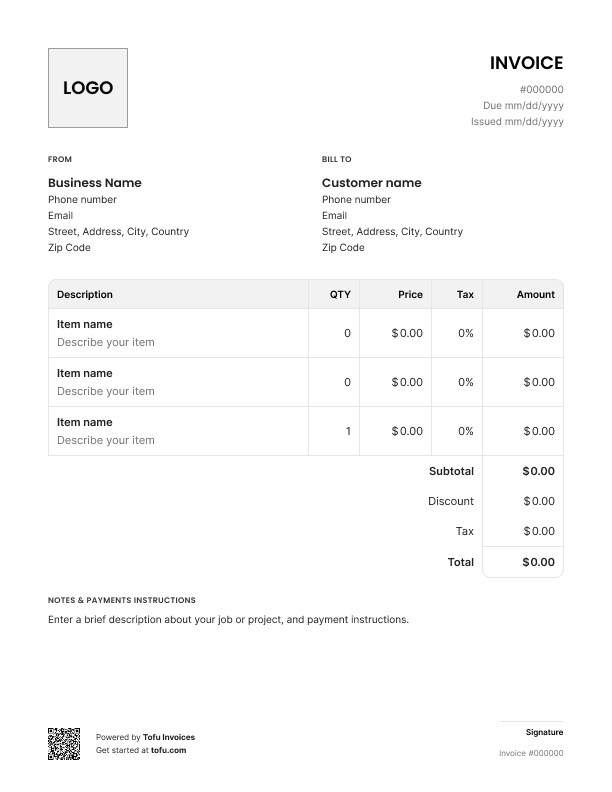
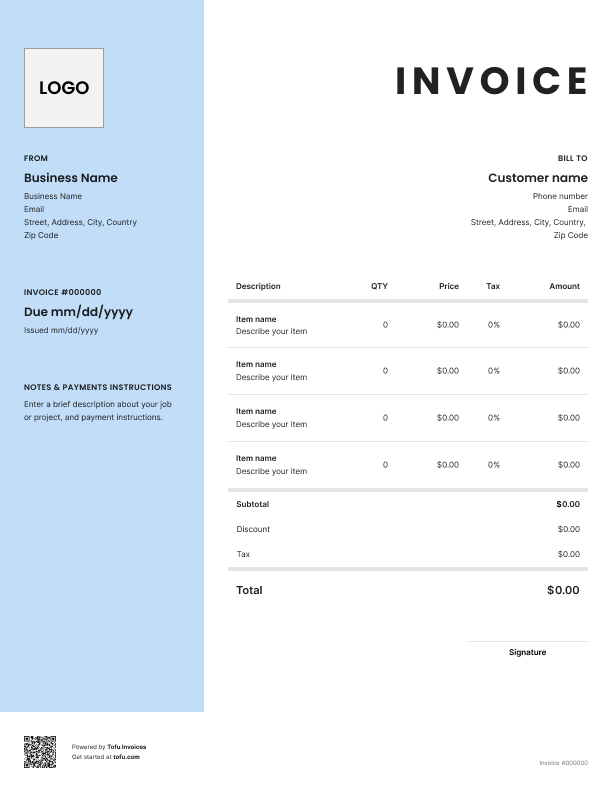
Quoting a cleaning job isn't simple. Every house is different. One client wants a one-time deep clean, another wants you back every two weeks. Add in window cleaning, oven work, or a finished basement, and the price moves again. Then the client pushes back because they're not sure what they're paying for.
A cleaning estimate template fixes most of that. It gives you a clean format to lay out the work, the price, and the terms before you start. In this guide, you'll learn what to include, how to customize it, and how a solid quote helps your cleaning business get paid on time.
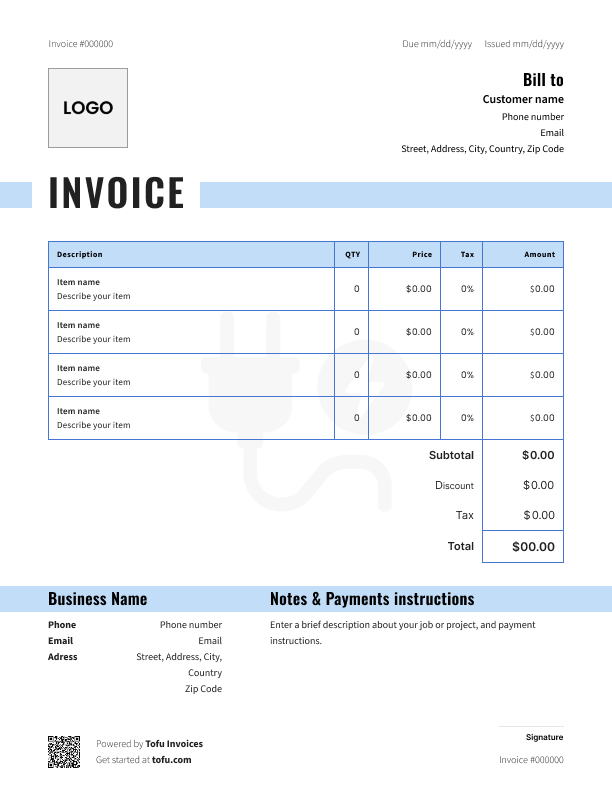
A good cleaning estimate template covers everything the customer needs to say yes — and nothing they don't. Skip a field and you'll get a phone call. Add too much and they'll skim past the price.
Here's what cleaning estimates need on the document, broken out so nothing slips:
The line item breakdown matters most. When clients see what each service costs, they stop arguing about the total. And once the job's done, those same line items make estimate templates easy to flip into an invoice.
A generic template won't cut it. Cleaning work has details other trades don't deal with:
Capture this stuff upfront and you'll avoid the "I thought that was included" conversation later.
Going from blank free cleaning estimate template to sent quote takes about five minutes once you know the steps. Here's how to create a cleaning estimate the right way:
💡 Pro tip: Send the estimate within a few hours of the walkthrough. Clients are most ready to book when the conversation is still fresh.
Most templates are customizable, so customize yours to match your cleaning business. Add your logo and brand colors so the document doesn't look like a stock software file. Adjust the line items to match the services you actually offer — drop what you don't do, add what you do. Keep a section for terms and conditions, and toggle fields on or off depending on whether the job's residential or commercial. A clean, on-brand quote builds confidence before you ever pick up a mop.
Open Tofu, add the job details, send it for approval. Your client sees a clean, itemized estimate before you pick up a mop.

Looks clean, sends fast. My clients love it too
★ ★ ★ ★ ★
Fabiannm84
This is very user friendly for those who know absolutely nothing. I came into the business with no knowledge at all on how to do anything and I'm literally a pro now
★ ★ ★ ★ ★
Ready for...

When I'm on the go all the time it streamlines the invoicing process
★ ★ ★ ★ ★
gameronr
Easy to use and have invoices on the move!
★ ★ ★ ★ ★
ivanr8a
This a great app if your making the invoice on the road on your phone. So glad I found it!
★ ★ ★ ★ ★
angie2tall
I can just download this straight to my phone works perfect for my small business.
★ ★ ★ ★ ★
TiffNunez
Downloadable cleaning estimate templates come in a few formats. Pick the one that fits how you work:
If you're quoting a few jobs a week, estimate templates work fine. Once you're juggling more, most cleaners switch to dedicated software that builds quotes in seconds and tracks them automatically.
Free estimate templates do more than save typing. For a cleaning service running multiple jobs a week, the benefits stack up fast:
As you grow, many owners move from static files to cleaning software with a built-in quoting tool — same idea, just automated.
Most quoting problems come from the same handful of slip-ups. Watch for these:
Every client, job, estimate, and payment lives in Tofu – ready to pull up in seconds, wherever you are.
Everything you need to know about the product and billing