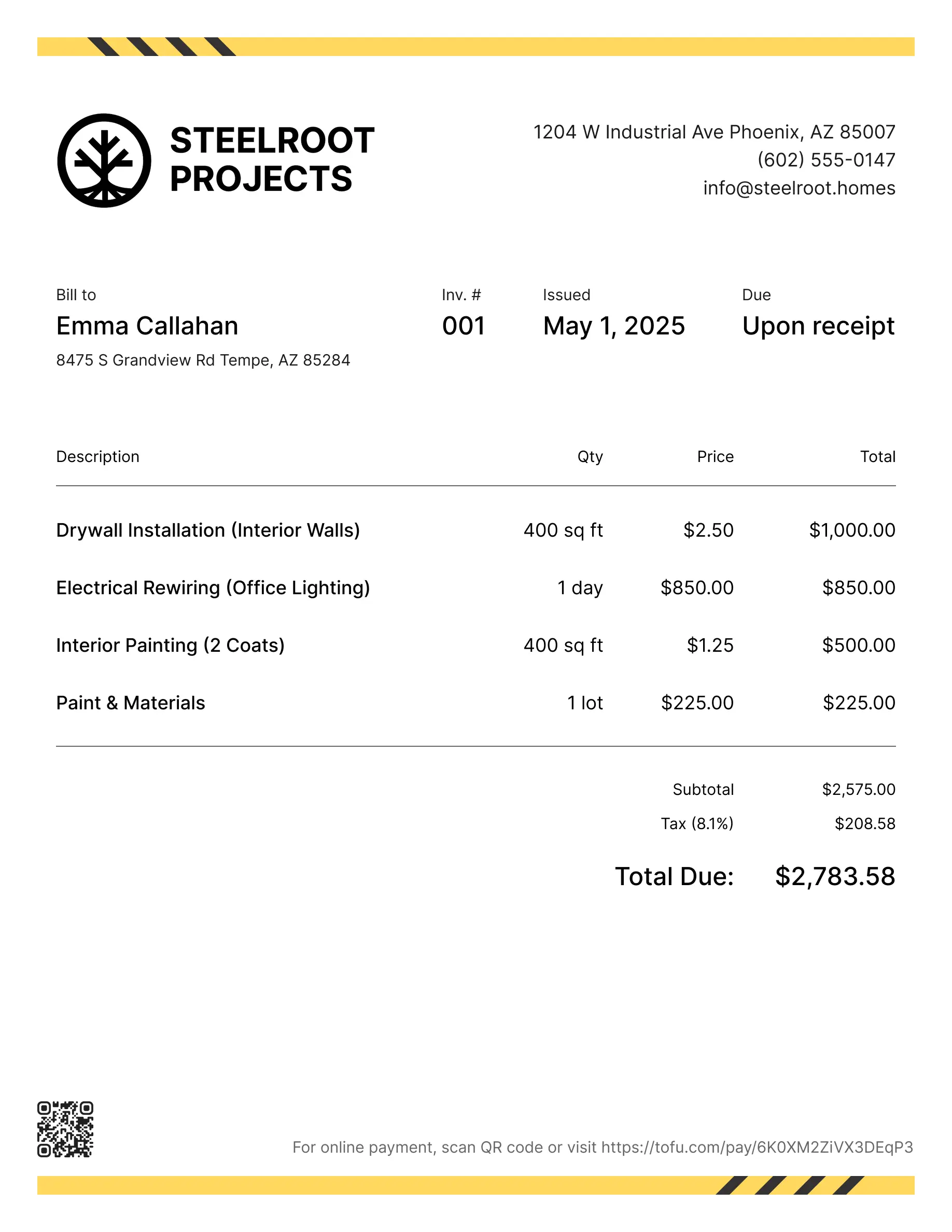
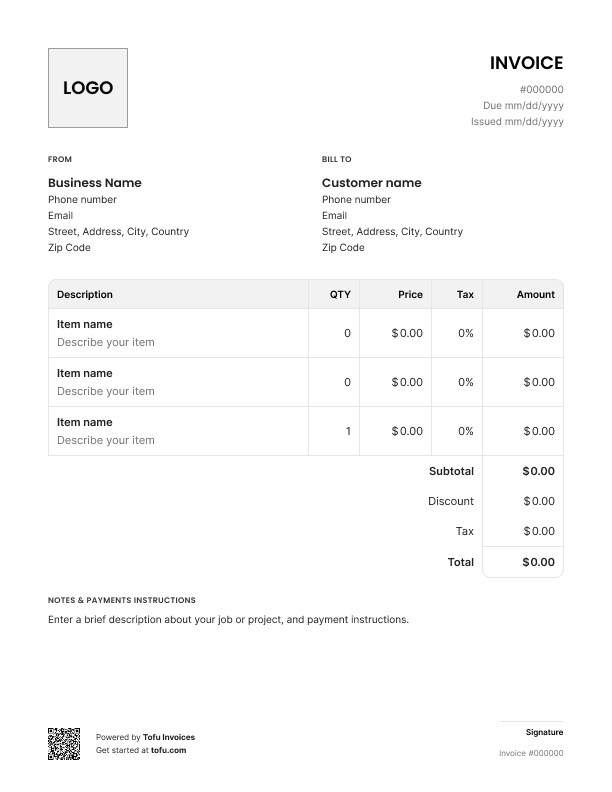
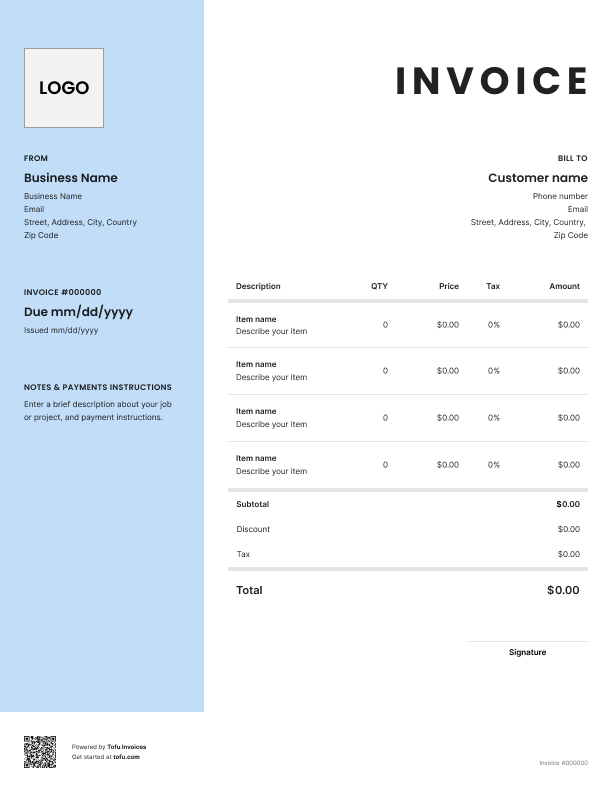
Pricing electrical work is tricky. One day it's swapping outlets, the next it's wiring a commercial build-out. Without a consistent document, every bid feels like you're starting from scratch – and that's how electricians lose jobs or eat costs they should've billed for.
A free electrical estimate template fixes that. It gives you a clean format you can reuse on every job, so your numbers add up and your client knows what they're paying for. The result: clearer electrical estimates, faster approvals, fewer disputes, and a smoother workflow from bid to invoice.
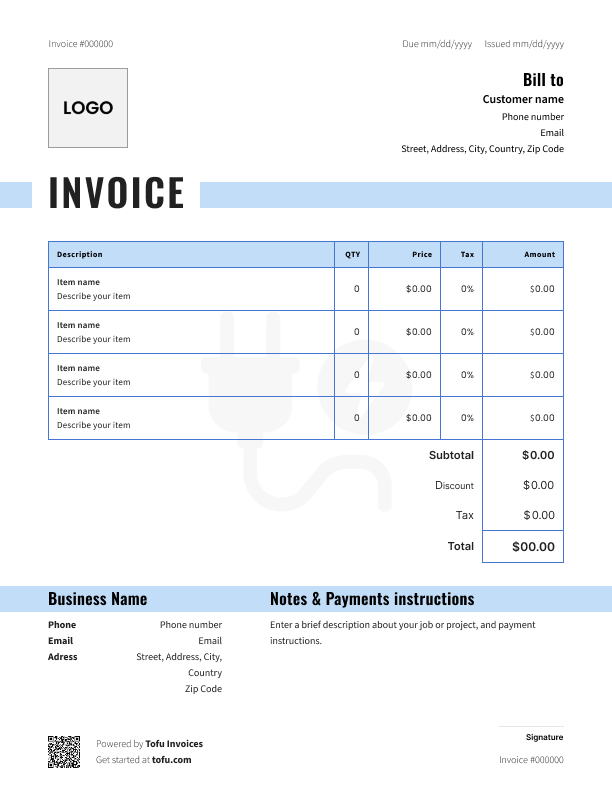
A solid bid form covers everything a client needs to say "yes" – and everything you need to protect your margins. Skip a field and you're chasing information later or arguing about it after the work is done.
Here are the essential fields every free electrical estimate template should have:
Clear, itemized electrical estimates read as professional and leave no room for "I didn't know it included that." It's also the structure you'll carry over to the invoice.
Generic construction forms don't cut it. They miss the details that protect you from scope creep and disputes. Make sure your document includes:
Every electrical contractor has been burned at least once by leaving these out – that risk is what good electrical estimates eliminate.
Once you have the format down, building a free electrical estimate is straightforward. Follow these seven steps to send accurate electrical estimates faster than the competition:
💡 Pro tip: Always note conditions behind walls. If you find old cloth wiring or a hidden junction box, your costs change fast. A line saying "additional findings billed at time and materials" saves the conversation later.
The electrician who follows up with a clean bid within 24 hours wins more jobs than the one who takes a week.
Open Tofu, add the job details, send it for approval. Your client sees a clean, itemized estimate before you touch a single wire.

Looks clean, sends fast. My clients love it too
★ ★ ★ ★ ★
Fabiannm84
This is very user friendly for those who know absolutely nothing. I came into the business with no knowledge at all on how to do anything and I'm literally a pro now
★ ★ ★ ★ ★
Ready for...

When I'm on the go all the time it streamlines the invoicing process
★ ★ ★ ★ ★
gameronr
Easy to use and have invoices on the move!
★ ★ ★ ★ ★
ivanr8a
This a great app if your making the invoice on the road on your phone. So glad I found it!
★ ★ ★ ★ ★
angie2tall
I can just download this straight to my phone works perfect for my small business.
★ ★ ★ ★ ★
TiffNunez
The format you pick depends on how you work and how complex the job is.
PDF works best for a polished, locked-down document:
Microsoft Excel (or any excel spreadsheet) is great for flexible math:
Google Sheets is the move if you have a team or work from your phone:
For quick bids on smaller jobs, Microsoft Word or Google Docs work fine. For anything more complex, stick with Excel, Google Sheets, or PDF.
A customizable electrical estimate template should look like your business, not a generic form. Spend an hour upfront and you'll never redo it.
Drop in your company logo, business name, license number, and contact details at the top. Build out two versions of the document for residential and commercial electrical work – pricing and scope language differ. Add or remove fields based on common job types: service upgrades, panel replacements, EV charger installs. Set your default rate and markup. Paste in your terms and conditions at the bottom.
Fields to customize include: logo, contact details, default rates, markup, payment terms, and disclaimers for your state.
Templates aren't just paperwork. They're a tool for running a tighter business:
Free estimate templates are a solid starting point, and templates are essential when you're getting billing under control. Once you're running high volume, most contractors graduate to estimating software or electrical contractor software that auto-calculates pricing, manages a dashboard of bids, and pushes the approved quote into the invoice. That's where your workflow tightens up.
Get your free electrical estimate, plug in your numbers, and start sending electrical estimates that win more work.
Even experienced contractors make these mistakes on their electrical estimates. Each line item creates friction with clients or eats into your margin:
Get accuracy and precision right the first time and you'll send an accurate estimate every job.
Every client, job, estimate, and payment lives in Tofu – ready to pull up in seconds, wherever you are.
Everything you need to know about the product and billing