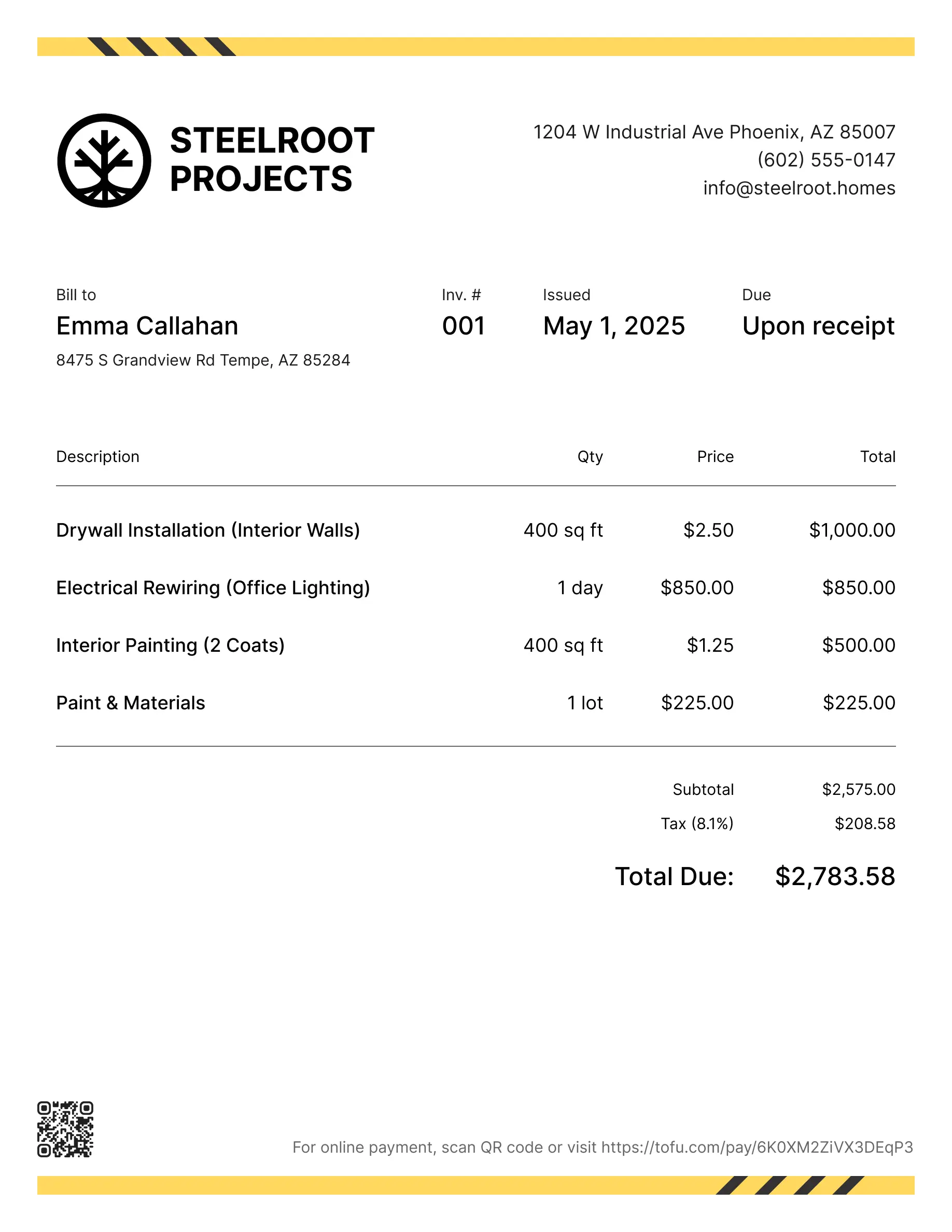
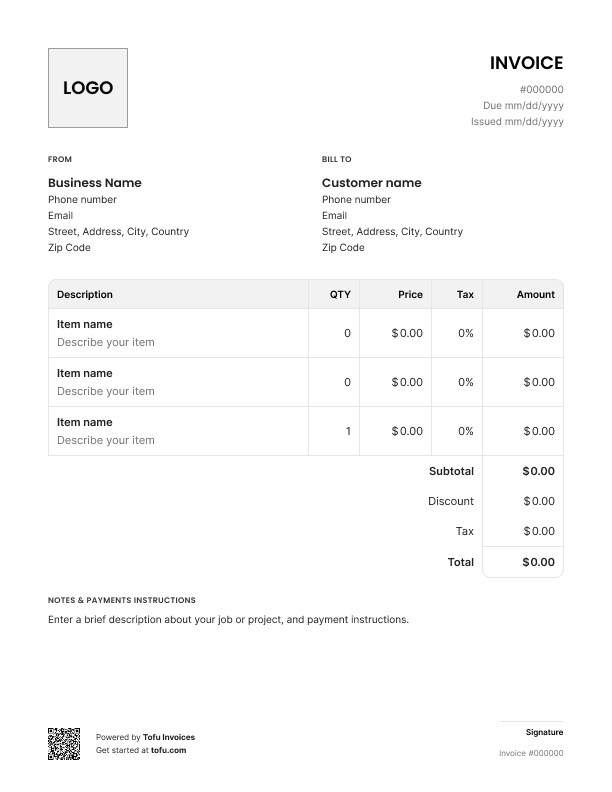
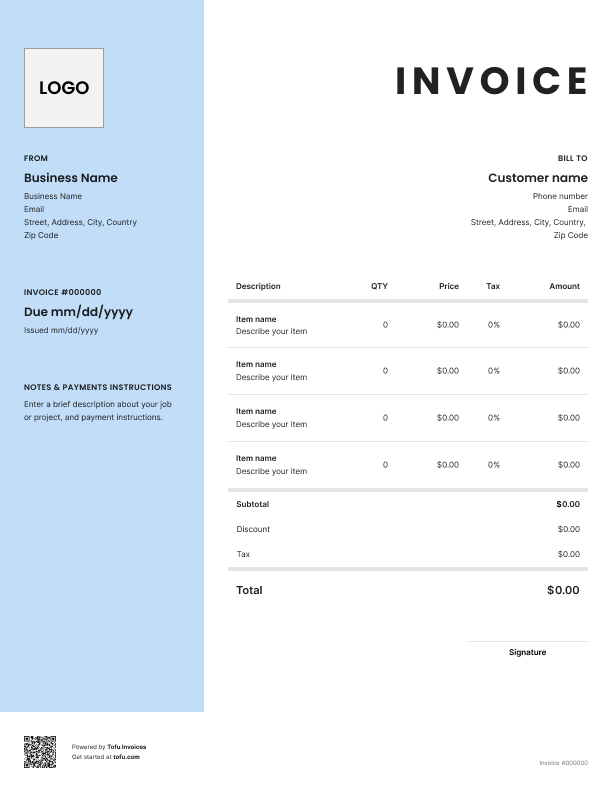
Quoting a job from memory or scribbling numbers on a notepad is a fast way to lose work — and create headaches later. Customers forget what you said. Scope creeps. Disputes happen. A good HVAC estimate template fixes all of that before a single wrench turns. This article covers what to include, how to customize it, and how a solid estimate helps you close more jobs.
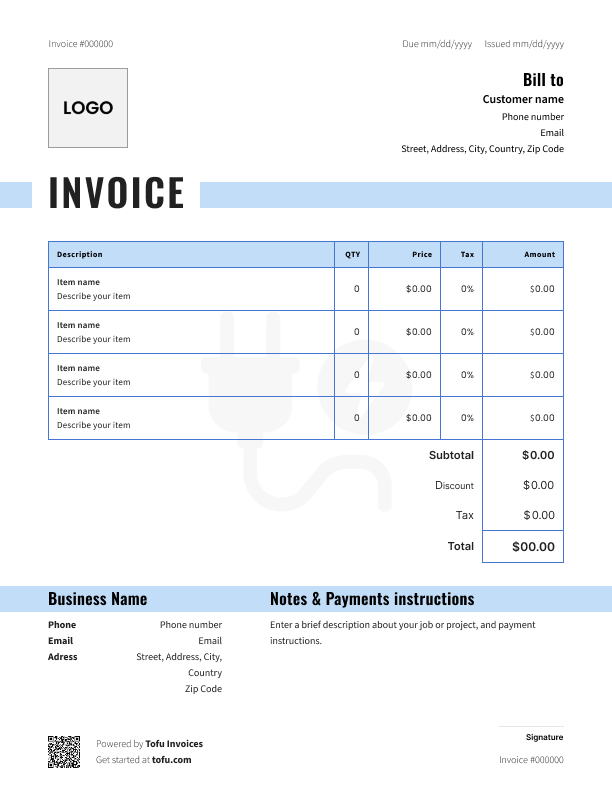
A free HVAC estimate template is a pre-formatted document built specifically for the HVAC industry — not a blank spreadsheet, not a generic quote form. It gives you a consistent structure for presenting scope, parts, labor, and timeline before the job starts.
Here's the key distinction: an estimate goes out before the work begins. An invoice comes after. They're not interchangeable. HVAC estimates are pre-job documents; invoices trigger payment once the work is done.
Most templates are available in PDF, Google Sheets, Microsoft Word, and Microsoft Excel — use whatever format fits your workflow.
Good HVAC estimates cover more ground than most contractors expect:
The itemization is the most important piece. When customers can see what each line item costs, they push back a lot less on the total.
A blank quote form won't capture the details that matter on HVAC jobs. Make sure your template has fields for:
Capturing these up front protects you if a customer questions scope after the job starts.
💡 Pro tip: Good-better-best pricing tiers give customers a choice and often push them toward the mid-range option, improving average job value without any hard selling.
A template only saves you time if it fits your business. Take 20 minutes to customize it once:
Using an HVAC estimate template that's customizable keeps your estimating process consistent. A customizable HVAC estimate template means every tech on your crew works from the same format.
Open Tofu, add the job details, send it for approval. Your client sees a clean, itemized estimate before you turn a wrench.

Looks clean, sends fast. My clients love it too
★ ★ ★ ★ ★
Fabiannm84
This is very user friendly for those who know absolutely nothing. I came into the business with no knowledge at all on how to do anything and I'm literally a pro now
★ ★ ★ ★ ★
Ready for...

When I'm on the go all the time it streamlines the invoicing process
★ ★ ★ ★ ★
gameronr
Easy to use and have invoices on the move!
★ ★ ★ ★ ★
ivanr8a
This a great app if your making the invoice on the road on your phone. So glad I found it!
★ ★ ★ ★ ★
angie2tall
I can just download this straight to my phone works perfect for my small business.
★ ★ ★ ★ ★
TiffNunez
This trips up a lot of contractors. Here's the short version:
Estimate:
Invoice:
Some jobs go: estimate → work orders → invoice. Keeping these separate protects both parties if questions come up later.
For HVAC professionals running high volume, templates also help streamline the handoff between techs. As your business grows, many contractors move to HVAC estimating software that can automate calculations and connect estimates directly to invoices and work orders.
Every client, job, estimate, and payment lives in Tofu – ready to pull up in seconds, wherever you are.
Everything you need to know about the product and billing