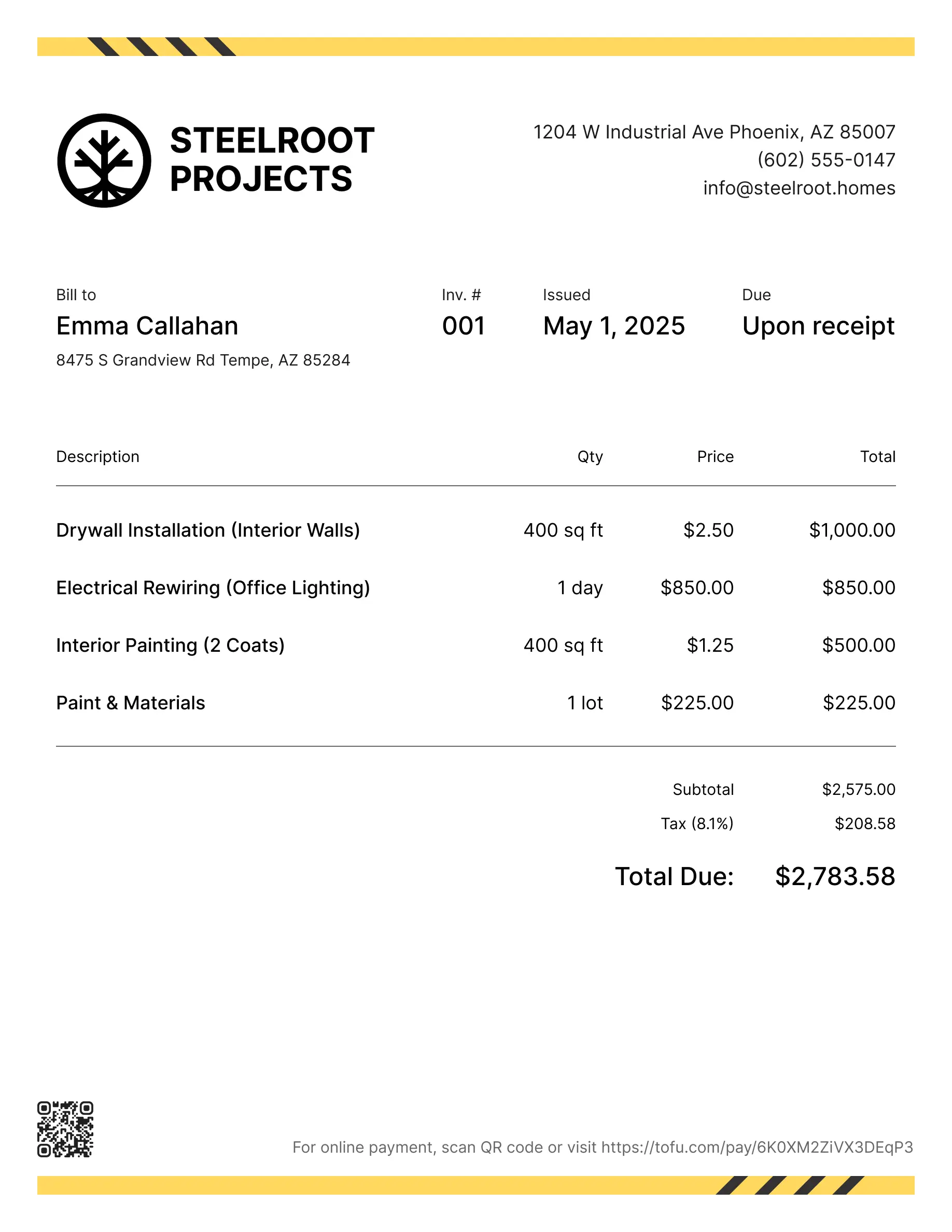
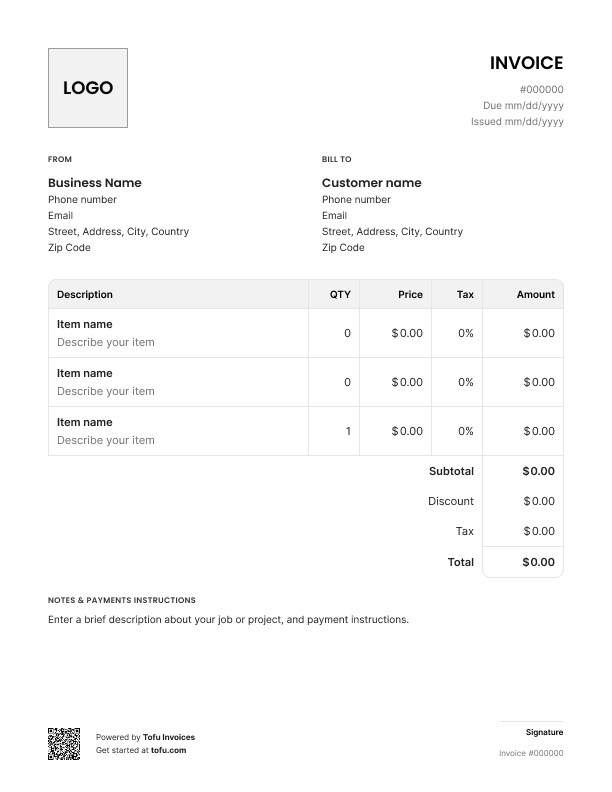
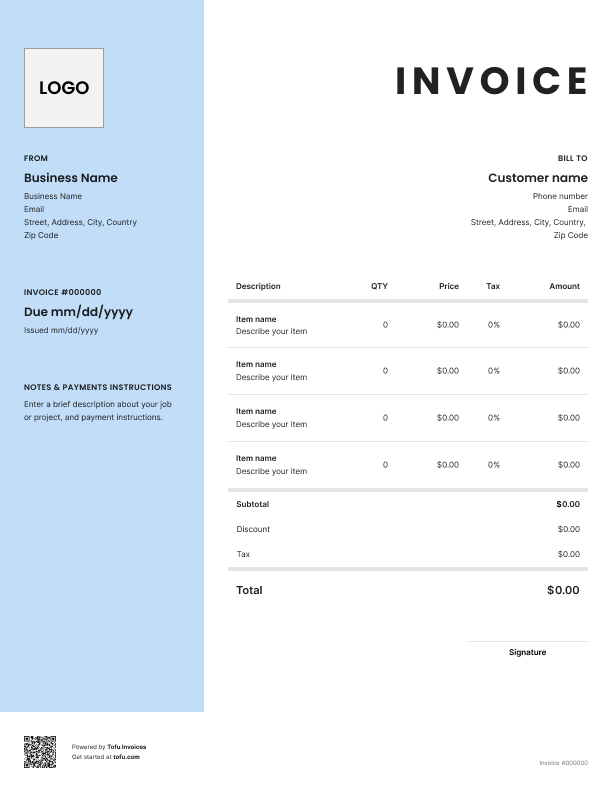
Quoting a landscaping job isn't simple. Material costs swing, labor adds up, and the customer wants a clear number before you've broken ground. Pen and paper or a generic Word doc won't cut it. A solid landscape estimate template fixes that — it turns a rough cost estimate into a clean document that wins approvals faster and prevents disputes. This guide covers what to include, how to create one, formats to use, and when to move on.
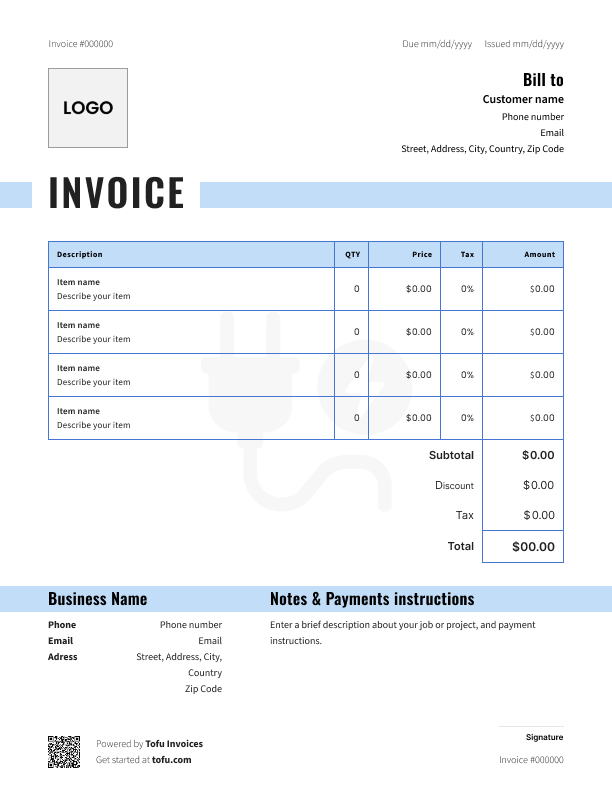
A good landscape estimate template covers every detail the customer needs to say yes — and every detail you need if the job goes sideways.
Here are the fields that belong in any landscaping estimate form:
Separating labor from materials matters more in landscaping than in most trades. Soil, sod, mulch, and plants shift in price week to week. When the customer sees exactly what they're paying for, you avoid the "I thought that was included" conversation. Every piece of information on the document — from estimate number and date to line-item cost — exists to make the price clear and convert that estimate into an invoice cleanly when the job's approved.
Generic quote templates weren't built for outdoor work. A real landscape estimate needs a few extras:
These fields keep scope creep in check and give the customer a real budget picture before anyone touches the lawn.
Here's how to create an estimate that actually wins the job — a step-by-step process to create a landscaping estimate from walkthrough to send:
💡 Pro tip: Once the customer approves, you should be able to convert estimates to invoices in a couple of clicks instead of rebuilding the document from scratch. That's where landscape estimate software earns its keep.
Make the template your own. Drop in your logo, pick a color scheme that matches your truck wrap, and customize the service descriptions to match what you sell — lawn mowing, irrigation, hardscaping, additional services. Add your terms and conditions at the bottom. A customizable template tells the customer you're a real business, not a guy with a mower. Pick a template that you can edit in the format you already use.
Open Tofu, add the job details, send it for approval. Your client sees a clean, itemized estimate before you touch a single blade of grass.

Looks clean, sends fast. My clients love it too
★ ★ ★ ★ ★
Fabiannm84
This is very user friendly for those who know absolutely nothing. I came into the business with no knowledge at all on how to do anything and I'm literally a pro now
★ ★ ★ ★ ★
Ready for...

When I'm on the go all the time it streamlines the invoicing process
★ ★ ★ ★ ★
gameronr
Easy to use and have invoices on the move!
★ ★ ★ ★ ★
ivanr8a
This a great app if your making the invoice on the road on your phone. So glad I found it!
★ ★ ★ ★ ★
angie2tall
I can just download this straight to my phone works perfect for my small business.
★ ★ ★ ★ ★
TiffNunez
Free estimate templates come in three formats on this page. Each fits a different workflow:
Microsoft Excel
Microsoft Word
All three are downloadable from this page. You can download free versions of each free landscape estimate template below.
A template isn't just paperwork — it's a tool that pays you back every time you use it:
As volume grows, templates start to feel slow. That's when most pros move to estimate software or full management software that tracks status, sends reminders, handles invoices, and connects to payroll. The shift helps you grow your landscaping business and streamline billing without adding admin hours.
Templates work great until they don't. If you're sending dozens of estimates a week, want to know when a customer opens one, need automatic follow-up reminders, or want estimates that flow straight into invoices, it's time to upgrade. Landscaping estimate software and full management software automate the parts that eat your evenings. Most estimate software platforms offer a free trial — test before you pay. For sole operators and small crews, a template is still the right starting point.
Every client, job, estimate, and payment lives in Tofu – ready to pull up in seconds, wherever you are.
Everything you need to know about the product and billing