You quote a water heater replacement over the phone. Customer says yes. Three days later, they're arguing about the drywall cut you had to make to reach the shutoff — because you never put it in writing.
That's why you need a plumbing estimate template. It's a pre-built document that lays out scope, materials, and labor before you pick up a wrench. Customers know what they're paying for. You have something to point to when scope changes. And you stop rebuilding quotes from scratch for every job.
Here's what to include in a good template, how to use one, and how to avoid the estimating mistakes that cost plumbers jobs.
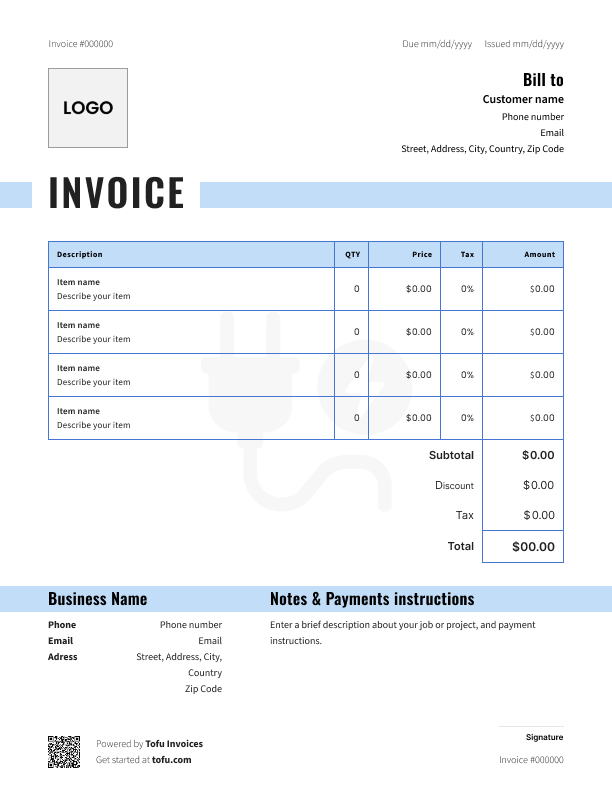
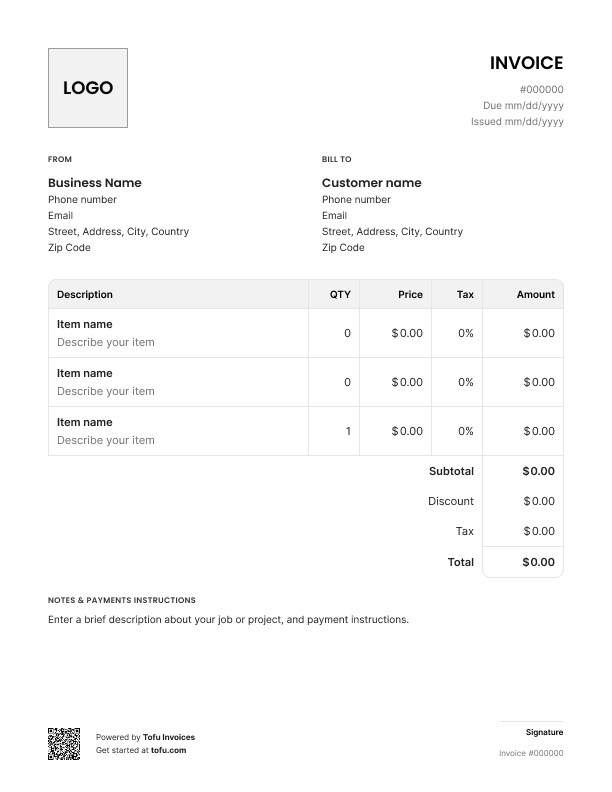
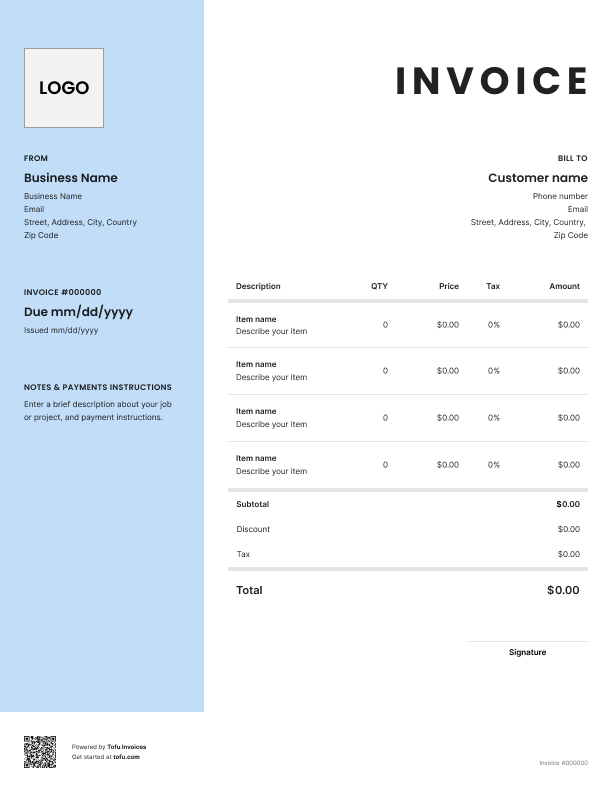
A free plumbing estimate template is a pre-formatted document you fill in before starting a job. It shows the customer what the work will cost, what's included, and what isn't — all in one clean layout.
Don't confuse it with a plumbing invoice. An estimate goes out before the work. An invoice goes out after, and it's a request for payment.
A solid template covers scope of work, material costs, labor, and project details in the same format every time. That consistency is what makes you look like a pro instead of a guy scribbling numbers on the back of a receipt. You can grab templates in PDF, Google Sheets, Microsoft Excel, Microsoft Word, or Google Docs — whatever fits how you work.
Estimate templates should capture every piece of information a customer needs to say yes — and every piece you need to protect yourself if the job changes.
Here are the essential fields:
Business info — Identify your company (ABC Plumbing, License #12345)
Client information — Billing accuracy (Name, address, phone, email)
Estimate number — Record-keeping and tracking (EST-2026-0142)
Date issued / expiration — Lock in pricing window (Issued April 21, expires May 21)
Scope of work — Describe the job (Replace 40-gallon water heater)
Line item — materials — Cost transparency (Water heater, $650 × 1)
Line item — labor — Show hours and rate (4 hrs × $95/hr = $380)
Subtotal — Pre-tax total ($1,030)
Markup — Profit protection (15% on materials)
Tax — Compliance (State sales tax)
Contingency — Buffer for scope changes (10% reserve)
Total estimated cost — Final price ($1,250)
Breaking out labor and materials as separate line items is what separates a professional estimate from a ballpark number. It shows the customer where the money goes and gives you a clean paper trail if anything shifts mid-job.
Most construction estimate templates weren't built for plumbing. They leave out the stuff that actually shows up on your jobs:
Capture these and scope creep dies before it starts.
Here's the step-by-step to create a plumbing estimate from a free plumbing estimate template:
Once you've done it twice, you'll never start estimate fields from scratch again.
💡 Pro tip: Send estimates as a shareable link or by SMS instead of email. Customers can approve on their phone while you're still in the driveway — no waiting three days for them to check their inbox.
A customizable plumbing estimate template is only useful if it actually matches how you work. Swap in your company logo and brand colors so it doesn't look like a generic form. Pre-load standard service descriptions for the jobs you do most — water heater installs, drain clearings, repipes. Add a terms and conditions block at the bottom. Adjust fields depending on job type — a residential leak repair needs different inputs than a commercial plumbing installation.
Editable formats like Google Docs, Microsoft Word, and Excel let you change the structure however you want. PDF versions are better for the final, professional plumbing estimate you send to the customer — locked down and ready to sign.
Open Tofu, add the job details, send it for approval. Your client sees a clean, itemized estimate before you pick up a wrench.

Looks clean, sends fast. My clients love it too
★ ★ ★ ★ ★
Fabiannm84
This is very user friendly for those who know absolutely nothing. I came into the business with no knowledge at all on how to do anything and I'm literally a pro now
★ ★ ★ ★ ★
Ready for...

When I'm on the go all the time it streamlines the invoicing process
★ ★ ★ ★ ★
gameronr
Easy to use and have invoices on the move!
★ ★ ★ ★ ★
ivanr8a
This a great app if your making the invoice on the road on your phone. So glad I found it!
★ ★ ★ ★ ★
angie2tall
I can just download this straight to my phone works perfect for my small business.
★ ★ ★ ★ ★
TiffNunez
A free template does real work for your plumbing business:
The cash flow side matters too. Faster estimates mean faster approvals, which means faster booked work. These estimate templates for plumbing get you from quote to paid quicker.
As your plumbing business grows, you'll eventually outgrow static documents. That's when contractors move to plumbing estimating software or a mobile app to automate estimate creation, manage job estimates in one place, and convert approved cost estimates into an invoice with a built-in invoice generator — no re-entering data.
They sound similar but do different jobs.
Plumbing estimate — Sent before work starts. Outlines projected project costs and needs customer approval before you swing a wrench.
Plumbing invoice — Sent after the job is done. Requests payment for the work completed.
A clean workflow uses both: estimate first to lock in scope and price, invoice after to collect. Good plumbing software turns an approved estimate straight into an invoice, so you're not retyping anything. Keeping the two documents consistent also protects you if a customer questions the final bill.
Even experienced plumbers make these. Here's how to fix each one and tighten up your workflow:
Follow these best practices and you'll win more jobs and avoid the project details fights that kill your margin.
Downloadable plumbing estimate templates come in a few formats. Pick the one that fits your job:
All of these excel formats are free to download. But if you're sending more than a handful of estimates a week, purpose-built plumbing estimating software handles the calculations, formatting, and sending on its own.
Every client, job, estimate, and payment lives in Tofu – ready to pull up in seconds, wherever you are.
Everything you need to know about the product and billing