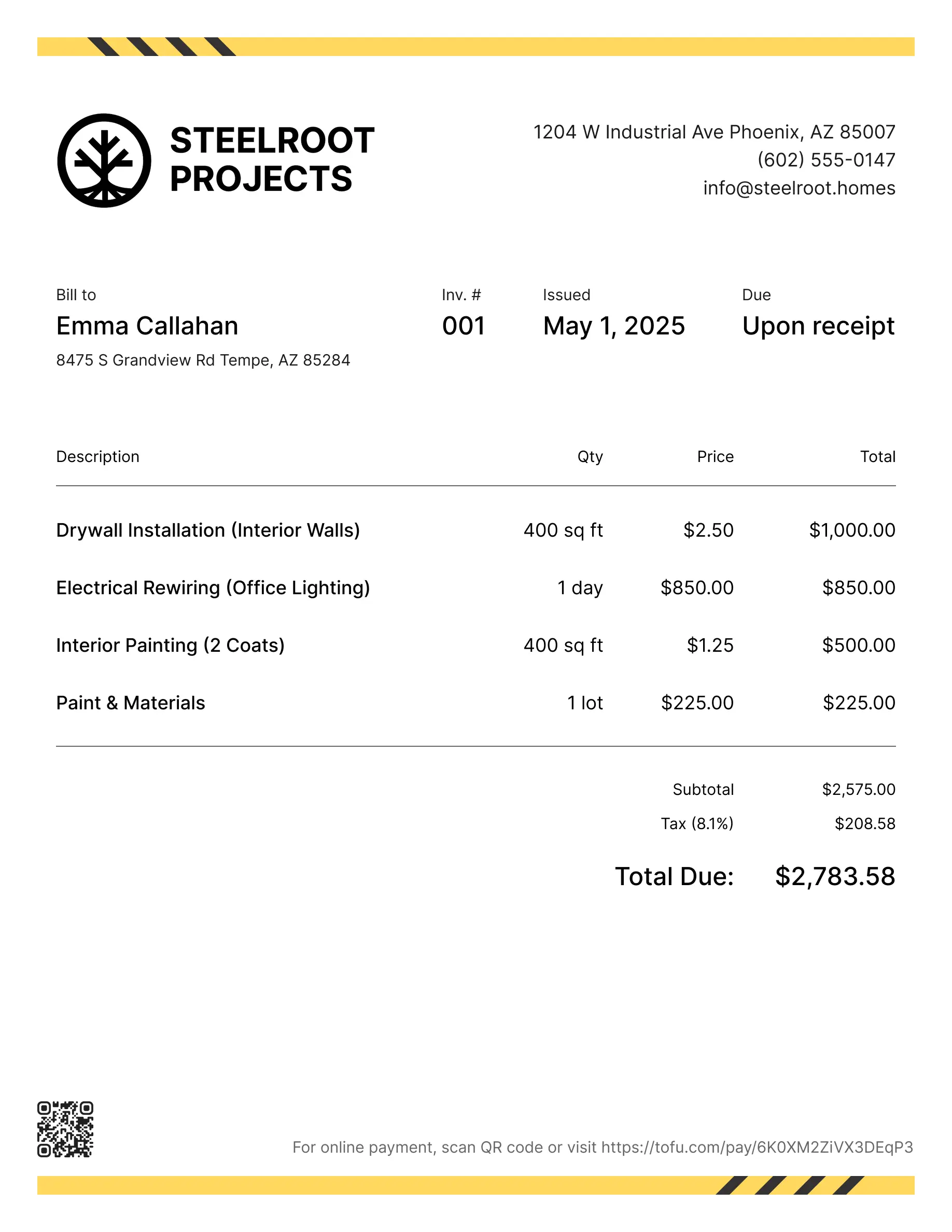
Online Receipt Generator
Create professional receipts with Tofu's free receipt generator.
Fill it out, save it, print it or send it.
Create professional receipts with Tofu's free receipt generator.
Fill it out, save it, print it or send it.
Receipting shouldn’t add more to your plate. Tofu makes it simple, fast, and professional. Whether you’re a contractor, plumber, or handyman, Tofu helps you create receipts that look great and get you paid on time.
1
Include your business information, including the name, address, contact information
2
Similarly, you’ll want to include the name, address, and contact information of your client.
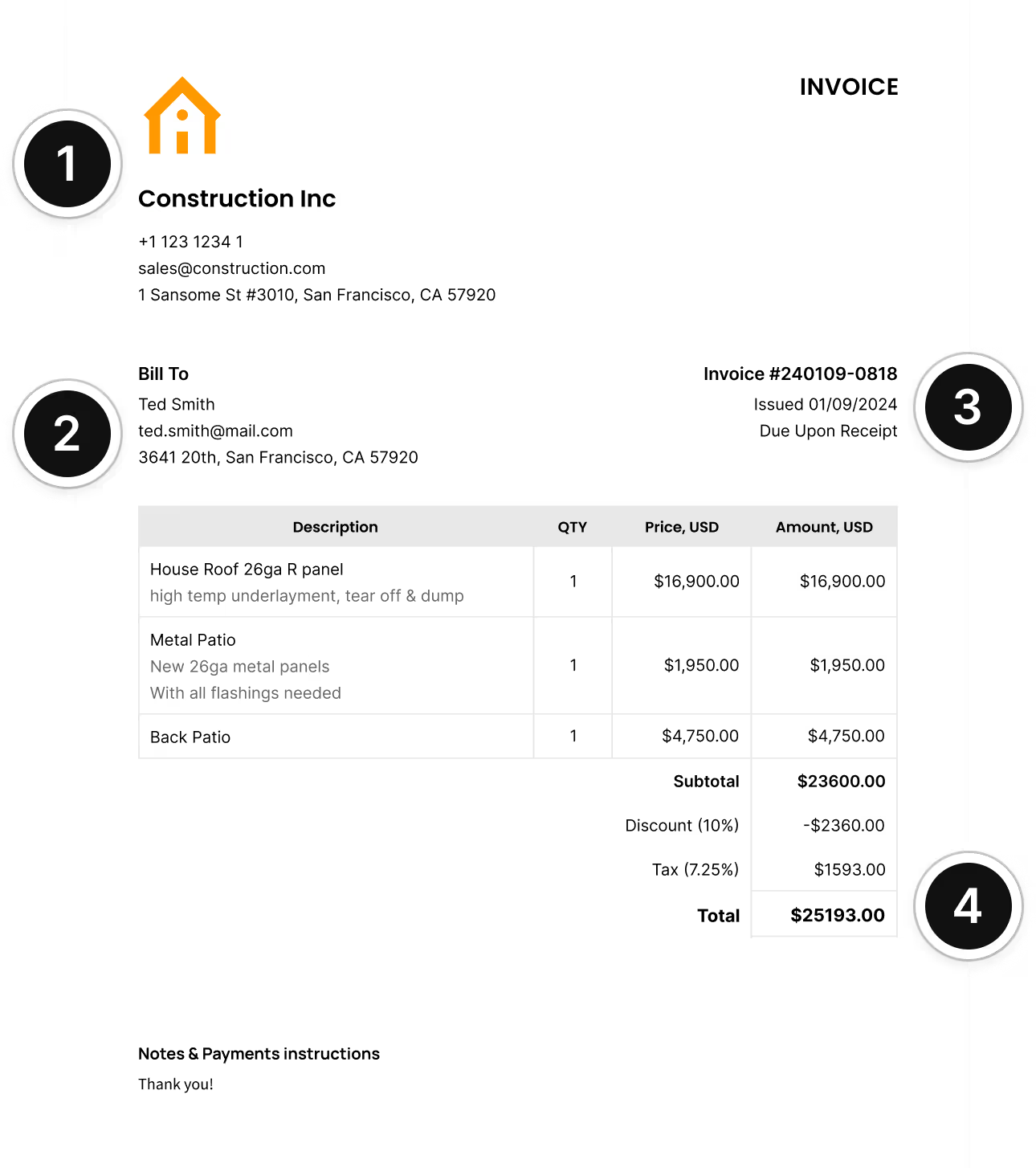
3
Each invoice must include a unique identification number, the date it was issued, and the due date.
4
You should include a list of all products or services provided, their amount, price per unit, total price per item, the total price, and any taxes your client needs to pay.

Absolutely amazing! It’s saves so much time and it gives you the professional touch needed to make you look good!
★ ★ ★ ★ ★
Tony W.It had made doing business much easier!
★ ★ ★ ★ ★
Michael S.
It works good in the field
★ ★ ★ ★ ★
David S.Awesome app, very easy and simple to use, while also keeping things looking professional. Can send and save invoices/quotes directly or save to sen after. Overall great app, no faults. 10/10
★ ★ ★ ★ ★
Raymond B.Easy to use and straightforward! Been using it for over a year now!
★ ★ ★ ★ ★
Manuela M.I was using it mostly for invoicing and a little for job management, the whole experience was really smooth and easy
★ ★ ★ ★ ★
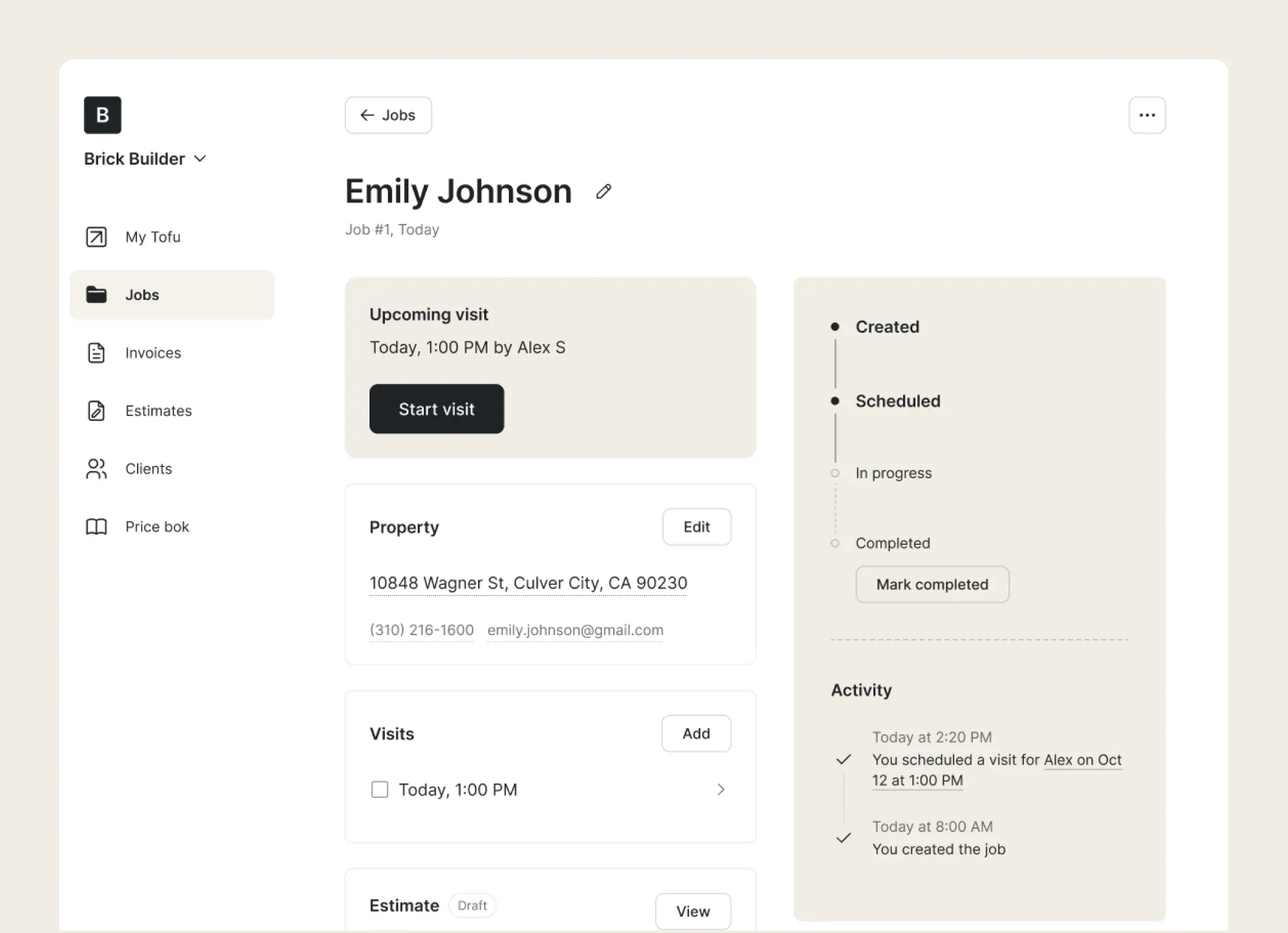
Valeria N.Jobs
Add client details and list your services. Keep everything in one place and be ready to quote in seconds.
Receipts
Add services, products, or materials – Tofu fills in totals, taxes, and discounts automatically for a fast, professional estimate.
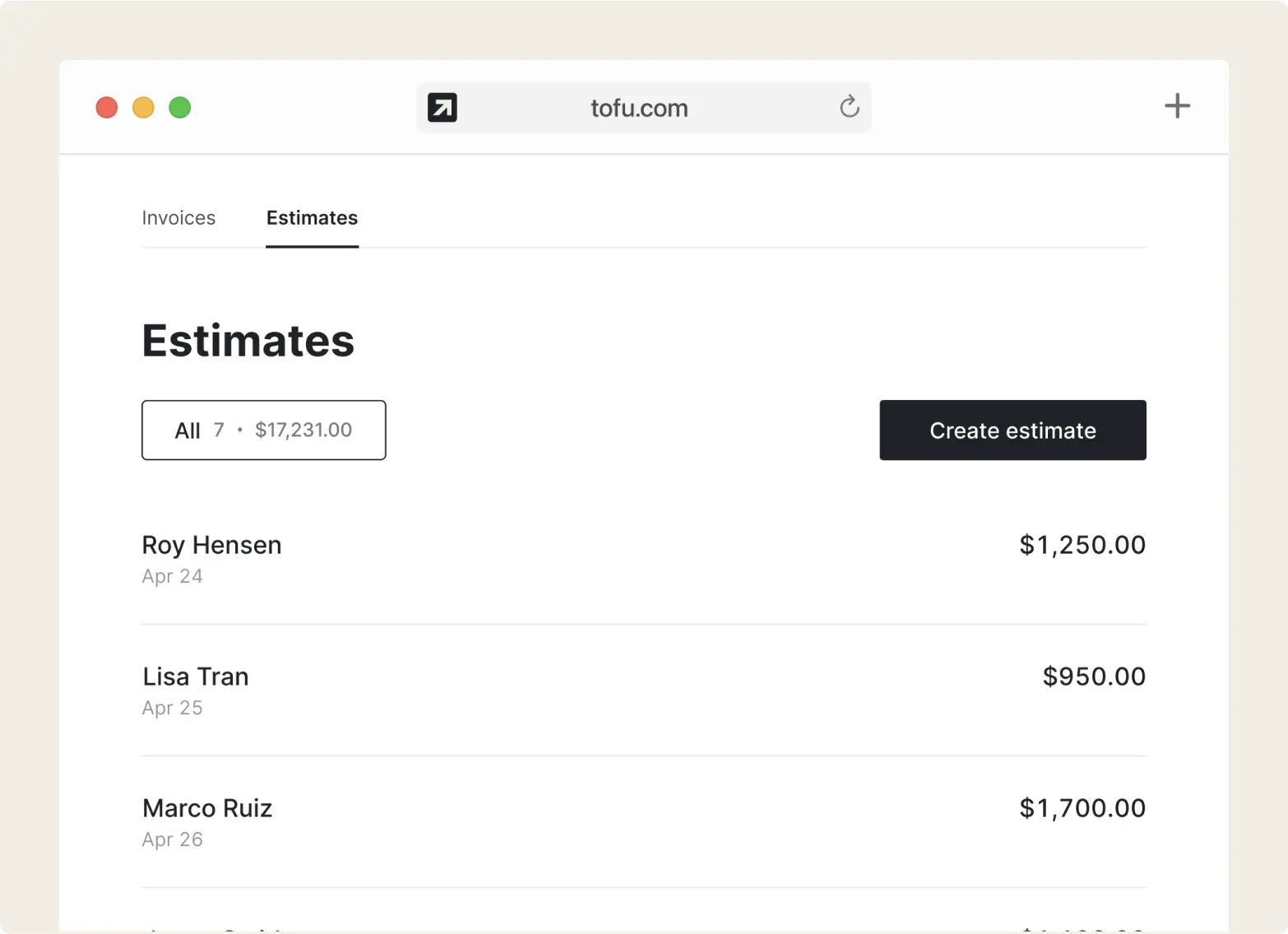
Receipts
Convert an approved receipt in one click. Or create an receipt in seconds – just choose a ready-made, field-tested template, add your logo and colors, and you’re good to go.
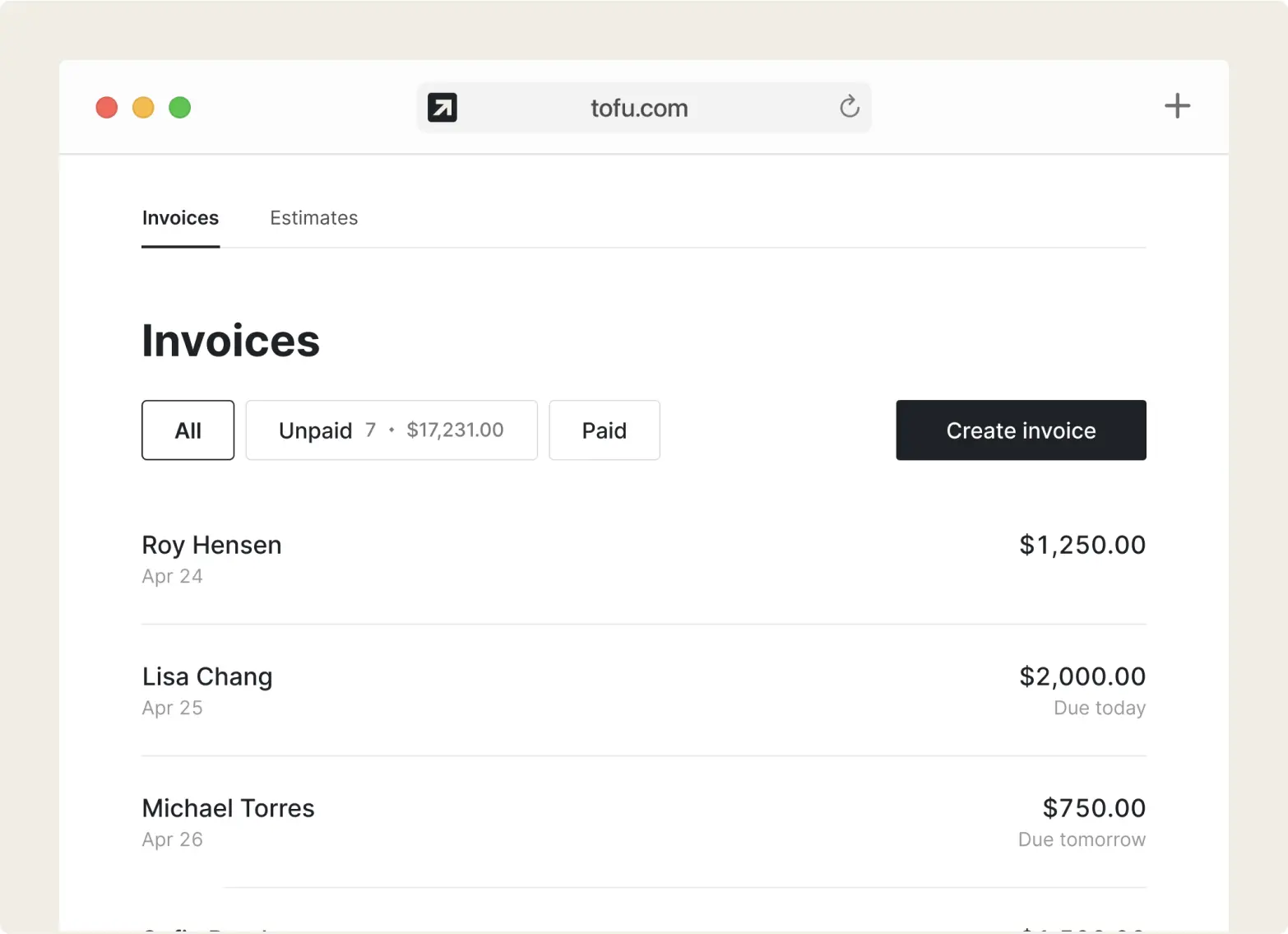
Receipts
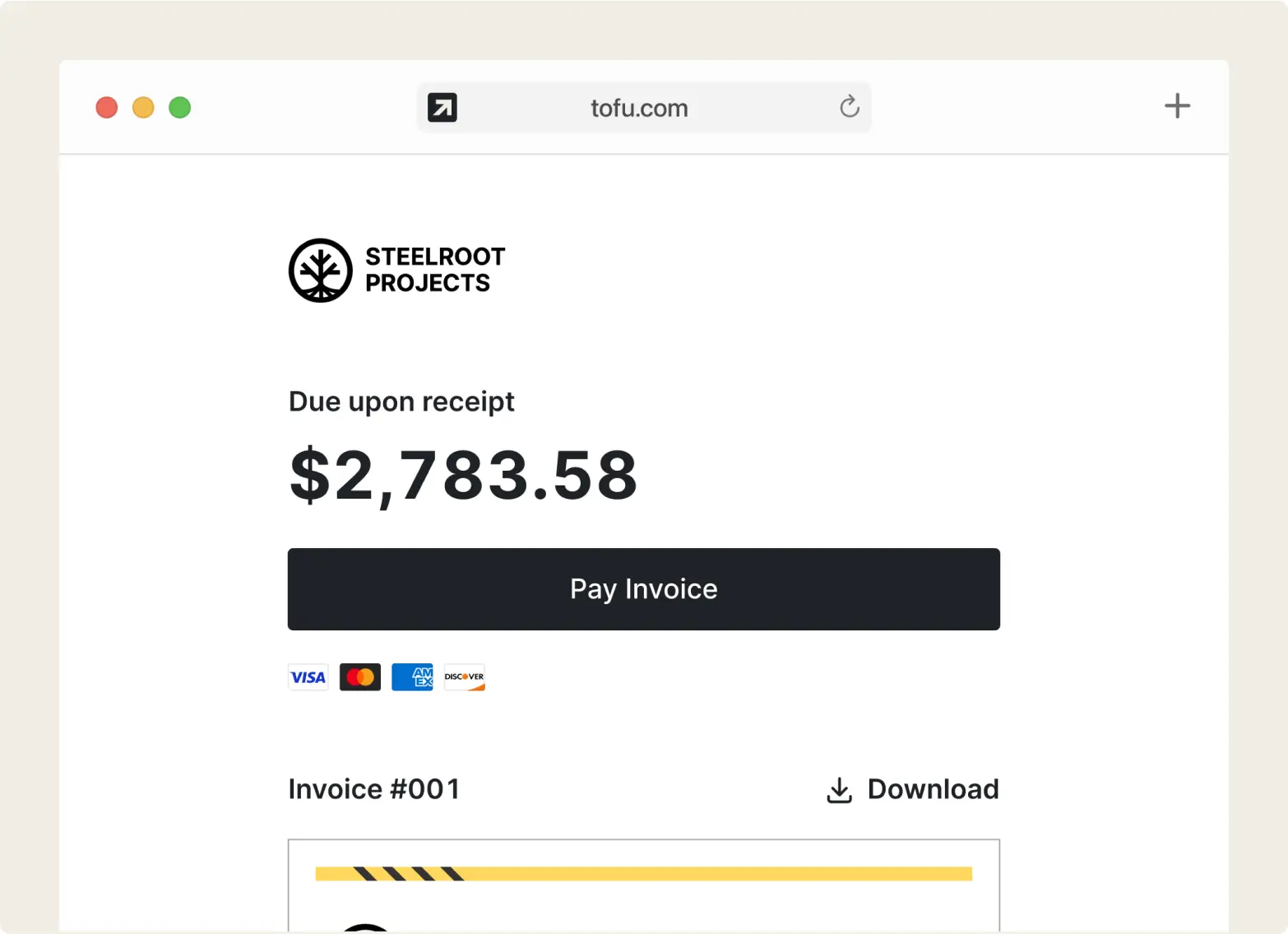
Share the receipt anywhere – by email, messenger, or download – with a built-in payment link for quick and easy payment. No sign-up needed to view.
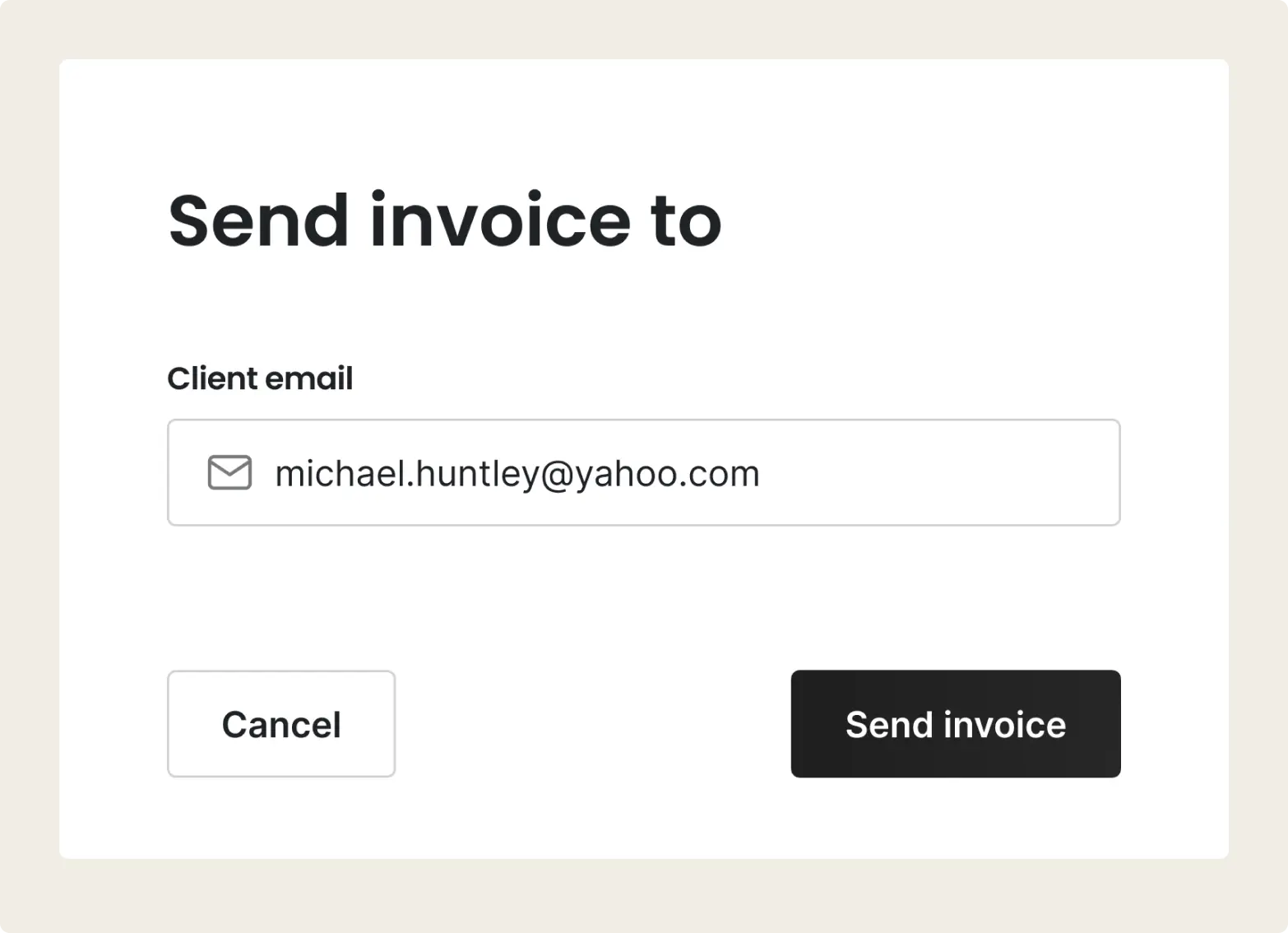
Payments
Tofu lets you accept payments online or on-site – with built-in options like Tap to Pay, no extra devices needed.
“I used to write everything by hand. Tofu saves me hours.”
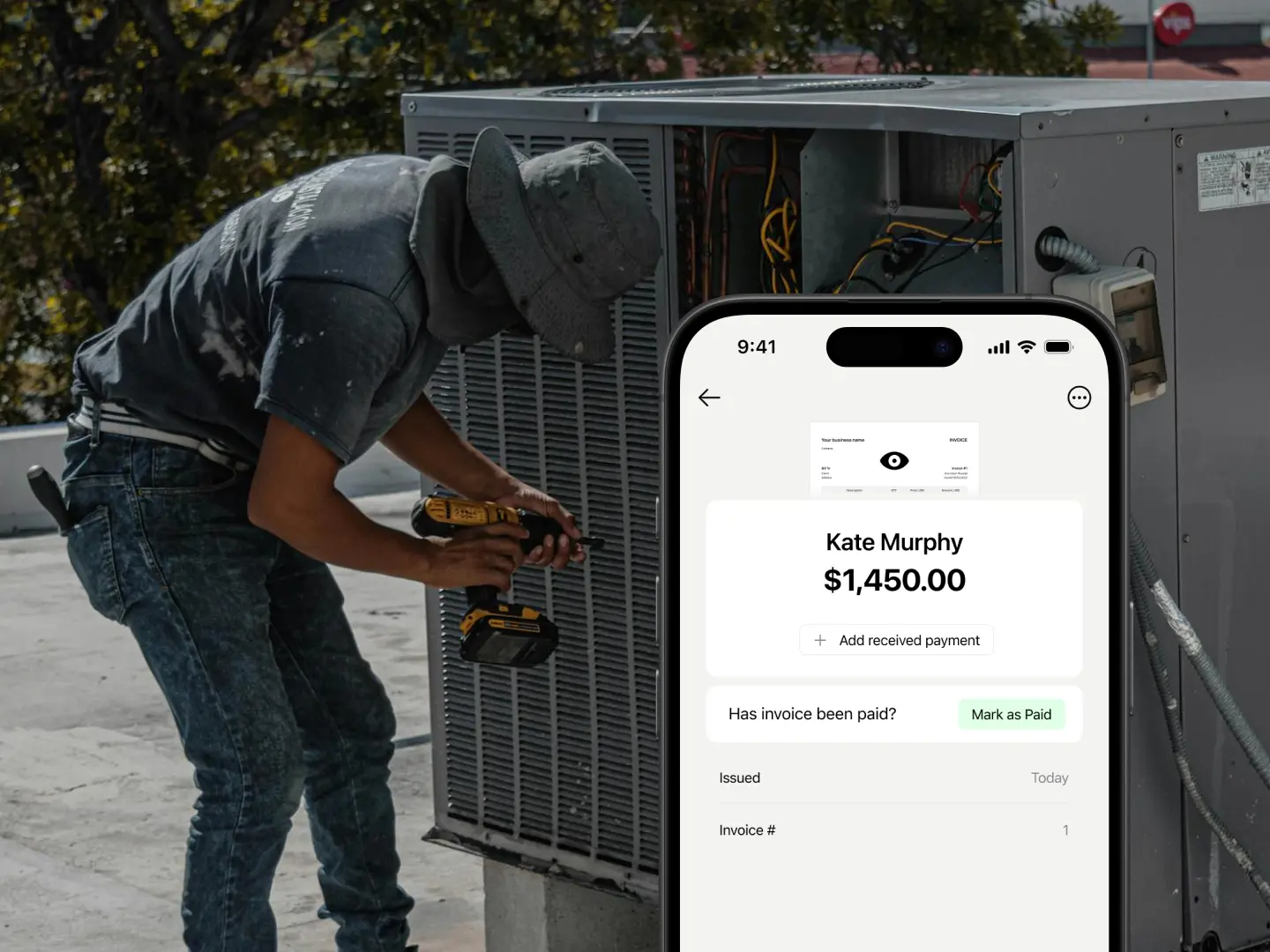
Attach site photos directly to your estimates and invoices. Keep every job detail digital and organized, so you never lose a receipt again.
Use the mobile app to create invoices and track jobs in basements or without signal. Your data syncs automatically once you’re back online.
No bloated features or complex training. Just a clean, professional invoice maker that lets you start a job and get paid in seconds.
Start a job on your phone in the truck, finish the invoice on your computer. Your business stays synced across all devices.
Everything you need to know about the product and billing