
Mobile-first
Send invoices and reminders from your phone, right from the job site or the truck.


Tofu chases your unpaid invoices automatically, so you don't have to.
❤️
15,124
users joined last week
Bill the client the same way you always do.
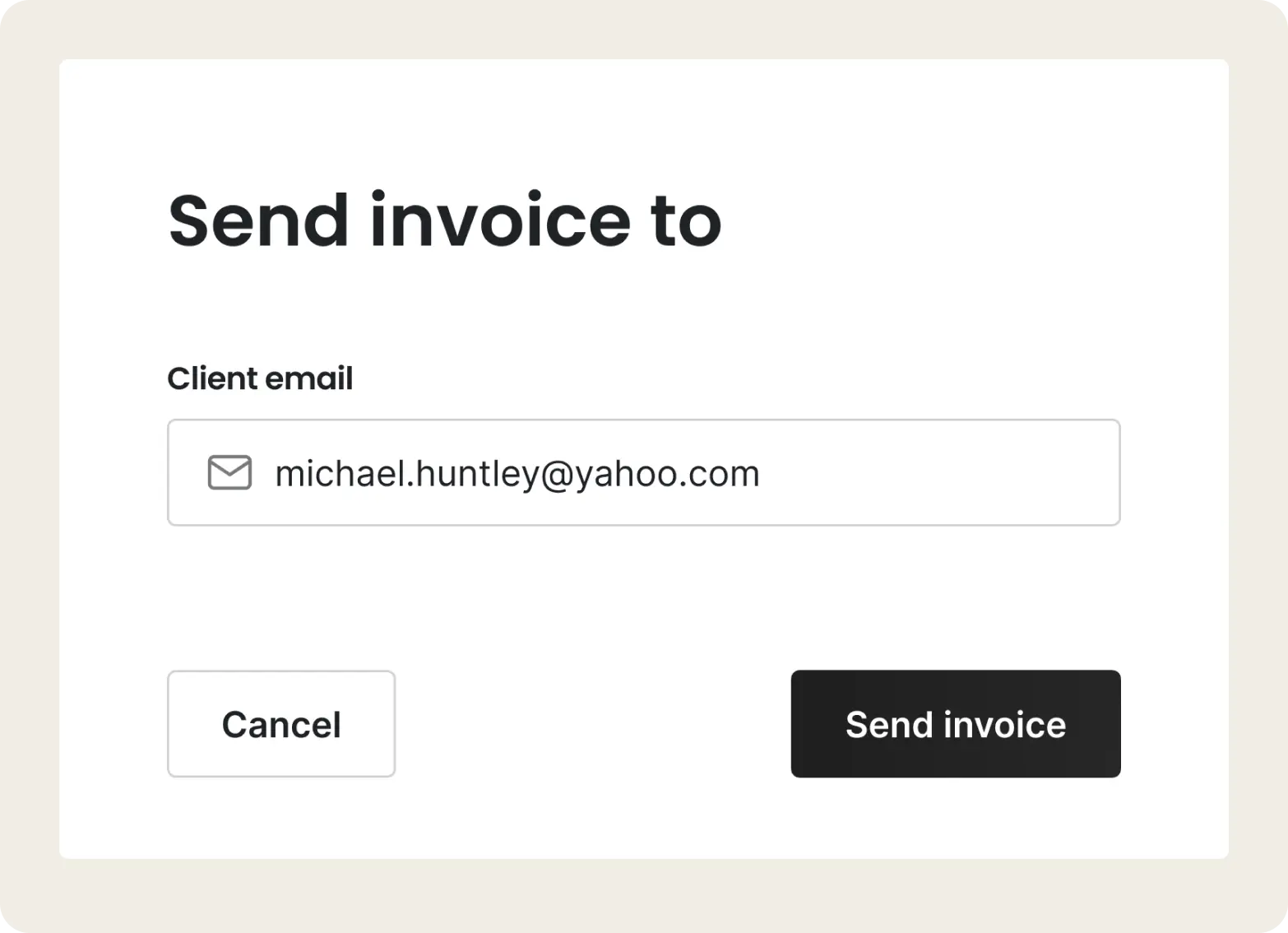
Tofu sees which invoices are paid and which are still open, so you do not have to keep a running list.
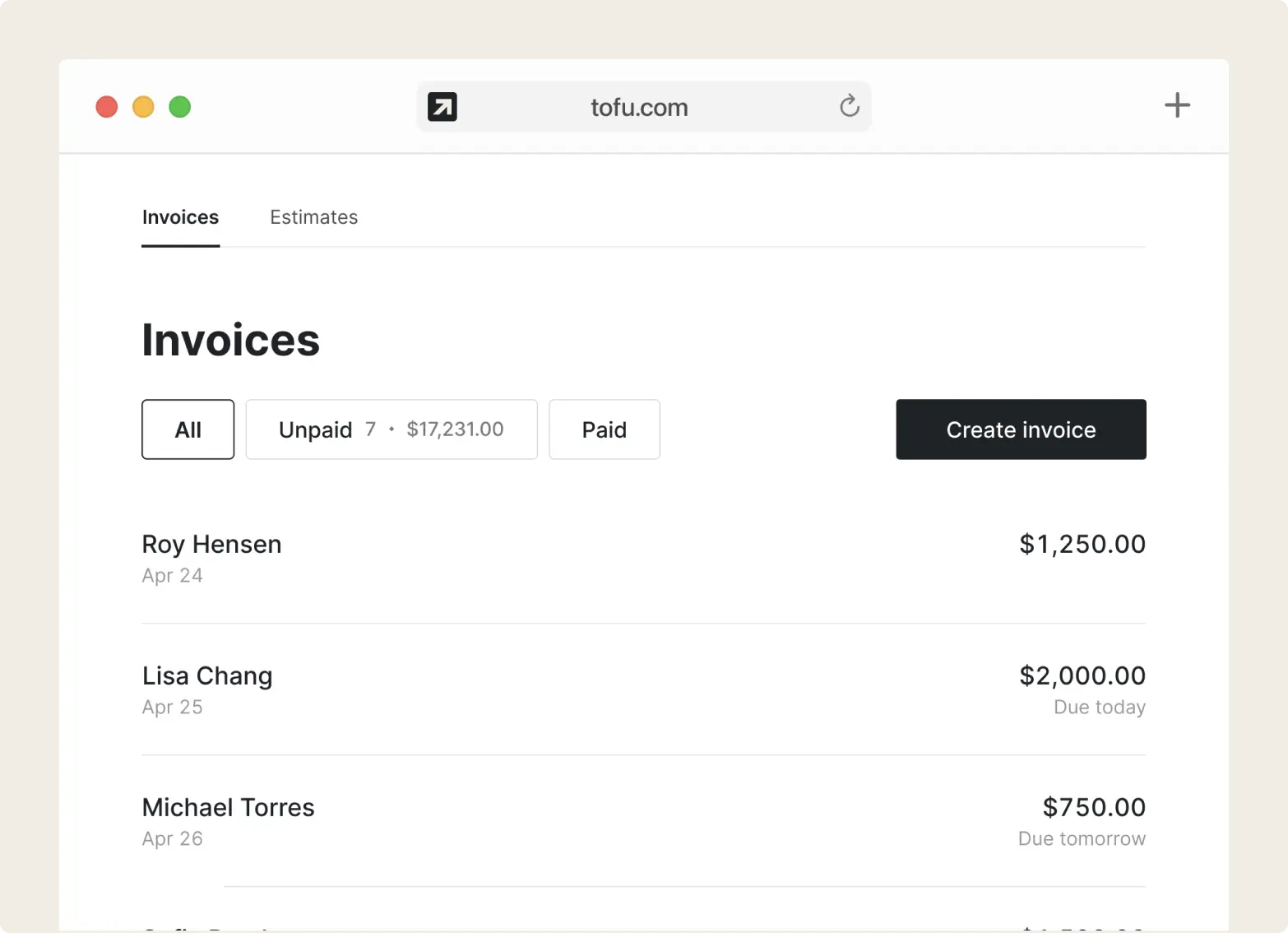
When an invoice goes unpaid, Tofu sends the follow-up for you. No awkward "just checking in".
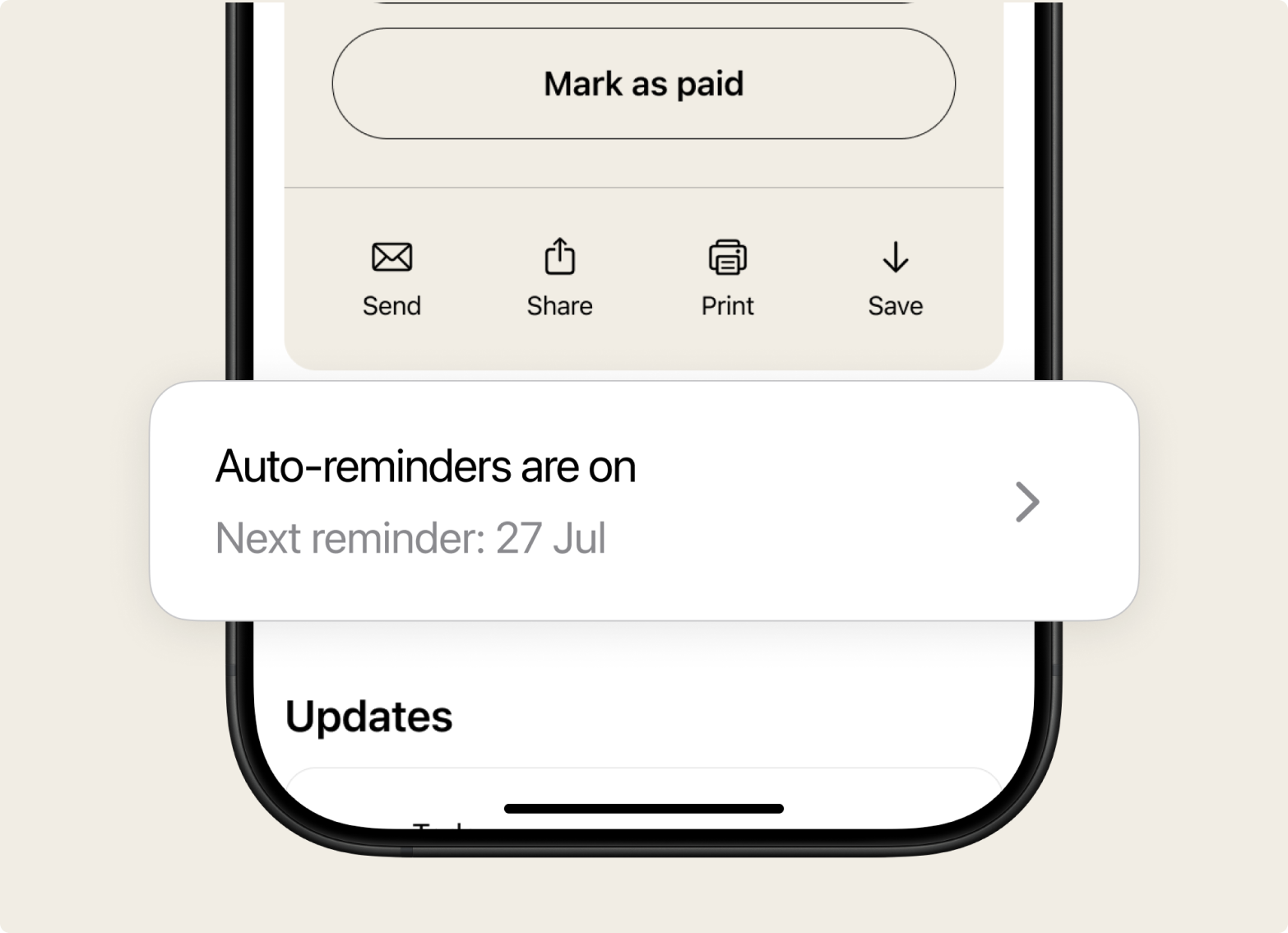
The client pays the way they prefer. Once it is marked paid, reminders stop.
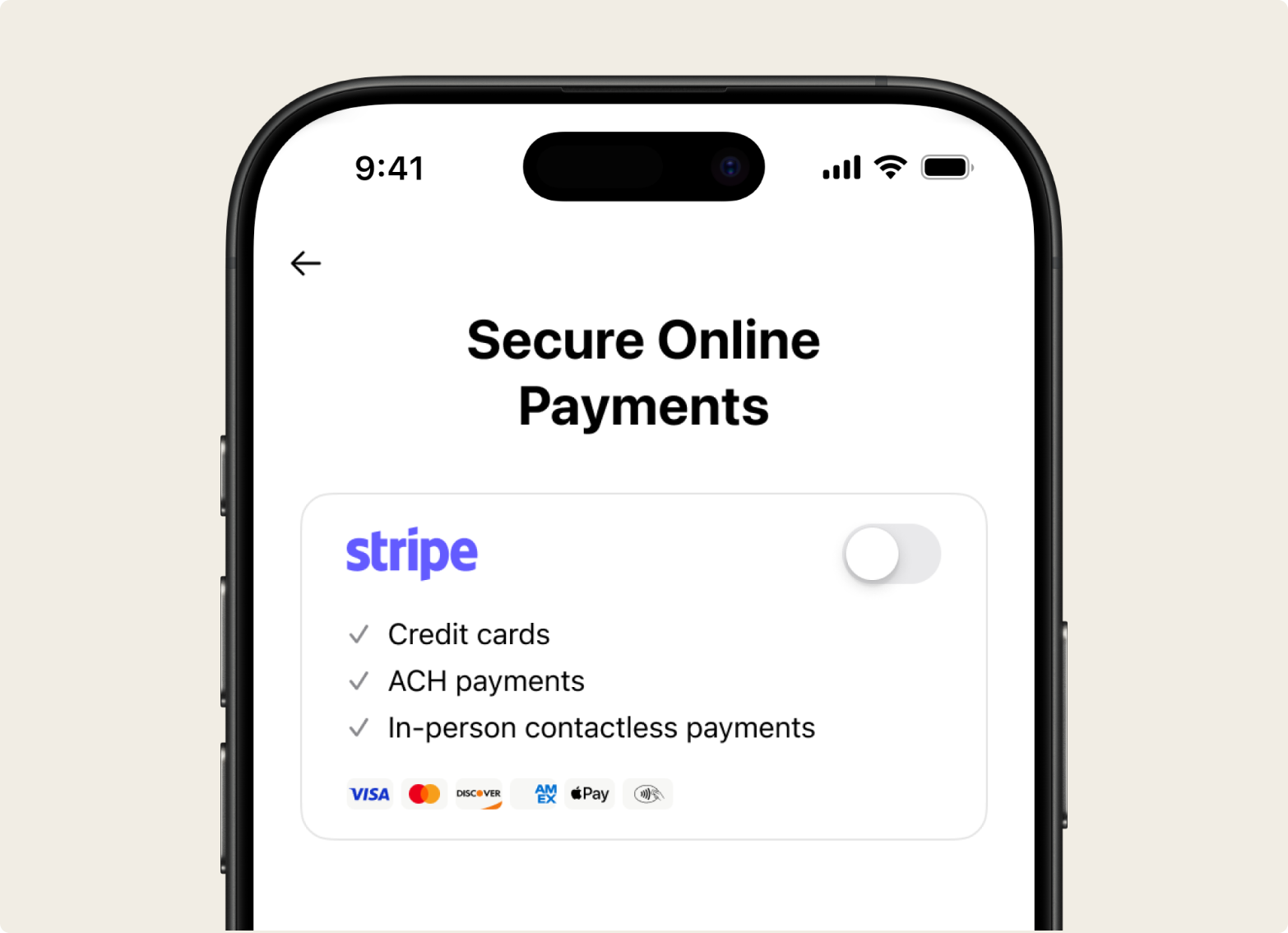
Turn reminders on and Tofu handles the follow-up for you. Make the message sound like you, pick which invoices get reminders, and switch them off for the clients who always pay on time. It runs in the background while you are on the next job.
A payment reminder is a short, polite message that tells a client an invoice is coming due or is already overdue, and asks them to pay. A good reminder is timely, specific, and easy to act on. Here is a simple schedule that works for most trade jobs:
| Reminder | When to send | Tone |
|---|---|---|
| Friendly heads-up | 3 to 7 days before the due date | Polite, informational |
| Due-date nudge | On the due date | Neutral reminder |
| First follow-up | 3 to 7 days overdue | Firm but friendly |
| Final notice | 14 to 30 days overdue | Direct, with next steps |
You do not have to send these by hand. Tofu can run the whole sequence for you.
Send invoices and reminders from your phone, right from the job site or the truck.
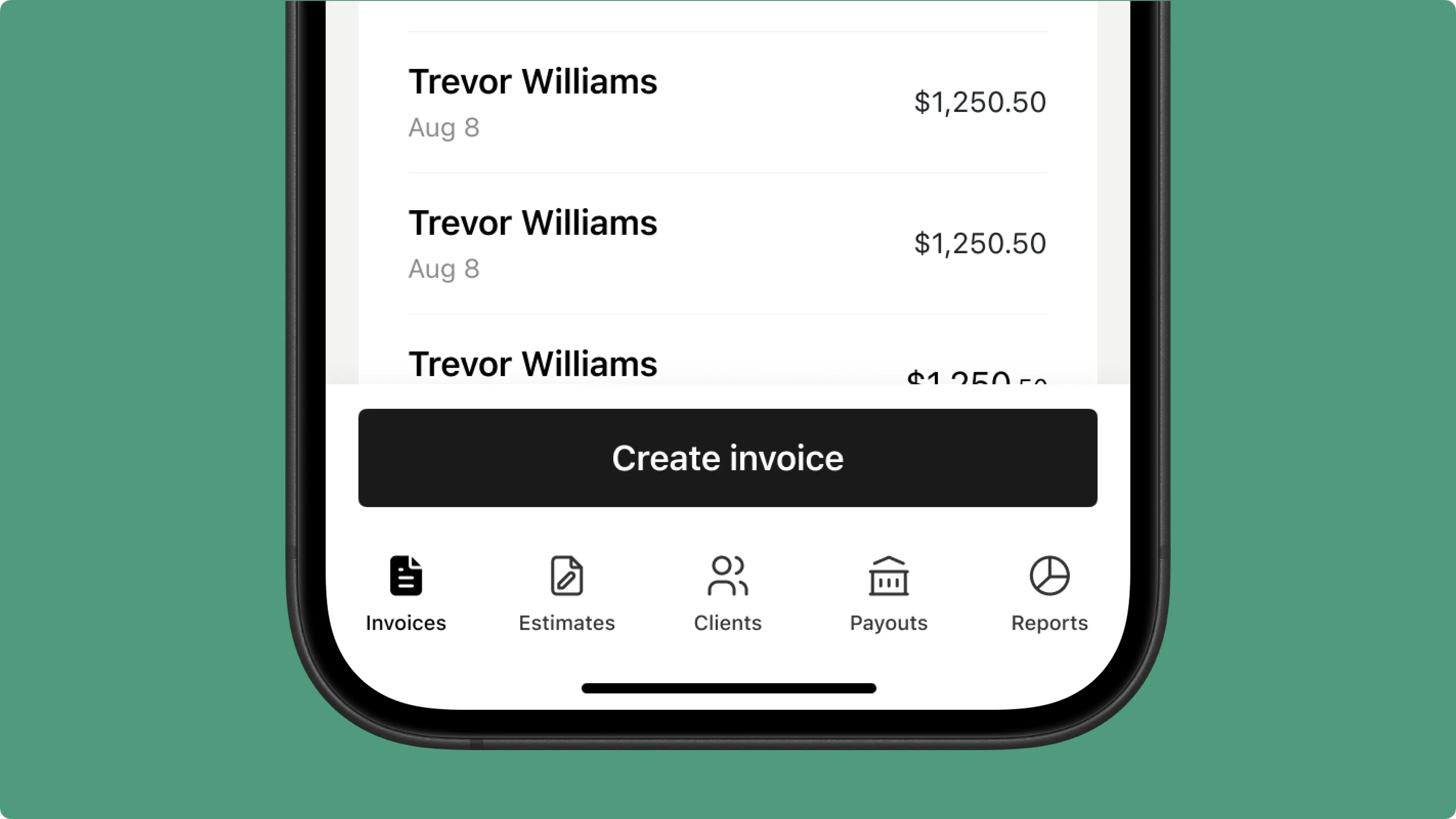
Keeps working when the signal does not, so a dead zone never stops you.
.png)
Jobs, invoices, estimates, payments, and reminders live in one app.
.png)
Some switched from QuickBooks. Others used to do everything manually

Looks clean, sends fast. My clients love it too
★ ★ ★ ★ ★
Fabiannm84
This product makes invoice is a breeze, while making you look like a fortune 500 corporation
★ ★ ★ ★ ★
VEENAKAMARV

The most efficient Invoice app you can find. Facilitated my invoice experience. The layouts & available invoicing options for better presentation!Easy to set up in minutes, definitely recommend.
★ ★ ★ ★ ★
bennyhunnit
Easy to use and have invoices on the move!
★ ★ ★ ★ ★
ivanr8a
This a great app if your making the invoice on the road on your phone
★ ★ ★ ★ ★
angie2tall
I can just download this straight to my phone works perfect for my small business.
★ ★ ★ ★ ★
TiffNunez
Everything you need to know about the product and billing

.png)


