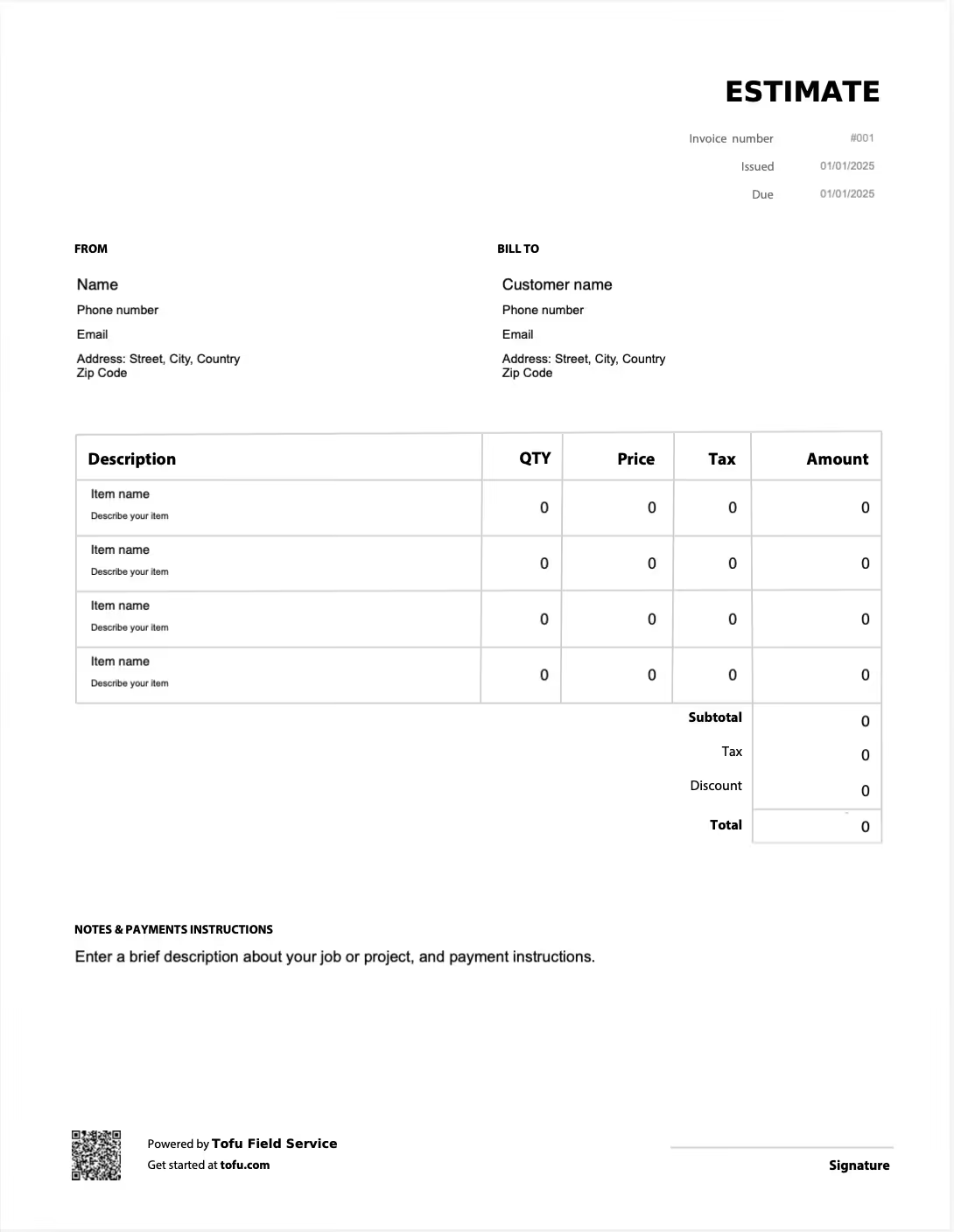
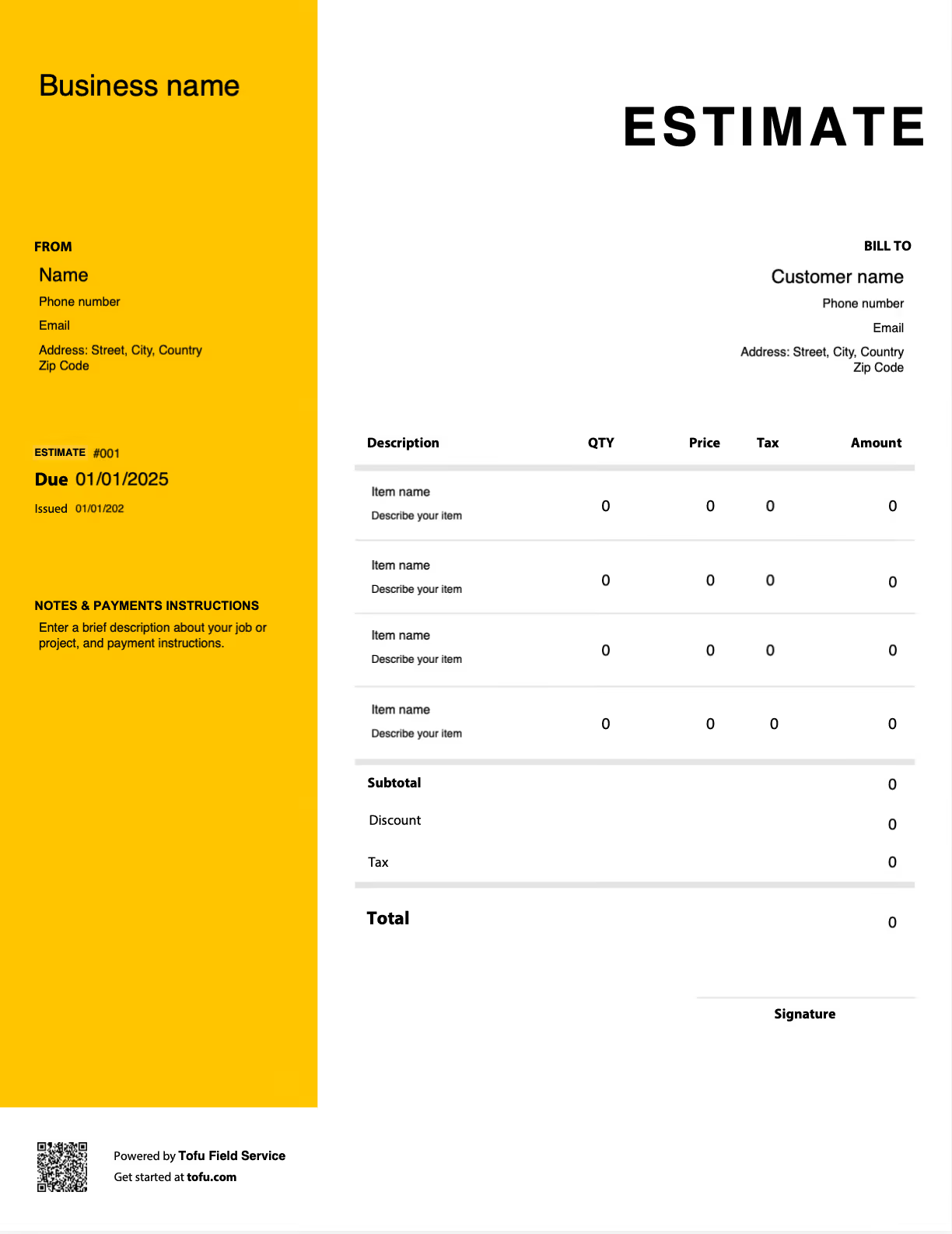
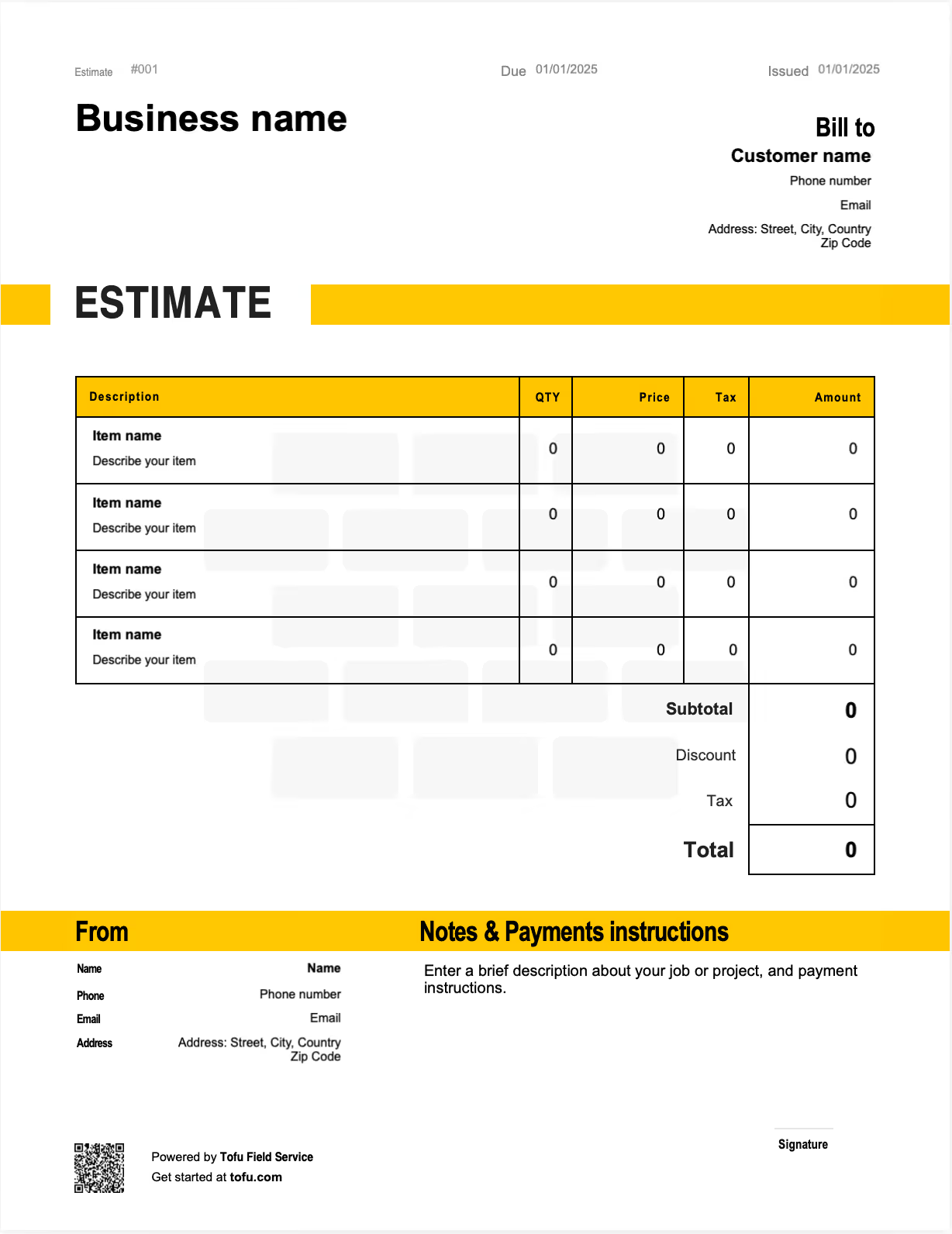
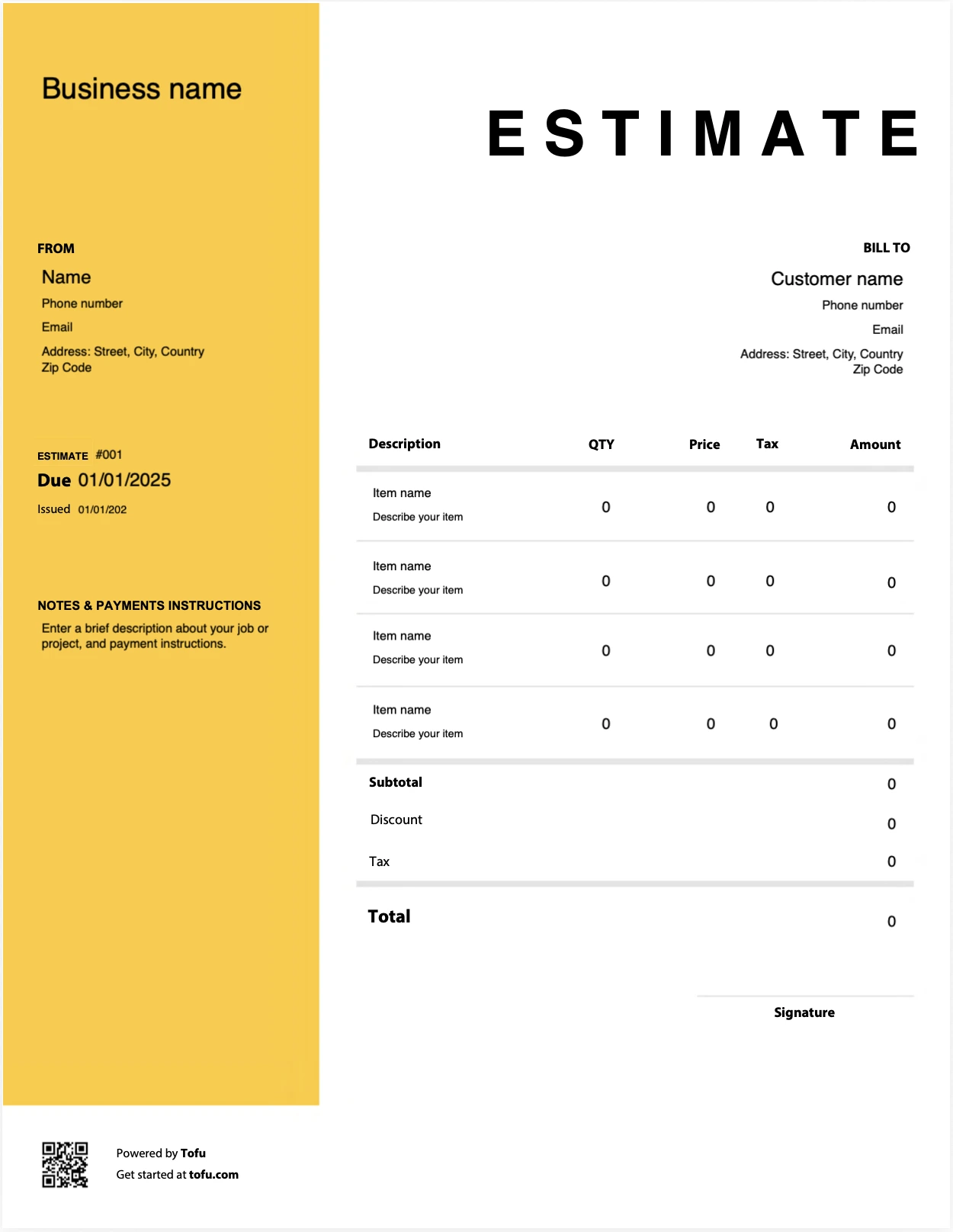
Clients compare bids, and the clearest one usually wins. Whether you need a contractor estimate template for a full remodel or a quick work estimate template for a service call, a professional layout helps you break down labor, materials, and costs with zero confusion.
1
Include your business information, including the name, address, contact information
2
Similarly, you’ll want to include the name, address, and contact information of your client.
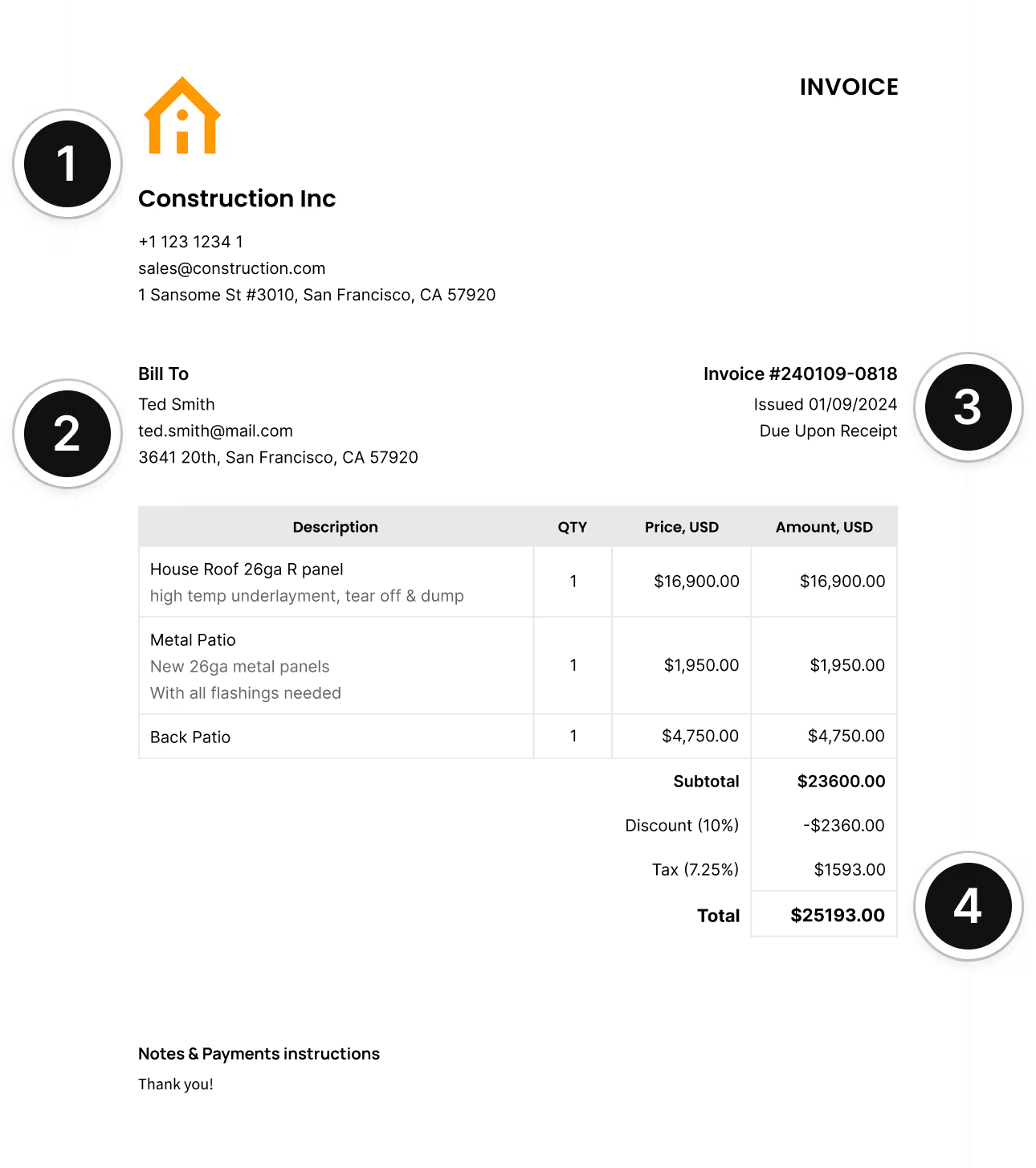
3
Each invoice must include a unique identification number, the date it was issued, and the due date.
4
You should include a list of all products or services provided, their amount, price per unit, total price per item, the total price, and any taxes your client needs to pay.
A clear estimate is more than a price breakdown: it's your first impression as a professional. Vague or incomplete numbers lead to lost deals and clients who ghost you for someone easier to understand.
Tofu's free estimate templates help contractors and small crews create detailed, professional bids that win trust from the first page. Download a free estimate template in PDF, Word, Excel, or Google Docs, or skip static files and use our online estimate generator to build, send, and track everything in one place.
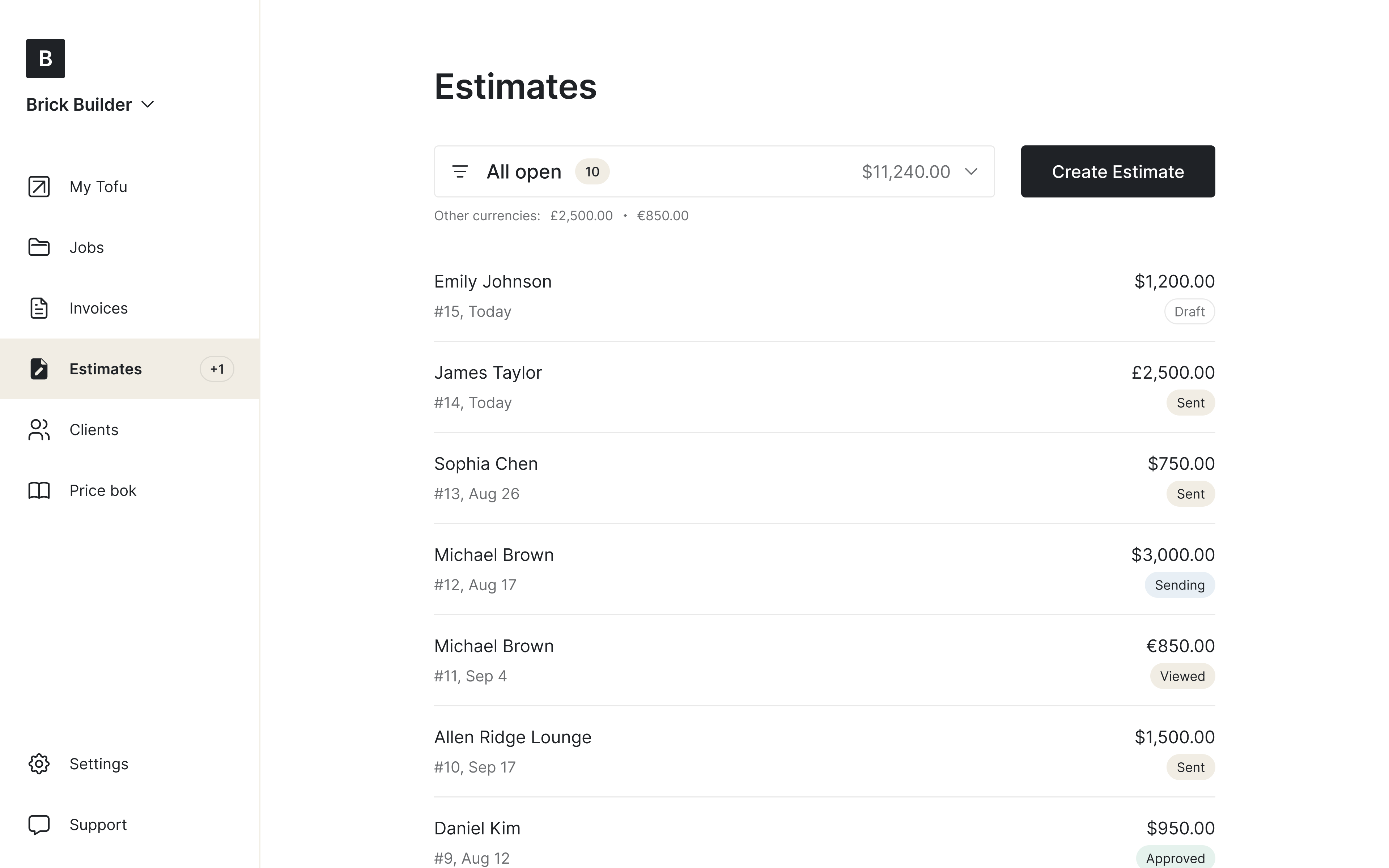
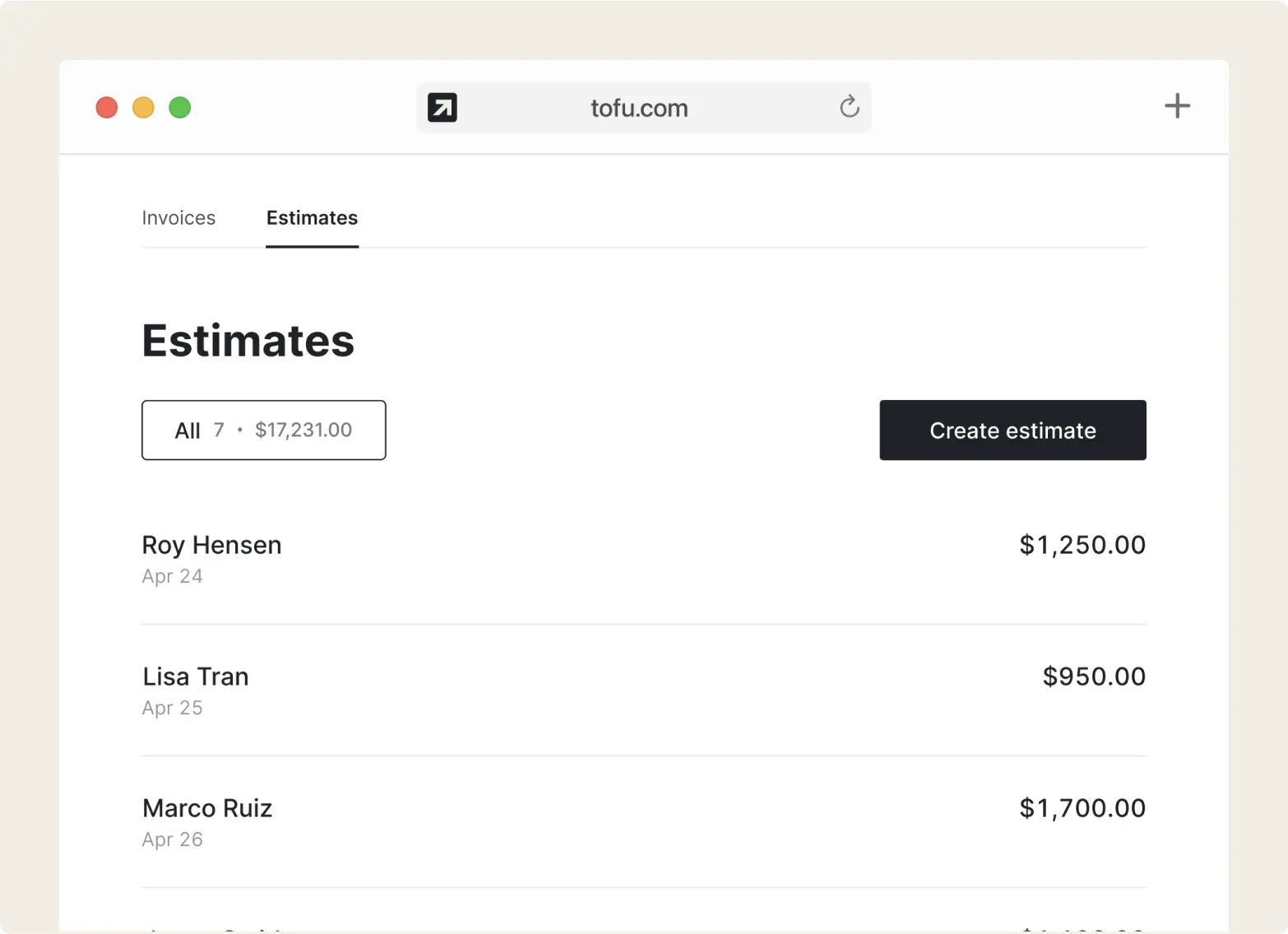
Estimates
Add services, materials, or products. Tofu handles totals, taxes, and discounts automatically.
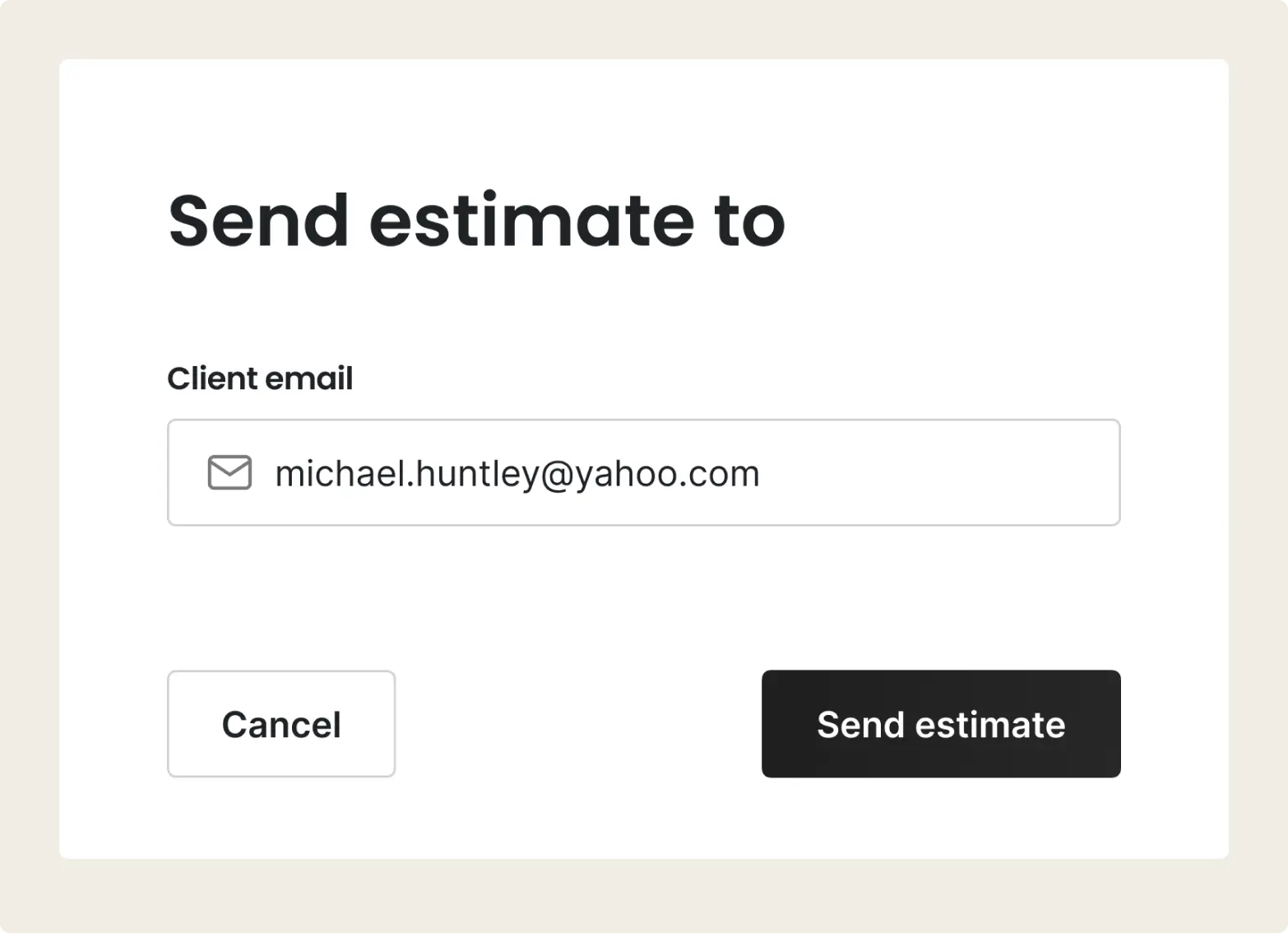
Send & track
Share by email, text, or messenger. See when the client opens it and get notified when they approve.
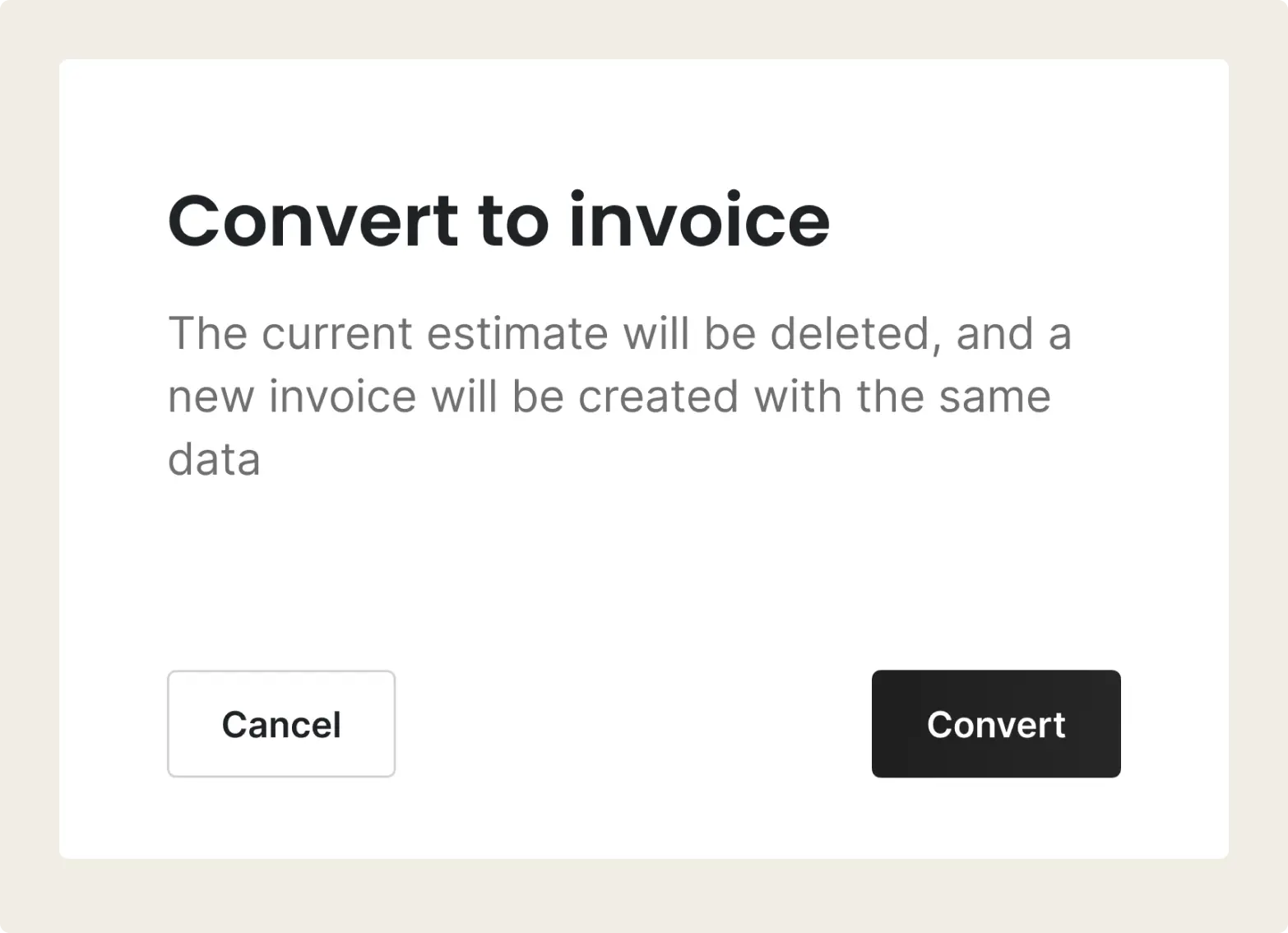
Convert to invoice
Client said yes? Turn the estimate into a ready-to-send invoice. No re-entering anything.
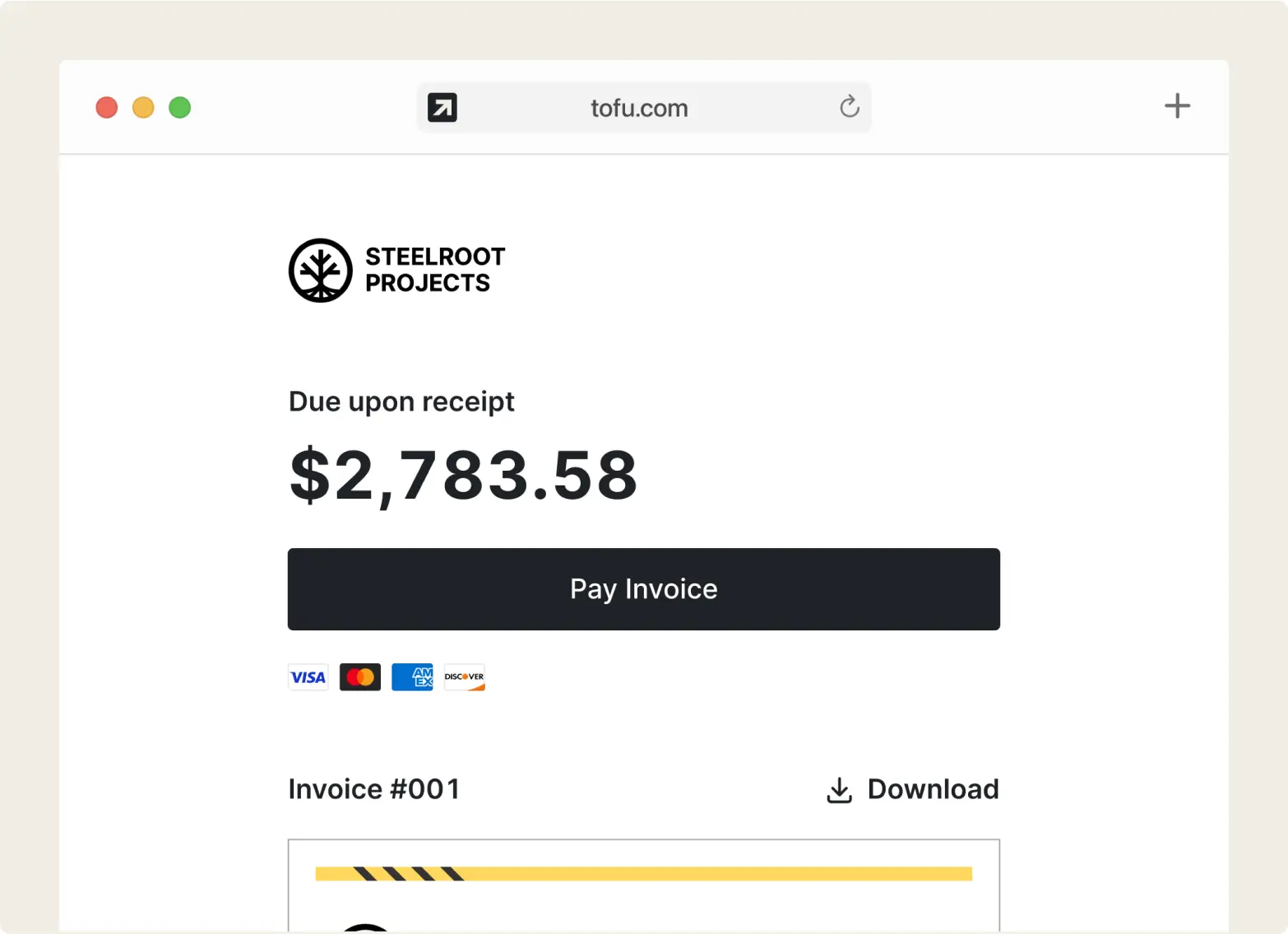
Payments
Accept payments online or on-site with Tap to Pay, no extra devices needed.
“I used to write everything by hand. Tofu saves me hours.”
Looks clean, sends fast. My clients love it too
★ ★ ★ ★ ★
Fabiannm84
This is very user friendly for those who know absolutely nothing. I came into the business with no knowledge at all on how to do anything and I'm literally a pro now
★ ★ ★ ★ ★
Ready for...
When I'm on the go all the time it streamlines the invoicing process
★ ★ ★ ★ ★
gameronr
Easy to use and have invoices on the move!
★ ★ ★ ★ ★
ivanr8a
This a great app if your making the invoice on the road on your phone. So glad I found it!
★ ★ ★ ★ ★
angie2tall
I can just download this straight to my phone works perfect for my small business.
★ ★ ★ ★ ★
TiffNunez
Every trade prices jobs differently. Pick an estimate template built for yours:
See how easy estimating can be with our online estimate generator
| Traditional PDFs | Tofu Estimates | |
|---|---|---|
| Time to Create | ✅ | ✅ |
| Estimating on the Go | – | ✅ |
| Client Approval Tracking | – | ✅ |
| One-Click Invoice Conversion | – | ✅ |
| Customization | – | ✅ |
| Error Rate | – | ✅ |
| Revising Estimates | – | ✅ |
| Price Book Integration | – | ✅ |
Every client, job, estimate, and payment lives in Tofu – ready to pull up in seconds, wherever you are.
Tofu lets you build a professional estimate in under a minute: pick items from your price book, adjust quantities, and send. The client gets a clean, branded document they can approve right from their phone. Once approved, one tap turns it into an invoice with a payment link already attached.
No spreadsheets, no back-and-forth PDFs, no switching between apps. Estimates, invoices, payments, and job tracking in one place, starting at $0.
Everything you need to know about the product and billing
Open the invoice and tap or click "Send Invoice" to email it via our server ("invoice@tofu.com"). You can track the status as "Sending", "Sent", or "Viewed". In the app, you can also share the invoice via messengers, text messages, or email by tapping "Share".
For US users: You can pass the payment fee onto your client by enabling this option in the app. Just go to Settings > Accepting Payments > tap on "Online Payment Fee" and turn on the toggle. This will automatically add the fee to your invoices when a client pays to your Stripe account.
You can accept payments right after the job’s done – no extra devices needed. Clients can pay by Cash, Check, Visa, Mastercard, Apple Pay, Google Pay, Cash App Pay, Zelle, Klarna, Link, or ACH Direct Debit.
Not at all. One of the most common themes in our user reviews is how easy it is to get started. You don’t need any experience or extra time – just sign in and start working.
Tofu is available on iOS, Android, tablets, and desktop.
In the app, you can change the color and template when creating or editing an invoice – tap "Preview" > "Customize".
Yes, you can create estimates in our app. You can add your logo, business details, adjust pricing, and apply taxes or discounts. Every estimate looks clean and on-brand. To convert an estimate to an invoice instantly once it’s approved, just open it from the list and tap the black button at the bottom of the screen.
Yes. Tofu was built for one-person crews and small teams who run the whole job. You can send invoices, collect payments, and track everything without needing extra help.
You can always reach out through our in-app chat support – a real person will be there to help you.
Yes. Go to Settings > Business Information to create and manage multiple business profiles.
Tofu is tailored for a wide range of industries, including construction, plumbing, handyman services, electricians, auto repair, HVAC repair, freelancers, lawn care pros, general contractors, cleaning crews, landscapers, and more. It allows you to invoice clients for services and materials, and accept payments online or in person on-site using only your smartphone.
Yes – Tofu works even when you're offline. You can create invoices and estimates in the field, and everything will save and sync automatically once you're back online.
If you already have a Stripe account, connect it by going to Settings > Accepting Payments, enabling "Accept Card Payments", and linking your bank account with your Stripe login details. Then you can accept online payments.
No, your clients can view their invoices without signing up.
Certainly! You can edit your receipts to add a discount as either a percentage or a fixed amount to any item or the total price.
Yes. Use the Notes section to add any extra info. It appears after you've added at least one item and client details. The last added note is saved for future use.
When creating or editing an invoice, select "Tax", enter the percentage, and choose whether it's "included" or "excluded". You can also add your tax number or additional info in the "Notes" field.
Invoices are in PDF format by default. On the web: Open the invoice, then click "Download" or "Print". In the app: Open the invoice, tap "Print", or tap "Share" > swipe down > "Save to Files".
You can connect your Stripe account from our app: go to Settings > Accept Payments > Stripe > follow the steps.
Your data is kept private and secure without third-party intervention. Your privacy is important to us, you can rest assured that your information is safe.
In the US, Stripe typically charges 2.9% plus 30¢ per transaction. You can see full details at stripe.com/pricing. We charge an additional 1% per successful transaction.
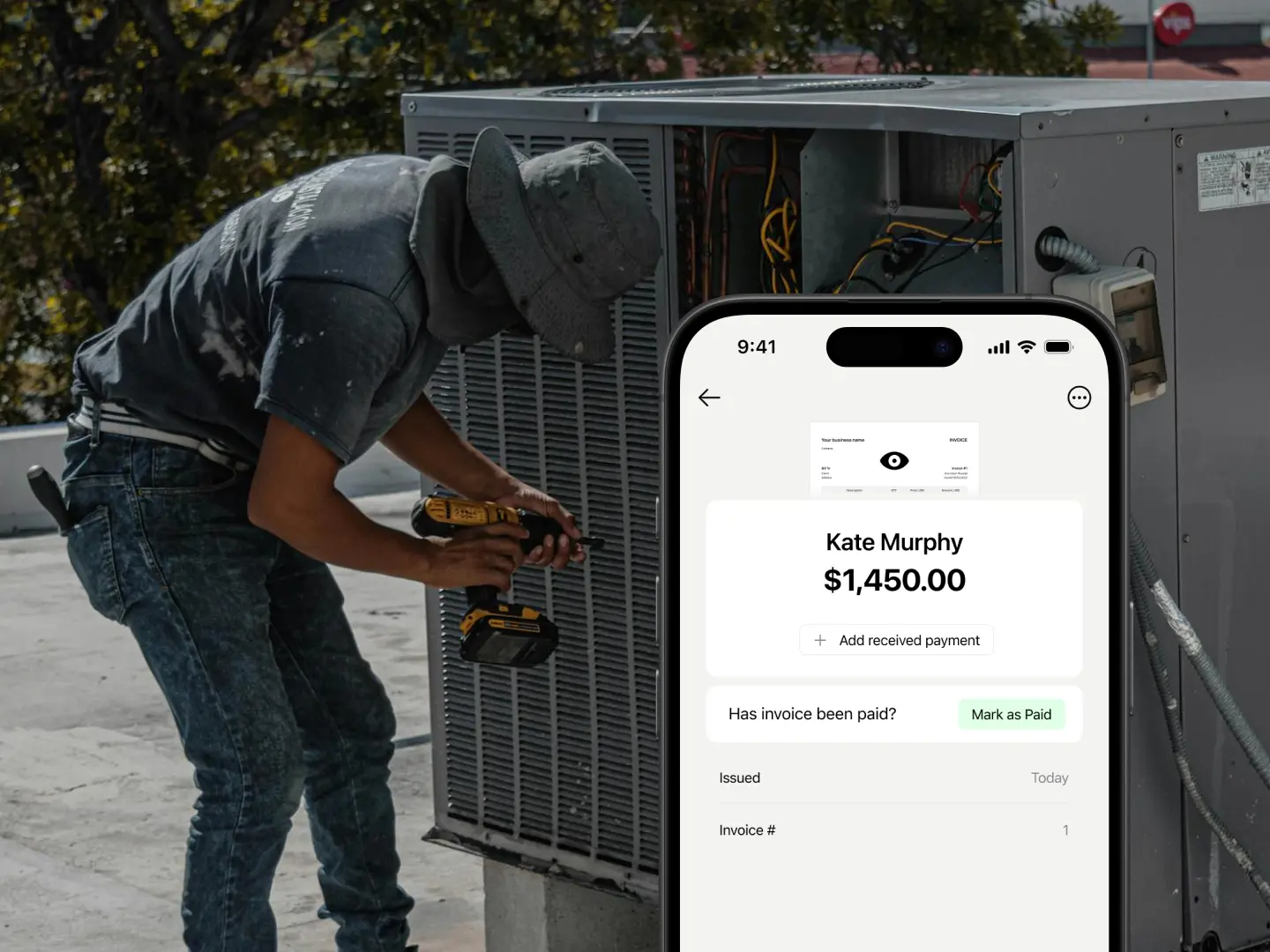
If you received payment through our platform, you should receive a push notification on your device, and the invoice status will automatically change to "Paid" with a Stripe label. However, if you're paid outside our platform, you can manually update the status and select the appropriate label, such as Cash, Bank, or another method.