
Mobile-first
Proof is captured from your tech's phone, on the job site. Nothing to install, nothing to configure.


Location on every visit and every photo. So "nobody came" ends with proof, not a phone call.
❤️
15,124
users joined last week
Proof of visit is a record of where and when a technician was on a job. In Tofu, it's captured automatically: a GPS location and timestamp the moment your tech taps Start and Complete, plus the address stamped on every photo they take. It lives inside the job, so anyone can open it and see that the visit really happened.
They arrive and tap Start in the Tofu Team app. Tofu stamps the time and a GPS point.
.png)
Every job photo is geotagged with the address where it was taken.
.png)
They finish and tap Complete. Time and GPS point are stamped again.
.png)
The Activity tab shows who started and finished, when, and where – with map links. Every photo carries its address.
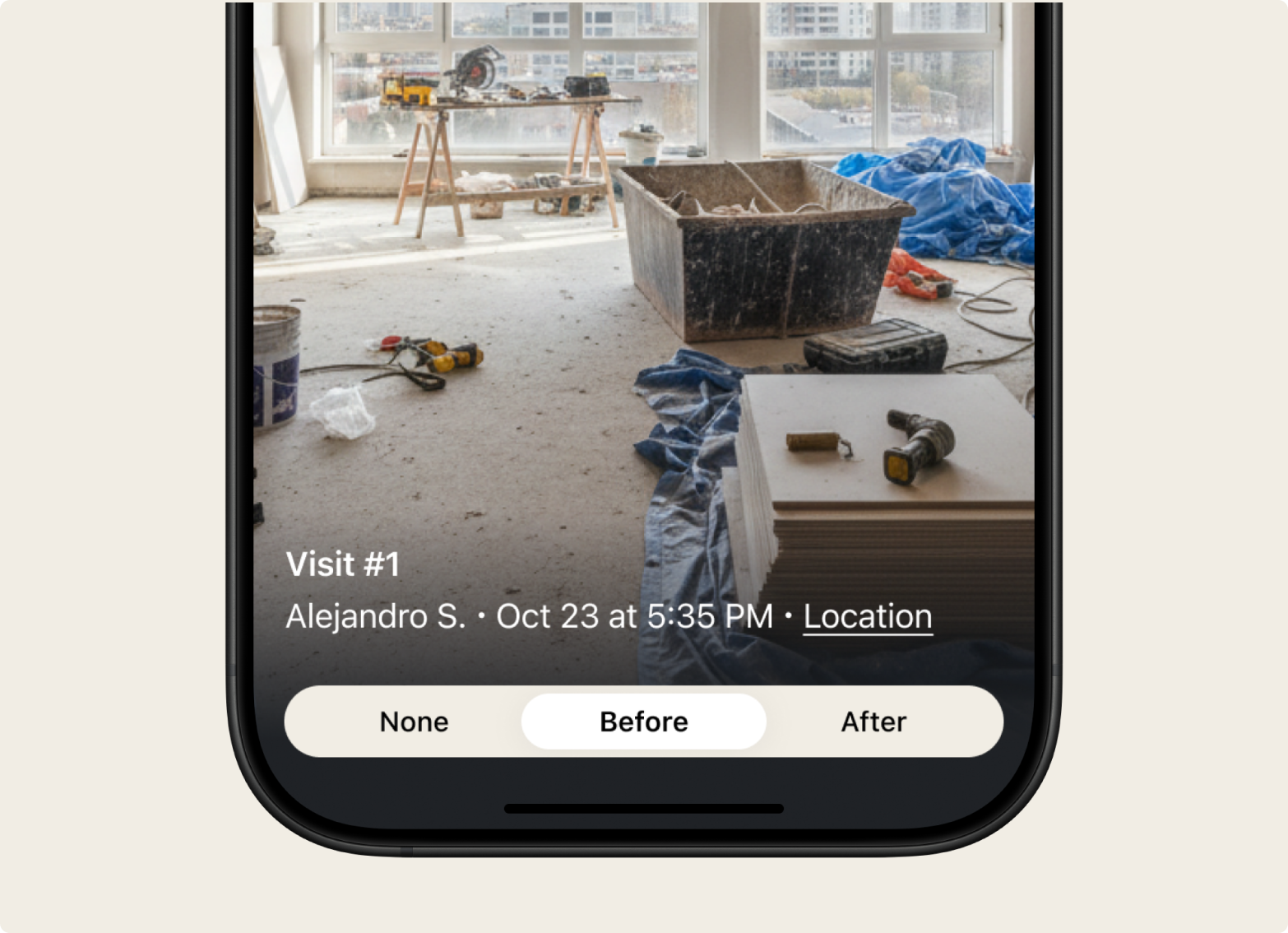
When a client refuses to pay because "no one came" or "the job wasn't done," proof of visit closes the argument in seconds. Everything is already in the job: who started and finished the visit, at what time, where they were on the map, and photos stamped with the address they were taken at. Open it, compare the photo location to the client's address, and you're done – no calling the tech, no taking anyone's word for it.
It works the other way too. If you're not sure a visit actually happened, the record shows you it did – or didn't.
Proof of visit is not live tracking. Tofu records a location only in the moment your technician taps Start or Complete – never continuously, never in the background, never between jobs. Your tech grants location access once, when they sign in, and that's it.
For a good technician, that's a shield, not a leash: "I was there – here's the map pin and the photo with the address." No more he-said-she-said when a client gets difficult.
| Continuous GPS tracking | Tofu proof of visit | |
|---|---|---|
| When location is recorded | All day, in the background | Only at Start and Complete |
| What it's for | Watching where techs are | Proving a visit happened |
| How techs feel about it | Surveillance | Protection |
| Photo location | Usually not linked | Address on every job photo |
Most "technician tracking" tools follow your team all day. Tofu takes a different approach – it captures proof at the two moments that matter, and nothing in between.
Proof is captured from your tech's phone, on the job site. Nothing to install, nothing to configure.
Location and photo geotags live inside the job – not in a separate tracking app you have to go check.
.png)
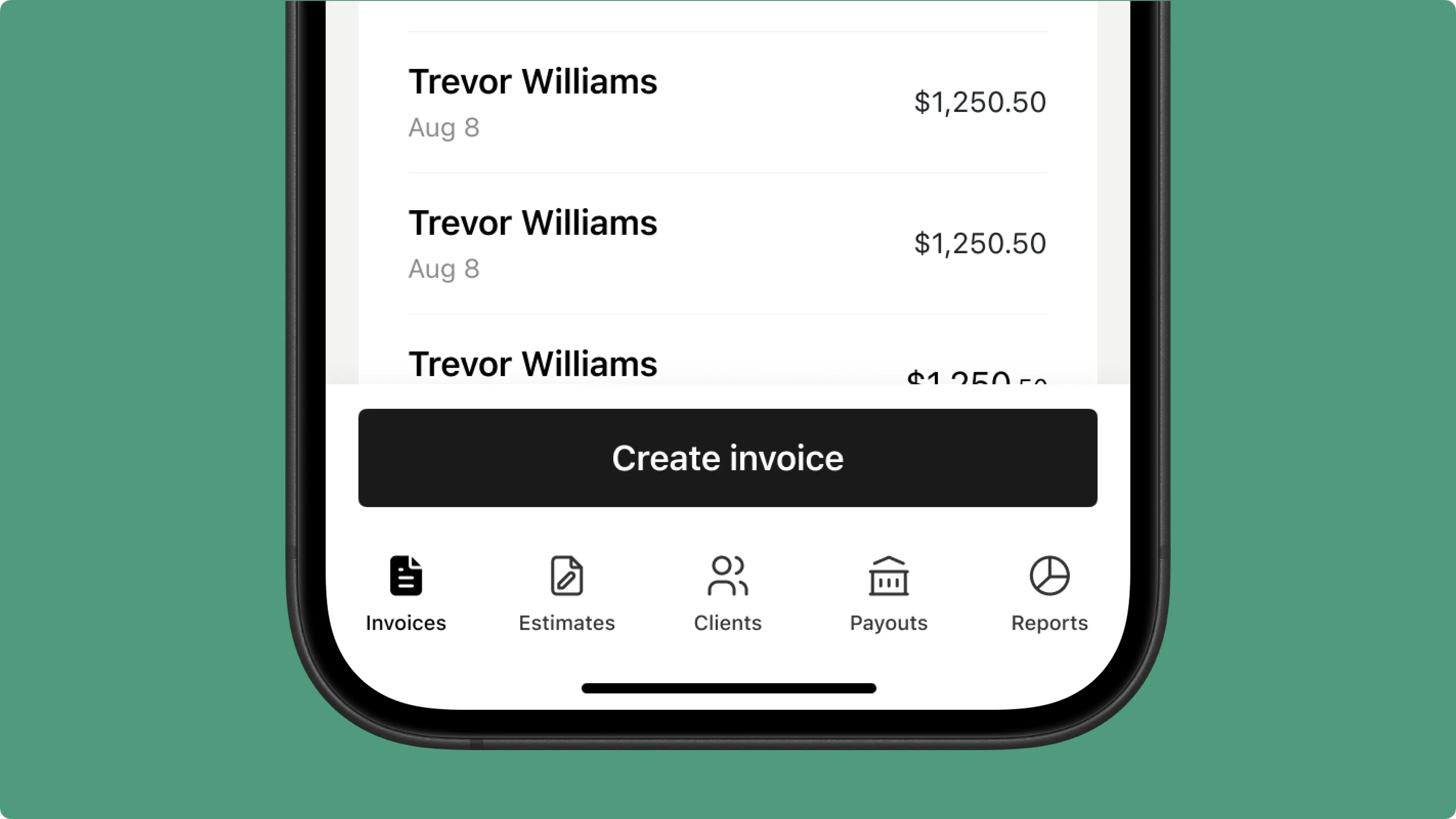
Jobs, invoices, estimates, payments, reminders, and proof of visit – one app for the whole business.
.png)
Some switched from QuickBooks. Others used to do everything manually

Looks clean, sends fast. My clients love it too
★ ★ ★ ★ ★
Fabiannm84
This product makes invoice is a breeze, while making you look like a fortune 500 corporation
★ ★ ★ ★ ★
VEENAKAMARV

The most efficient Invoice app you can find. Facilitated my invoice experience. The layouts & available invoicing options for better presentation!Easy to set up in minutes, definitely recommend.
★ ★ ★ ★ ★
bennyhunnit
Easy to use and have invoices on the move!
★ ★ ★ ★ ★
ivanr8a
This a great app if your making the invoice on the road on your phone
★ ★ ★ ★ ★
angie2tall
I can just download this straight to my phone works perfect for my small business.
★ ★ ★ ★ ★
TiffNunez
Everything you need to know about the product and billing

.png)


