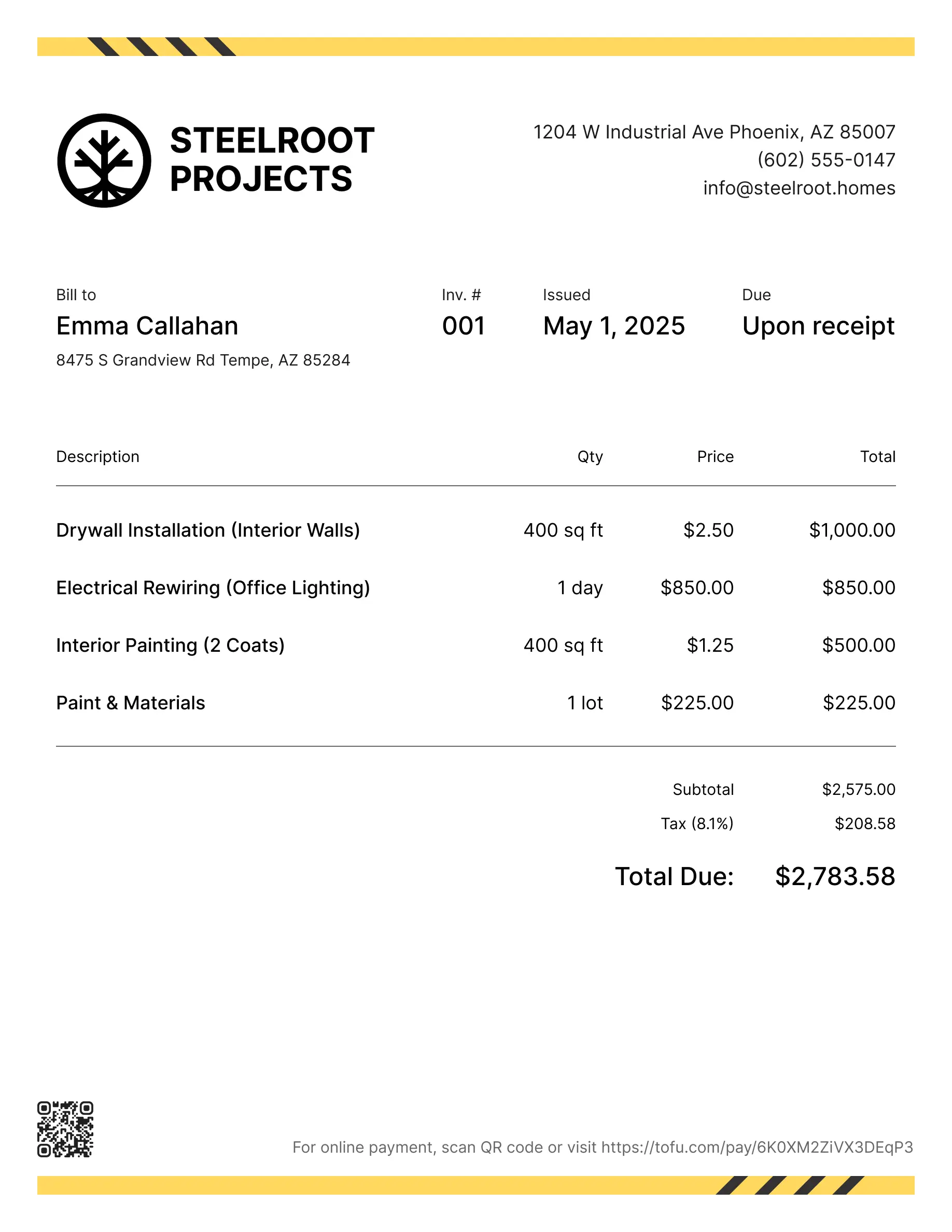
Carpenter invoice templates
Bill clients for custom woodwork, materials, finishing, or multi-phase builds. Tofu's ready-to-use invoice templates make it simple. Choose your format, add a personal touch, and download.
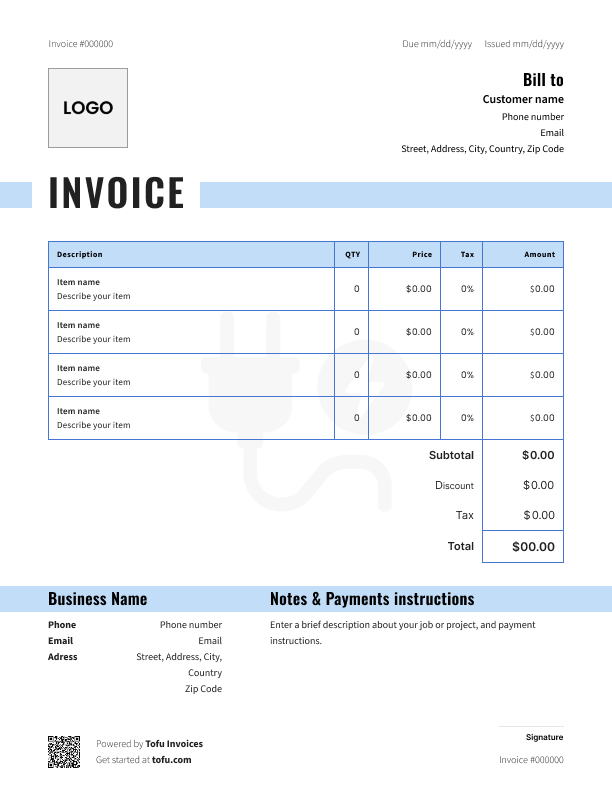
Free carpenter invoice templates
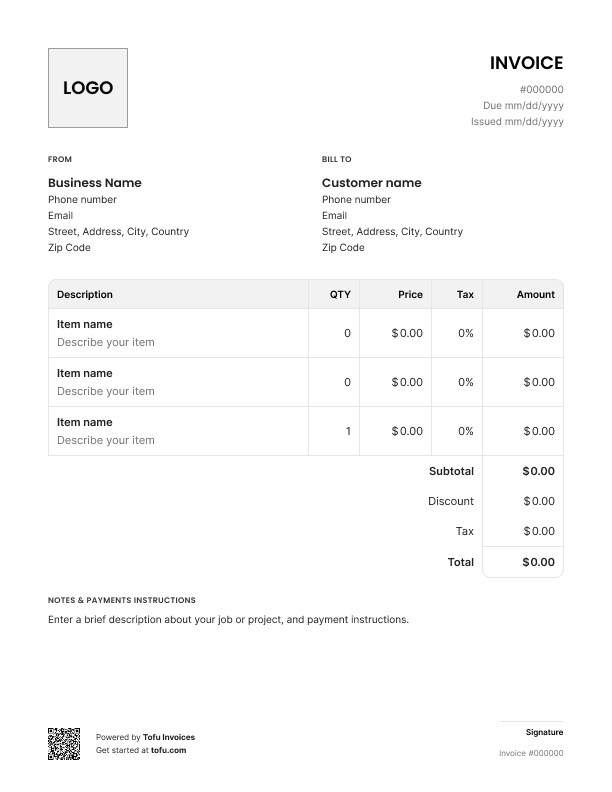
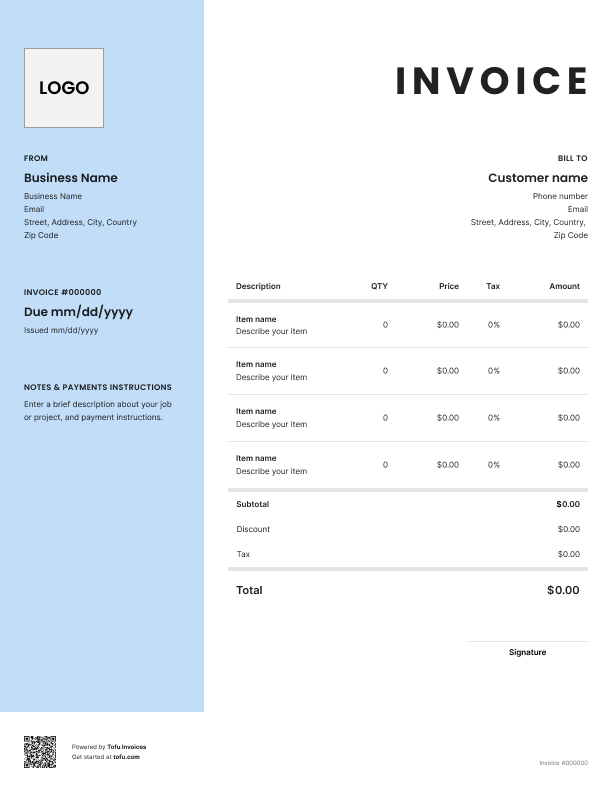
Custom cabinets, hardwood floors, deck builds – writing a carpenter invoice for this kind of work is harder than most people think. Carpentry invoices involve variable material costs, multi-phase projects, and custom work that generic templates can't handle. They slow down your cash flow and bundle costs that should be separate.
A carpentry invoice template fixes this. It separates labor from materials, sets clear payment terms, and makes getting paid straightforward. Here's what to include, how to customize it, and how professional invoicing protects your business.
What to include in a carpentry invoice template
Every invoice should cover the basics – but the details matter. Miss a field and you're either chasing payment or dealing with a dispute you could have avoided.
Here's what to include in an invoice for carpentry work:
- Business name – so clients know who's billing them
- Invoice number – for tracking and record-keeping
- Client information – name, address, contact details
- Contact information – your phone, email, and address
- Services provided – a clear description of the work done
- Labor and material costs – always listed separately
- Tax – applicable sales tax or GST where required
- Due date – when you expect to be paid
- Payment terms – accepted methods and conditions
- Total amount due – one clear number at the bottom
These invoice details matter for a reason. Itemizing labor and material costs separately tells clients exactly what they're paying for – the fastest way to get sign-off without pushback. The due date removes any ambiguity about when payment is expected.
A well-structured carpentry invoice template isn't just a bill. It's a formal request for payment and legal documentation of the work performed. That matters if a dispute ever goes further than a phone call.
Carpentry-specific fields that generic templates miss
A generic contractor invoice doesn't cut it for carpentry work. When you're doing custom cabinetry, a furniture build, or a multi-phase renovation, you need fields that reflect how carpentry projects actually work:
- Itemized material costs by type – lumber, hardware, fixtures listed separately
- Project phase breakdown – for jobs spanning multiple site visits or milestones
- Custom work description – "built-in bookcase, 8ft x 4ft, painted finish" beats "carpentry services"
- Warranty or terms and conditions clause – protects you if a client comes back months later
- Deposit line – note what was received upfront and deduct it from the total
These fields give clients a clear picture of how the total cost was calculated and protect your business from payment delays and disputes before they start.
Your next invoice is 60 seconds away
Open Tofu, add the details, send a pay link. Your client gets it while the work is still fresh.
Rated Excellent on Trustpilot

Absolutely amazing! It’s saves so much time and it gives you the professional touch needed to make you look good!
★ ★ ★ ★ ★
Tony W.It had made doing business much easier!
★ ★ ★ ★ ★
Michael S.
It works good in the field
★ ★ ★ ★ ★
David S.Awesome app, very easy and simple to use, while also keeping things looking professional. Can send and save invoices/quotes directly or save to sen after. Overall great app, no faults. 10/10
★ ★ ★ ★ ★
Raymond B.Easy to use and straightforward! Been using it for over a year now!
★ ★ ★ ★ ★
Manuela M.I was using it mostly for invoicing and a little for job management, the whole experience was really smooth and easy
★ ★ ★ ★ ★
Valeria N.How to create a professional carpentry invoice
The best way to create an invoice – and to create professional billing documents that actually get paid – is to start with a free carpentry invoice template and work through it step by step:
- Download a free carpentry invoice template. Pick a format that fits your workflow – PDF, Excel, Microsoft Word, or Google Docs.
- Add your business name, logo, and contact information. This goes at the top. It's how clients know who to pay and how to reach you.
- Enter the client's name, address, and contact details. Billing the wrong person or address causes unnecessary delays.
- Assign a unique invoice number. Keep a simple sequence – INV-001, INV-002. Makes tracking payments and cross-referencing records easy.
- List carpentry services with labor and materials on separate lines. Hours worked, your rate, then each material cost individually. Clients appreciate the transparency.
- Calculate totals and add any applicable tax. Check whether your region taxes labor, materials, or both.
- Set your due date and payment methods, then review the invoice before sending. One read-through catches errors that can delay payment by days.
Pro tip: For large custom carpentry jobs, request a deposit before you start. Note it on the invoice and deduct it from the total. It covers your material costs upfront and keeps the job moving even if a client is slow to pay.
Customizing your carpenter invoice template
A customizable invoice tailored to your business looks more professional – and professionalism gets you paid faster.
- Add your logo and brand colors to the header
- Adjust line items to match your job type – cabinetry, custom furniture, and installations all have different cost structures
- Include warranty language or terms and conditions if your work comes with a guarantee
- Choose the right format: PDF for emailing, Microsoft Word or Google Docs for easy editing, Excel for auto-calculated totals
Clients notice the difference between a generic document and one built for your business. Trust speeds up payment.
Hourly vs. flat-rate billing for carpentry jobs
Both approaches work for carpentry work. The right one depends on the job.
Hourly billing
- Best for repair work, small jobs, or projects where scope is hard to define upfront
- Documents actual time plus material costs – straightforward pricing that's easy to justify
- List your rate, hours worked, and materials as separate line items
Flat-rate billing
- Works well for defined carpentry invoices – cabinetry installation, deck builds, custom furniture
- Clients know the total upfront, which makes budgeting easier
- Price in overhead – you carry the risk if the job runs long
For many invoice for carpentry work situations, a hybrid model makes the most sense: flat-rate labor plus itemized materials at actual cost. Clients get a predictable number for your carpentry services, and material costs reflect what you actually paid. Whatever approach you use for contractor invoices, always keep labor and materials on separate lines.
Benefits of using a free invoice template for carpentry
- Get paid faster. A clear invoice with an obvious due date removes the ambiguity that leads to delayed payments.
- Better cash flow. Consistent billing means money comes in more predictably – easier to manage than chasing payment weeks after a job wraps.
- Streamline the invoicing process. Fill in the job details, send it, done. No starting from a blank page every time.
- Fewer billing errors. The structure is already there. You're less likely to miss a line item or miscalculate a total.
- Accurate financial records. Every invoice is a record of work completed – organized and ready when tax time comes.
- Professional image. A clean, consistent free invoice template builds trust with clients and signals you run a serious business.
As the business grows, a free template might start to feel limiting. That's when many contractors move to a dedicated invoice generator or accounting software like QuickBooks for automated billing and payment tracking.
Common carpentry invoicing mistakes to avoid
- Bundling labor and materials. Fix: Always list labor and materials separately in the invoicing process. Clients can't verify a combined number – and some will dispute it on principle.
- Vague work descriptions. Fix: "Hardwood floor installation, 280 sq ft, oak" beats "flooring work." Detail prevents disputes.
- No invoice number. Fix: Assign one to every accurate invoice. Easy to track payments and reference past jobs.
- Missing due date or payment terms. Fix: "Net 14" or "due on receipt" removes all ambiguity.
- Forgetting tax. Fix: Know what you're required to charge and include it on every invoice.
- Sending invoices late. Fix: Invoice the same day the job is done. The longer you wait, the longer you wait to get paid.
An accurate invoice isn't just good record-keeping – it's your documentation if a payment dispute ever escalates.
Invoices are just the start
Every client, job, estimate, and payment lives in Tofu – ready to pull up in seconds, wherever you are.
FAQs
Everything you need to know about the product and billing

Still have questions?



Create the perfect invoice for your business
Get started for free