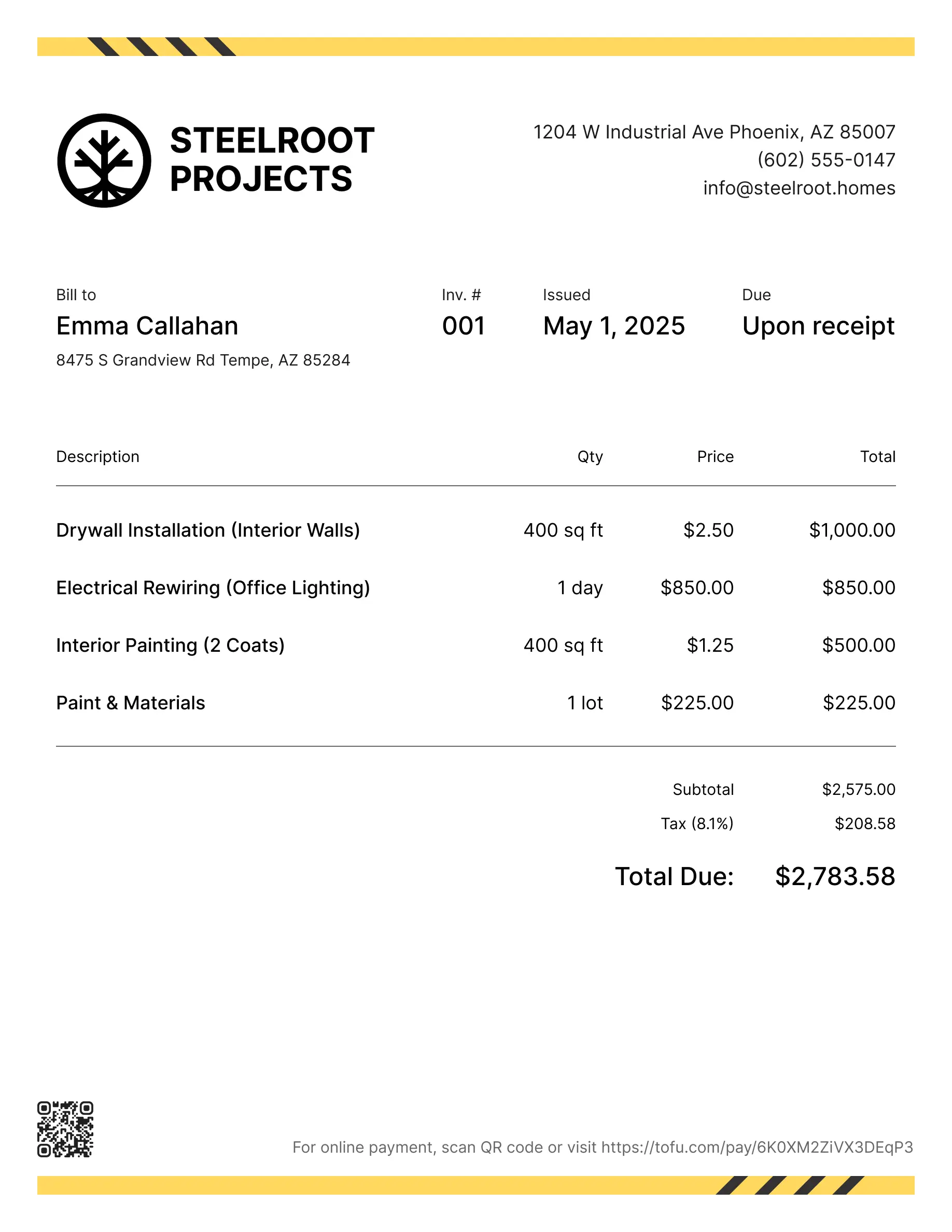
Contractor invoice templates
Bill clients for labor, materials, permits, or project phases from start to finish. Tofu's ready-to-use invoice templates make it simple. Choose your format, add a personal touch, and download.
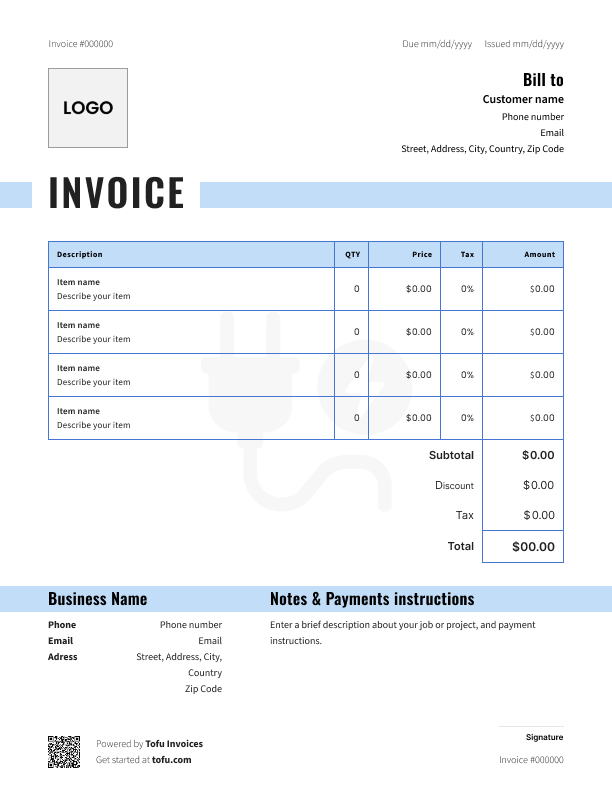
Free templates designed for general contractors
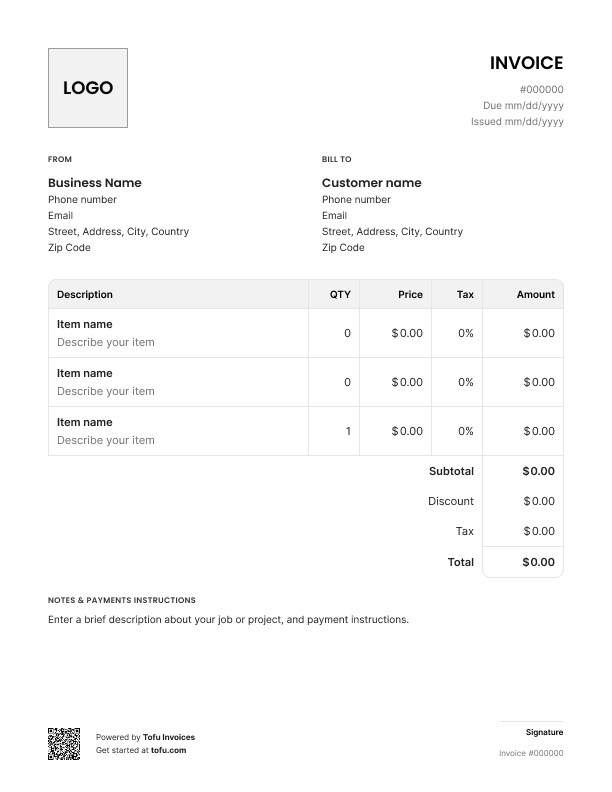
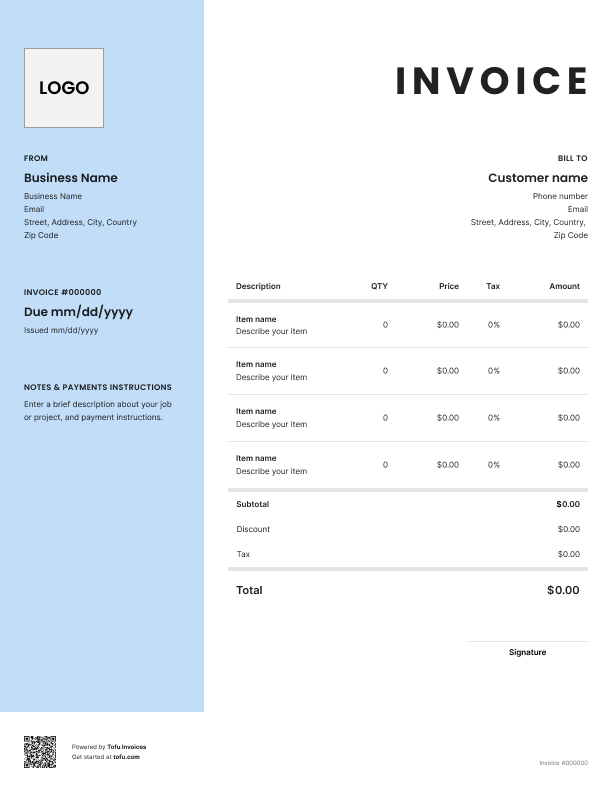
Billing clients for contracting work isn't simple. You've got labor costs on one line, materials on another, maybe a deposit upfront and milestone payments along the way. A generic invoice doesn't cut it.
A free contractor invoice template gives you a professional, organized way to request payment – built for how you actually work. Download a contractor invoice template, and you'll have everything you need: the right fields, the right structure, and a faster way to get paid on every job.
What to include in a contractor invoice template
Every contractor invoice template should have the same core information. Skip any of these and you're setting yourself up for billing disputes or delayed payments.
- Invoice number – unique ID for tracking and financial records (e.g. INV-2024-047)
- Company and client information – names, addresses, and contact details for both parties
- Services provided – description of work completed (e.g. electrical panel replacement, 8 hours)
- Labor costs and materials – separate line items for each (e.g. Labor: $640 / Materials: $320)
- Payment terms – when and how you expect to be paid (e.g. Net 15, bank transfer or credit card)
- Due date – exact payment deadline (e.g. January 30, 2025)
- Tax – applicable sales tax or GST/HST (e.g. 13% HST – $124.80)
- Total amount – final amount owed (e.g. $1,084.80)
Keep labor costs and materials as separate line items on all your contractor invoices. Clients want to see exactly what they're paying for. Bundling everything into one number invites questions – and sometimes disputes.
Contractor-specific fields that generic templates miss
Standard invoice forms weren't designed for contracting work. Here are the fields that actually matter for your jobs:
- Job site address vs. billing address – the project location often differs from where you send the invoice
- Milestone payment schedule – for longer projects, define exactly when each payment is due
- License or certification number – builds credibility and may be legally required in your trade
- Warranty or work guarantee terms – protects you against post-completion disputes
- Permit or inspection references – relevant for construction and renovation work
Good expense tracking starts here. These fields handle the edge cases that come up on real contracting jobs and protect you if a client pushes back on what was agreed.
How to create a professional contractor invoice
You don't need to start from scratch every time. Here's how to make a contractor invoice that looks professional and helps you get paid on time:
- Pick your format – start with a free contractor invoice template in PDF, Excel, or Google Docs, or use an online invoice generator
- Add your business information – company name, address, phone, email, and license number
- Add client details – client name, billing address, and job site address if different
- Assign a unique invoice number – use a consistent system (INV-001, INV-002, etc.) for tracking
- Set the invoice date and due date – be specific; "net 15" means 15 days from the invoice date
- Itemize your work – list services provided, hourly rate or flat fee, materials used, and quantities
- Create an invoice and send it – email it directly or send via your invoicing software with online payment options
The whole invoicing process should take a few minutes, not half your evening.
💡 Pro Tip: For larger projects, set up payment milestones upfront – a deposit at project start, progress payments at defined stages, and a final balance on completion. Milestone payment terms in your contractor invoice prevent delays and protect your cash flow.
Customizing your contractor invoice template
A customizable invoice reflects your business. Upload your logo, match the font and colors to your brand, and add or remove fields based on the job type. Add a payment link so clients can pay the moment they open it. A clean, consistent image builds trust and streamline billing across every job – no starting from scratch each time.
Your next invoice is 60 seconds away
Open Tofu, add the details, send a pay link. Your client gets it while the work is still fresh.
Rated Excellent on Trustpilot

Absolutely amazing! It’s saves so much time and it gives you the professional touch needed to make you look good!
★ ★ ★ ★ ★
Tony W.It had made doing business much easier!
★ ★ ★ ★ ★
Michael S.
It works good in the field
★ ★ ★ ★ ★
David S.Awesome app, very easy and simple to use, while also keeping things looking professional. Can send and save invoices/quotes directly or save to sen after. Overall great app, no faults. 10/10
★ ★ ★ ★ ★
Raymond B.Easy to use and straightforward! Been using it for over a year now!
★ ★ ★ ★ ★
Manuela M.I was using it mostly for invoicing and a little for job management, the whole experience was really smooth and easy
★ ★ ★ ★ ★
Valeria N.Contractor invoice template formats: PDF, Excel, and more
Different formats work better in different situations. Here's a quick breakdown of an invoice template for contractors:
Microsoft Excel
- Best for jobs with lots of line items – formulas auto-calculate totals and taxes
- Easy to track expenses and update as materials change
- Good for contractors who manage multiple ongoing projects
- Best for sending a finalized invoice that clients can print or save
- Looks polished and professional; nothing gets accidentally edited
- Works well when you want a clear, fixed record for both parties
Google Docs
- Easy to access from your phone or any device
- Share with a link – no attachments needed
- Good for contractors who work across multiple locations
Online invoice generator
- Fastest way to create and send invoices, often in under a minute
- Clients can pay online via PayPal, credit card, or bank transfer
- Tracks payment status so you know who's paid and who hasn't
If you're just starting out, a free invoice template in PDF or Excel does the job. As your contracting business grows, an online invoice generator saves real time.
Benefits of using contractor invoice templates
Here's why using a free invoice template beats building one from scratch every time:
- Get paid on time – a clear, itemized bill with a due date gives clients no reason to delay
- Improve cash flow – consistent invoicing means fewer gaps between completing work and receiving payment
- Save time – create and send invoices in a few clicks instead of formatting from scratch
- Reduce errors – standard fields mean you won't forget labor, materials, or tax on a busy day
- Look professional – a clean, branded invoice builds client trust
- Simplify accounting – organized invoices with unique numbers make tax time far less painful
As your business grows, such software lets you automate invoicing processes – track payments, manage client details, accept online payments, and connect a merchant account for card processing.
Payment terms for contractor invoices
Clear payment terms on every invoice reduce disputes and speed up collection. Here's what's standard in the contracting industry:
📌 Quick reference – common payment terms:
- Net 15: Payment due 15 days after invoice date – good for small to mid-size jobs
- Net 30: Standard for larger projects with established clients
- Due Upon Receipt: Common for one-time or emergency service calls
- Milestone Payments: Collect a deposit upfront, progress payments during work, and final balance on completion
Whatever terms you set, put them on every invoice – don't assume clients remember what you discussed. Include your late payment fee policy too; if payment is overdue, a clearly stated fee gives you something to point to.
On payment methods: accept credit card, debit card, PayPal, Venmo, and bank transfer where you can. Set up payment options once in your template and you'll never have to think about it again.
Common contractor invoicing mistakes to avoid
These billing errors slow down payment or cause disputes:
- Bundling labor and materials → Itemize each separately so clients see a clear cost breakdown
- Vague work descriptions → Include a specific description of every service with quantity and unit price
- Missing invoice number → Assign a unique invoice number on every job to track payments and generate financial records
- No tax line → Include applicable tax (sales tax, or Goods and services tax / HST per Canada Revenue Agency requirements) as a separate line item
- Skipping payment terms → Every invoice should state the due date and accepted payment methods
- Late invoicing → Send invoices the same day you finish the job – delays hurt cash flow
Most of these take 30 seconds to fix in your template. Do it once and you won't have to think about it again.
Invoices are just the start
Every client, job, estimate, and payment lives in Tofu – ready to pull up in seconds, wherever you are.
FAQs
Everything you need to know about the product and billing

Still have questions?



Create the perfect invoice for your business
Get started for free