

Invoice in one tap
Add your services, hit send. Simple enough to use on the job – no training manuals or complicated setup.


❤️
15,124
users joined last week

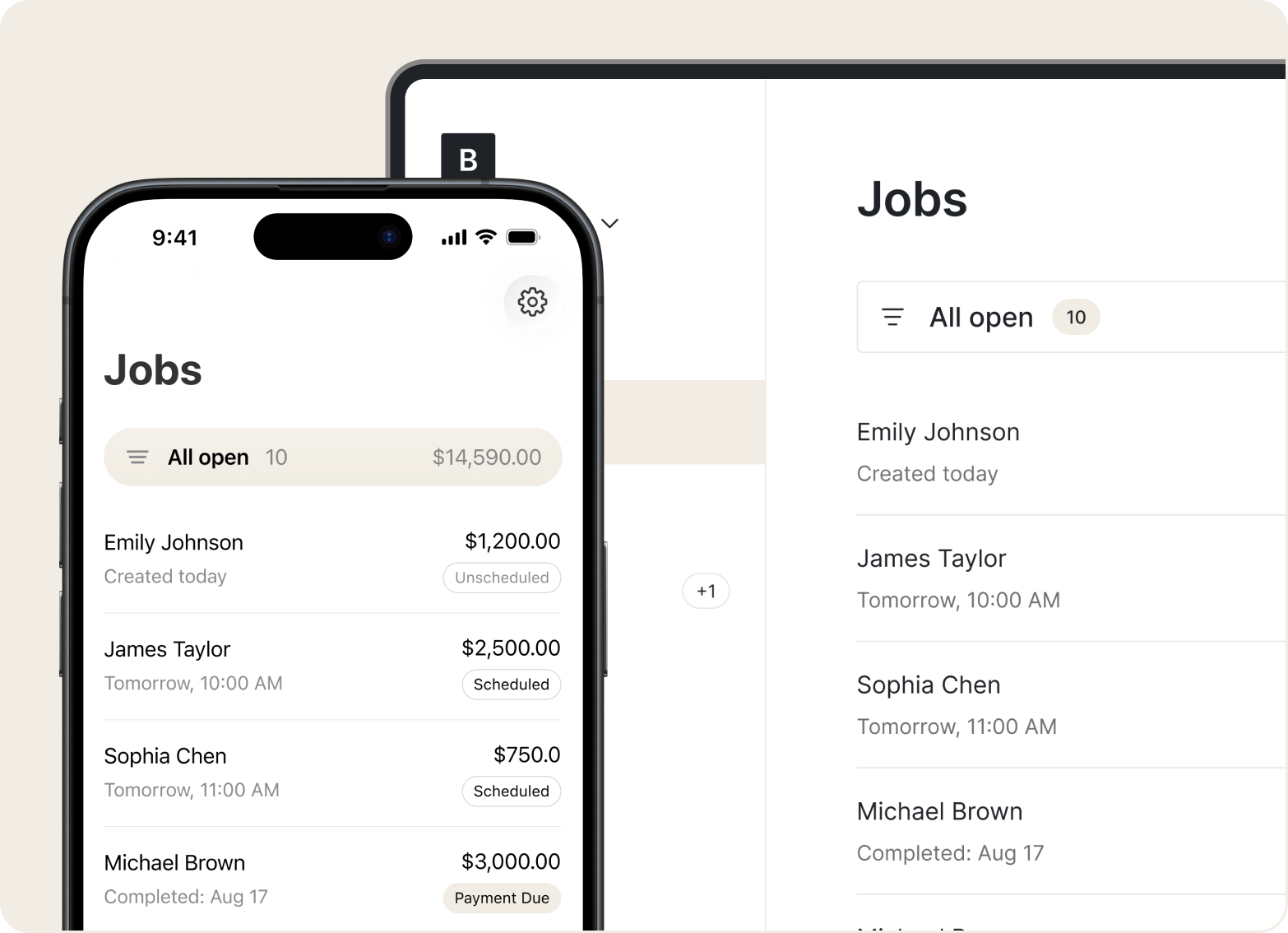
Scheduling
Create appointments, set job addresses, attach photos, and track each job from booked to done.
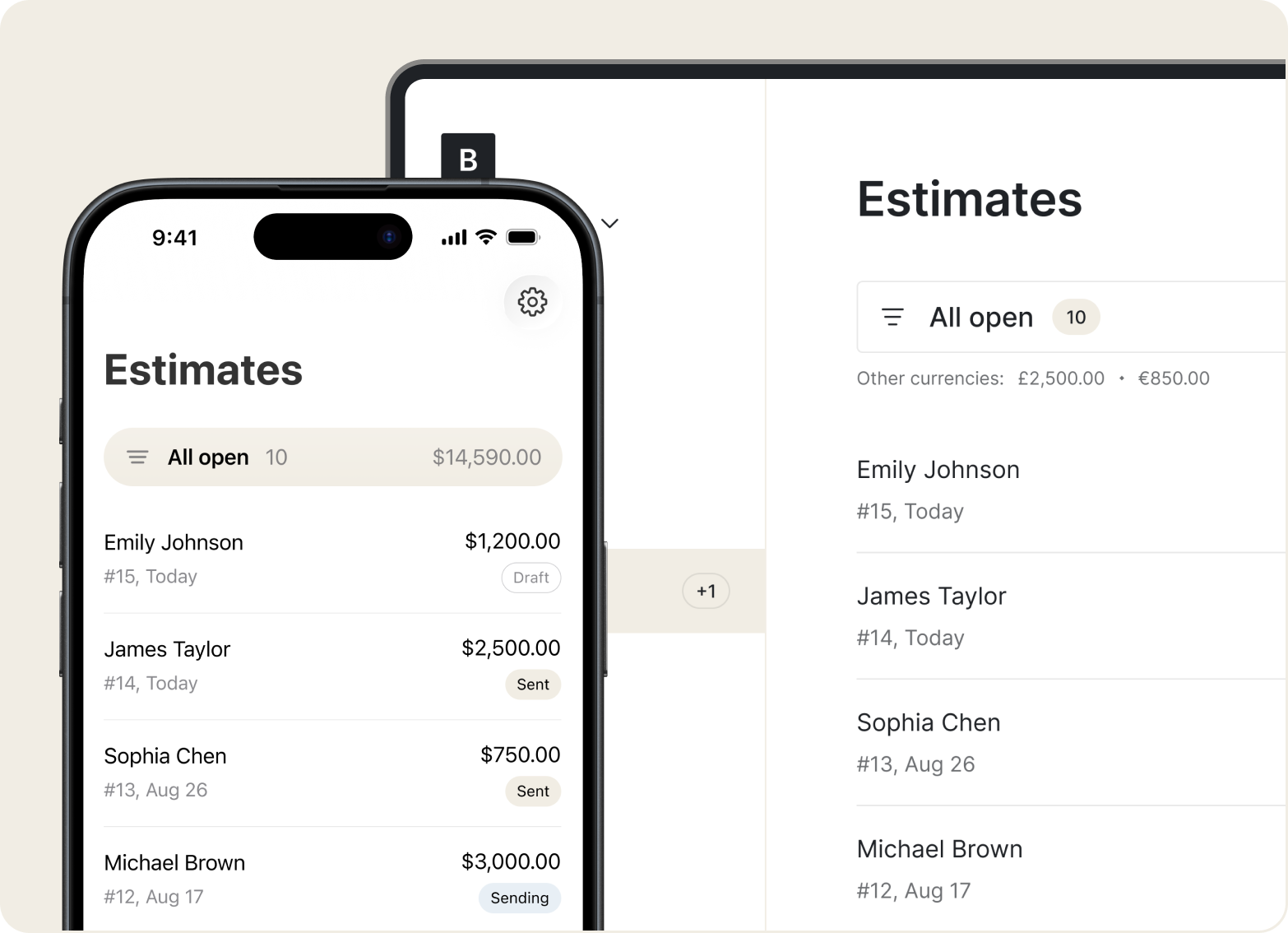
Estimates
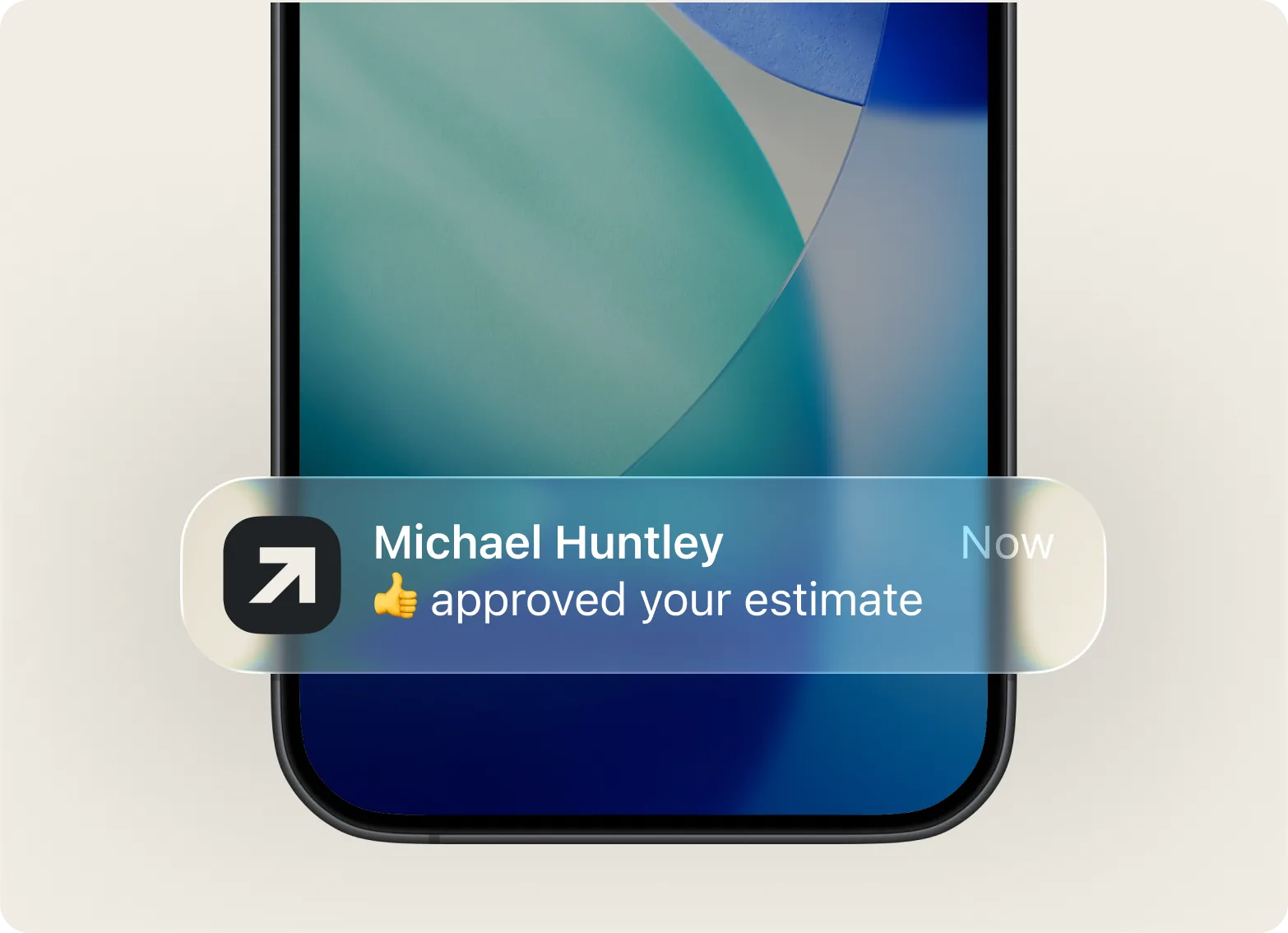
Add labor, materials, and service details in a few taps. Clients see a clear breakdown and can approve right away.
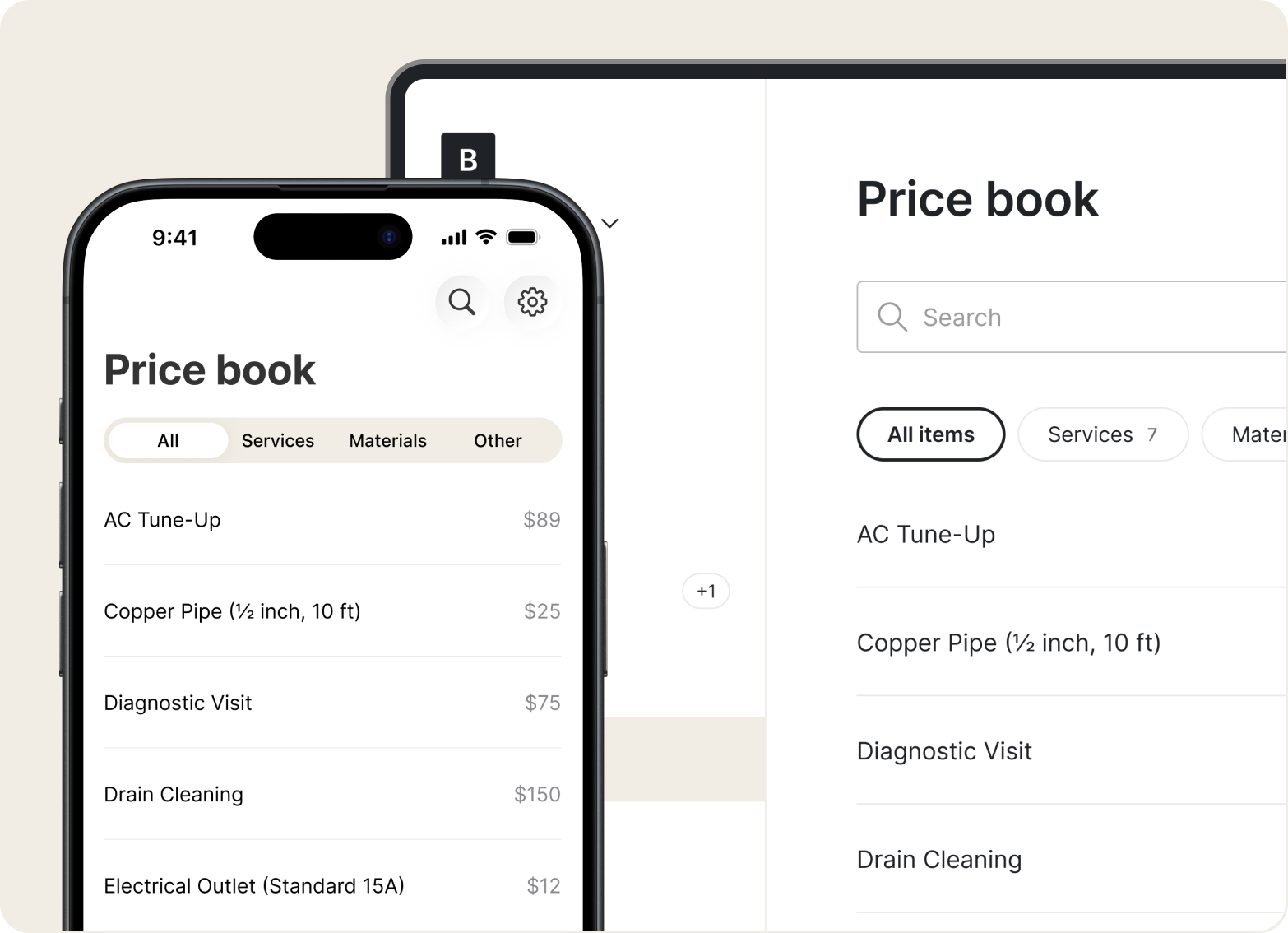
Price Book
Save your go-to services and rates in the Price Book. Build estimates faster by selecting saved items – no retyping every time.
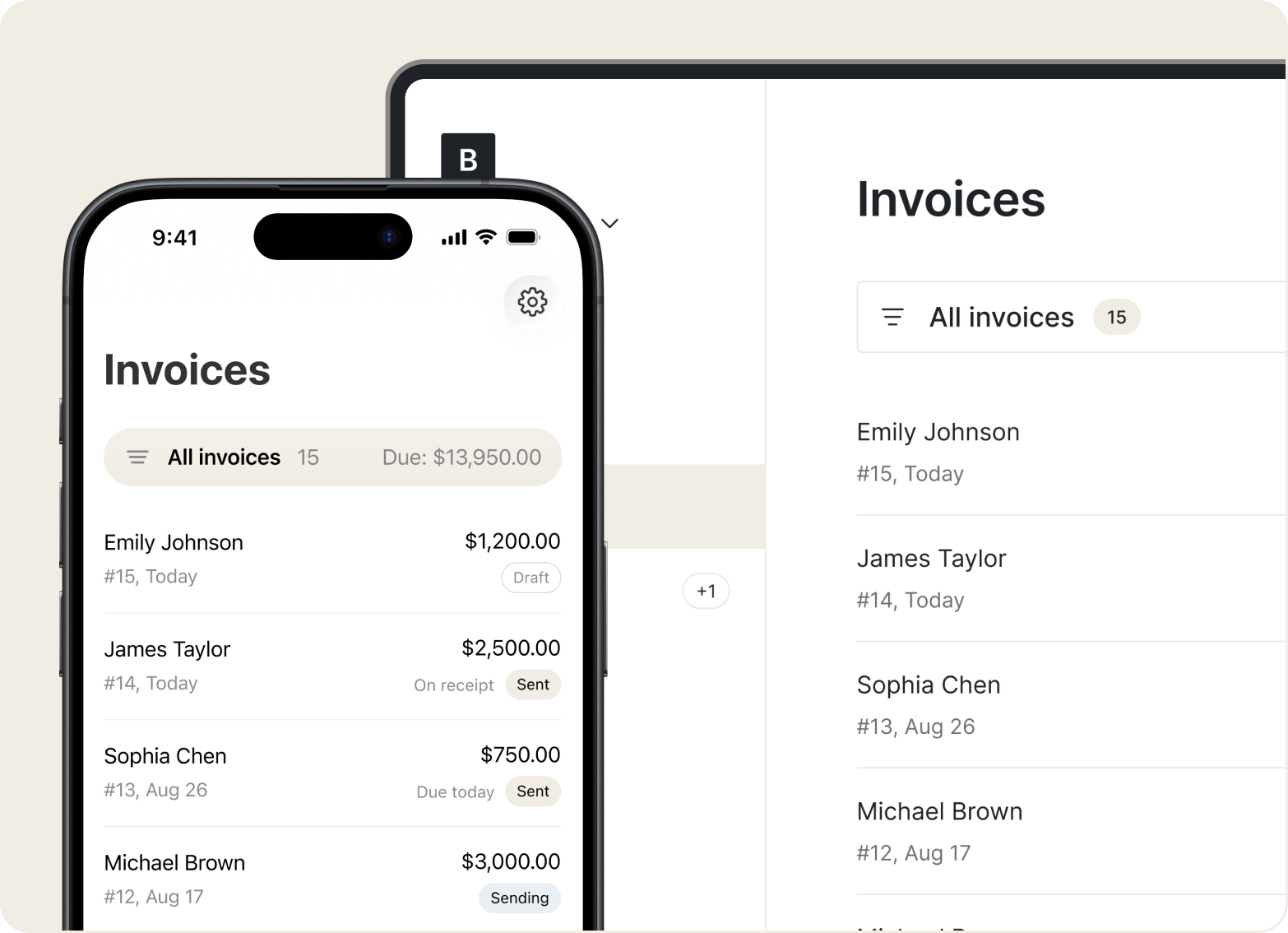
Invoices
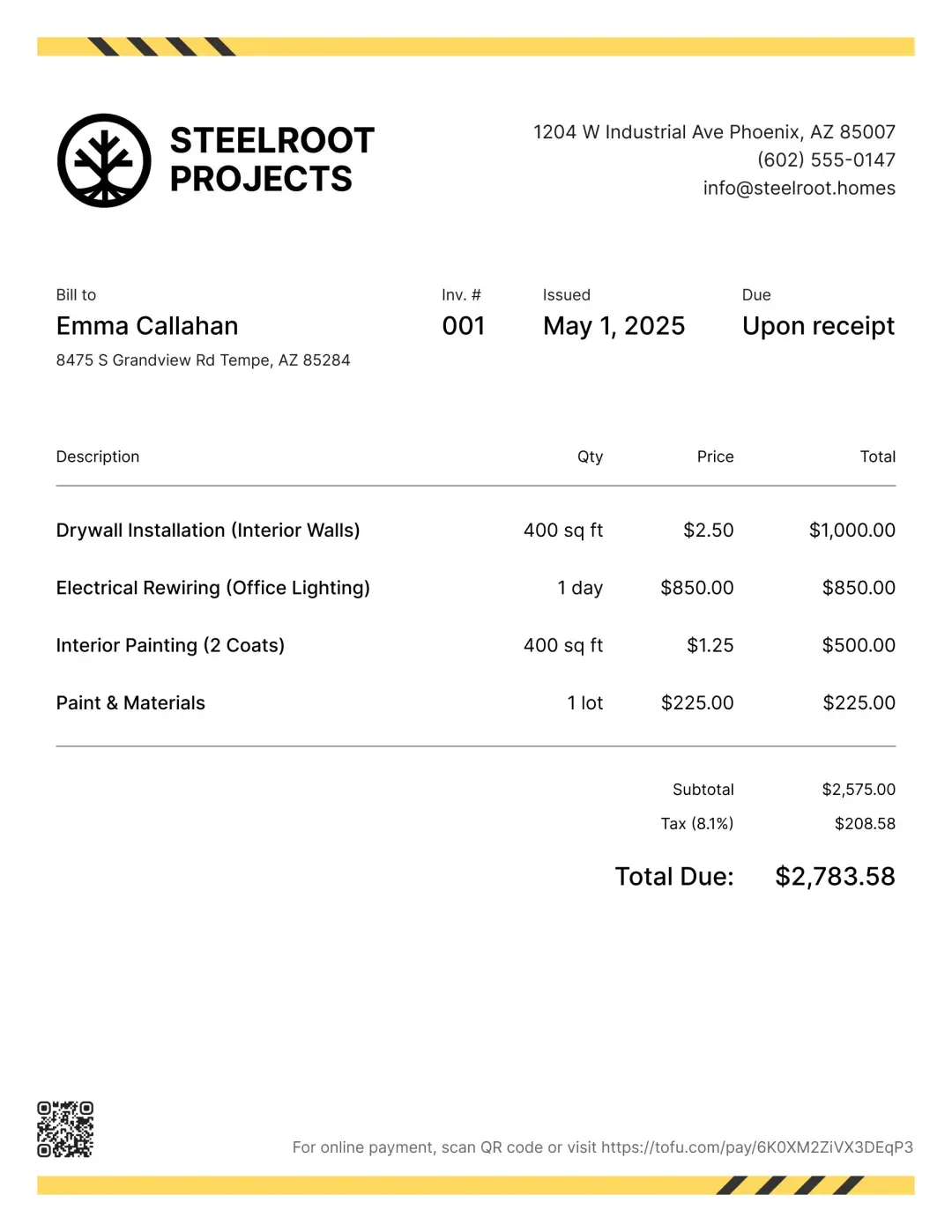
Add your branding, break down the work, and include taxes or deposits – then send before you're out the door.
Mobile Access
Manage estimates, invoices, and payments from the van, under a sink, or between jobs. Everything stays synced in one place.
“I love how simple Tofu is to use. It helps me with creating invoices and keeping track of my monthly income and outstanding balances.”

Add your services, hit send. Simple enough to use on the job – no training manuals or complicated setup.
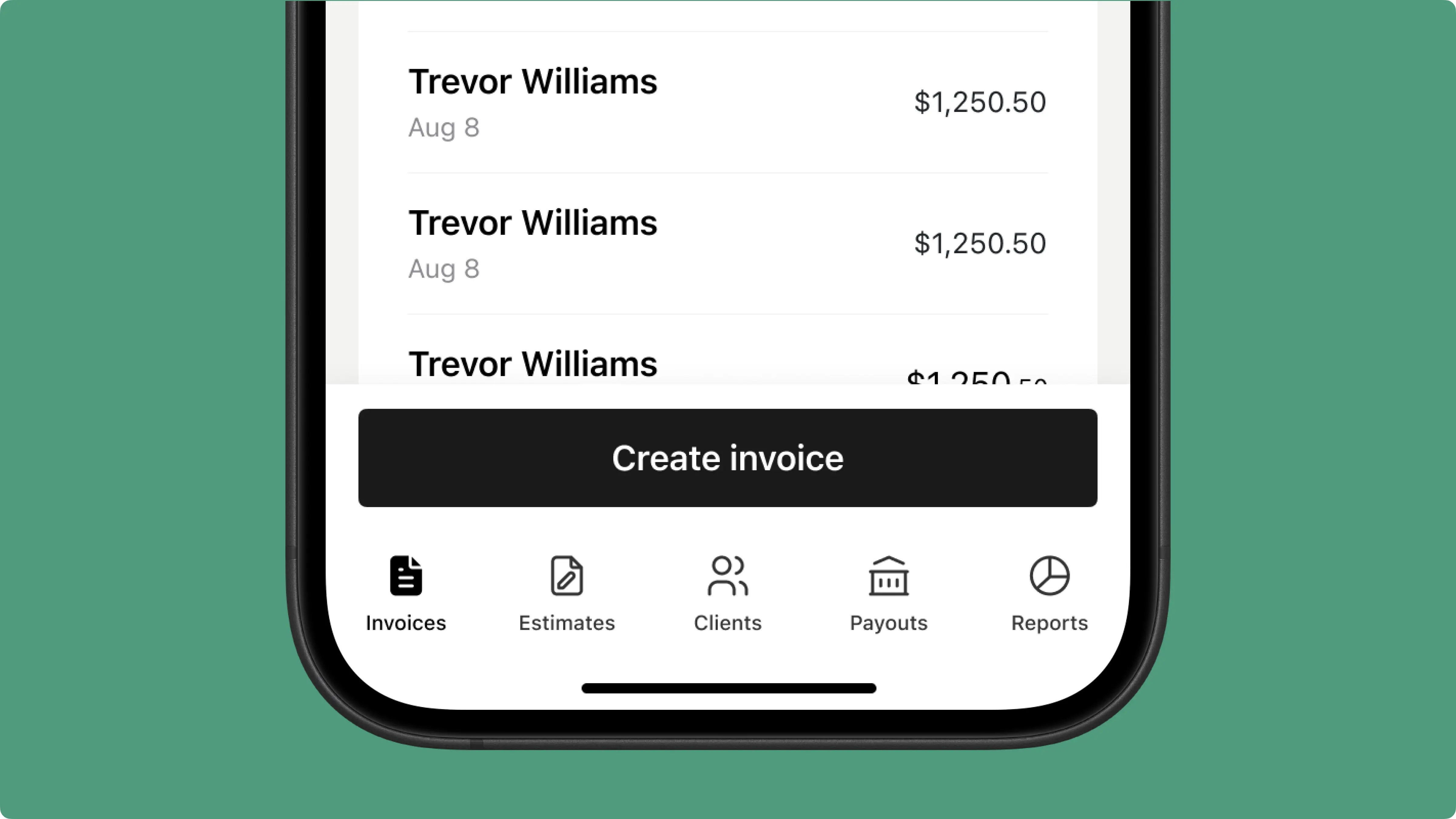
Send branded invoices with a clear breakdown of work done. Clients see a polished business, not a paper slip.
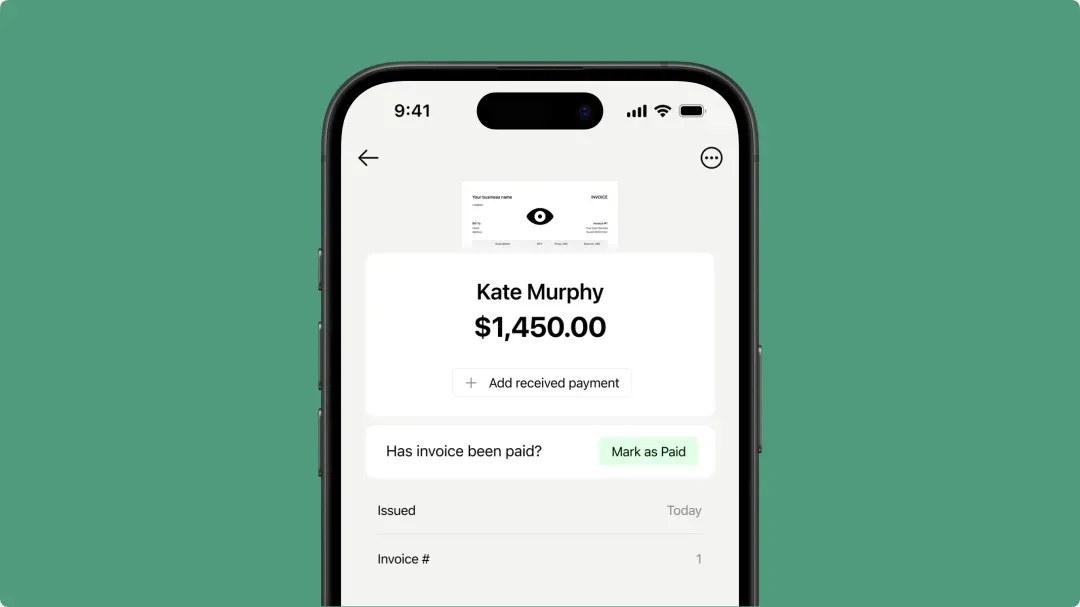
Collect payment right after the job – cards, Apple Pay, Google Pay, or Tap to Pay. No waiting on checks.
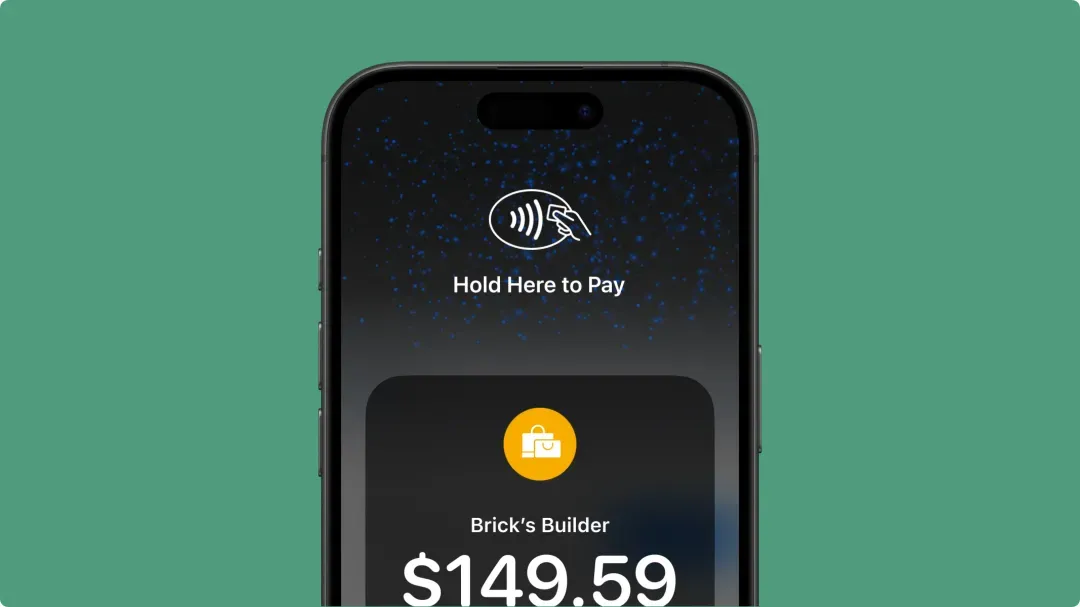
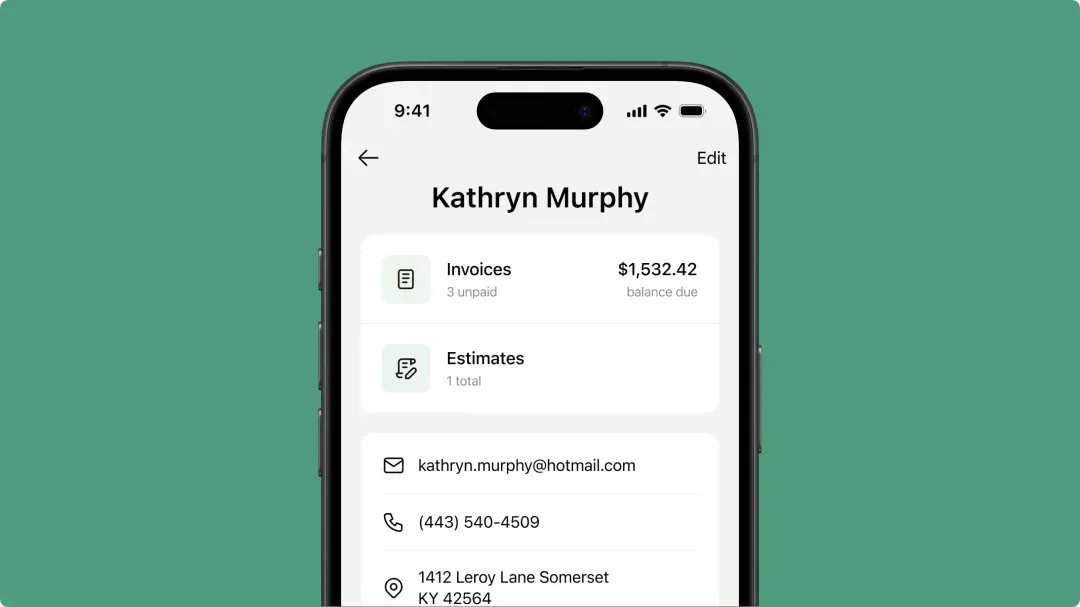
Track payments, handle deposits, and pull up client history for any job – all from your phone.
Less time on paperwork, more time doing the work. Try Tofu free.



