

Invoice in one tap
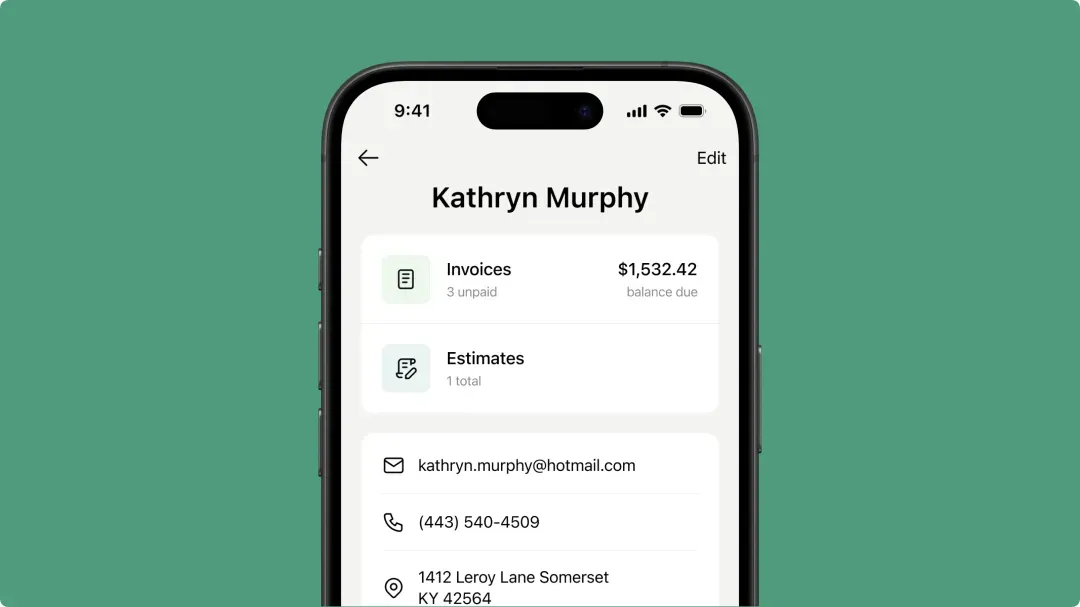
Add your line items, hit send. No setup headaches – just a simple flow from estimate to payment that works on any phone.


❤️
15,124
users joined last week
.webp)
Scheduling
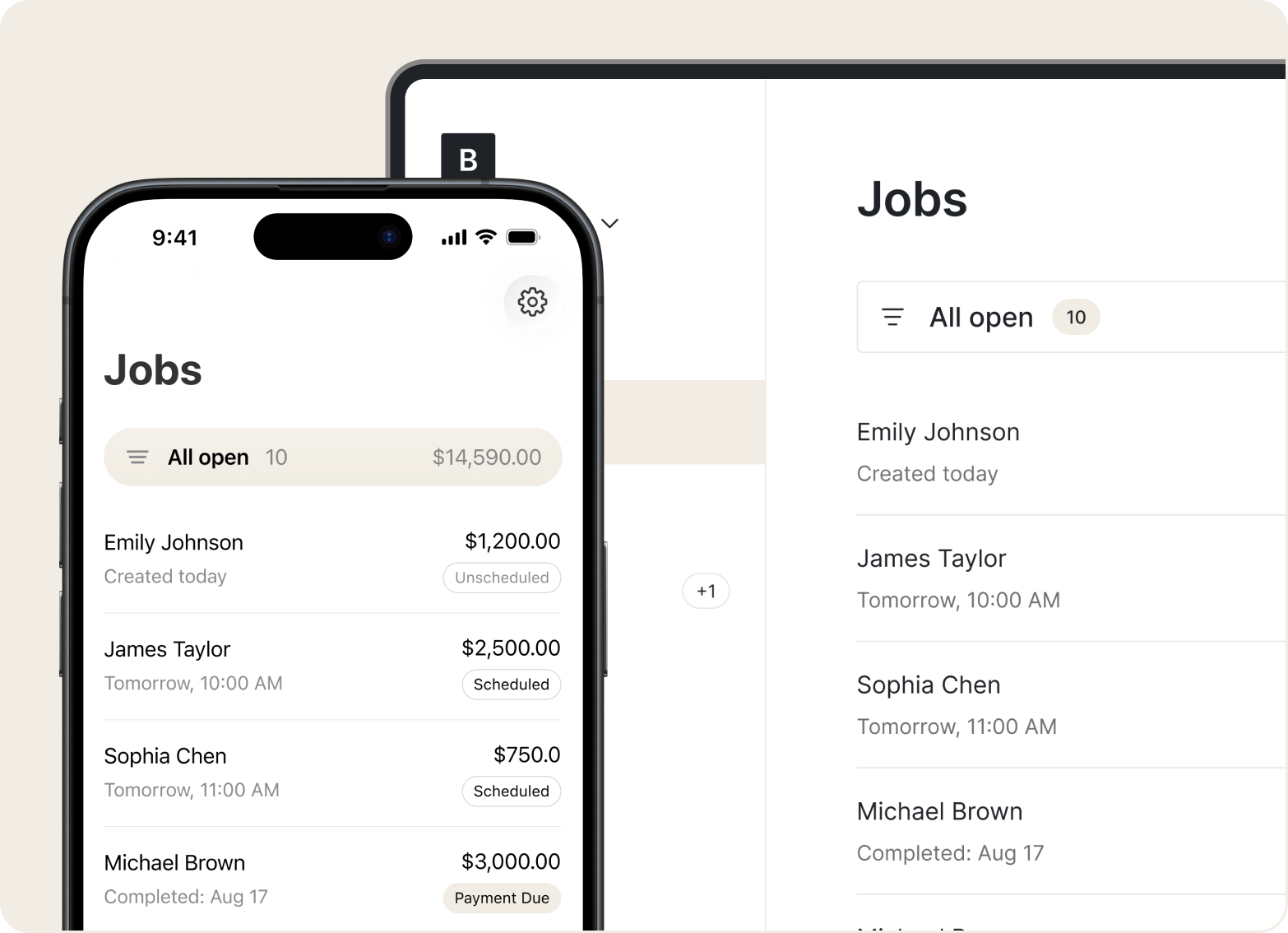
Set appointments, log job addresses, attach site photos, and follow each job from booked to completed – all from your phone.
Estimates
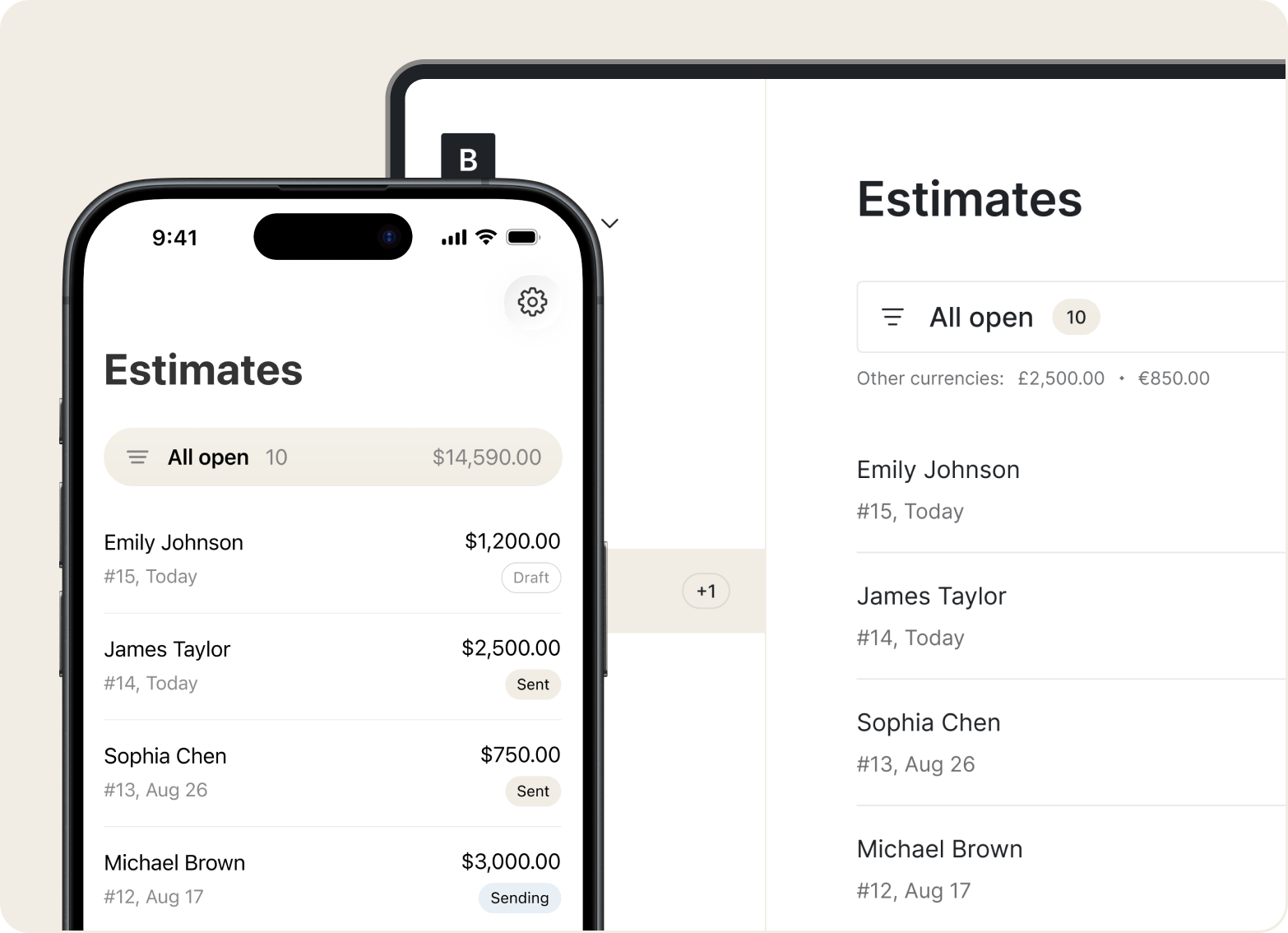
Quote planting, mulching, hardscaping, or lawn care in seconds. Add services, materials, and prep work, then share instantly with clients.
Price Book
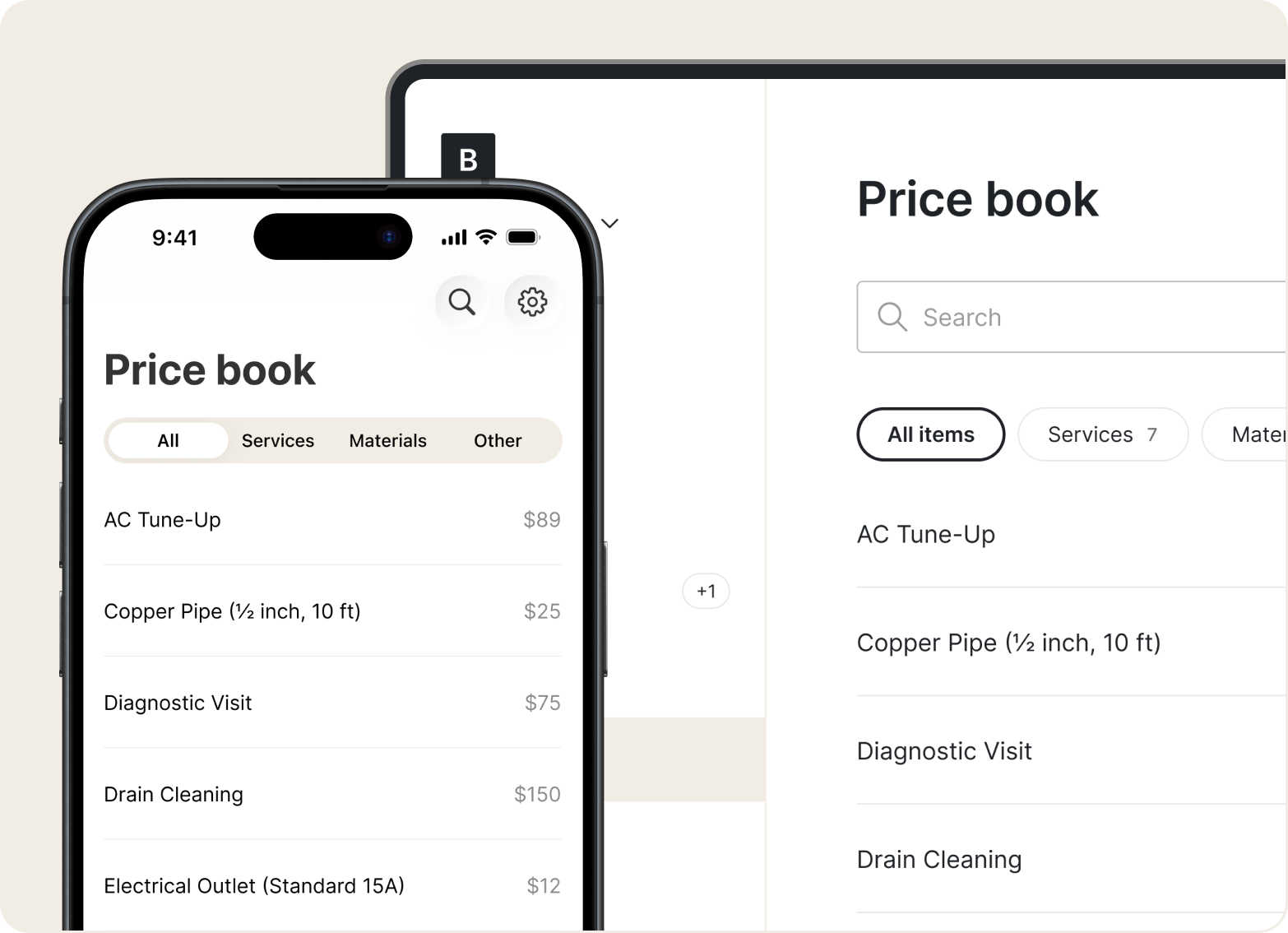
Store your go-to services and rates in the Price Book. Select from saved items when building quotes – no recalculating from scratch every time.
Invoices
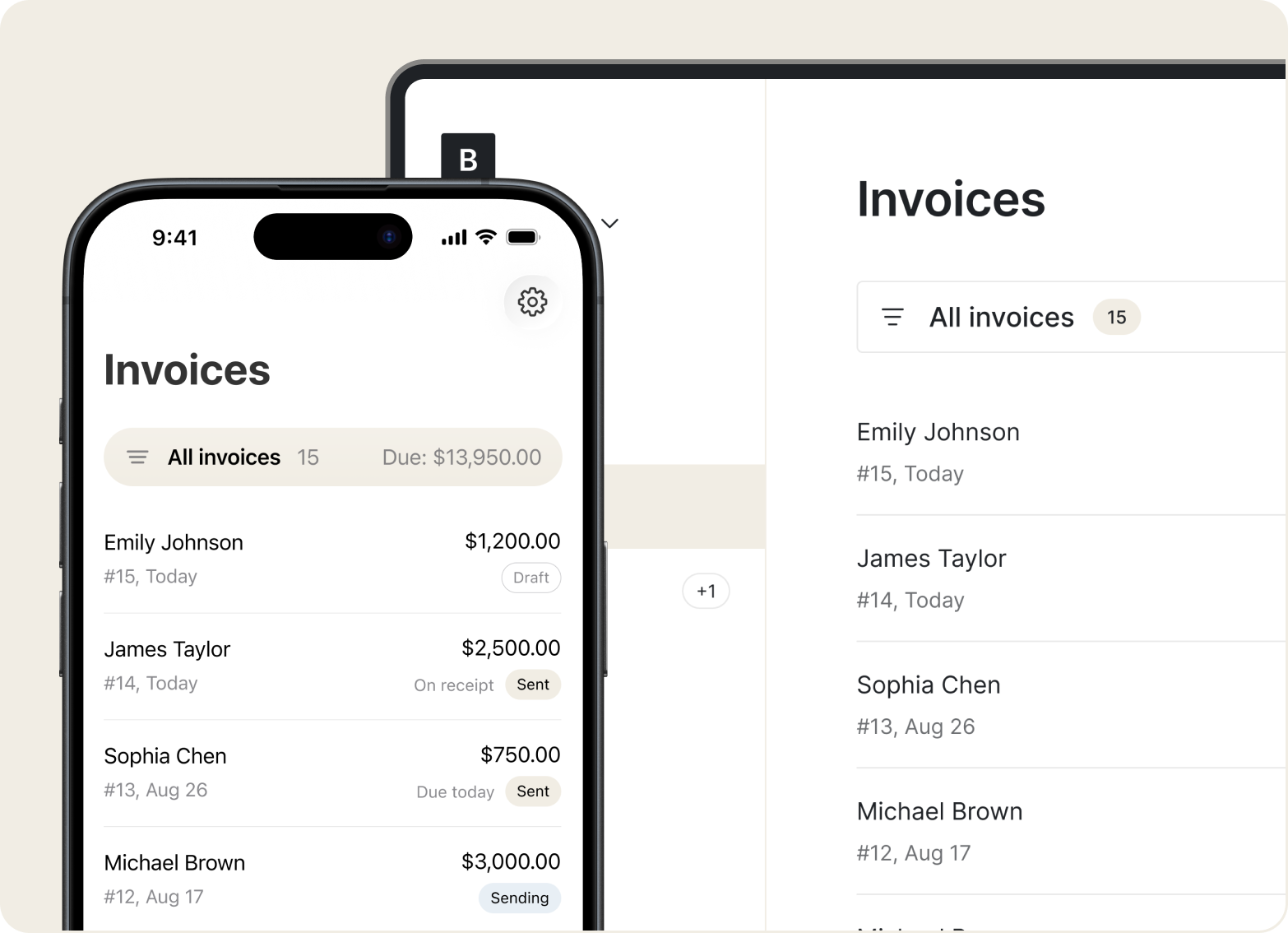
Build branded invoices for one-time jobs or ongoing contracts. Bill by visit, project, or season – whatever matches the job.
Mobile Access
Draft and save quotes and invoices offline. Tofu syncs everything as soon as you're back online.
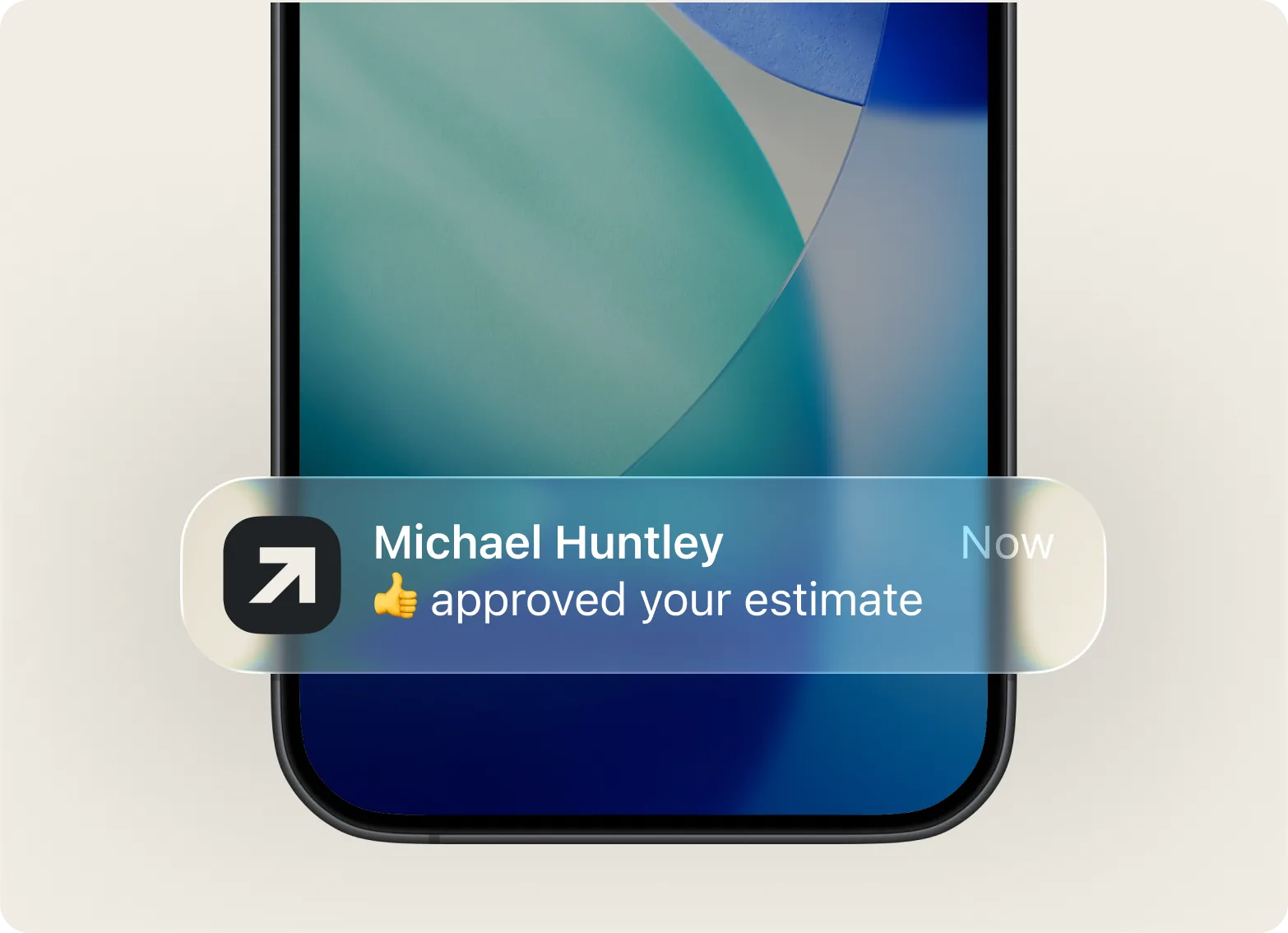
“Billing is all in one spot, and my customers can pay through the portal with Apple Pay – that makes it even better.”

Add your line items, hit send. No setup headaches – just a simple flow from estimate to payment that works on any phone.
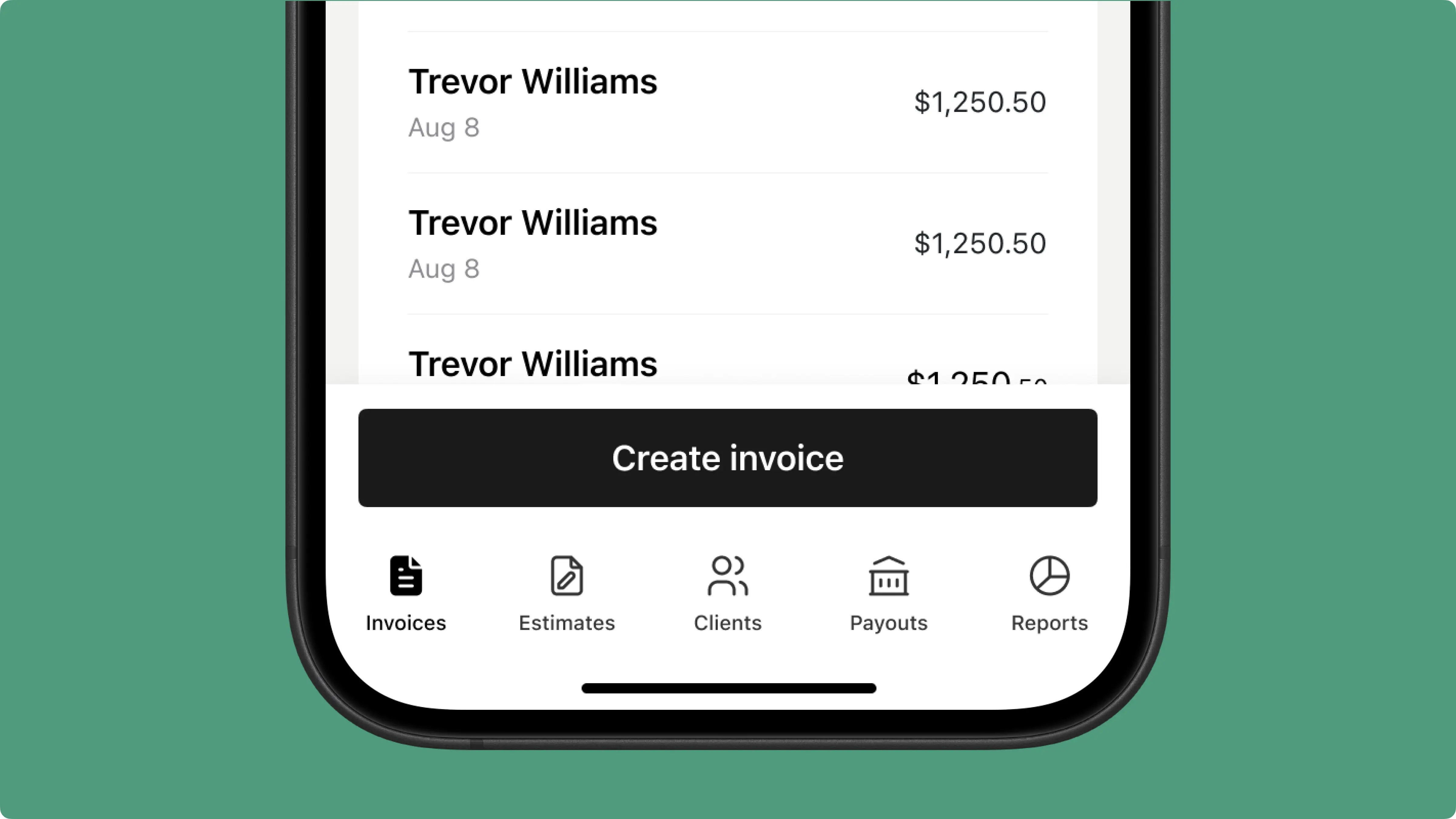
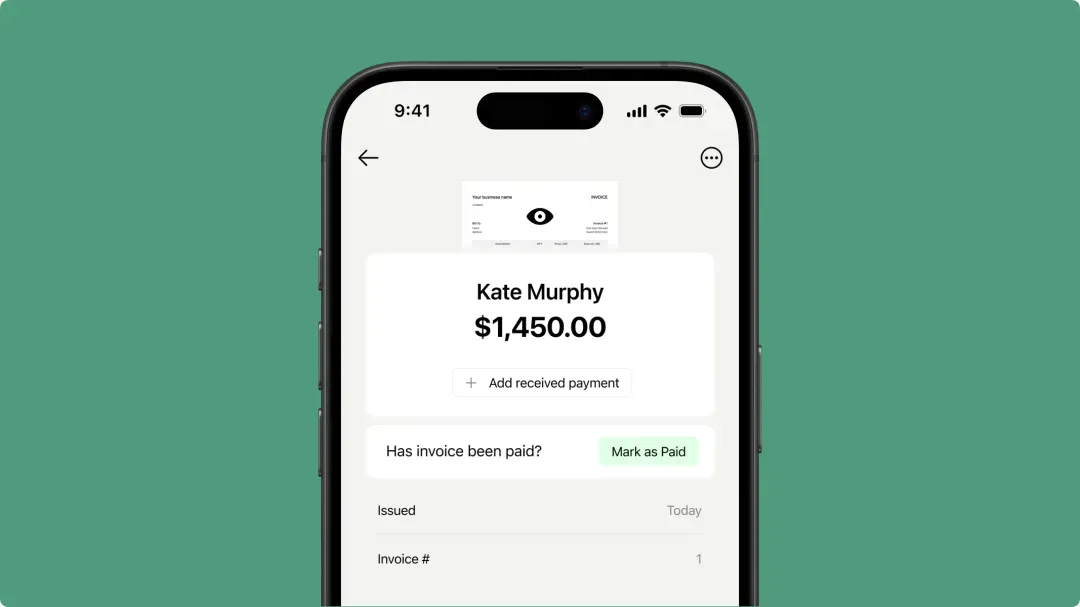
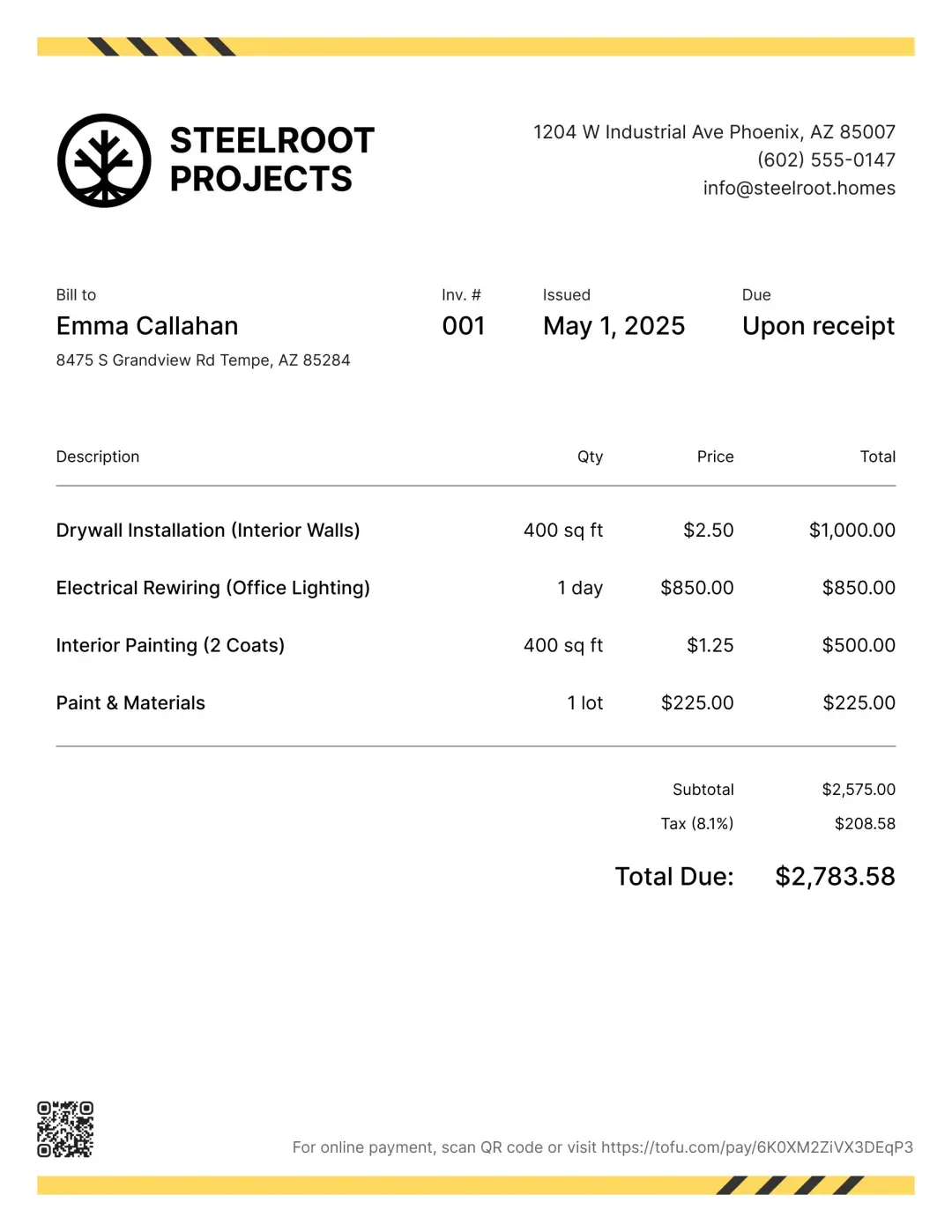
Send polished, branded invoices the moment you finish – whether you're trimming shrubs or wrapping up a full install.
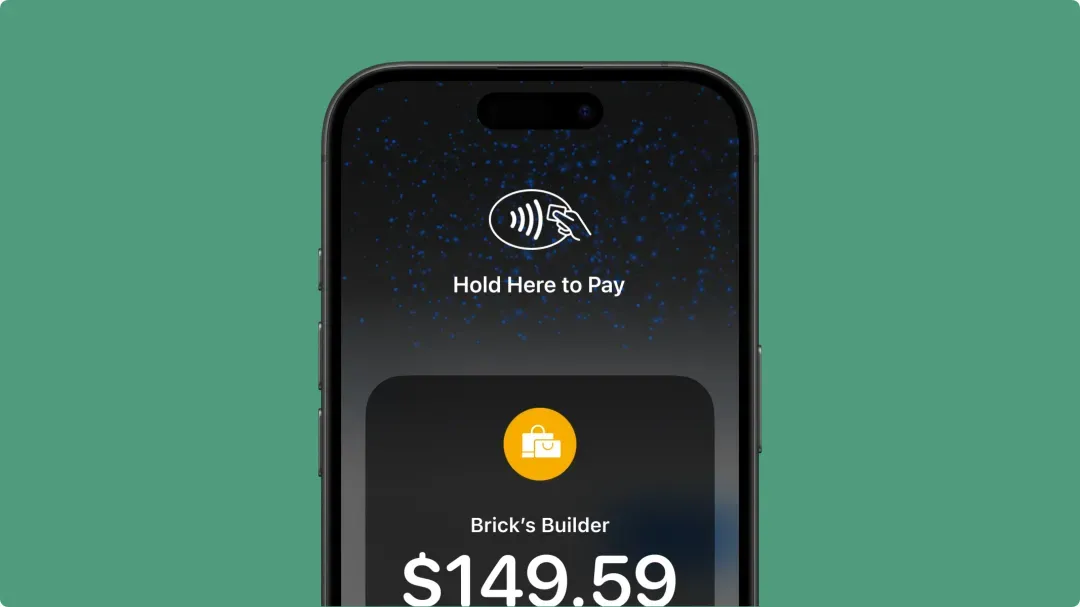
Accept cards, Tap to Pay, or mobile wallets right after the job. No waiting, no paper invoices to track down.
Track every quote, invoice, and payment in one place – weekly lawn care or a full landscape overhaul, nothing slips through.
Quote faster, invoice on the spot, and get paid instantly – all from your phone with Tofu.



