Simple to use from day one
No training videos. No week-long setup. Tofu works the way you think — open the app, tap what you need, and get back to work. Most contractor crews send their first invoice within minutes of signing up.
❤️
15,124
users joined last week

Client management
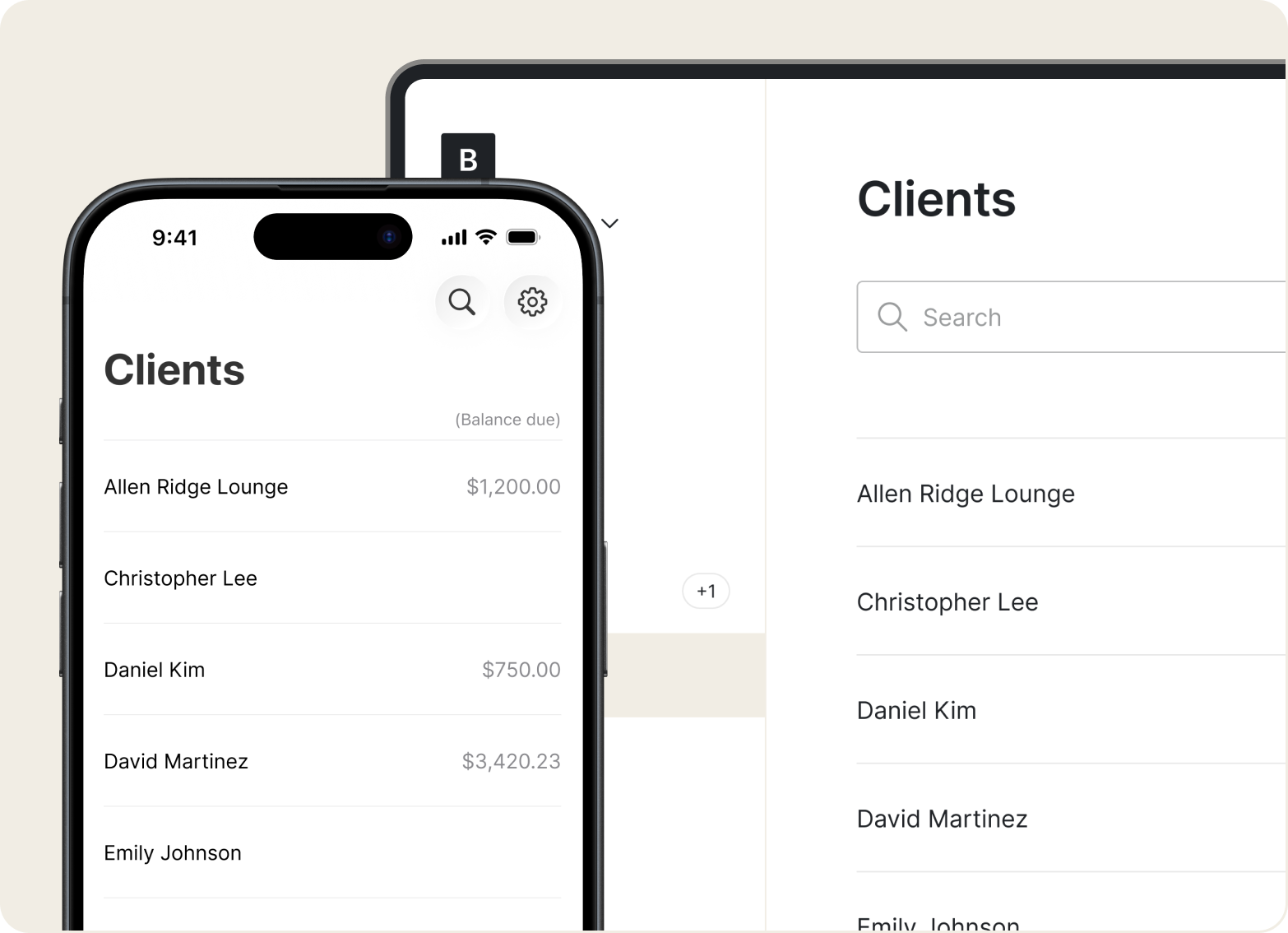
No more digging through texts and scribbled notes. Tofu keeps names, addresses, past services, pricing, and payment records in one searchable list you can open between painting jobs.

Multi-business support
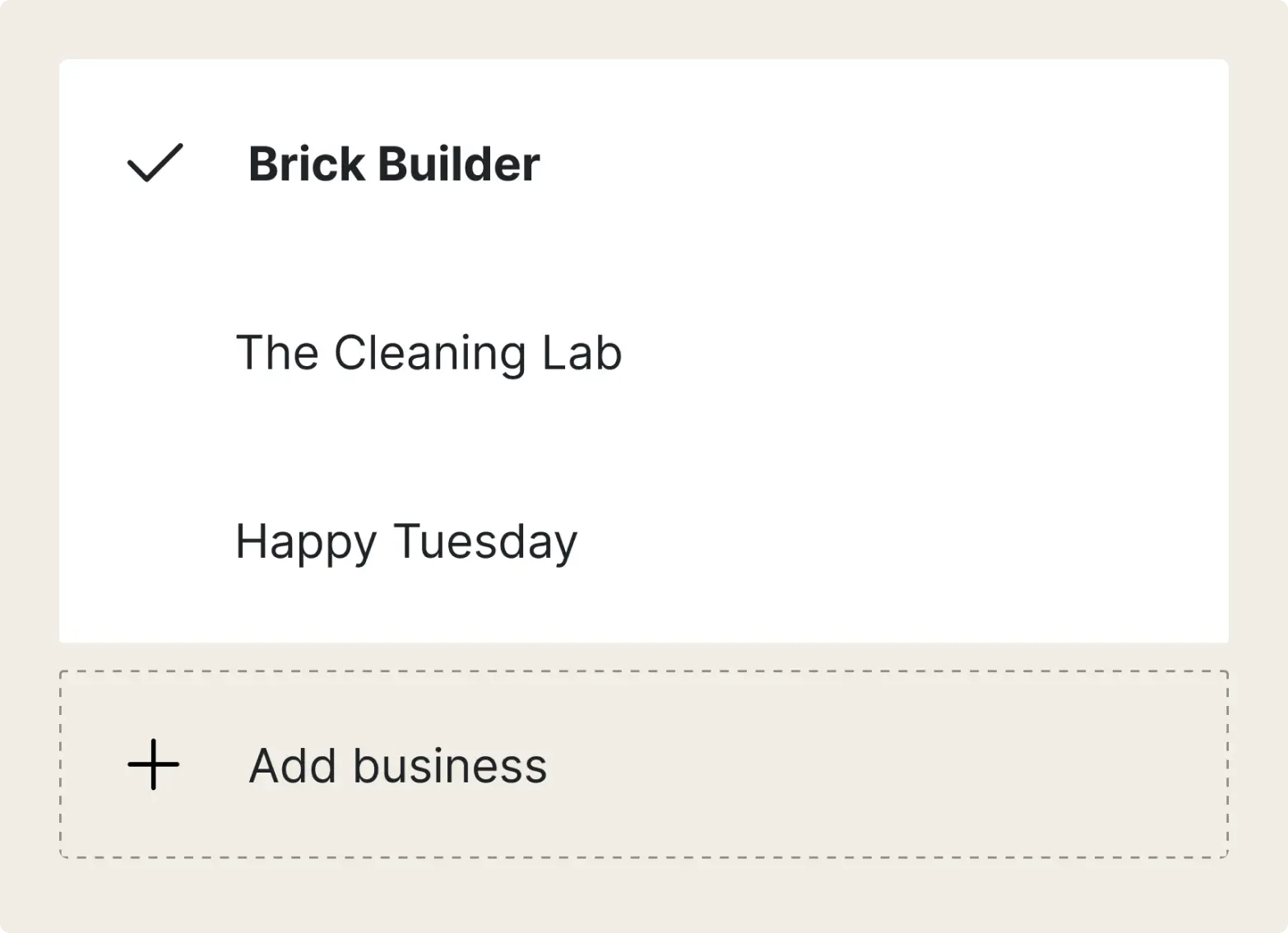
Run an interior painting crew and a side business? Keep separate profiles under one account. No need to switch apps or juggle logins.

Sharing options
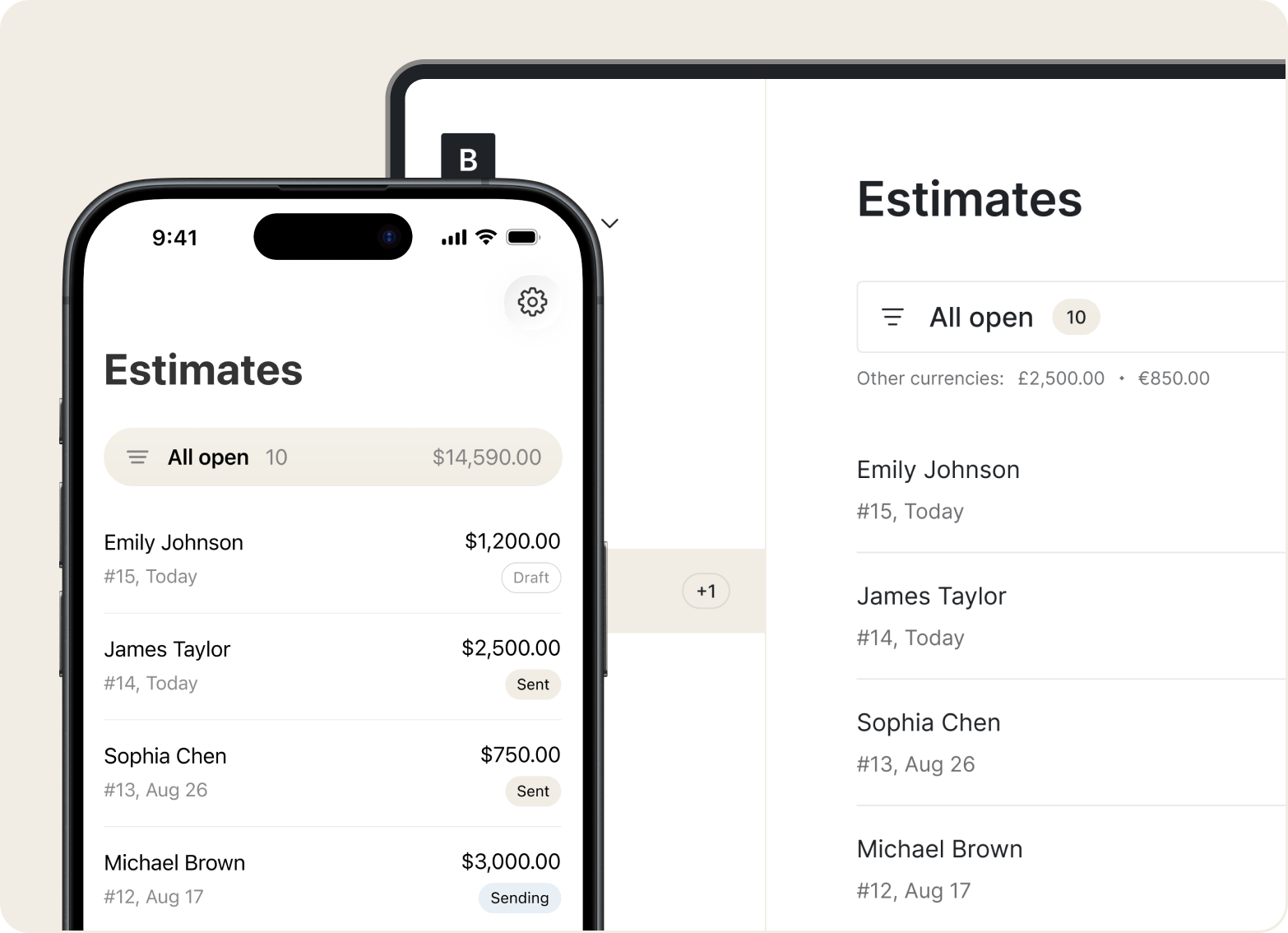
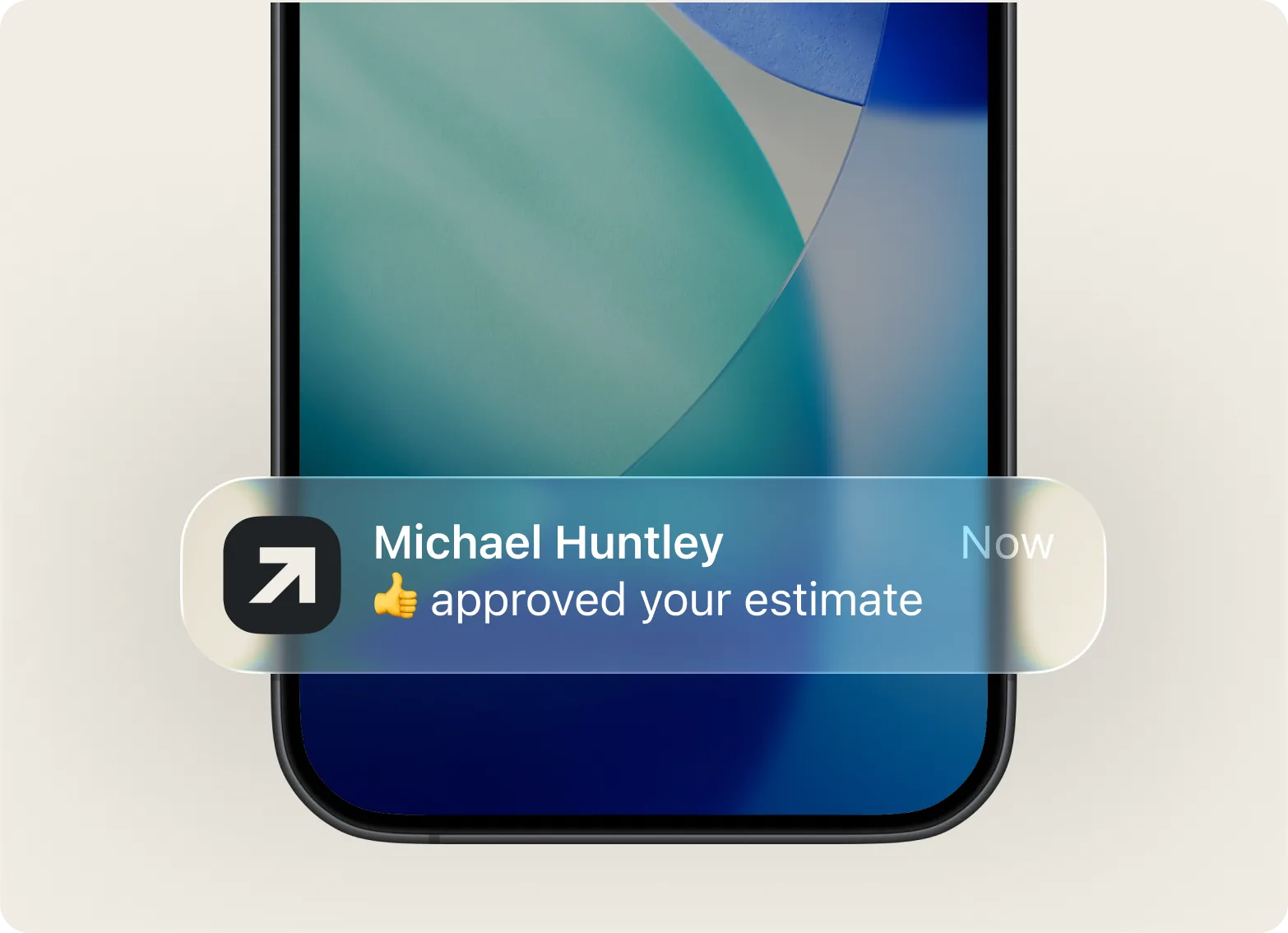
Send an estimate by text, email, or link. Real-time updates tell you when a client opens it, so you follow up at the right moment instead of guessing.

Estimate to invoice
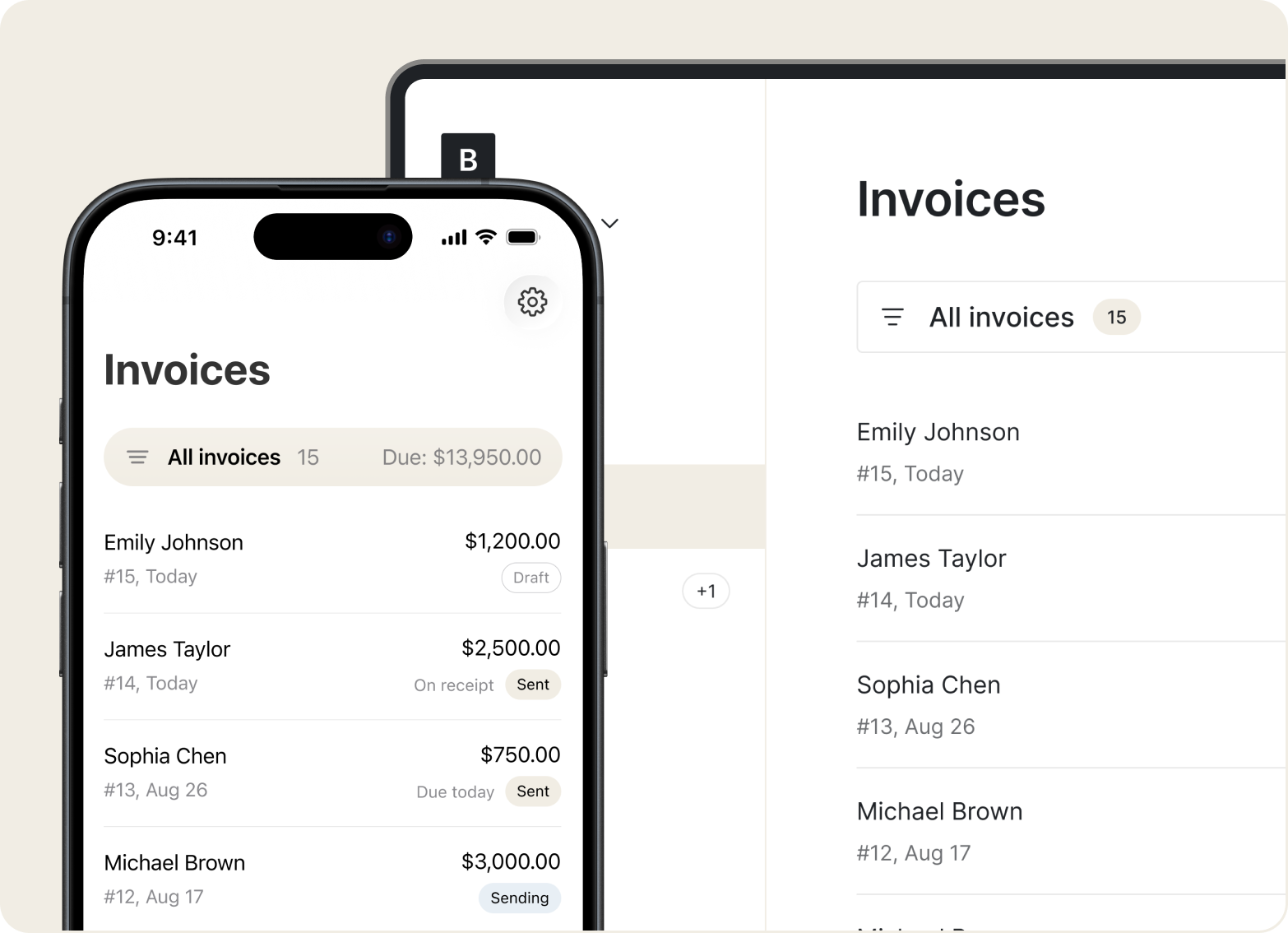
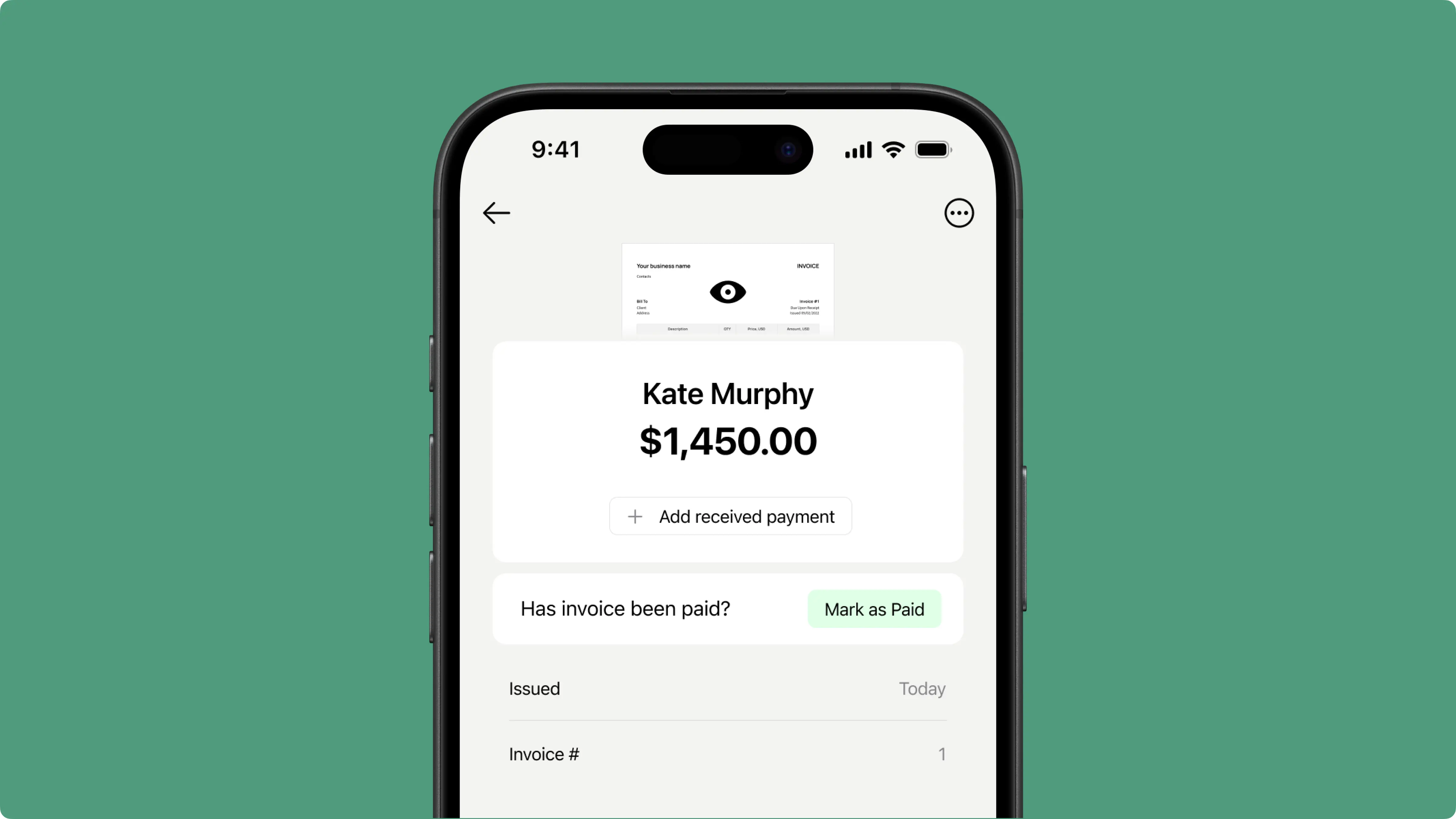
Client said yes? Turn the estimate into an invoice with one tap. All line items carry over, and you can check payment status from the same screen.

Mobile Access
Pull up communication history, invoices, and contact details from your phone, tablet, or desktop. Data sync happens automatically, so everything stays current whether you're on-site or at home.

“My invoices look sharp, and I know exactly when they’re seen.”

No training videos. No week-long setup. Tofu works the way you think — open the app, tap what you need, and get back to work. Most contractor crews send their first invoice within minutes of signing up.

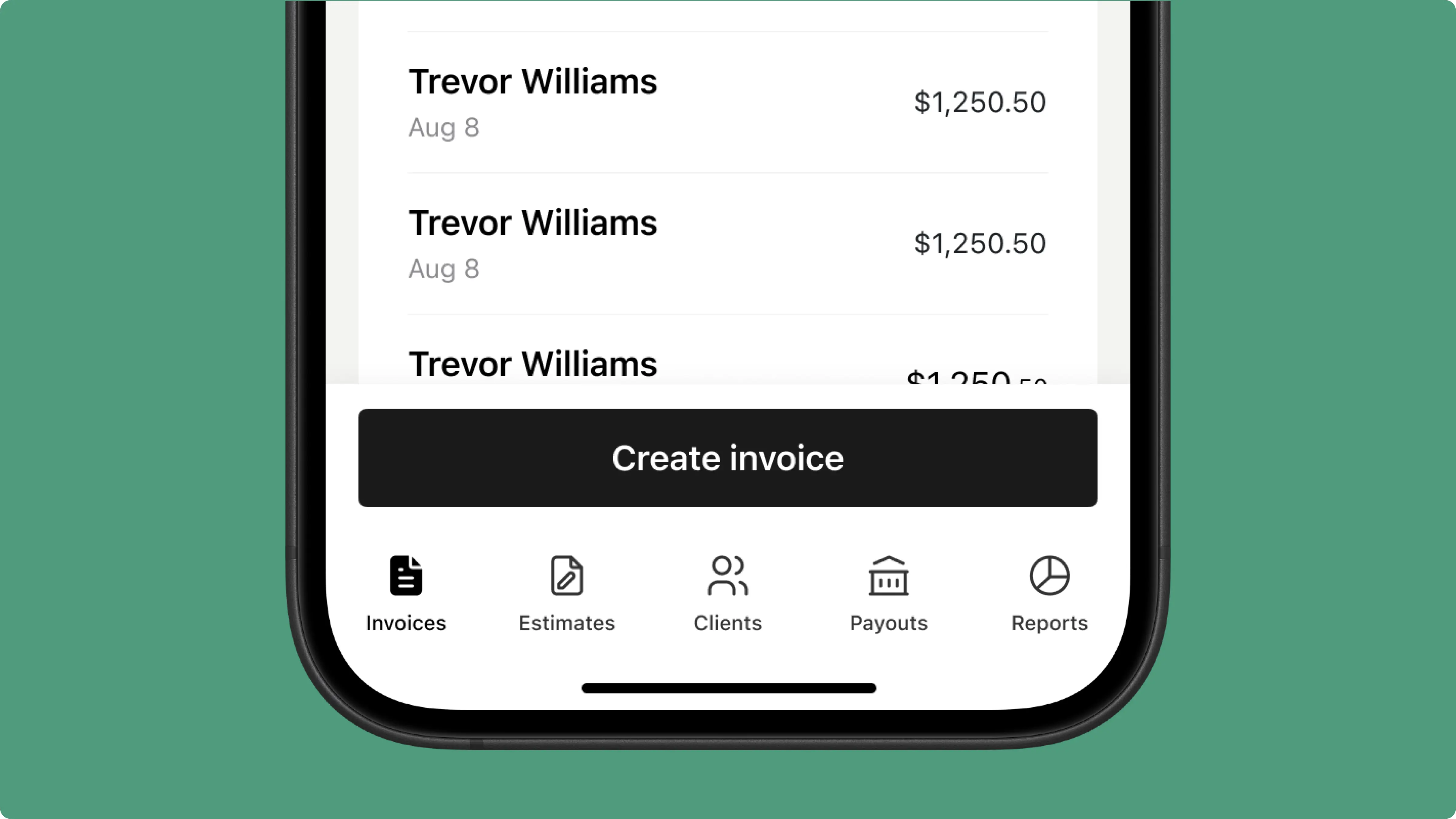
Every screen, button, and workflow was built for your phone first. Create an estimate in bright sunlight, send an invoice on site, and check past projects from the truck. No pinching, zooming, or fighting tiny menus.
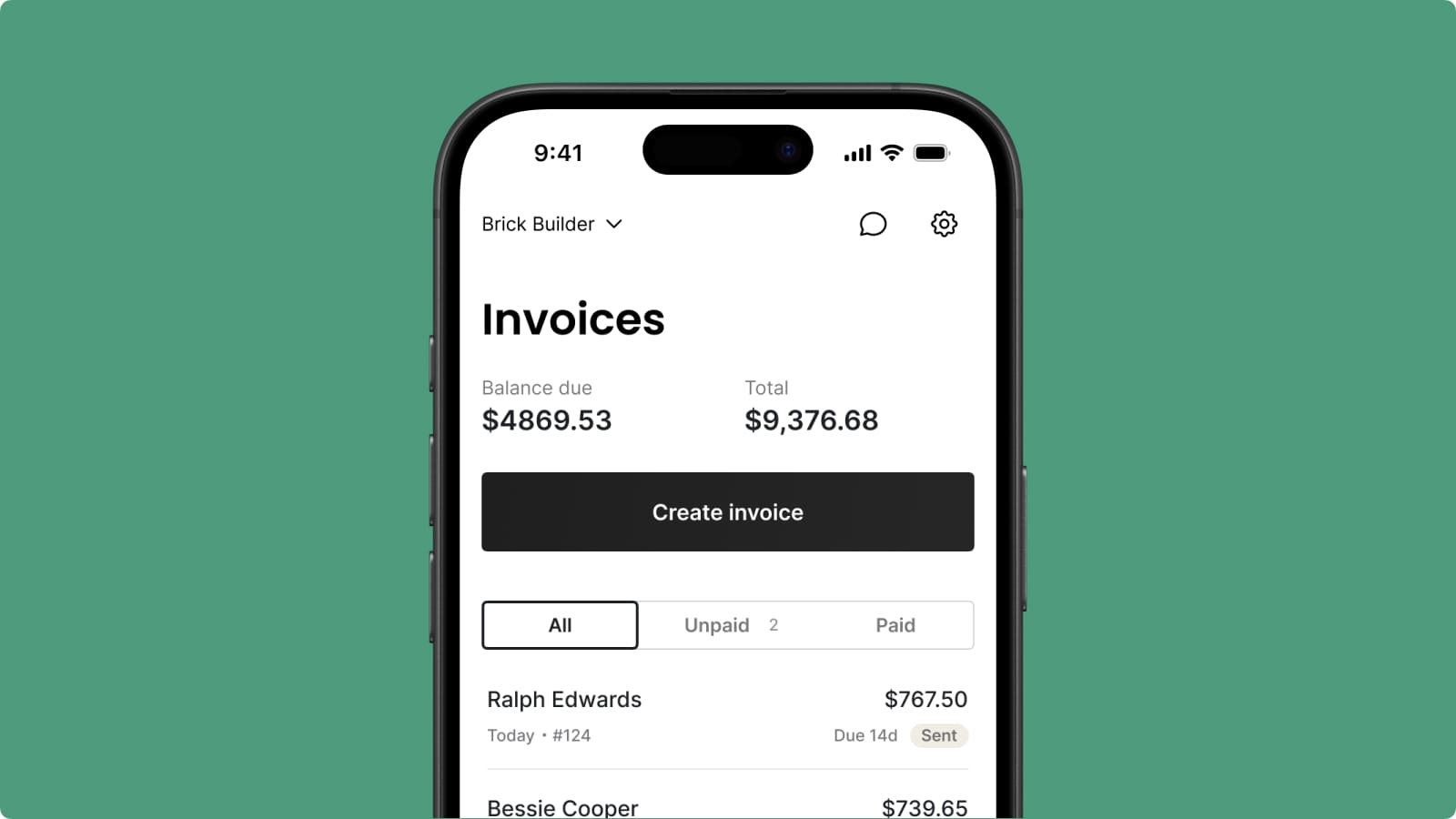
Basement, rural job site, concrete building — it doesn't matter. Create an estimate or invoice offline, and everything syncs automatically when you're back online. Your work never gets lost.
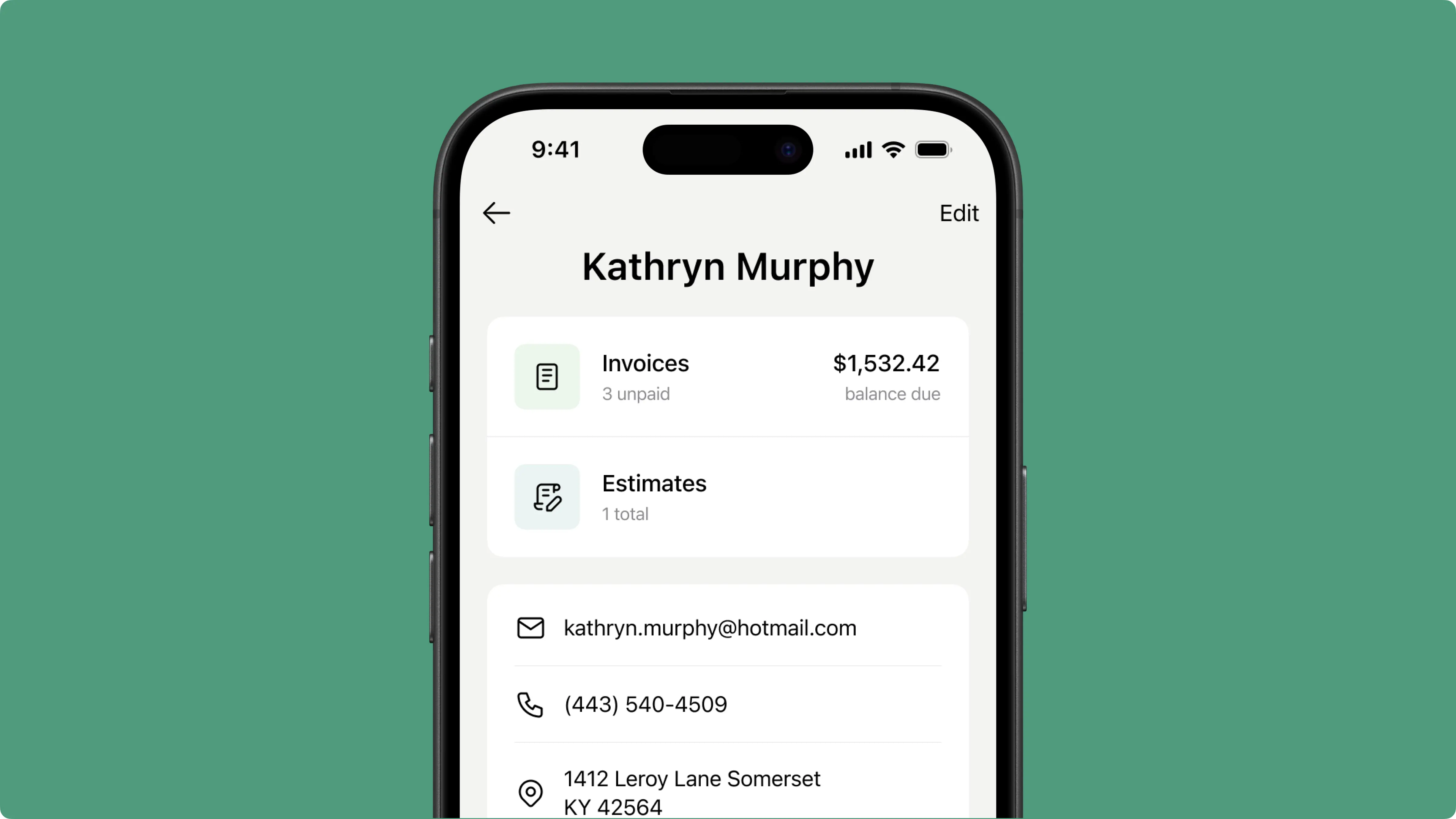
No scheduling modules, no inventory add-ons, no features you'll never open. Just what painting crews actually use: client records, job tracking, estimates, invoices, and payments.
Everything you need to know about the product and billing
CRM software helps painting contractors organize client details, track estimates, and manage job history in one place. For the painting industry, that means faster followups, fewer lost leads, and a clear sales pipeline from first call to final payment. Tofu is a CRM built for field service pros who need software for painting contractors that's simple enough to use between jobs. It helps automate the busywork so you can focus on the painting contractor software basics: clients, estimates, invoices, and getting paid.
Tofu works for residential painting crews, commercial painting teams, and any painting companies that need a simple way to manage customer records, estimates, and invoices. If your team works on job site after job site and you're tired of complex software for painting that takes weeks to learn, Tofu fits right in. No enterprise overhead, just the tools small crews actually use.
Tofu works best for solo contractor operations and small to mid-sized painting crews of up to 15 people. Whether you're a one-person painter or managing multiple teams, everyone shares client records, job history, and invoices in real time from a single dashboard. It's crm software for painting businesses that want to stay organized and grow your painting business without adding complexity.
Start by creating an estimate on site and sending it right away. Estimate tracking shows you when the client opens your quote, so you know when to follow up. Once approved, convert it to an invoice with one tap. From there, payment tracking keeps you updated on every dollar. Clients pay through Stripe integration using card, Apple Pay, or Google Pay – no extra devices needed.
Tofu is customer relationship management software that keeps every client in a searchable list. Each profile holds contact details, job history, estimates, invoices, and quote delivery status. Instead of flipping through notebooks or old texts, you pull up a name and see the full picture. It's relationship management built around how painting crews actually work – fast lookups, not complicated menus.
Yes. You can add contact notes, job site photos, material receipts, and special instructions directly to jobs, estimates, and invoices. Everything links to the correct customer records automatically. So when you need to check a paint color from a previous job or find a receipt, it's already filed in the right place – no digging through your camera roll.
Every client has customer profiles that show project status, past jobs, estimates, invoices, and payments in one place. Need to reference a previous quote before pricing a new job? It's right there. Following up on an unpaid balance? You can see what's overdue without switching screens. One tap and you have the full picture.
Contact management in Tofu connects everything. Add a client once and their information carries over to every estimate, job, and invoice you create for them. When you convert an estimate to an invoice, client information flows automatically. That's what helps streamline your workflow – no retyping names, addresses, or job details across separate documents.
Yes. Every invoice status – paid, pending, or overdue – is stored with the client record. You can spot who's behind at a glance and send a reminder right from your invoice list. No more digging through spreadsheets or guessing who owes what. It's spreadsheet elimination for your payment tracking.
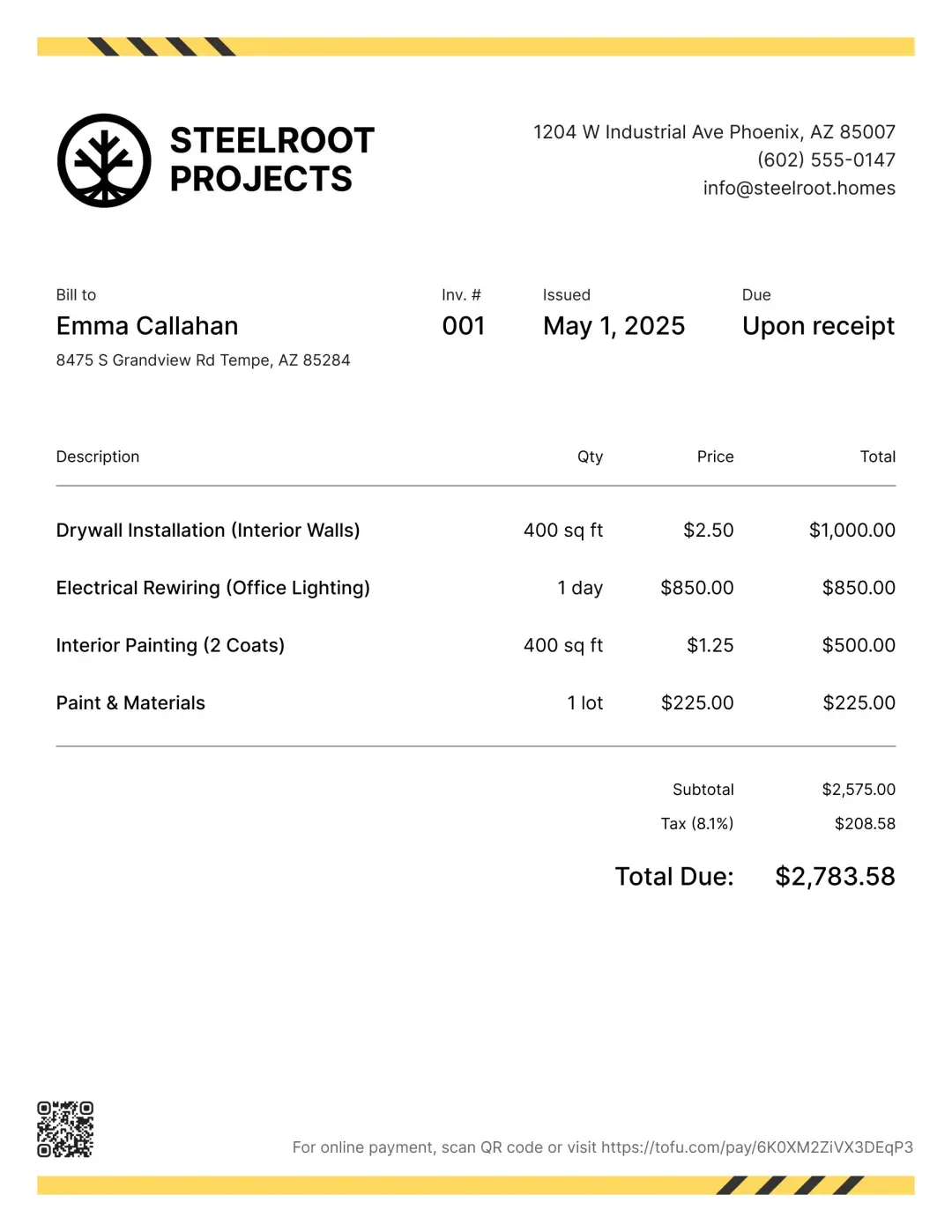
Yes. Add your logo, business details, and choose colors so every estimate and invoice matches your brand. Pick a template that fits your style and preview it before sending. Your clients see a clean, professional document – not a generic form. It takes a few taps to set up and applies to everything you send going forward.
Yes. Add tax as a percentage and choose whether it's included or excluded from the total. You can also apply discounts as a fixed amount or percentage to individual items or the whole estimate or invoice. Tofu handles the math automatically – no manual calculations needed.
Less paperwork, more time on the job that pays. Store client details, send estimates, create invoices, and track payments – all from your phone.