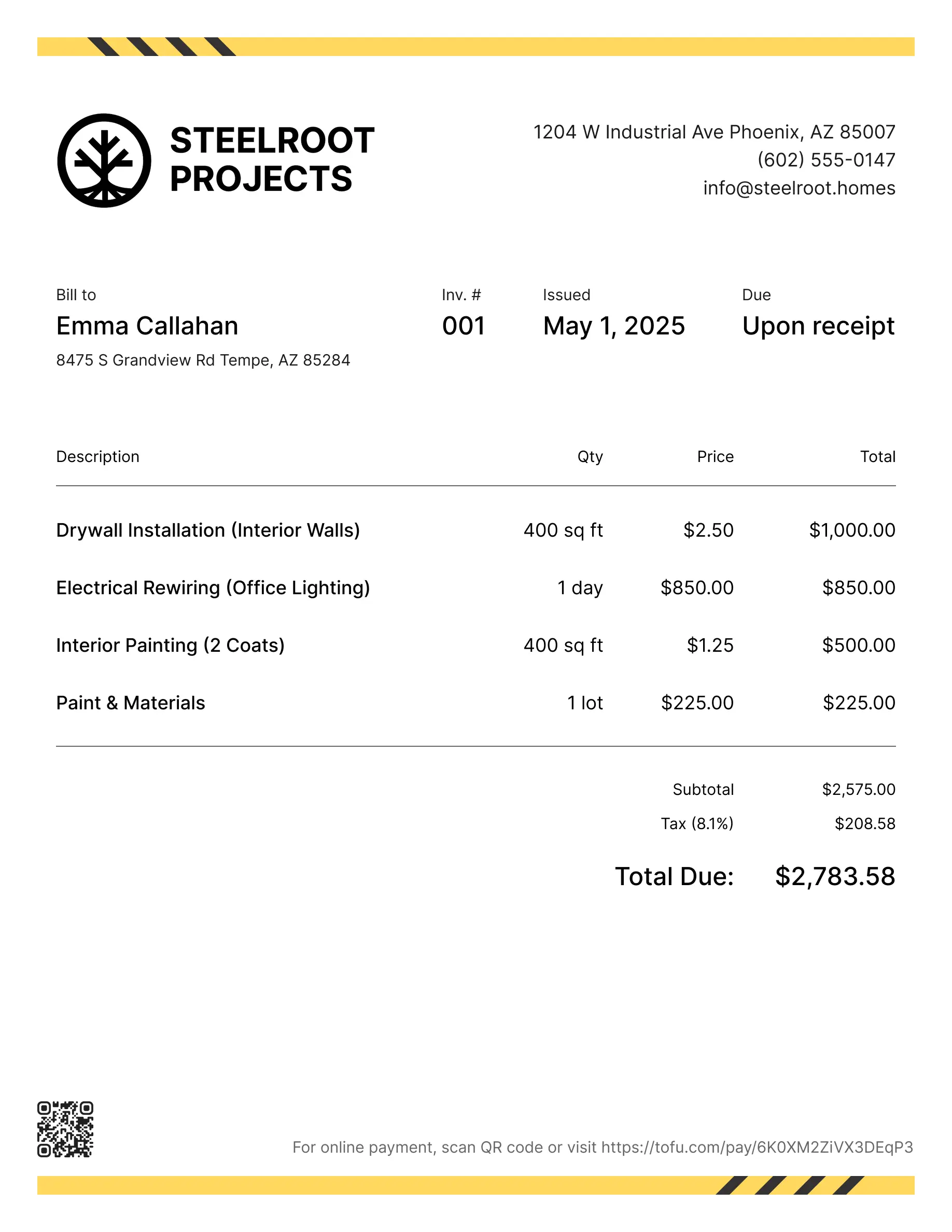
Flooring invoice templates
Bill clients for materials, prep work, installation, or room-by-room breakdowns. Tofu's ready-to-use invoice templates make it simple. Choose your format, add a personal touch, and download.
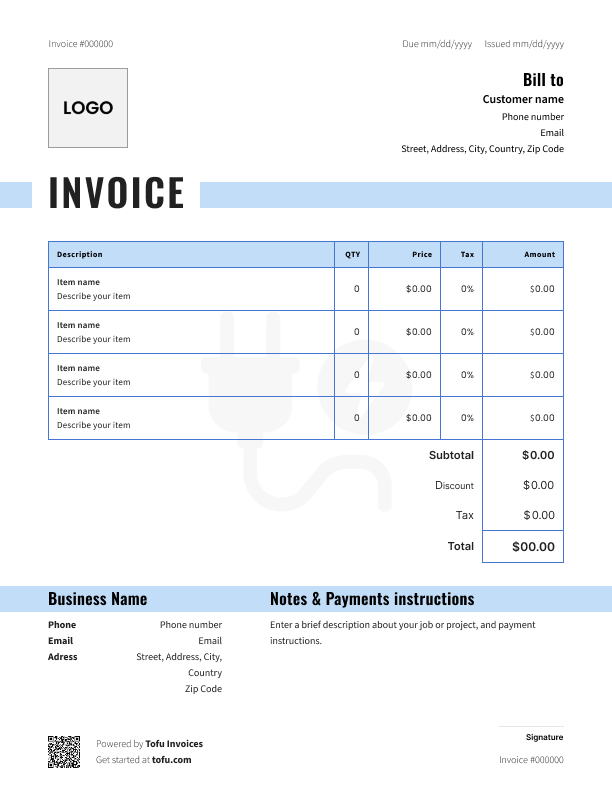
Free flooring installation invoice templates
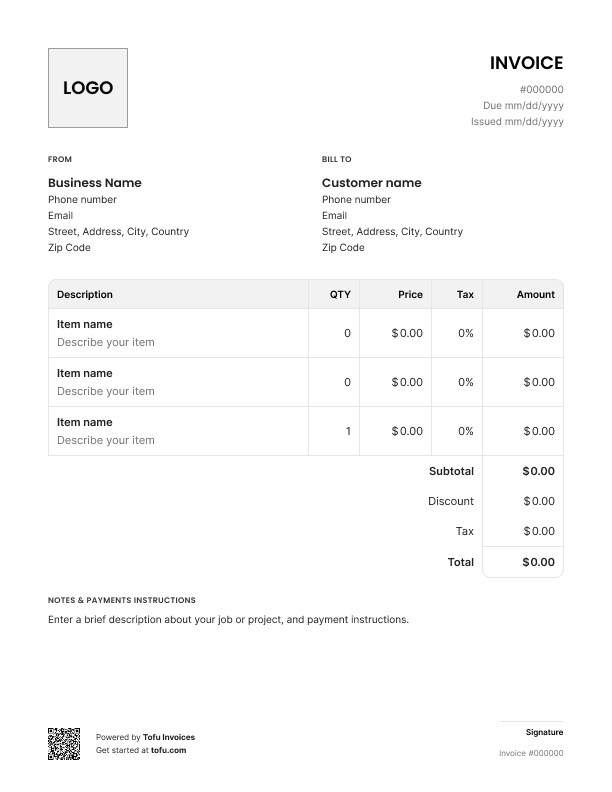
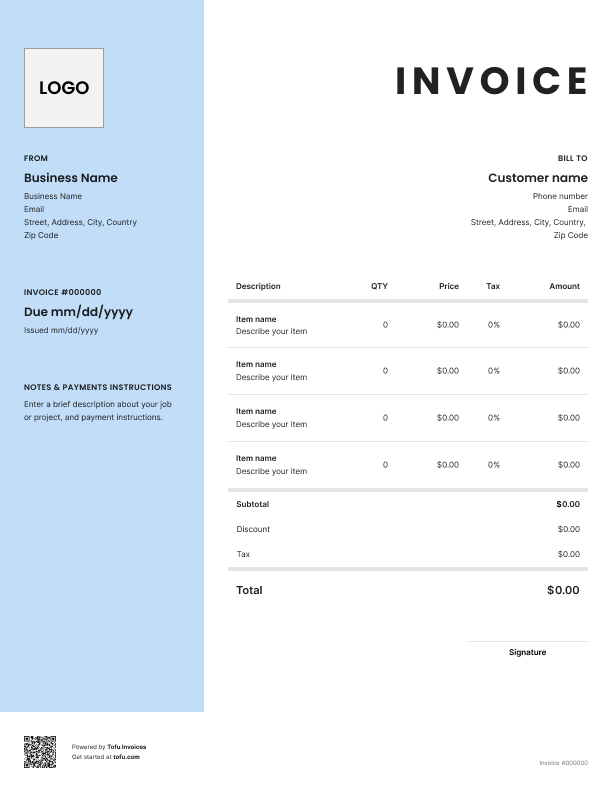
No two flooring jobs cost the same. Hardwood runs different from carpet. Tile jobs include adhesive. Some clients want old flooring pulled first. That's a lot of variables — and if your invoice doesn't reflect them clearly, you're set up for a dispute or a slow payment. A flooring invoice template fixes that.
Whether you're billing for a full fit or a repair, a flooring installation invoice template gives you a pre-formatted, ready-to-fill document that's easy to read and hard to argue with. In this guide, you'll learn what to include, how to fill one out, and how templates streamline the invoicing process.
What to include in a flooring invoice template
Every flooring invoice needs the same core information. Miss any of it and you risk confusion, delays, or a client who claims they never agreed to the price. Here's what to include in a flooring invoice:
- Invoice number — for record-keeping and tracking payments
- Client information — full name and address for billing accuracy
- Your business details — company name, contact info, VAT number if applicable
- Invoice date and payment due date — anchors the payment timeline
- Line items — every material and labour charge listed separately
- Square foot pricing — quantity and rate per sq ft for each flooring type
- Flooring materials — what was installed, how much, and at what cost
- Payment terms — when you expect to be paid and any deposit conditions
- Payment method — how the client can pay you
Every field earns its place. Invoice numbers make it easy to track who's paid. Clear payment terms mean clients can't claim they didn't know when money was due. Breaking out flooring materials separately means no one can dispute what they bought.
Flooring-specific fields that generic templates miss
A generic invoice template doesn't know about adhesive, subfloor prep, or that hardwood and carpet get priced differently. That's why industry-specific fields matter — a proper flooring contractor invoice accounts for all of it.
- Flooring type — specify the type of flooring installed: hardwood, carpet, tile, LVT, or wood, so there's no ambiguity
- Square footage per area — break it down by room, not just a total
- Adhesive and subfloor prep costs — separate line item, not bundled into labour
- Old flooring removal — clients forget they asked for it; charge for it clearly
- Warranty terms — what's covered and for how long; protects you if a client comes back months later
Your next invoice is 60 seconds away
Open Tofu, add the details, send a pay link. Your client gets it while the work is still fresh.
Rated excellent on review platforms

Absolutely amazing! It’s saves so much time and it gives you the professional touch needed to make you look good!
★ ★ ★ ★ ★
Tony W., TrustpilotTofu works with Stripe for on-site card payments, lets me turn estimates into invoices, and instantly syncs jobs, photos, and client notes offline.
★ ★ ★ ★ ★
Tofu user, G2
I use Tofu for my cleaning business, and it solves so many problems for me. I consider it a complete success for myself and my employees.
★ ★ ★ ★ ★
Marjorie N., G2Easy to use and straightforward! Been using it for over a year now!
★ ★ ★ ★ ★
Manuela M., TrustpilotI need some basic features like send estimate, invoice, track my jobs and get money. Tofu is good for that.
★ ★ ★ ★ ★
Tofu user, G2I love it 10 out of 10 would highly recommend to anyone
★ ★ ★ ★ ★
David M., CapterraHow to create a flooring invoice using a template
You can fill out a flooring invoice template in a few minutes. Here's how:
- Download the template — choose your format: a downloadable flooring invoice in PDF, a PDF invoice you fill in online, Microsoft Excel, Microsoft Word, or Word or Google Docs if you prefer cloud editing
- Add your business details — name, address, phone number, and any relevant licence or VAT number
- Enter the client information — full name, address, and contact details for billing accuracy
- Fill in the invoice number and dates — use a consistent numbering system and set a clear payment due date
- List flooring materials as line items — include the type of flooring, quantity in square feet, and cost per sq ft
- Add labour separately — break out installation labour from material costs; this is where most billing disputes come from
- Calculate totals and set payment terms — include any deposit already paid, the remaining balance, and how you want to be paid
That's it. You can create a complete flooring invoice in minutes — no accounting background needed.
Separating material costs from labour
⚠️ Important: Always split materials and labour into separate line items. Clients who question pricing on materials like hardwood or tile need to see exactly what they're paying for. One bundled total invites pushback. Two clear sections don't.
Here's the difference in practice:
Bundled (avoid this):
- Flooring installation — £1,400 total
Itemised (do this):
- Materials: 60 sqft engineered hardwood @ £12/sqft — £720
- Labour: installation, 60 sqft @ £8/sqft — £480
- Old flooring removal — £200
The second version shows the client exactly where the money goes. It reduces price shock, makes disputes easier to resolve, and documents your expense breakdown clearly. When you itemize labor and material costs separately, it's easy to read and hard to argue with. Labor costs and material costs should never share a line — that's where disagreements start.
How to customise your flooring invoice template
A downloadable flooring invoice template gives you the structure. Customising it makes it yours. The right customizable template lets you create professional flooring invoices that look unique to your business.
Most editable formats — Microsoft Word, Google Docs, or a PDF invoice — let you:
- Add your company logo and brand colours to look professional
- Edit service descriptions to capture the specific services you provided and the type of flooring installed
- Insert your standard warranty language so it appears on every invoice automatically
- Adjust the layout for different job scopes — a full installation looks different from a repair job
A fully customizable template that reflects your company builds client trust and reputation. Software tools can take this further with automation, but a well-set-up Google or Microsoft template gets the job done for most flooring installers.
Benefits of using flooring invoice templates
Here's what a good template actually does for your business:
- Saves time — filling in details, not building from scratch after every job
- Keeps things consistent — every client gets the same professional flooring invoices
- Reduces billing errors — pre-set fields mean fewer forgotten line items
- Helps you get paid faster — clear documentation removes any excuse for delay
- Builds trust — a professional invoice tells clients you run a serious business
- Protects you in disputes — a documented record of exactly what was agreed
Invoice and flooring estimate templates streamline the invoicing process — no missed fields, no chasing clients over unclear charges. High-volume flooring businesses often move to a flooring invoice generator that auto-fills details and tracks payments. But a free invoice template is the right starting point. Use a template to streamline first and improve efficiency without added complexity.
Types of flooring invoices: per-project vs. hourly billing
How you bill depends on the job. Picking the wrong method causes problems.
- Per-project (flat-rate) billing: Best for full flooring installations where you know the square footage and flooring type upfront. Price is agreed before work starts, overhead is predictable, no surprises for the client.
- Hourly billing: Better for repairs where the full scope isn't clear until you start. You charge for actual time spent — keep a simple spreadsheet to back up your hours. Be clear upfront that this is how you're billing.
- Mixed billing: Some flooring projects need both. A flat rate for the installation invoice, then hourly for subfloor repairs mid-job. When you use a flooring invoice with mixed billing, note the fee structure at the top. Standard practice for pro flooring contractors.
Common flooring invoicing mistakes to avoid
These mistakes show up constantly. They slow payment and damage your reputation.
- Bundling all costs into one total → Fix: always separate materials, labour, and extras like removal or subfloor prep
- Leaving out the flooring type → Fix: specify hardwood, tile, carpet — vague service descriptions create disputes
- No square footage on line items → Fix: every material line should show quantity in sq ft and price per sq ft
- Missing payment terms or payment deadline → Fix: include both on every invoice; "due on receipt" isn't a deadline
- No deposit receipt → Fix: if you took a deposit, reference it on the invoice with the amount and date
- No warranty details → Fix: add a brief note — what's covered, what isn't, and for how long
- Sending invoices late → Fix: invoice customers the same day the job is done
Every one of these is easy to fix with a properly structured template. Make sure client details, services you provided, and all line items are filled in correctly — an invoice that's easy to read gets paid faster than one the client has to decode.
Invoices are just the start
Every client, job, estimate, and payment lives in Tofu – ready to pull up in seconds, wherever you are.
FAQs
Everything you need to know about the product and billing

Still have questions?



Create the perfect invoice for your business
Get started for free