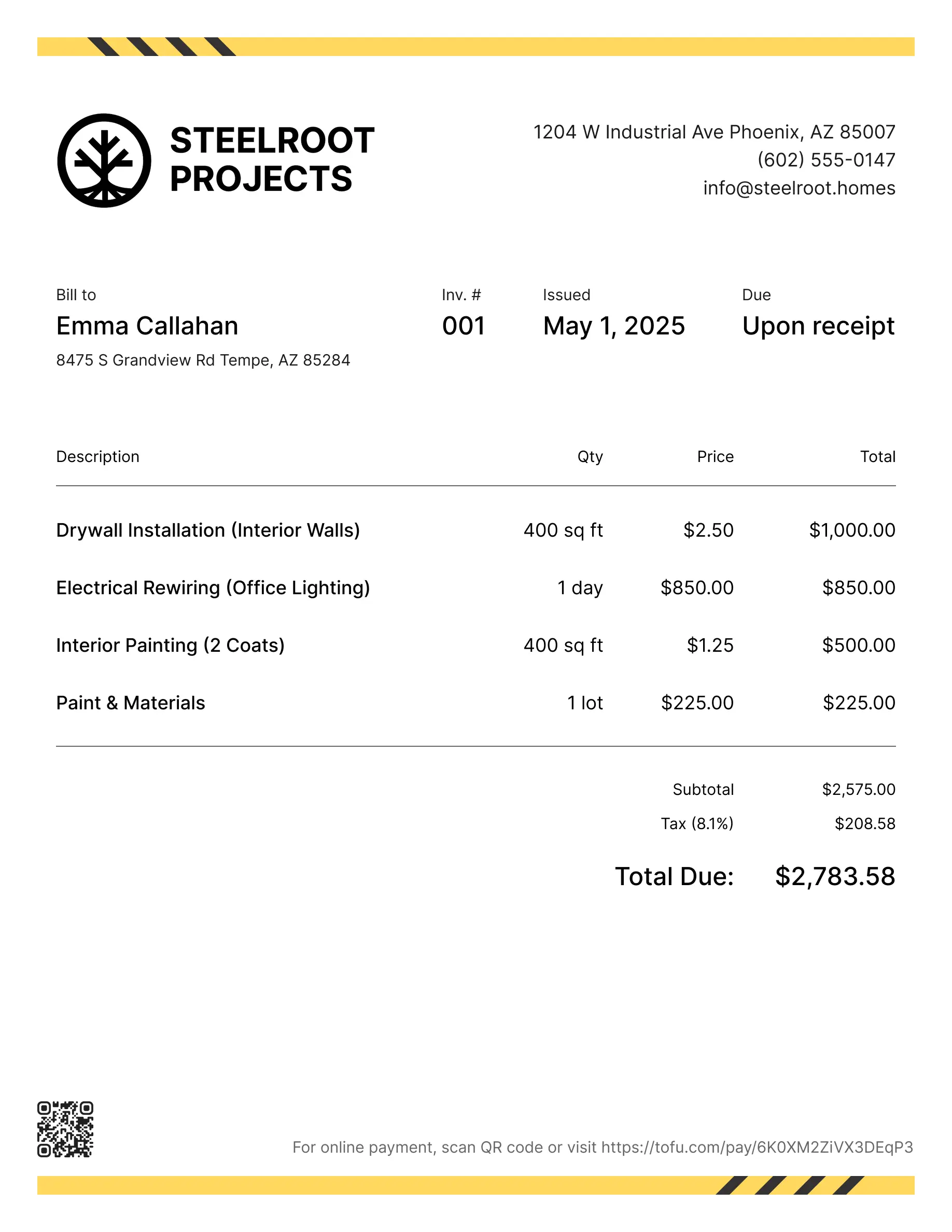
Lawn care invoice templates
Bill clients for mowing, edging, fertilizing, or recurring lawn care schedules. Tofu's ready-to-use invoice templates make it simple. Choose your format, add a personal touch, and download.
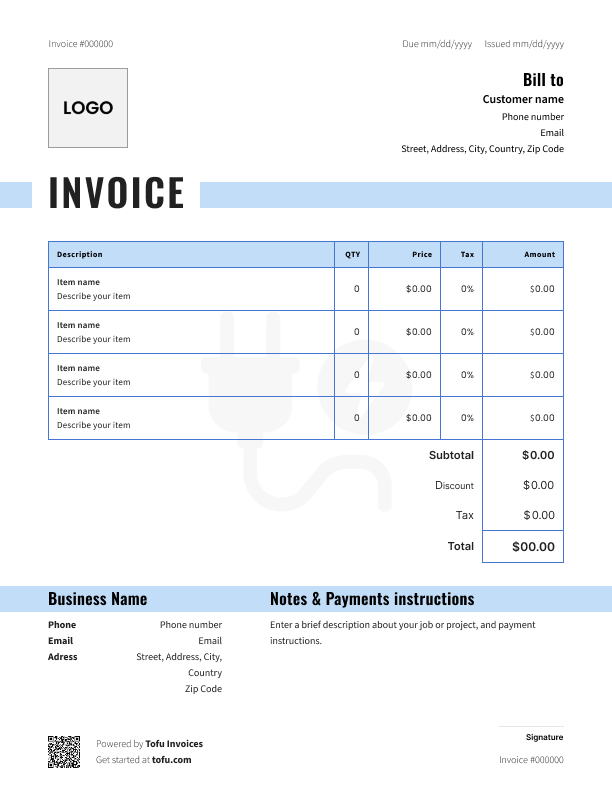
Free templates designed for lawn care pros
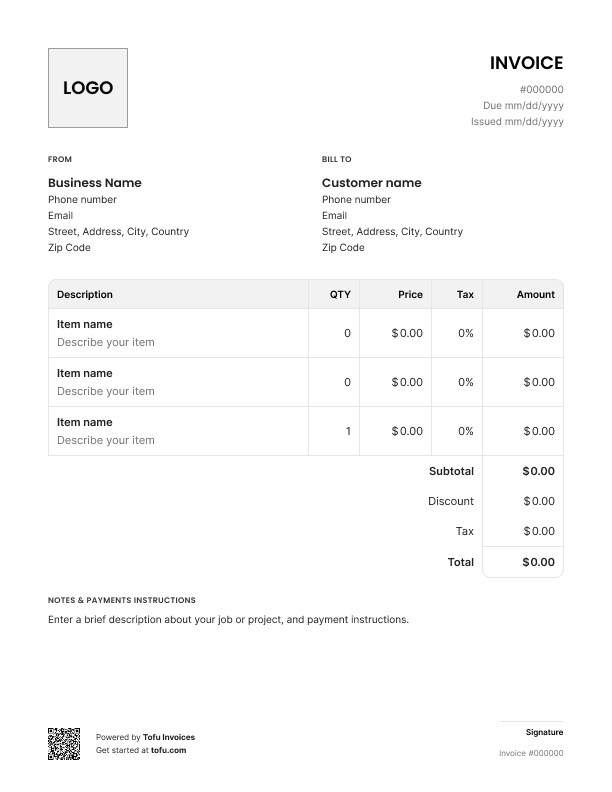
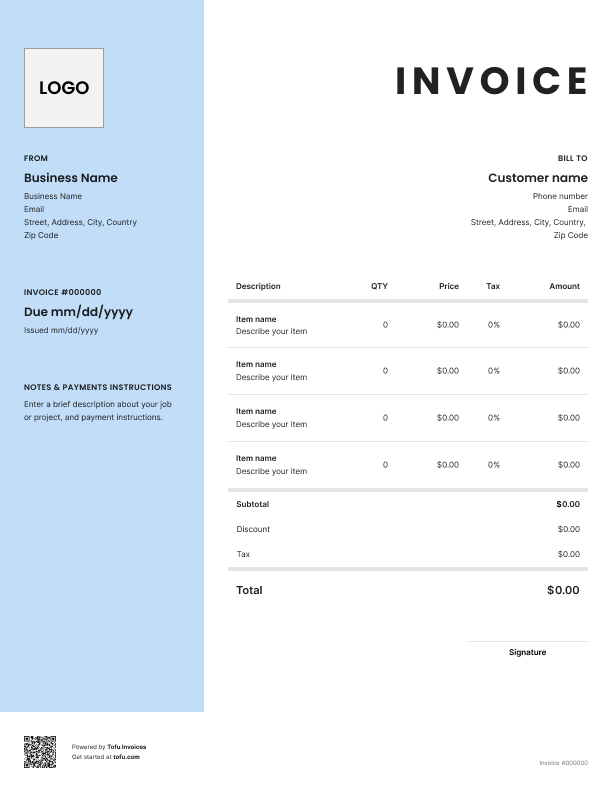
Running a lawn care business means juggling recurring visits, variable materials – fertilizer, seed, sod – and different job types, all on the same invoice. A generic template wasn't built for that.
A lawn care invoice template gives you a starting point that actually fits the work. In this guide, you'll find essential fields to include, billing approaches for different job types, customization tips, and how professional invoicing helps you get paid faster – with less time on admin.
What to include in a lawn care invoice template
Good invoice templates cover the same core fields every time – so nothing gets missed and customers always know what they're paying for.
- Invoice number – tracks records and makes follow-up easy (e.g. INV-0042)
- Company name – identifies your business on every document
- Client information – ensures the bill goes to the right person at the right address
- Contact information – gives customers a way to reach you with questions
- Services provided – documents exactly what work was done
- Line item – breaks out individual services and costs so nothing's bundled
- Due date – sets clear payment timing (e.g. due May 30)
- Payment terms – spells out how and when you expect to be paid
- Total amount due – the final number, no ambiguity
Don't bundle everything into one line. Customers who can see exactly what they're paying for ask fewer questions – and dispute fewer charges. A detailed list of services listed in lawn care estimate templates builds trust, especially on recurring jobs where the scope can shift week to week.
Lawn care-specific fields that generic templates miss
A generic invoice wasn't built for lawn work. These fields make a real difference:
- Property address – the service location often differs from the billing address, especially for rental or commercial properties
- Recurring service schedule – note the frequency for lawn maintenance clients (weekly, bi-weekly, monthly)
- Materials used – track fertilizer type, seed variety, and sod quantity so customers see exactly what went into the job
- Equipment used – log lawn mowing hours or specific equipment for larger landscaping jobs
- Warranty or satisfaction terms – set clear expectations on landscaping services so disputes don't come back to bite you
These details protect you and make future lawn care planning with the client a lot easier.
Your next invoice is 60 seconds away
Open Tofu, add the details, send a pay link. Your client gets it while the work is still fresh.
Rated Excellent on Trustpilot

Absolutely amazing! It’s saves so much time and it gives you the professional touch needed to make you look good!
★ ★ ★ ★ ★
Tony W.It had made doing business much easier!
★ ★ ★ ★ ★
Michael S.
It works good in the field
★ ★ ★ ★ ★
David S.Awesome app, very easy and simple to use, while also keeping things looking professional. Can send and save invoices/quotes directly or save to sen after. Overall great app, no faults. 10/10
★ ★ ★ ★ ★
Raymond B.Easy to use and straightforward! Been using it for over a year now!
★ ★ ★ ★ ★
Manuela M.I was using it mostly for invoicing and a little for job management, the whole experience was really smooth and easy
★ ★ ★ ★ ★
Valeria N.How to create a lawn care invoice
Whether you're using a free lawn care invoice template or building from scratch, the process is the same.
- Agree on scope first – before you start, confirm the work with your customer so there are no surprises on the bill
- Assign a unique invoice number – keeps your records clean and makes follow-up straightforward
- Itemize labor and materials separately – list your hourly rate or flat rate per service, then add materials (fertilizer, seed, sod) as separate line items
- Apply any deposits paid – deduct upfront payments before calculating the total amount due
- Set your due date and payment terms – be specific: "due within 15 days" beats "due soon"
- Specify accepted methods of payment – cash, card, bank transfer – spell it out so there's no back-and-forth
- Send an invoice as soon as the job is done – the longer you wait, the longer you wait to get paid
You can create a lawn care invoice in PDF, Excel, Google Docs, Google Sheets, or Microsoft Word – whatever fits your workflow.
💡 Pro tip: Send the invoice on-site the moment you're done – from your phone or laptop. Don't let it sit until you're back at the office.
Customizing your lawn care invoice template
A customizable template takes maybe five minutes to set up and looks a lot more professional than a blank document.
Add your logo, business name, and telephone number at the top. Adjust the service description fields to match your job types – lawn mowing, seasonal treatments, landscaping projects. Then lock in your terms and conditions, late fees policy, and preferred payment methods so they're on every invoice automatically.
Customers are more likely to pay promptly when the invoice looks like it came from a real business, not a spreadsheet you threw together between jobs.
Hourly vs. flat rate billing for lawn care services
Not sure whether to bill hourly or flat rate? It depends on the job.
Hourly billing works best when:
- The scope is unclear upfront – extra trimming, cleanup, or problem areas that take longer than expected
- It's a one-off lawn care service with no set recurring schedule
- You're quoting for irregular or first-time jobs where you can't predict the time
Flat rate billing works best when:
- You're on a regular schedule – weekly or bi-weekly clients expect a predictable number on every invoice
- The job is well-defined: same lawn, same tasks, same time every visit
- You're managing landscaping projects with an agreed total cost upfront
For repeat clients, a recurring invoice sent at regular intervals keeps billing consistent and saves you time. Many lawn care businesses use a mixed approach – flat rate per visit, then hourly for any extra work outside the original scope. Use invoice templates for lawn care that support both line item types so you're never stuck.
Benefits of using lawn care invoice templates
Using lawn care invoice templates saves you from building every invoice from scratch. Same fields, same structure, every job – fewer mistakes and less time on admin.
A professional invoice also signals to customers that you run a real operation. That matters. Clear documentation means fewer disputes, and customers who understand exactly what they owe tend to get paid faster – which keeps your cash flow healthy through slow seasons.
The billing process gets easier the more consistent you are. Templates give you that consistency from day one.
As your business grows, a free invoice template will only take you so far. Most lawn care businesses eventually move to dedicated invoicing software to automate recurring billing, chase overdue payments, and keep client records in one place.
Common lawn care invoicing mistakes to avoid
Small errors in your invoicing process can slow down payments or trigger disputes you didn't see coming. Here's what to watch for:
- Bundling all services into one line → Break out every service provided as a separate line item so customers see exactly what they're paying for
- Leaving out materials → Fertilizer, seed, and sod are billable – list them separately or you're eating the cost
- Skipping the invoice number → Without one, tracking overdue payments becomes a mess
- Not specifying payment methods → Tell customers how to pay on every invoice, every time
- Missing late fees in your terms → If it's not written down, it's hard to enforce – add it to your terms and conditions
- Waiting too long to send → Send days after the invoice date and customers forget the job; send same-day and they don't
- Wrong address → If the property address differs from the billing address, note both – disputes often start here. Aim to collect within 30 days of completing the work
Invoices are just the start
Every client, job, estimate, and payment lives in Tofu – ready to pull up in seconds, wherever you are.
FAQs
Everything you need to know about the product and billing

Still have questions?



Create the perfect invoice for your business
Get started for free