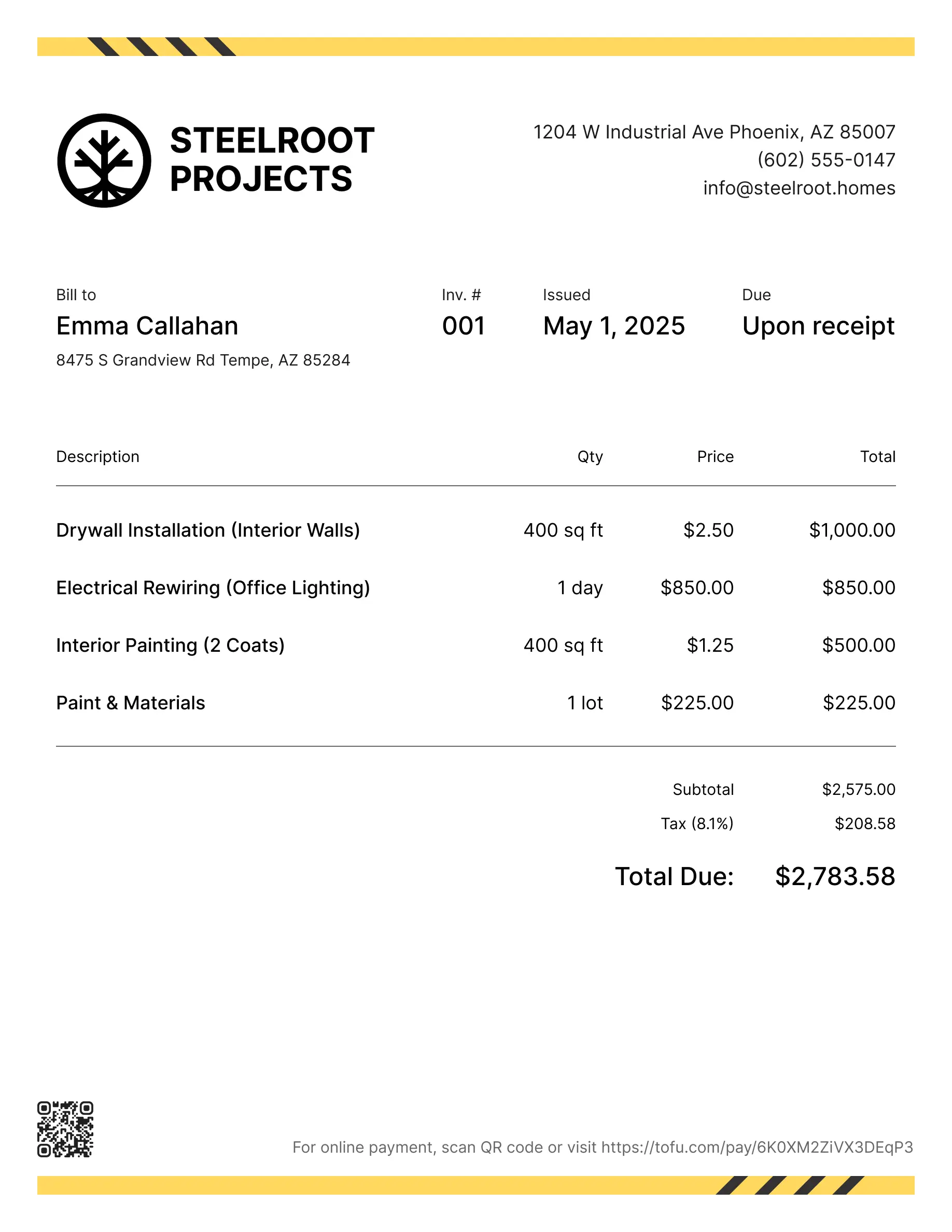
Remodeling invoice templates
Bill clients for labor, materials, subcontractor work, or phase-by-phase renovation projects. Tofu's ready-to-use invoice templates make it simple. Choose your format, add a personal touch, and download.
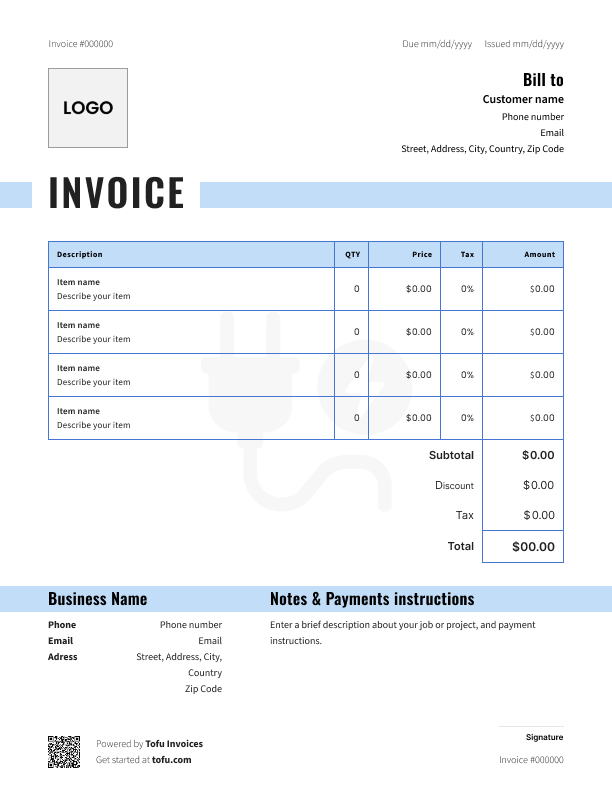
Invoice templates designed for remodeling
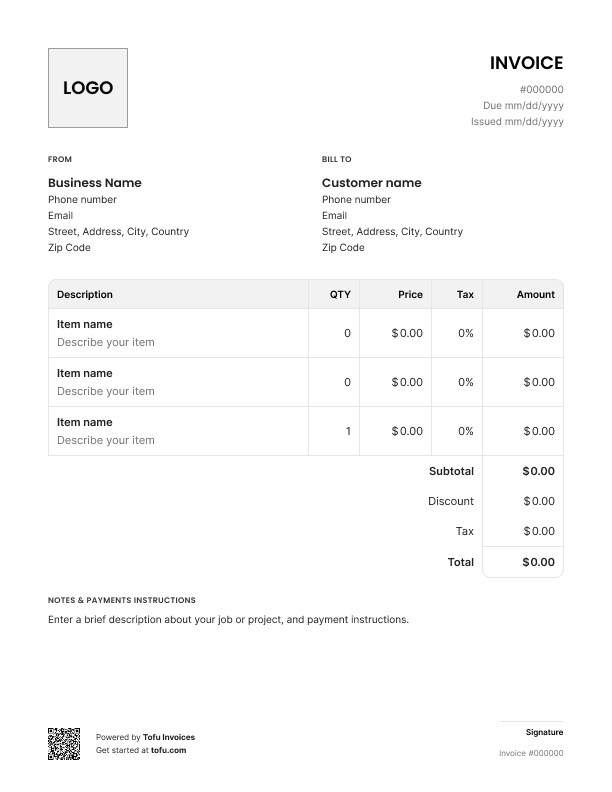
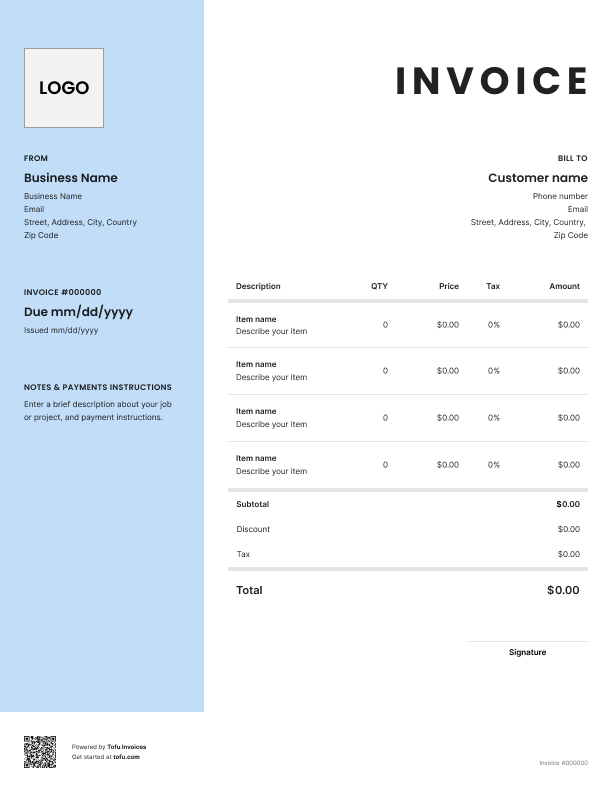
Remodeling jobs are messy. Costs shift, permits get added, and clients approve change orders over text. A generic invoice can't keep up – and when billing is unclear, getting paid gets harder. A proper remodeling invoice template fixes that. Here's everything you need to know about construction invoicing for remodeling work.
What to include in a remodeling invoice template
A solid remodeling invoice covers more than a dollar amount. Every field protects you when a client questions a charge.
- Invoice number – keeps your records straight and makes it easy to track payments
- Company and client information – your business name, their name, and both addresses
- Services provided – documents exactly what was done (e.g. kitchen cabinet installation, drywall repair)
- Labor and material costs – breaks down the total so nothing's hidden (e.g. Labor: $1,200 / Materials: $640)
- Materials and supplies – line items for everything purchased: tile, grout, fixtures – itemized separately
- Permit fees – remodeling-specific cost that needs its own line, not buried in labor (e.g. Building permit: $175)
- Payment terms – sets expectations upfront (e.g. 50% deposit, balance on completion)
- Due date – makes the payment timeline clear (e.g. Net 14)
- Total amount due – the final number, no ambiguity
Remodeling-specific fields that generic templates miss
A home remodeling invoice template needs fields standard invoices don't have. Miss them and you're open to disputes and unpaid additional costs.
- Permit fees – clients need to see these as a separate line, not buried in labor
- Phased milestone billing – for multi-stage home renovation jobs, show which phase is being invoiced
- Subcontractor costs – if you brought in a tile setter or electrician, break that out clearly
- Change order documentation – record scope changes with the client's approval noted
- Materials markup – document it upfront so there are no surprises
Construction professionals who document everything starting from roofing spend a lot less time arguing with clients later.
How to create a remodeling invoice
Using a free remodeling invoice template keeps your billing consistent. Start from remodeling estimate templates. And here's how to go then from blank template to sent invoice:
- Download your template – grab a free construction invoice template as a PDF, Google Docs, or Microsoft Excel file. Pick an editable version so you can update it job to job.
- Add your business details – company name, logo, phone, email, and address at the top.
- Enter client information – full name, service address, and billing address if they're different.
- Assign an invoice number and invoice date – the invoice number keeps records straight; the invoice date starts the payment clock.
- List labor costs and material costs separately – don't combine them. Breaking down labor and materials reduces back-and-forth.
- Add permit fees and additional costs – permits, disposal fees, delivery charges – line item everything.
- Set the payment due date and send the invoice – "Due in 14 days" beats "due upon receipt." Then get it out the door.
💡 Pro tip: On large renovation jobs, request a deposit before work begins. 30–50% upfront is standard. Put it on the invoice before you lift a tool.
Customizing your remodeling invoice template
A professional remodeling invoice should look like it came from your business. Most editable templates let you:
- Add your logo – so clients recognize your brand right away
- Adjust colors – match your company's look
- Edit service fields – customize for kitchen, bathroom, or whole-home work
- Insert terms of payment – net 30, two-payment structure, deposit requirement
- Save a master version – build your customizable template once, reuse it every job
Your next invoice is 60 seconds away
Open Tofu, add the details, send a pay link. Your client gets it while the work is still fresh.
Rated excellent on review platforms

Absolutely amazing! It’s saves so much time and it gives you the professional touch needed to make you look good!
★ ★ ★ ★ ★
Tony W., TrustpilotTofu works with Stripe for on-site card payments, lets me turn estimates into invoices, and instantly syncs jobs, photos, and client notes offline.
★ ★ ★ ★ ★
Tofu user, G2
I use Tofu for my cleaning business, and it solves so many problems for me. I consider it a complete success for myself and my employees.
★ ★ ★ ★ ★
Marjorie N., G2Easy to use and straightforward! Been using it for over a year now!
★ ★ ★ ★ ★
Manuela M., TrustpilotI need some basic features like send estimate, invoice, track my jobs and get money. Tofu is good for that.
★ ★ ★ ★ ★
Tofu user, G2I love it 10 out of 10 would highly recommend to anyone
★ ★ ★ ★ ★
David M., CapterraBilling methods for remodeling projects: hourly vs. flat rate vs. milestone
Not every remodeling job bills the same way. Pick the right structure upfront and you'll save yourself headaches later.
Hourly rate
- Best for small repairs or jobs where scope isn't fully known
- List hourly rate and total hours as separate line items
- Useful for construction invoicing when work keeps shifting
Flat rate / per project
- Best for defined jobs: bathroom tile, cabinet installation, kitchen backsplash
- Quote the full price upfront and hold to it
- Use invoice templates for remodeling to list what's included
Milestone / progress billing
- Best for large multi-phase renovations
- Invoices at each project stage keep clients at various stages informed
- Prevents outstanding balances from stacking up at the end
- A solid construction invoice template includes fields for phase name and amount due
Mixed billing works too – flat rate for labor, hourly for anything outside scope. Document it in your invoice and your remodeling business avoids most disputes before they start.
Benefits of using remodeling invoice templates
- Get paid faster – a clear invoice with a visible due date gets paid quicker than a vague email
- Save time – fill in the blanks instead of rebuilding from scratch every job
- Reduce billing errors – pre-set fields mean you don't forget permit fees or payment terms
- Streamline your records – consistent formatting makes bookkeeping far less painful
- Look more professional – a branded, itemized invoice builds client trust
- Flexible formats – free invoice templates come as printable PDFs, Google Docs, or Microsoft Excel files
- Easy online payment – add a payment link or bank details so clients can pay without calling you
As volume grows, a free construction invoice only goes so far. That's when invoicing software takes over – handling online payment collection and invoice management automatically.
Common remodeling invoicing mistakes to avoid
- Bundling labor and materials → Break them into separate line items – cleaner and harder to dispute
- Forgetting permit fees until after the job → Add them to the invoice as soon as they're paid
- Vague description of the services → Be specific – "bathroom tile installation, 45 sq ft" beats "tile work"
- No change order documentation → Every scope change gets its own line in the invoicing process, with a date noted
- No deposit terms on large jobs → Put it on the first invoice, not a follow-up text
- Sending the final invoice weeks after work completed → Send it the day the job wraps
- Only one payment method → Offer bank transfer, credit card, and PayPal; better communication with clients means fewer excuses not to pay
Remodeling invoice template formats: PDF, Excel, and Google Docs
- PDF – professional and print-ready. Great for sending to clients. Not editable once sent, which keeps records clean.
- Microsoft Excel – best if you track job costs in spreadsheets. Formulas handle totals automatically.
- Google Docs – easiest to edit from a mobile app on the job site. Real-time sharing keeps everyone on the same page.
Most contractors start with a free template, then move to an invoice generator as jobs stack up. It automates the whole thing – fill in a few fields and it handles the rest.
Invoices are just the start
Every client, job, estimate, and payment lives in Tofu – ready to pull up in seconds, wherever you are.
FAQs
Everything you need to know about the product and billing

Still have questions?



Create the perfect invoice for your business
Get started for free