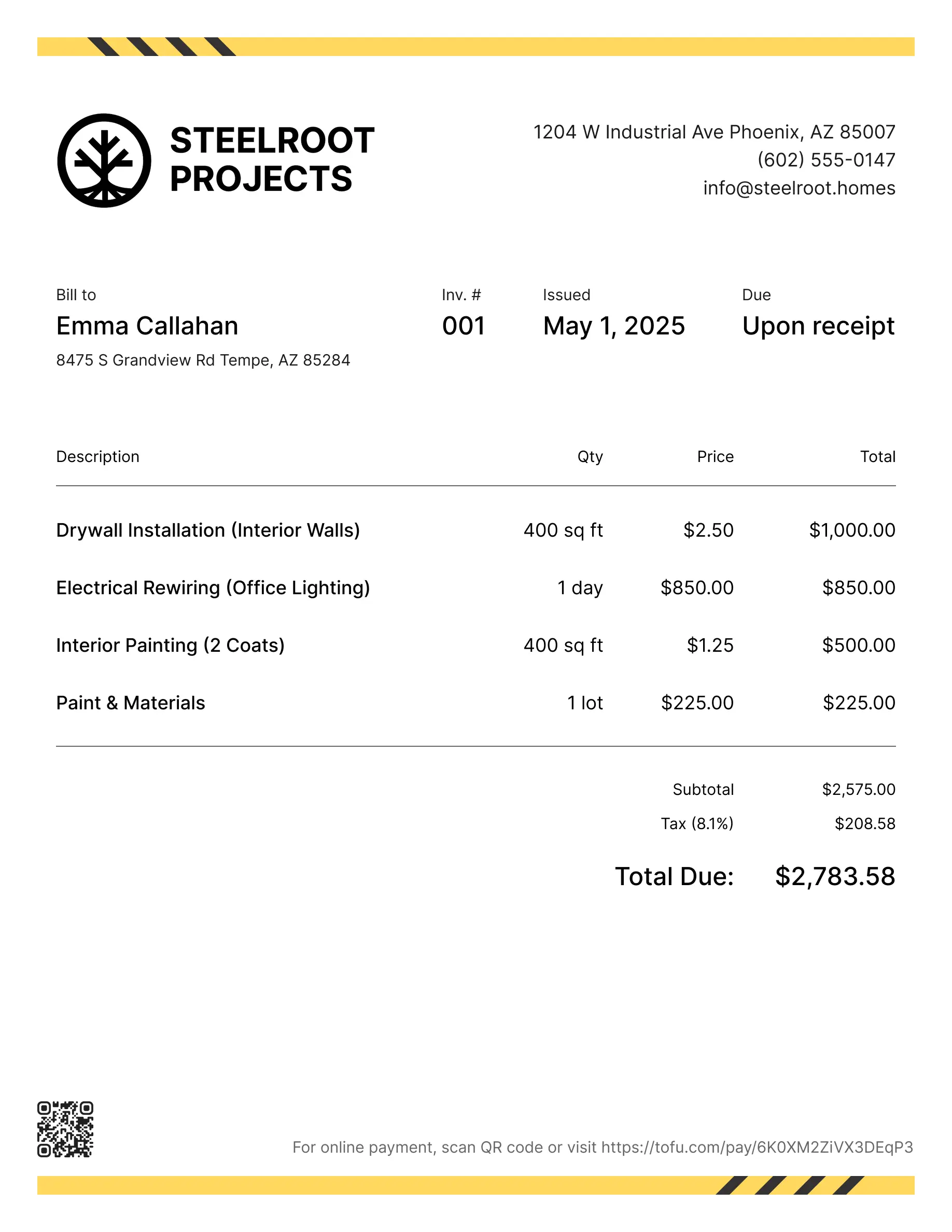
Tree service invoice templates
Bill clients for removals, trimming, stump grinding, or emergency storm work. Tofu's ready-to-use invoice templates make it simple. Choose your format, add a personal touch, and download.
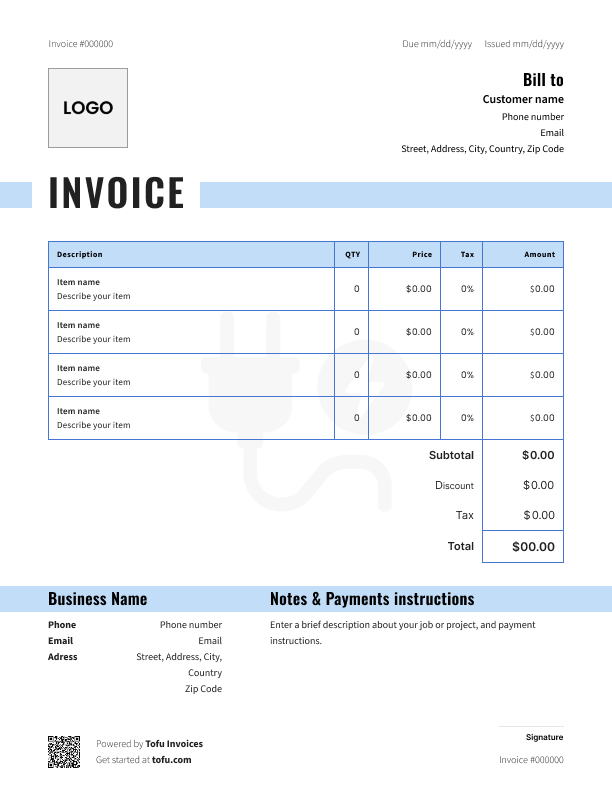
Invoice templates designed for tree service pros
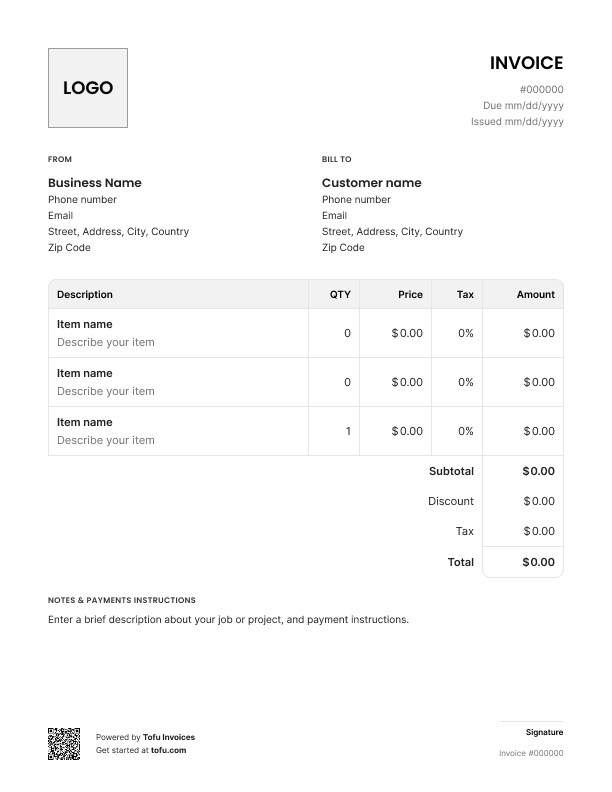
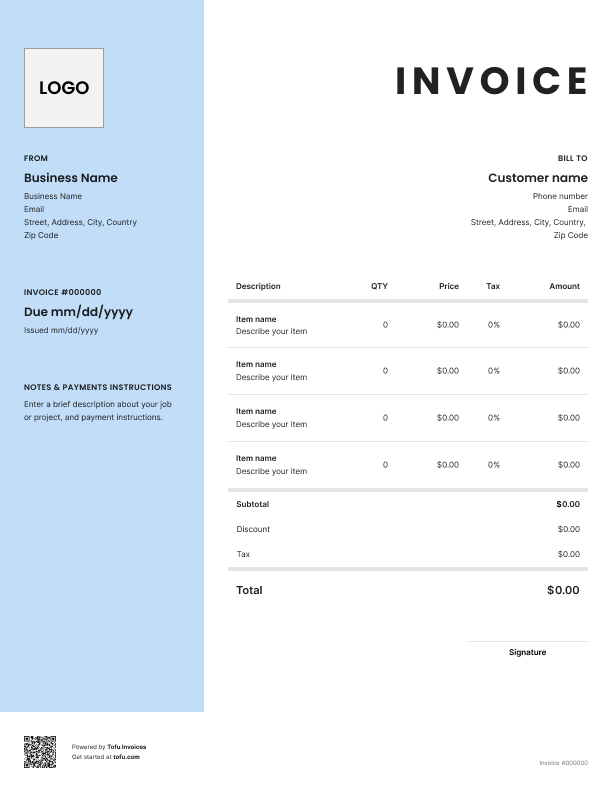
Tree service jobs aren't simple. You're dealing with heavy equipment, multi-hour crew labor, disposal fees, permit requirements, and real liability, often on a single job. A generic invoice wasn't built for that.
A tree service invoice template gives you a structure that covers all of it. This guide walks you through what fields to include, how to create a tree service invoice, and how professional invoices help every tree care contractor get paid faster and avoid disputes.
What to include in a tree service invoice template
Every tree service invoice needs the same core fields to be complete and clear. Here's what a solid tree service invoice template includes. Missing even one can slow down payment or create confusion with clients.
Most invoice templates cover the basics, but tree jobs need a few extras. Start with these:
- Invoice number – unique ID for record-keeping and easy reference
- Company and client information – your business name, client's name, and address
- Contact information – phone, email, website for both sides
- Services provided – exactly what work was done: tree removal, trimming, stump grinding
- Due date – Net 15 or a specific date, no ambiguity
- Payment terms – accepted methods, deposit applied, any late fees
- Total amount due – final number, clearly stated
Cover all of these and clients can't claim they didn't understand the charges.
Tree-service-specific fields that generic templates miss
Standard invoice templates skip the details that matter on a tree job. Make sure yours includes:
- Tree count, species, and DBH – list each tree with its diameter at breast height, since size and species drive the price
- Service type per line – removal, trimming, and stump grinding price differently, so give each its own line
- Stump grinding depth – note the depth ground, for example a 22-inch oak stump taken down to 12 inches
- Equipment line items – crane mobilization, chipper, lift or bucket truck rental, and hourly standby, listed separately
- Disposal and haul-away fees – debris volume or a flat fee, billed as its own line
- Permit fees – many municipalities require permits for protected, heritage, or setback-zone trees, pulled by you and billed to the client
- Emergency or storm-work premium – if you charge a multiplier (for example 1.5x standard), state it and the time window
- Certification and insurance – note ISA Certified arborist status and liability coverage where relevant, it builds client trust
These fields protect your tree service business if a dispute comes up later and make insurance or permit documentation far easier.
How to create a tree service invoice
Start after the scope and estimate are locked in. Invoice for what actually happened, not what you estimated.
- Pull up your free tree service invoice template – don't start from scratch every time
- Fill in company and client details – name, address, contact information on both sides
- Add an invoice number – sequential numbering keeps your financial records clean
- Write a clear description of the services provided – be specific: "Removal of two oak trees, 18 to 24 inch DBH, plus stump grinding to 12 inch depth" not just "tree work"
- List a clear breakdown of the services – labor, equipment, disposal, and permits as separate line items, plus any additional charges
- Apply any deposit already collected – subtract it clearly so the remaining balance is obvious
- Set your due date and send the invoice promptly – sending the same day keeps cash flow moving; the longer you wait, the longer you wait to get paid
💡 Pro tip: For large removals or crane jobs, collect a deposit upfront before scheduling the crew. Include that amount and payment date on your invoice so the final balance is transparent.
Customizing your tree service invoice template
A one-size template doesn't fit every job. A customizable invoice saves you time, so take a few minutes to tailor it:
- Add your company logo and brand colors, a branded invoice looks professional, not like a generic spreadsheet
- Adjust service description fields for the job type, removal, trimming, and stump grinding each need different detail
- Add disposal and permit lines where relevant
- Include payment instructions – bank transfer, check, or online payment link
A branded invoice makes clients take your due date seriously.
Your next invoice is 60 seconds away
Open Tofu, add the details, send a pay link. Your client gets it while the work is still fresh.
Rated Excellent on Trustpilot

Absolutely amazing! It’s saves so much time and it gives you the professional touch needed to make you look good!
★ ★ ★ ★ ★
Tony W.It had made doing business much easier!
★ ★ ★ ★ ★
Michael S.
It works good in the field
★ ★ ★ ★ ★
David S.Awesome app, very easy and simple to use, while also keeping things looking professional. Can send and save invoices/quotes directly or save to sen after. Overall great app, no faults. 10/10
★ ★ ★ ★ ★
Raymond B.Easy to use and straightforward! Been using it for over a year now!
★ ★ ★ ★ ★
Manuela M.I was using it mostly for invoicing and a little for job management, the whole experience was really smooth and easy
★ ★ ★ ★ ★
Valeria N.Tree service invoice template formats: PDF, Word, Excel and more
There's no single right format. It depends on how you work:
- PDF – easy to send by email, can't be edited by the client, looks clean and professional
- Microsoft Word – easy to customize text, good for contractors who prefer a simple document
- Microsoft Excel or Google Sheets – auto-calculates totals, ideal for itemized jobs with lots of line items
- Google Docs – accessible from any device, easy to share, works well for teams
- Online invoice generator – fastest option, often includes templates for tree service built in
If you're just getting started, a free Excel or Word template works fine. As the business grows, an online invoice or invoicing software will save time and cut errors.
Look for a matching estimate template too, a consistent estimate and invoice keeps your process clean from quote to close.
Benefits of using tree service invoice templates
Here's why contractors who use templates get paid faster:
- Save time – templates mean you're ready to invoice the moment work wraps up, no building from scratch
- Stay consistent – every client gets the same professional format, no missing fields
- Reduce errors – standard fields and pre-built calculations cut down on typos and math mistakes
- Get paid fast – clear documentation leaves no room for clients to dispute charges
- Look professional – a professional tree service invoice builds trust and encourages on-time payment
- Build better financial records – sequential invoices keep your books clean at tax time
Start with a free invoice template and build from there. When volume picks up, most contractors move to invoicing software for automated billing, payment tracking, and client management.
Common tree service invoice mistakes to avoid
These mistakes show up constantly on invoices for tree services, and they all slow down payment:
- Bundling labor, equipment, and disposal into one line → Itemize everything separately so clients can verify costs
- Vague description of the services provided → Be specific: tree count, DBH, service type, and days on site
- No invoice number or inconsistent numbering → Use a sequential system from day one (INV-001, INV-002)
- Skipping payment terms or payment methods → State due date, accepted methods, and late fees upfront
- Forgetting permit or disposal fees → Track these during the job and add them as separate line items
- Leaving out the emergency premium → If storm work runs at a higher rate, state the multiplier on the invoice
- Waiting too long to send → Invoice the same day the job wraps, every day you wait is a day closer to getting ghosted
Missing details doesn't just look unprofessional. It makes disputes harder to resolve and creates gaps in your own records.
Invoices are just the start
Every client, job, estimate, and payment lives in Tofu – ready to pull up in seconds, wherever you are.
FAQs
Everything you need to know about the product and billing

Still have questions?



Create the perfect invoice for your business
Get started for free