

Invoice in one tap
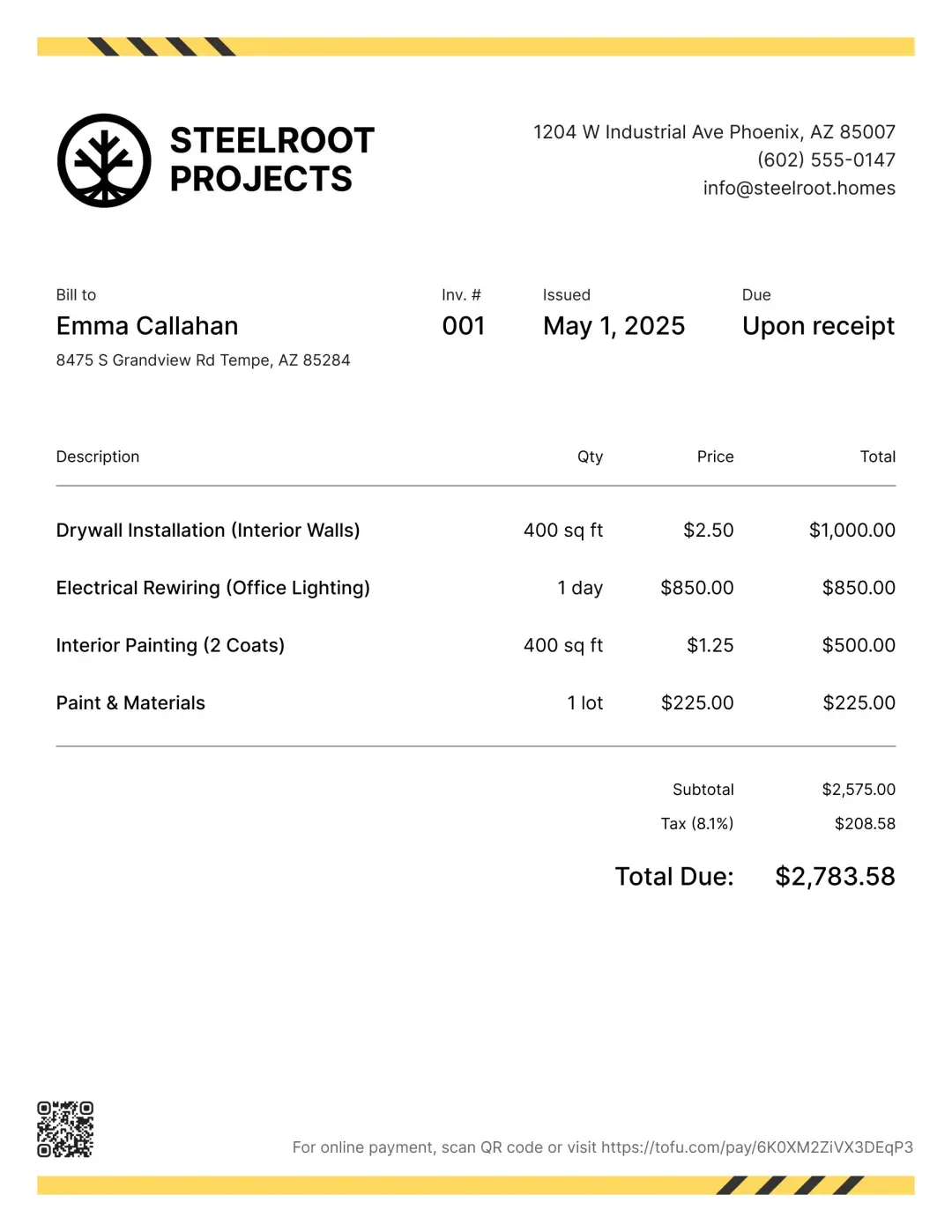
Add your services, hit send. No complicated setup – just a clean flow from estimate to payment that works on your phone.


❤️
15,124
users joined last week

Scheduling
Book service appointments, attach photos of the vehicle, and track each job from drop-off to pickup.
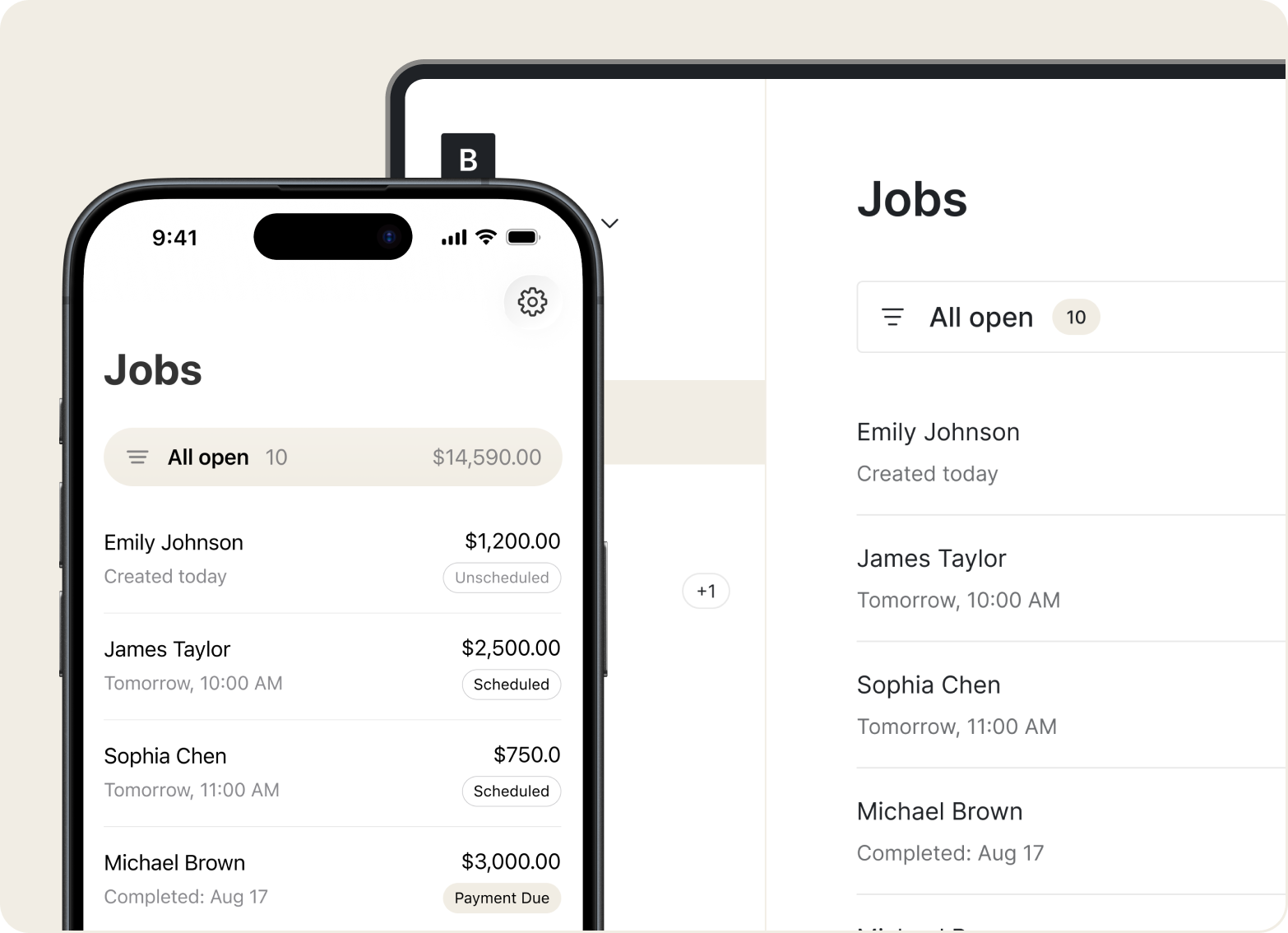
Estimates
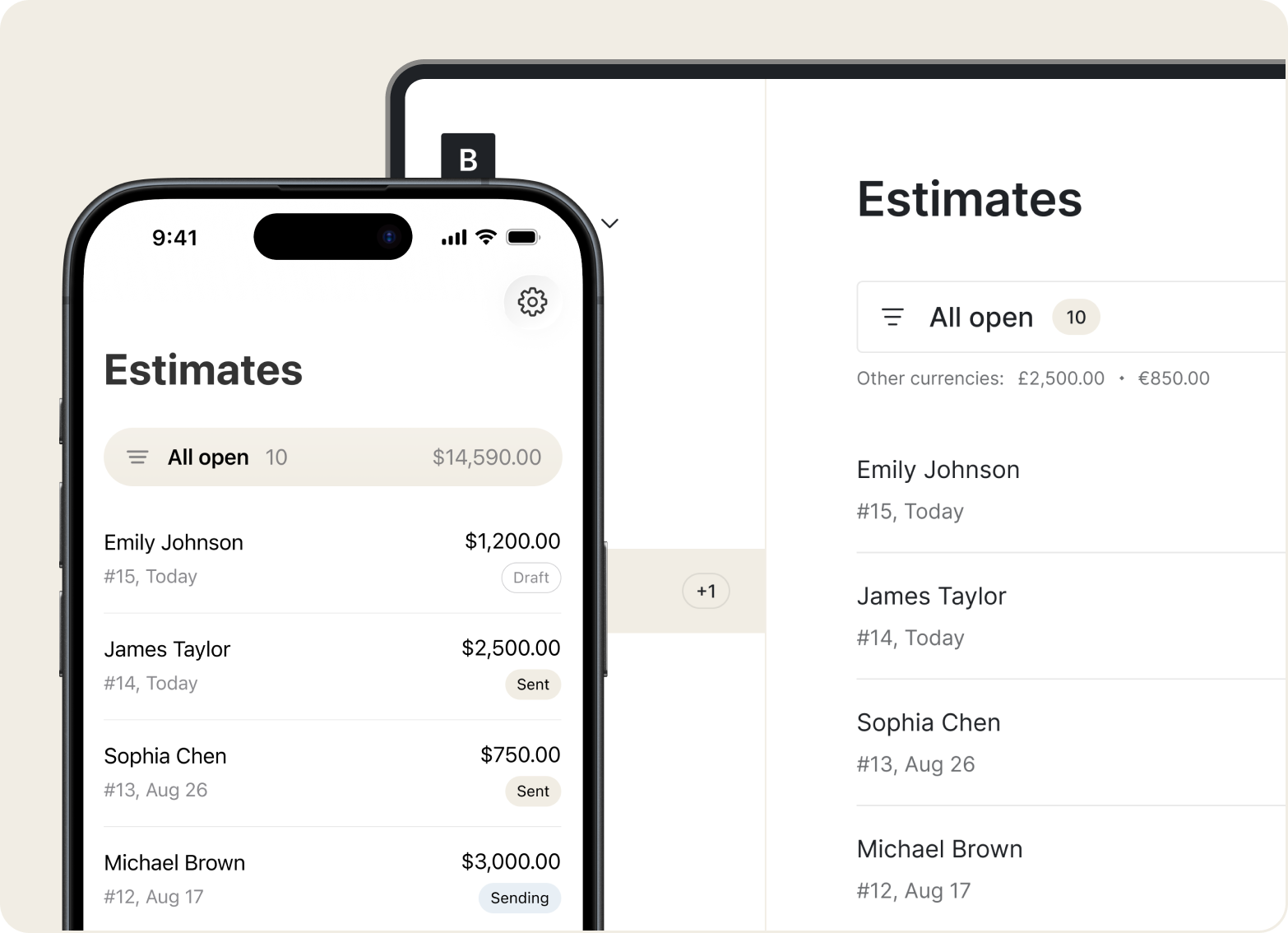
List parts, labor, and diagnostic fees in plain language. Add your logo so customers see exactly what they're paying for.
Price Book
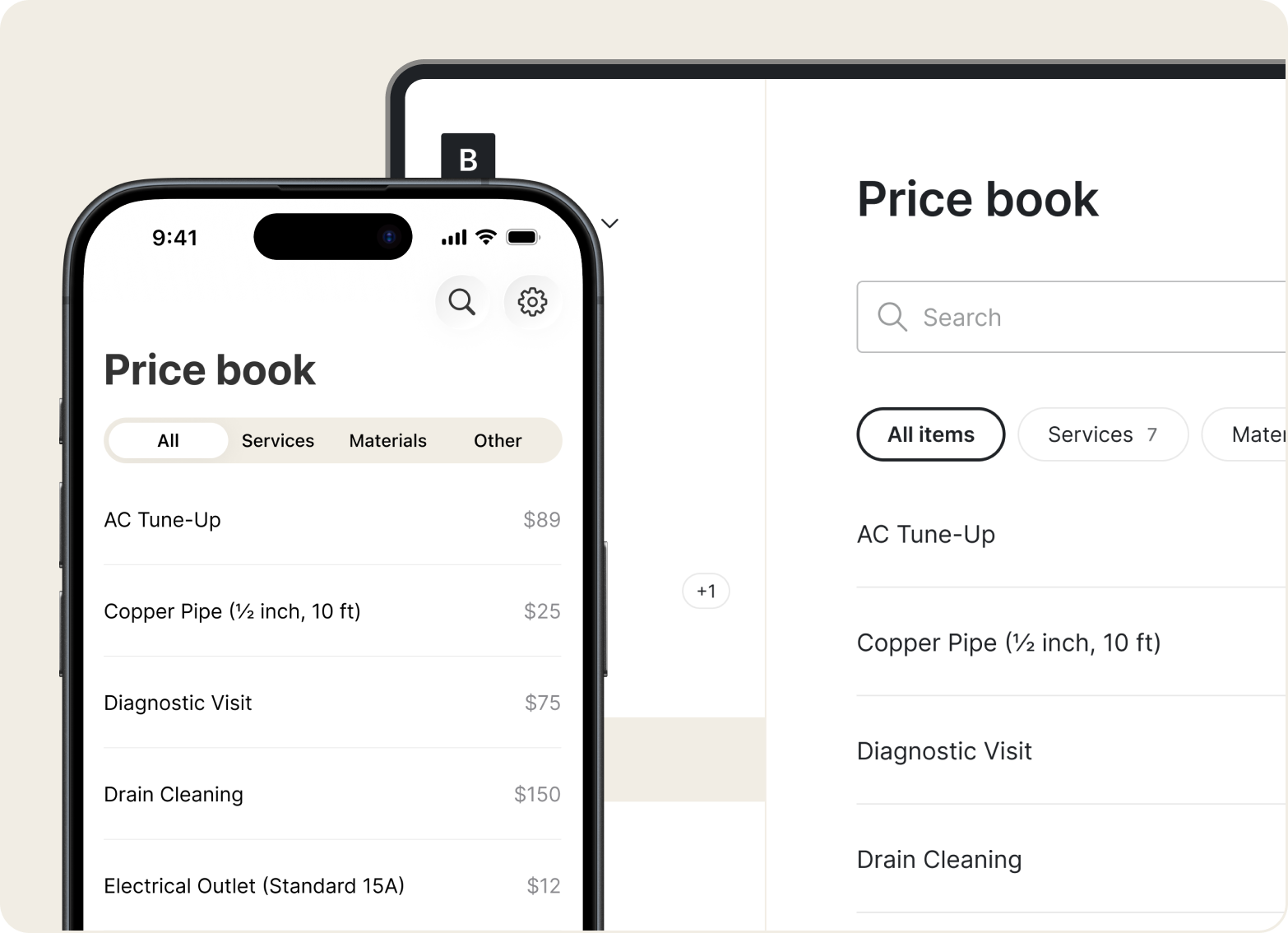
Store your standard services and rates in the Price Book. Build quotes faster by selecting saved items – no recalculating from scratch.
Invoices
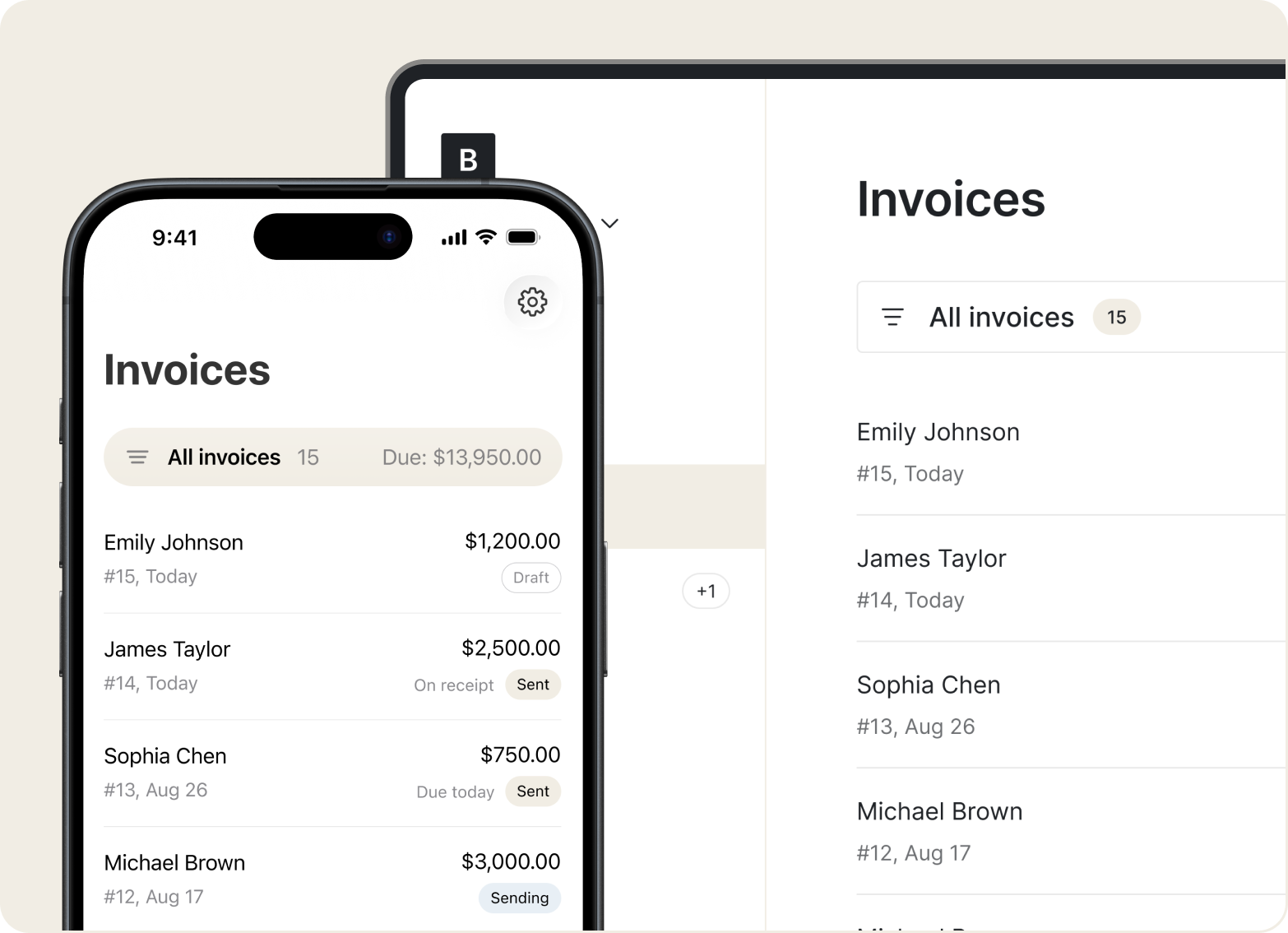
Turn an estimate into an invoice in one tap. Add taxes, track deposits, and skip the handwritten slips.
Mobile Access
Create invoices offline – in the shop or out in the field. They'll save and send once you're back online.
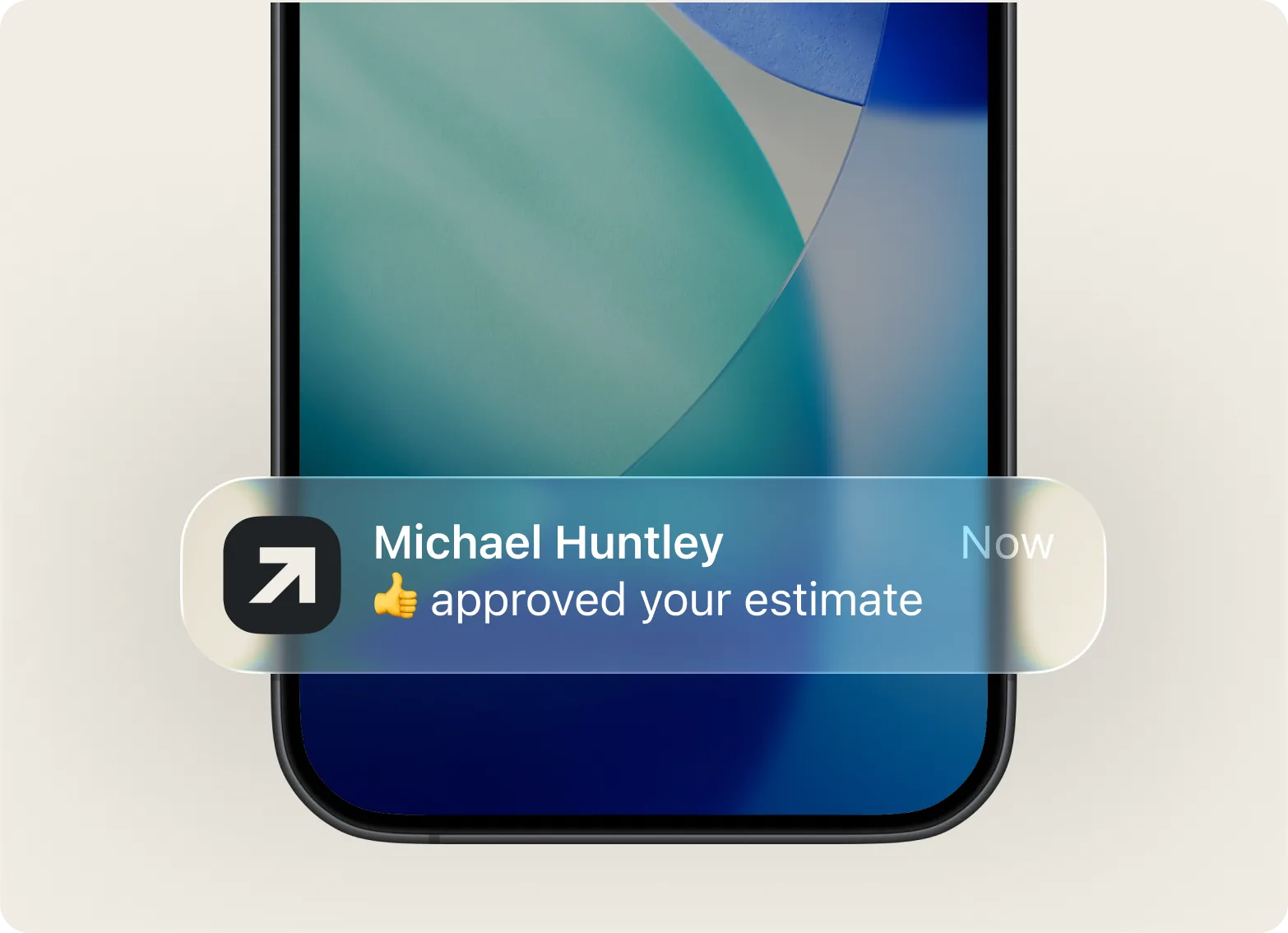
“Great for my job – I keep track of my expenses and receipts.”

Add your services, hit send. No complicated setup – just a clean flow from estimate to payment that works on your phone.
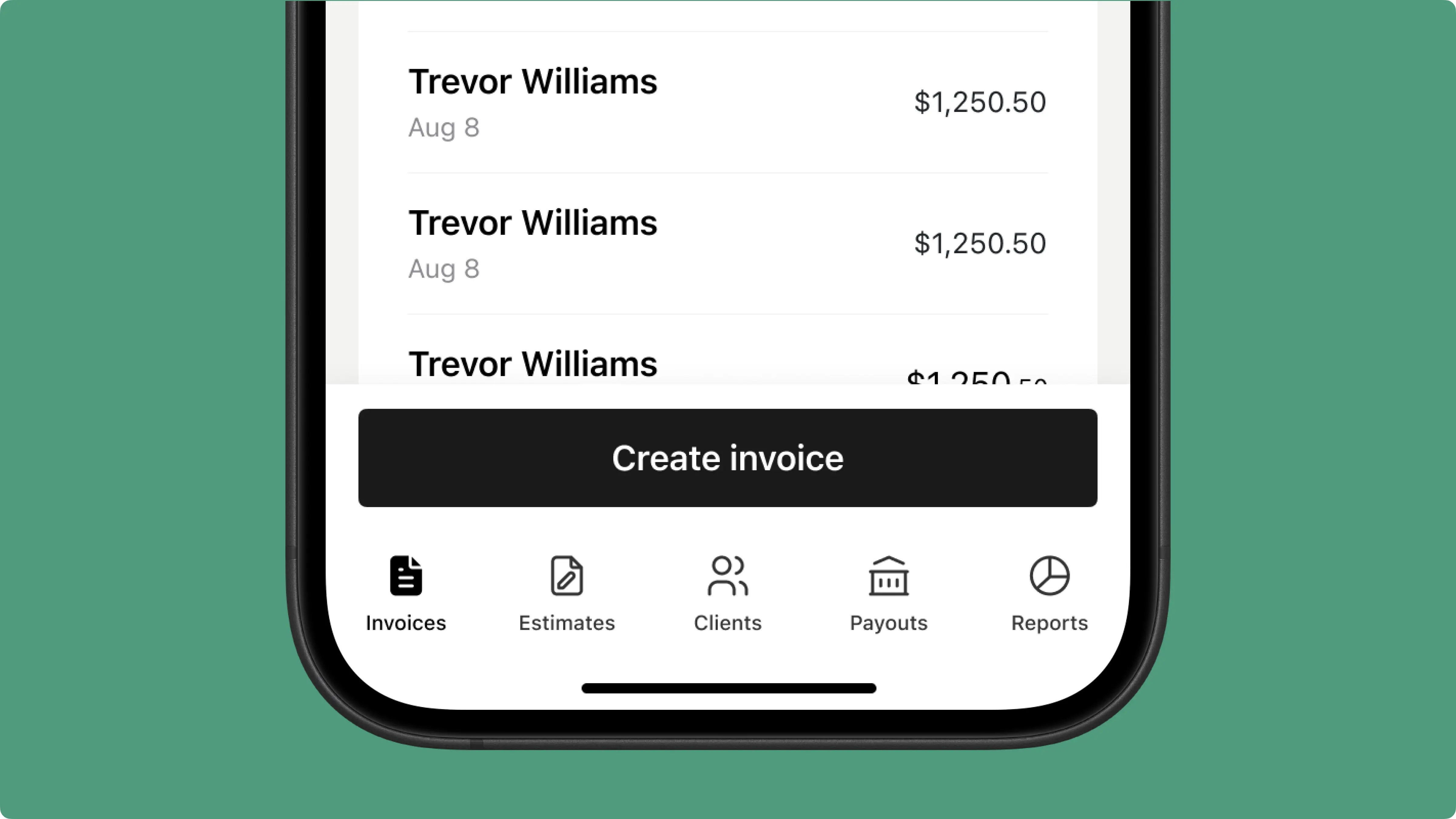
Professional, branded invoices with a clear breakdown of parts and labor – no more handwritten notes or confusing line items.
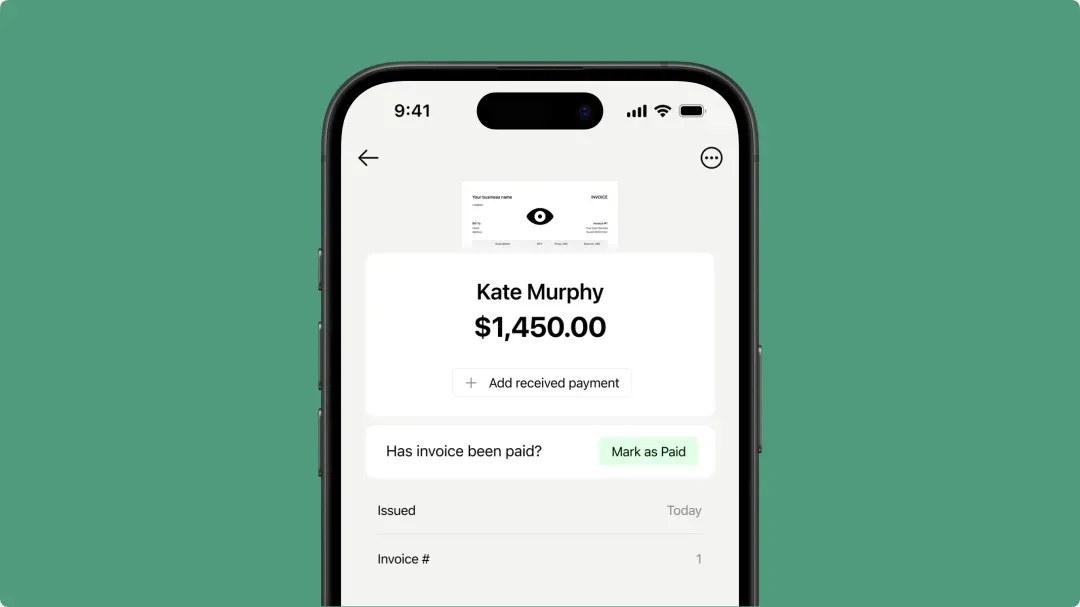
Accept credit cards, Tap to Pay, or digital wallets right from your phone. Clients pay how they want, and you close the job on the spot.

Track payments, log expenses, and keep job history for every customer – all in one place on your phone.
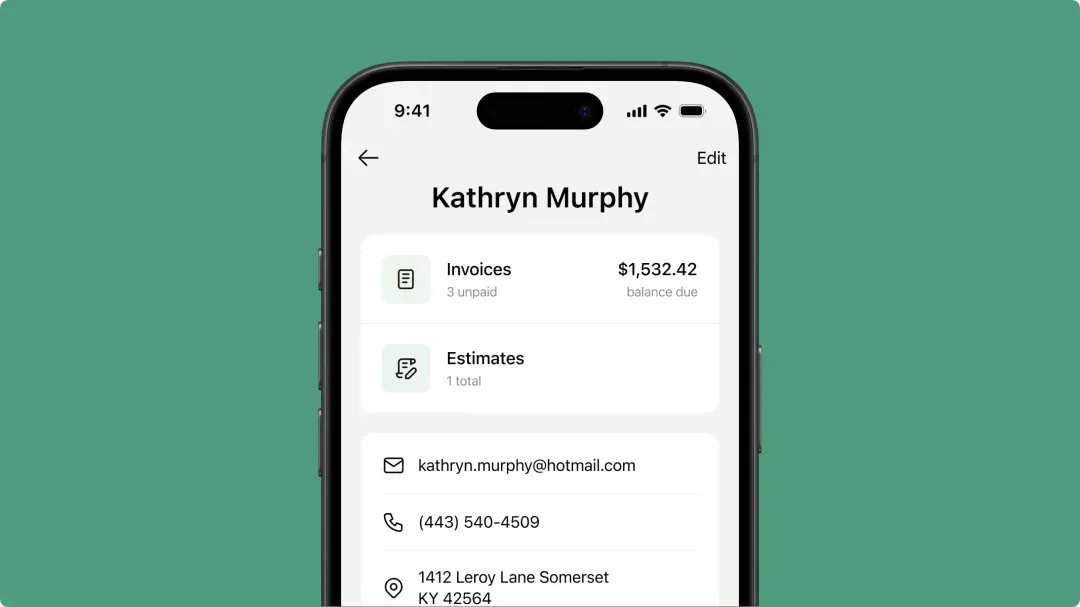
Send invoices, take payments, and save time with Tofu. Try it free.



