

Invoice in one tap
Add your services, hit send. Clean, simple flow with no training required – built for people who work with their hands, not spreadsheets.


❤️
15,124
users joined last week
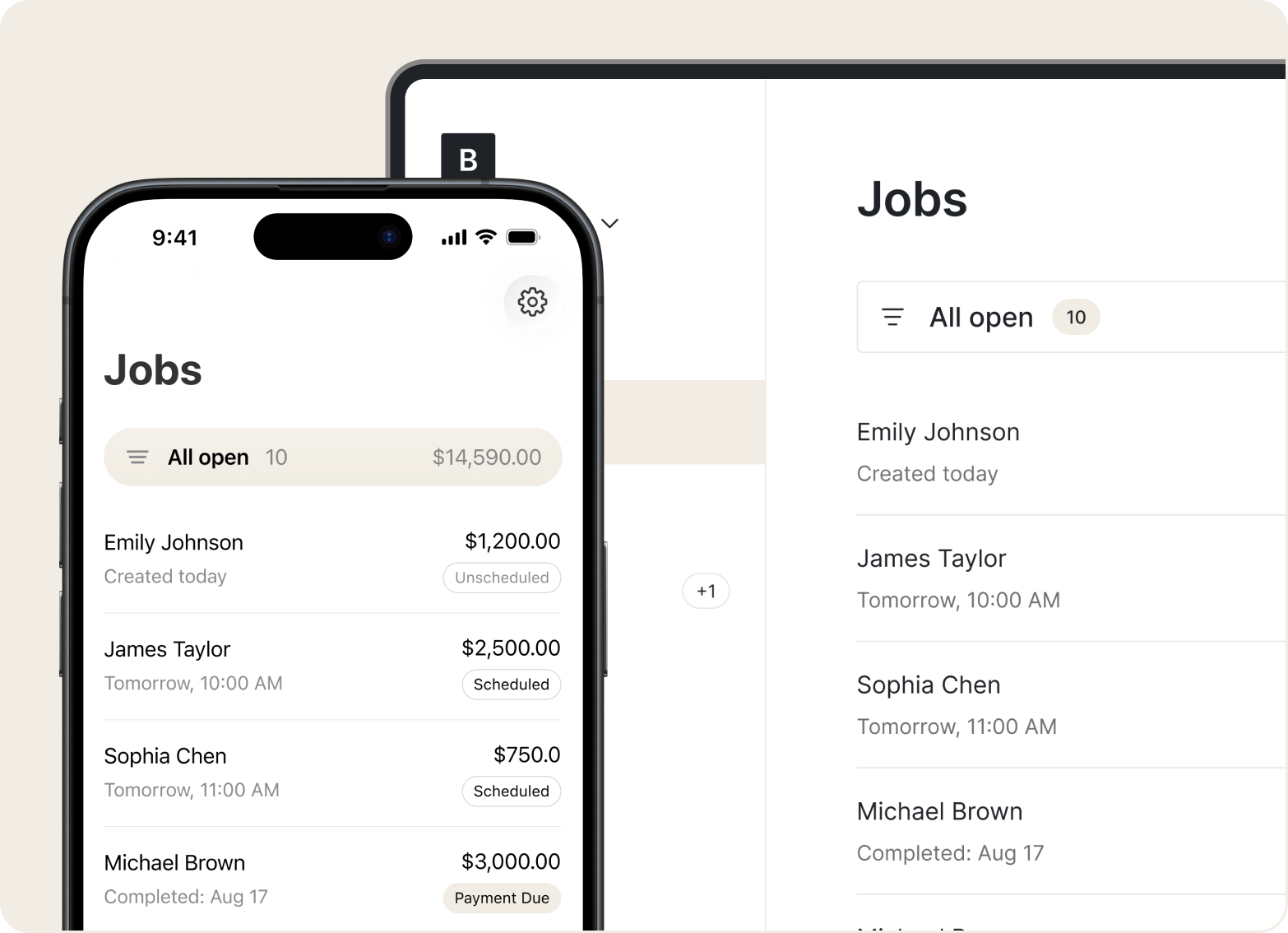
Scheduling
Book appointments, set addresses, attach before/after photos, and track each job from scheduled to complete.
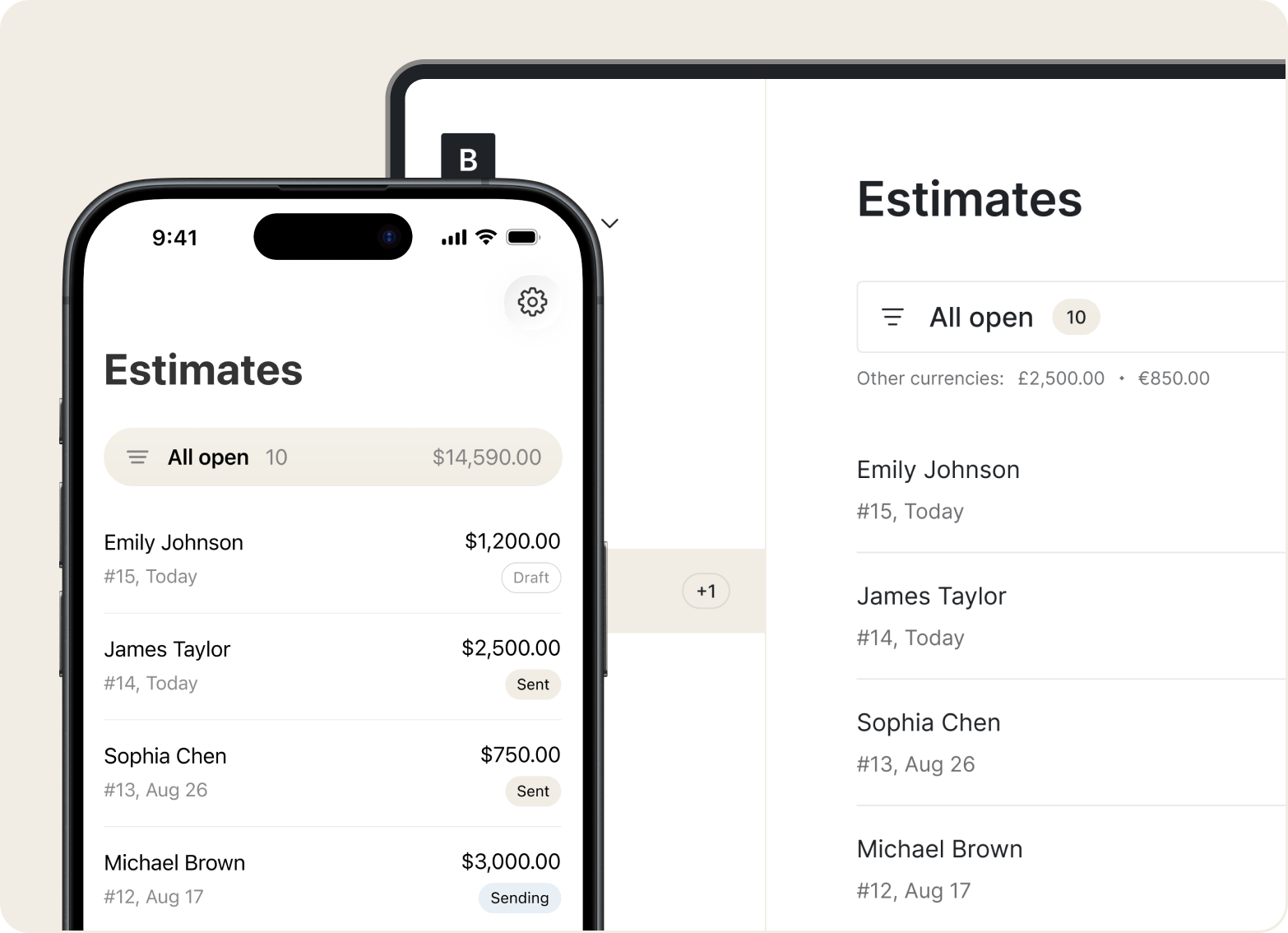
Estimates
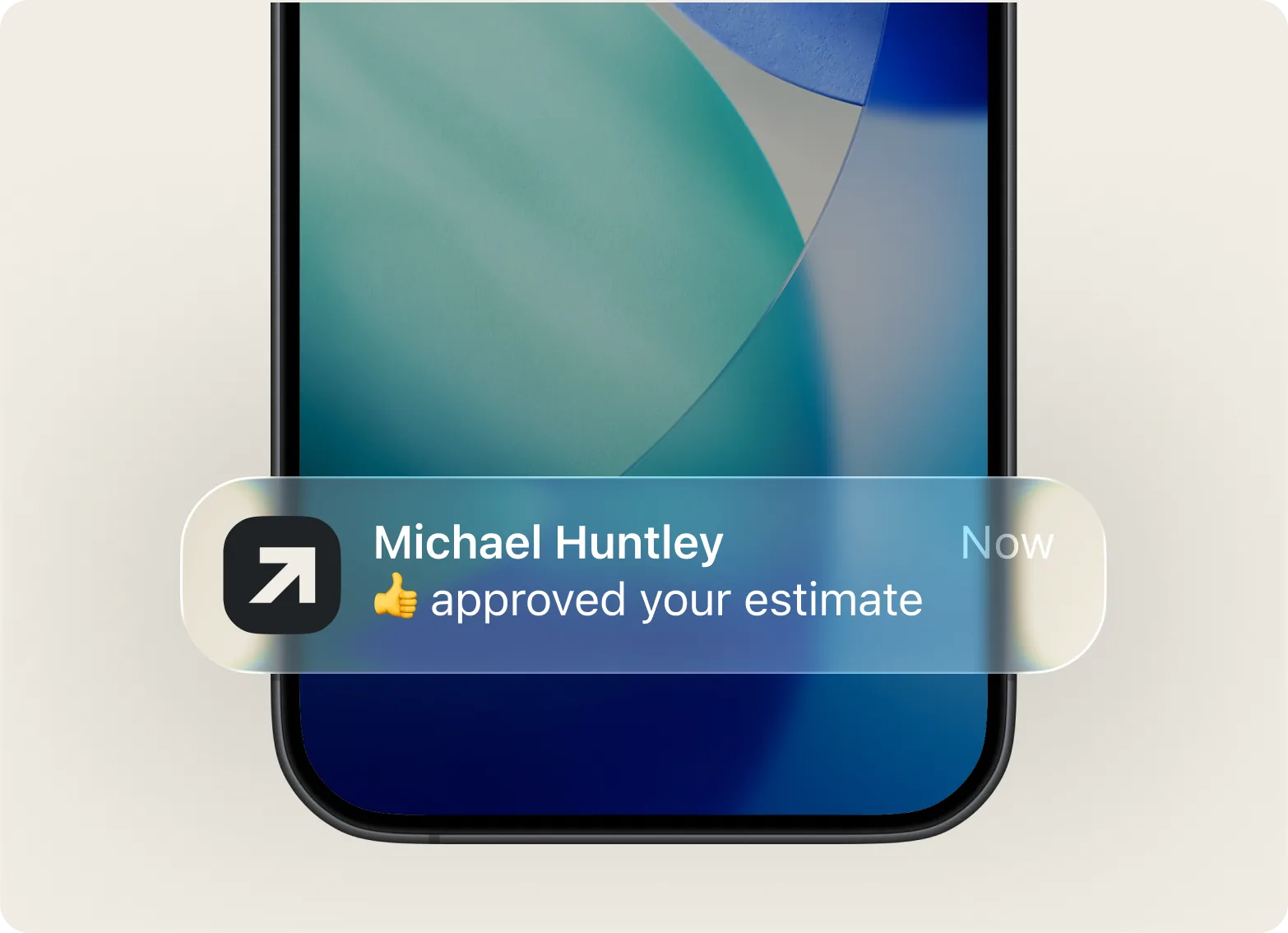
Build estimates in seconds from your phone. Add labor and service fees so clients see exactly what they're paying – and can approve right away.
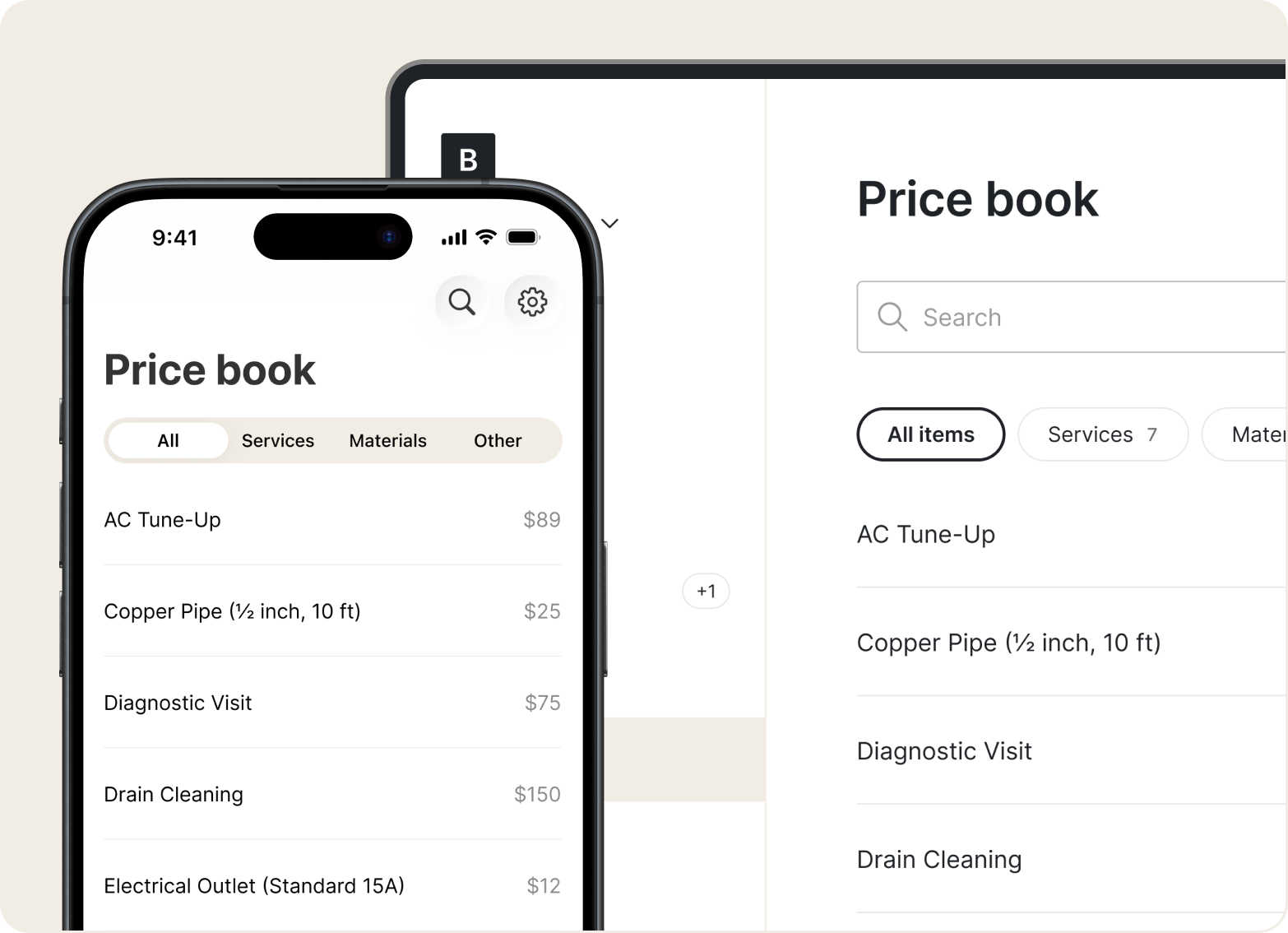
Price Book
Save your common services and rates in the Price Book. Build accurate quotes fast without retyping prices every time.
Invoices
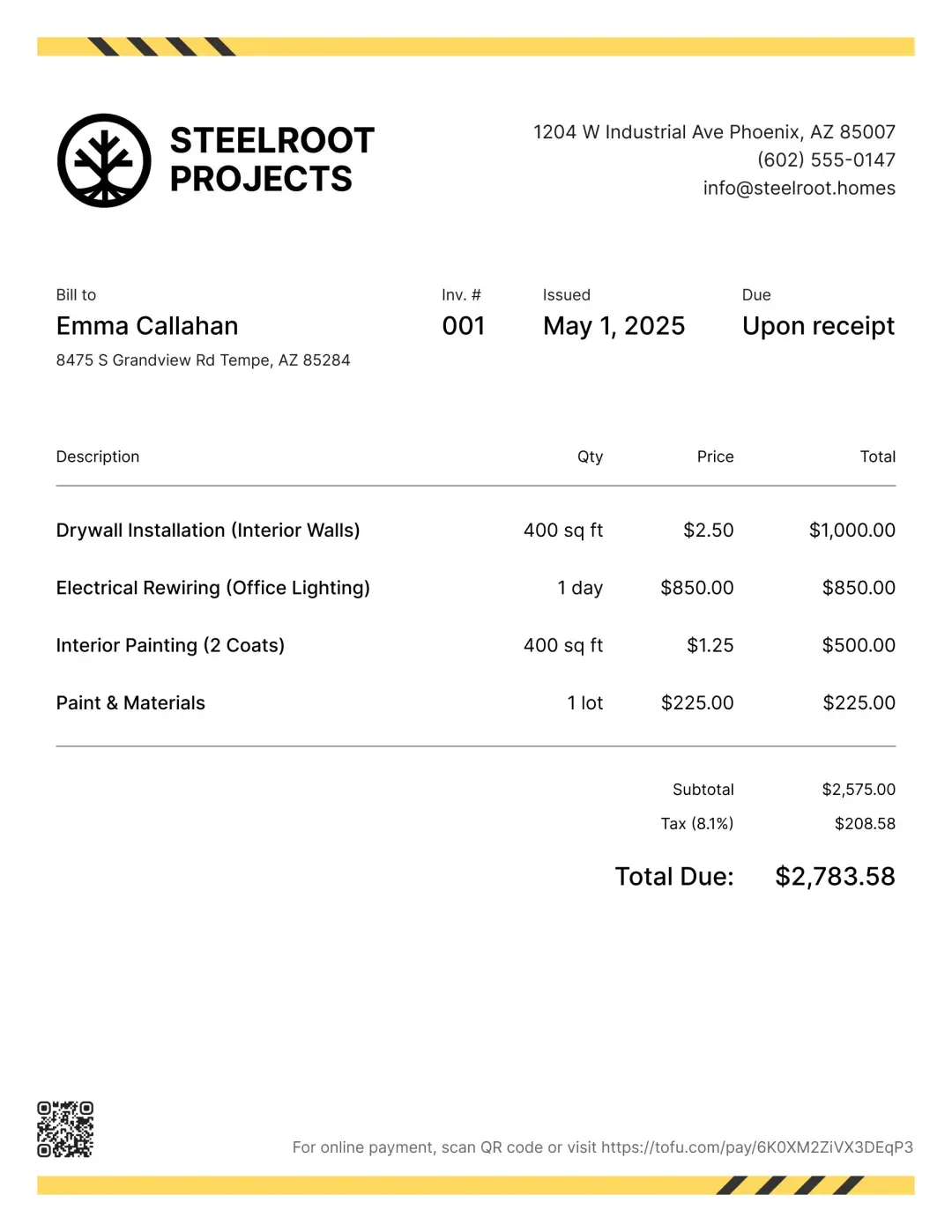
Create and send an invoice in a few taps. Add your logo, itemize services, and include taxes or fees. Clients get a clean breakdown – no back-and-forth.
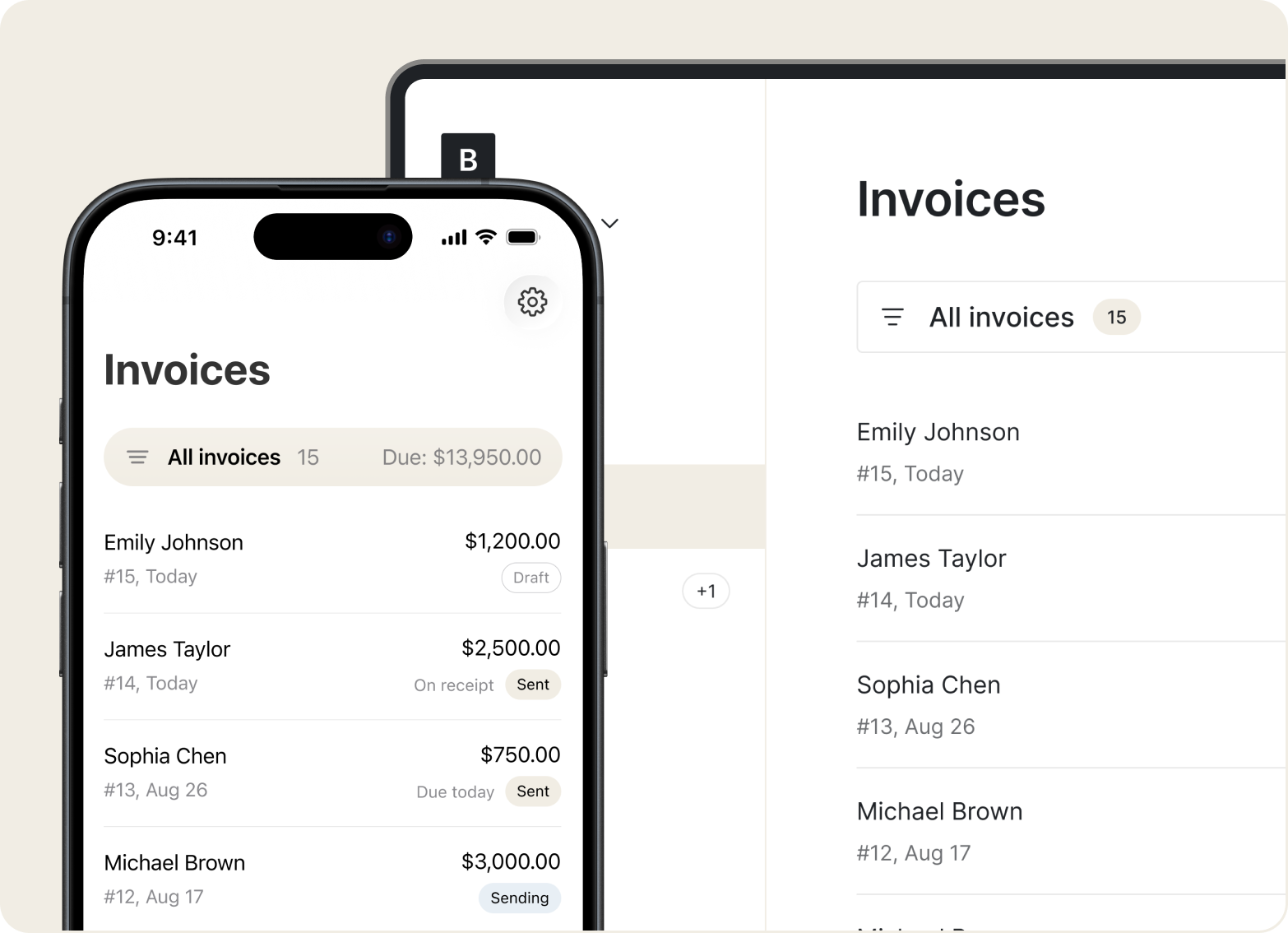
Mobile Access
Send quotes, track invoices, and see who's paid – all from your phone, whether you're in the van or between appointments.
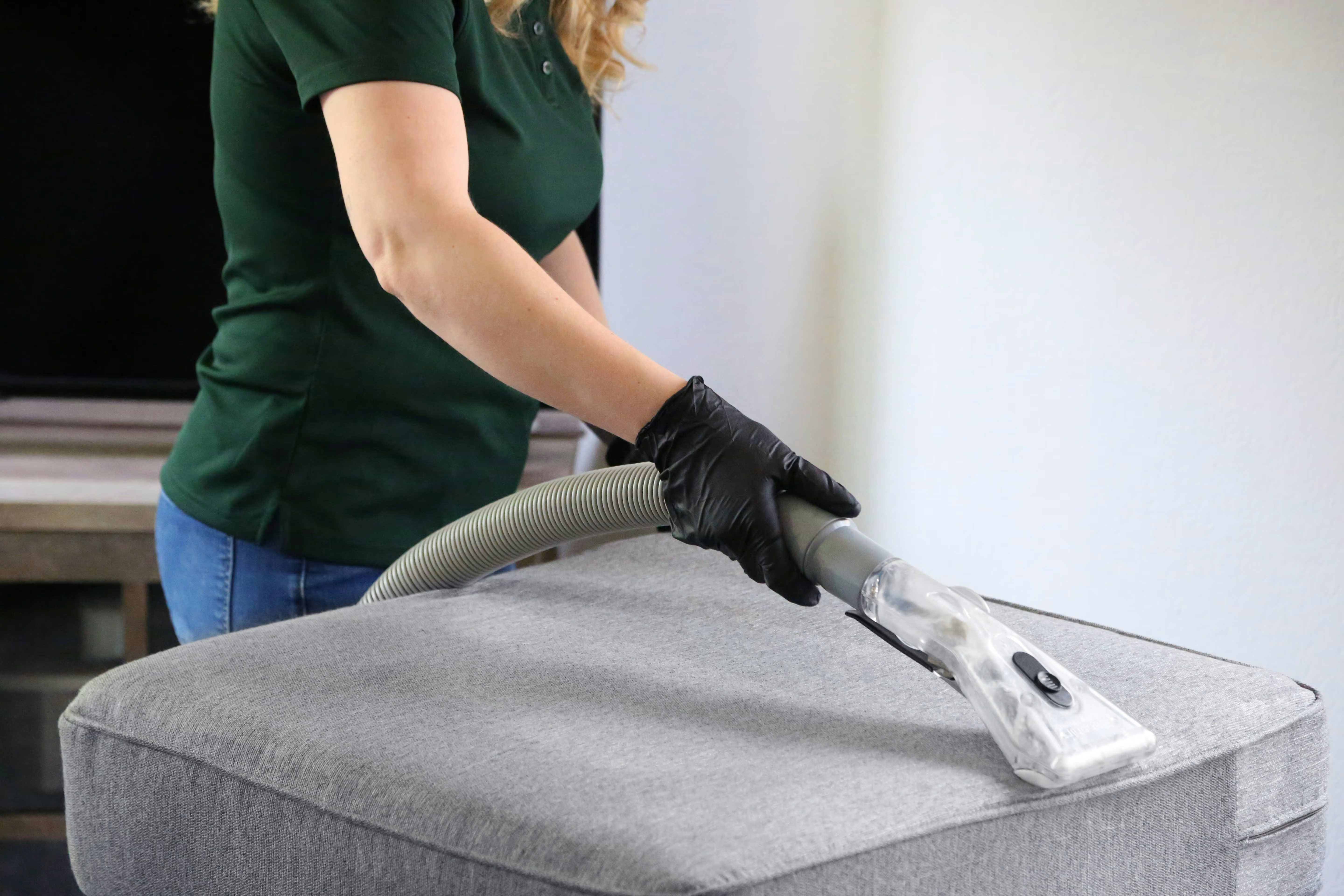
“I use Tofu for my cleaning business, and it solves so many problems for me. The results are clean, professional documents that help my clients stay on top of payments.”

Add your services, hit send. Clean, simple flow with no training required – built for people who work with their hands, not spreadsheets.
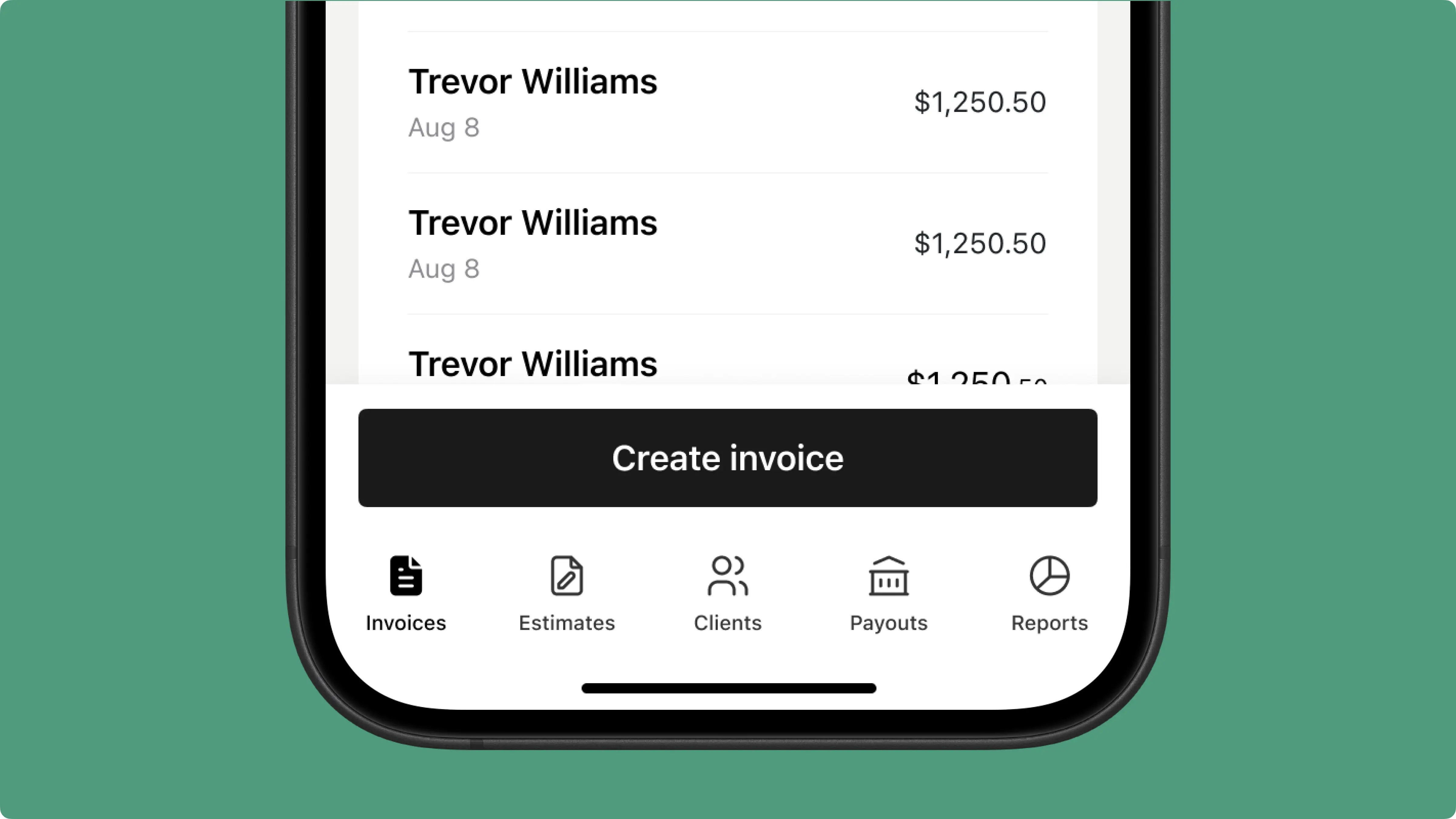
Send branded invoices with your logo and a clear service breakdown. Clients see a polished business, not a handwritten note.
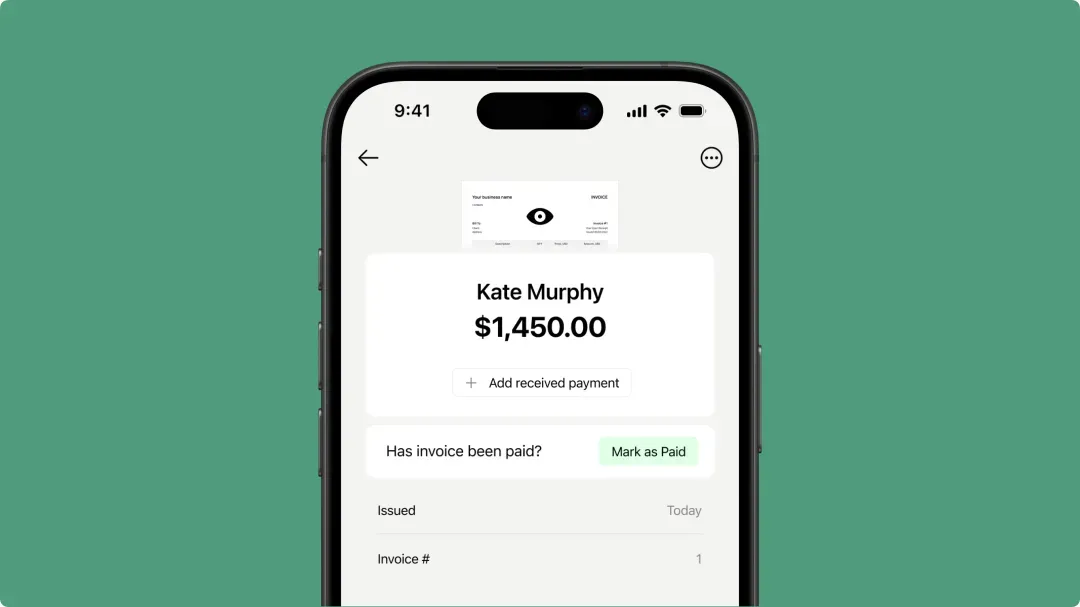
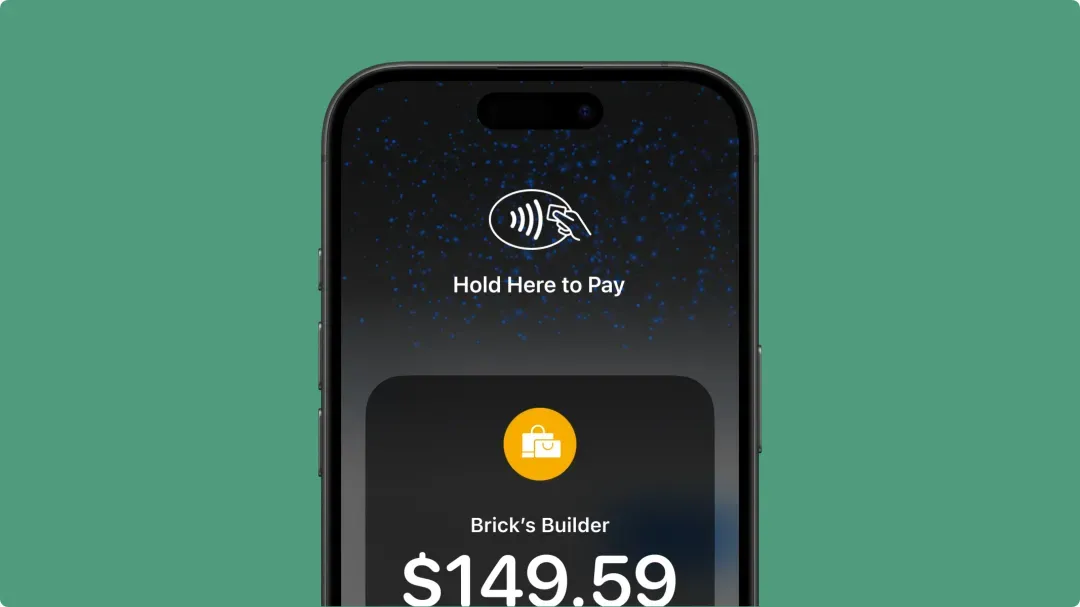
Collect payment right after the job – cards, Apple Pay, or Google Pay, from the driveway or the lobby.
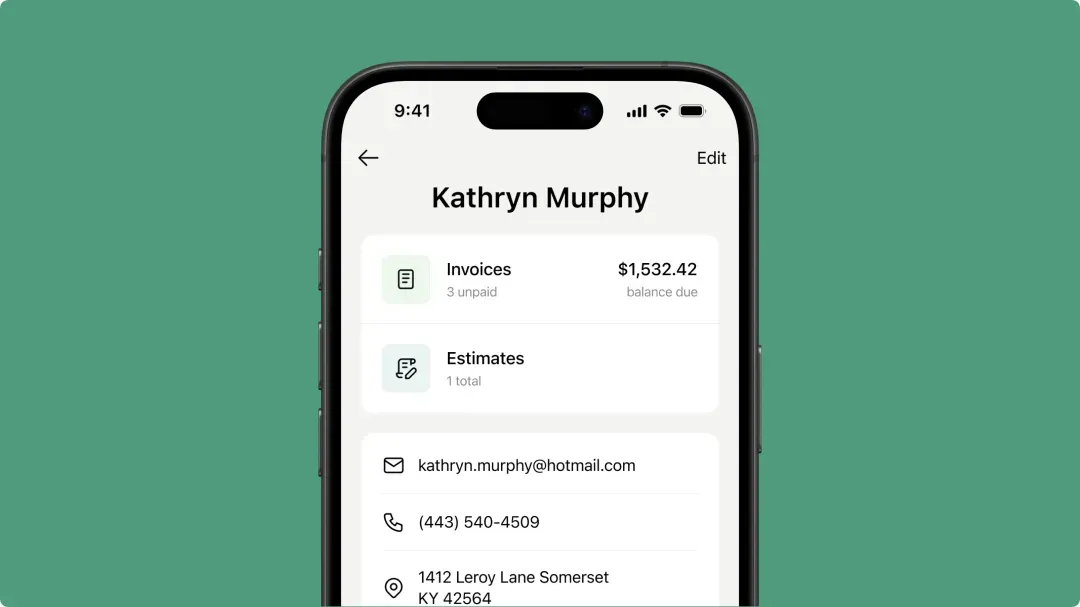
Track visits, payments, and service history for every client – weekly contracts or one-time deep cleans, all in one place on your phone.
Send quotes fast. Invoice on the spot. Get paid without waiting – all from your phone with Tofu.



