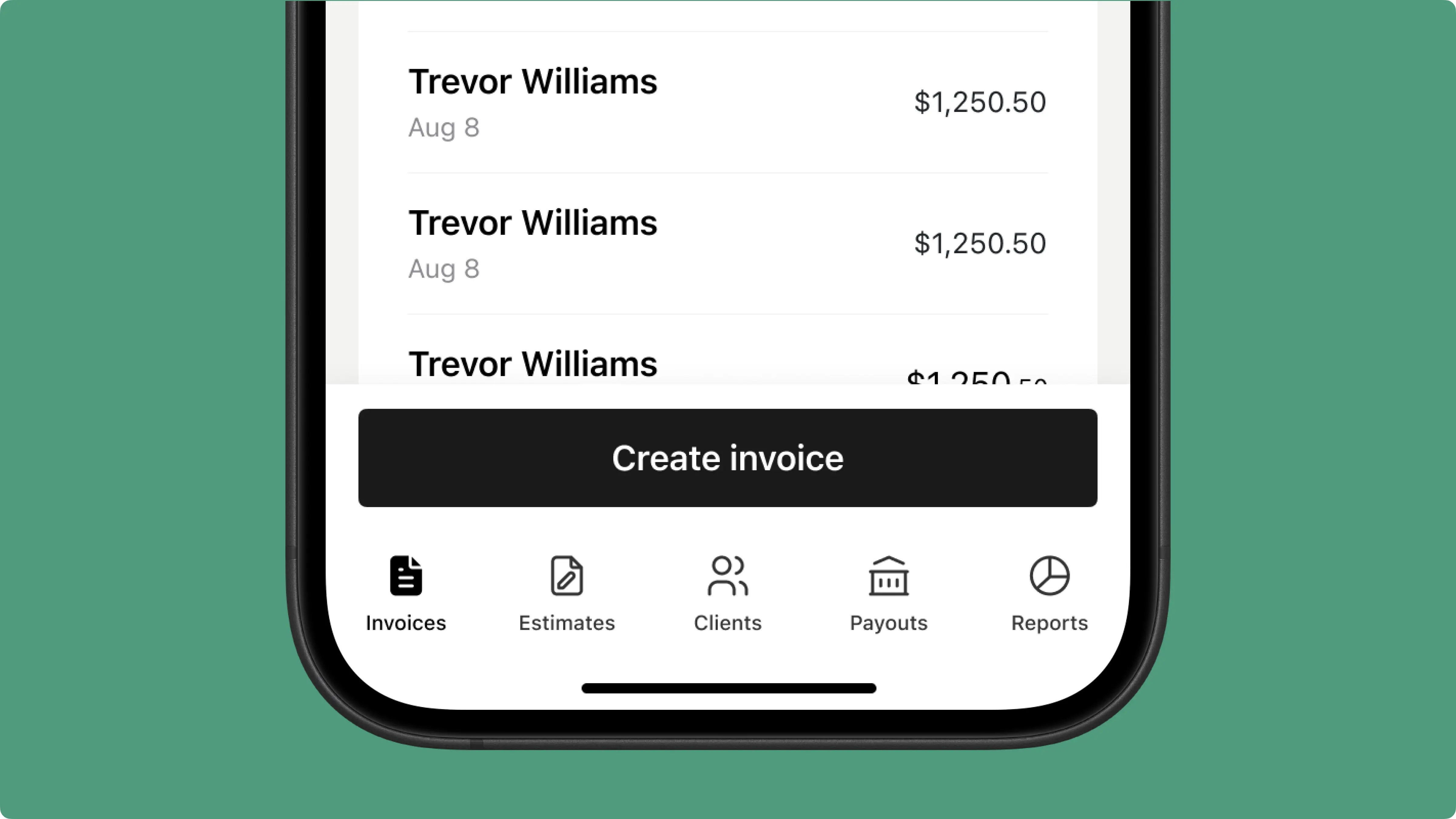
Invoice in one tap
Add your items, hit send. No training manuals or complex menus – built for electricians, not accountants.
❤️
15,124
users joined last week

Automatic Creation
Create a job for a panel replacement or circuit upgrade, and Tofu builds the invoice instantly – line items included, no manual entry needed.

Invoice Customization
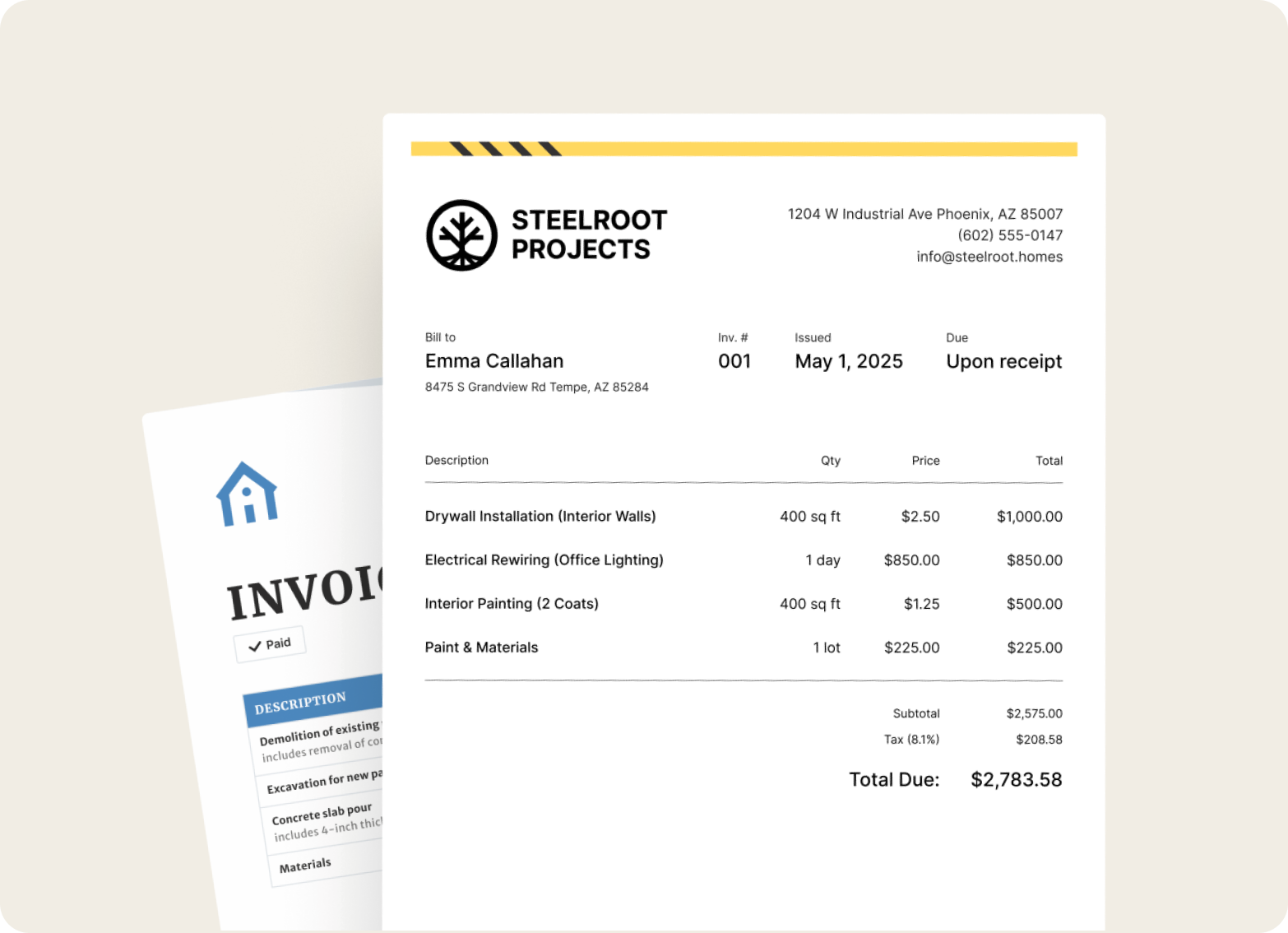
Add your logo and business details to every invoice. Pull from saved client profiles to keep information consistent and accurate.

Discount Application
Add volume discounts, split labor from materials, or adjust any line item by percentage or dollar amount – flexible for repeat clients or competitive bids.

Status Tracking
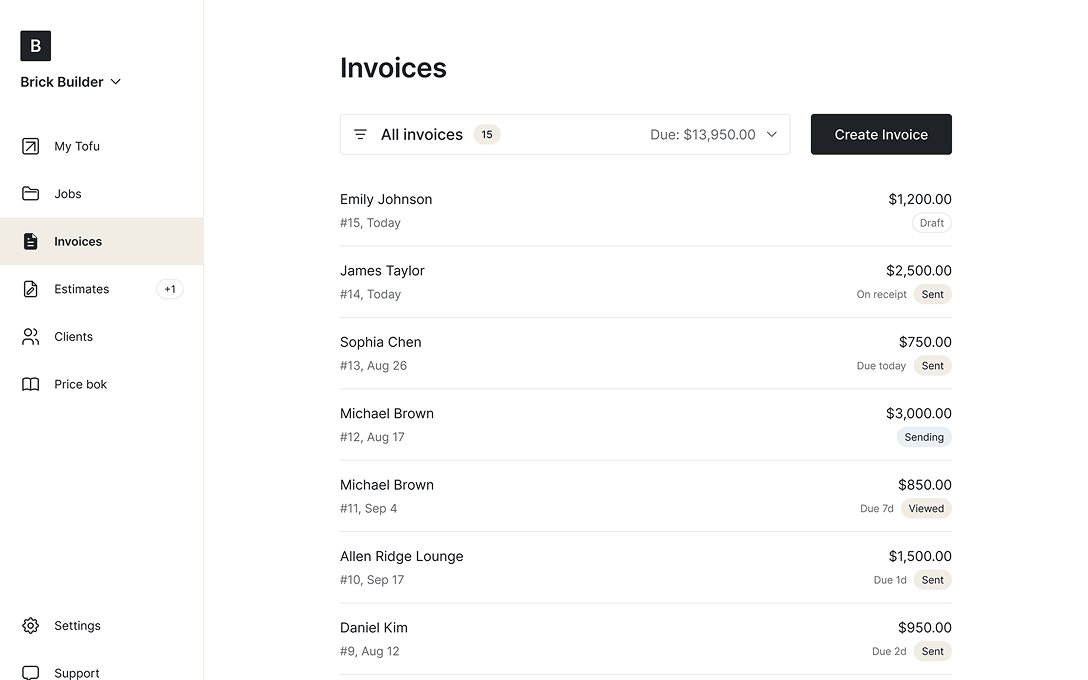
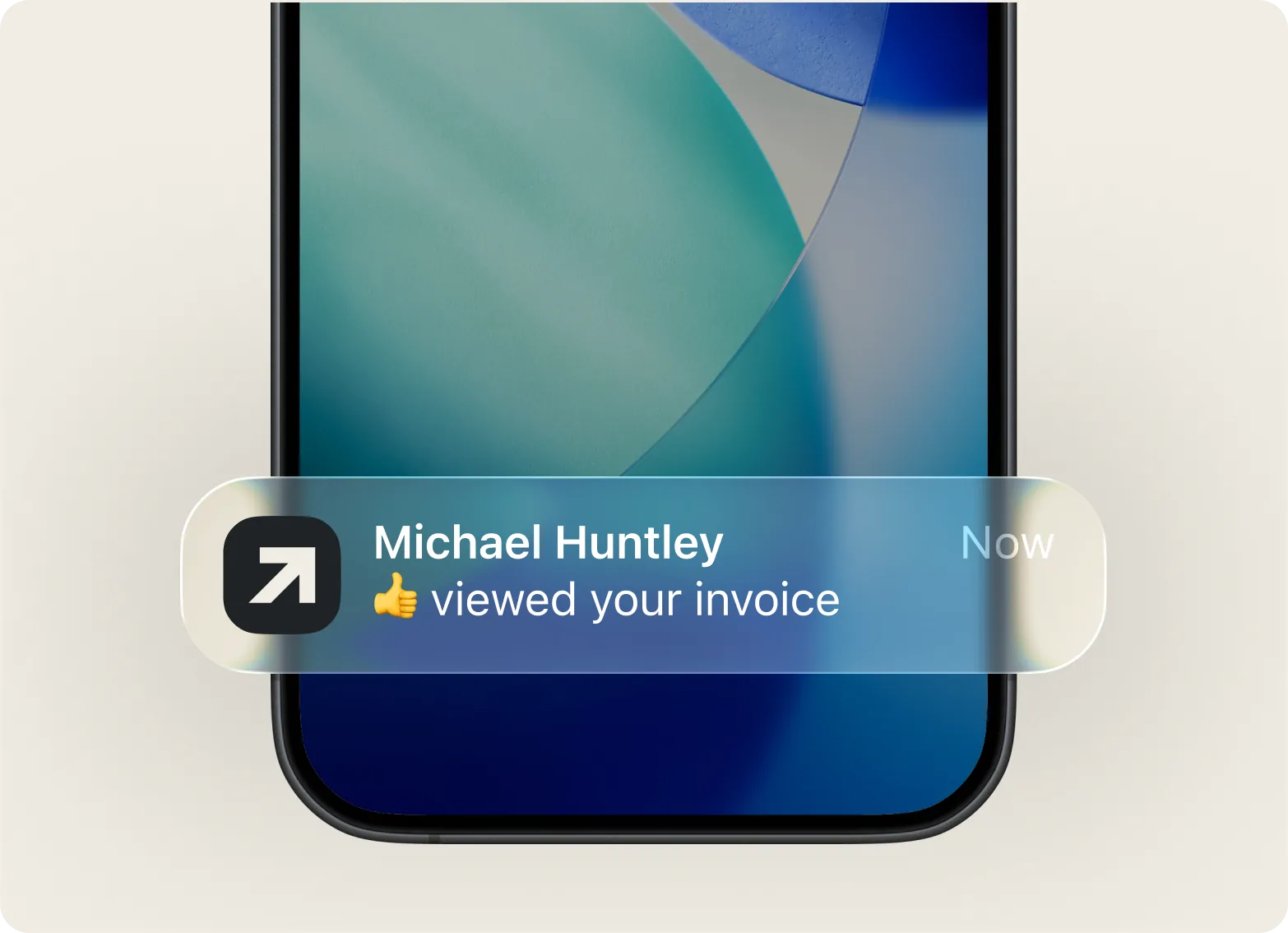
Track invoice opens in real time. Spot who hasn't paid and send a reminder directly from your invoice list – no guessing, especially on larger commercial jobs.

Mobile Access
Create invoices in the truck, at the breaker panel, or in basements with no signal. Full offline mode – sync and send when you're back online.

“My invoices look sharp, and I know exactly when they’re seen.”

Add your items, hit send. No training manuals or complex menus – built for electricians, not accountants.

Every feature works naturally on mobile. Create an invoice standing in front of the client or from your desk – same smooth experience either way.
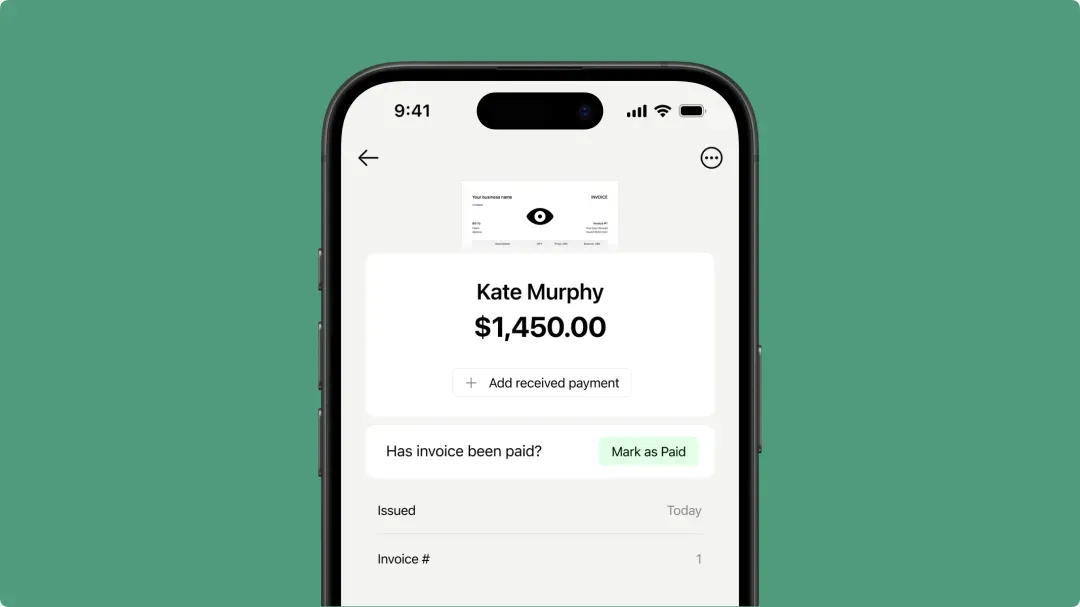
Basements, job sites with dead zones, remote locations – Tofu saves everything locally and syncs the moment you're back online.
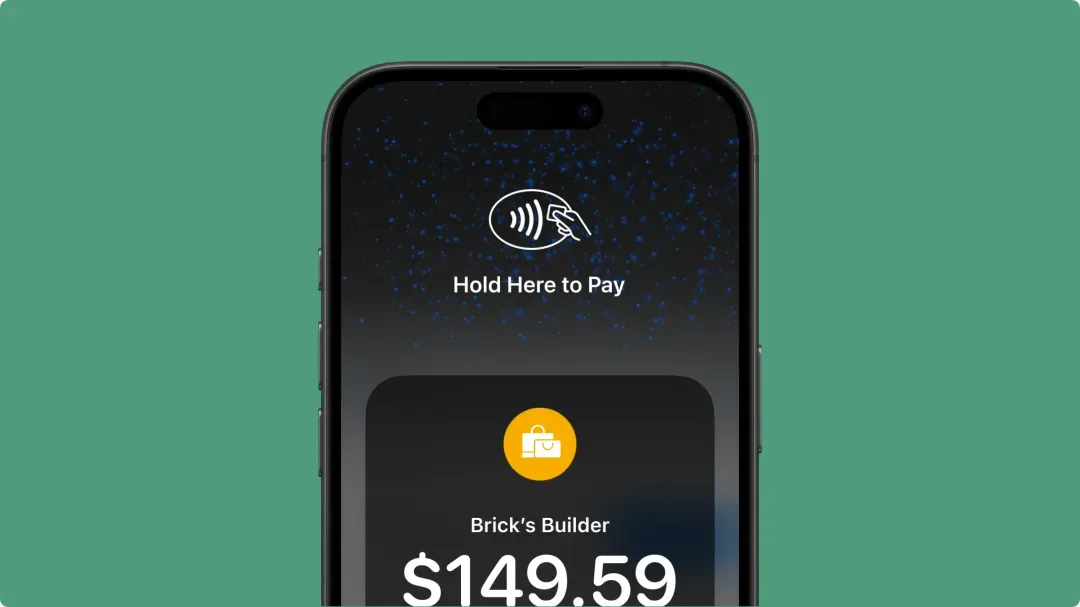
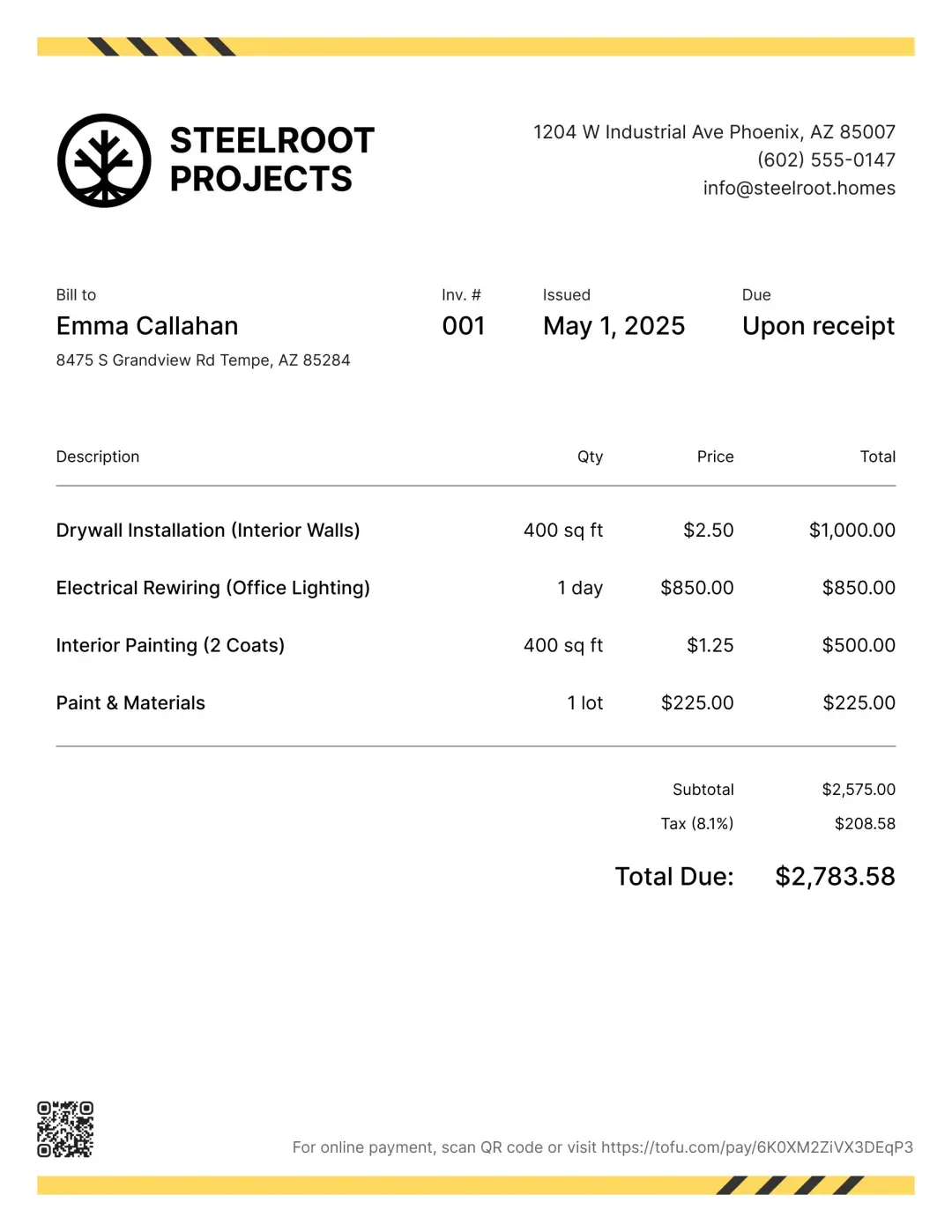
Send a payment-ready invoice the moment you finish. Clients pay by card, digital wallet, or bank transfer – no waiting weeks for a check.
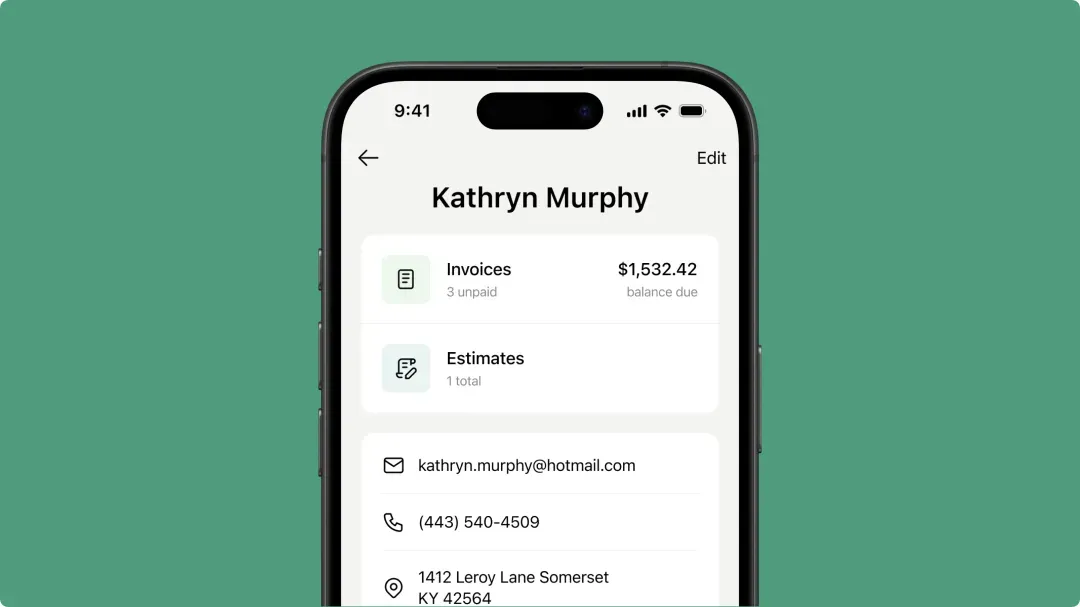
Everything you need to know about the product and billing
A digital tool that helps contractors bill clients directly from job sites using their smartphone. This software handles everything from creating professional documents to tracking payments. With mobile invoicing, you can generate estimates & invoices quickly right after completing a service call, without returning to the office. The system calculates totals, applies taxes, and sends documents instantly—turning your phone into a complete billing office.
This type of tool saves time by keeping client profiles organized and accessible from any location. The invoicing process becomes faster, boosting customer satisfaction through professional documentation. Ease of use means no training required—just open and start working. Since it functions in offline mode, you can create documents even in basements or areas with poor signal. The system handles real field conditions reliably at residential, commercial, or industrial sites.
The invoicing app offers multiple delivery methods. Open your invoice and tap "Send Invoice" to email it through our server, tracking it as "Sending," "Sent," or "Viewed." The mobile app also lets you share via text/email/print by tapping "Share." Clients receive a receipt via SMS/email with a link to their invoice—no downloads or account required. Send billing documents immediately after panel upgrades, rewiring jobs, or routine maintenance.
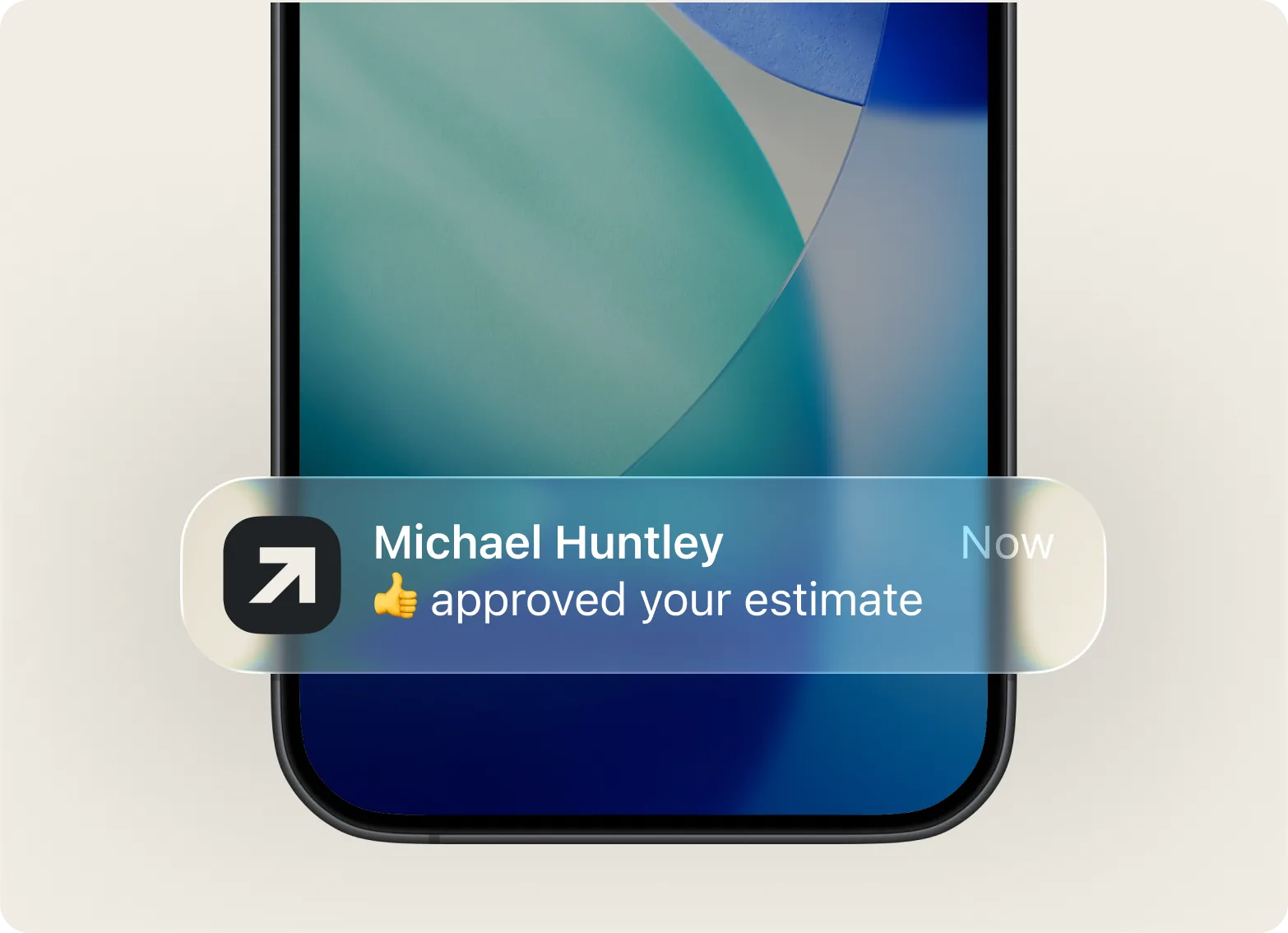
No account required. Your invoice app for electricians keeps the customer experience simple—clients view invoices directly through the link you send. This electrician software also lets you convert estimate to invoice instantly once approved, streamlining your workflow from quote to payment. Whether you're on the road between service calls or finishing up invoicing from your truck, clients can access their documents immediately.
Invoices are created in PDF format by default in our software. On desktop admin, simply open the invoice and click "Download" or "Print." On your mobile device, tap "Print," or tap "Share" then swipe down to select "Save to Files." This gives you flexibility to keep records or provide physical copies when needed.
Yes, you can personalize your billing documents through the software. When creating or editing an invoice, tap "Preview" then "Customize" to adjust the color scheme and select from available templates. This lets you maintain consistent branding across all client communications, helping your business look professional and established.
Yes, you can adjust pricing on any electrical invoice. Edit your invoice to add a discount as either a percentage or fixed dollar amount. Apply it to individual line items or the total price—perfect for repeat customers, volume work, or service packages. This flexibility helps you manage pricing for simple outlet installations or complex system upgrades.
Absolutely. The Notes section lets you add payment instructions for electrical work. This appears after adding items and client information, where you can specify multiple payment methods you accept. The last note you add saves automatically for future invoicing, streamlining your process. This works perfectly for electrical contractors who need to communicate payment terms clearly for both small repairs and larger installation projects.
Create professional invoices, track payments, and get paid faster – all from one app. Try Tofu free.