

Invoice in one tap
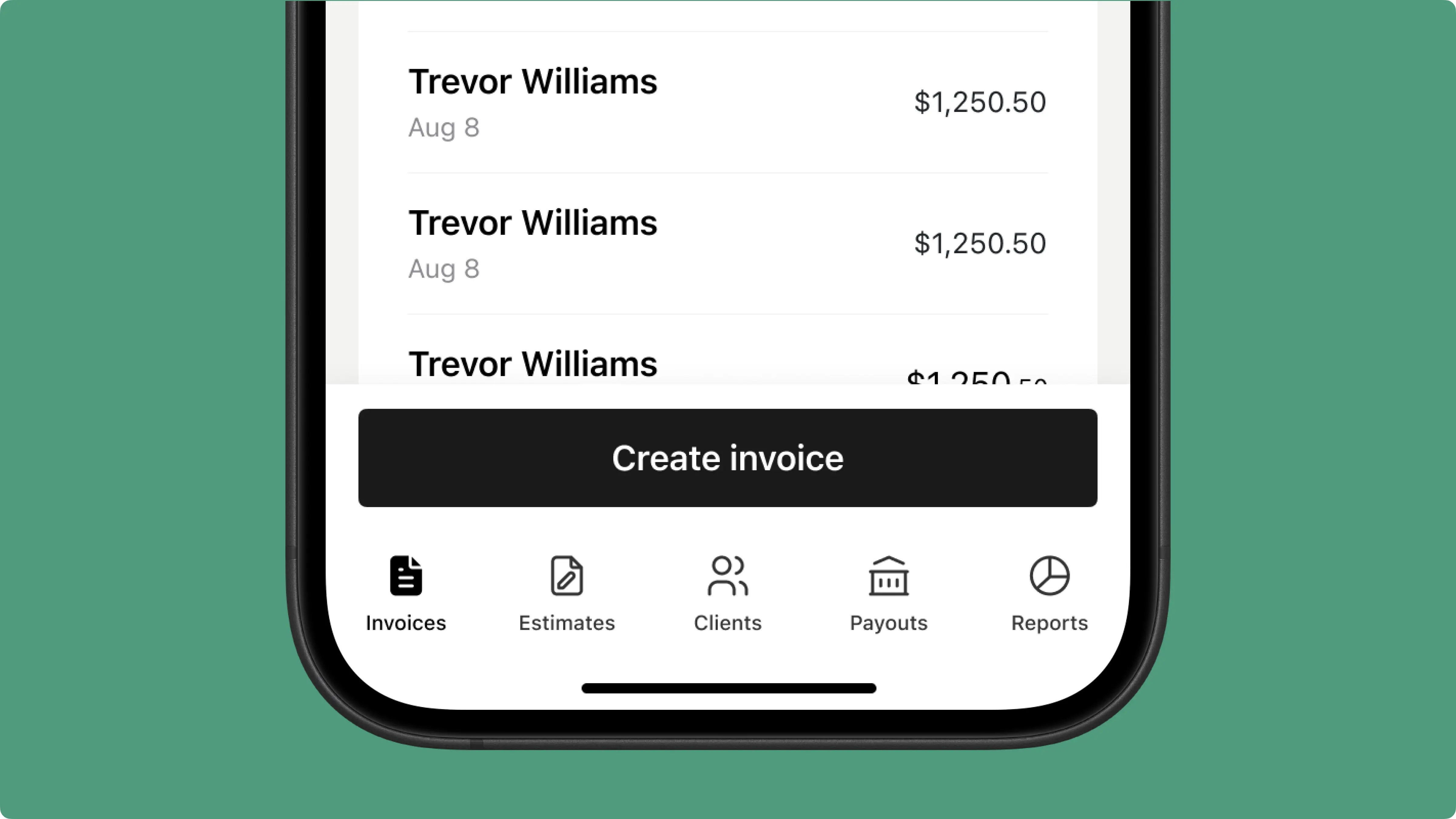
Add your services, hit send. No training manuals or complicated menus — just a clean, simple flow from job to payment.


❤️
15,124
users joined last week
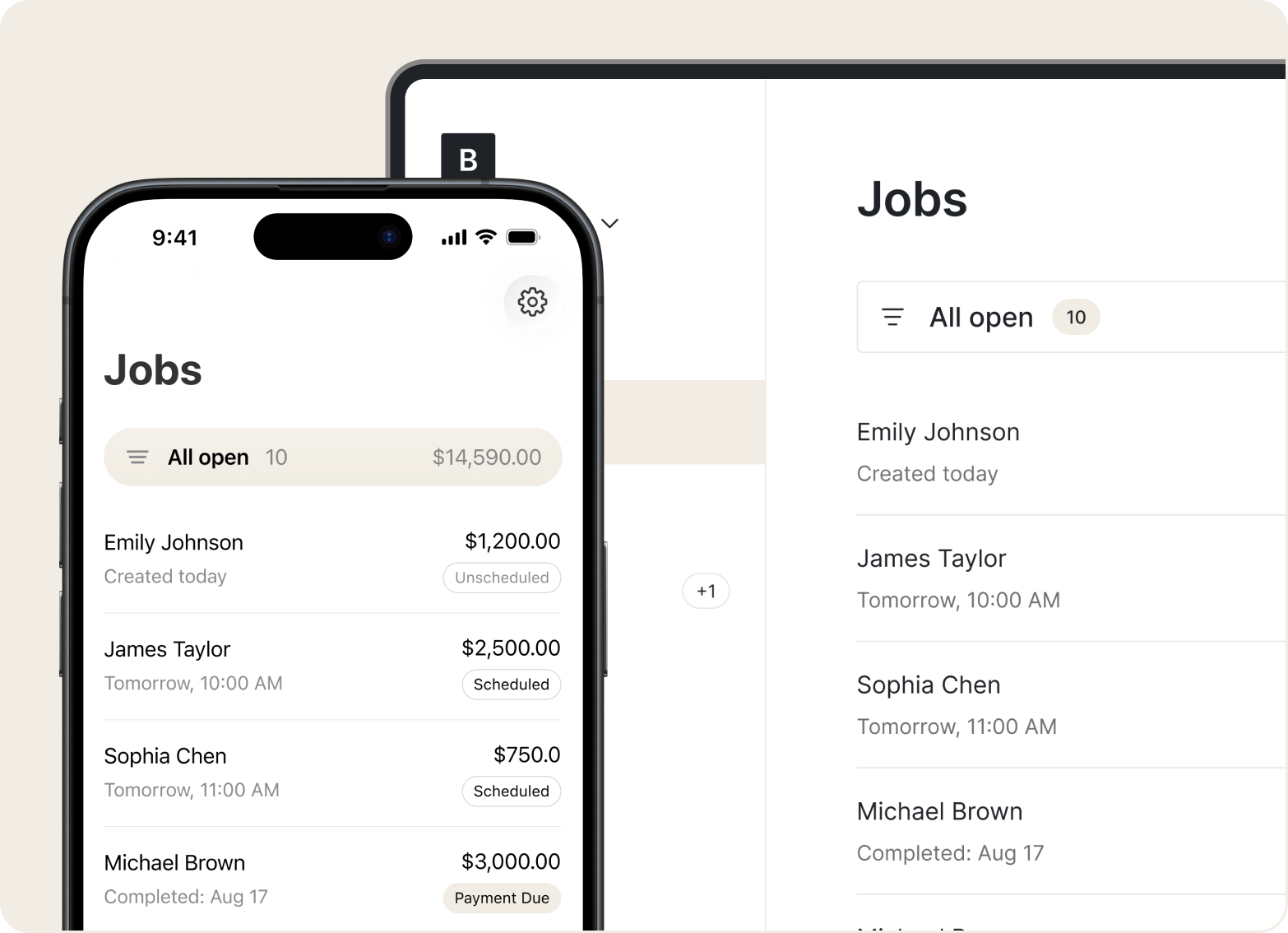
Scheduling
Create appointments, set job addresses, attach photos, and track each visit from scheduled to done. Your full job history stays in one place.
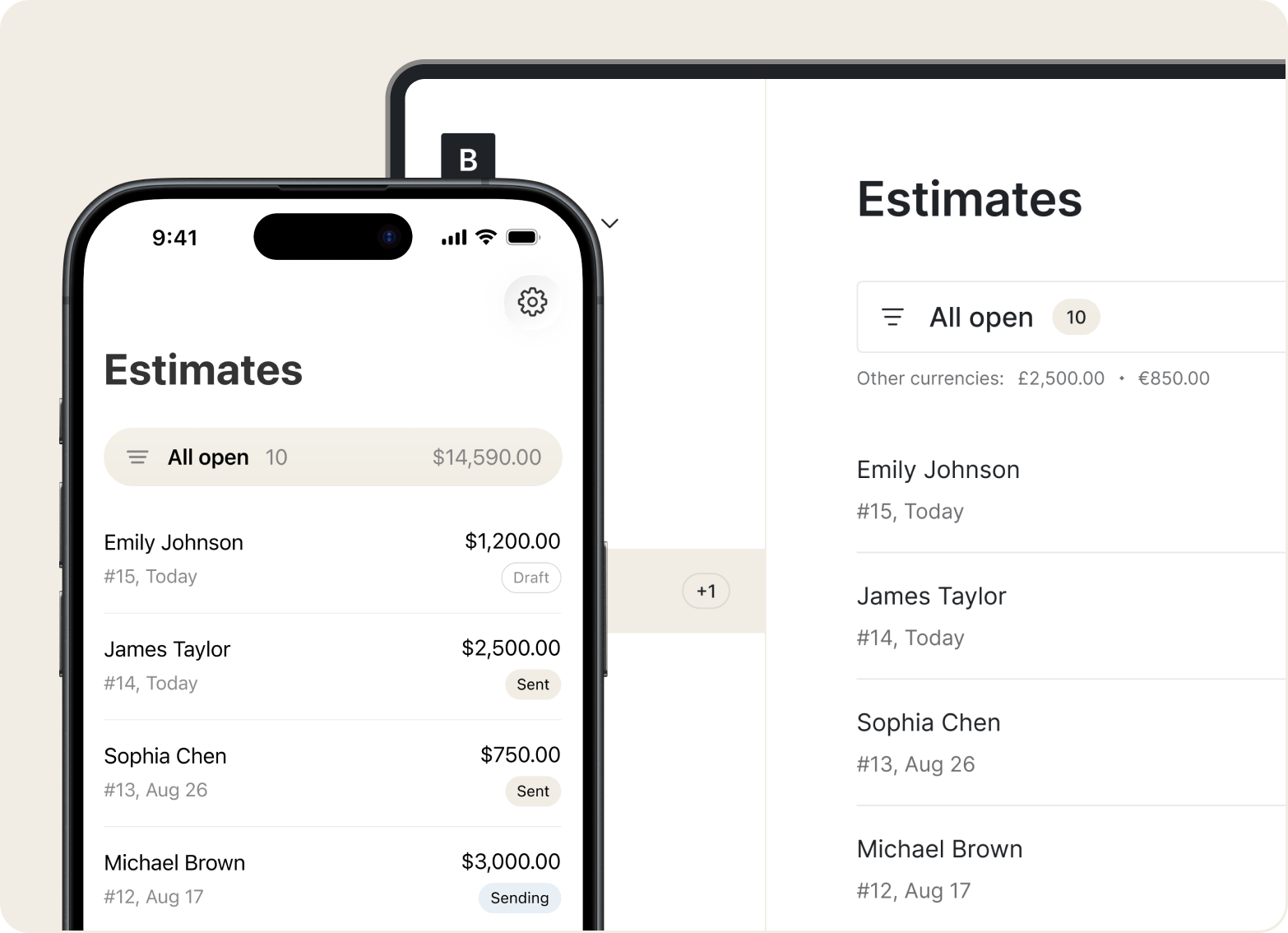
Estimates
Build and send quotes from your phone — one-time mow, seasonal cleanup, or weekly service. Add line items for mowing, edging, fertilizing, or aeration.
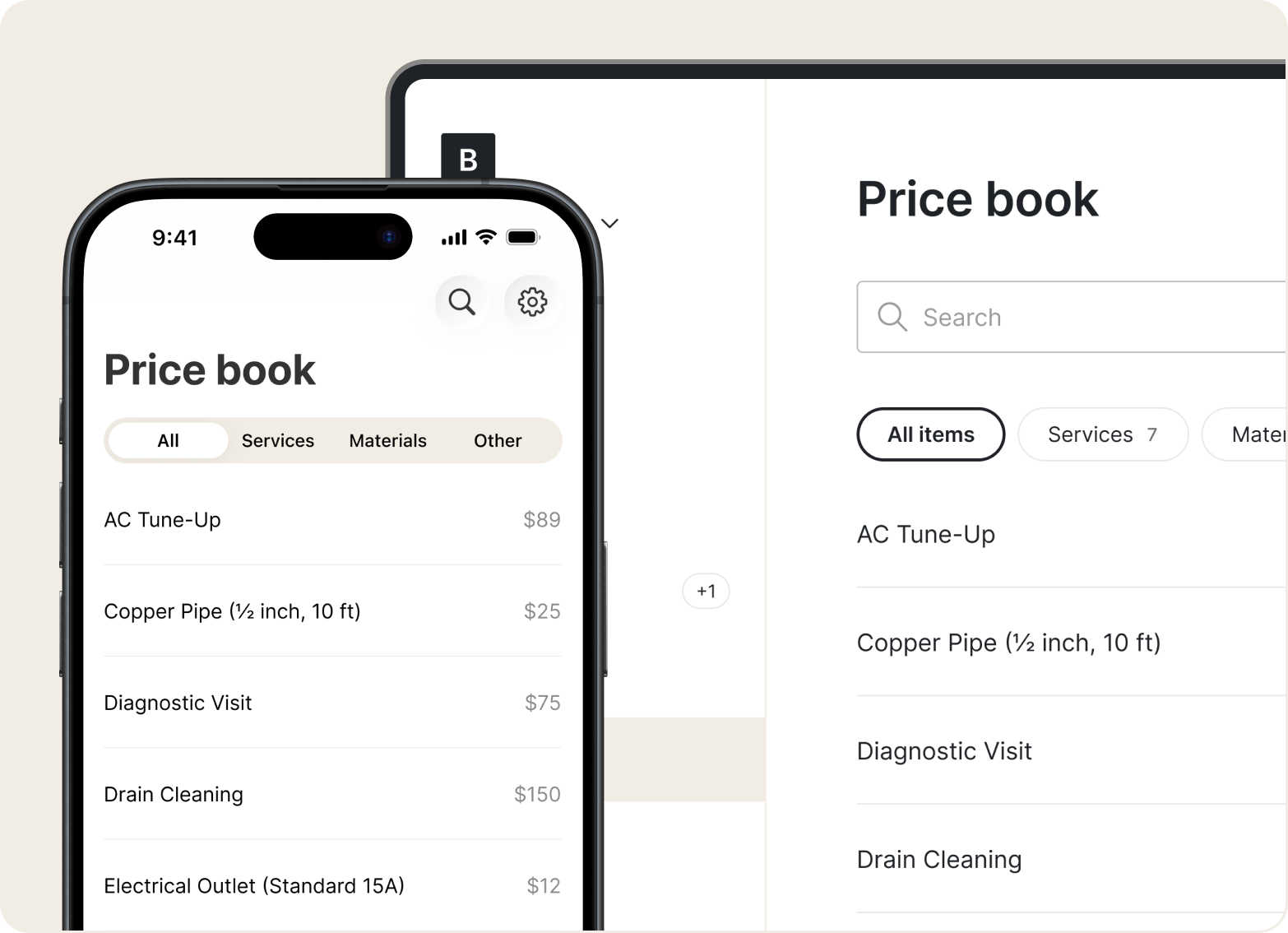
Price Book
Store your standard services and rates in the Price Book. Pick from saved items to build accurate quotes fast — no digging through old invoices.
Invoices
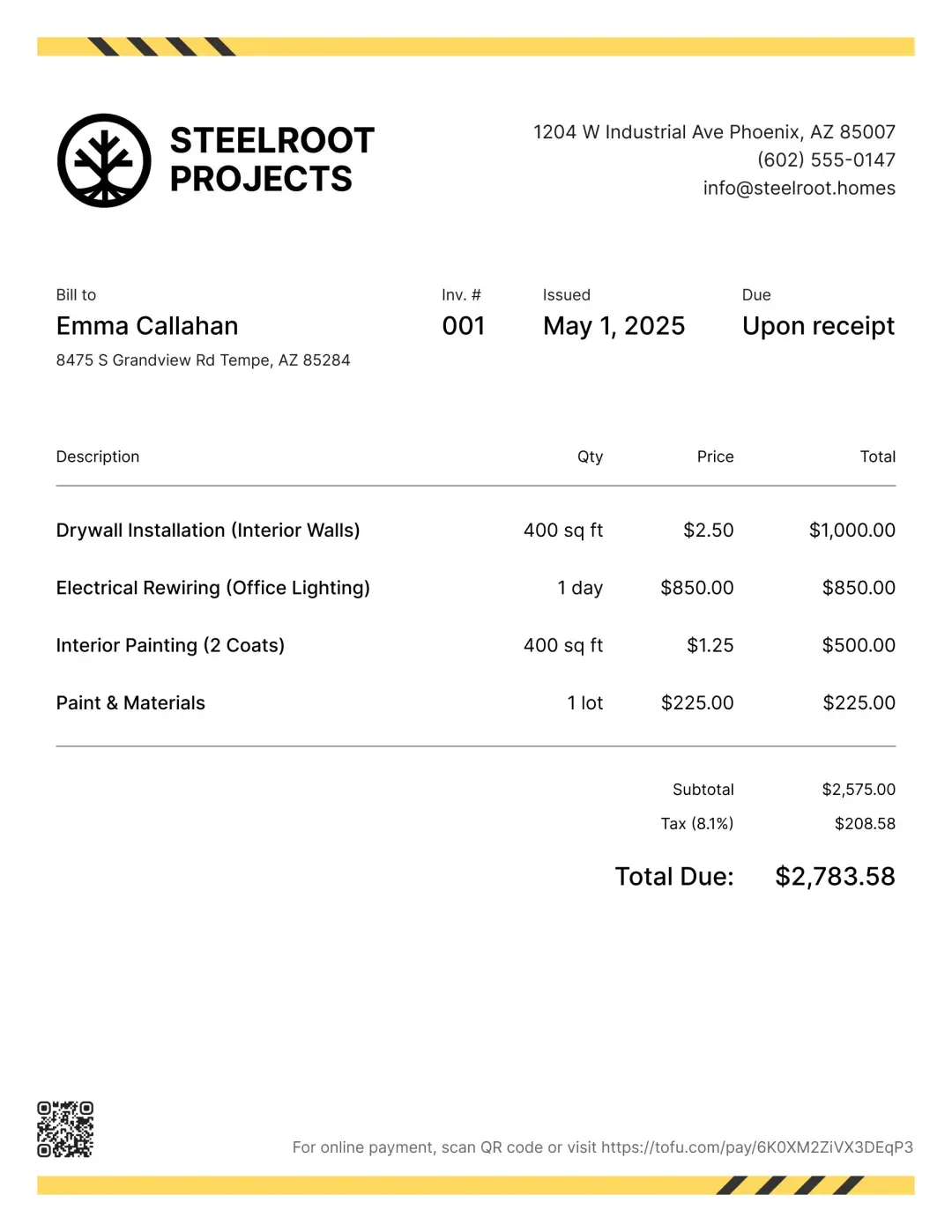
Convert an approved quote into a branded invoice in a few taps. Bill per visit, monthly, or for add-ons like mulching and seeding.
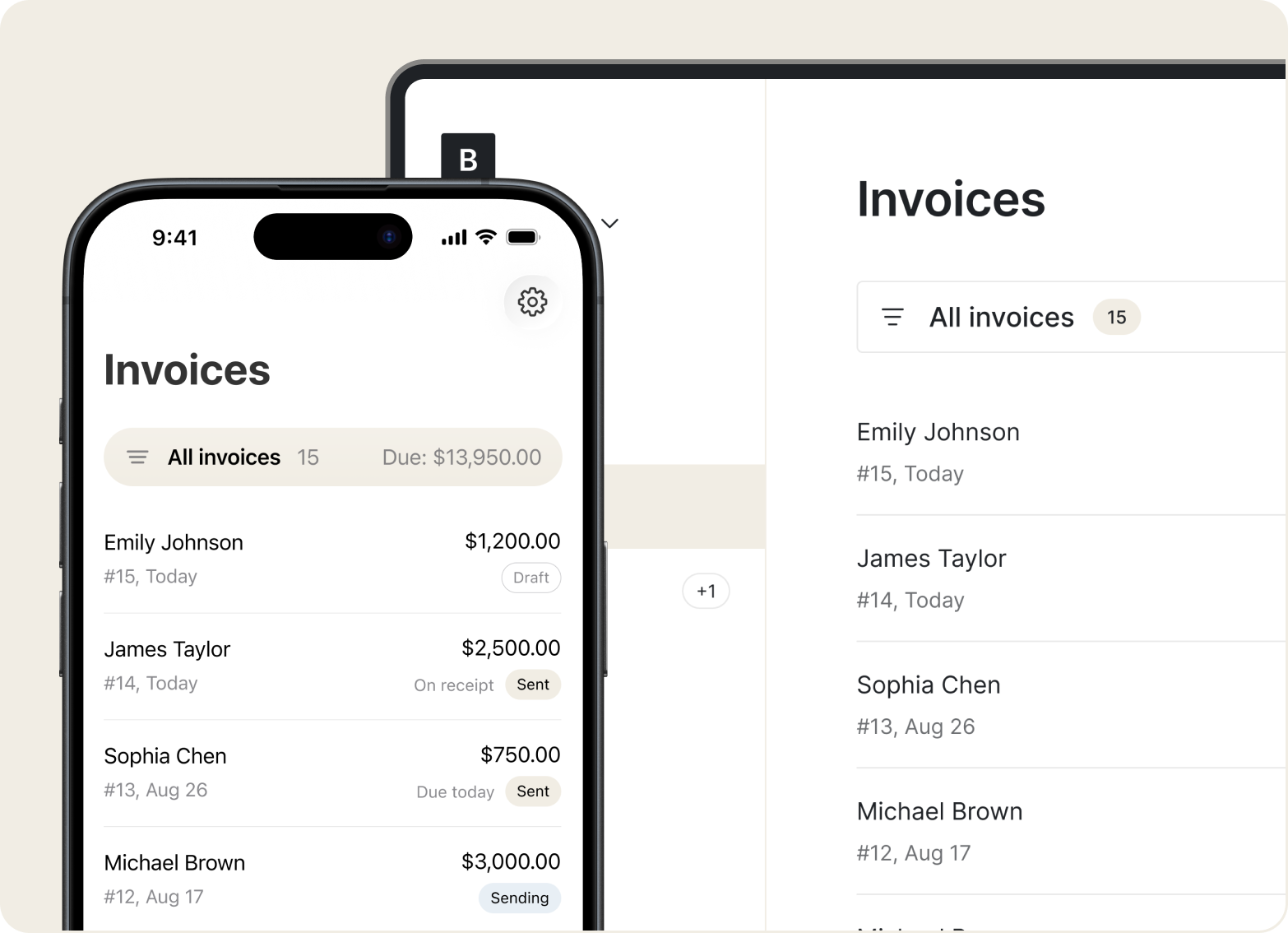
Mobile Access
Create and save quotes or invoices offline — in a backyard or out on a rural property. Everything syncs automatically when you're back online.
“I use Tofu for invoicing my lawn care customers. It’s simple and easy, and it lets me send invoices right from my phone while on the job site.”

Add your services, hit send. No training manuals or complicated menus — just a clean, simple flow from job to payment.
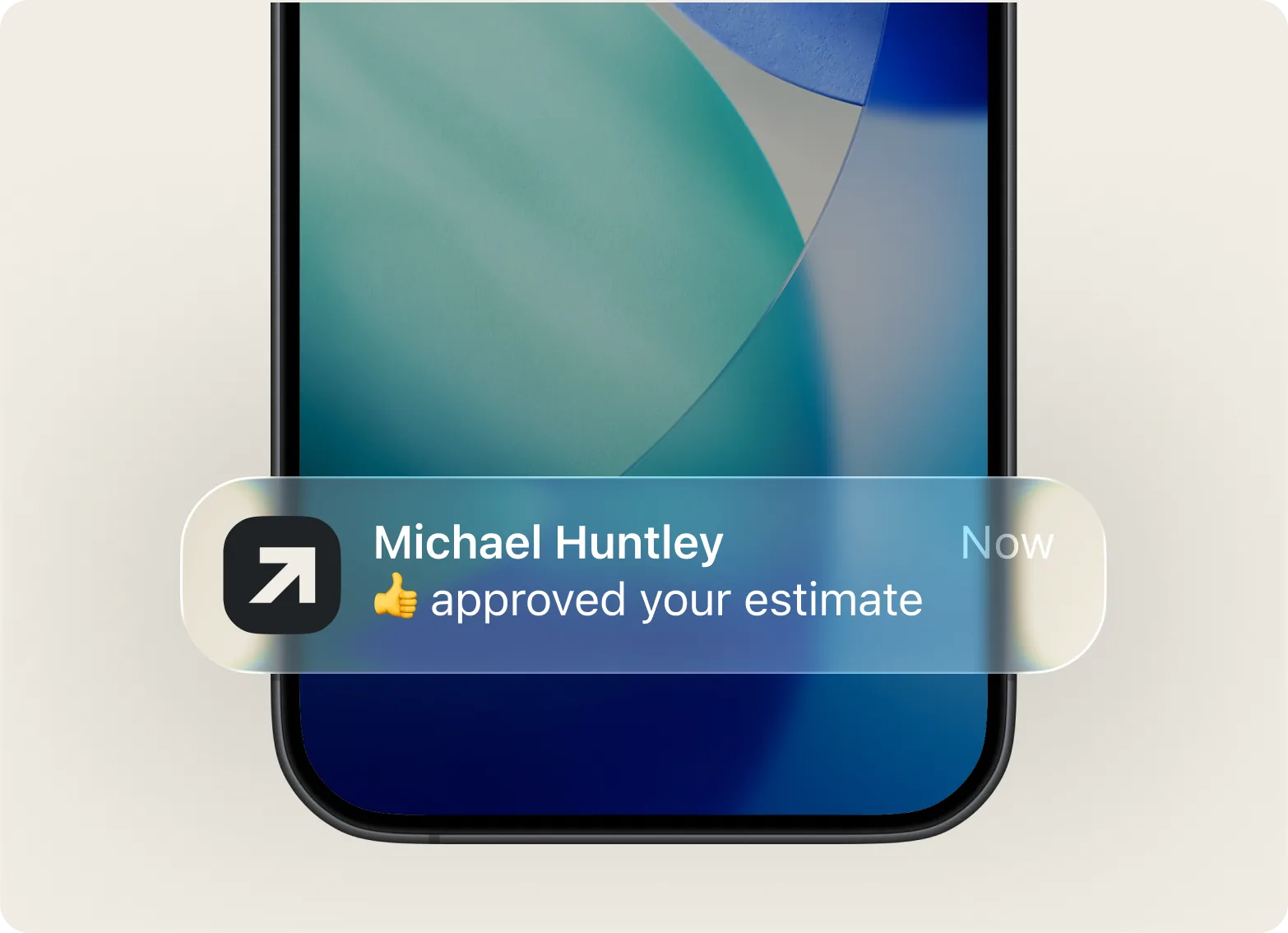
Build and send an estimate while you're still on-site. Clients see exactly what they're getting and can approve it immediately.
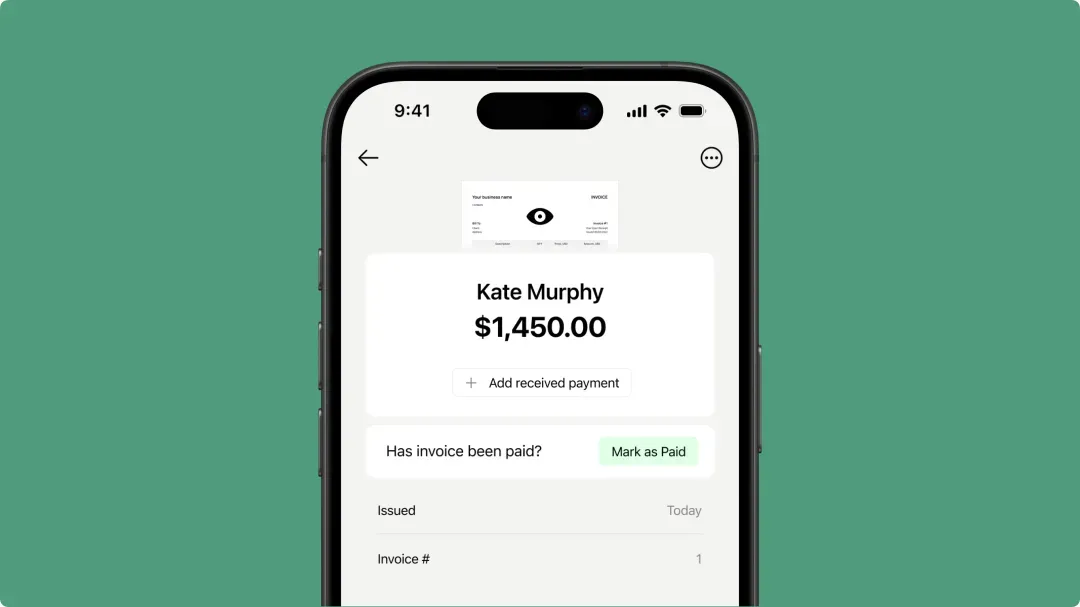
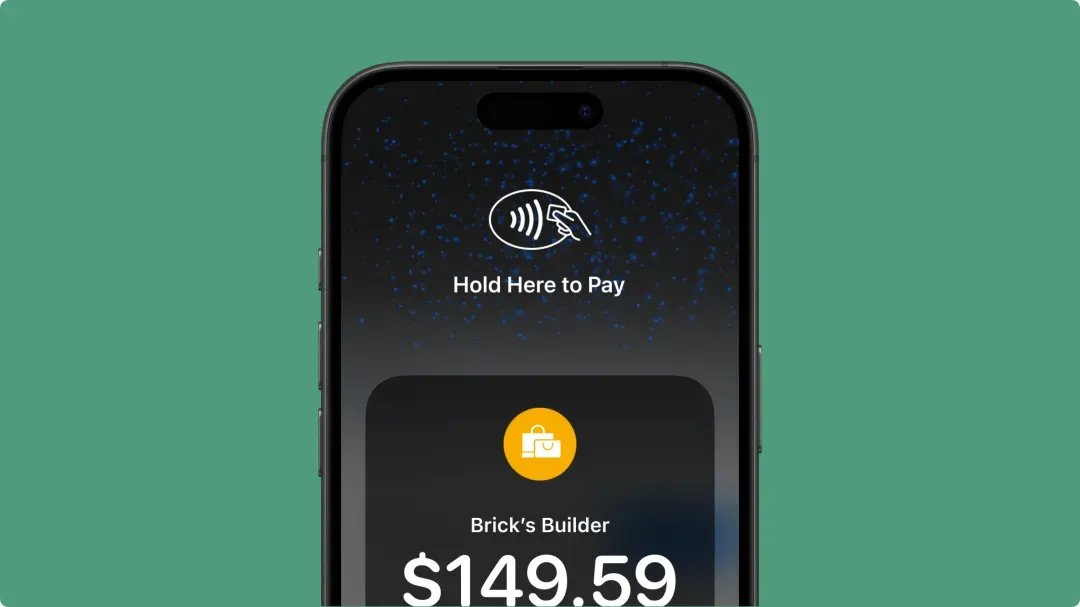
Accept card payments, Apple Pay, or Google Pay right after the job — no waiting on checks or chasing reminders.
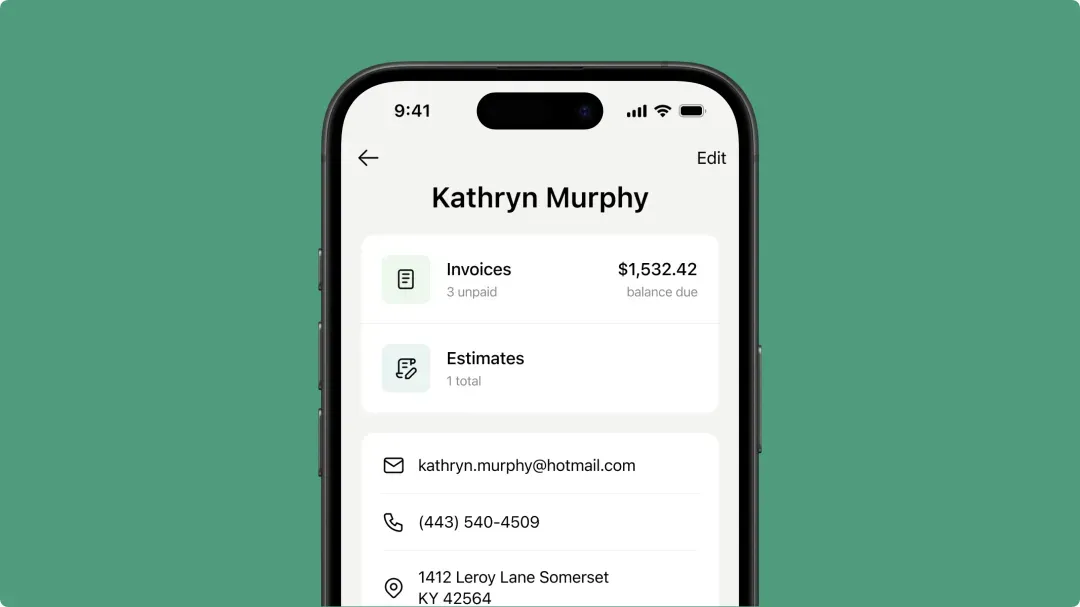
Track what you quoted, charged, and collected. Your full billing history stays ready for the next visit.
Manage quotes, visits, and payments from your phone with Tofu.



