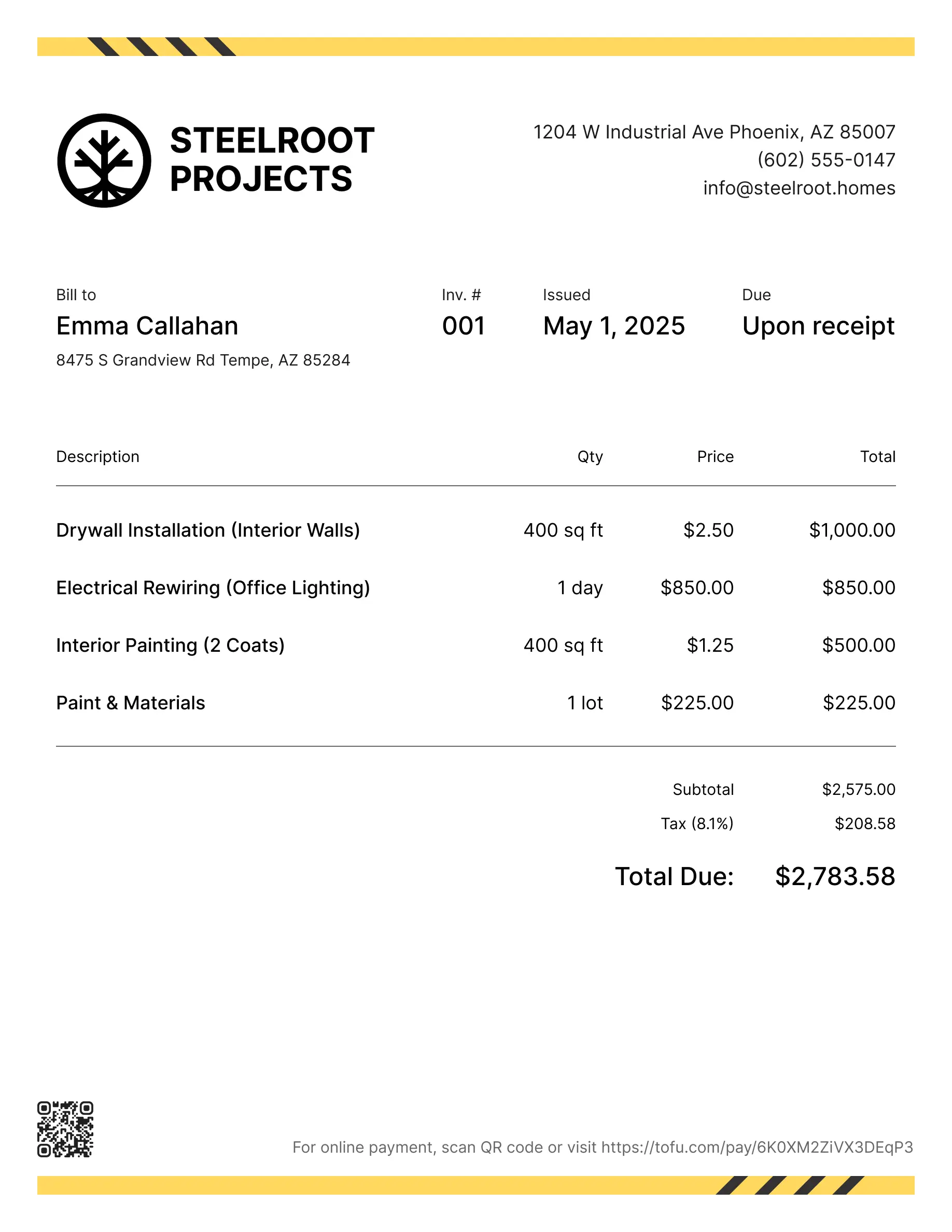
HVAC invoice templates
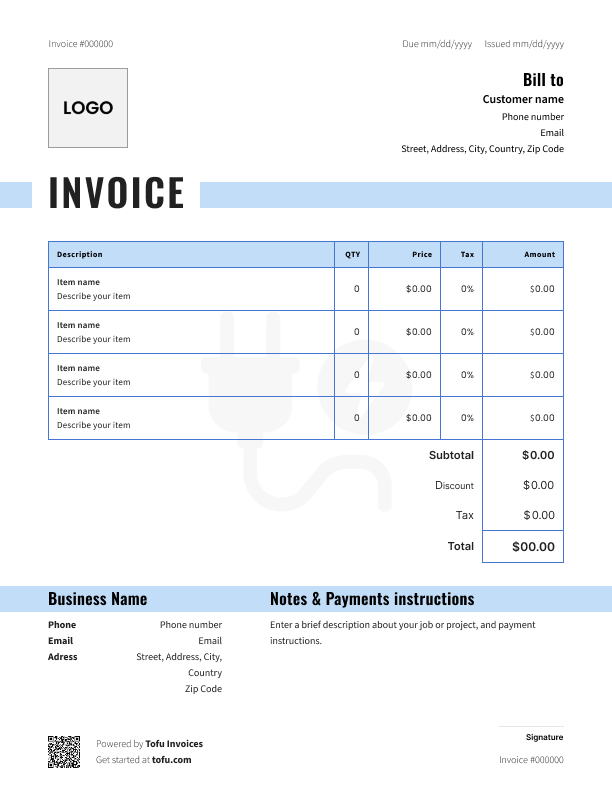
Free HVAC invoice templates
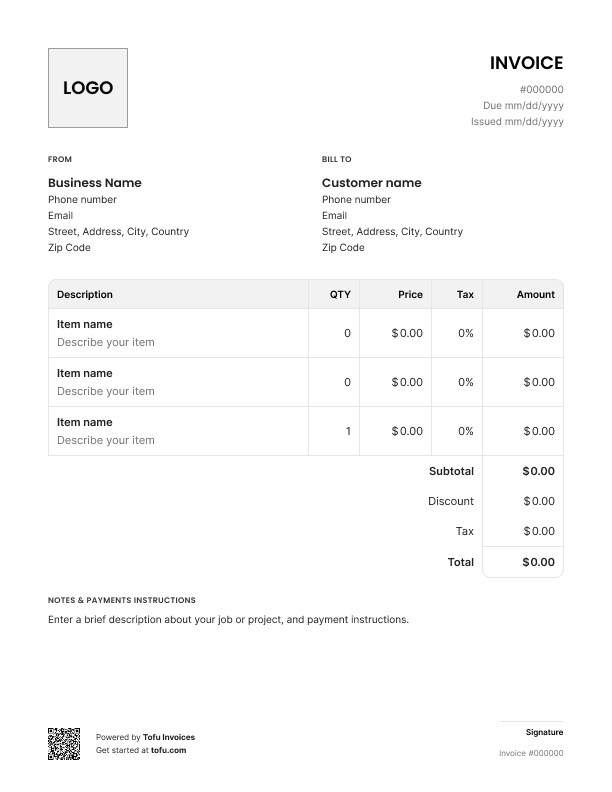
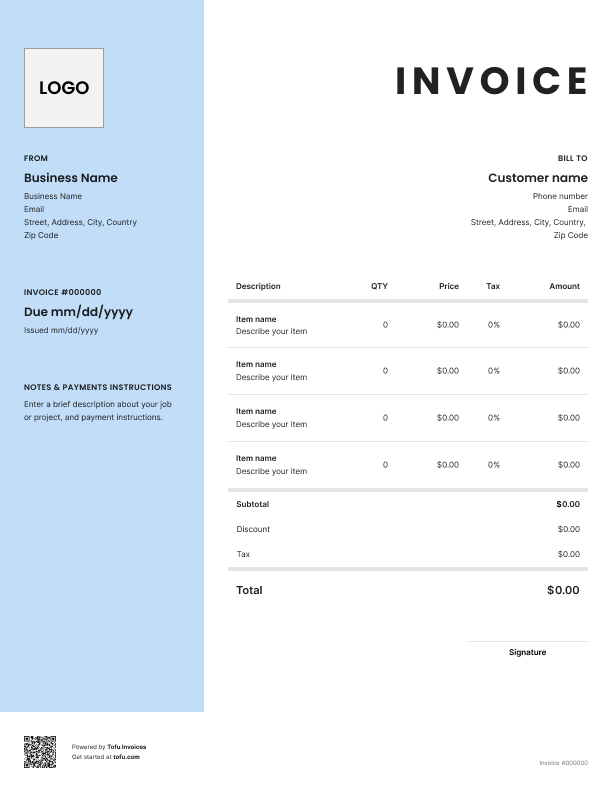
HVAC invoicing isn't like billing a quick repair. You're tracking refrigerant types, serial numbers, warranty terms, and service locations that don't match billing addresses. Send a vague invoice and you're chasing payment instead of running your business.
These free HVAC invoice templates are built for contractors who deal with that complexity. They separate labor from materials and include the fields generic templates miss. Download one, add your details, and send a professional invoice that gets you paid without the back-and-forth.
What to include in an HVAC invoice template
Every HVAC invoice needs these fields to get processed. Here's what your invoice templates should cover:
Invoice number and dates. Use a simple system like "INV-2024-087" to keep records organized. Include the service date so there's no confusion about when the work happened.
Company and client information. Your business name, phone, email, and license number at the top. Client's name, billing contact, and address below. Get this wrong and your invoice goes nowhere.
Services provided. What you actually did – not "HVAC service," but "Replaced compressor, recharged R-410A." Specifics get approved faster.
Equipment details. Identify the hvac system you worked on: model number, serial number. This matters for warranty claims and future service calls.
Parts and labor costs. Break them out separately. Labor: 6 hrs × $95/hr. Parts: $1,200. Clients want to see where the total comes from.
Warranty information. Document coverage terms – "Parts warranty: 5 years from install date." Protects both sides if something goes wrong.
Payment terms and total amount due. When it's due, how to pay, and what they owe – bold and clear. Net 30, check or card. No ambiguity.
HVAC-specific fields that generic templates miss
Standard templates leave out what matters for HVAC work. Miss these and you're asking for trouble:
- Equipment model and serial numbers – essential for hvac units tracking and warranty claims
- Refrigerant type and quantity – required for EPA compliance and hvac maintenance records
- Service location vs. billing address – commercial jobs often have different addresses. Get this wrong and your invoice sits in limbo
- Permit and inspection numbers – some hvac installation jobs require these for code compliance
- Warranty disclaimers – protects your business and sets clear expectations
Your next invoice is 60 seconds away
Open Tofu, add the details, send a pay link. Your client gets it while the work is still fresh.
Rated excellent on review platforms

Absolutely amazing! It’s saves so much time and it gives you the professional touch needed to make you look good!
★ ★ ★ ★ ★
Tony W., TrustpilotTofu works with Stripe for on-site card payments, lets me turn estimates into invoices, and instantly syncs jobs, photos, and client notes offline.
★ ★ ★ ★ ★
Tofu user, G2
I use Tofu for my cleaning business, and it solves so many problems for me. I consider it a complete success for myself and my employees.
★ ★ ★ ★ ★
Marjorie N., G2Easy to use and straightforward! Been using it for over a year now!
★ ★ ★ ★ ★
Manuela M., TrustpilotI need some basic features like send estimate, invoice, track my jobs and get money. Tofu is good for that.
★ ★ ★ ★ ★
Tofu user, G2I love it 10 out of 10 would highly recommend to anyone
★ ★ ★ ★ ★
David M., CapterraHow to create a professional HVAC invoice
Here's how to create an invoice from HVAC estimate templates to final bill:
1. Start after the scope is agreed on. Confirm the work and estimated cost.
2. Record time and materials as you go. Track your hourly rate, hours worked, and every part as you install it.
3. Itemize labor and parts separately. List labor hours and rate on their own lines, then parts with quantities and unit costs. Lump them together and clients start asking questions.
4. Document the equipment. Include make, model, and serial number of every hvac system you serviced.
5. Detail the work performed clearly. "HVAC repair" tells the client nothing. "Replaced faulty capacitor on Trane XR15 outdoor unit. Verified refrigerant charge" – that gets approved.
6. Apply deposits, set the total amount due, and add payment terms. Show what's paid, what's owed, when it's due.
Tip: This free hvac invoice template includes a deposit line. For large hvac installation jobs, collect a deposit before you start – typically 30–50% of the total. Document it to protect your cash flow and show the remaining balance.
Customizing your HVAC invoice template
A customizable invoice builds trust. Add your company logo, match your brand colors for a consistent professional image, and put your warranty disclaimer and payment policy at the bottom.
Add or remove fields depending on the job. Not every service call needs refrigerant tracking, but every installation does. Adjust the template to fit the work – a polished, tailored document gets paid faster than a handwritten note.
Types of HVAC invoices: hourly vs. per-project billing
The best invoice templates for hvac let you switch billing structures depending on the work.
Hourly billing works best for:
- Service calls and diagnostics with unclear scope
- Repairs that might run longer than expected
- Hvac maintenance visits with variable time
List your hourly rate, hours worked, and a description for each task. Clients appreciate seeing exactly where their money went.
Per-project (flat-rate) billing works best for:
- Full hvac installation jobs with a defined scope
- Maintenance packages with set services
- Equipment replacements where costs are predictable
Quote a single price and list what's included.
Mixed billing is common on hvac jobs too – flat rate for the install, hourly for troubleshooting. Just make sure each section of the hvac service invoice is clearly labeled.
Benefits of using HVAC invoice templates
Using a free invoice template instead of building from scratch saves real time and money:
You get paid faster. Clear, itemized invoices don't sit in someone's inbox.
Your cash flow stays predictable. Invoices go out the same day, payments come in on schedule.
You look professional. Clients who see a professional hvac service document are more likely to refer you.
Fewer mistakes. Templates keep you consistent and streamline your billing process across every job type.
As your business grows, hvac invoicing software automates recurring billing, tracks payments, and manages clients so you spend less time on paperwork.
Common HVAC invoicing mistakes to avoid
These errors cost contractors money. Watch your invoicing process for:
- Bundling parts and labor into one line → Split them. Clients want the breakdown, and it protects you in disputes
- Missing equipment serial numbers → Without them, warranty claims get denied. You eat the cost
- Vague work descriptions → Include a clear description of the services – what you replaced, what you tested
- Skipping deposit documentation → Show it on the invoice or you'll get a late payment dispute over money already paid
- Leaving out license or certification numbers → Some states require this. Even where it's optional, it adds credibility
- Unclear payment terms → State the due date, accepted methods, and any late fees. If clients don't know when to pay, they won't
Invoices are just the start
Every client, job, estimate, and payment lives in Tofu – ready to pull up in seconds, wherever you are.
FAQs
Everything you need to know about the product and billing

Still have questions?



Create the perfect invoice for your business
Get started for free