

Invoice in one tap
Add your line items, hit send. No complex menus or setup – just a fast, clean flow from job to payment.


❤️
15,124
users joined last week

Scheduling
Book service calls, set addresses, attach job photos, and track work from scheduled to complete – all from your phone.
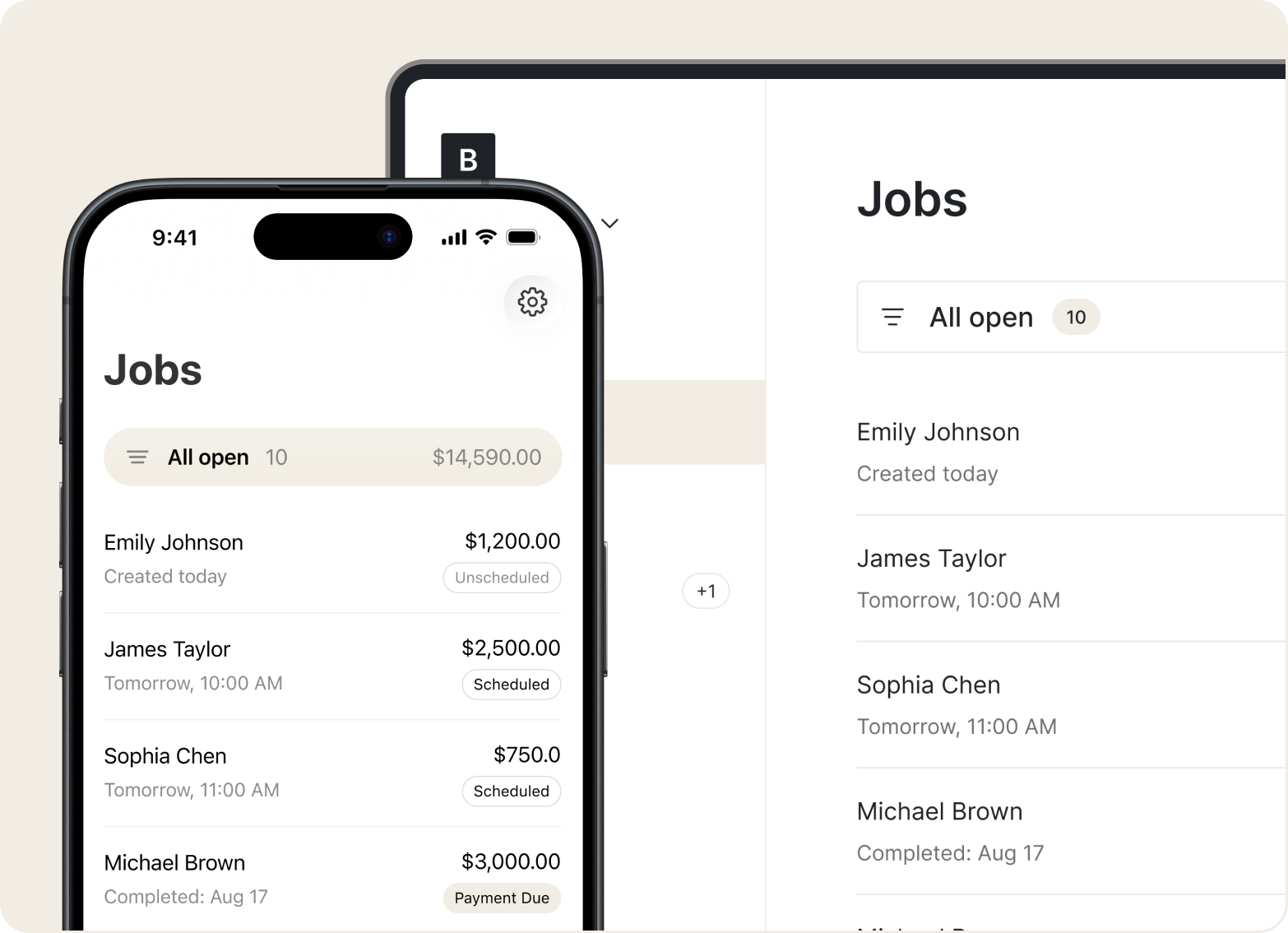
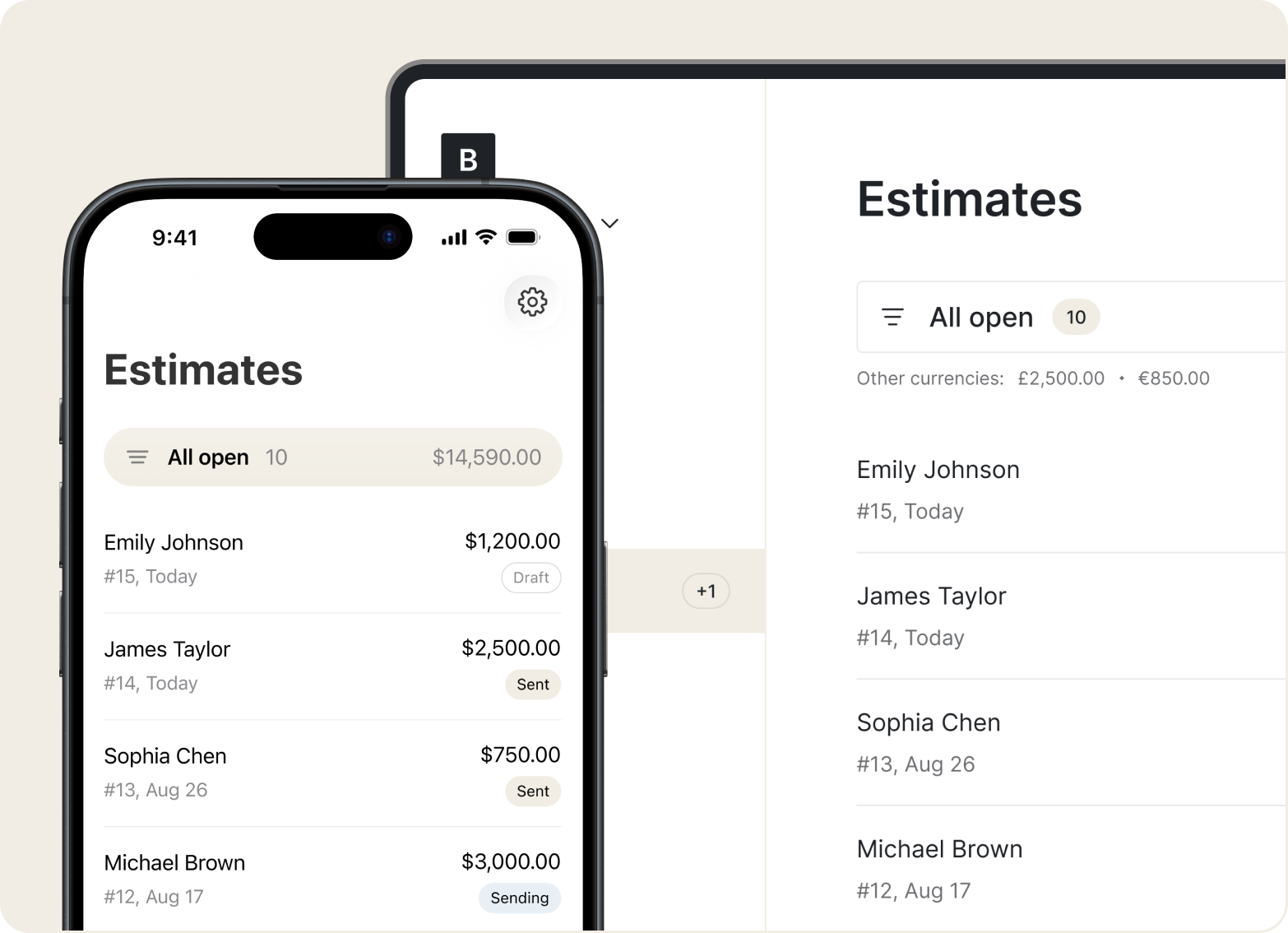
Estimates
Add labor, parts, and notes on-site. Send a clear estimate right after the walkthrough so the job moves forward without delays.
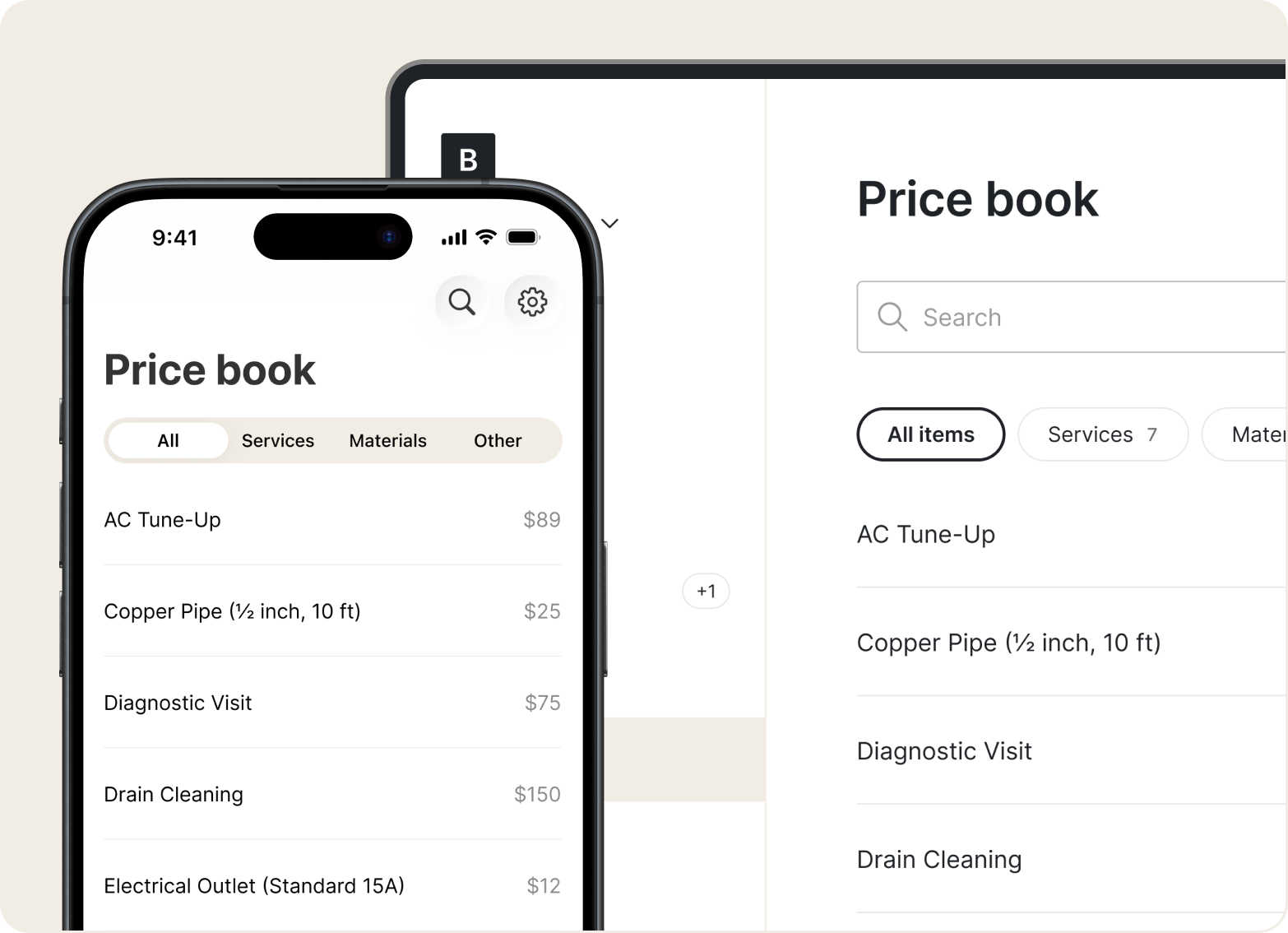
Price Book
Save your common services and rates in the Price Book. Build estimates faster by picking from saved items – no retyping prices every time.
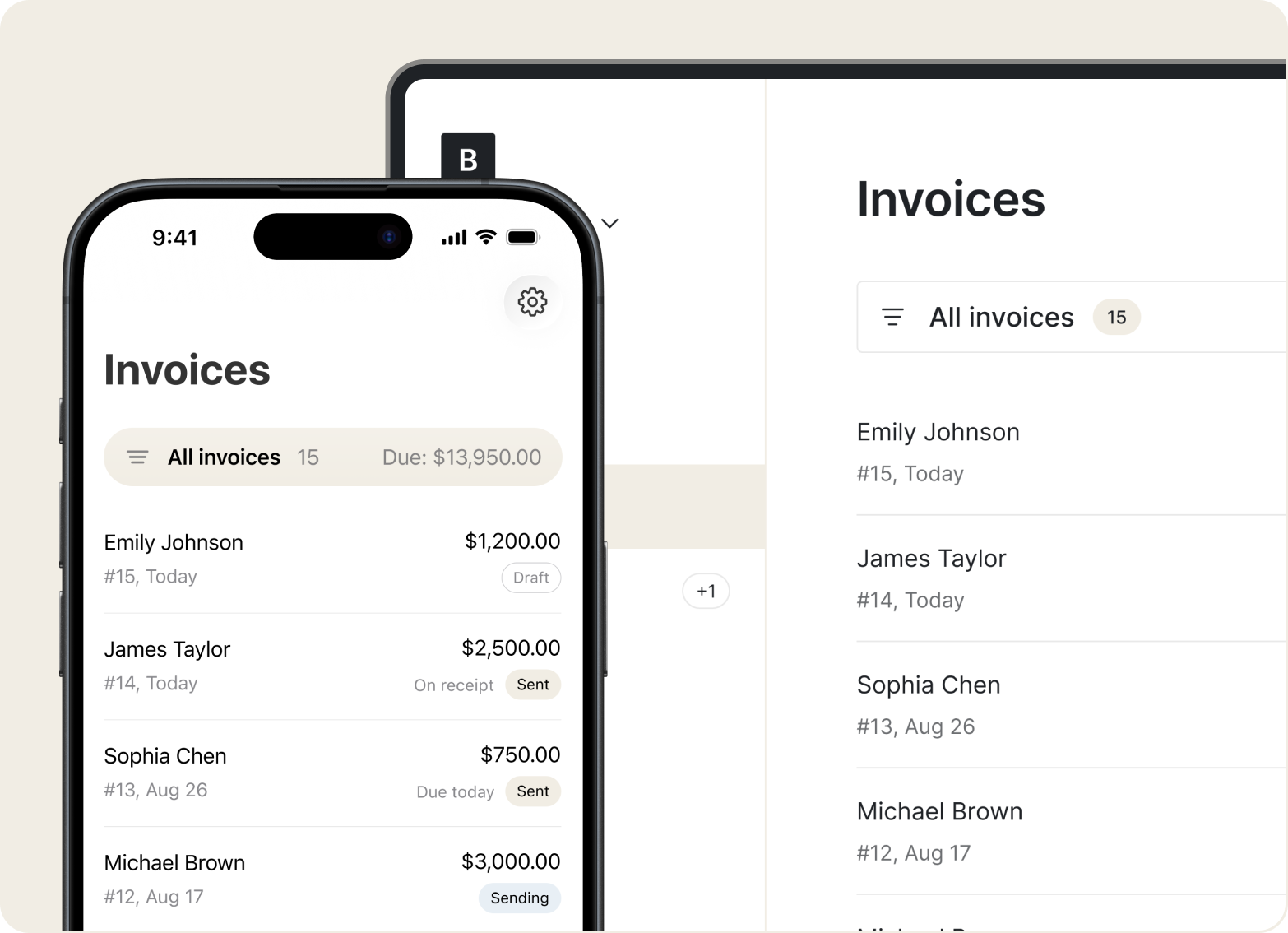
Invoices
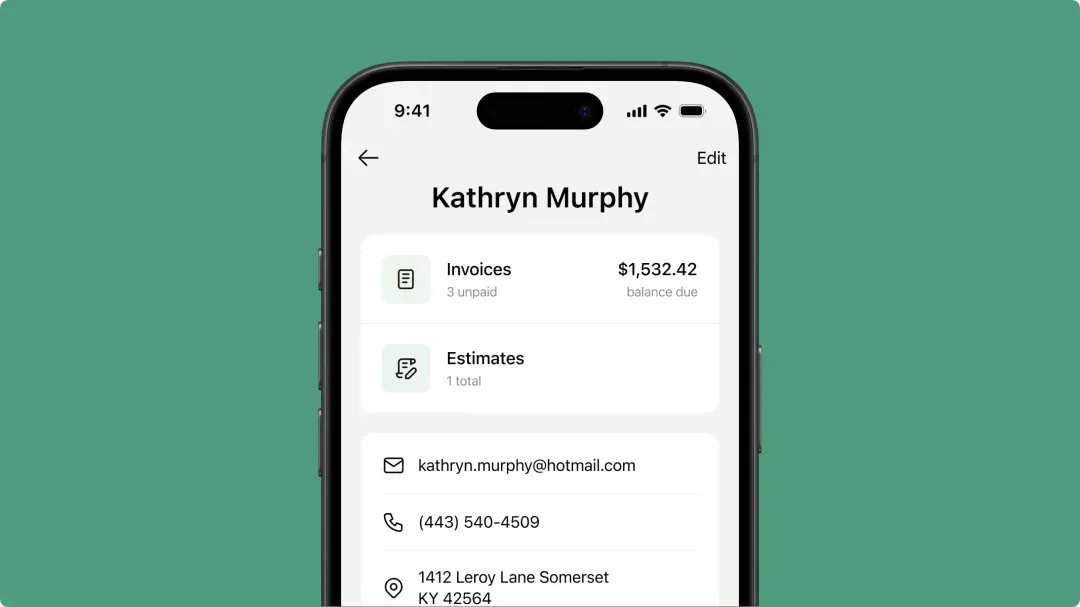
Turn an estimate into an invoice instantly. Add your logo, payment terms, and job notes – organized by client or job site.
Mobile Access
Drafts save automatically so you can create invoices anywhere on-site. Send with a tap once you're back online.
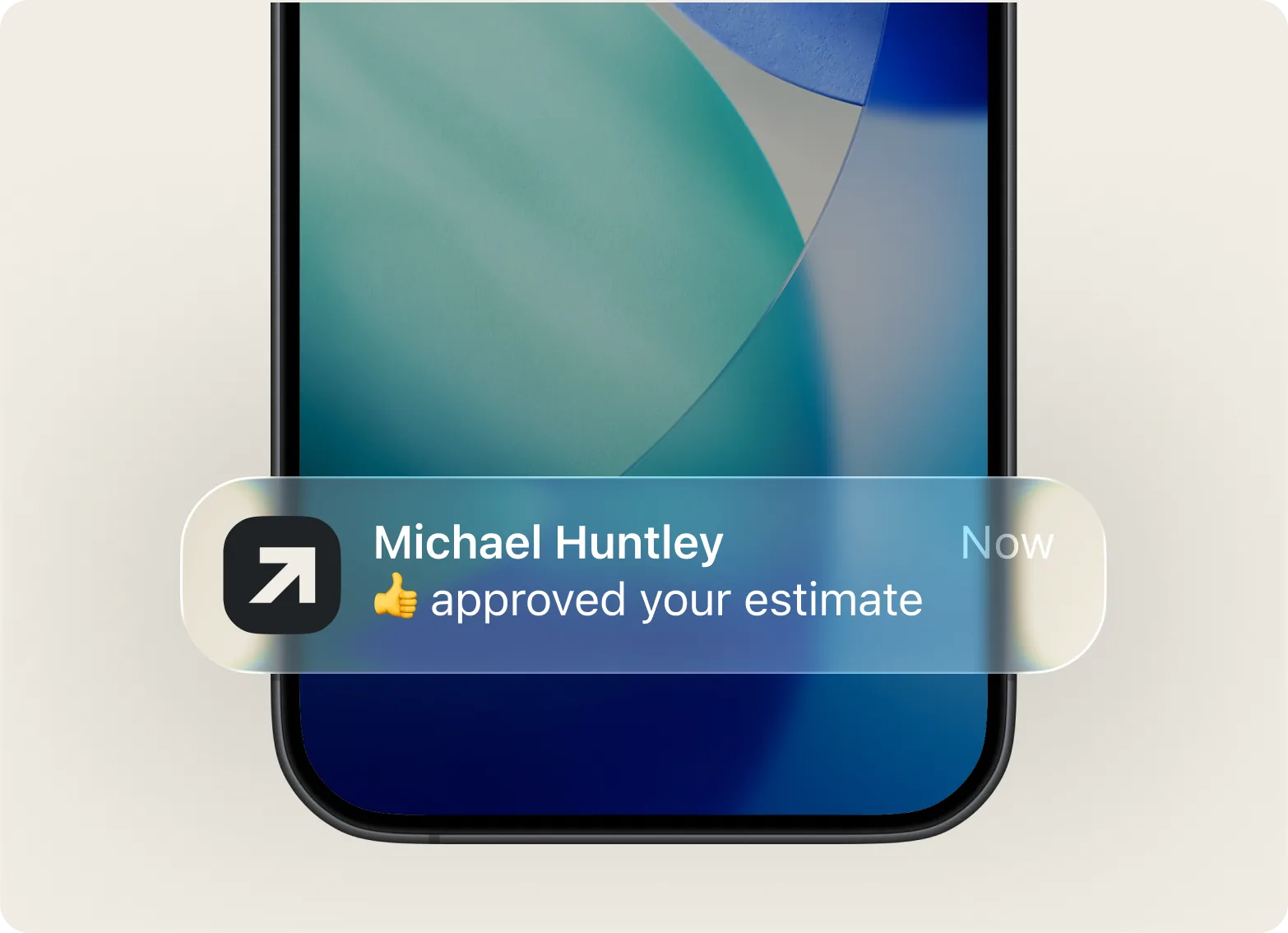
“This app is incredible and worth having. Extremely easy to use, navigate and submit invoices.”

Add your line items, hit send. No complex menus or setup – just a fast, clean flow from job to payment.
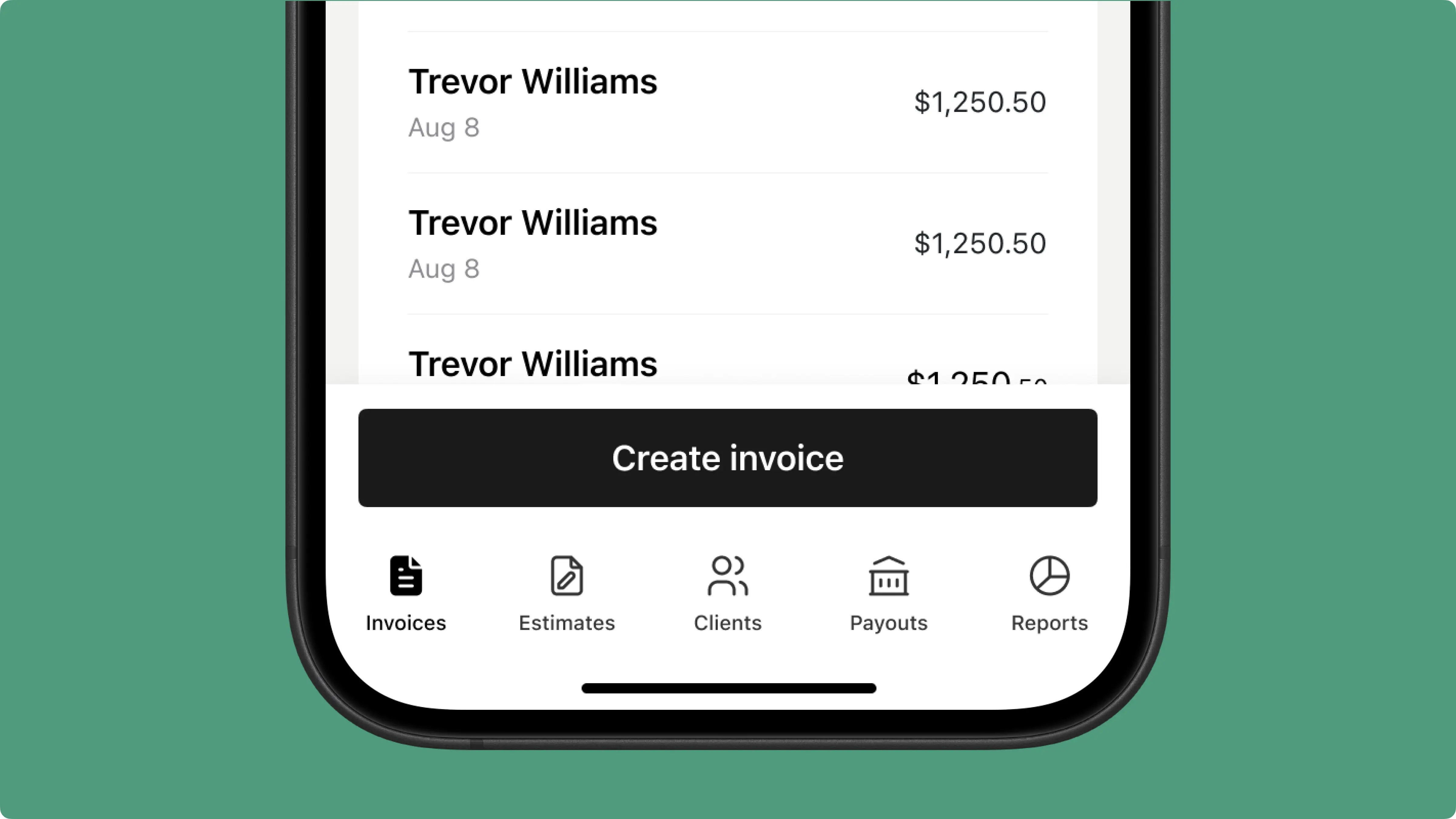
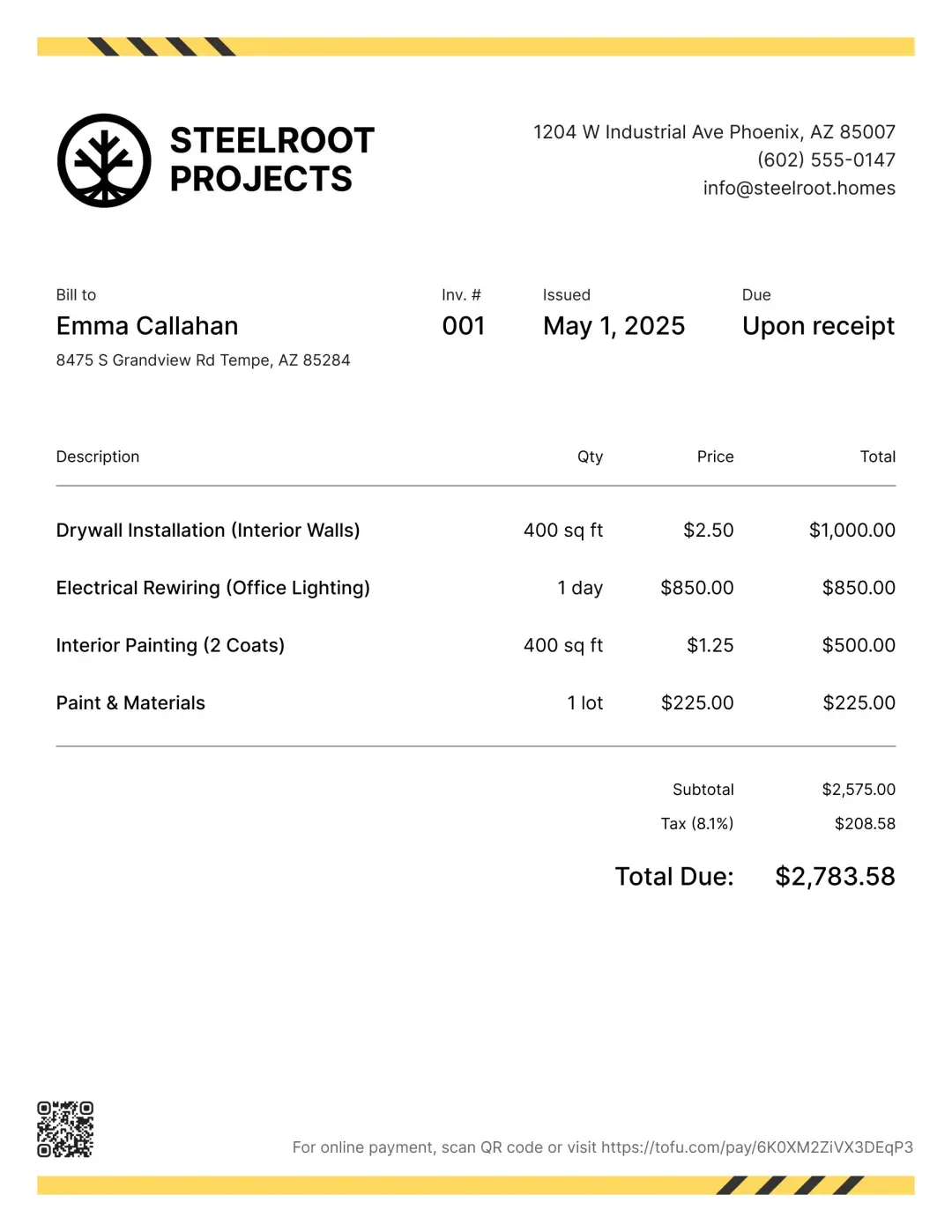
Send branded invoices with a clear breakdown – parts, labor, and fees. Clients know exactly what they're paying for.
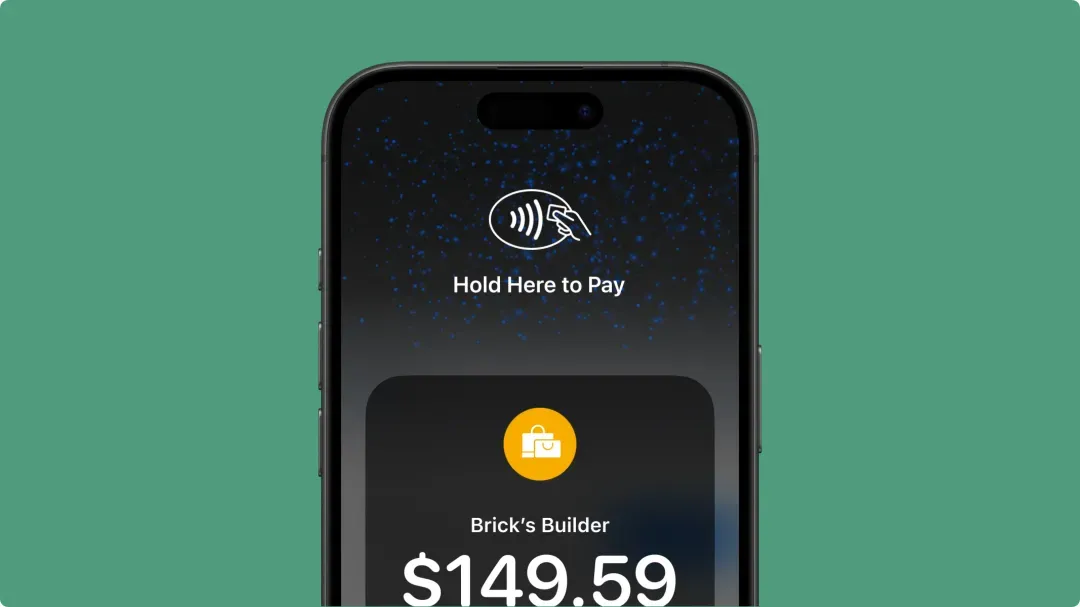
Collect payment on the spot – cards, digital wallets, or Tap to Pay. No waiting on checks or chasing clients.
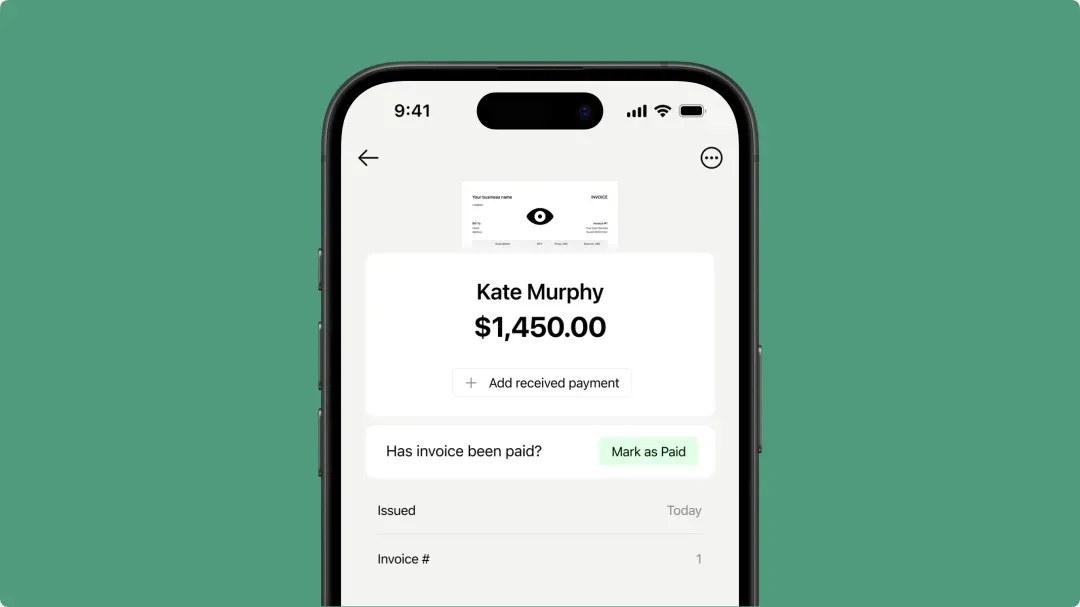
Track payment status for every job in a clean mobile dashboard. Sort by what's paid, pending, or overdue – nothing slips through.
Less time chasing payments, more time on the job. Try Tofu free.



